
Embedding a Non-YouTube in Google Slides
Problem: I work at a school where YouTube is blocked. Anyone know how to embed a non-YouTube video (or HTML) in Slides?
Alternative Solution:
I don’t know of any way to embed a non-Youtube video in Slides.
Here’s an alternative approach:
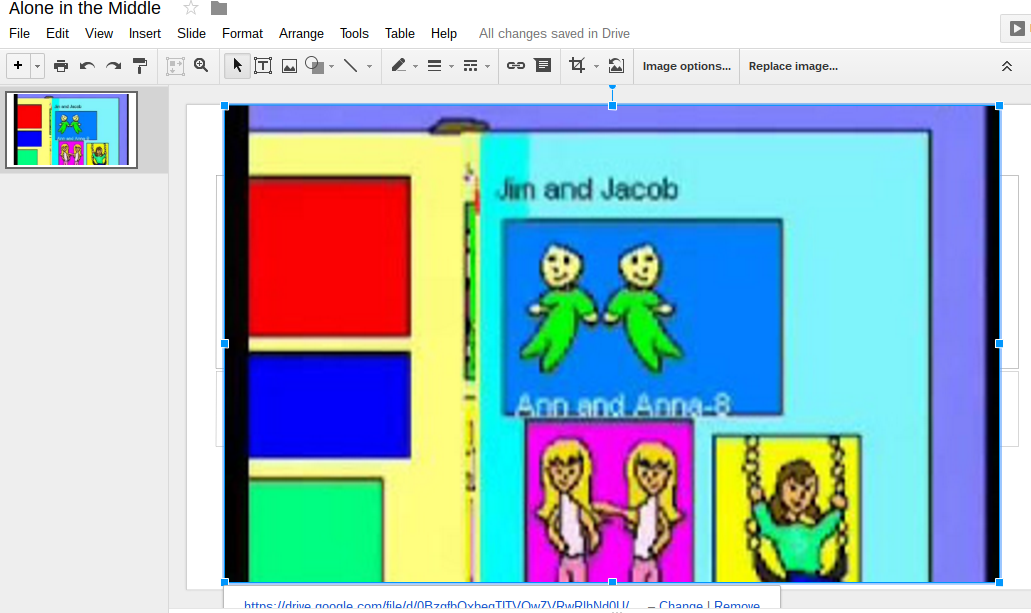
- Take a picture of the video hosted in Google Drive (which shouldn’t be blocked since it’s GoogleApps and you have unlimited storage), then paste the image on the slide
- Link the image to the view screen, then you can
- Click on it during the presentation. Be aware of the note to get it to autoplay.
Video Link: https://drive.google.com/file/d/0BzgfbQxbeqTITVQwZVRwRlhNd0U/view**?autostart=“true”**
(Note: The boldface is what I added to the link to make it autoplay)
Video Link embedded in Slides:
https://docs.google.com/presentation/d/1PuOuHXuMoU_NCIN8a593Zc1__qeqWXu2uppro02qC0s/edit?usp=sharing
If someone knows a better way, I hope they will share it!
:-)
Everything posted on Miguel Guhlin’s blogs/wikis are his personal opinion and do not necessarily represent the views of his employer(s) or its clients. Read Full Disclosure