
Exploring @Spyrus_inc Windows To Go (Part 2)
A short time ago, I posted Part 1 of my review of SPYRUS Windows To Go live drive, which essentially gives you a computer on a USB stick with a LOT more “oomph.” I’m actually writing Part 2 of this blog entry on my Surfacebook, and it’s humming along without any issues.
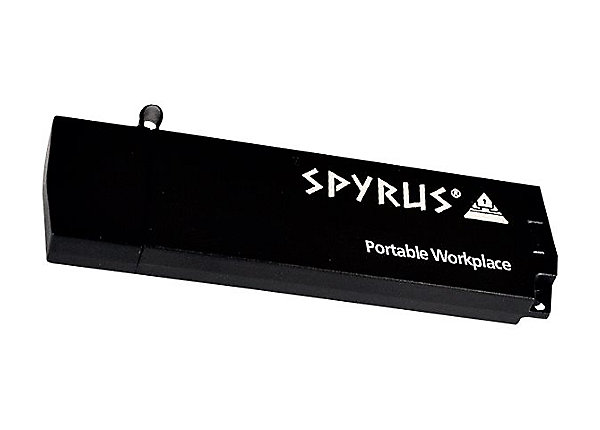
Here are a few takeaways:
Takeaway #1 - Consistent Across Win10 Devices
When I began the adventure with Spyrus, I started on a Lenovo W540 Thinkpad. I did a lot of configuration before saving my settings and shutting down the machine. I expected there to be a few issues when I hooked up the Spyrus Windows To Go drive to my Surfacebook, but, believe it or not, there wasn’t a one! The start up process worked flawlessly. All I had to do was click on SHIFT at Shut Down time, select USB Storage as my startup/boot, and Spyrus loaded without any problems.
As I type this, Windows 10 on Spyrus live drive is pulling down all the drivers for my connected devices, everything from my Apple USB ethernet Adapter (hey, I already had one laying around, why buy a Microsoft only one?) to connected monitors, Surface keyboard, mice, etc.
Takeaway #2 - Installing Apps…Easy
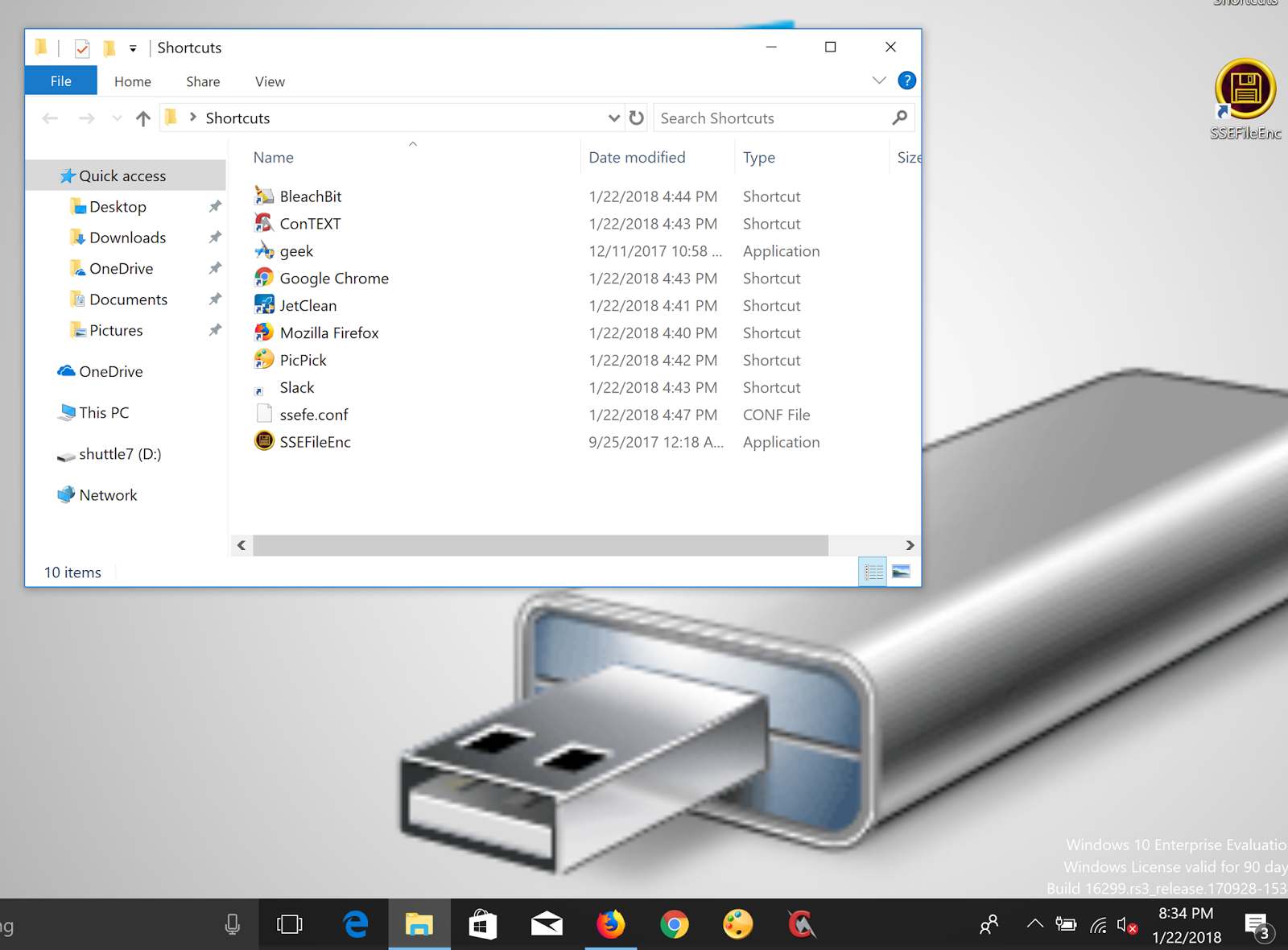
You might think that installing programs on a portable drive would result in a performance hit, but that was NOT the case! I was able to quickly copy my installer files onto the live Drive from my own Windows 10 machine, then once booted up, install the programs. The process was quick.
Takeaway #3 - Storage Capacity
You may not have noticed on the images I shared in Part 1 of the actual Spyrus I received, but the capacity is 32GB. Surprisingly, I wondered if this would be enough. Of course, it is. Even after loading more programs on the device, there seems plenty of room left over for files and more. I can just imagine that if I’m using cloud storage (e.g. OneDrive, Google Drive, Dropbox) I will be able to easily access content and save more online. Right now, I have about 5.92 gigs of space available. I’m sure I could lighten the load but 5gigs can go a long ways without cloud storage enabled.

Overall Takeaway
You know, this is pretty nice. I’m wondering what would be the easiest way to get a registered Windows 10 Pro loaded on the Spyrus Windows To Go live drive. This makes jumping from device to device so much easier!
Everything posted on Miguel Guhlin’s blogs/wikis are his personal opinion and do not necessarily represent the views of his employer(s) or its clients. Read Full Disclosure