
MyNotes: #iplza15 App-mazing Math Through Visible Thinking with @zigzagstech @klirenman #qfat
This session, App-Mazing Math through Visible Thinking, by Meghan Zigmond (@zigzagstech)—http://zigzagstech.com—was shared at iPadpalooza 2015 conference. You can find resources online at http://bit.ly/AppyMath. Be sure to check out Meghan’s ThingLink page.
Announcement: Join #etdrive, a Texas wide conversation focused on 3 strands using “push to learn” technology, VoxerChats. Follow these two steps to begin your learning journey now.
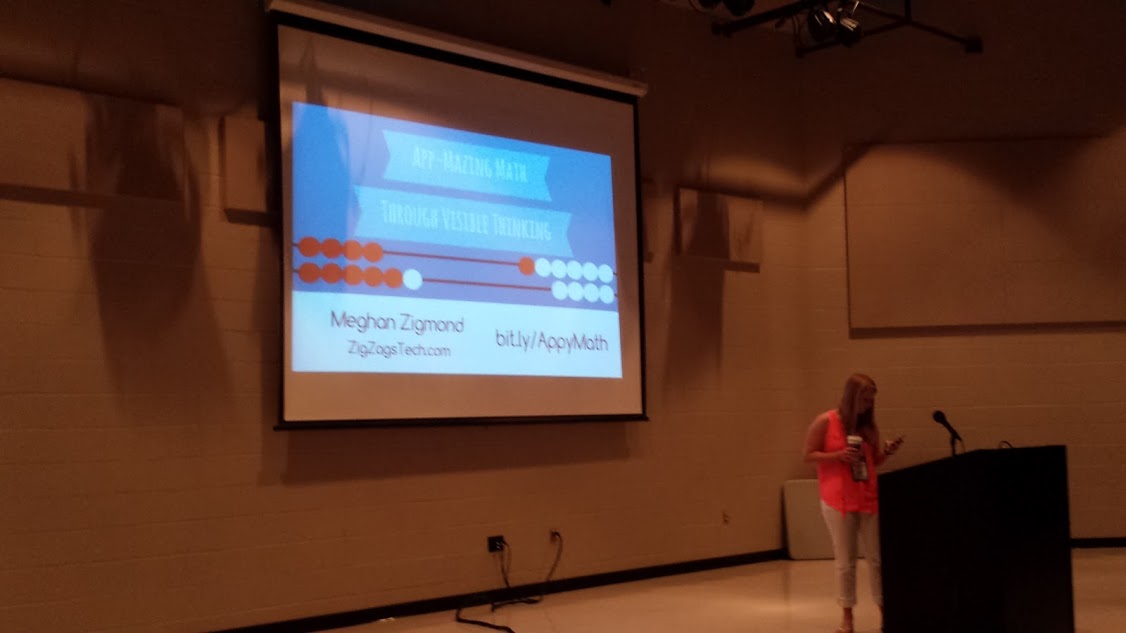
Meghan (@zigzagstech) getting going about 20 minutes before her 8:15am session. What a wonderful personality!
MyNotes - PreSession
-
About Pre-Session Expectation
-
Great music track running.
-
Warm and friendly atmosphere
-
Some apps Meghan is sharing:
-
Key Concepts
-
App Smash to Make Thinking Visible
-
Share your creativity
-
Apps to Share
-
[Some apps to make 3D creations]
MyNotes - Session
[googleapps domain=“docs” dir=“presentation/d/1B-kvh6kBdQZcEy8YTU-Uvsvm-lca8p6dNC1KF46h9CY/embed” query=“start=false&loop=false&delayms=3000” width=“480” height=“299” /]
-
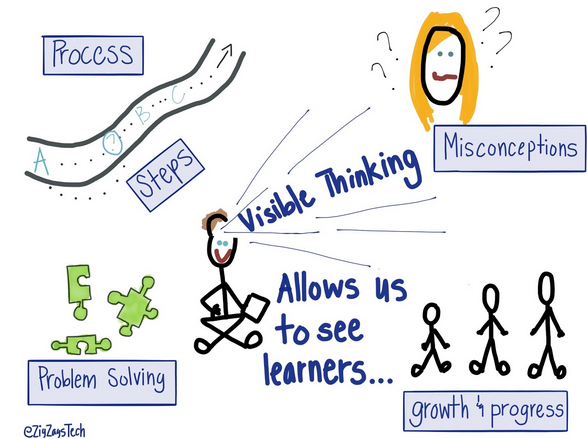
I’m all about visible thinking.
-
Lot of first grade, second grade teachers in the classroom. A few middle school students. You’ll be seeing a lot of first grade examples. A lot of these things are applicable to all grade levels.
-
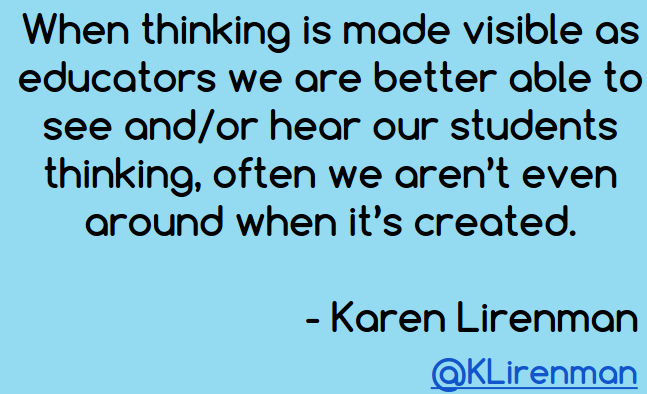
“When thinking is made visible as educators we are better able to see and/or hear our students thinking, often we aren’t even around when its created.” @klirenman
-
With visible thinking, you can see where students get stuck…and this means you can reteach.
-
You have an amazing portfolio of their work when you blog and share their visible thinking.
-
Mathematical thinking…explain, show, justify, apply, record, analyze, organize, choose tools. You can’t do all those things in a worksheet. Visible thinking and creating projects…it does all of these things.
-
“One more preach…” before I show you some examples.

-
“Tool is one thing but the way we look at it is much more important.” -George Couros.
-
I want to challenge your thinking…are you handing them a game or are you handing them an iPad that is going to help them share their thinking?
-
App demonstrations…virtual manipulatives. Using these on an iPad is just as good as using them in “real life,” however some students may prefer the real ones to the virtual. Students will also take pictures of real manipulatives, just like you can take a picture of the virtual manipulatives.
-
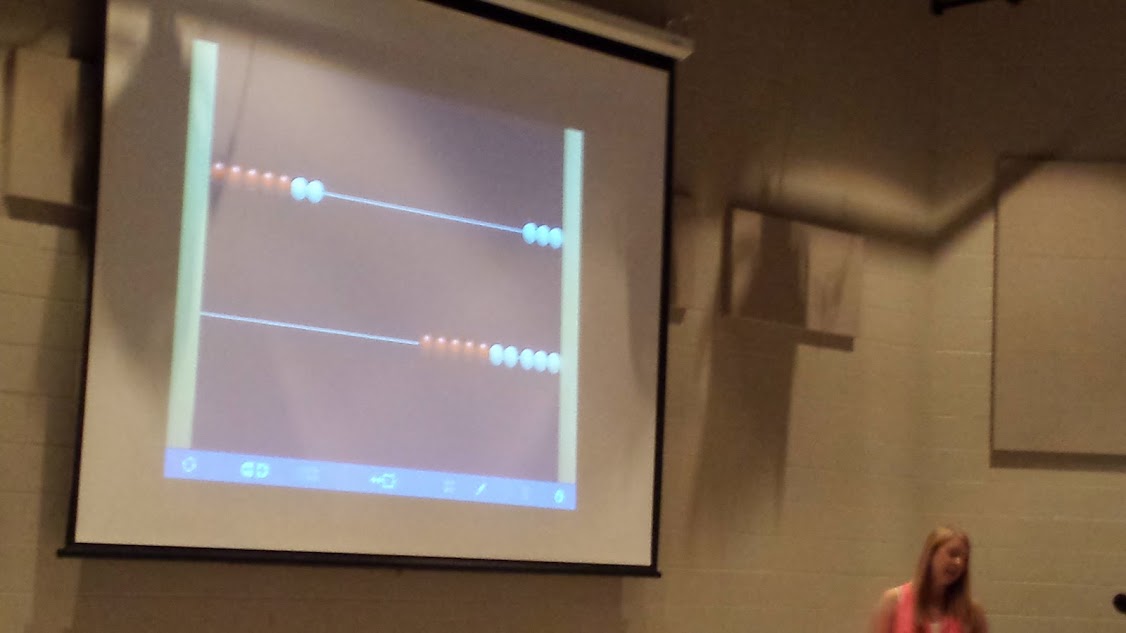
Number Rack app

Number Racks example
-
white is on the right and that means zero
-
on the left, that’s where you do your addition and subtraction
-
you can cover up the right side with a blue box with question mark
-
take a screenshot then drop it into another app (e.g. Skitch [or how about 30HandsLearning?)
-
Number Pieces app
-
If you give students time to play, they can figure out the apps. Students share with each other how to use the tools during group share. Meghan allows them play time.
-
Counting coins…Thinking with Hands On Math
-
Graphs & App-tivities - one class chose to use HaikuDeck, and another chose NumberDeck
-
Students were then able to have conversations about the different graphs.
-
AppSmash Ideas for Math…check the slideshow above for links.
-
Number Pieces Basic + Popplet Lite: Build numbers and show understanding in Popplet
-
Geoboard & Popplet (via Tech with Kelly)
-
NumberLine & Explain Everything
-
Pattern Shapes & Skitch
-
Check out Task Cards and App Menus…very nice!!
-
Collect Projects: Padlet Wall & QR Code
-
Show It with Scene Makers…awesome story problems!
-
Lisa Carnazzo had students make Multiplication Bugs
-
Feltboard and Book Creator
-
Recipe for Visible Thinking
-
Camera
-
PicCollage
-
AudioBoom
-
ThingLink
-
Two apps you must have on your iPads are ExplainEverything and Book Creator (Amen!!)
-
I encourage you to use blogging/Kidblog to create individual portfolios! It works great to share with families and creates a record of growth and visible thinking all year long. I just think it’s a powerful tool. Tweet me if you’re interested in becoming a blogging buddy.
-
Grading: I keep extensive Google Drive notes. We’re doing a developmental report card. I keep anecdotal notes. Watching these creations, you can understand whether they get it or don’t. I’m glad I don’t give grades.


Check out the Thinglink online at https://www.thinglink.com/ZigZagsTech
Additional Resources
You can find another version of notes from 2014 presentation that Meghan did online here.
Everything posted on Miguel Guhlin’s blogs/wikis are his personal opinion and do not necessarily represent the views of his employer(s) or its clients. Read Full Disclosure