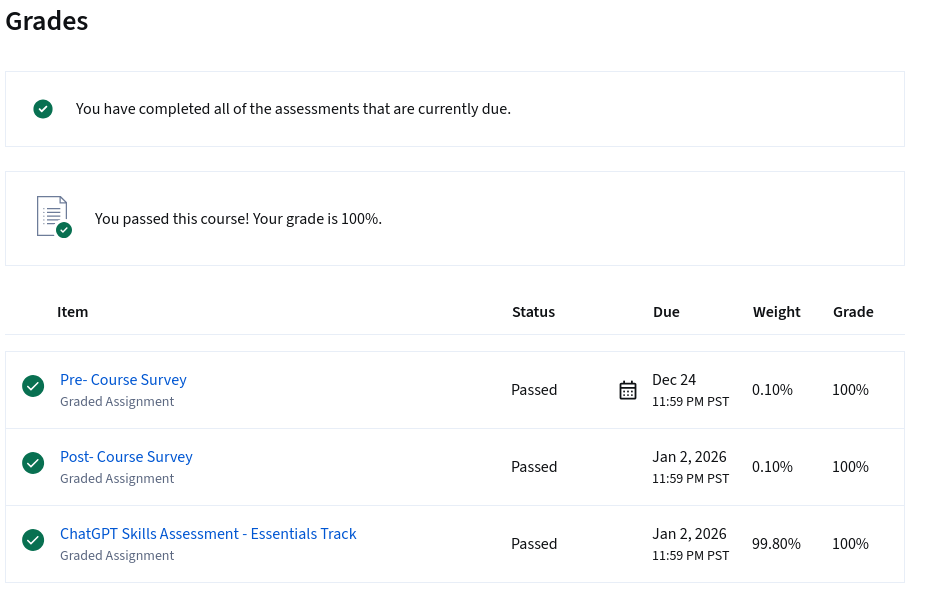
Thanks to this referral from Stephen Downes, I learned of OpenAI’s New AI Foundations Course. Enrollment for the free Coursera course opened today. As someone who’s developed several online courses for Gen AI (e.g. ChatGPT, BoodleBox, Claude, MagicSchool, among others), I was curious to see the contents.
Here’s the obligatory badge display…
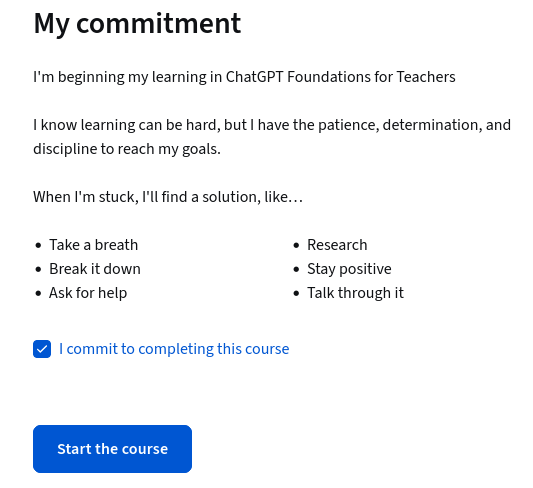
My Commitment
It started easy…
It came up with a nice quote, then jumped right into the content…fairly straightforward:
My Notes
Here are some of my takeaways, some copied and pasted, others typed up as I listened
- Move from curiosity to practical use in your classroom
- Get access to practical tips and quick videos, and hear from real teachers
- Each video comes with a transcript
- Recent research by Gallup and the Walton Family Foundation found that educators who integrate AI tools weekly save approximately 5.9 hours—shifting time away from admin and back to learning.
- The course offers demo videos, step-by-step walkthroughs, and teacher tips
- You can use the free version of ChatGPT, or a paid version, to complete the course.
- Avoid entering any personally identifiable information about students unless your school has explicitly approved the tool for this purpose and provided the appropriate safeguards. If you are on your organization’s ChatGPT Enterprise account or in the U.S. using ChatGPT for Teachers, you’re working in a secure workspace, data processed is pursuant to the student data privacy agreement, and anything you share there is protected and not used to train our models by default.
- Composer with tools menu, mic button and dictate options
Course Modules
- Module 1: Introduction
- Module 2: How ChatGPT Works (and How to Use It Effectively as a Teacher)
- Module 3: Intro to Prompting
- Module 4: Top Teacher Use Cases
- Module 5: Intro to Essential Tools
- Module 6: Using AI Responsibly
- Module 7: Final Recap and Assessment
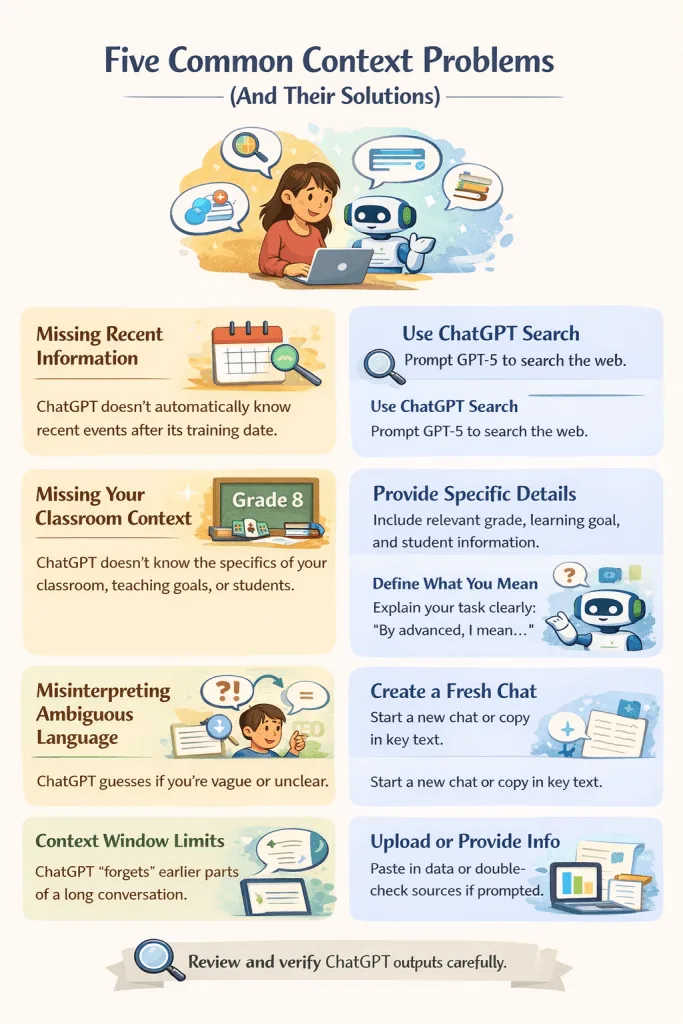
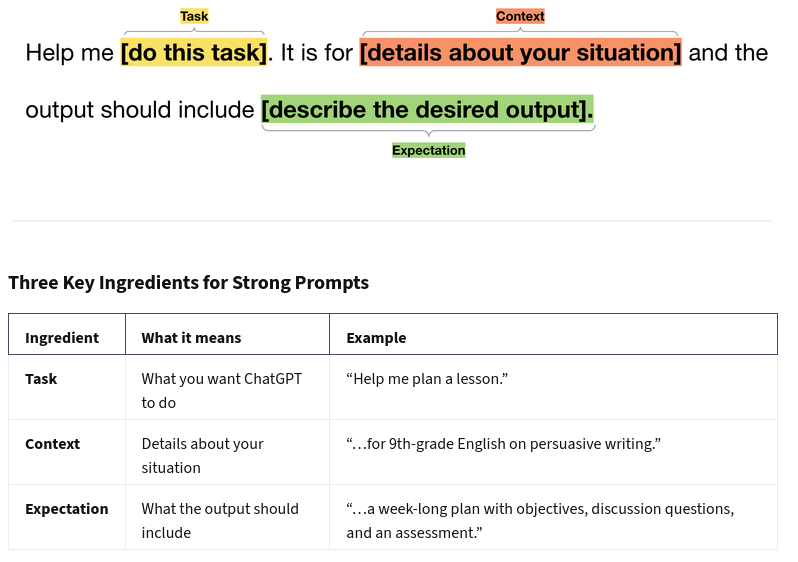
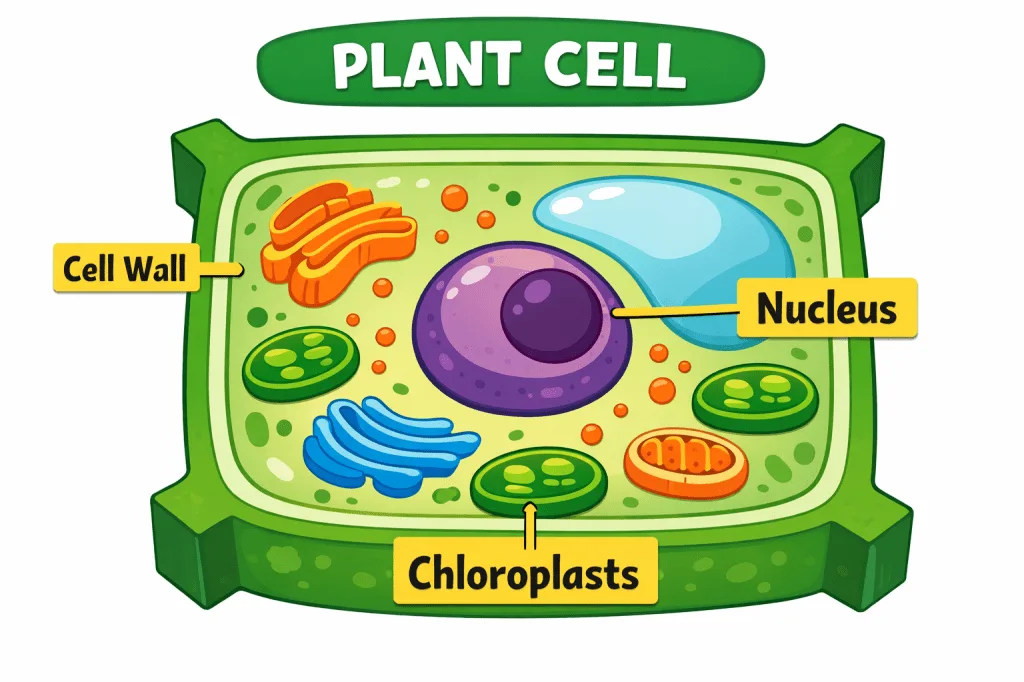
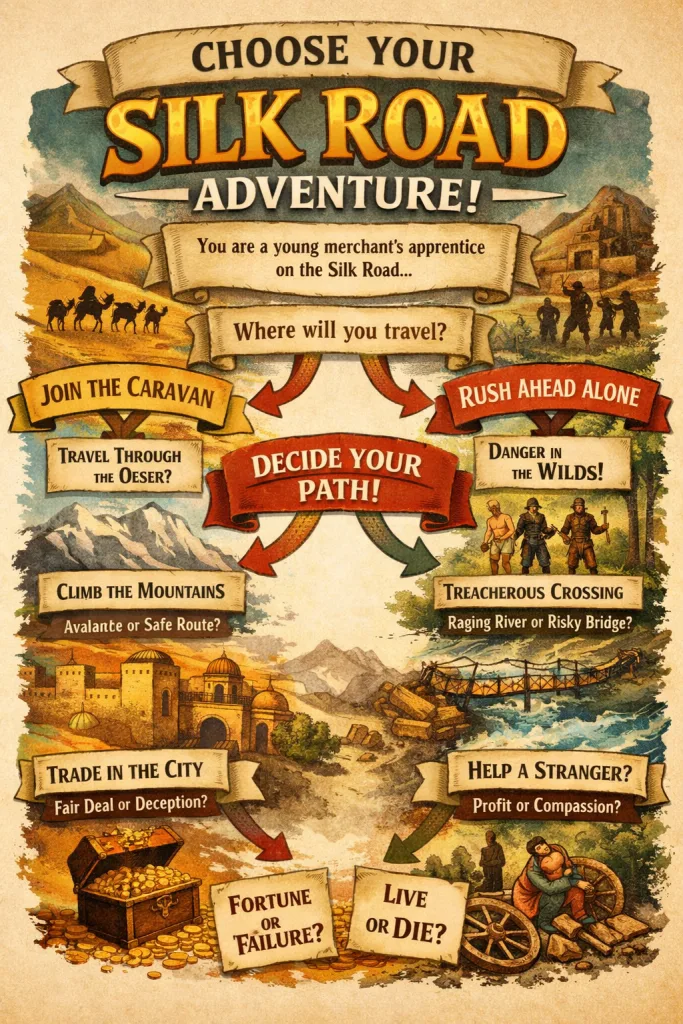
For fun, I had ChatGPT turn some of the course info it shared into images…
Strategies for Improving Results
| Strategy | Description |
|---|---|
| Evaluate | Use your professional judgement to identify the gaps in ChatGPT’s first response. |
| Iterate | Add more context or refine your request. |
| Clarify | Ask ChatGPT to explain its reasoning or provide sources. |
| Experiment | Try different wording to build your intuition. |
| Follow Up | Ask additional questions based on the response |
Overview
| Tool | What It Does | Example Use Case |
|---|---|---|
| Search | Enables ChatGPT to retrieve up-to-date information from the web, with citations | Finding the latest research or resources for your lesson |
| Canvas | Lets you collaborate with ChatGPT on a live, editable text canvas | Drafting a parent email, translating into Spanish, highlighting key phrases |
| Voice Mode | Allows real-time, hands-free conversation with ChatGPT | Translating during a parent meeting, practicing interview questions |
| Image Generation | Generates original images from text prompts | Creating a simple or detailed “Water Cycle” diagram |
Pro Tip: Ask ChatGPT to Help You Prompt Better
If you’re not getting the results you want, you can literally ask ChatGPT to help you improve the prompt.
Tips for Effective Searching
- Say “show sources before summarizing” to review links first.
- Ask for verbatim quotes in quotation marks with citations.
- Request limitations or conflicting evidence to avoid one-sided summaries.
- Always open and skim the linked sources for critical decisions; some content may be paywalled
ChatGPT Lab for Teachers Opens in a new tab
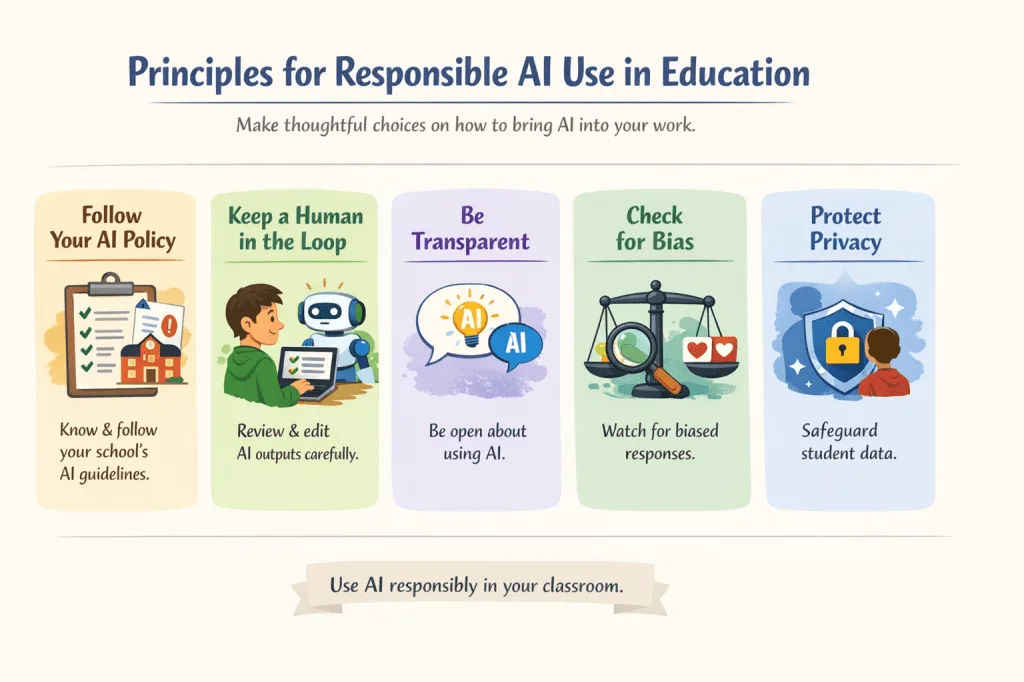
Lots of fun! I realize that my developed intro ChatGPT course is like, super-advanced compared to this one. That said, this was nicely done. Kudos to the developers!