
When my WiFi network died, I sat there staring at my laptop screen. It still had power but I wondered, “How will I get by without all the information on the Web?” Obviously, it’s a problem that can be solved in many ways. One approach is to make a copy of critical documents and resources. What could be more critical than free, educational materials like Wikipedia, Wikiversity, and other great resources available at no cost? In this blog entry, I’ll share about free, open source Kiwix, a tool you can use on your mobile devices, as well as your desktop. Even when the Internet connection dies, you can still access vast libraries of educational content.
How Kiwix Works
Founded in 2007, Kiwix offers a treasure chest (995 books in their library) of what are called ZIM files. These ZIM files are easy to share and accessible on USB flash drives, as well as low-cost Raspberry PI devices. ZIM files are portable and represent vast libraries of content available for free via the Web. This makes ZIM files perfect for reference materials.
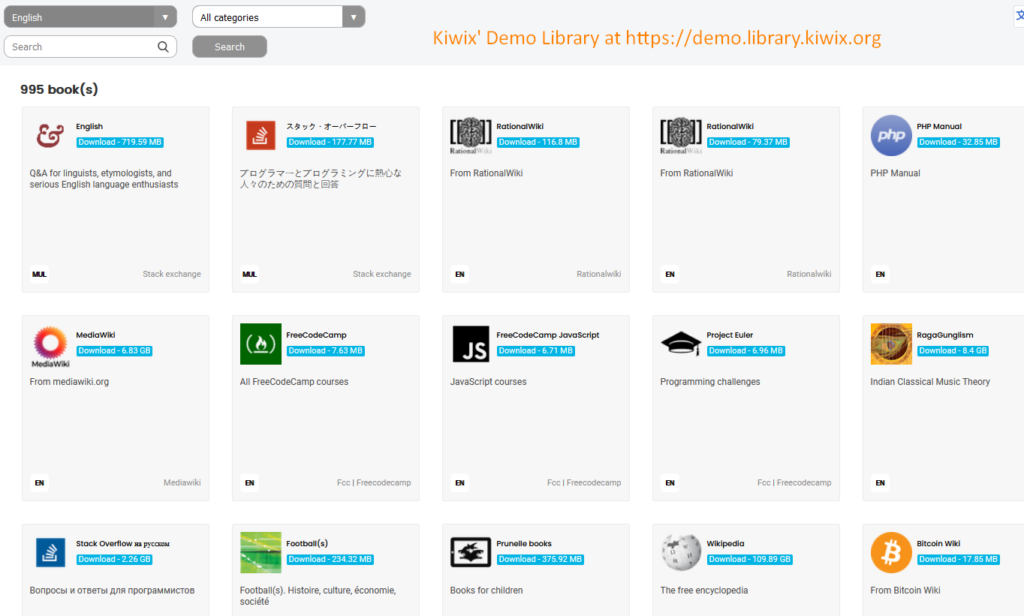
For example, I saved quite a few ZIM files using the Kiwix interface to my hard drive, taking up a mere 187 gigabytes of storage space. For $20 – $30, you can get portable USB flash drives to carry that data around. It makes my childhood efforts to copy the encyclopedia pages I needed for a research report laughable. Of course, it was those very experiences at summarizing Encyclopedia Britannica and WorldBook content that impacted my writing.
The right to information and right to freedom of expression are fundamental human rights and we’ll stand by and defend those values… Knowledge is so fundamental to allowing us to make decisions that empower and fulfil us as individuals. Wikipedia is one of the remaining free and open spaces on the internet.
-Katherine Maher,
Why Every K-12 Classroom Needs Kiwix
You may be saying, “Why would anyone want that much information offline?” Even though Internet access is a given in many places, rural and/or economically challenged areas may appreciate a portable Wikipedia, Wikiversity, or a dozen others repositories.
Some of my work once involved setting up schoolbus-based learning management systems with content for migrant workers. The bus came to them for daily learning opportunities sans Internet. The description my employer shared with me matches the picture in my head. It is a powerful scene, and it has stayed with me.

An AI-generated image rendering an imagined image from the author
I imagine the most needy having access to non-internet connected machines. On those machines, a Kiwix-based treasure trove of information. When the Wi-Fi drops out, Kiwix steps up. Even students in internet connected settings can benefit from the smartphone version of Kiwix, able to, as one Jeopardy contestant put it, “Read Wikipedia in a year.” After all, there is a certain fascination to reading an encyclopedia.
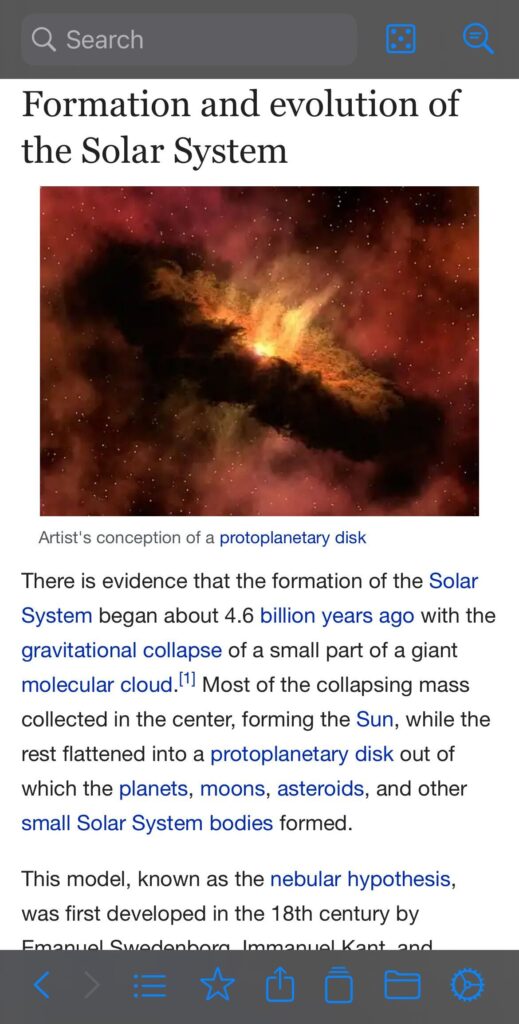
Screenshot of smartphone version of Kiwix by author
What You Get with Kiwix
There’s really too much to include in a short blog entry. Here is a short list of what you have access to via Kiwix:
- Entire encyclopedias or curate subject-specific collections
- Wikibooks (textbooks)
- Wiktionary (dictionaries)
- Project Gutenberg (classic literature), and
- Inspiring TED Talks
In my pursuit of critical thinking resources, I even stumbled upon these specific collections:
- MediaWiki
- Wikipedia
- Rational Wiki
- Skeptics
- Wiktionary
- EduTech Wiki
- Wikibooks
- Pets
- Wikiversity
And many more resources.
Cross-Platform Compatibility
If you’re wondering if Kiwix will work with whatever devices you have, you need not worry. It works with:
- Android
- iOS
- Windows
- Mac
- Linux
It also comes with browser extensions for Chrome, Firefox, Edge. This makes it easy to deploy and use on ANY device. The secret to Kiwix are ZIM files you can store on portable media, such as USB drives or hard drives. You can easily make them accessible by pointing the Kiwix software to where the data is stored.
The portability of the book, like that of the easel-painting, added much to the new culture of individualism.
-Marshall McLuhan, as quoted in WikiQuotes
Create Your Own Portable and Shareable Knowledge
You can store ZIM files on portable media like USB drives or external hard drives. This makes sharing content between devices or even classrooms incredibly easy. The user-friendly interface boasts full-text search, tabbed Browse, and the ability to export articles, streamlining research and making it simple to create resources for assignments and handouts.
What you may not realize is that you can also create your own ZIM files with an online utility, Zimit. For example, I started the process to create a ZIM file of the TCEA blog:
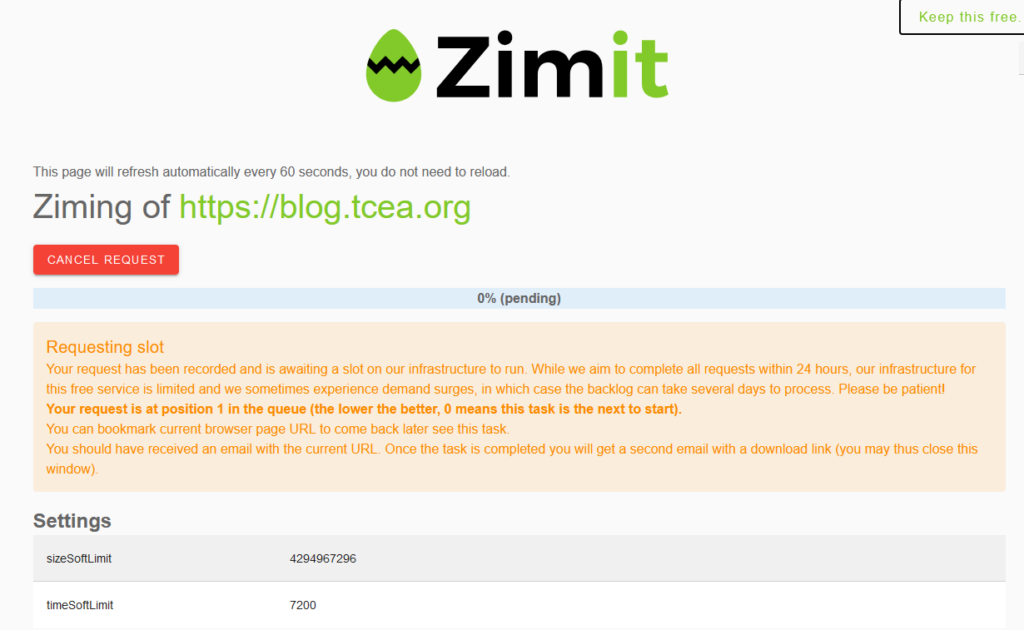
I will report back at the end of this blog post with the results.
Beyond Wikipedia: Essential Resources for K-12
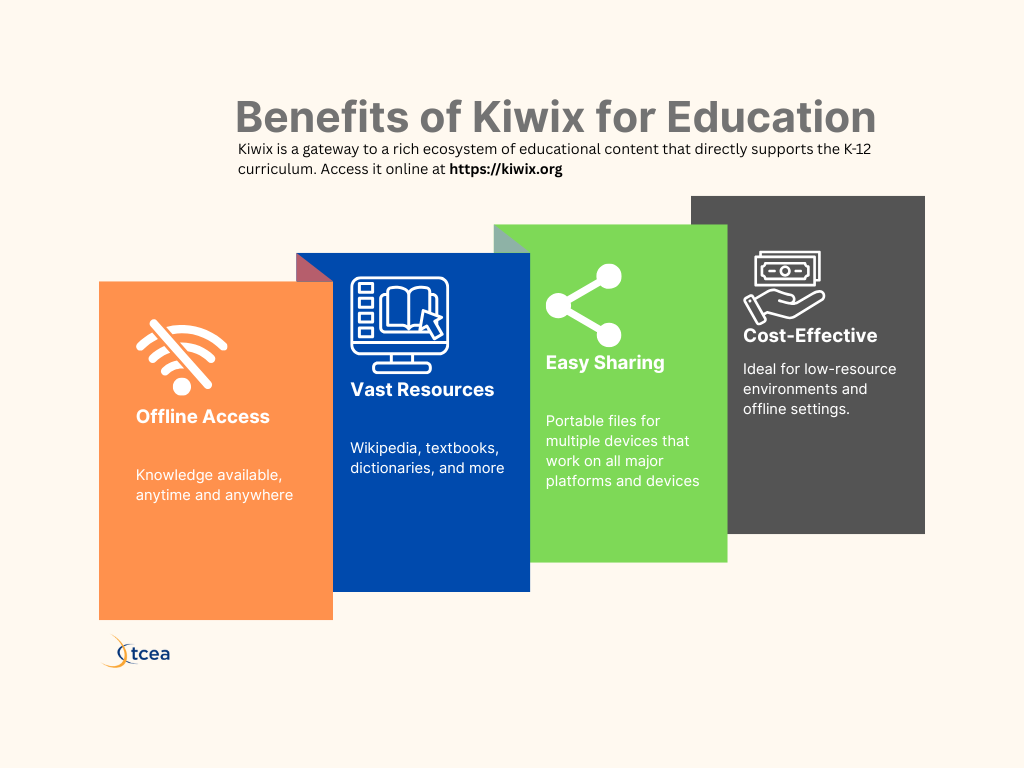
Kiwix is a gateway to a rich ecosystem of educational content that directly supports the K-12 curriculum. Here are just a few examples of the valuable resources available:
| Resource | Description | Relevance to K-12 |
|---|---|---|
| Wikipedia | The world’s largest encyclopedia in multiple languages. | Foundational information across all subjects, supporting research and general knowledge. |
| Wikibooks | Free, open-content textbooks and manuals. | Provides alternative or supplementary textbooks for various subjects. |
| Wiktionary | A multilingual dictionary and thesaurus. | Essential for vocabulary building, language arts, and understanding new terms. |
| Wikiversity | Educational resources, learning projects, and courses. | Supports project-based learning and provides resources for deeper dives into topics. |
| Project Gutenberg | Thousands of classic literary works. | Offers access to literature for reading assignments and explorations of classic texts. |
| TED Talks | Inspiring talks on a wide range of educational topics. | Provides engaging content for sparking discussions and exploring diverse perspectives. |
Empowering Learning with Kiwix in the Classroom
Integrating Kiwix into classroom activities can significantly enhance learning experiences. As a technology director, I would have loved to have provide a copy of Kiwix and resources available for our District’s computer give-away program.
Getting Started with Kiwix is Simple
Getting started with Kiwix is easy. Follow these four steps.
- Download Kiwix. Get the free application for your device. Find it at the official website or your device’s app store.
- Explore the Library. Browse the collection. Select what is relevant and useful.
- Download and Access: Select and get the ZIM files relevant to your needs. Open these files within Kiwix to start Browse content offline instantly. The process is easy.
- Scale for Organizations. For school-wide access, set up a low-cost Raspberry Pi (or faster server) Kiwix hotspot to provide wireless offline access to multiple users simultaneously. That will ensure it’s accessible even if Internet access is lost.
Kiwix for Offline Learning
While Kiwix offers ample access to information even when offline, remember to pair it with appropriate note-taking and concept mapping strategies. We have a wealth of information, and students need a process for understanding how to work with it and make it their own.
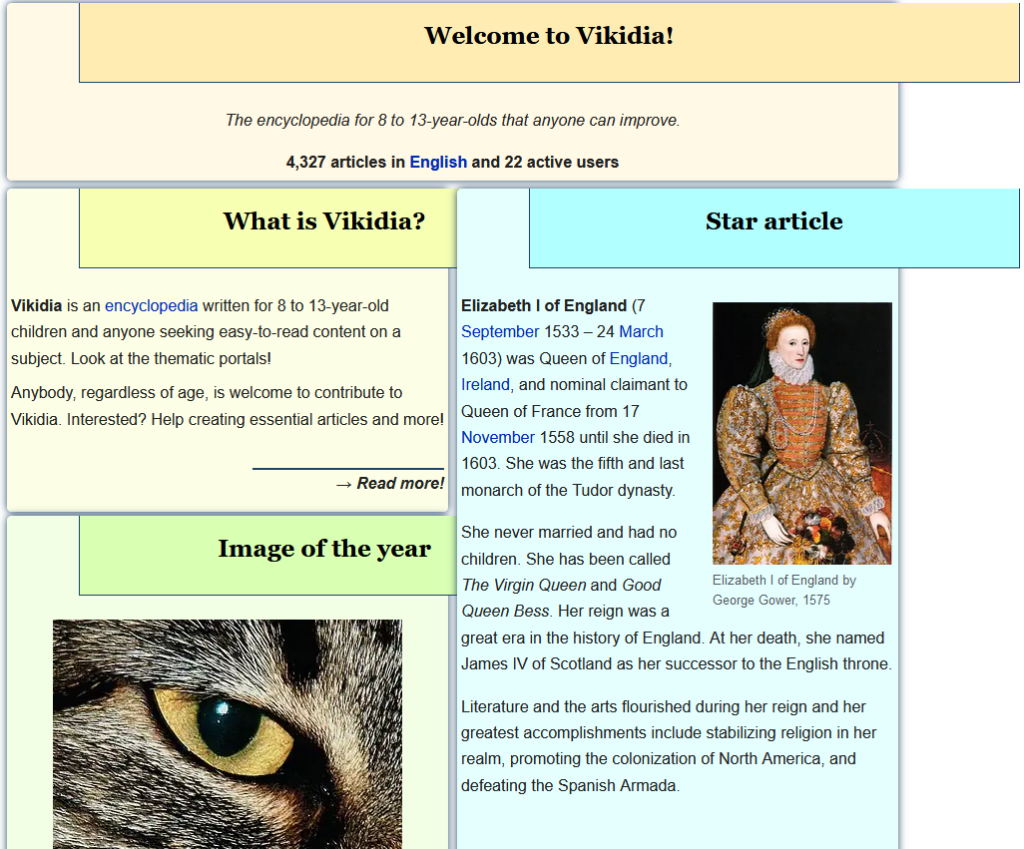
Vikidia: The encyclopedia for 8 to 13-year-olds
that anyone can improve with 4,327 articles in English
Oh, I almost forgot. You can see the status of the TCEA blog’s conversion to a ZIM file below:
picture goes here – pending completion