
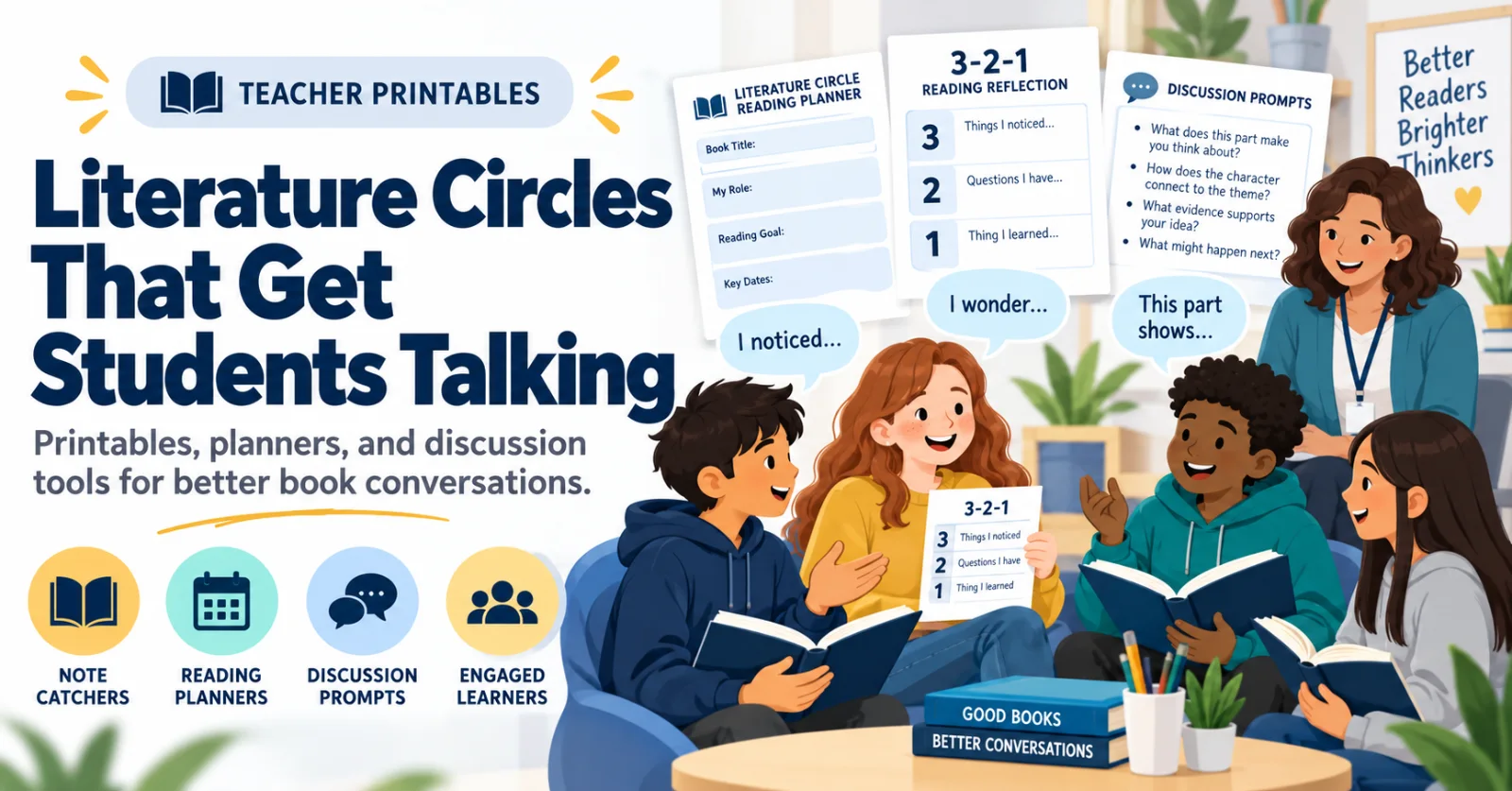
Teacher Printables: Get Literature Circles Talking, Thinking, and Using Evidence
Literature circle printables help students read closely, talk clearly, and think deeper. Use ready-to-print literature circle tools.
Education Technology
Please find blog entries I have written for a non-profit education association. These are archived here as part of my digital portfolio.
787 items
Literature circle printables help students read closely, talk clearly, and think deeper. Use ready-to-print literature circle tools.
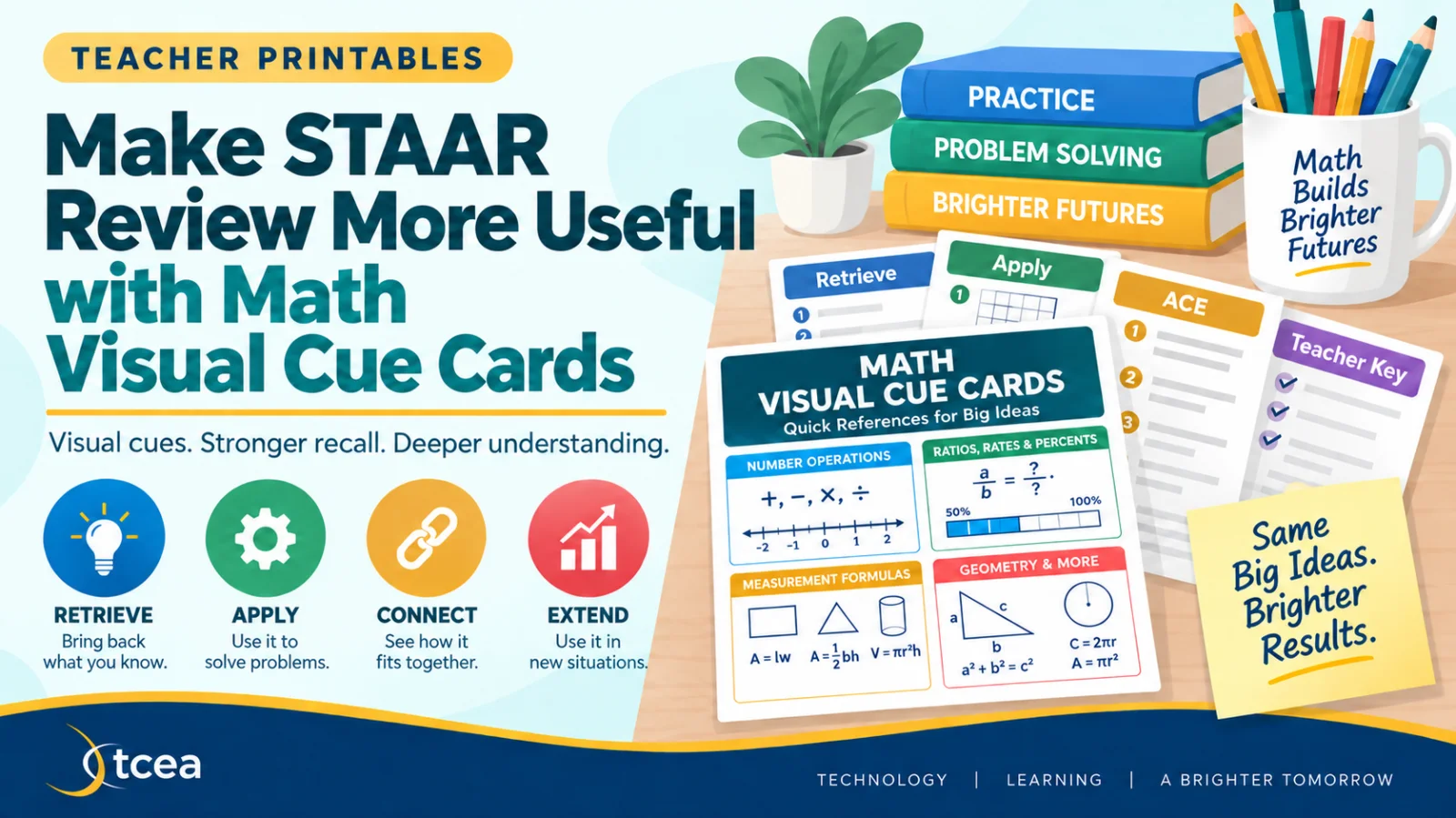
Help students retrieve, connect, and apply math concepts with visual supplemental aids. These focus on grades 3-8.
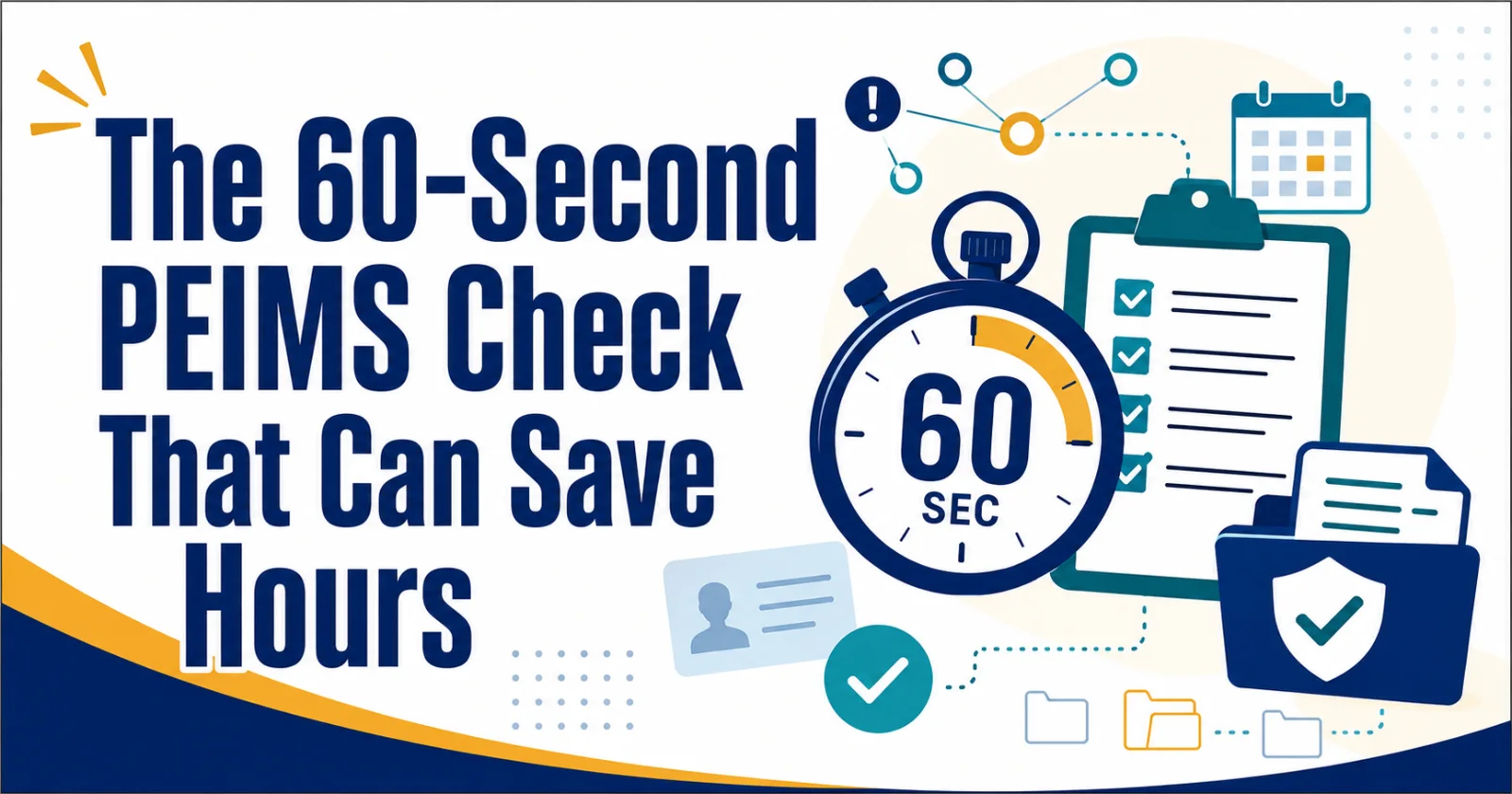
Prevent costly reporting errors with a fast, reliable PEIMS quality-control routine. This blog offers a checklist and information you can use.
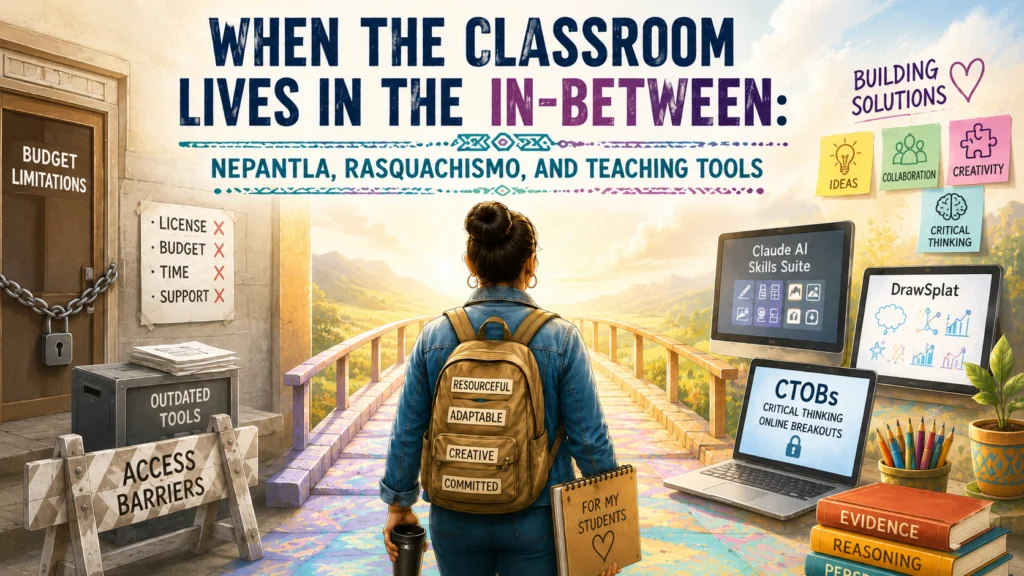
Making do is not making less. Explore digital resources that are free and useful in the space between enterprise solutions and making do.
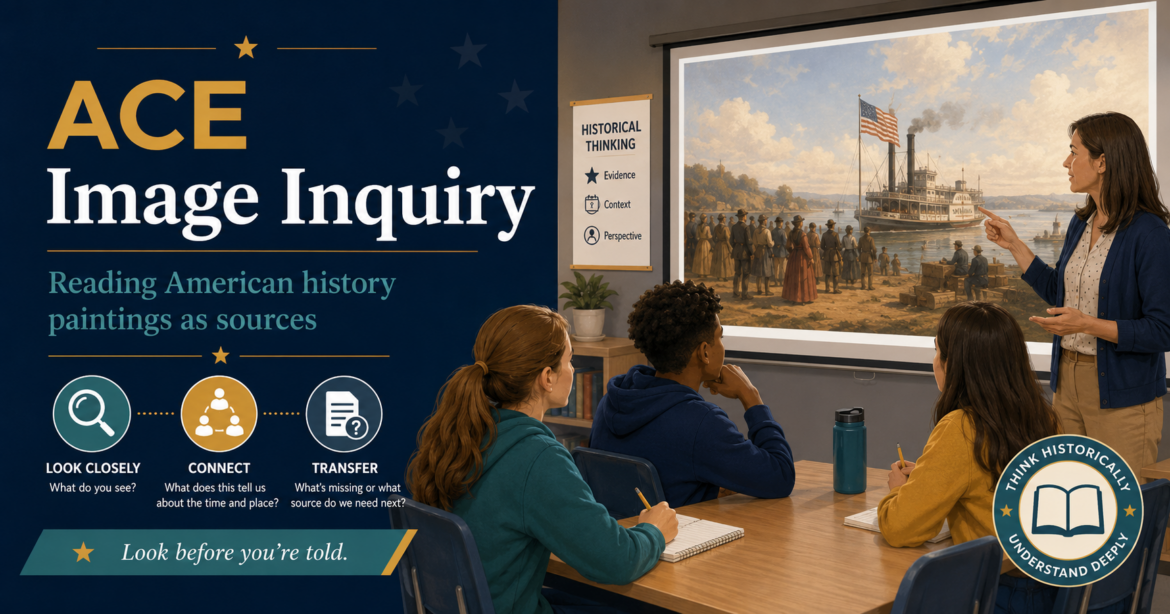
Art history, or history in art, has never been my thing. That’s why I found visits to museums as a student, unless they focused on scientific accomplishments, bones and fossils, to be a waste of time. Michaelangelo’s sculptures awed me as
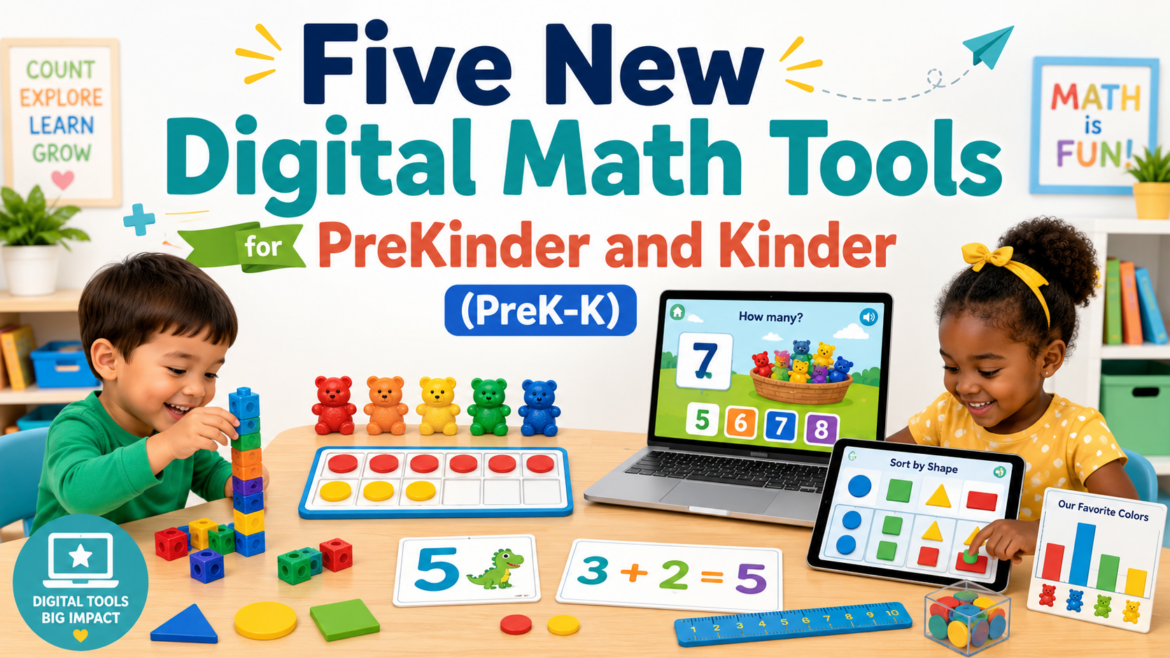
As a former Bilingual/ESL third, fifth, and sixth grade teacher, math instruction challenged me. Before every math lesson, even scripted math curriculum, I had to work the problems myself. This always made me laugh since my mother, a
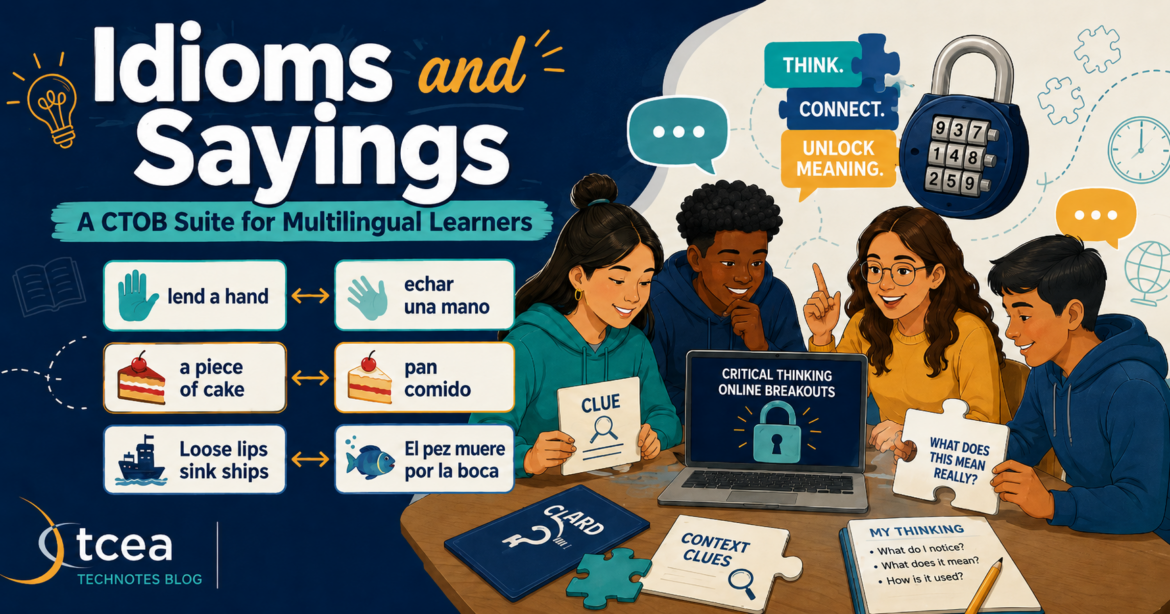
“El pez muere por la boca,” my mother liked to tell me. In English, the literal meaning “The fish dies by its mouth.” But what does that mean? It’s the equivalent of “Loose lips sink ships.” As an avid fishing enthusiast on the Gamboa
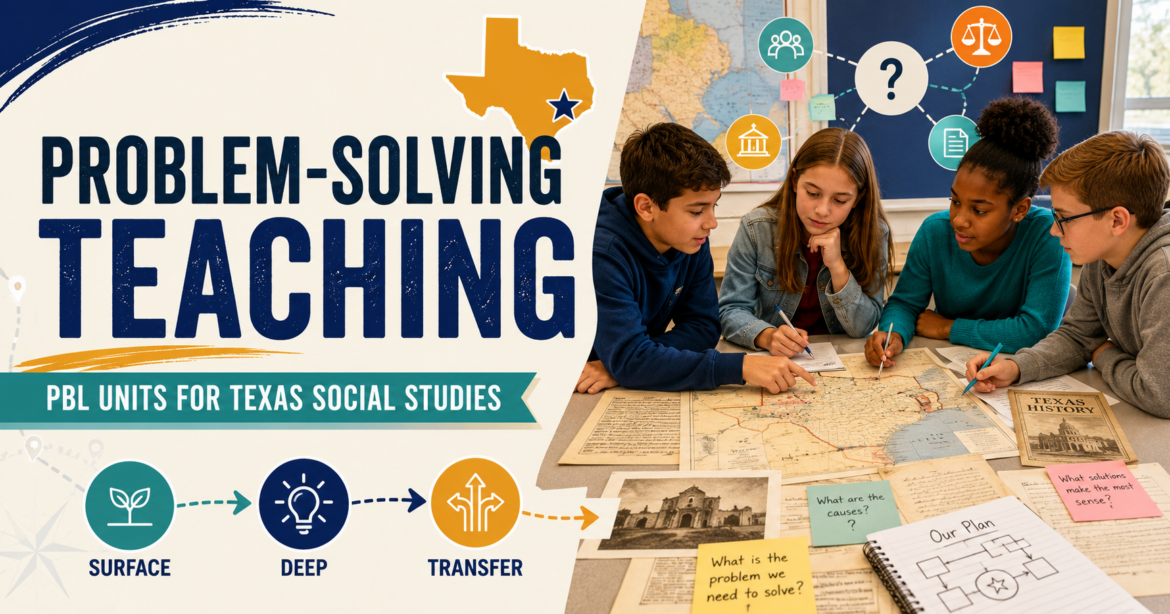
Wish you had access to PBL lessons aligned to the Texas TEKS for Social Studies? What if they also were available in seven languages, offered suggestions for Surface, Deep, and Transfer Learning activities (see interactive tool below)
Prepare school websites for digital accessibility (A11Y) deadlines with tools and guidance.
Somewhere in a school hallway, a teacher is trying to do tomorrow’s lesson with yesterday’s tools. The district license expired. The new platform needs student accounts. The free tool looks promising, right up until it asks for a login, a
Get students beyond making graphs and into thinking about what the data means. Help students create charts, coordinate plots and geometry.
See how to build deeper thinking in elementary science, leveraging the ACE framework for SST success. Get grade 3-5 entry/exit tickets, too.
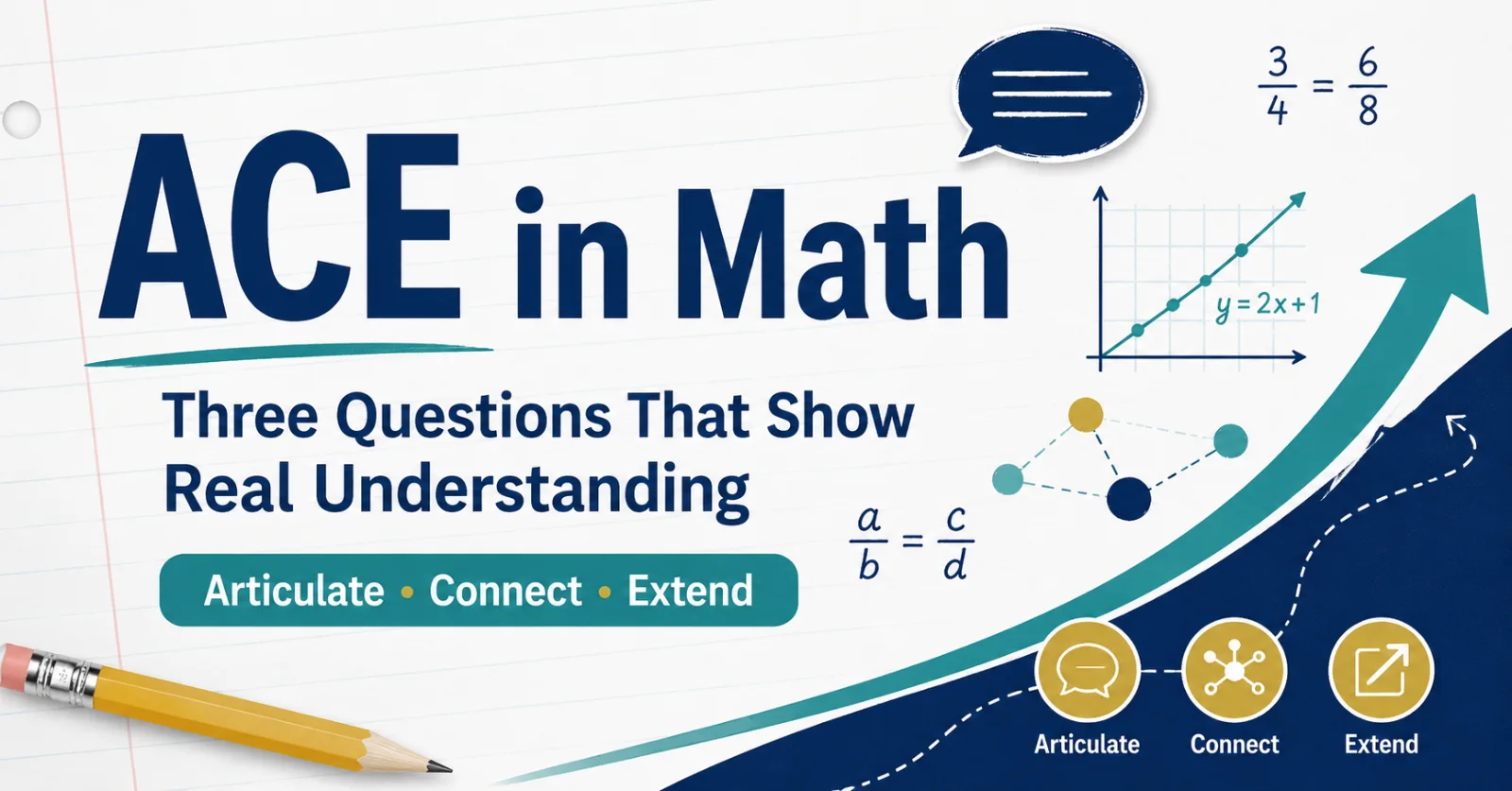
One of the problems that plagued me as a young math student? Getting the right answer without understanding how I got there. It's like making an intuitive
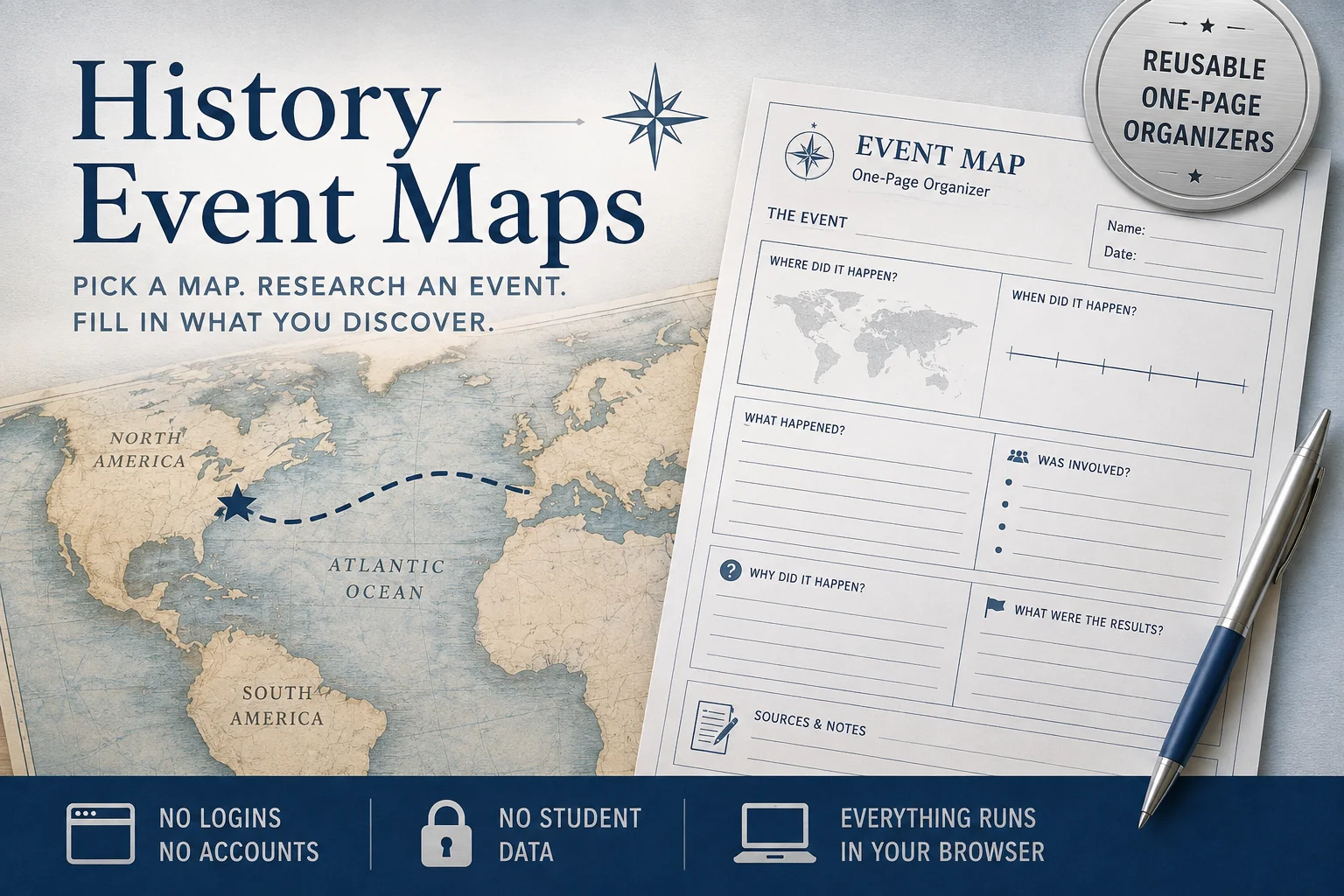
Need students to dig into a historical event? You may find that a one-page organizer is enough and gets students thinking. There are 24 in this collection aligned to the TEKS for grades 3-5, 6-8, and 9-12.

Turn literature study into an investigation. Read, reason, and play with PlotPoint for many classic stories and tales.

Save on classroom essentials with teacher discounts on tech, supplies, wellness, and more. Get access to 150+ discounts for educators.
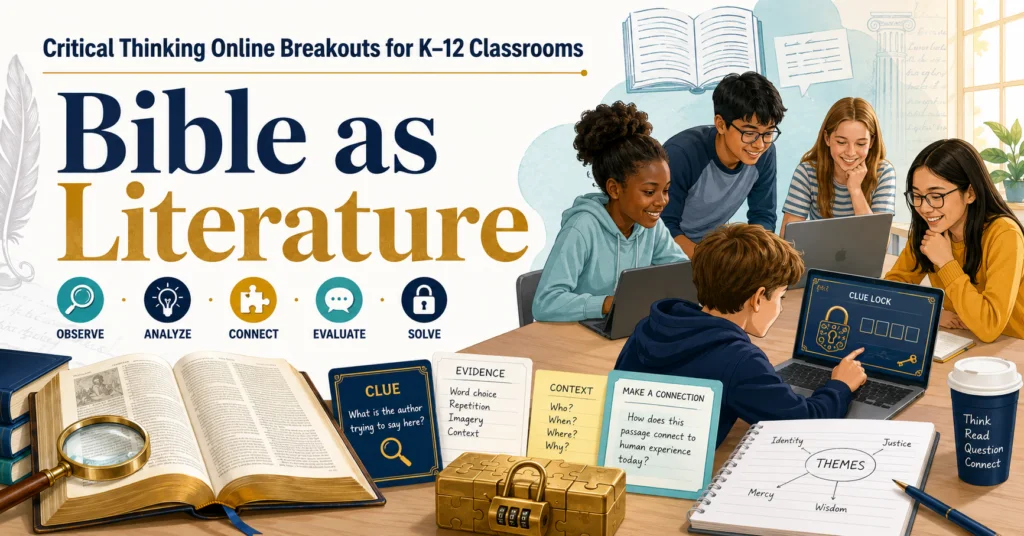
You may have seen the headlines, board discussions, or hallway conversations already. Bible-related texts are showing up in new ways in Texas
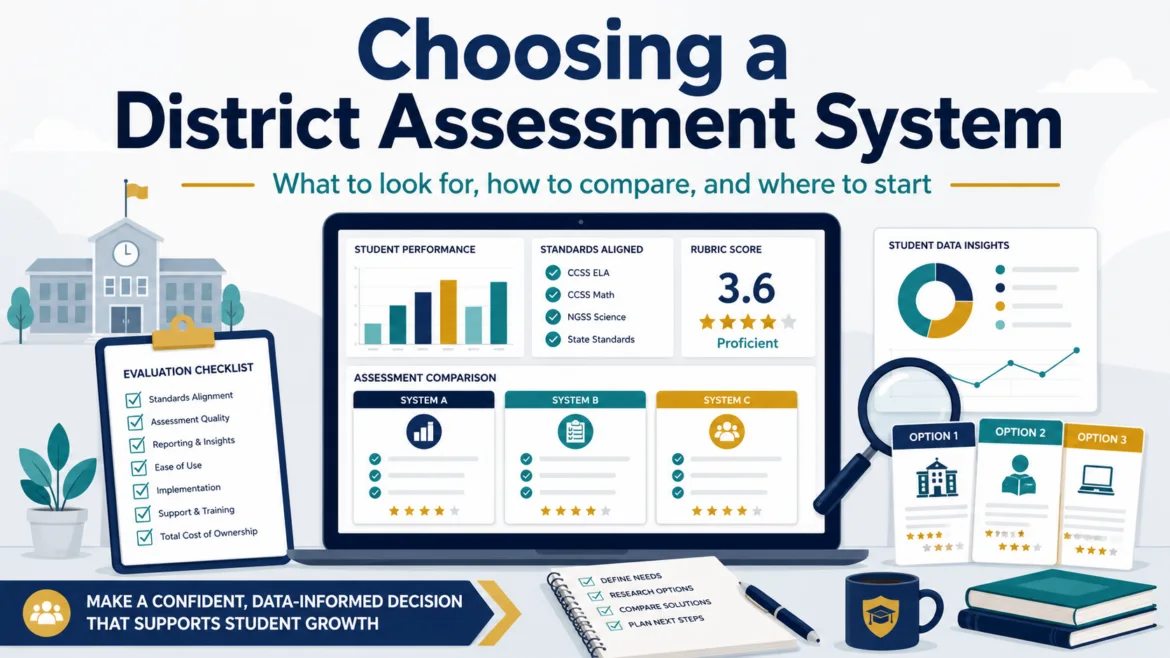
Find yourself building a workaround in a spreadsheet or other convenient tool? That may be a sign that your enterprise assessment system needs a hard look. I still remember visiting with key campus staff to figure out...
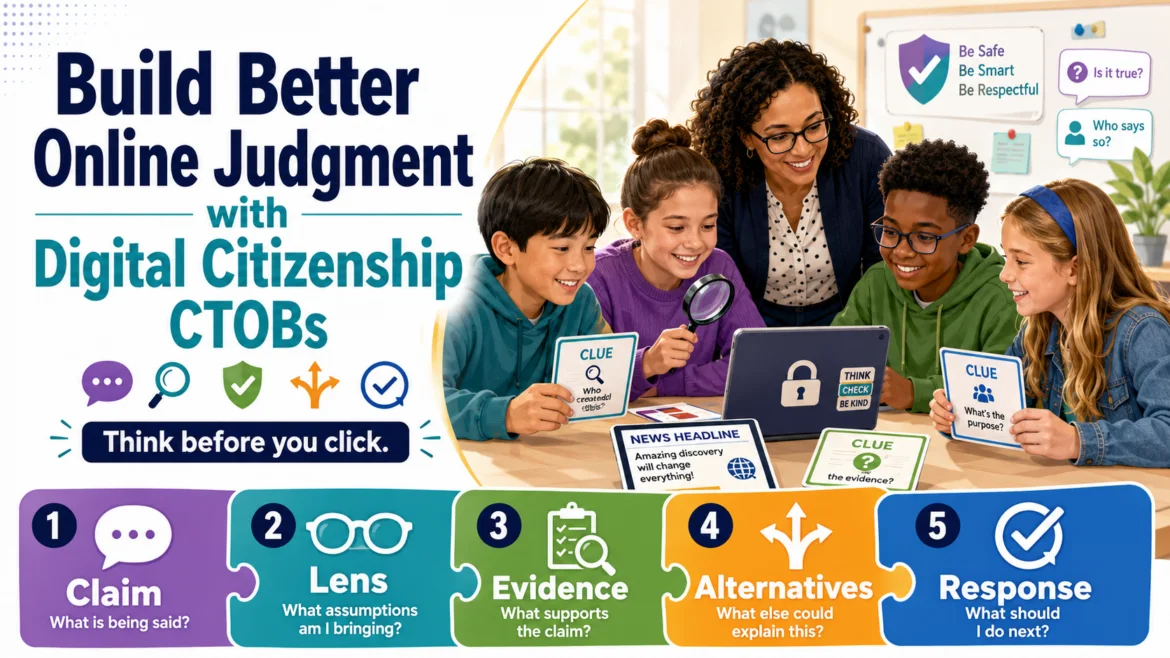
Help students investigate online choices, weigh evidence, and think before clicking. These critical thinking activities are geared for K-8.
Teach children to not only be model digital citizens, but also how to safeguard sensitive data in an increasingly privacy-hostile spaces.
Help students question, verify, and responsibly use generative AI through breakouts. Model the use of the CLEAR Framework, too.

Explore Women's Equality Day today through online learning activities, the ACE Framework, and a ready-to-investigate assignment.
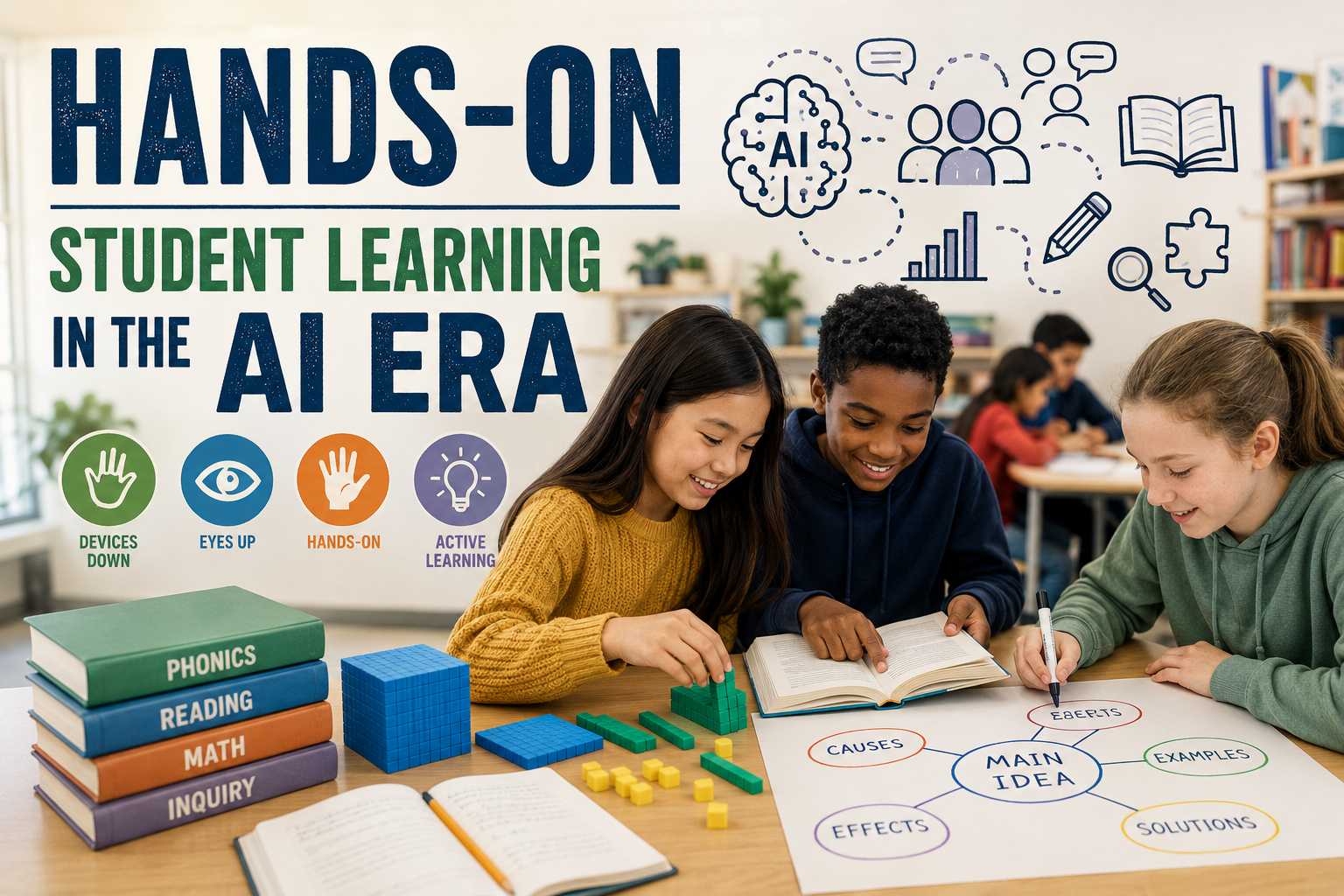
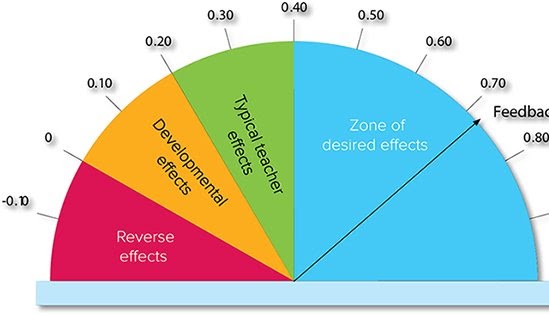
As districts retreat from ed-tech, will evidence-based, unplugged strategies fill the engagement void? A look at Weingarten's 10-point plan through Hattie's Visible Learning effect sizes.
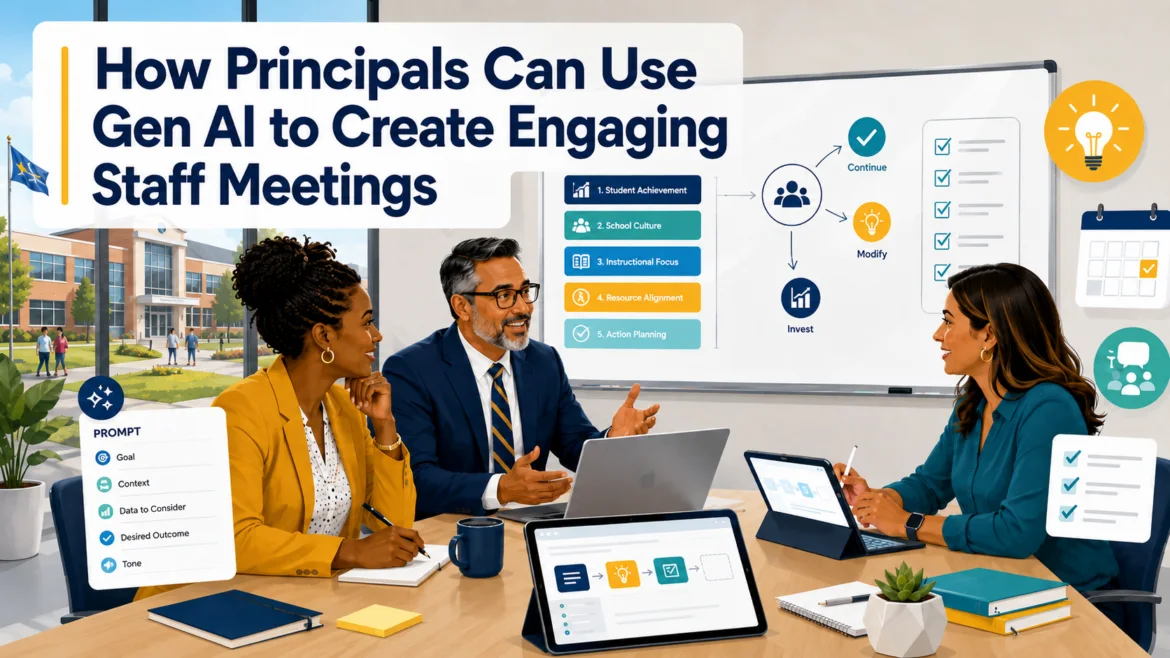
Explore prompts that can assist you in creating engaging staff meetings that won't leave your team yawning.
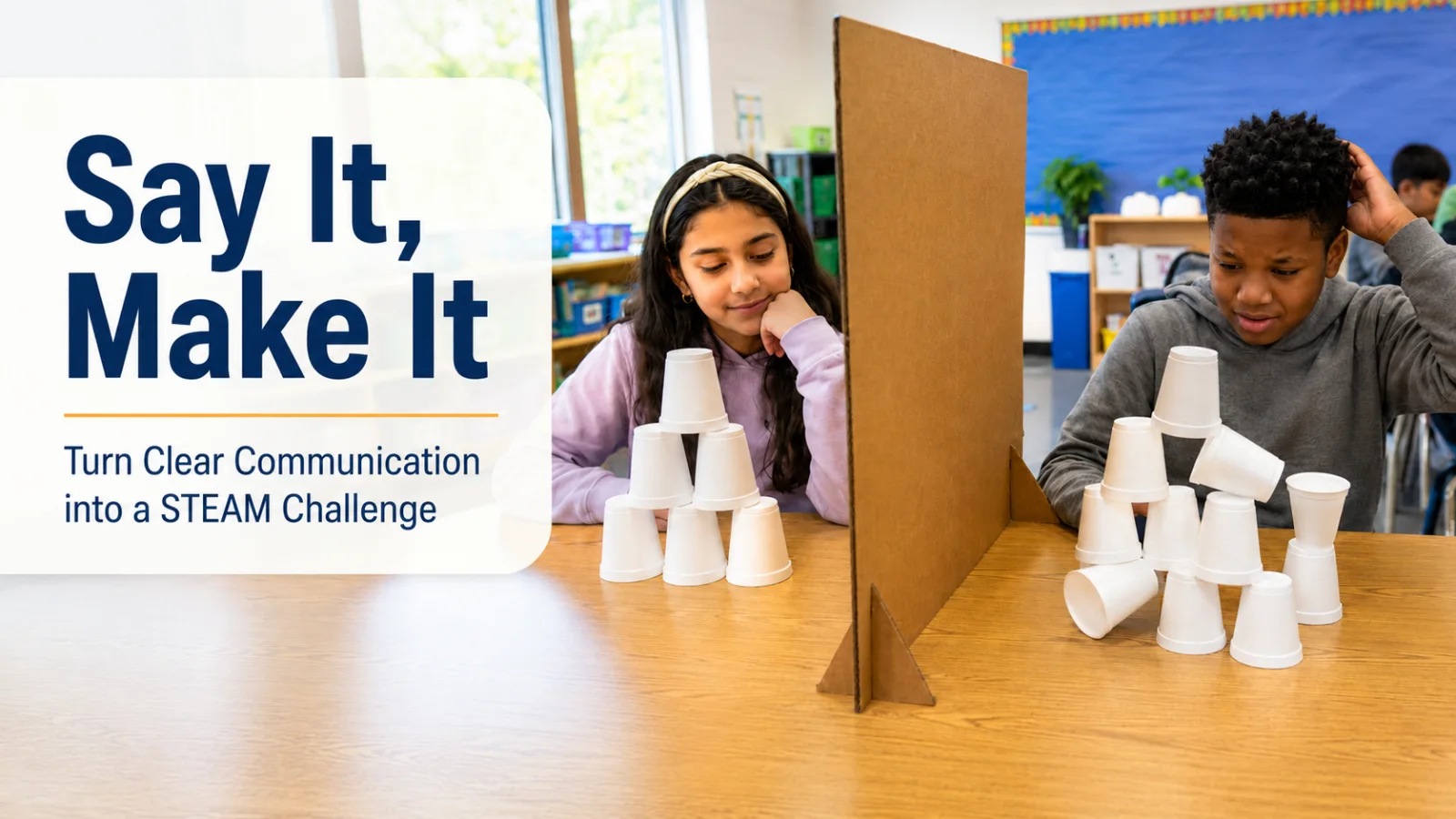
Turn cups, cardboard, and careful directions into a hands-on STEAM challenge that builds communication, problem-solving, and teamwork.
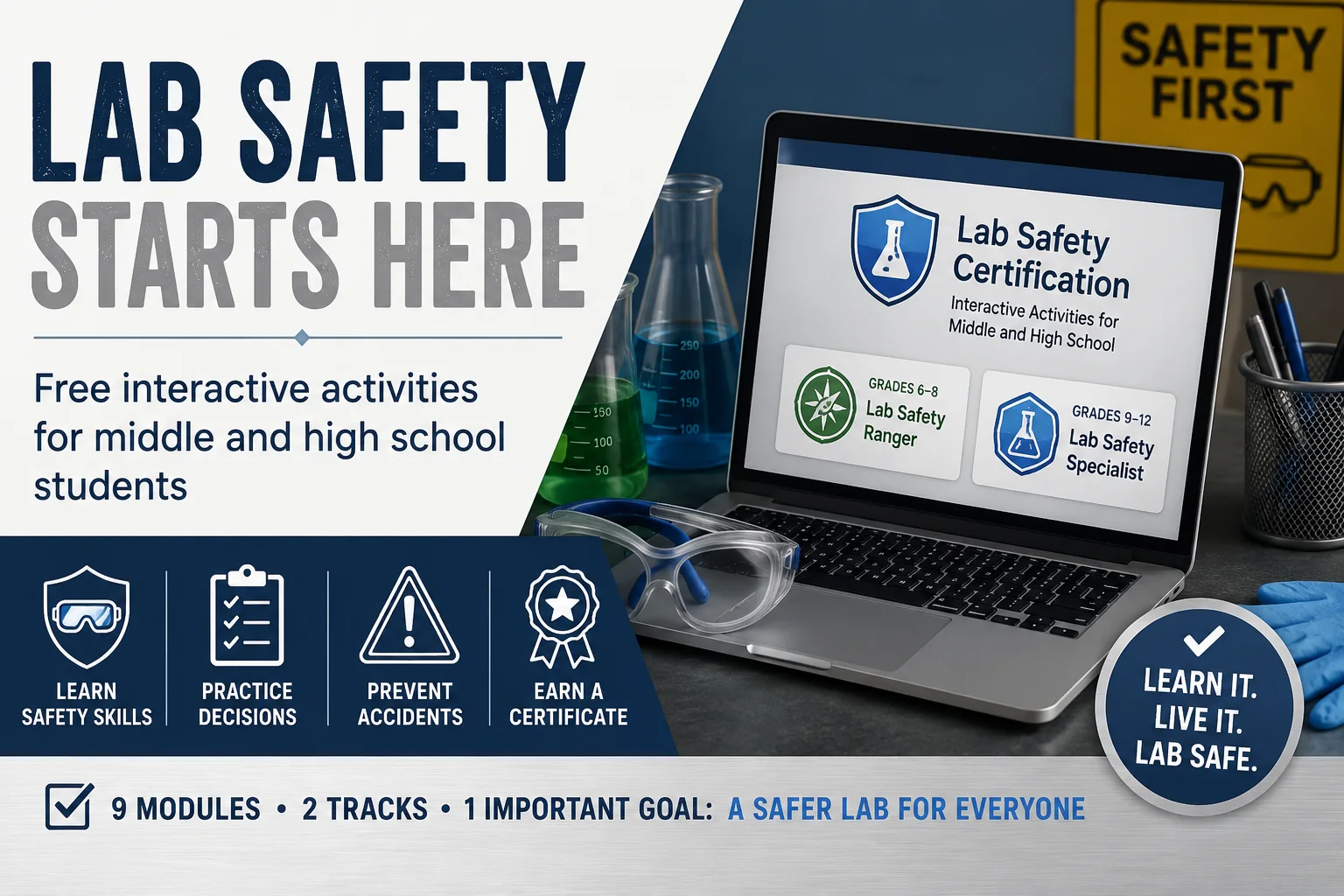
Help students build safer science habits with nine free, interactive lab safety modules for grades six through twelve.
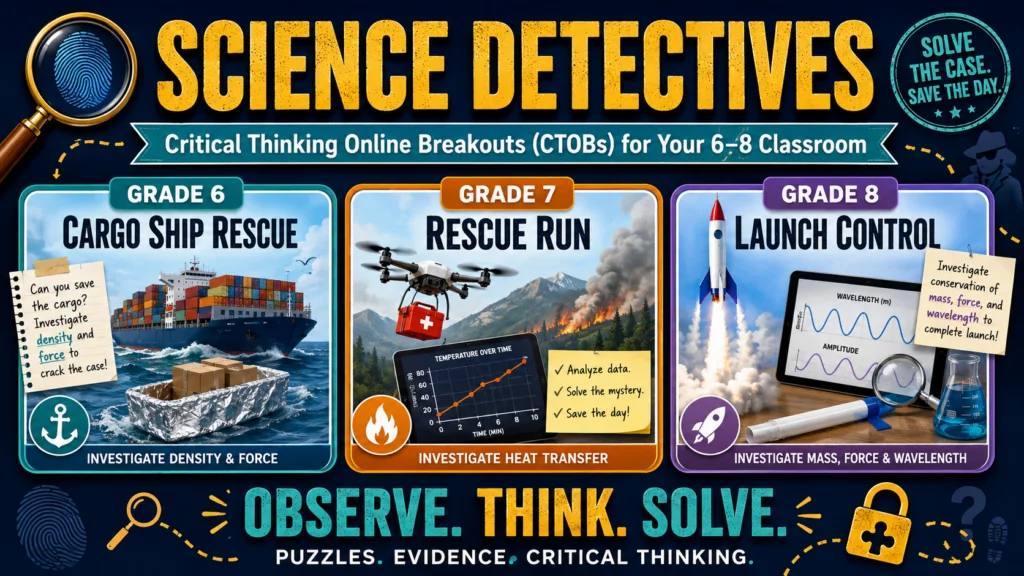
Each grade page bundles puzzles, STEM challenges, vocabulary, standards, and teacher supports. These build on TEKS-aligned science content.
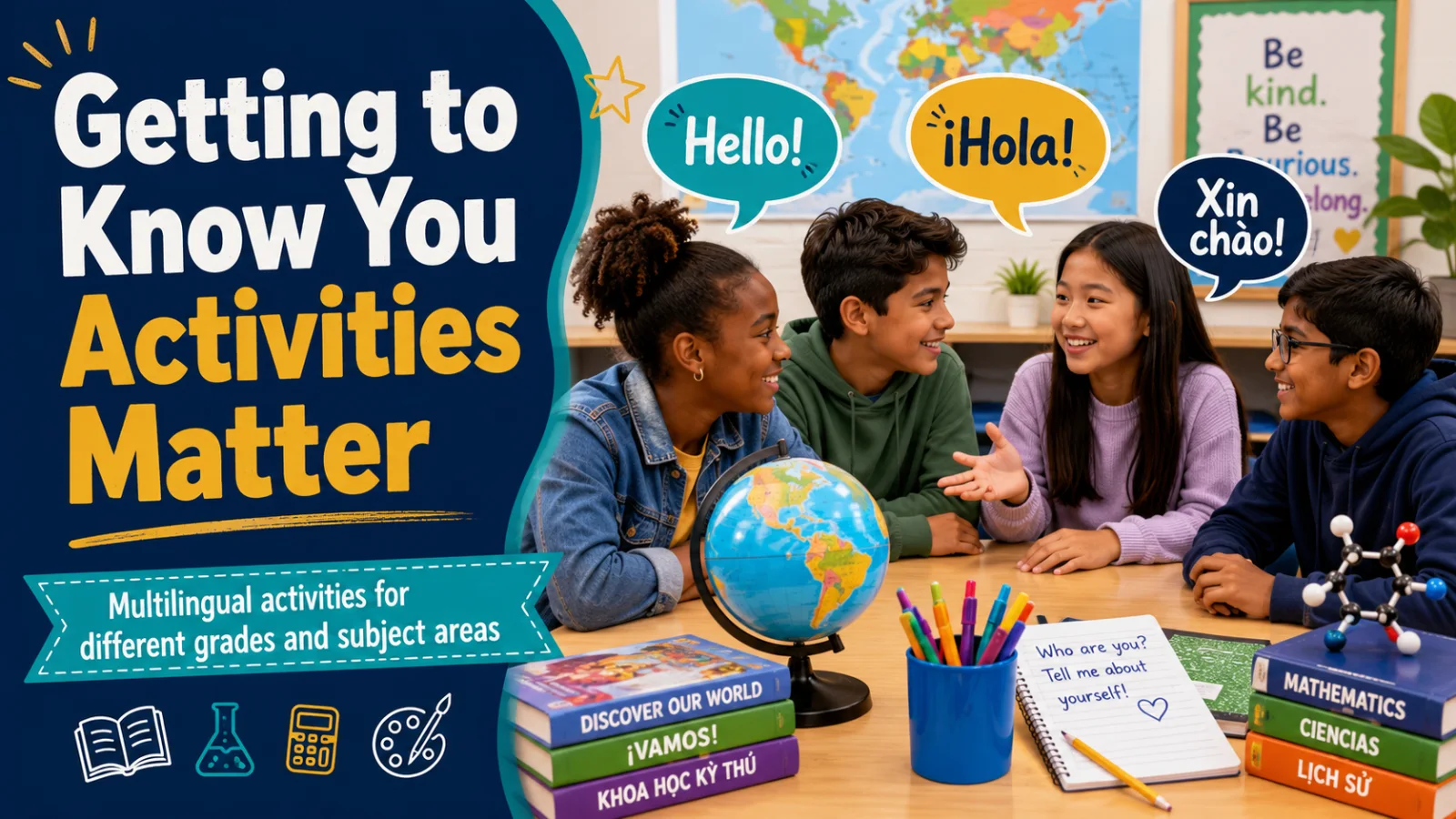
Help students connect, belong, and learn through multilingual activities designed for every classroom. Start today.
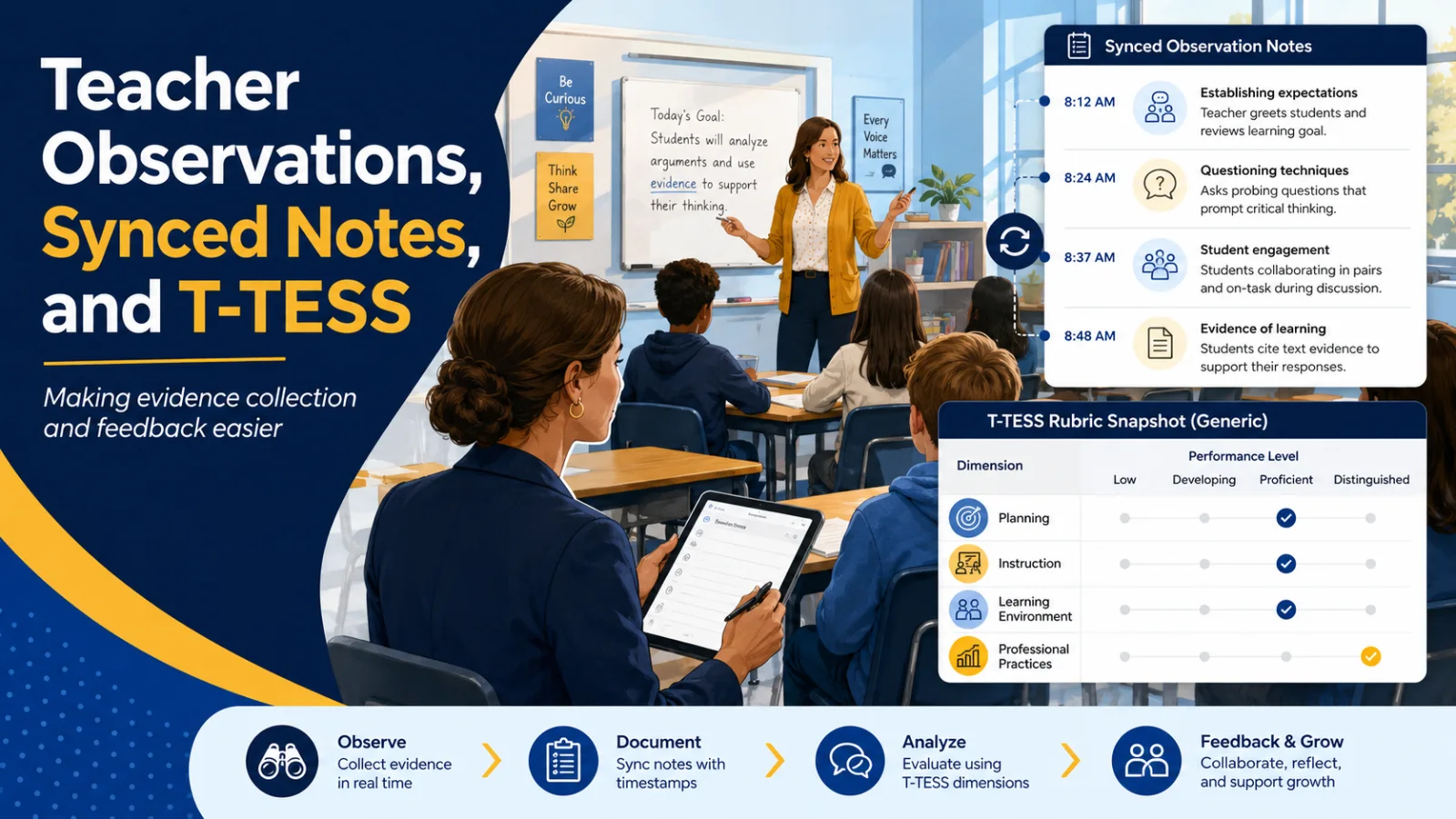
Compare T-TESS Gen AI tools for evidence, coaching, efficiency, and trust. Get access to selection rubrics and more.
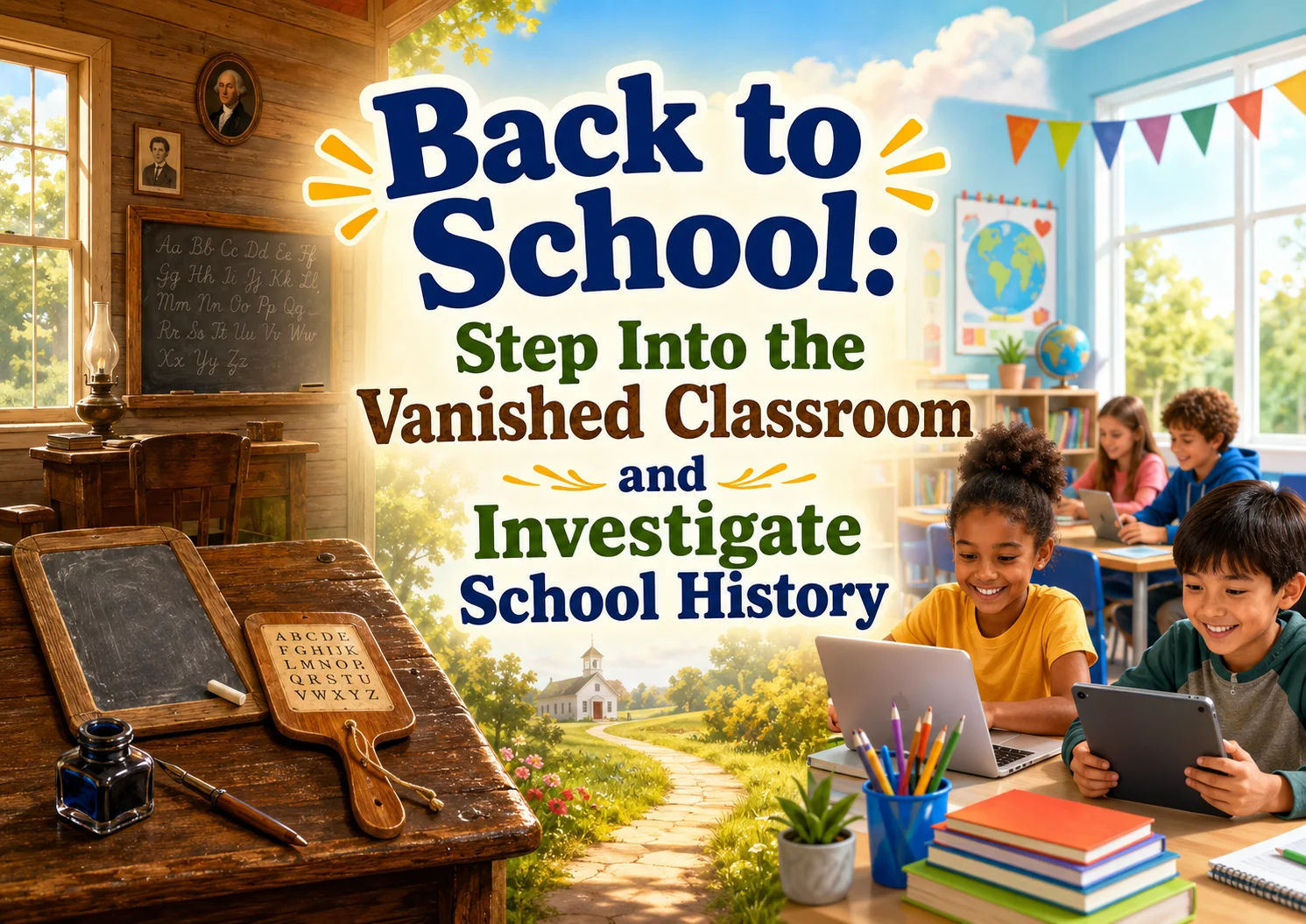
Investigate vanished classroom practices while building evidence-based historical thinking skills.
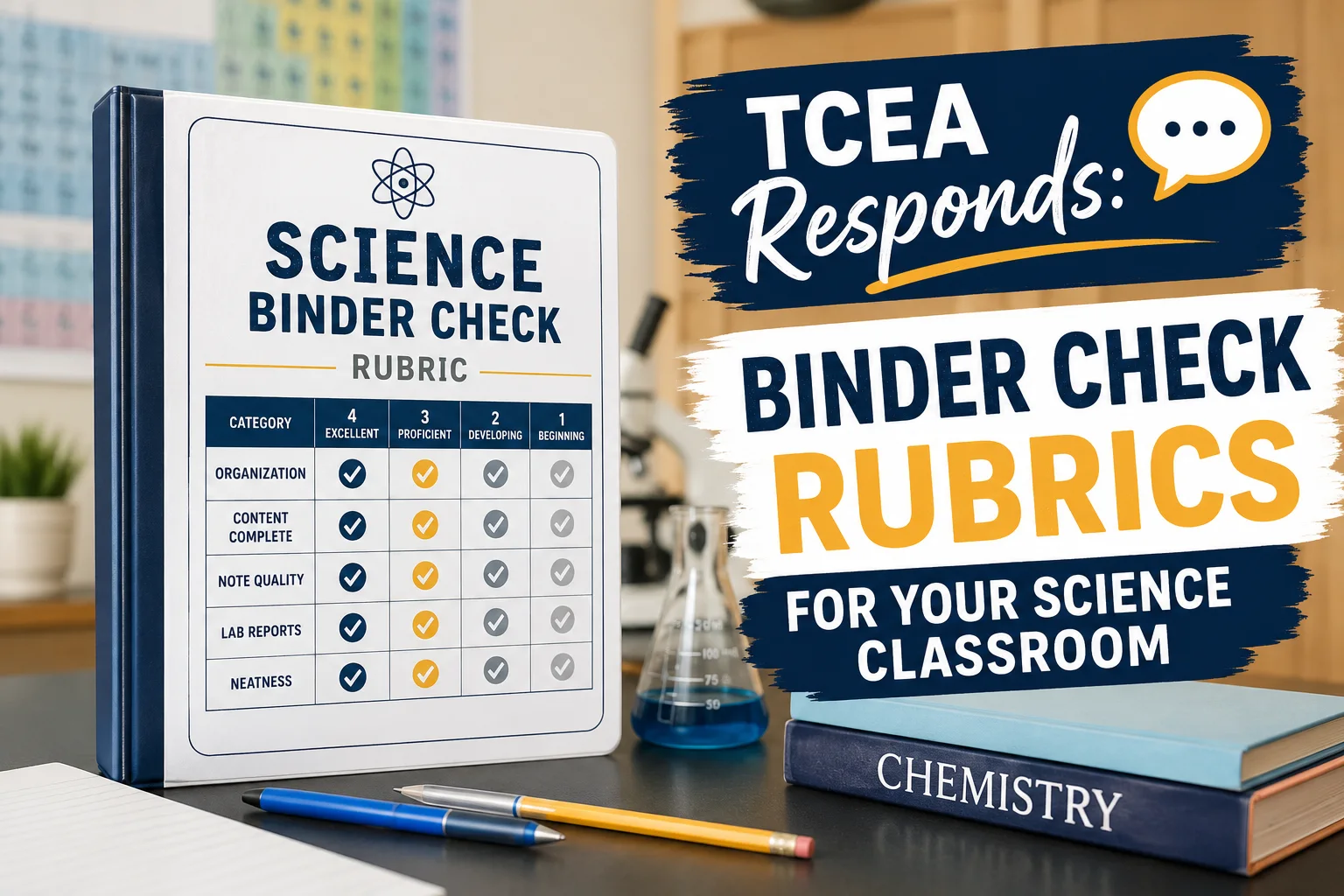
Use this simple science binder rubric to check organization, completeness, and student effort.
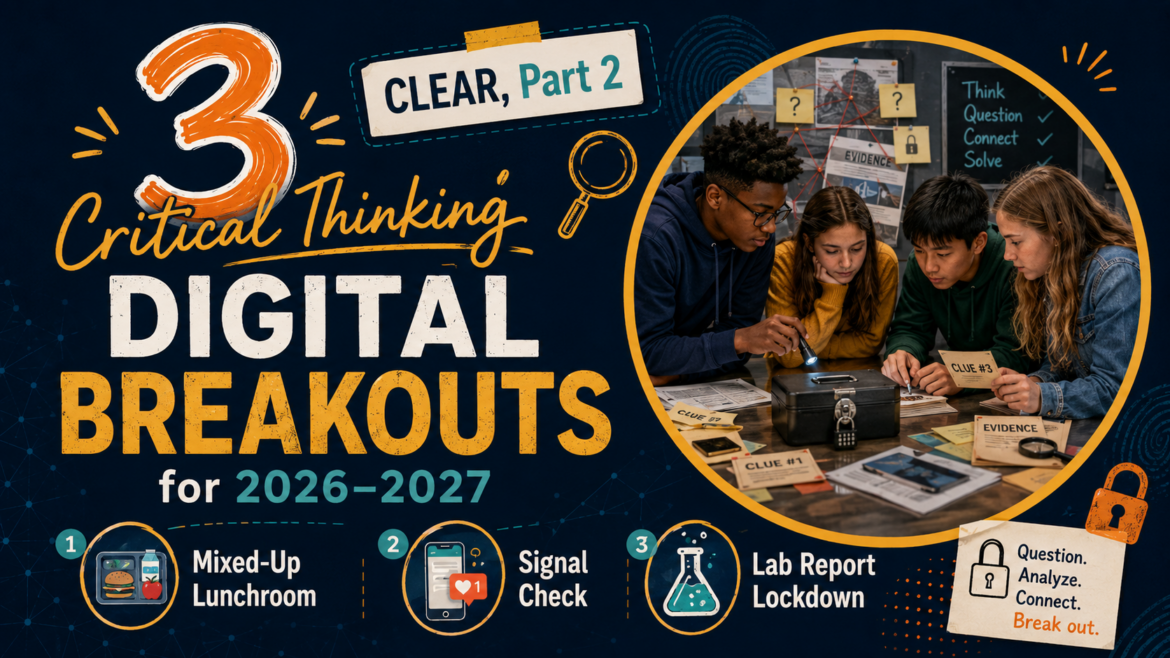
For the 2026-2027 school year, I have three brand new digital breakouts to share. These are designed to be low-prep, easy to use, and just the right mix of thinking and fun. You can use them as bellringers, partner...
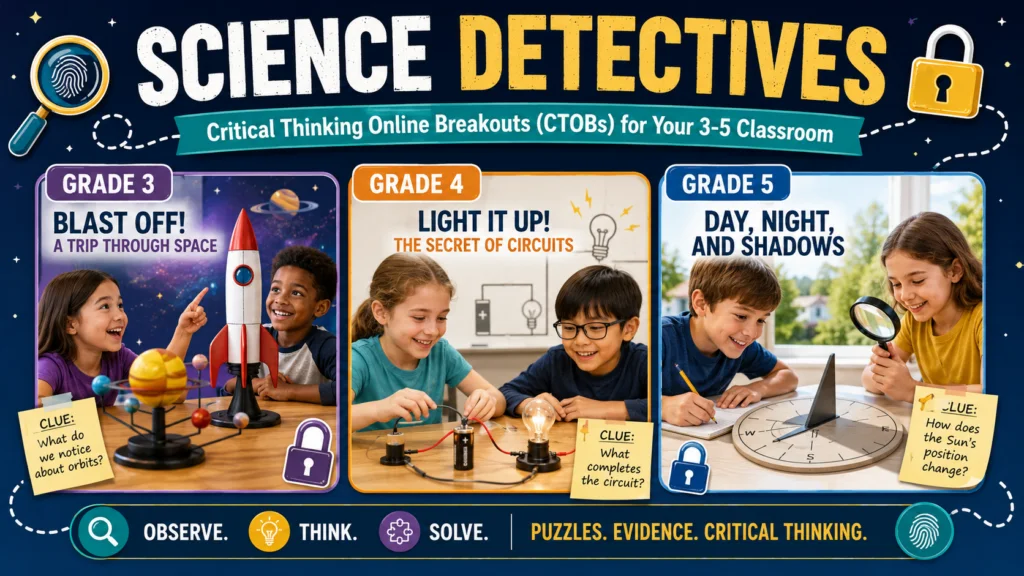
When I was younger, I liked stories where the Sun felt less like a star and more like a character. The Sun chased the Moon. The Moon borrowed light. The
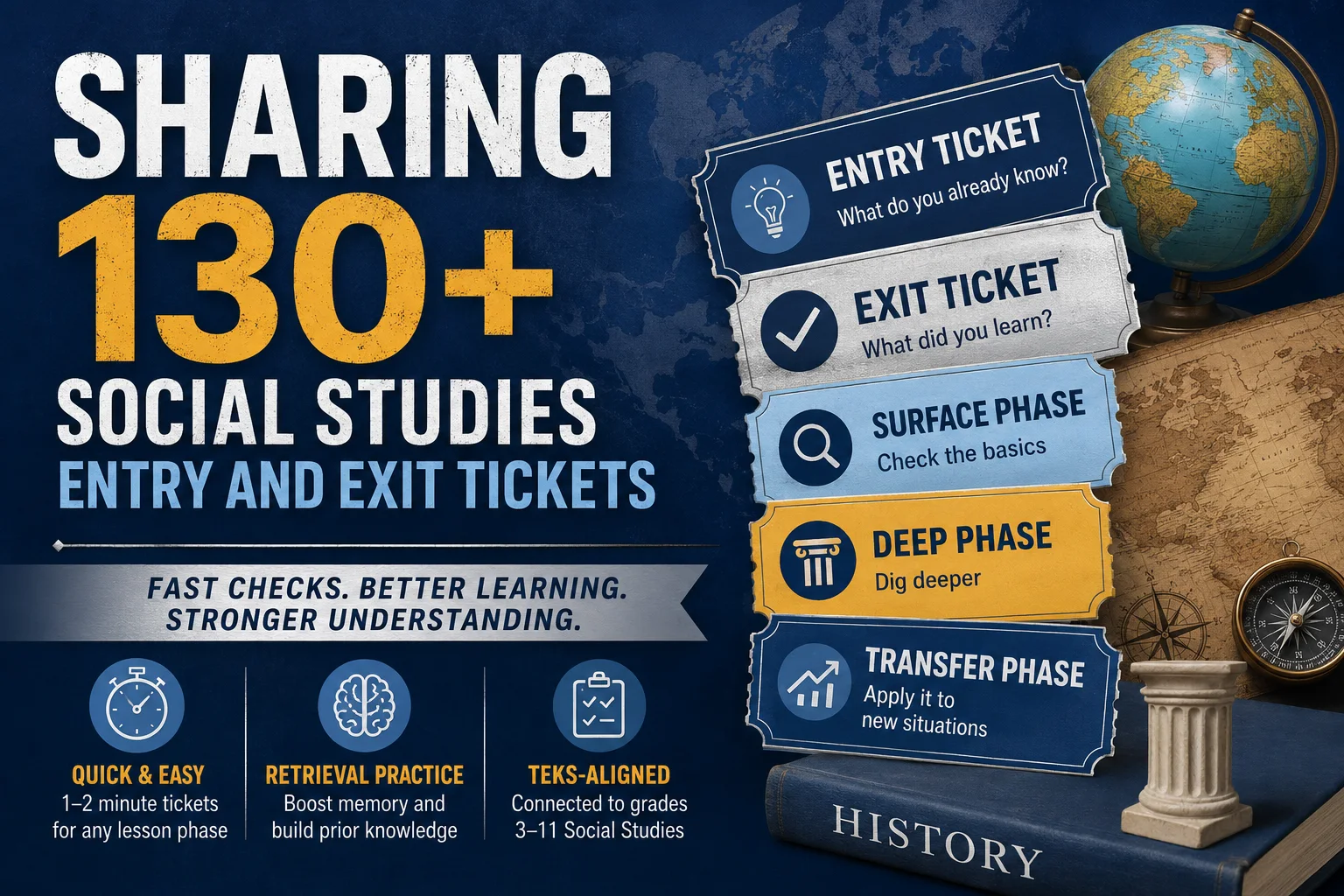
In this blog entry, I’ll share over 130+ entry and exit tickets aligned to the Social Studies TEKS for grades 3-11.
A practical framework for using AI to augment rather than replace teacher expertise, covering implementation practices, governance structures, and a three-tier model for pedagogical decision-making.

A privacy-first, one-hour plan for getting started with educational AI. Choose a safe tool, build context, collaborate with the AI, and use SOLO Taxonomy to design leveled activities.
A parent, administrator, and teacher weigh in on balancing AI tools with the timeless values of critical thinking, creativity, and integrity, plus practical strategies and grade-level examples.
PRISM (Patterns, Reasoning, Ideas, Situation, Methods) gives structure to coaching conversations, with ready-to-use questions and sentence stems for each stage.
Using the PRISM Framework and SOLO Taxonomy to scaffold student thinking about the water cycle, complete with a pre-assessment, item analysis, and a hands-on Water Cycle Story Bin STEM activity.
Seven custom AI bots that support critical thinking, writing, and content creation across K-16 classrooms, with prompt engineering tips, a bot-building blueprint, and full custom instructions for each.
Five essential questions that give structure to PLC meetings, shifting the conversation from curriculum coverage to student mastery of essential TEKS within an MTSS framework.

We don’t teach critical thinking as well as we should in K-12 schools. That’s why I have spent so much time on it in past blog entries . Gen AI has uncovered this detail for many. As students lean on Gen AI more, the...
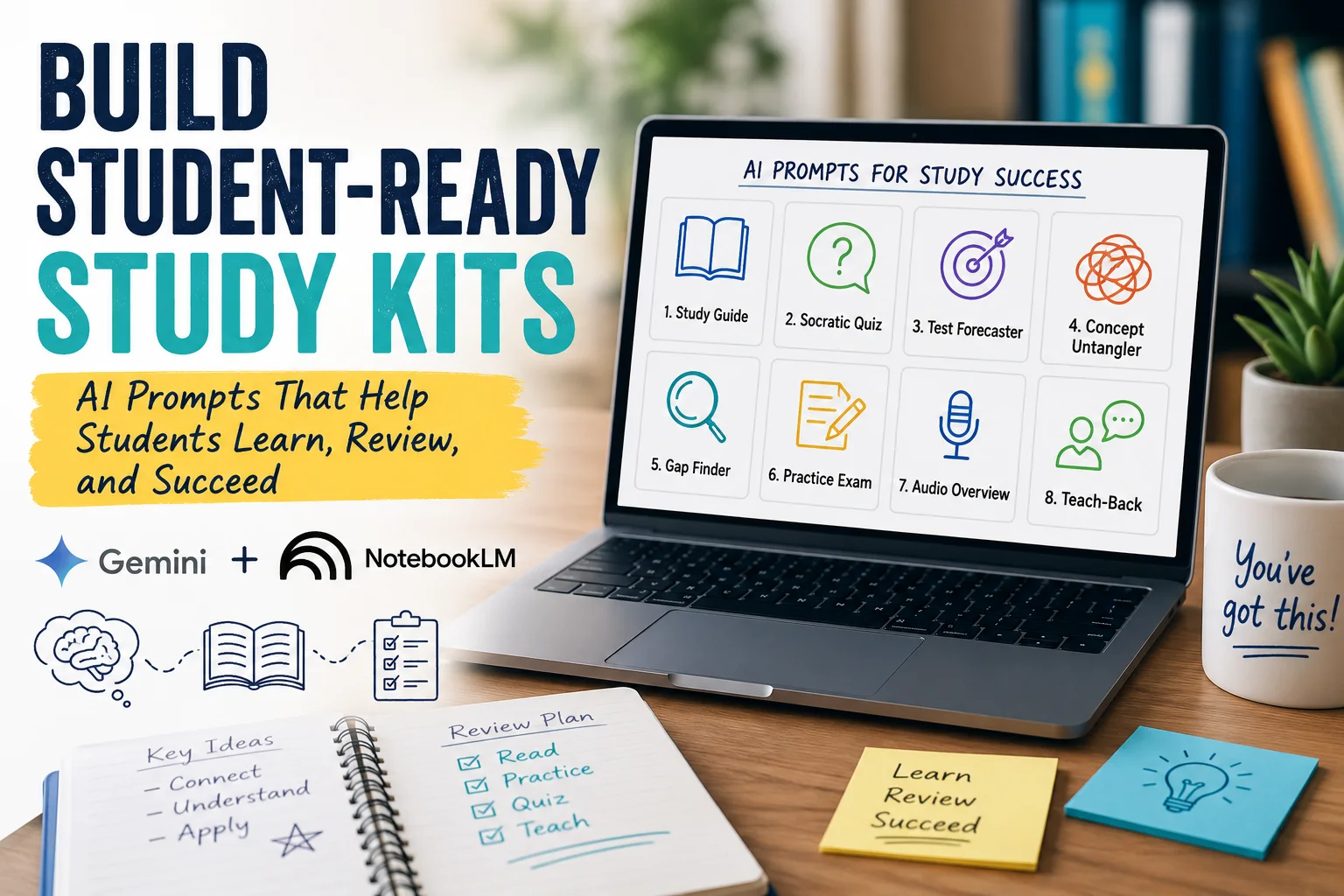
Have students who need a little extra help? Give creating study kits for students a try. You can use the prompts in this blog entry to create
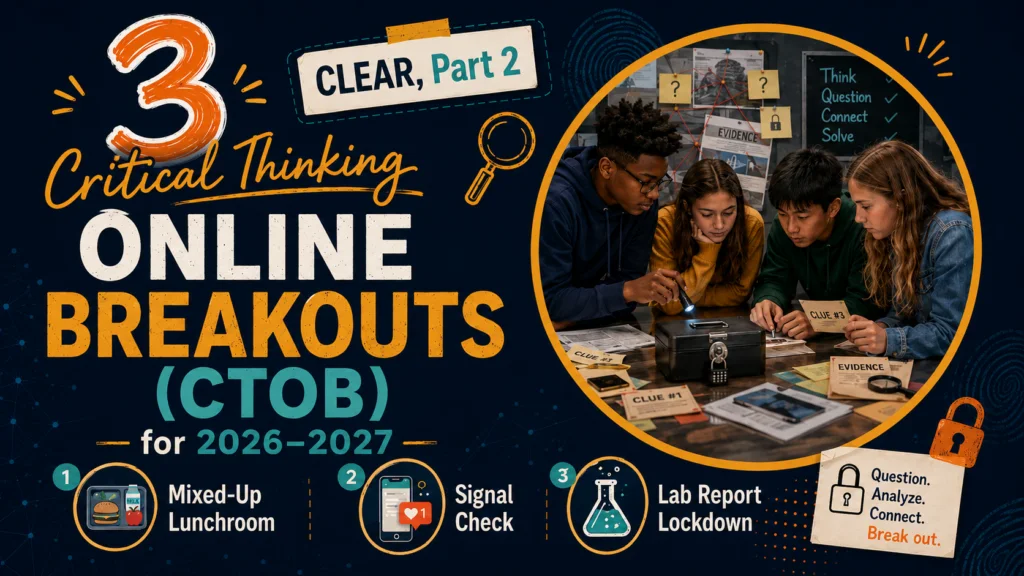
Explore three digital breakouts for critical thinking in this blog entry. You get access to three activities you can use for a bellringer, partner activity, station, or quick filler.
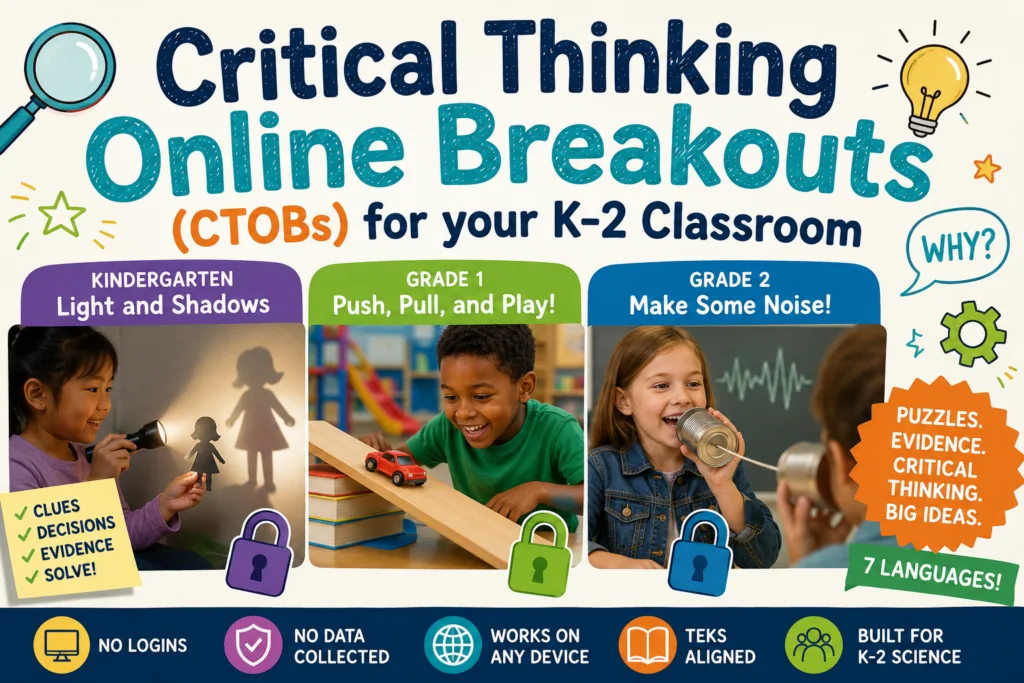
\"Word learning requires multiple exposures to the word within meaningful contexts.\" That's a quote I ran across some time ago and jotted down in my

School librarians keep getting asked to run real programs on budgets that shrink every year, and the per-student, per-month pricing model is rarely on your side. You can build these tools with vibe-coding yourself now...
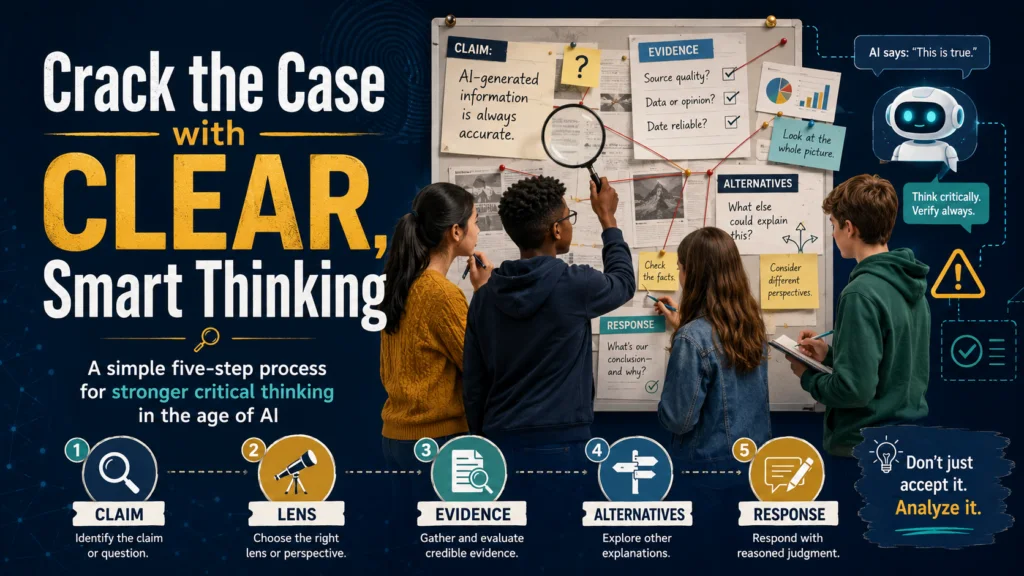
We don't teach critical thinking as well as we should in K-12 schools. That's why I have spent so much time on it in past blog entries. Gen AI has
Looking forward to the July 4th this year is different. You know what I mean. Not only is it Independence Day, but with the backdrop of America’s 250th Birthday, it’s also a time to cherish the sacrifices everyone has...
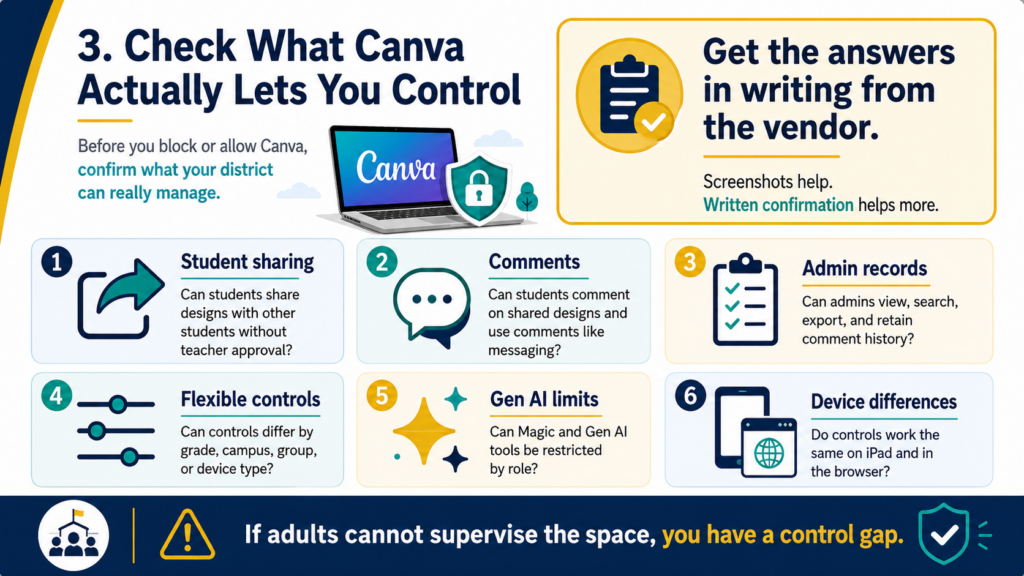
A district technology leader recently raised a question that probably made several CTOs pause over their coffee: Should Canva be blocked for students next year? If you are staggering in shock at the question, you are...
Dear TCEA Responds: We have a non-IT staff member who used Gen AI tools to build a small application for district use. The app is simple, serves a real need, and the staff member meant well. But it raises questions...
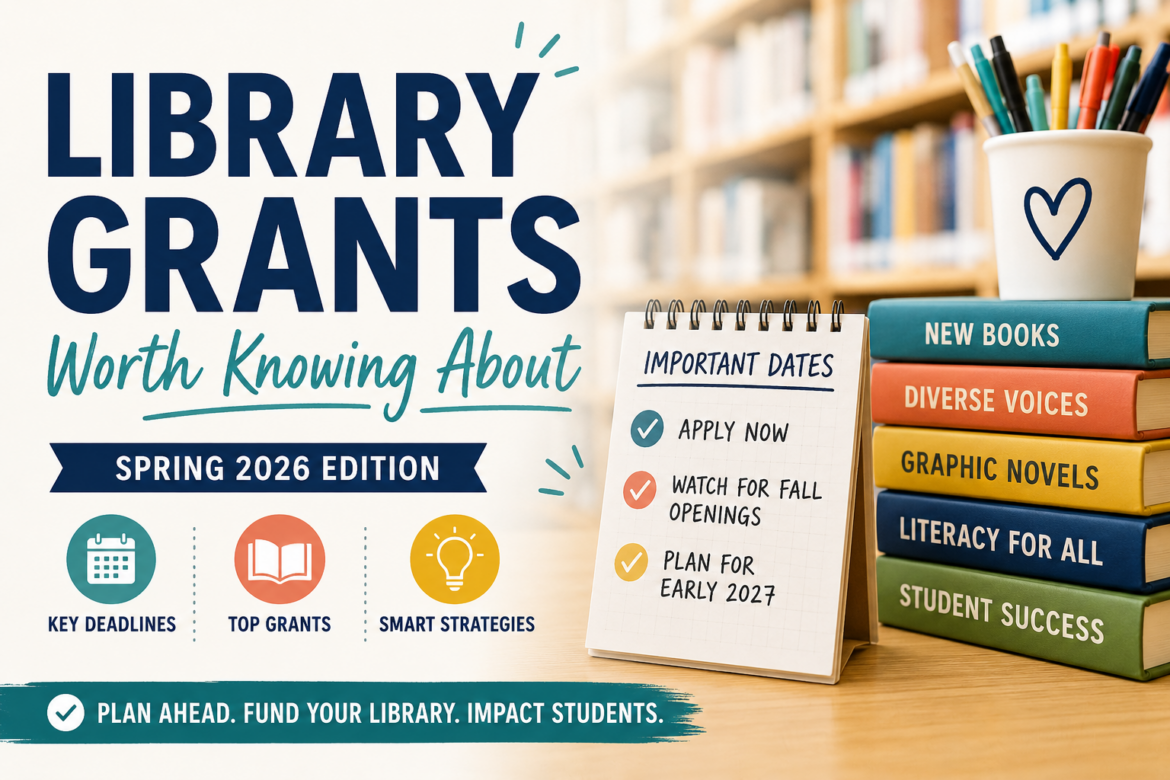
Finding funding is tough in 2026. If you are a school librarian, you may be asking a question that’s on a lot of minds. That question is, “Know of any grants for new books?” Finding current, accurate grant information...
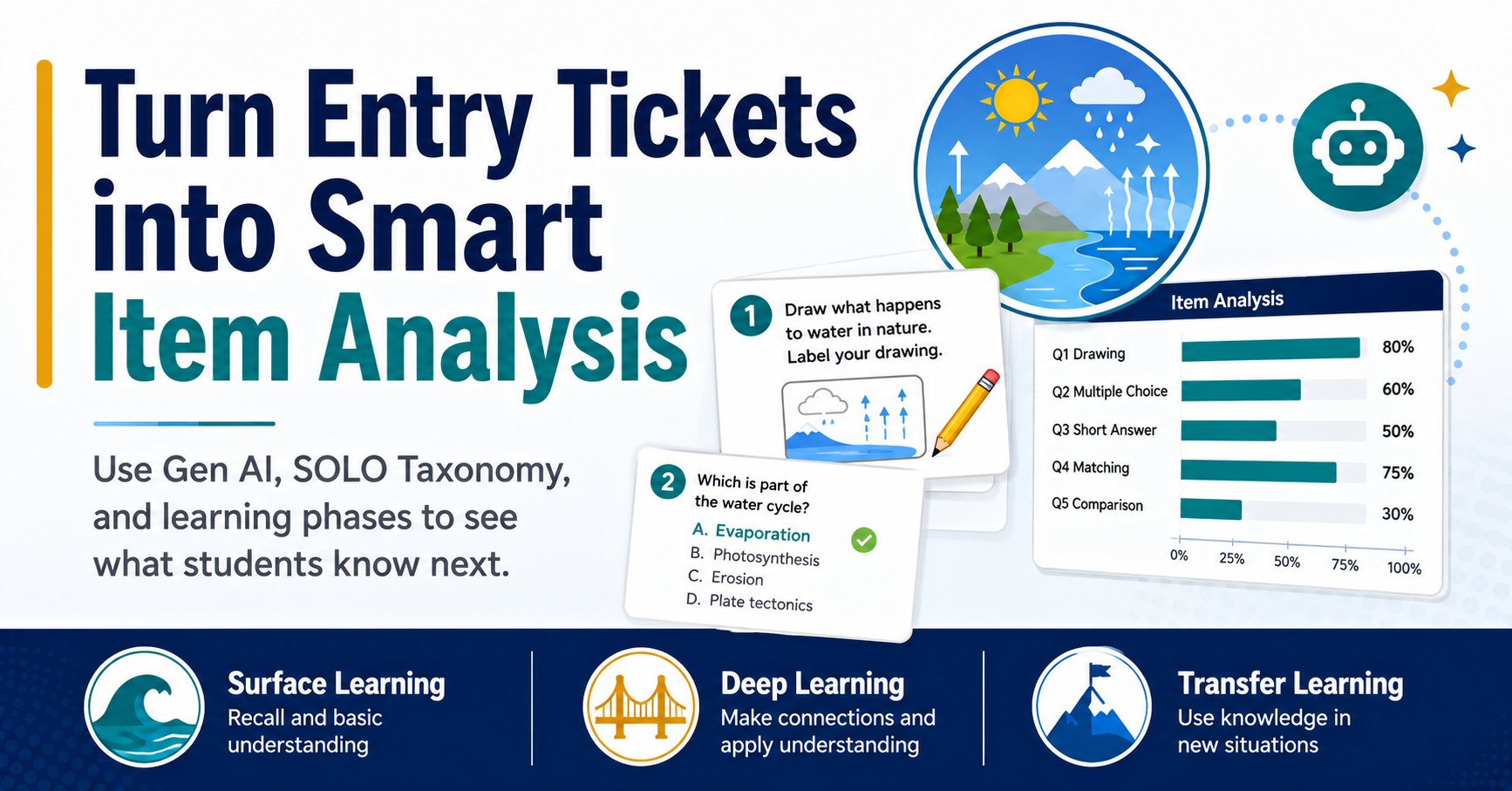
Set Gen AI up for success with ALDO, the SOLO Taxonomy, and high-effect-size strategies—then use entry-ticket data for Gen AI-powered smart item analysis.
Dear TCEA Responds: This year I really want to focus more on the Jigsaw Method with my third graders. My main question is how does Jigsaw work when
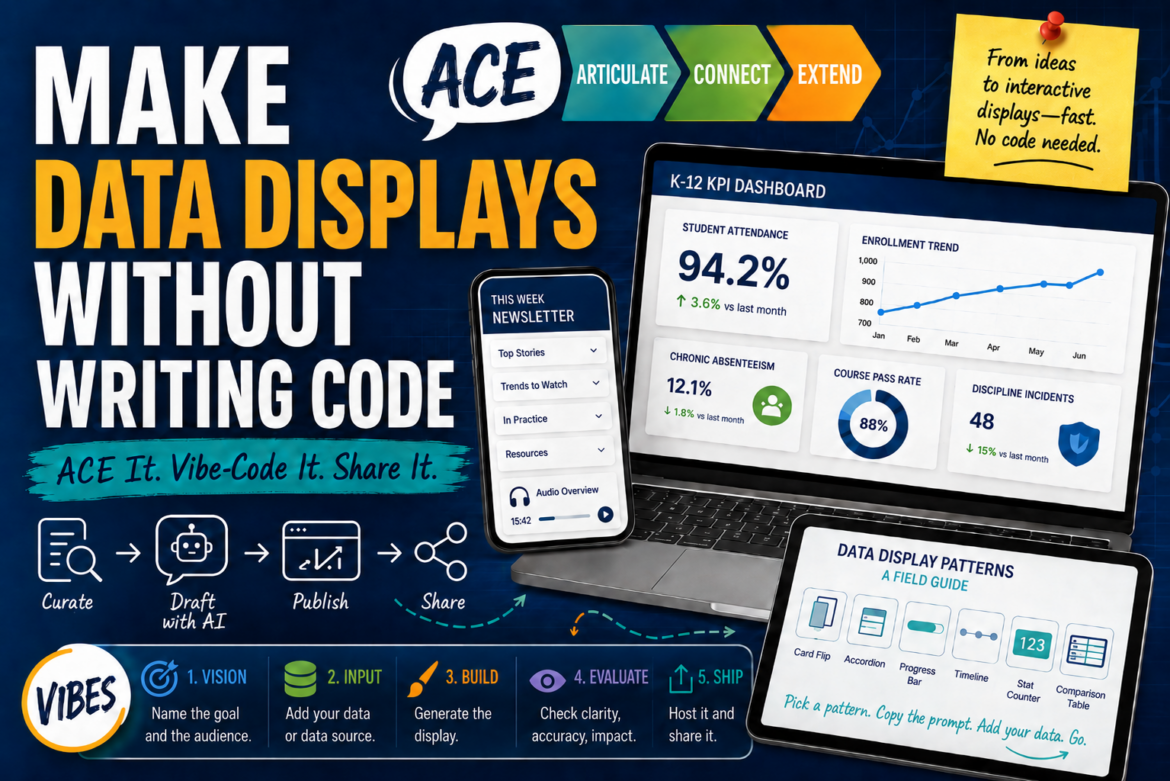
Every morning, before I get out of bed, I spend time reading articles, reports, and social media. All this content ends up somewhere , but most importantly, it helps me identify what’s going on, and how to keep up to...
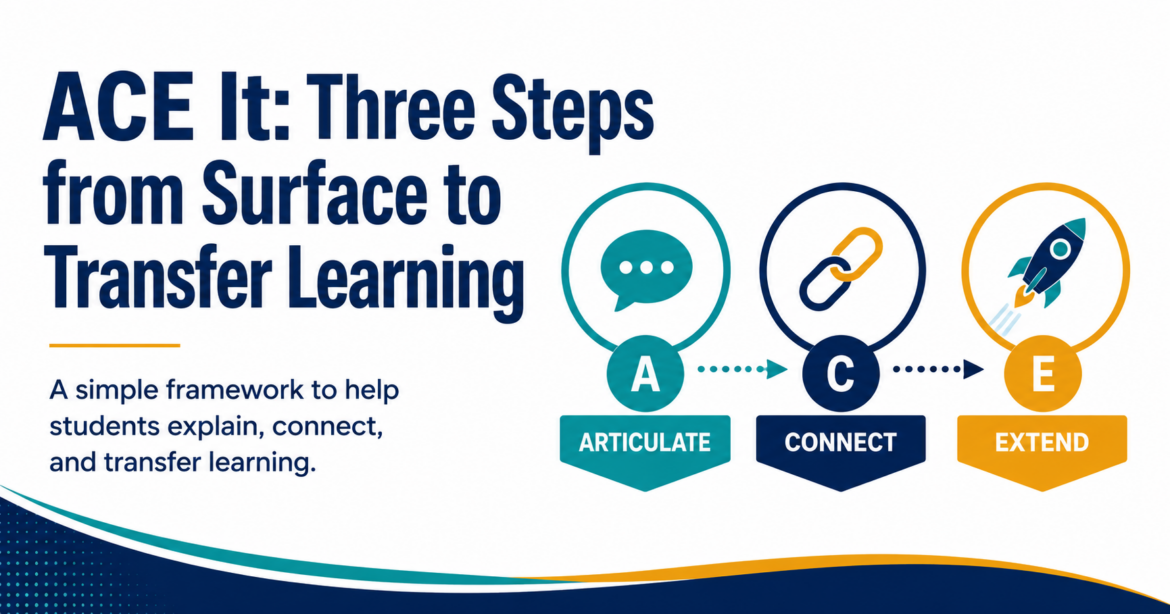
If your students are able to get Gen AI to complete their work, what can you do to encourage productive struggle? That’s a question a lot of us are struggling with in education. With Gen AI tools saturating every facet...

Ever needed a place for students or staff in a workshop to turn in their work, but couldn’t afford the cost of a bulletin board type product? Maybe you want the work saved in Google Drive rather than somewhere else, or...
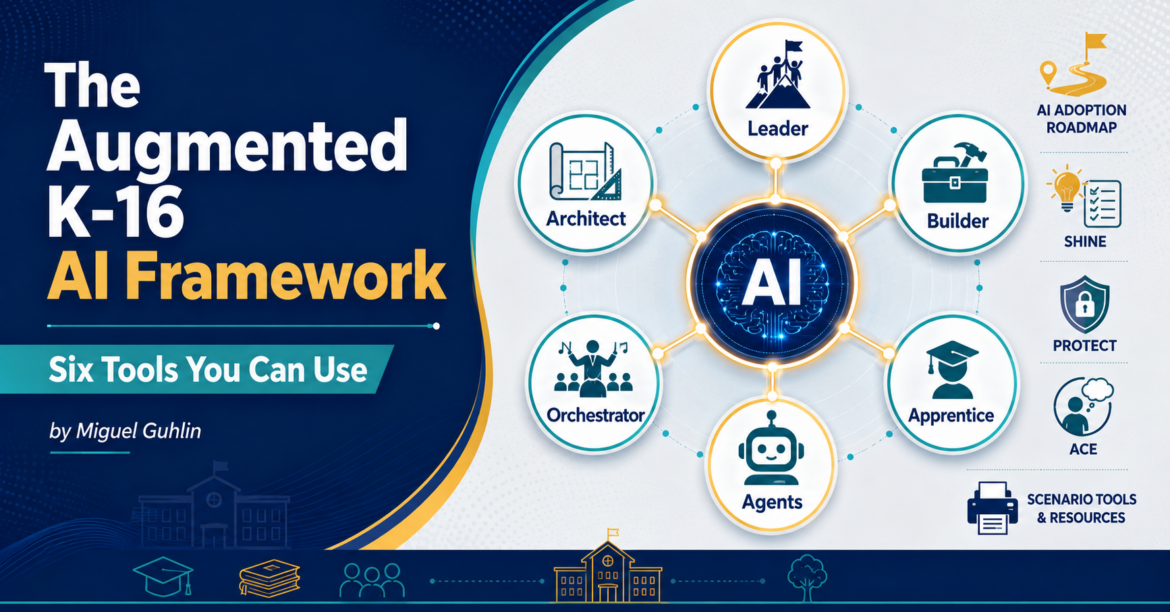
Looking for an intriguing approach to frame the Gen AI in schools discussion? You might find this Augmented K-16 AI Framework worth a read. The reason why is that it builds on Paul Roetzer’s upcoming MAICON 2026 talk (...
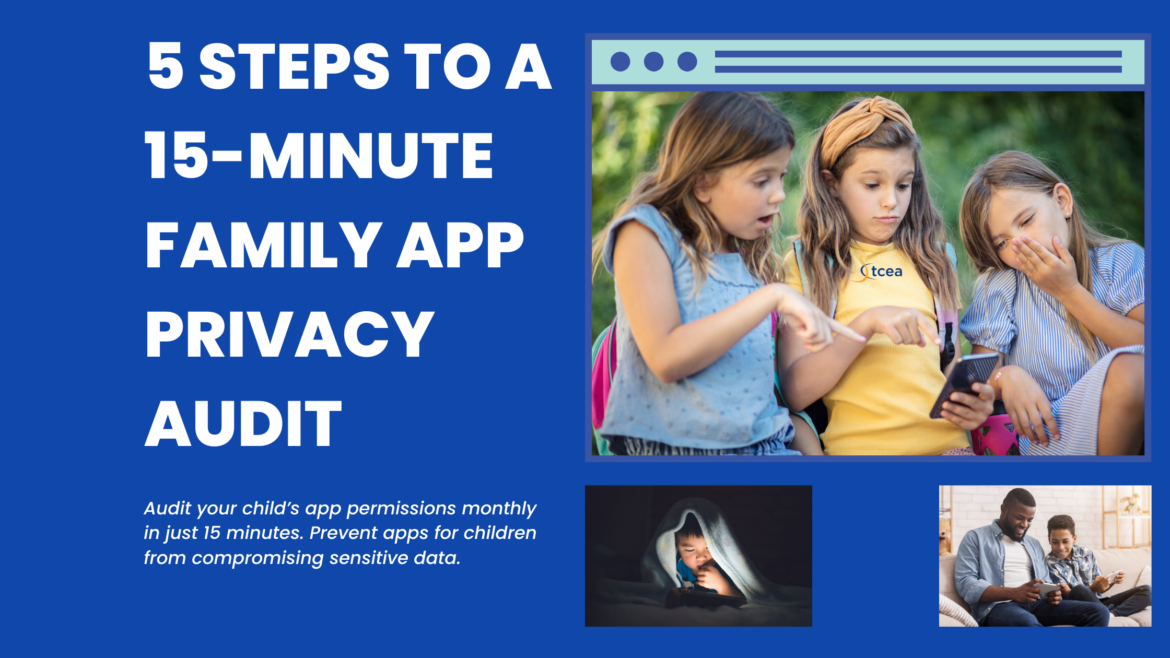
Have you installed a new app lately? Whether it’s Tik Tok, ChatGPT, or some game app, you often get a list of required permissions. Microphone: allowed. Contacts: allowed. Location: always on. For a game about stacking...
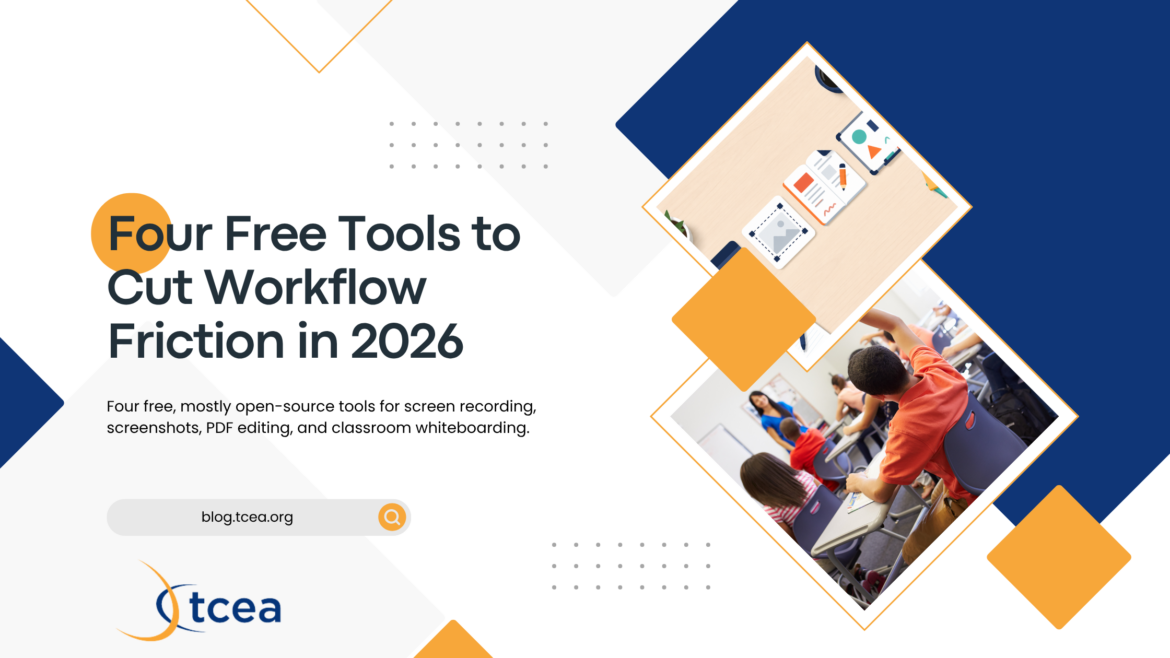
You’re starting your Sunday afternoon lesson preparation, and find that you need to record a quick walkthrough of a science simulation, then edit a PDF before posting it. You also have to capture three screenshots for a...
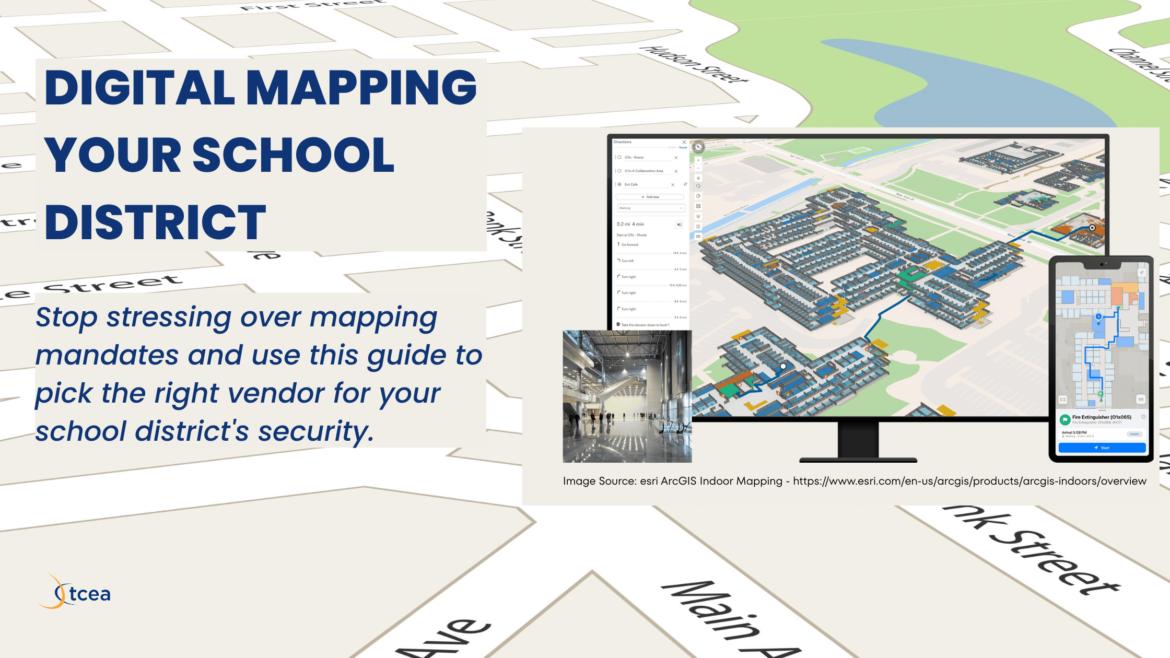
Sitting in a safety committee meeting while someone argues about door labels is exactly how you want to spend a Wednesday morning. You have three spreadsheets open, a half-eaten taco, and a mandate from the state that...
“What recommendations, if any, do you have for an online algebra tutor?” This question pushed me to search online for free, perhaps AI-powered, algebra tutors. Having struggled with Algebra I in high school due to an...

When a pet goes missing (or a “loose dog followed us home”), people do not need a novel. What they do need are the facts and next steps. Local news writing is designed to get that job done. Pair that writing style with...

We have all been there. The board meeting is in three days. Someone just sent you a spreadsheet with device deployment numbers that don’t match the ones in last month’s cabinet deck. You open a browser tab to find the...
In the two previous parts of this blog series, you saw how to make a custom GPT accessible to anyone, whether they have a ChatGPT account or not, as a website. In part one of the AI Magic Maker series , you created a...
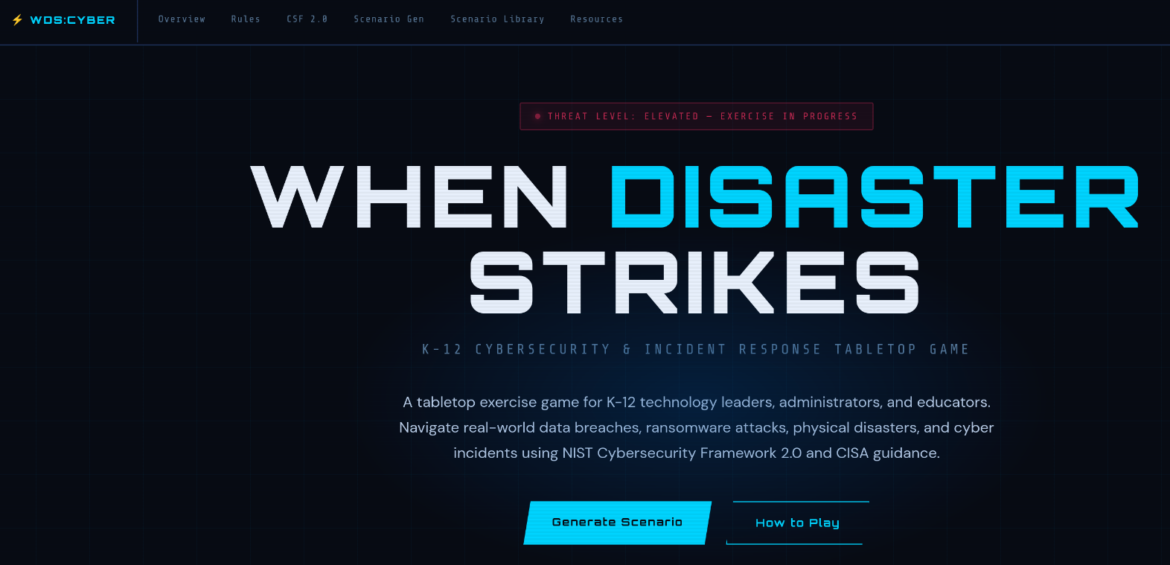
Back in December 2017, I wrote about a tabletop exercise game built after hearing Round Rock ISD’s CTO (Chief Technology Officer) Mark Gabehart (now retired) talk about disaster preparedness. “It’s the processes and...
Another Sunday evening deadline pops up. You have seventeen browser tabs open as you try to put a newsletter together that goes out the next morning. Each one holds a promising article about AI in education, new...
Have you ever opened a Google Doc someone shared, even one you have made, and wanted to save the image? You right-click, but nothing happens? There’s no “Save image,” or download option. It can be a bit of an irritation...
You are standing in line at the copy machine on a Tuesday afternoon, phone in hand, trying to airdrop a PDF to your laptop. It does not work. You email it to yourself. The file is too large. You open a cloud app, upload...
Coaching for every learner requires moving from reactive differentiation to proactive Universal Design for Learning (UDL). By focusing on high-effect strategies like Jigsaw (0.92 effect size) , you help teachers...
Attend a conference event, and now have a plethora of business oriented calls landing on your personal device that you didn’t ask for? If you’ve noticed your phone ringing more often with calls from unknown numbers...
Dear TCEA Responds: I’m an instructional coach, and lately, I feel like I’m hitting a brick wall. Every time I suggest a high-effect size strategy or mention video coaching, I get “the look.” You know the one: the...
In Part 1 of this series , you explored the “Secret Sauce” of the ARC Protocol. In it, you learned about the neuroscience of psychological safety, the power of the Crucial Conversations ‘ authors’ AMPP technique (Ask...
written by Miguel Guhlin December 29, 2025 2 Need to convert an MP4 video file to an MP3 audio file with drag-n-drop? Or, resize and compress an image that’s too big to upload? Need to convert PDFs into a single merged...
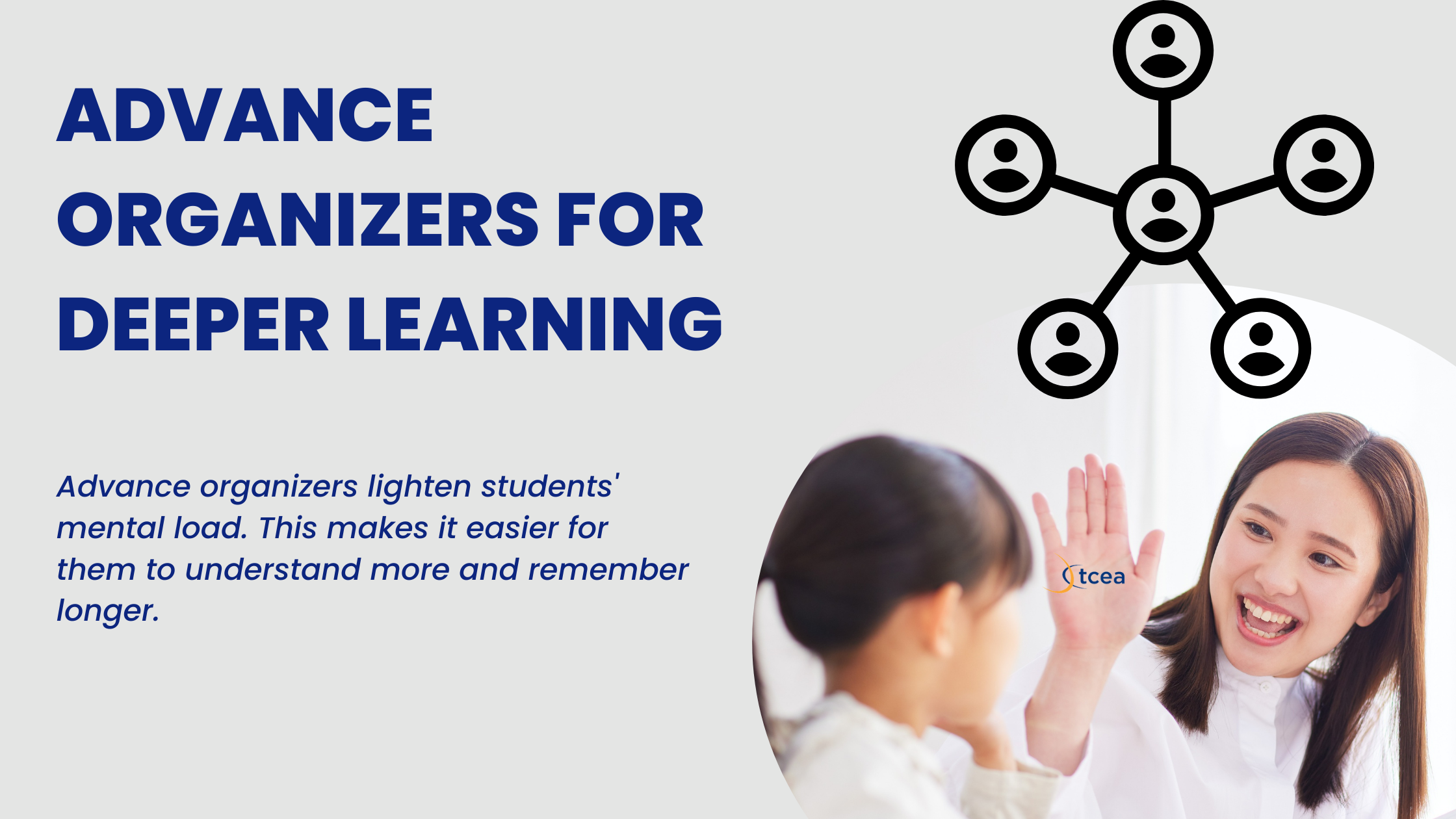
Advance organizers prepare the brain for new learning by giving students a structure before content appears. Here are seven you can use tomorrow, plus how they fit the ALDO framework.
As generative AI erodes traditional written assessment, VIVA—Verify, Illustrate, Validate, Apply—offers a K-12 framework for oral assessment rooted in the tradition of viva voce.

Every day, a new Gen AI tool ( see my list ) lands in my inbox or social media feed. The constant stream of new technologies can be overwhelming. If you’re feeling Gen AI fatigue , you’re not alone. As educators, a...
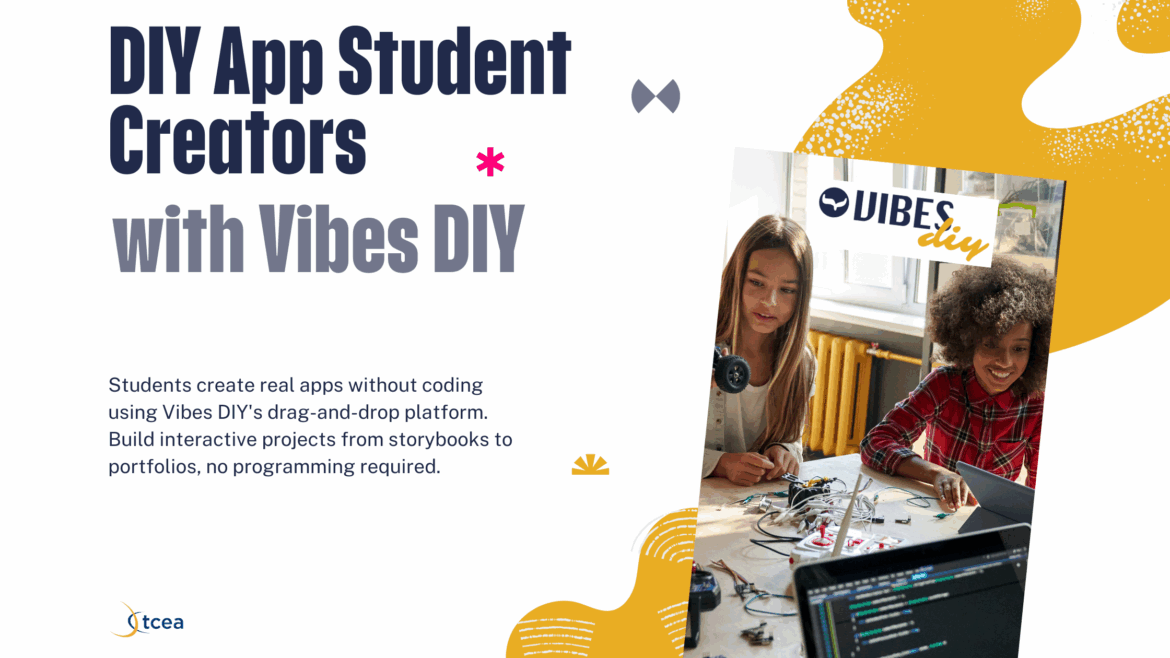
While it’s gotten easier to engage in “vibe coding,” many wonder at whether educators should take advantage of it. After all, vibe coding is the popular term for creating code without knowing how to code. Students can...

A five-step, safety-first plan for implementing GenAI in schools: build a leadership team, set clear policies, grow teacher capacity, make it safe, and engage your community.
Have you ever found the perfect article for your lesson and thought, “I could drop this into ChatGPT and get everything I need in seconds?” Ok, hang on a second. Let’s take a moment before you do that. I recently heard...
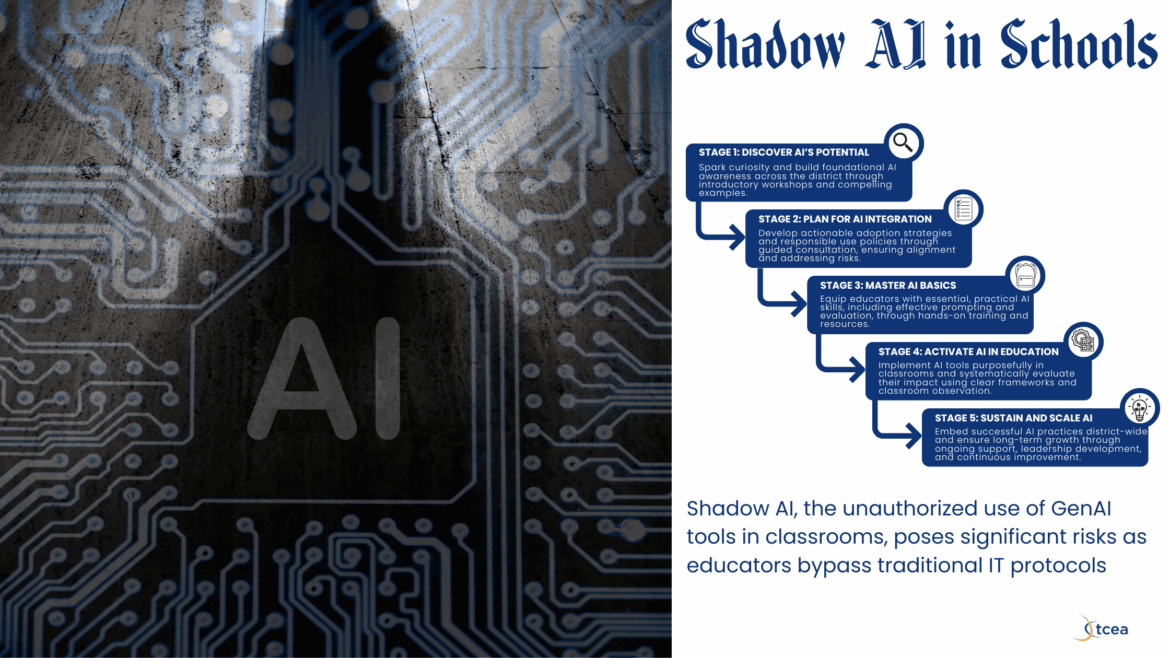
“I’ve been using my personal account with students. That’s okay, right?” What was not allowed before is now acceptable with GenAI’s rampage into classrooms and schools. With the multiple data breach scenarios occurring...
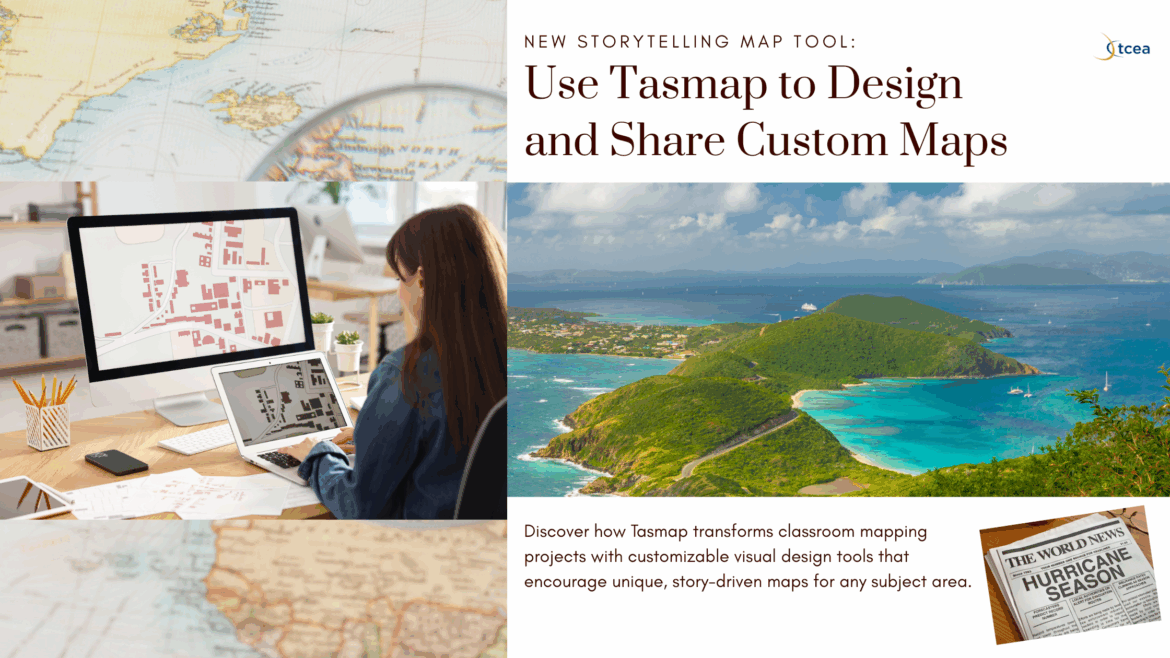
Have you ever wanted to create a truly unique map that tells a visual story? With a daughter who works professionally visualizing places and data spatially, I was immediately drawn to Tasmap . I immediately passed this...
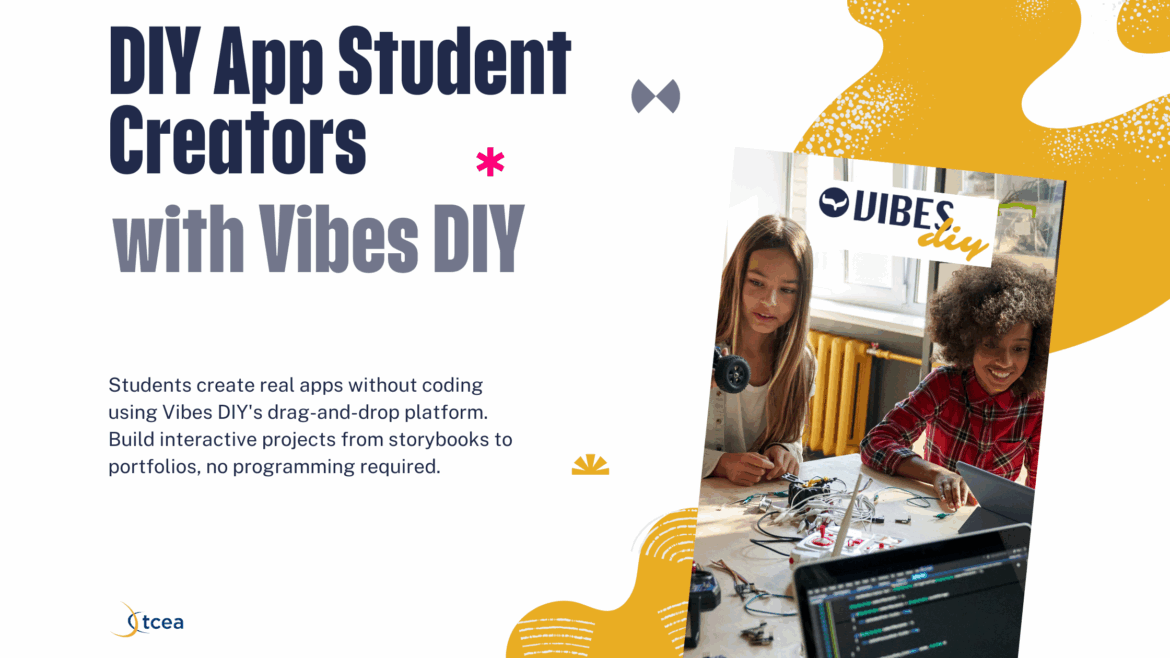
While it’s gotten easier to engage in “vibe coding,” many wonder at whether educators should take advantage of it. After all, vibe coding is the populalr term for creating code with knowing how to code. That aside...
Project management can feel like juggling chainsaws (or pirahnas or sharks, if you prefer). You know you’re going to get bit by some aspect of the job. This impending doom and working to keep it at bay is exactly what...

A practical, privacy-first approach to overcoming generative AI tool paralysis, using the PRISM framework and a four-step collaboration method to turn AI from a vending machine into a teaching partner.
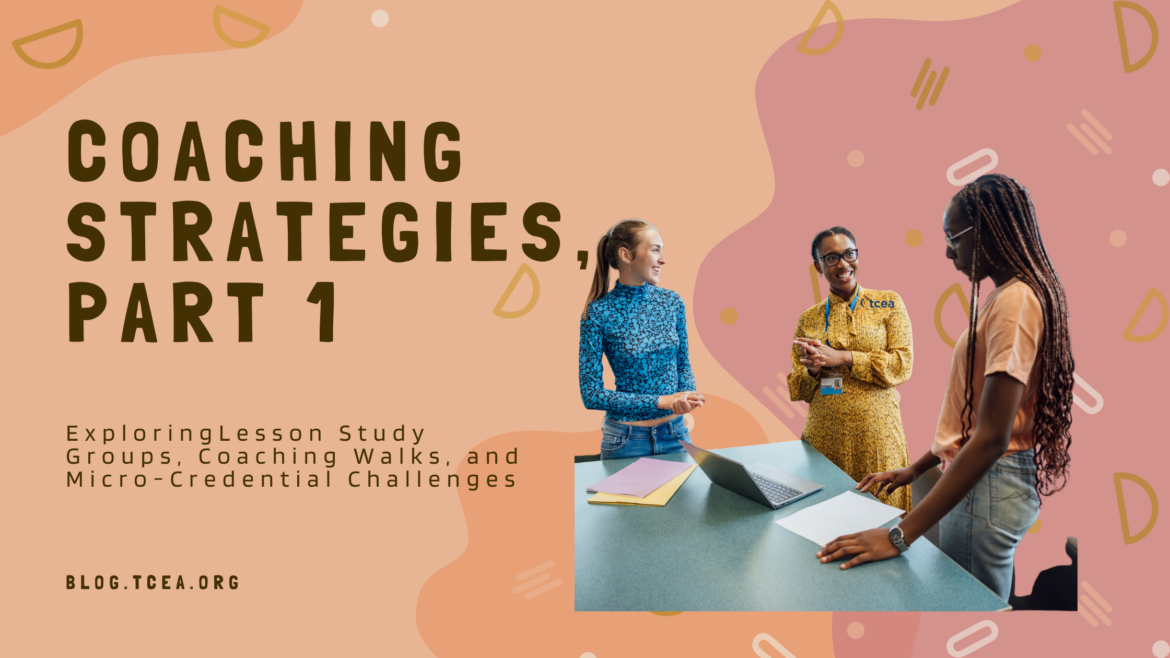
Innovative coaching strategies are emerging, offering fresh ways to support teacher learning, foster collaboration, and promote impactful instructional practices. If you need to switch up professional development, give...
How can instructional coaches facilitate custom professional learning experiences for those they serve? In this blog entry, you will see some additional coaching strategies. Personalized learning is a buzzword, but...
When my WiFi network died, I sat there staring at my laptop screen. It still had power but I wondered, “How will I get by without all the information on the Web?” Obviously, it’s a problem that can be solved in many...
In mid-April, 2025, TCEA hosted a Lunch and Learn session featuring Canva Learning Consultant, Monica Martinez. Monica gave attendees a thrilling sneak peek into the innovative updates announced at Canva Create...
One of my favorite audiences as a technology director? Administrative assistants. All of them had a single-minded focus to be more efficient, effective, and use technology to get it done. One in particular, whom I’ll...
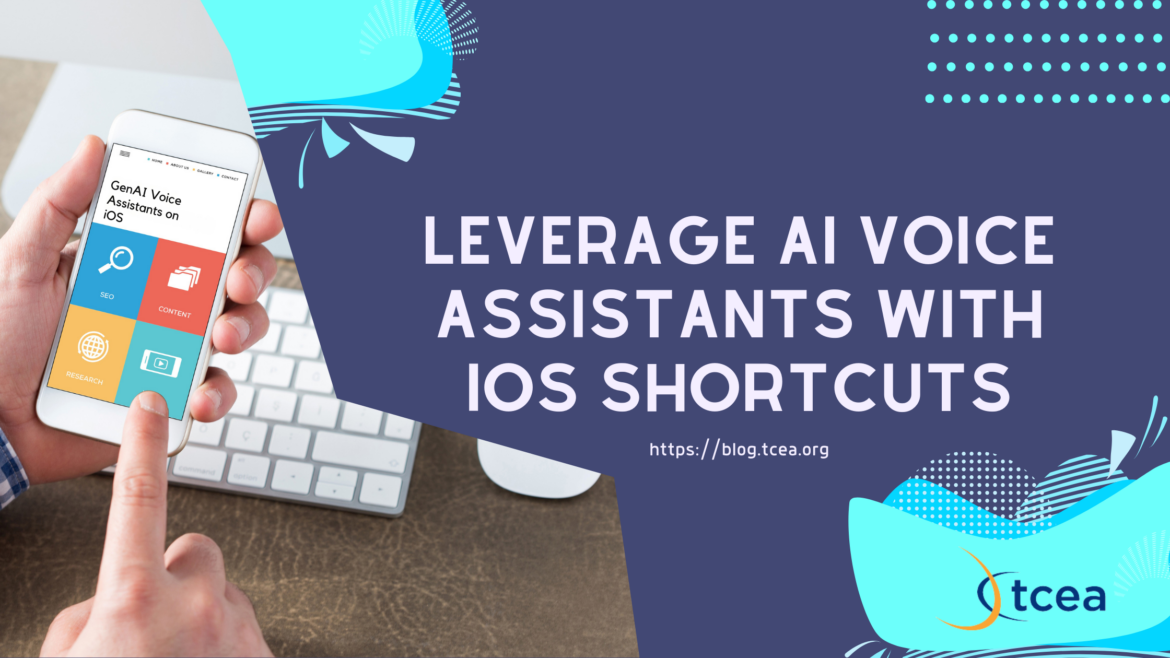
Do you have a panel of GenAI “experts”, like Perplexity , ChatGPT , and/or Google Gemini , on your smartphone? Ever wished you had a Star Trek Voice interface (see video below)? If you’re like me, you may have. Some...
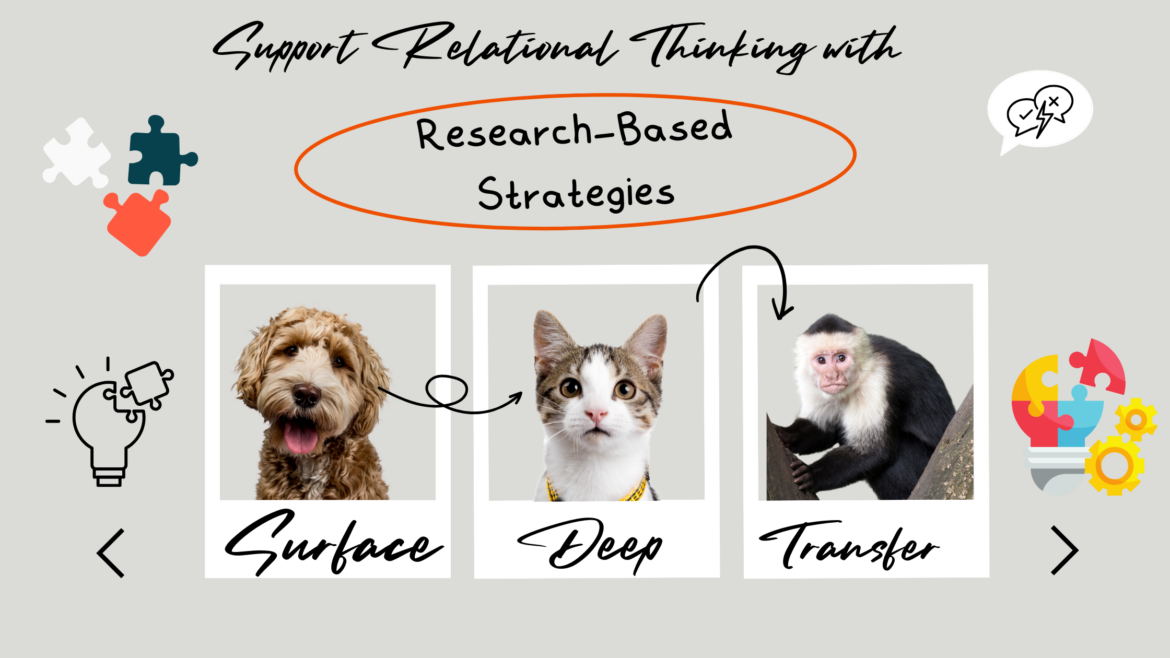
“I don’t get it!” This common classroom refrain highlights a frequent struggle. Students memorize facts but miss connections. They see pieces but not the whole picture. It’s easy to experience a fragmented view of...
“Math is my worst subject,” I often thought growing up. Never was this fact more evident than when my teacher presented me with a word problem. My mother, a veteran middle school math teacher, worked math problems and...
Creating engaging digital spaces where students can work well together can be hard. Recently, I was impressed to discover Padlet’s AI Tools, new features designed to assist teachers. And, there’s an exciting new...
A 2023 ERIC study found that 72% of teachers report spending more time managing behavior than teaching ( source ). As classroom disruptions rise, what are research-backed approaches that tackle the root causes of poor...

“Assessment should measure what matters, not consume the time needed to teach it.” Have you tried designing a rubric? It takes time, effort to align the rubric and be consistent about the work. It’s enough to make you...
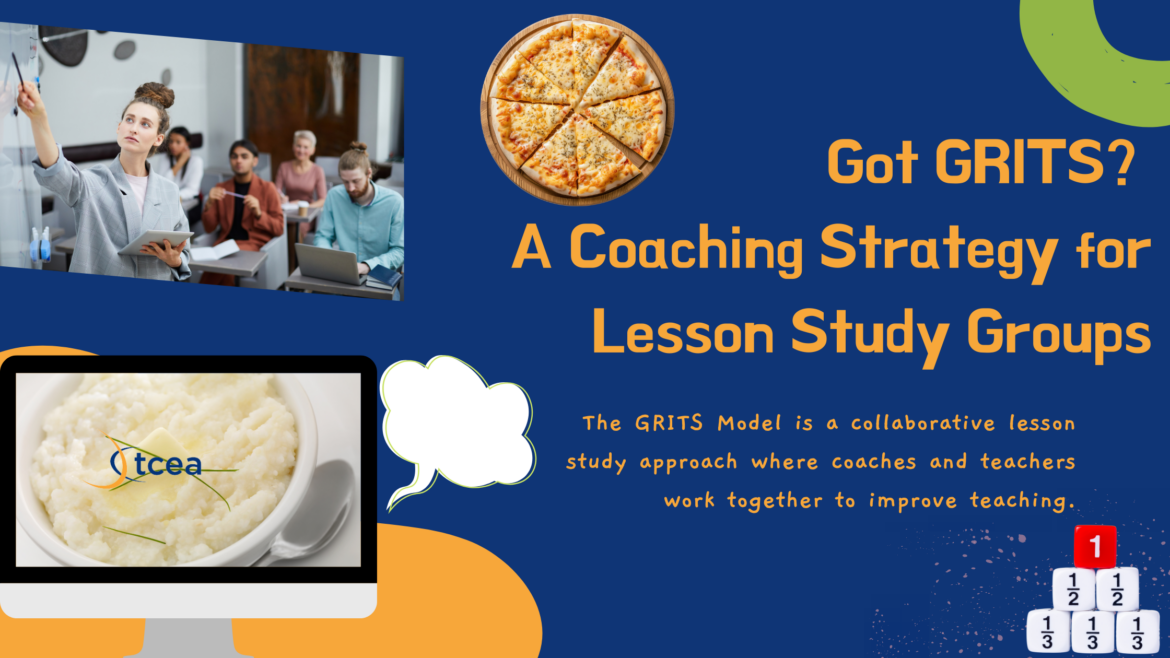
The GRITS Model (Goal Setting, Research, Implementation, Team Analysis, and Strengthening) gives coaches and teachers a structured lesson study cycle, illustrated here through a fifth-grade fractions lesson.
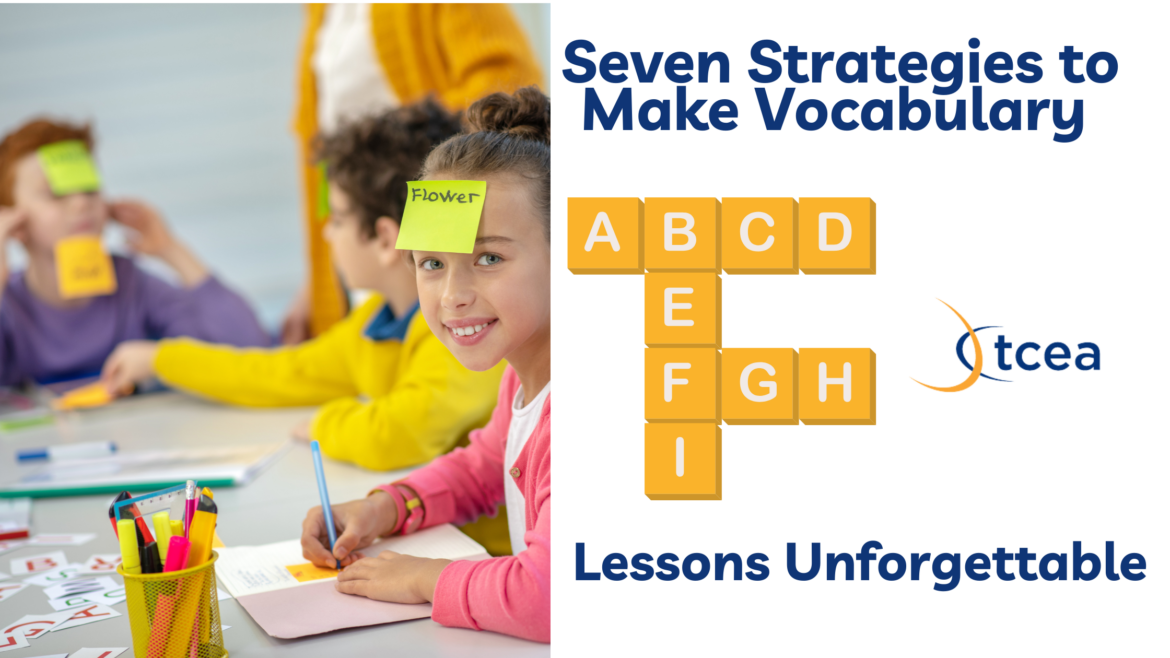
As a Gen Xer, I grew up studying vocabulary words for every subject. From reciting vocabulary for spelling and meaning, I spent my share of time cramming vocabulary and concepts. Cramming doesn’t work well, as you’ll...
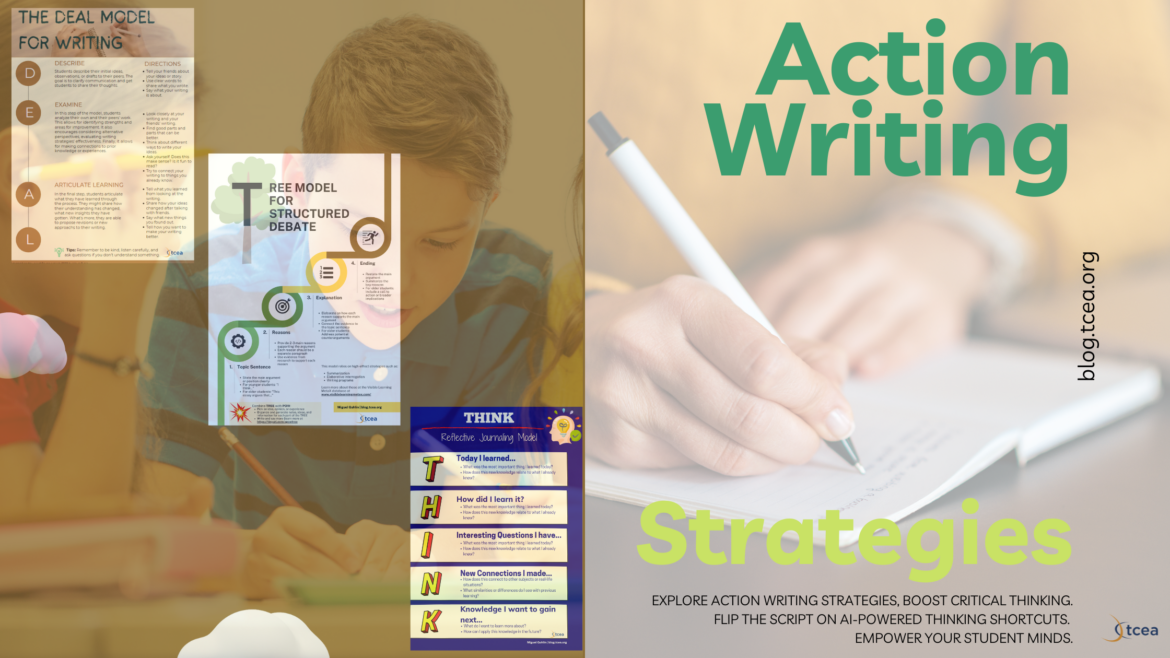
AI-powered writing threatens the status quo of classrooms. While AI literacy supersedes digital literacy, with teachers and students scrambling to learn how to use AI the right way, writing teachers are despairing...
Have you spent hours making a wonderful video on your iPad, then wondered how to get it to your computer to share? Or maybe, how to share a file you made on your computer with a class of students directly to their...
What effective learning strategies can you enhance with AI tools? In this blog, see how you can you leverage AI to make you a more effective and efficient learner. Understanding how to accomplish means gaining a deeper...
How do you integrate language and content instruction? One established approach is the Sheltered Instruction Observation Protocol (SIOP) model.Let’s see how SIOP phases align with different learning intentions and...
How do you bring about change regarding AI adoption in your school or district? Change management is a massive job that can easily fail due to many factors. Let’s explore how to shift from one phase of District AI...
“I want to create a quiz for a video using AI or something. How do I do that?” That question comes up from time to time. There are several free tools you can take advantage of. Most of those tools are for YouTube, but...
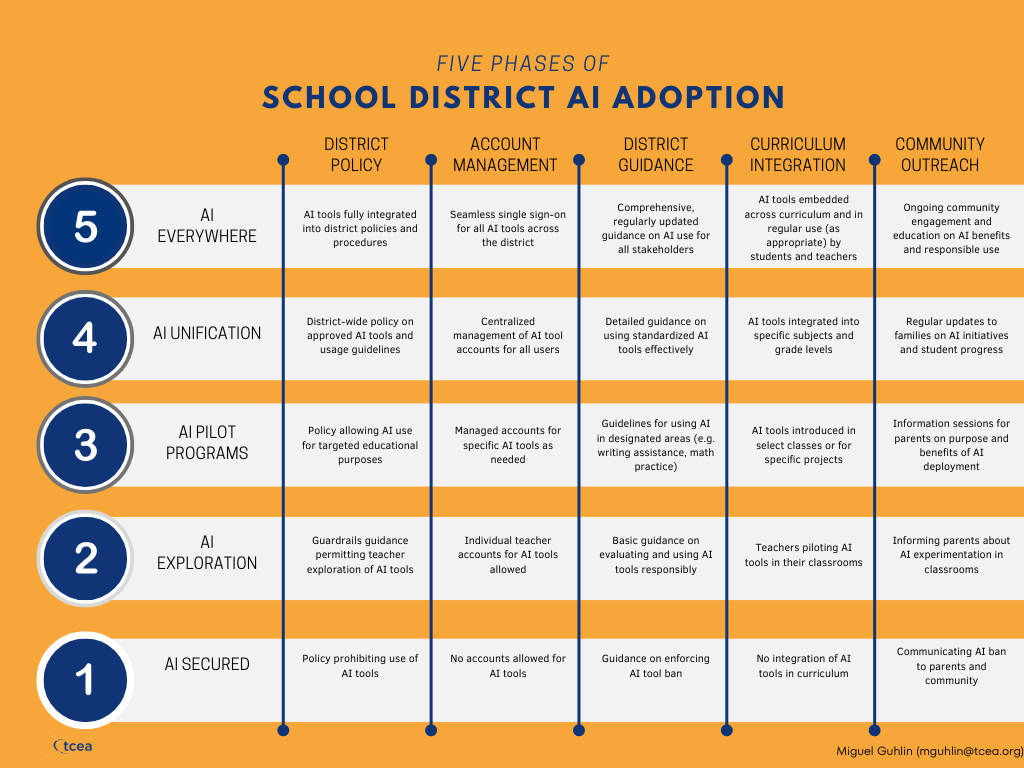
While attending a start-of-the-year school district event, it became apparent to me that many districts are at different places in a journey towards adopting AI in schools. The fundamental question for them is, “How can...
Are you a school district technology leader? If you are, you have a tough responsibility. That duty is protecting student data privacy. And, at the same time, you must balance new, popular, and innovative educational...

In the ever-evolving world of technology, having a robust and comprehensive plan is crucial for organizations of all sizes. But how can you ensure your technology plans are up to par? Enter the AI-Powered Plans Analyzer...
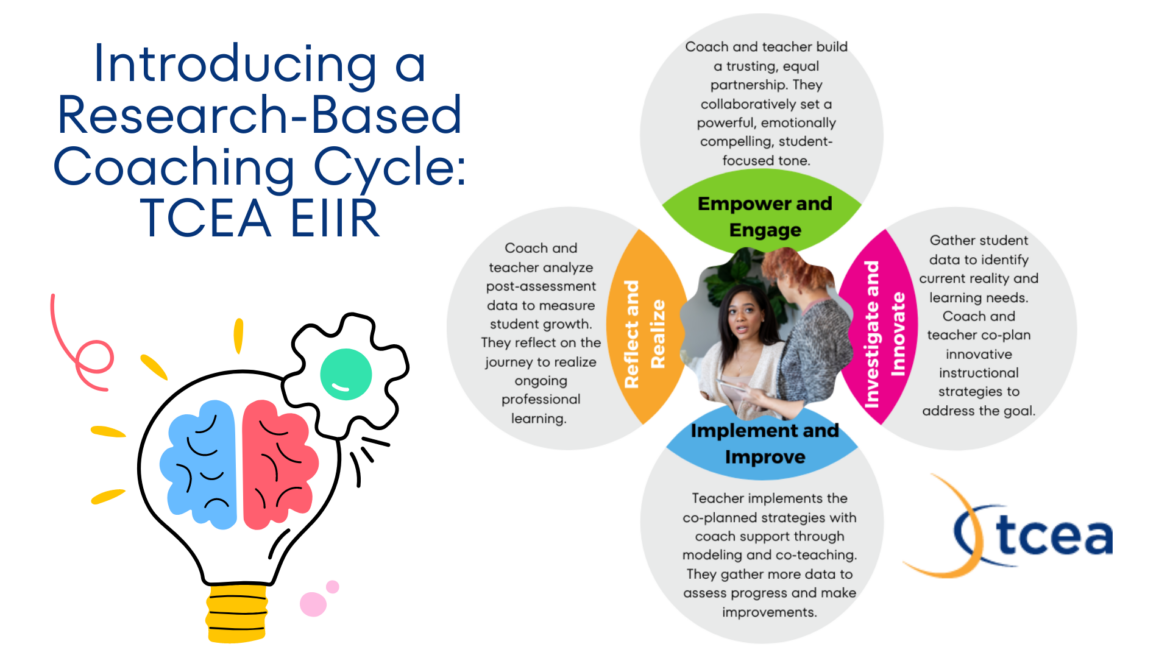
Boost Teacher Growth with the TCEA EIIR Coaching Cycle Doing what we can to improve as educators remains a top priority. Our aim is to enhance student learning outcomes as we work on ourselves using research-proven...
1 What will you create today? It’s the question that greets anyone visiting the Adobe Express website . A more important question may be, how are you teaching students to interpret, create, and use visual content for...

Great conversations result in learning. When students have structure and know how to engage in academic chats, they learn more. Research shows classroom discussions have a positive impact on student long-term...
written by Miguel Guhlin August 8, 2024 2 “Why use premade prompts when you have access to an open-ended chatbot?” This question popped up at a recent school district AI Summit in Northside ISD (San Antonio, Texas). The...
written by Miguel Guhlin August 7, 2024 1 Many tech directors fear an influx of popular digital tools due to network security risks and potential crashes. Even known technologies, when updated or hacked, can cause...
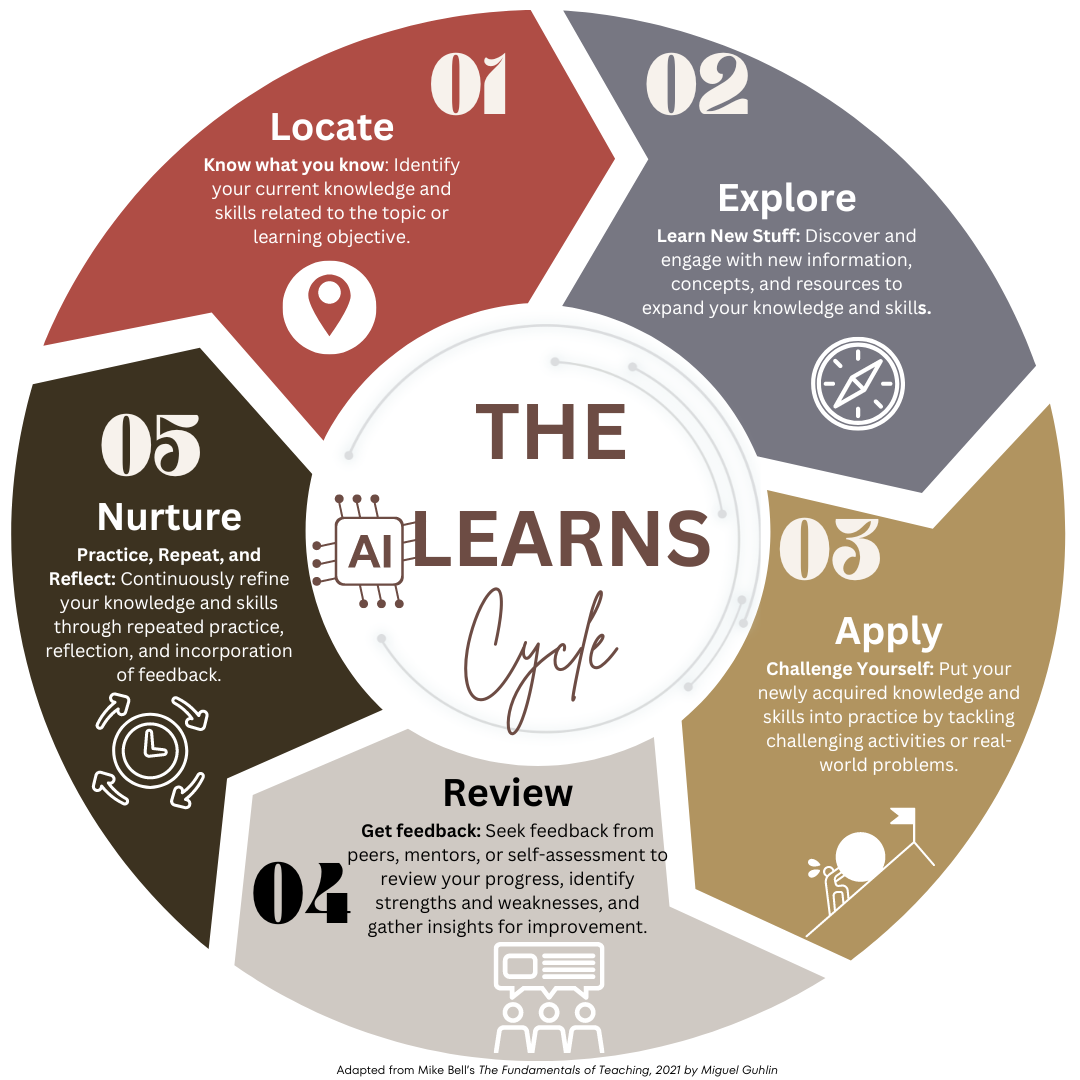
In the part 1 of this blog series , we discovered how AI tools can be integrated into the first step of the LEARNS Cycle, “Locate.” This stage is where learners identify their current knowledge and skills related to a...

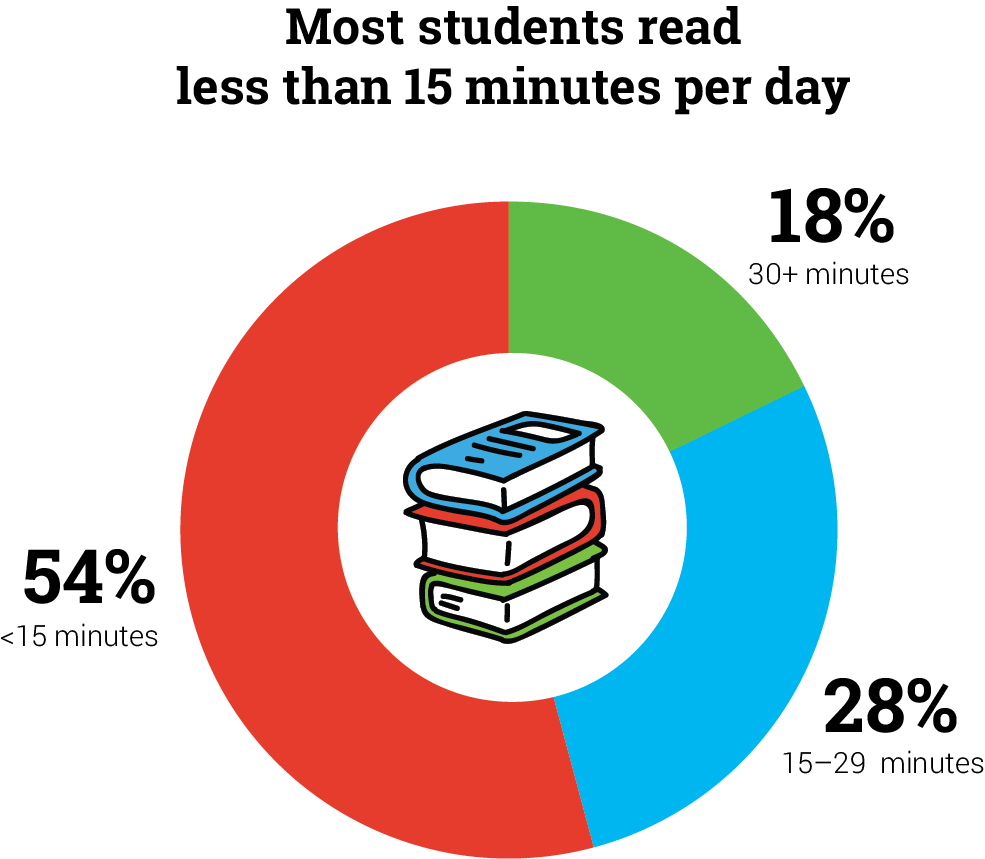
2 Did you know that only 43% of children aged 8-18 enjoy reading? That number is down from 58% in 2016 ( source ). What’s more, American nine and thirteen year olds who read for fun daily has dropped to its lowest...

How can you design learning experiences for students that resonate with them? You offer different ways for students to understand information and show they have learned it. You also design lessons to be interesting and...
AI Chatbots have found their way into the hands of teachers and students around the globe. In classrooms, about half of U.S. teachers and K-12 students now use an AI chatbot like ChatGPT on a weekly basis. Only about...
Wondering about citing AI insights? Citing your work is important. Doing so ensures transparency. It says, “Not only did I get inspired by this amazing idea, I know who or what inspired me.” Let’s take a moment to...
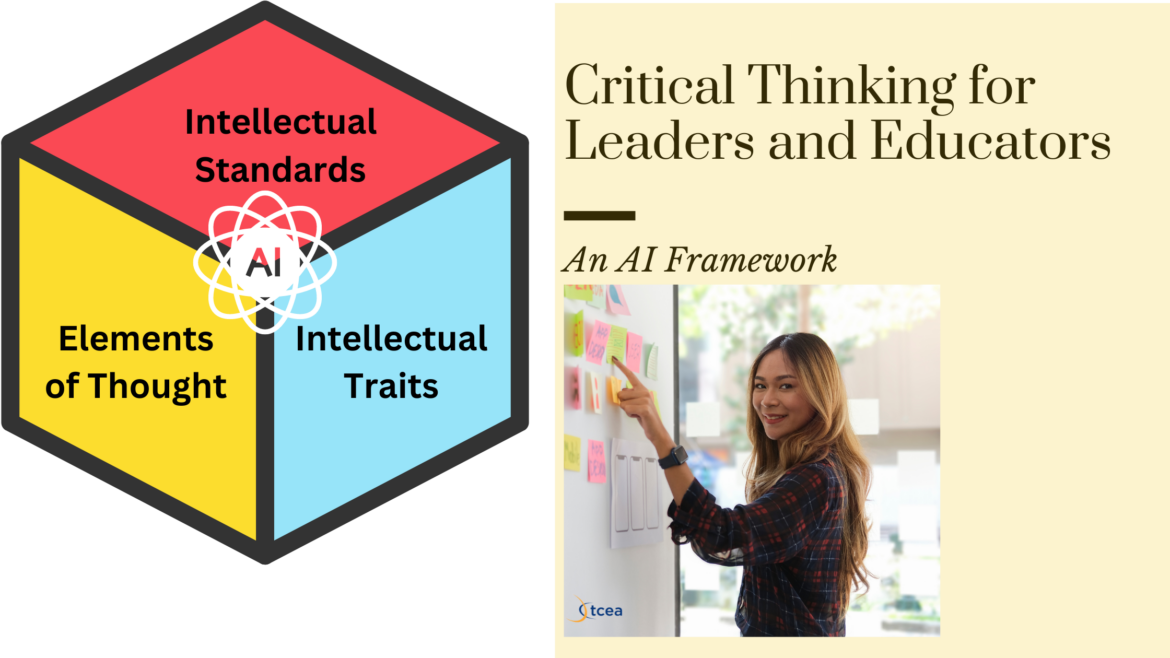
written by Miguel Guhlin August 2, 2024 1 Critical thinking frameworks and AI prompts. How do they mix? I’ve wrestled with this question. I know I’m thinking critically when I craft prompts, but the process eludes me...
6 Keeping up with tech advances in schools? It’s a challenge. These recent AI breakthroughs will grab your attention. AI-assisted teaching aids for K-12 classrooms are evolving fast. You can use many to model AI usage...
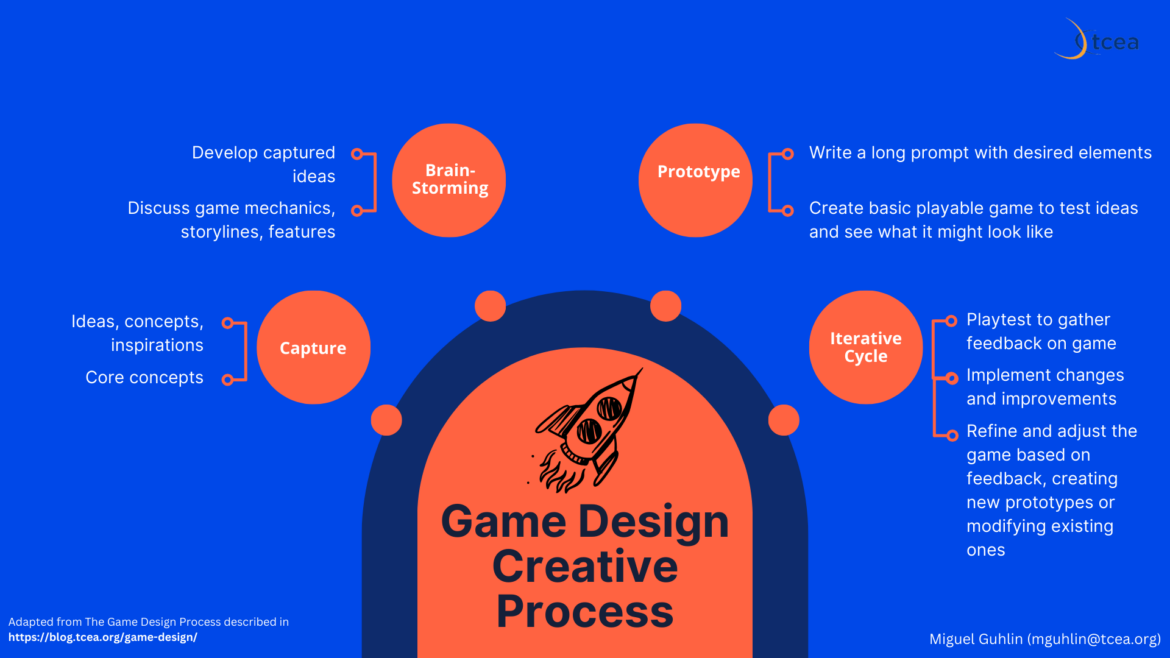
Ever wish you could design interactive fiction games, like text-based Zork back in the day? But combine it with space opera? I do. I bet your students would love the opportunity, too. A few years ago, one of my favorite...
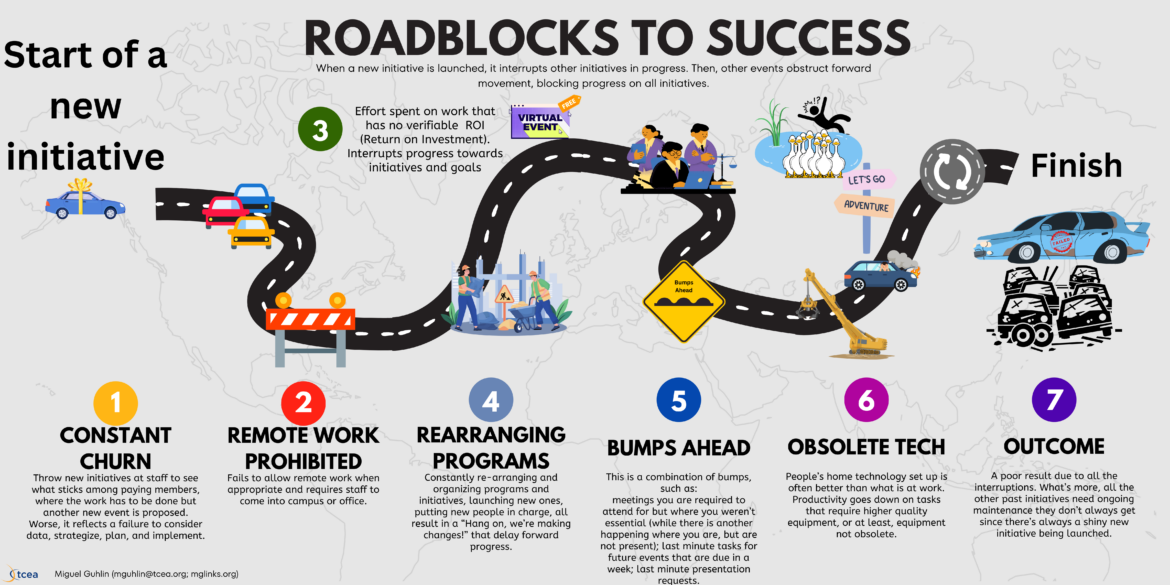
written by Miguel Guhlin August 2, 2024 1 As a campus and district administrator, I often encountered roadblocks to new initiatives. Getting a project to completion can feel like driving an obstacle course. If that’s...
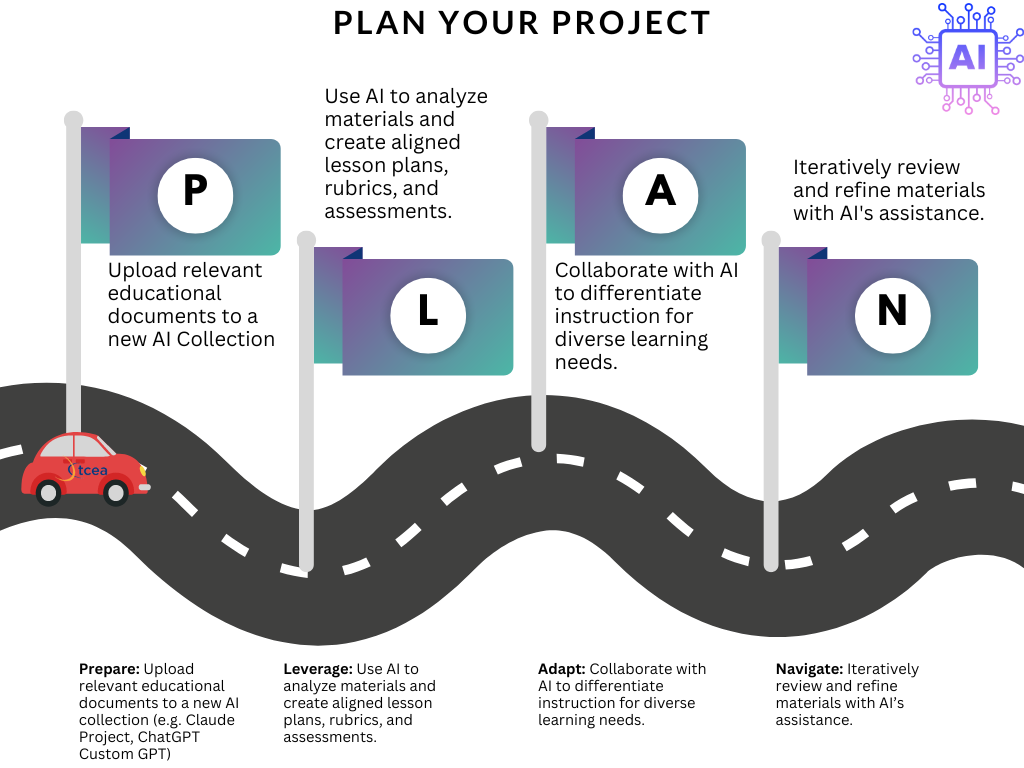
3 Looking forward to writing a lesson plan? Or crafting a long email to parents about a delicate issue? Required to create something that aligns to existing policy documents? If these tasks give you pause, you will...
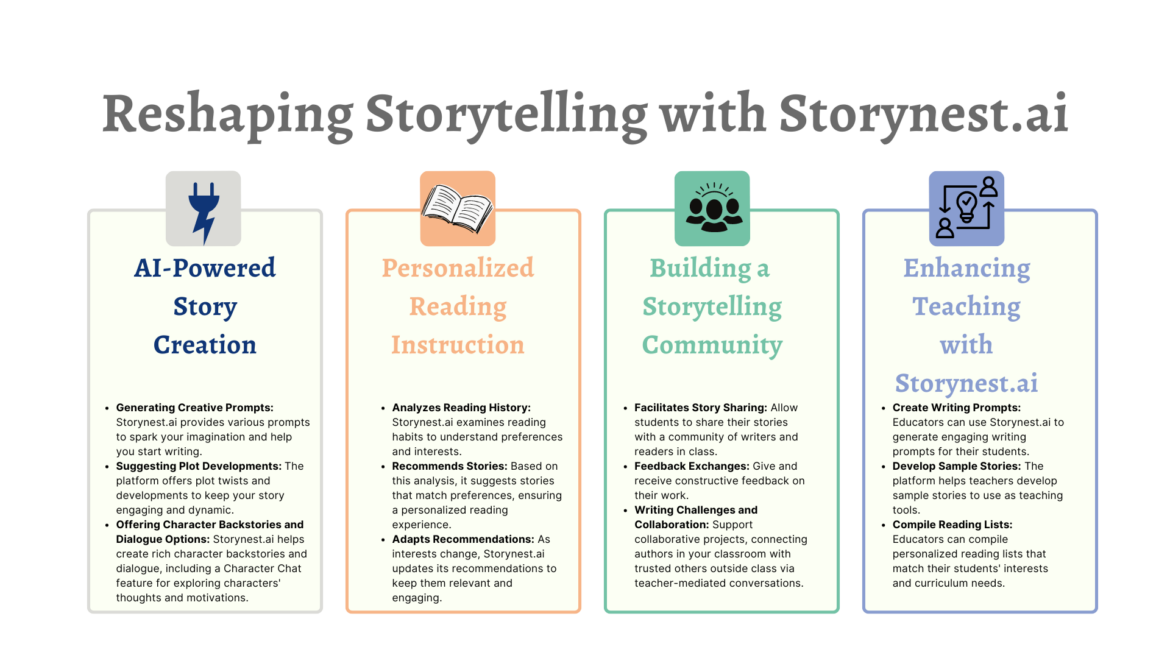
3 Looking for a fun way to change how you approach storytelling? Storynest.ai may be the tool you need. It can help you put together new narratives. Let’s explore three ways Storynest.ai reshapes storytelling. You will...
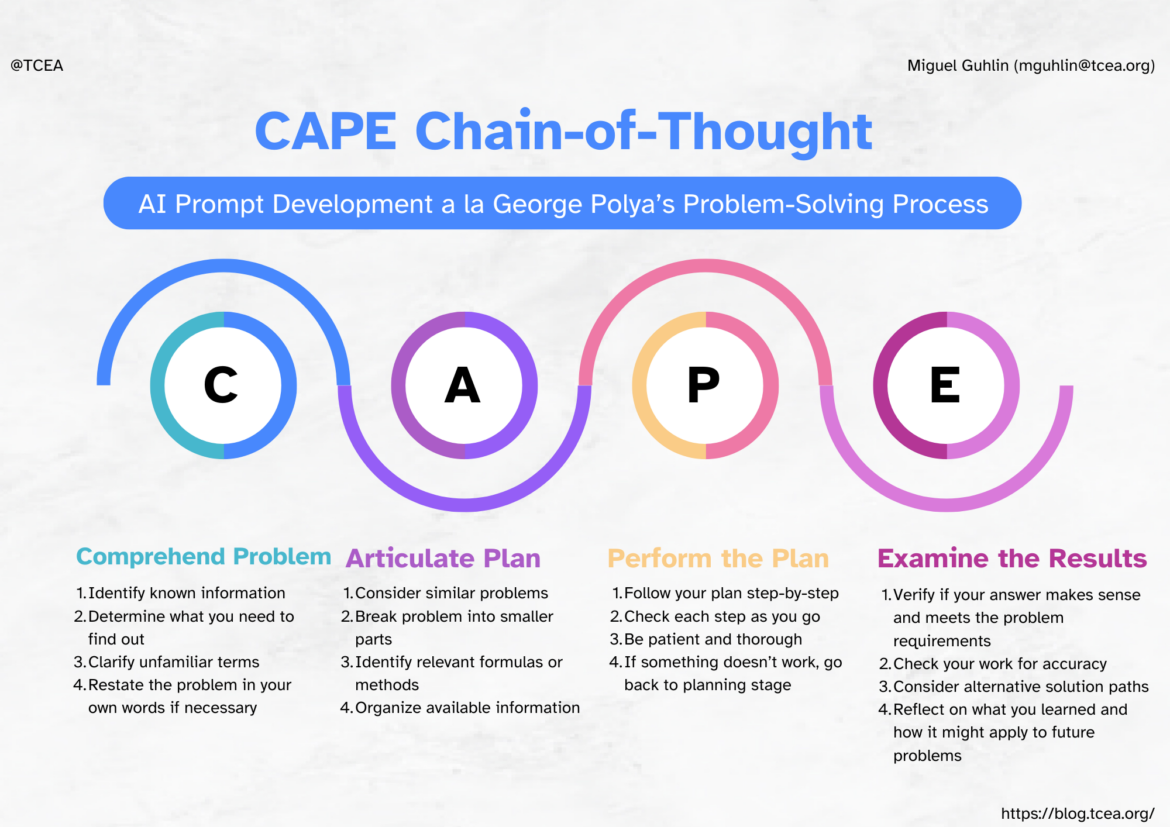
What’s the best way to introduce decomposition to students? It might be simpler than you think! The term, decomposition, refers to breaking complex problems into simpler ones. In this way, you can solve problems that...
Do you love Canva? It offers a wealth of digital design tools that make the worst of our work look better. But keeping up to date with Canva and other digital tools can be tough. Let’s take a look at some of the...
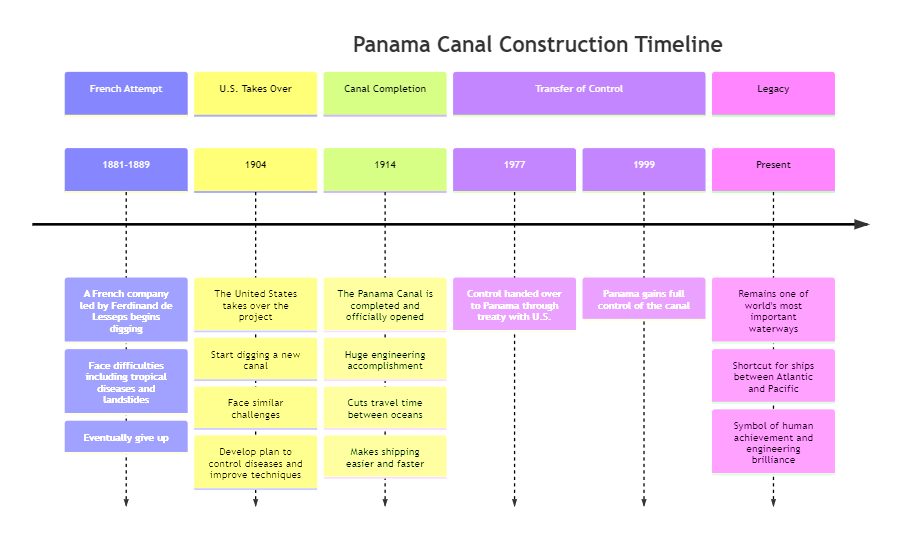
written by Miguel Guhlin July 8, 2024 1 Infographics tell stories. But they can do more. In this blog entry, you will see how you can deconstruct infographics into their data components, then reconstitute it in new...
written by Miguel Guhlin July 7, 2024 1 Dear TCEA Responds: Now that the free version of Equatio for educators is going away, what options for equation editors do you plan on using? My math teachers absolutely loved...
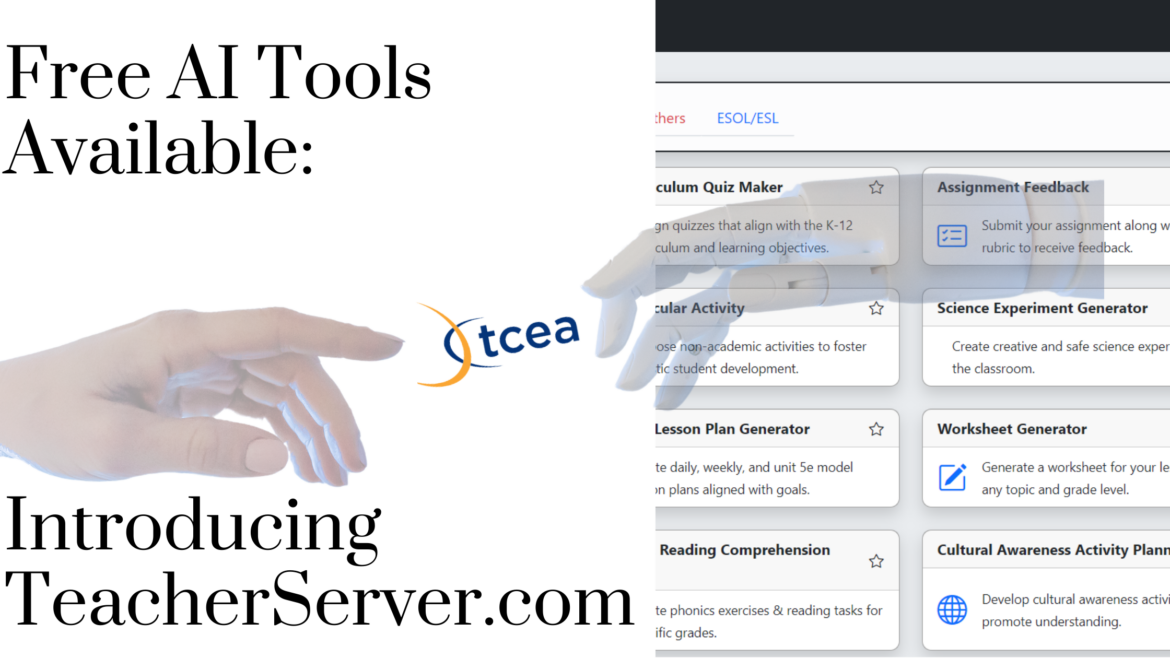
When I stumble across new educational technology tools, my heart races with excitement. It’s not about collecting amazing tools to fill my toolbox; it’s about finding those rare gems that can transform teaching and...
written by Miguel Guhlin June 28, 2024 1 Following education technology trends? Then you know AI is what is on everyone’s lips. The big question is, “How’s your favorite solution partner using AI to impact the...

Getting students buzzing about the steps of a scientific process isn’t easy; helping them think through concepts and process, even harder. Imagine if you could engage them with flowcharts and learn the same critical...
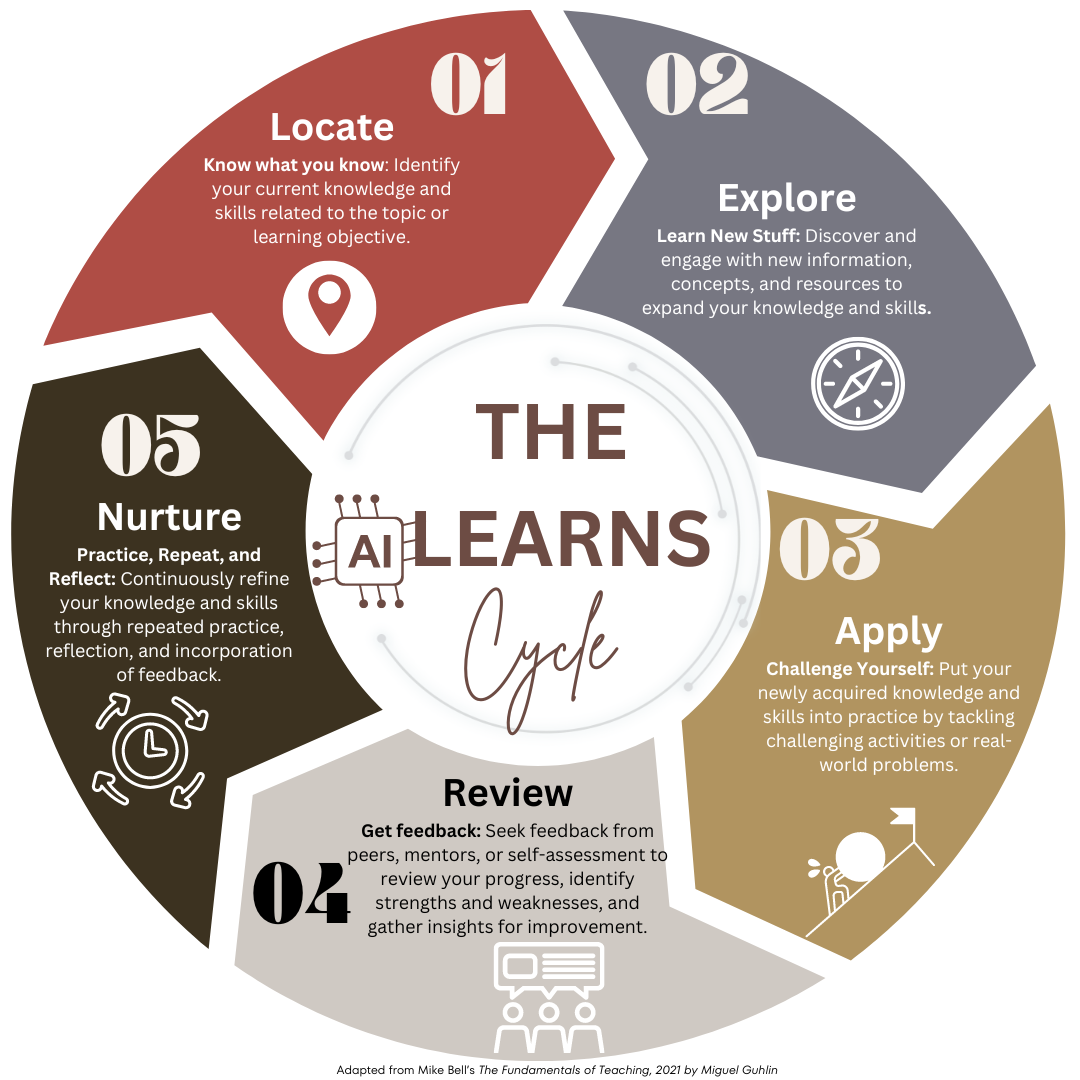
“There are a bucket-full of AI tools, apps, and suggestions, but how does any of this fit within the learning cycle? How does it align to evidence-driven, research-based instructional strategies?” Those are two...
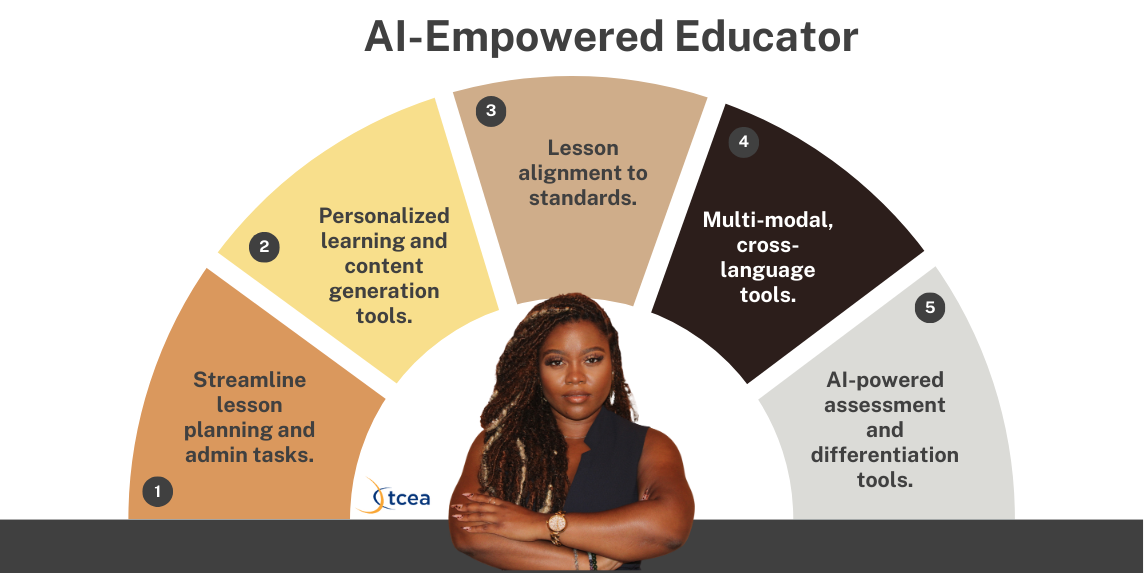
Are you on the hunt for the perfect AI assistant to lighten your lesson planning load? There are many choices available. Let’s take a look at two exciting AI tools for teachers, Eduaide and MagicSchool . Let’s explore...
Looking for your next book? Or are you an audiobook afficionado? You don’t need to wait for an Audible performance to listen to your favorite classics. The Project Gutenberg (PG) Open Audiobook Collection has made its...
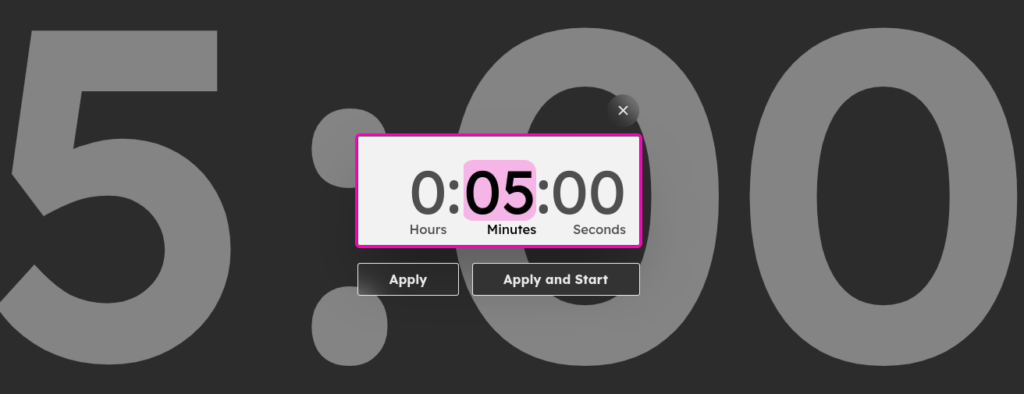
Need to keep track of progress towards a future date or measure time for a class activity? Try a countdown timer!
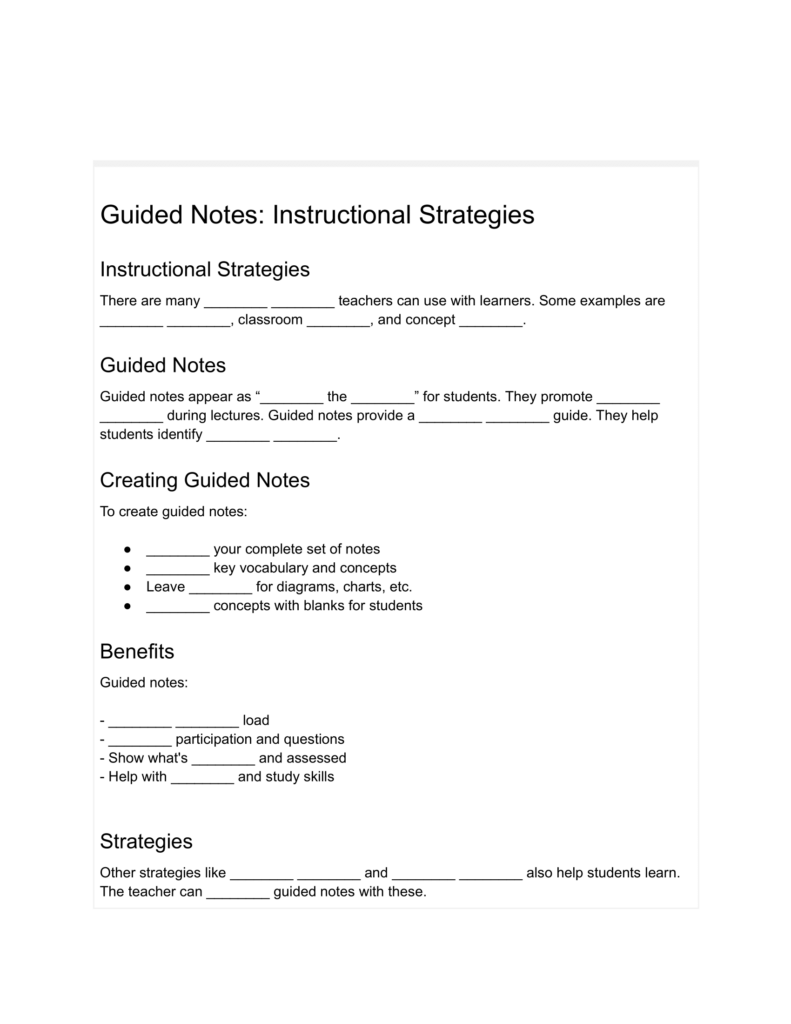
Take advantage of guided notes for engaging emerging language learners! Get access to digital tools that make guided note creation easier.
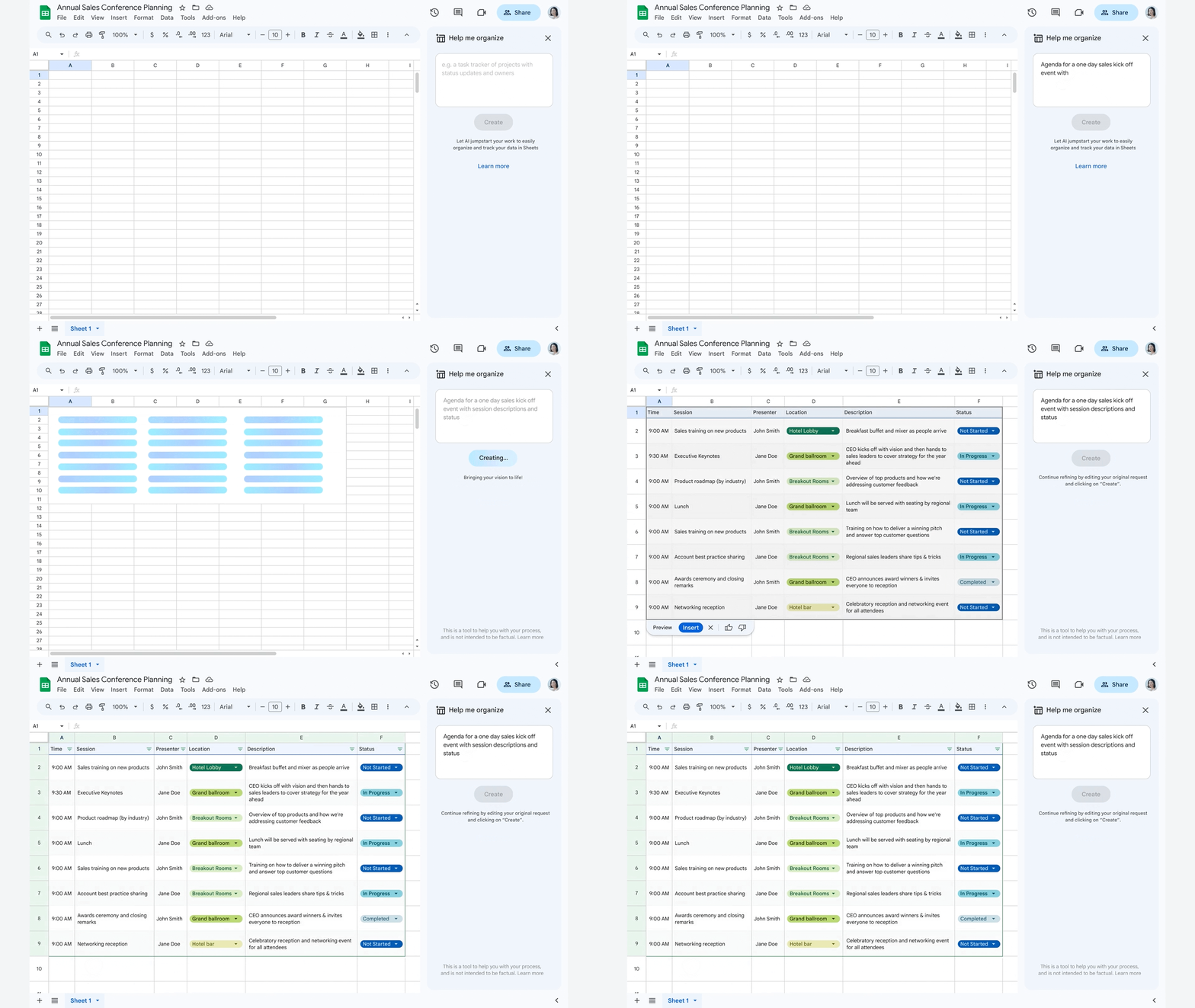
Ready to explore some new Google AI tools? Get a preview of Google Workspace Labs' Help Me Write and NotebookLM!
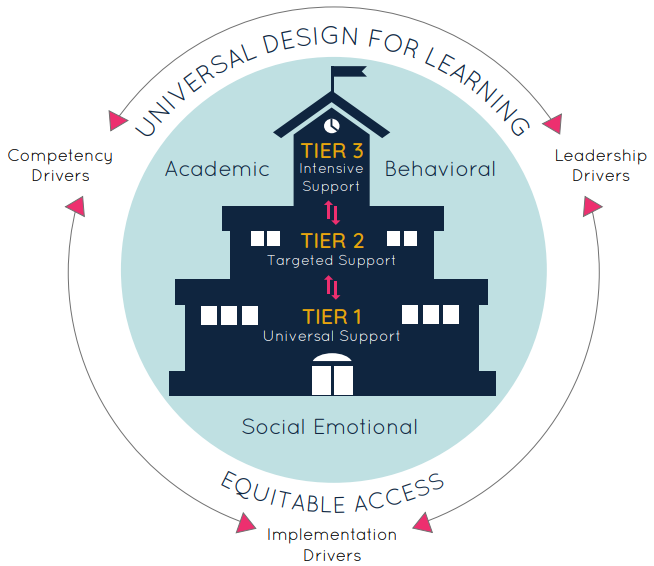
Get suggestions from TCEA and others on how to strengthen your multi-tiered systems of support (MTSS), especially Tier 1!
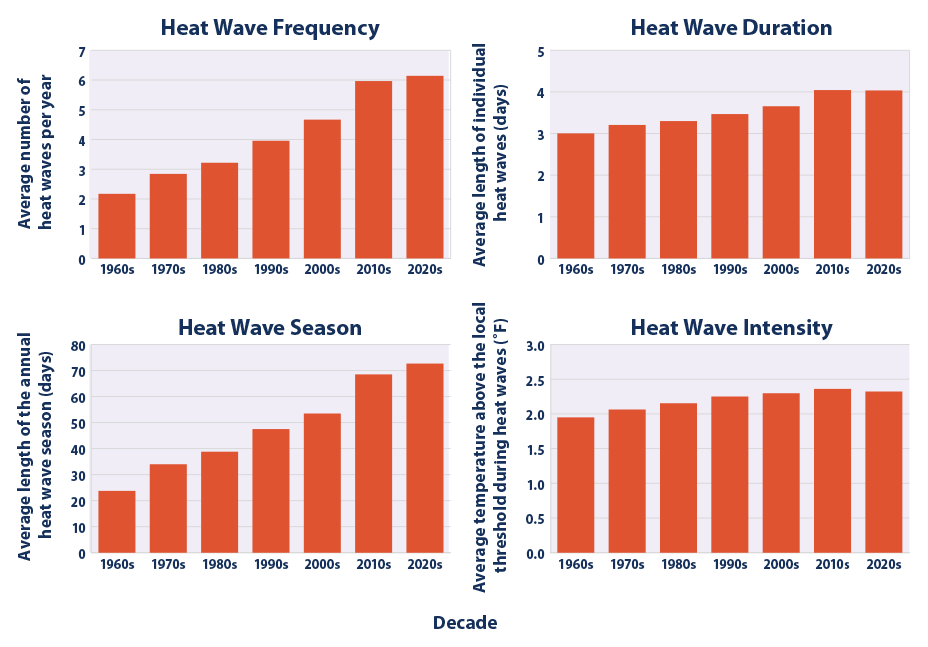
Are you a secondary science teacher? Explore extreme heat and climate change with students using these eye-opening educational resources.
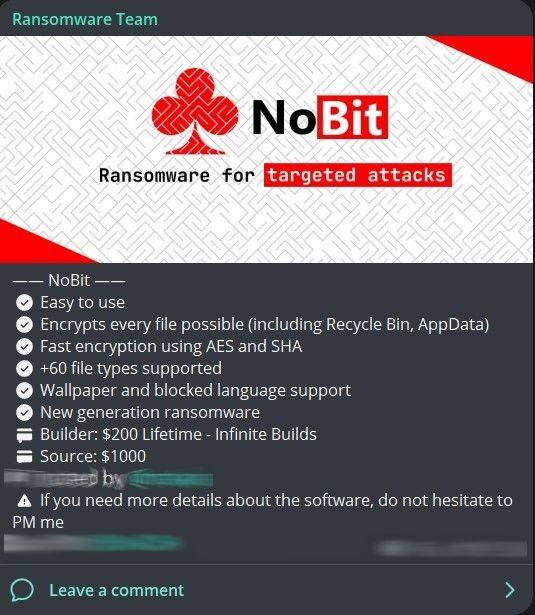
Ready to safeguard your school district network and devices? The Texas Education Agency can help with cybersecurity funding and resources.

Grab your notebook and explore these eight, great science sites, amazing video content and lessons you can share with young learners.
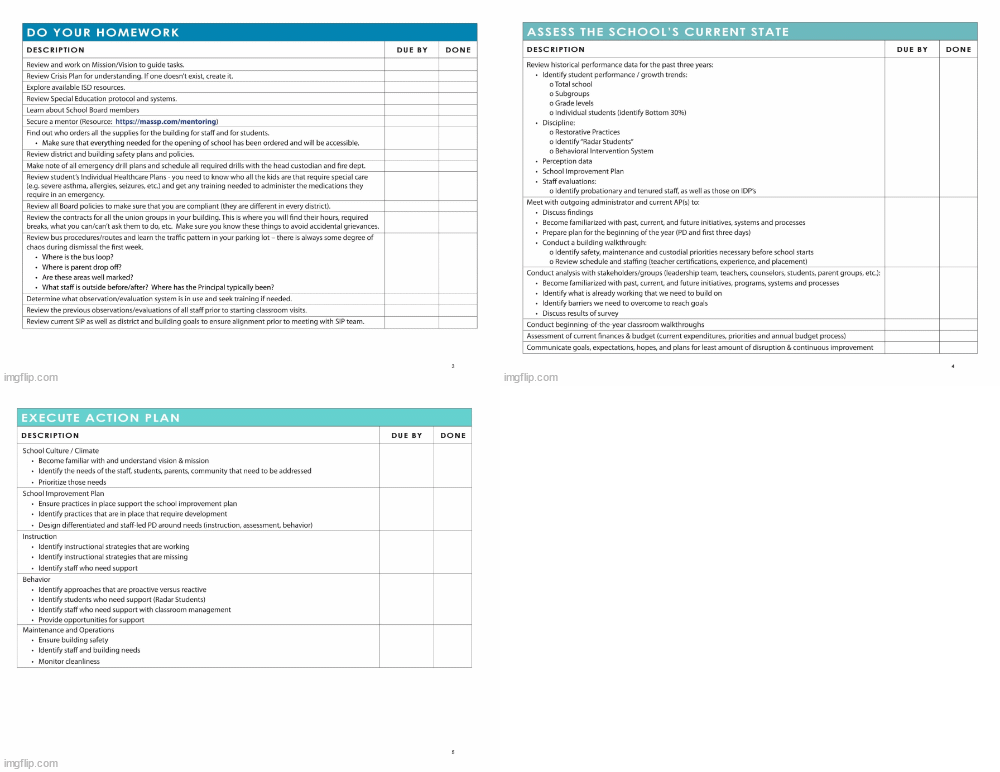
Are you new to school leadership this year? Start here with access to five tips, resources, and suggestions for new principals!
Scouting new resources for teaching history or social studies as you head back to school? Don't miss this roundup!
Looking for ideas to build coach-to-teacher relationships that serve as the foundational obstacle to success? This blog entry can help.
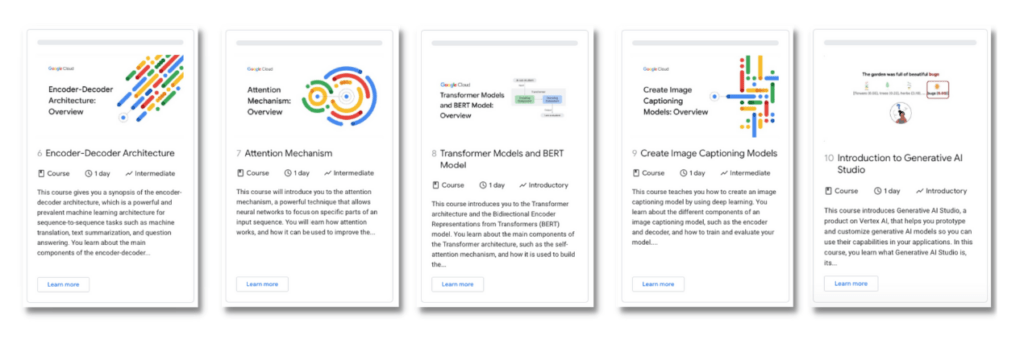
Google now offers 10 free courses in a Generative AI Learning Path. Take the courses and earn completion badges! Check them out.
Want to access a wealth of OER resources, practice fact-checking, and double-check your critical thinking with free resources and tools?
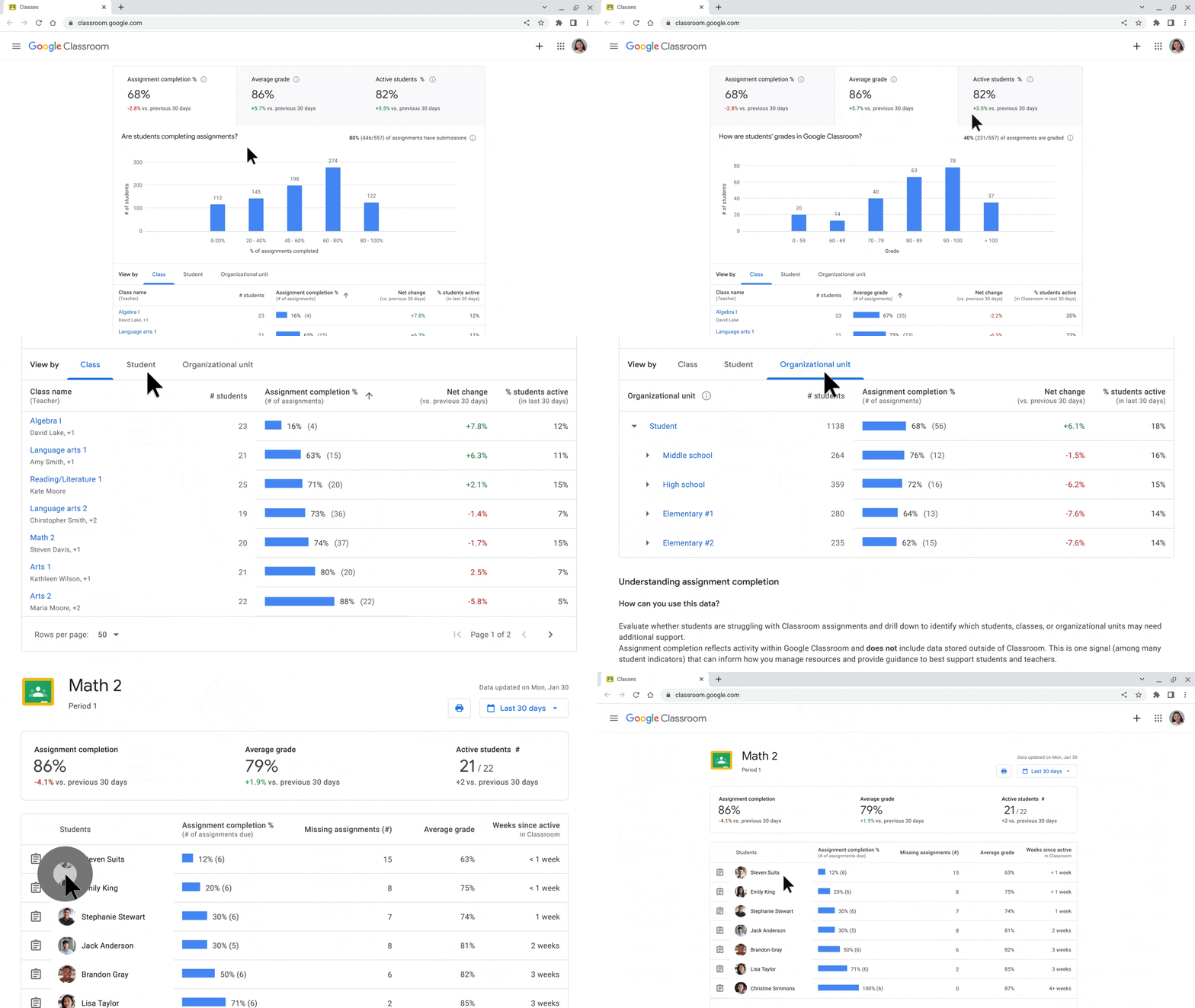
Curious about the latest Google announcements and updates on education products? Here's a breakdown of five big ones.
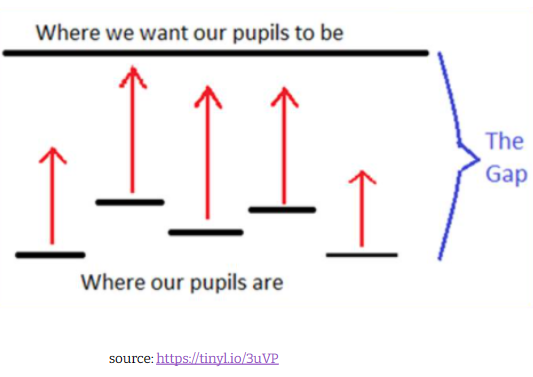
TCEA's Miguel Guhlin responds to a member question about interactive touch screens and motivating staff when it comes to tech integration.
Get the latest on Microsoft's Reading Coach and Google's new Reading Practice features for Google Play Books.
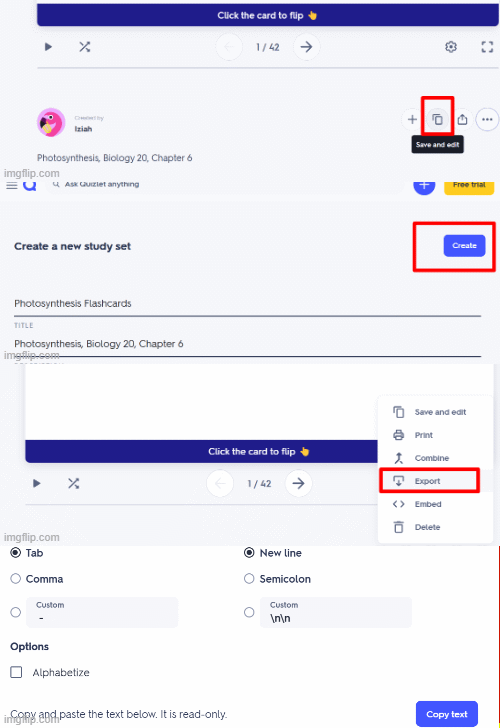
Need to get a set of quiz questions from one system (e.g. Quizlet, Kahoot!) into another? Find out how to convert quizzes easily!

Check out a brand new Network Security course from TCEA! Learn about security tools, good practices, and avoiding attempts to trick you.
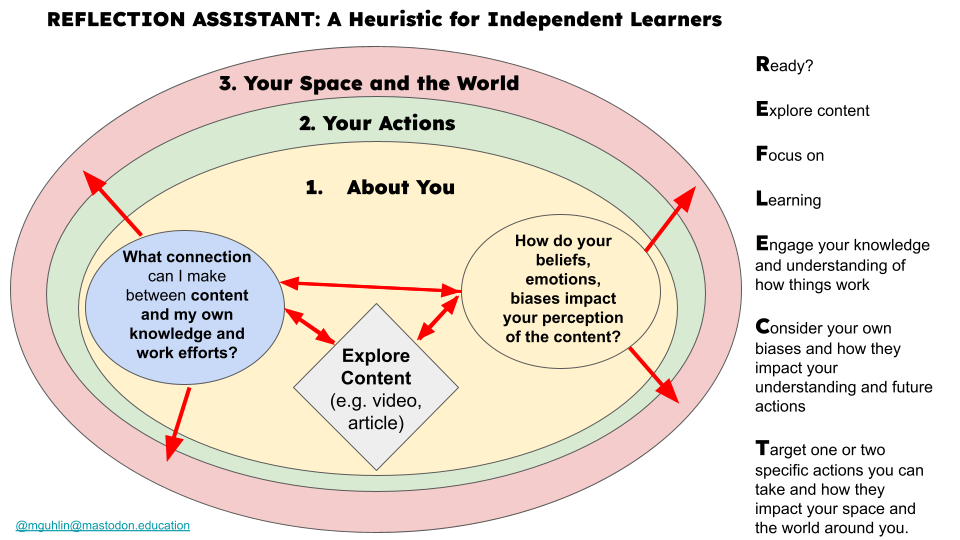
Want to get the most out of what you learn? You may be missing out on an important step – reflection! Here's a heuristic to make it easier.
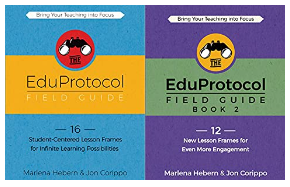
ALDO becomes WALDO! Explore a lesson design outline with lots of resources for mixing and matching strategies, EduProtocols, and digital tools.
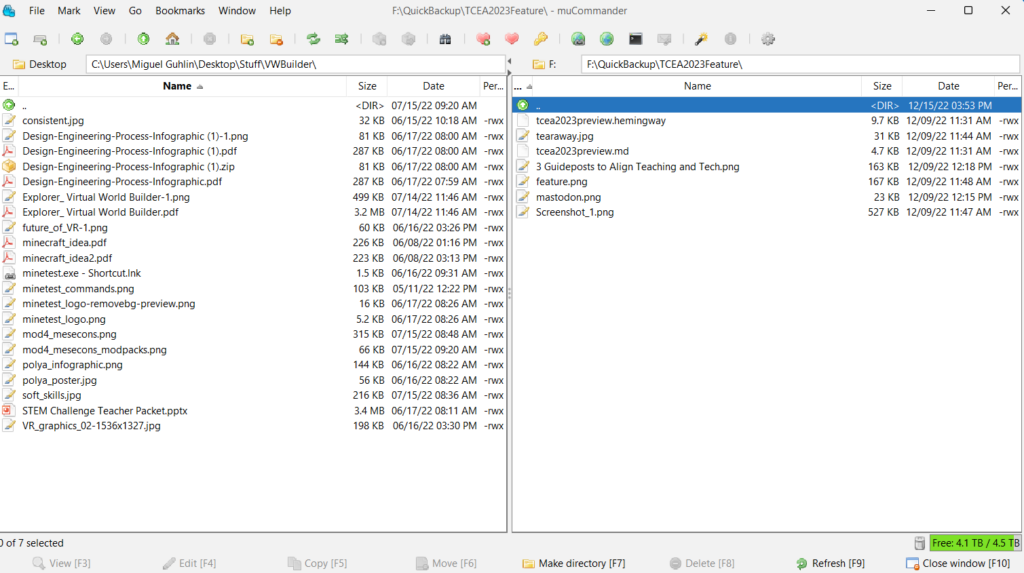
Need to clean, protect, and back up your digital files? Learn some tips and tools for digital spring cleaning. Get started now!
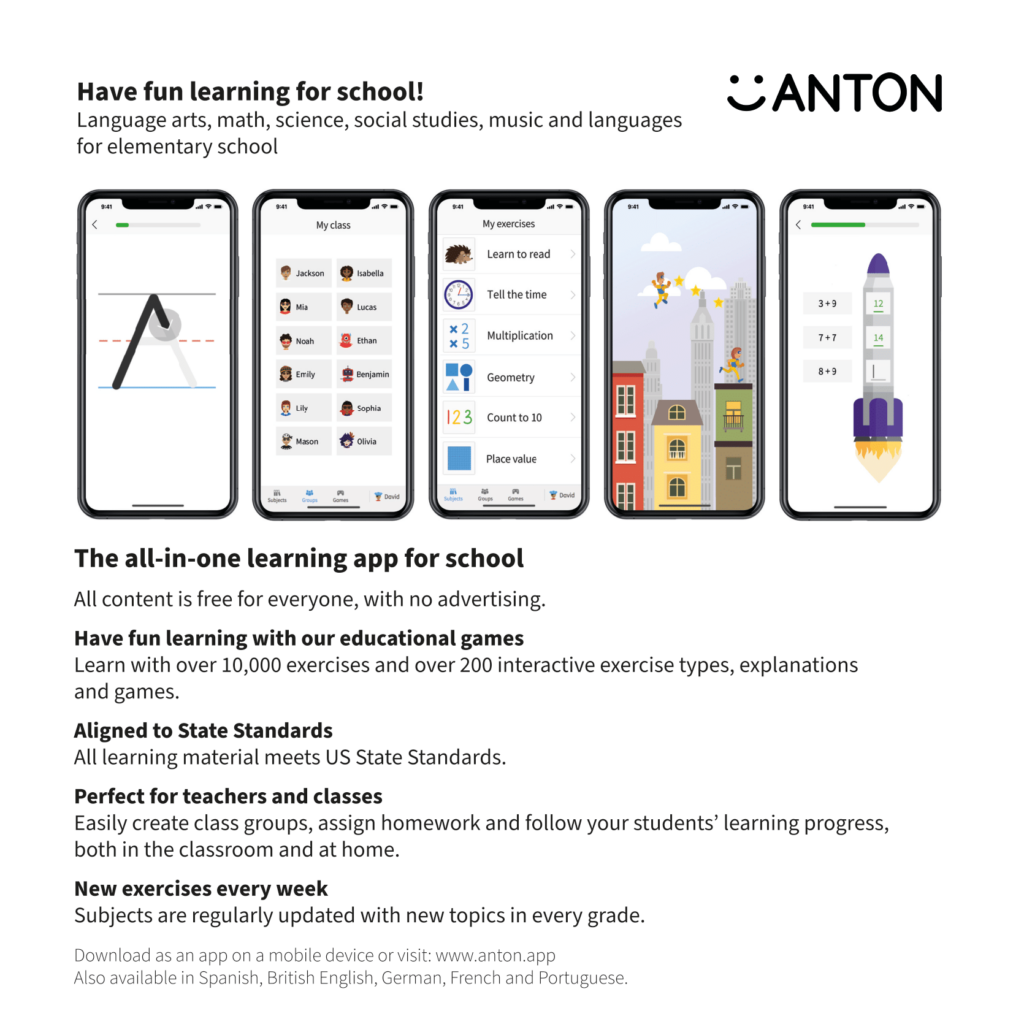
Want access to free, multilingual, student-friendly activities in all subjects for K-8 students? Take a look at the free ANTON app!
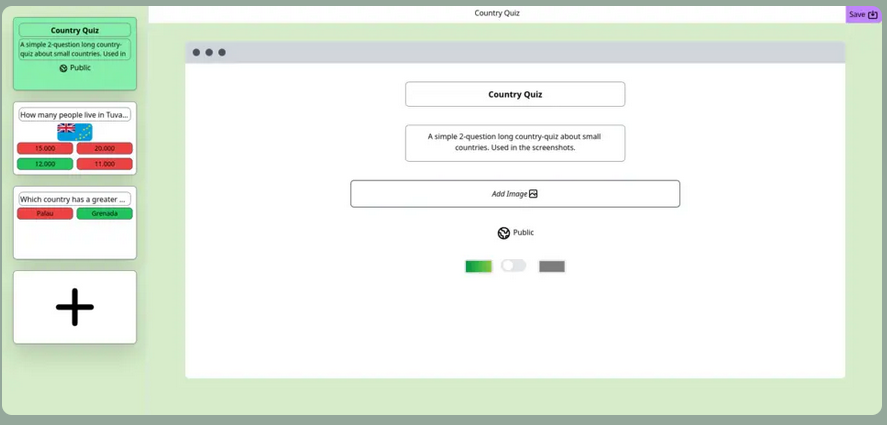
Wish you had a free no-cost, open-source tool that supports evidence-based strategies but doesn't violate student privacy? Try ClassQuiz.

Here's a fresh take on how AI can help students explore poetic forms, boost confidence in writing poetry, and sharpen poetry analysis skills!
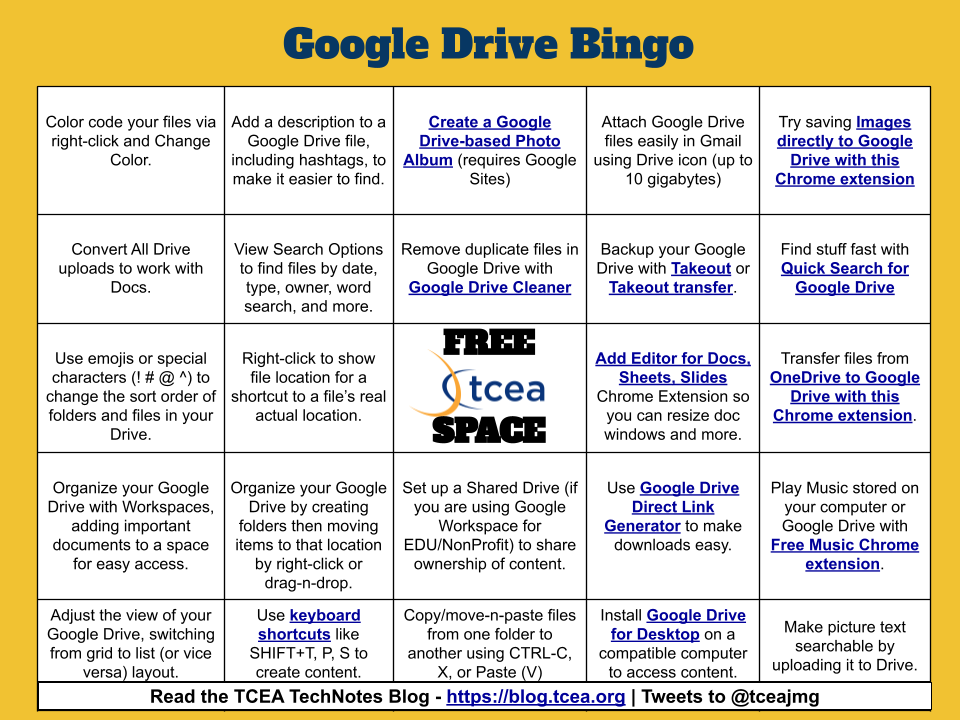
Read about 15 tips for optimizing your Google Drive experience, plus get 10 more in a Google Drive bingo card!
Make engaging learning possible by mastering the components of high quality project-based learning (PBL) lessons!
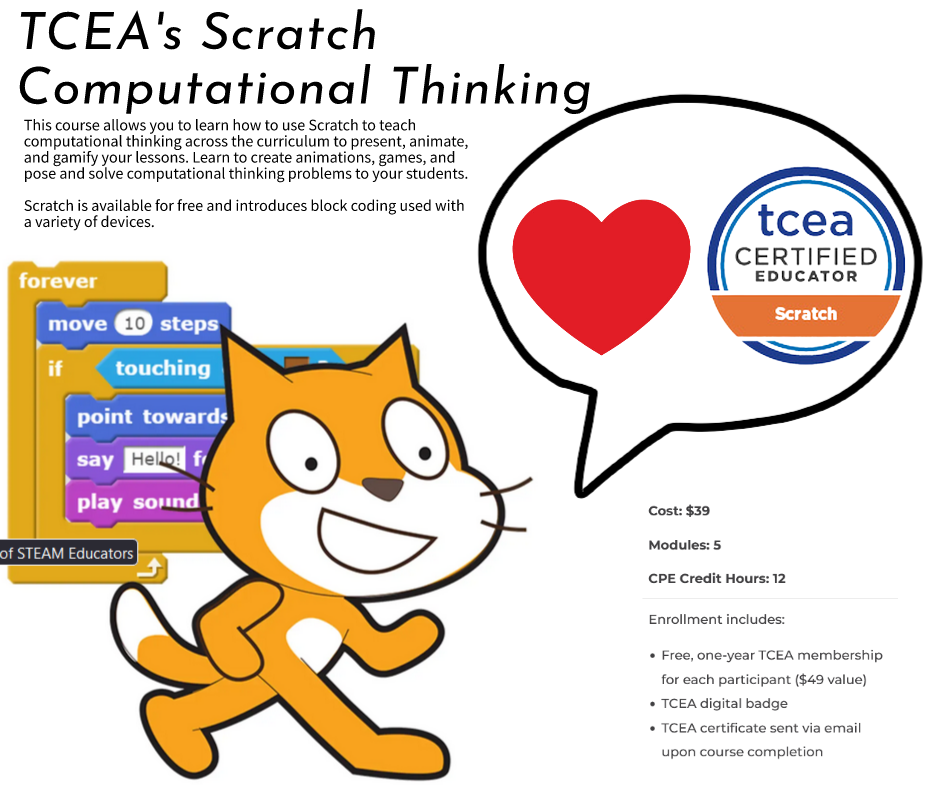
Get up to speed with computational thinking, game design, and animation with TCEA's online, self-paced course on Scratch.
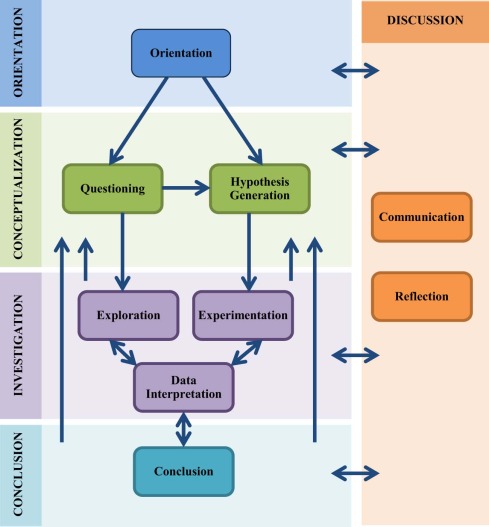
Dig into inquiry learning research and get two exciting digital tools with a variety of resources and tools for scaffolding in your classroom.
Looking for a quick and paper-free way to share your info? Use one of these digital business card creation tools. Or make your own!
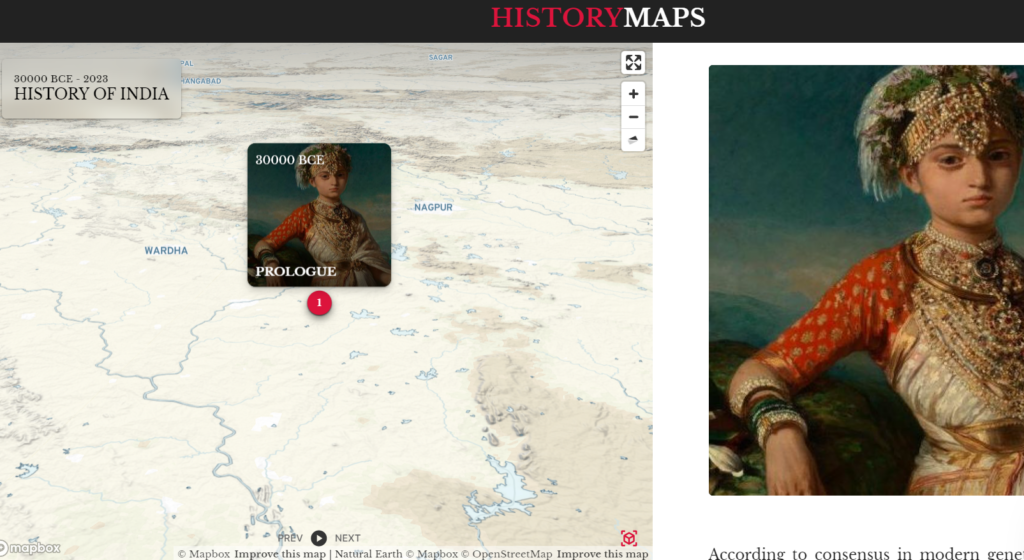
Need a way to make history a bit more interactive? Use videos, images, and maps available via the HistoryMaps website and apps.

Wish you could easily find images and audio for your projects? Check out Openverse.org, an open source Creative Commons search tool.
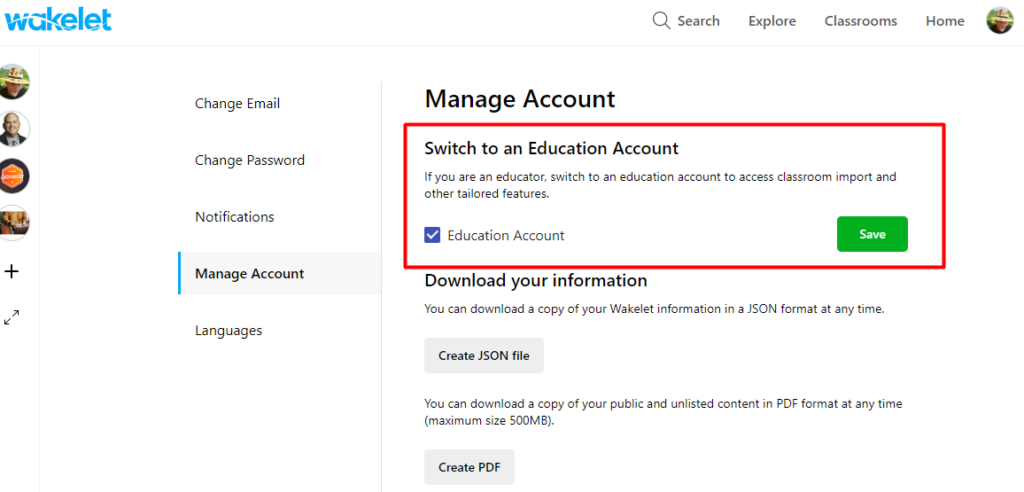
Wakelet announces new Classroom feature enhancements, making it easy to import student rosters and share curated content.
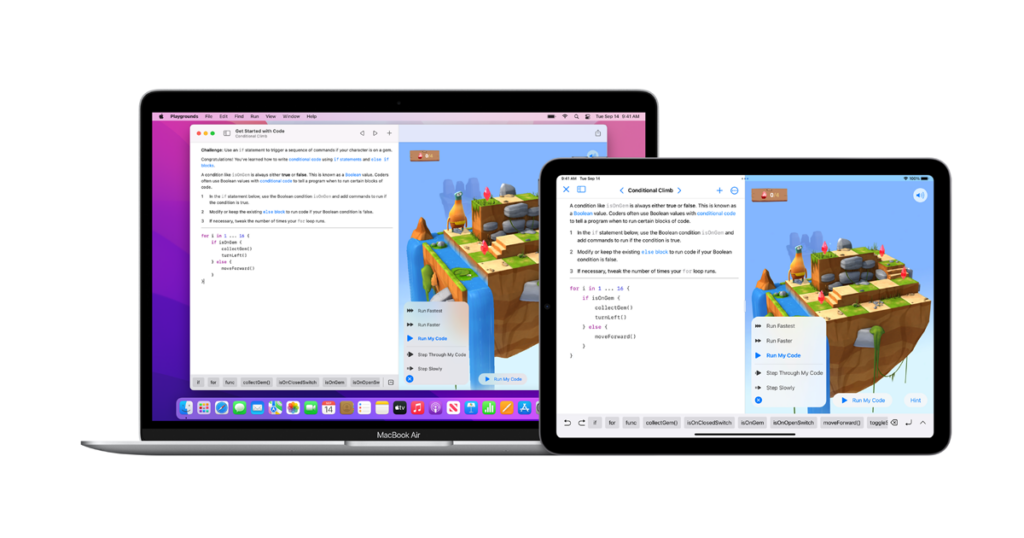
Need to learn Apple's SWIFT programming tool? Look no further than TCEA's new online course focused on SWIFT.
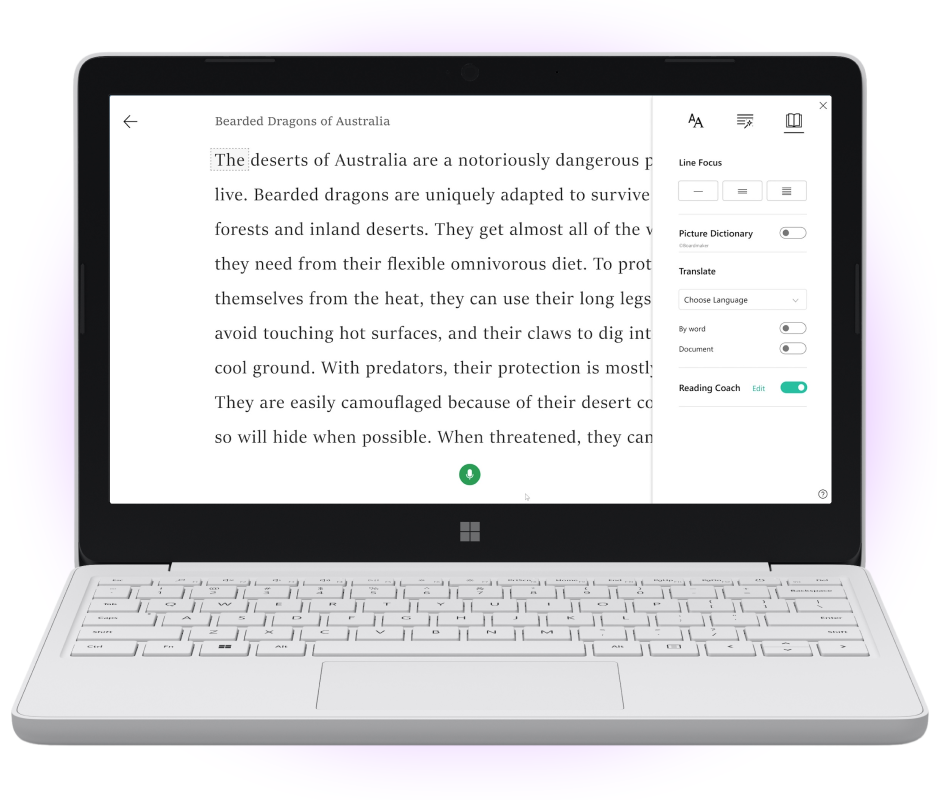
Boost student learning, track student progress, and take swift action with Microsoft's 2023 Learning Accelerators.
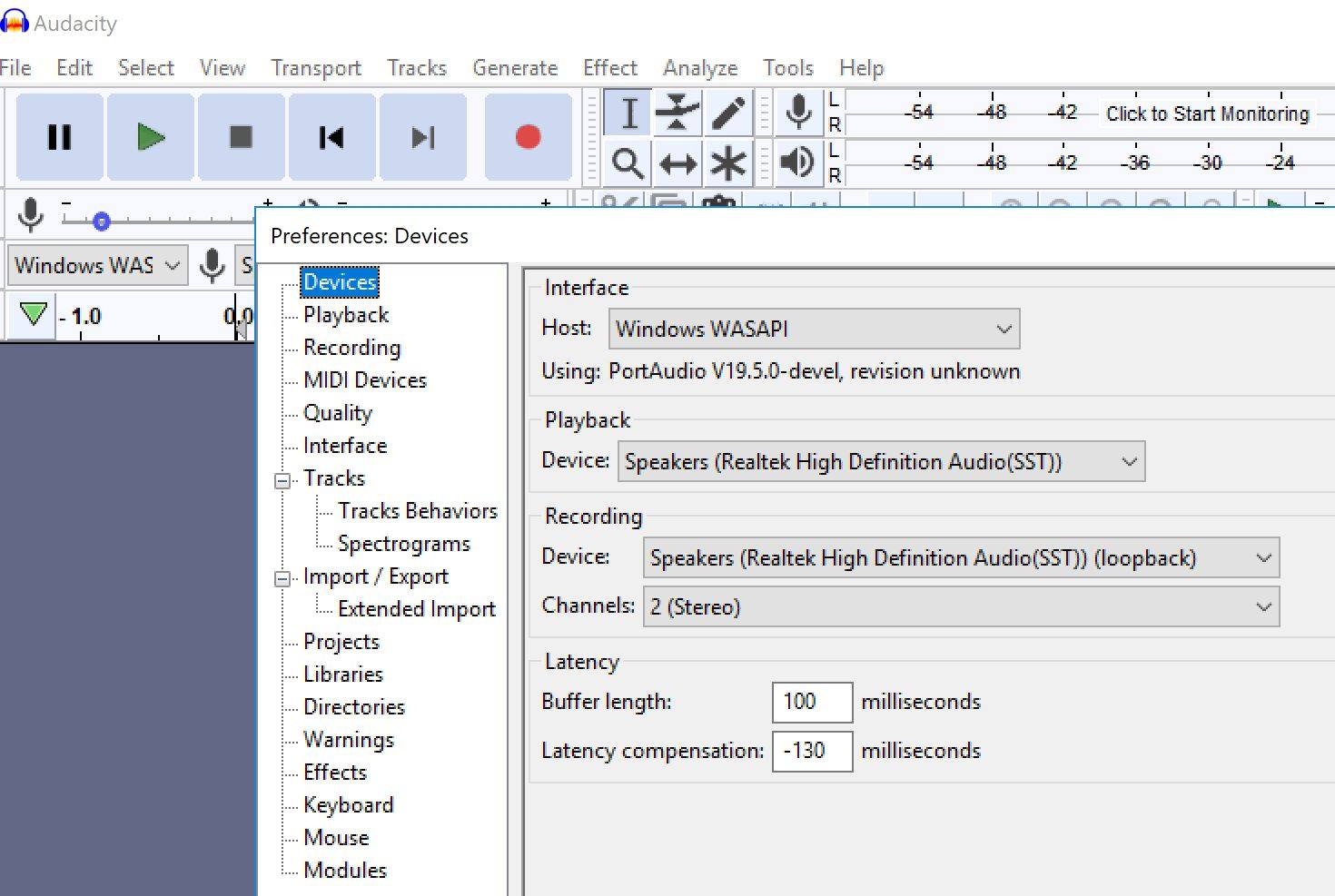
Recording audio has never been easier on smartphones and other devices. Audio editing and creating audio books is made simple with Audacity.
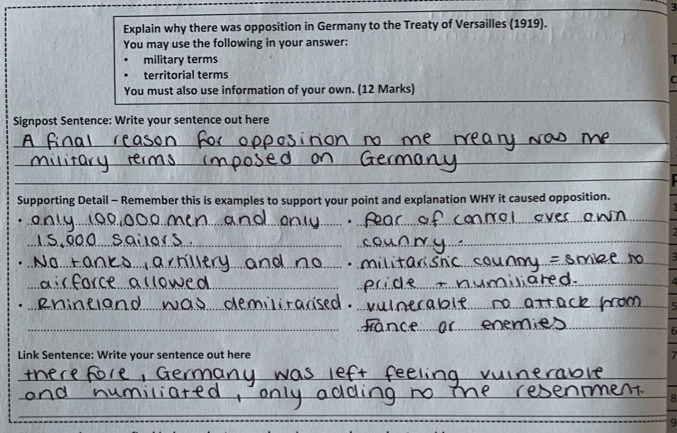
How can teachers teach writing if there's no roadmap? Take a look at several ideas and strategies from a Twitterchat with Natalie Wexler.
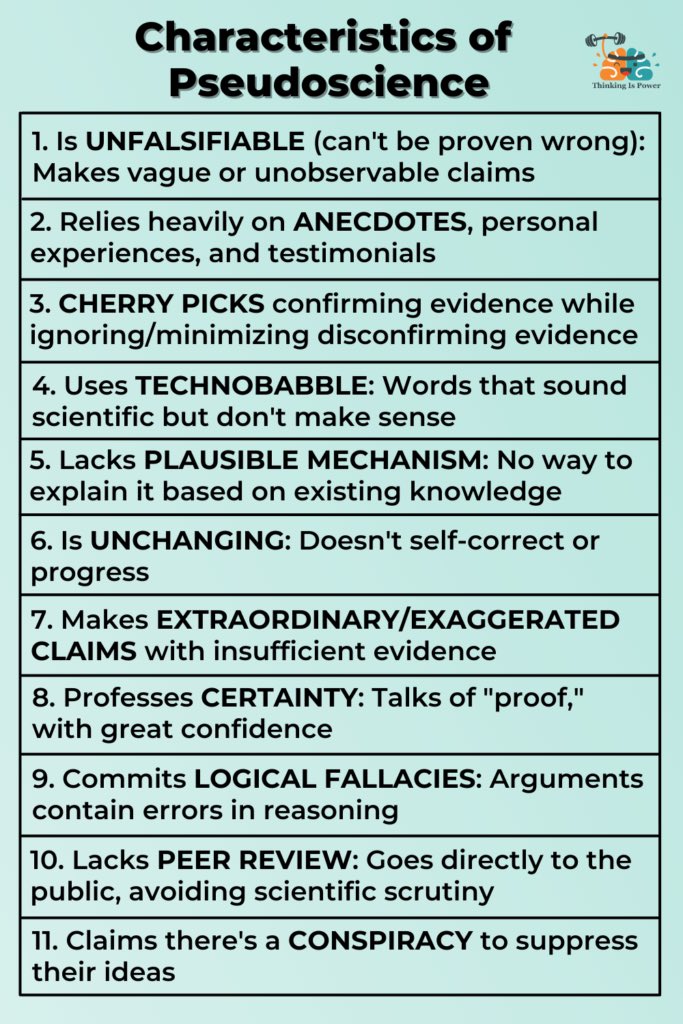
How can we teach students to evaluate pseudoscience and sketchy assertions? Explore resources to improve critical thinking.
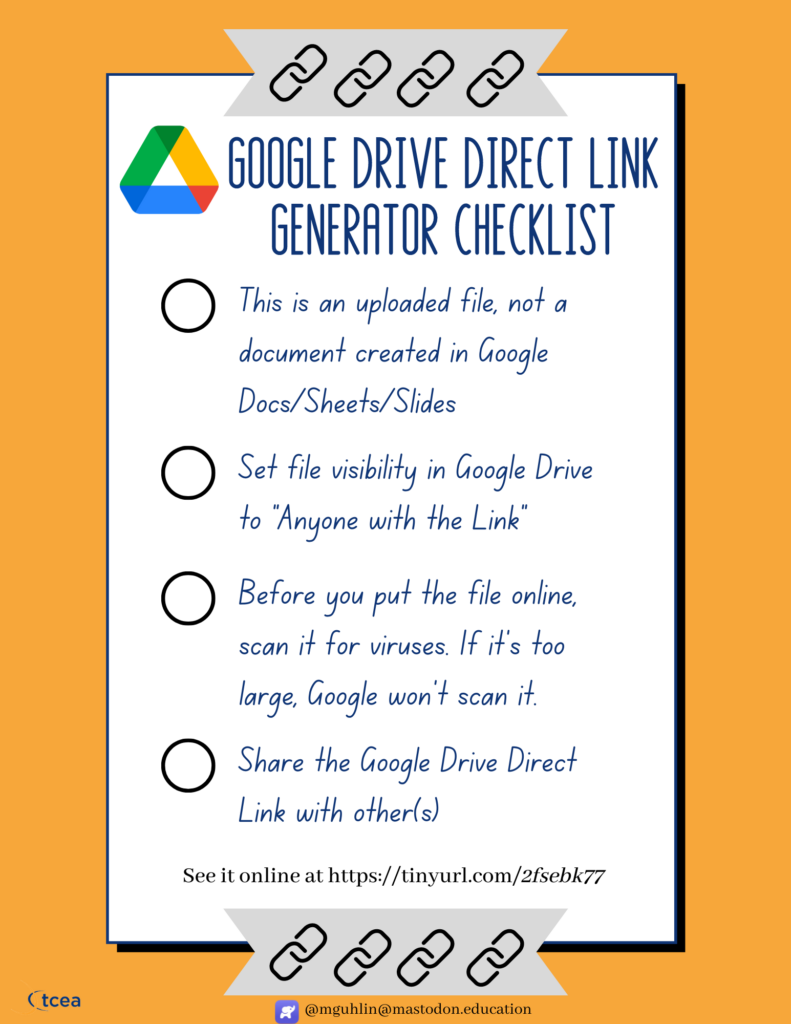
With Google Drive Direct Link Generator, generate a direct download link to share files you have stored in Google Drive.
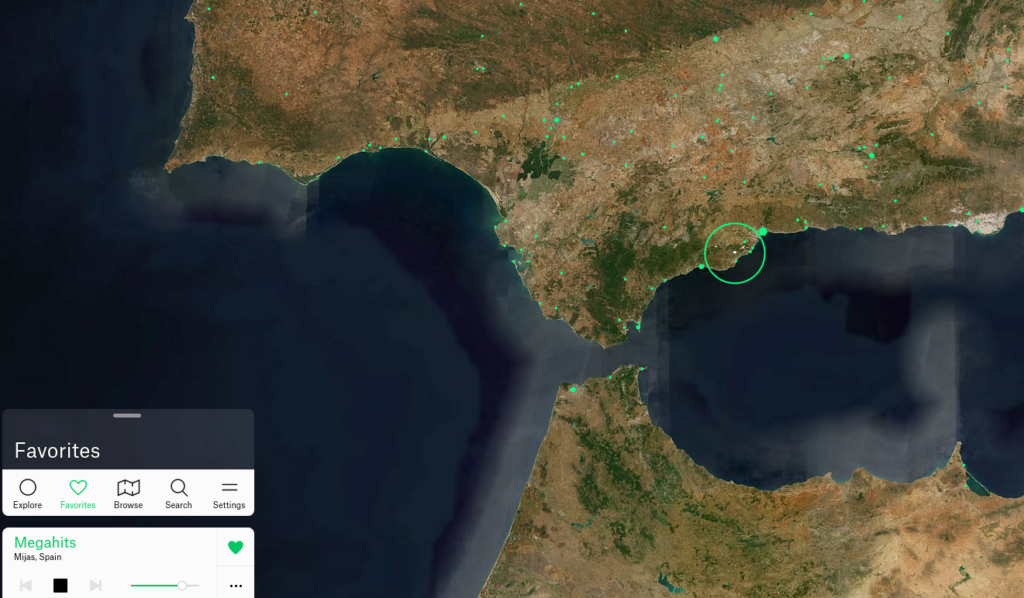
What's the point of listening to public radio in the classroom, and how can you access it for free online? Read on for more information.
Prepare students to be a cyber workforce to positively impact the future! If that's a goal for you and your students, CYBER.org can help.
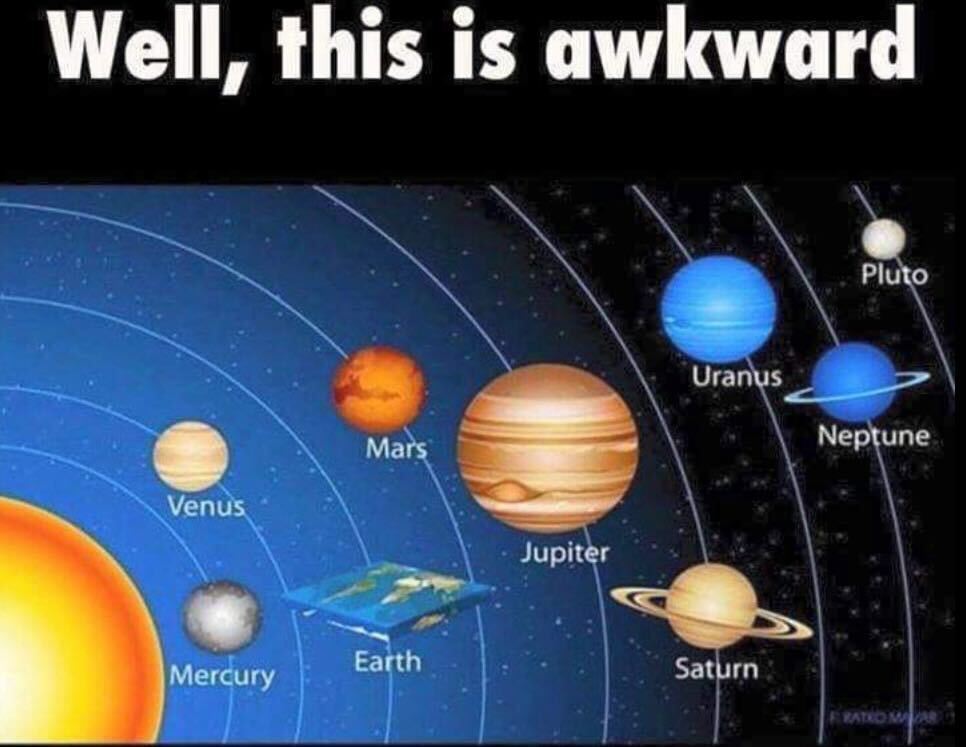
What is science denial? Why does it exist? How can we combat it? Here are some questioning strategies to encourage scientific thinking.
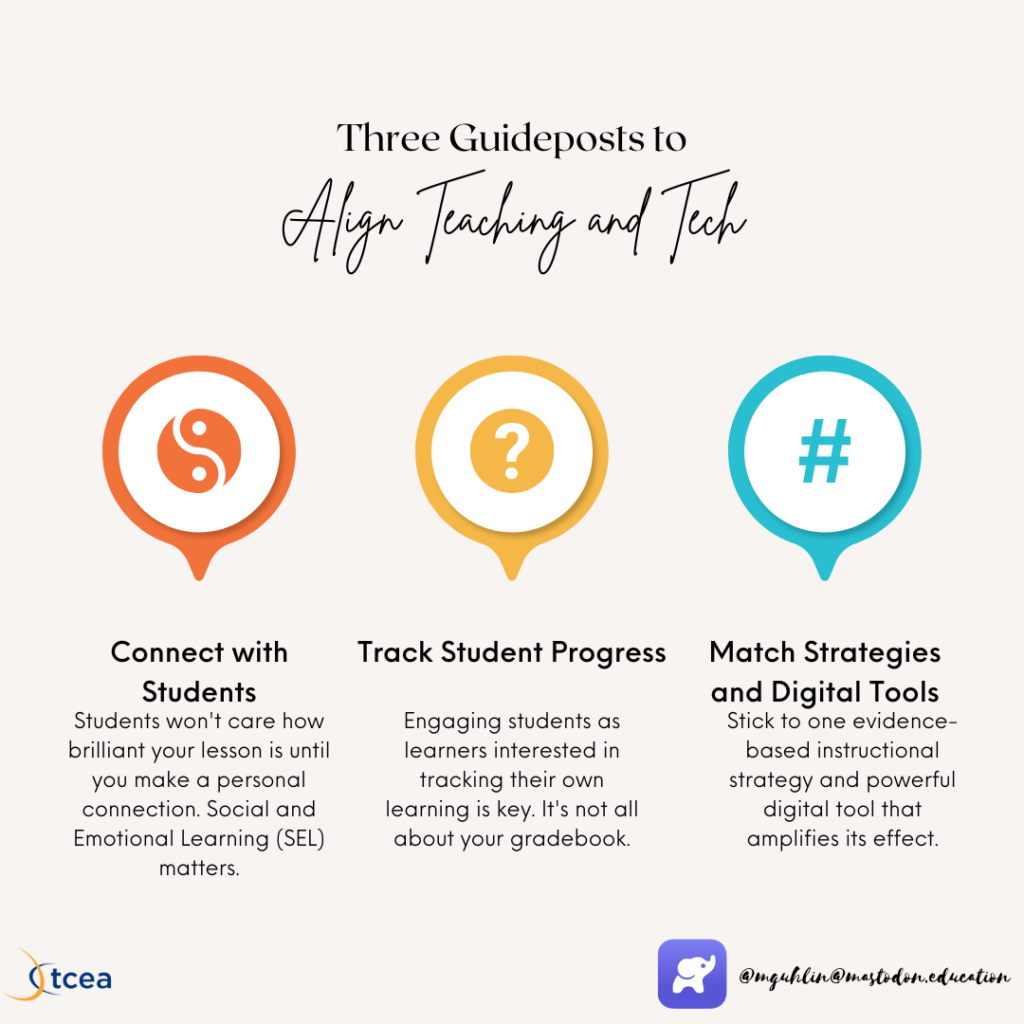
Want digital tools to align with instructional strategies and positive learning outcomes? Here are three ways to align teaching and tech.
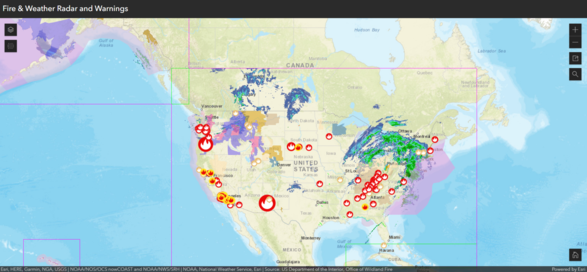
Explore a popular K-12 geographic information system and check out a free and open-source alternative, QGIS.
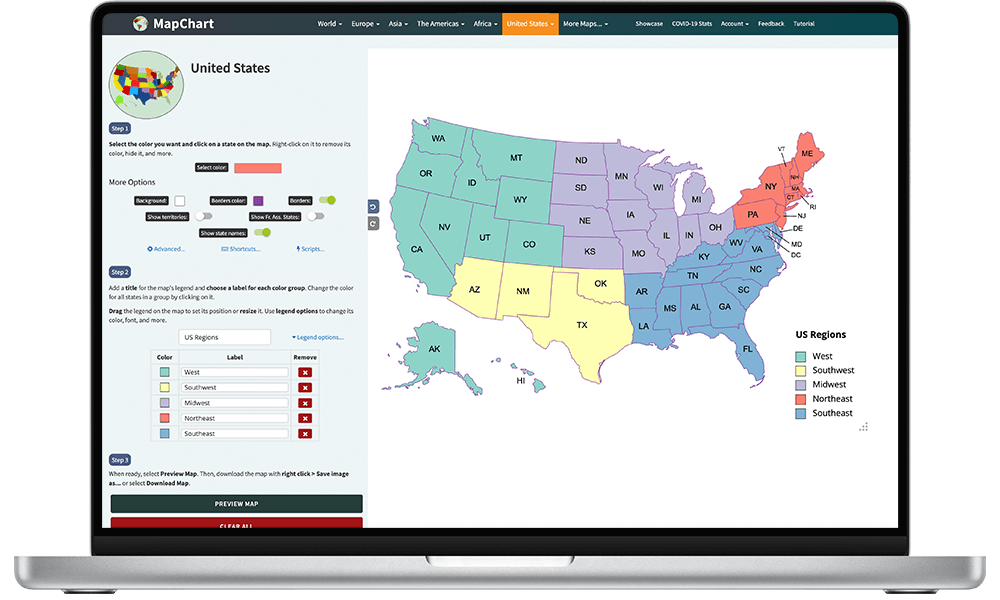
You've seen Twitter Takeaways, but now, experience Mastodon Magic! Here are five enthralling digital tools shared by educators on Mastodon.
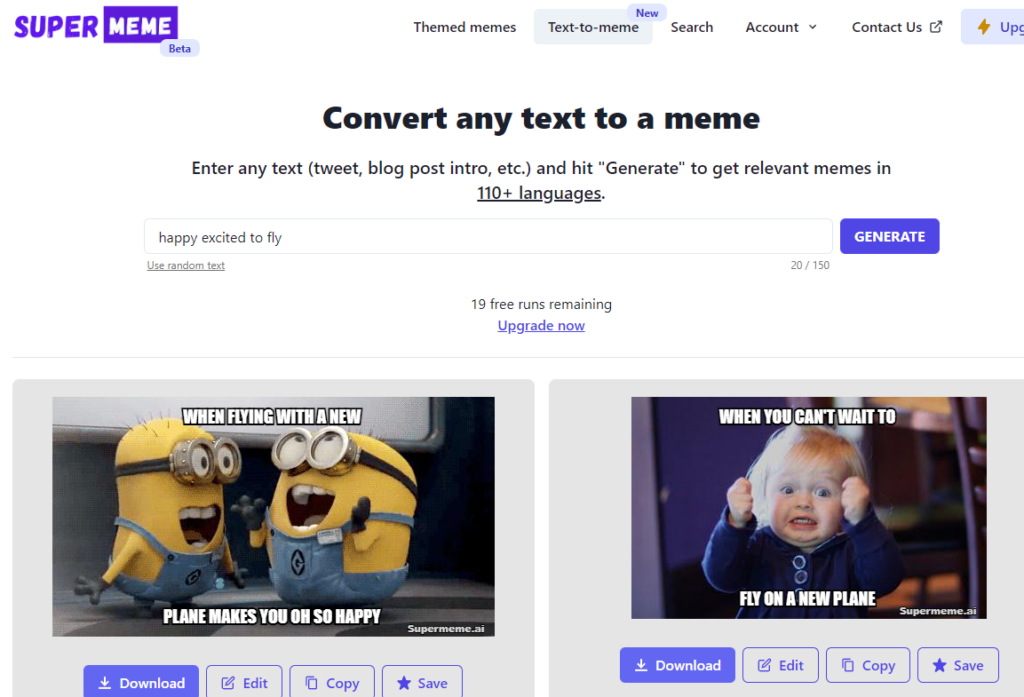
Generating images with a simple phrase, revising text with one command – can AI really drive creativity? Let's explore three tools.
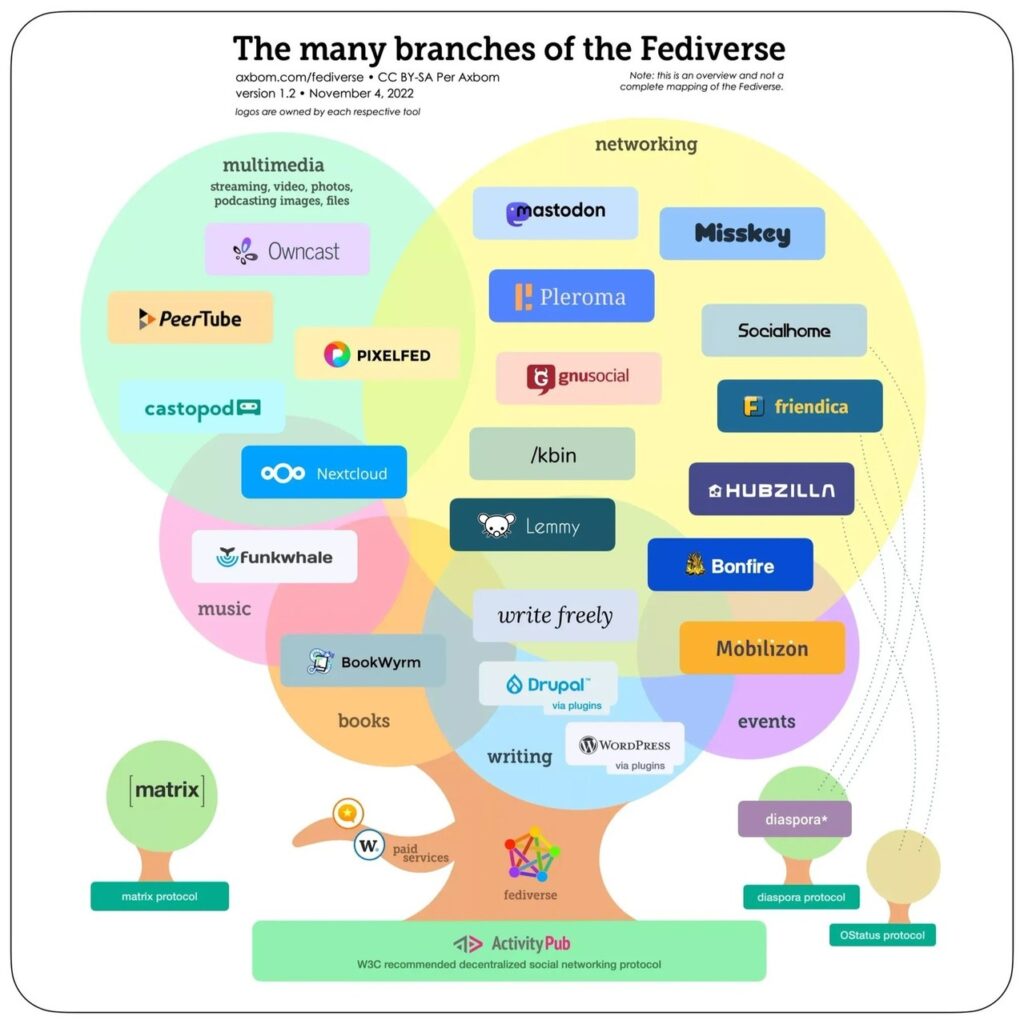
Curious about moving from Twitter to Mastodon – a Twitter alternative? Read this article to learn how to join the Mastodon migration.
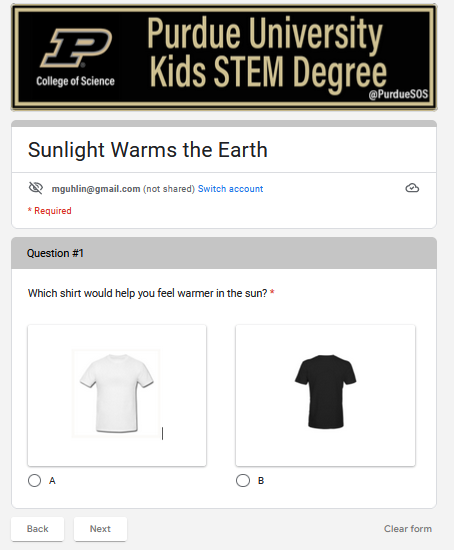
Dig into these cool STEM videos for K-8 students from Purdue University's College of Science. Students earn a STEM degree at the end!
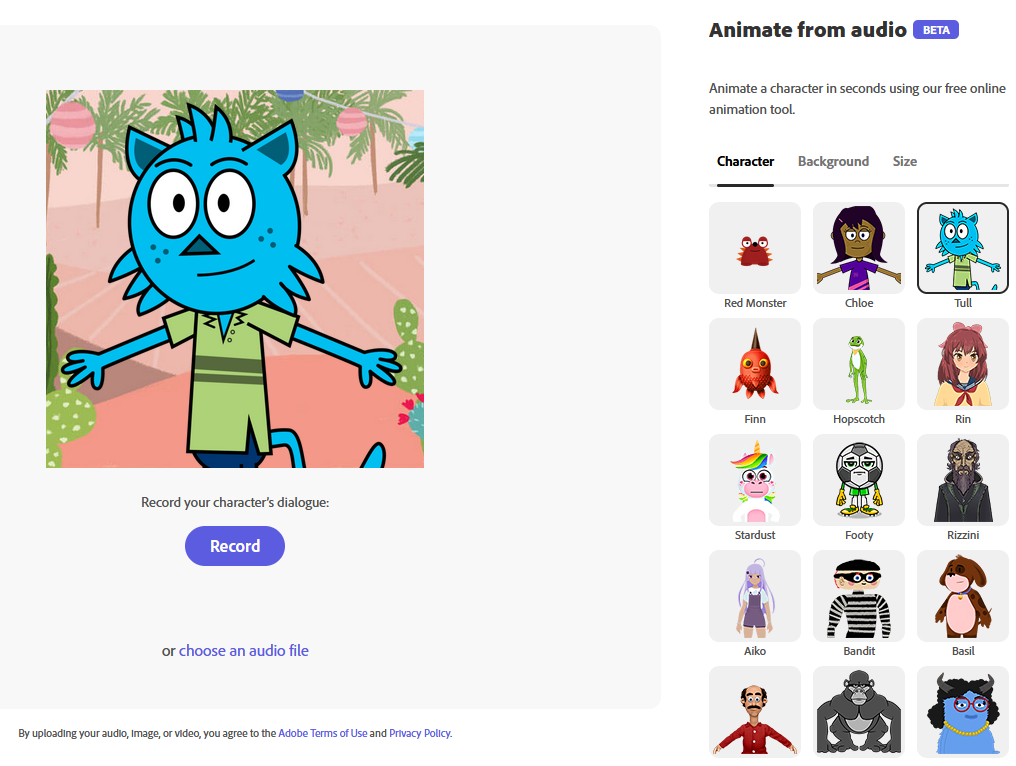
If you're looking for a fun, new way to engage your students in any subject or grade level, try out Adobe Express and animate your voice!
If you're wanting to boost your ed tech knowledge but don't know where to start, take a look at three key sources to explore.
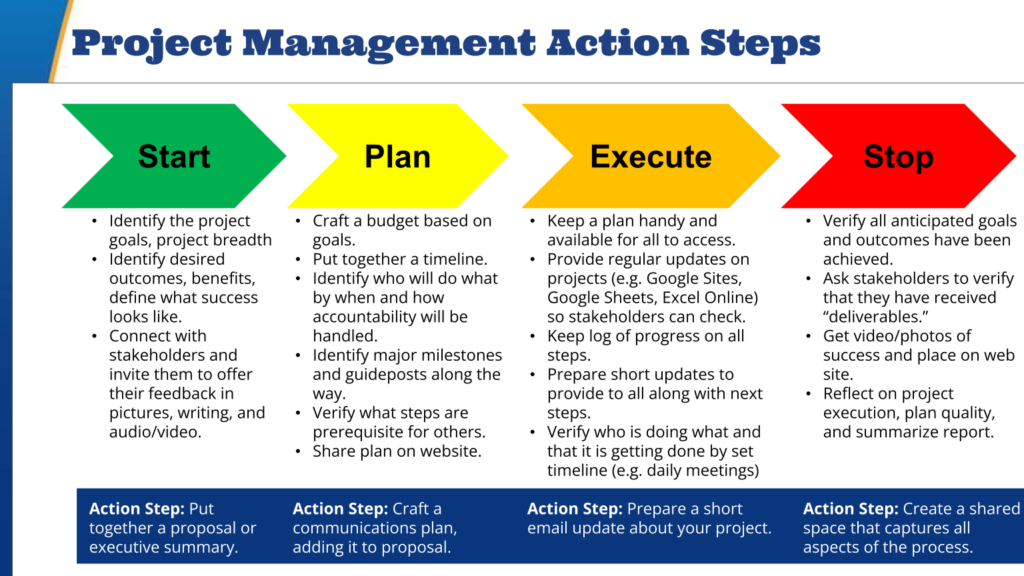
How can you make sure you're meeting needs with the right devices and staying on budget when planning to revamp technology? Here's a process.
If you're looking for systems or software for your district for helpdesk ticketing, inventory/asset management, or both, check these out.
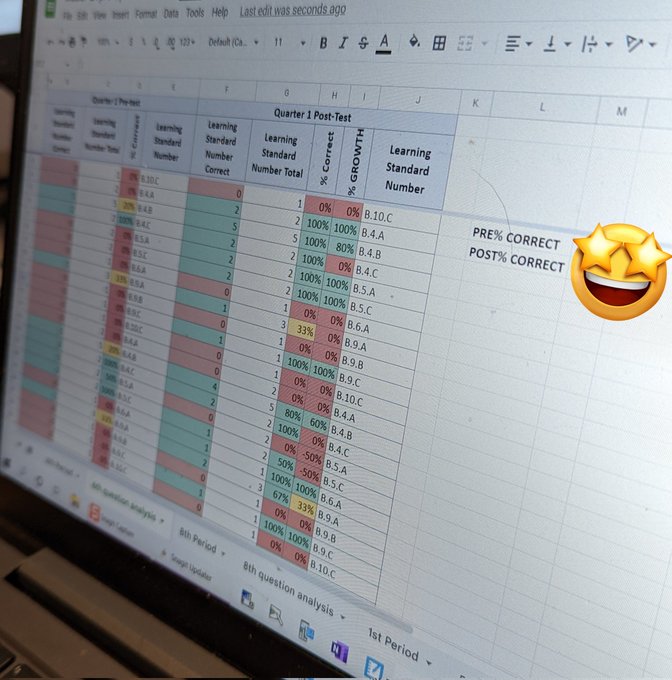
Learn more about conditional formatting in Google Sheets. Adjust the colors of an entire row of data with custom formulas!
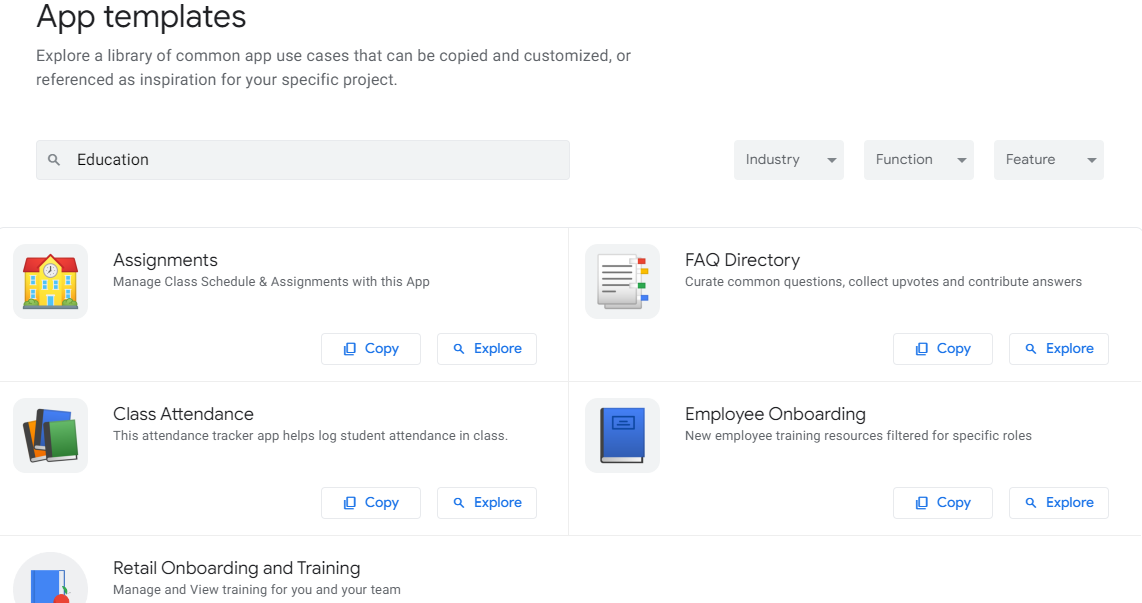
Looking for a robust alternative to Glide mobile app development? Try out Google AppSheet. It may be just what you need.

Turbocharge your Google Sheets with these power tools and functions! And get an example Google Sheet and Wakelet video collection.
If you're looking for resources to educate yourself and your kids on digital safety, take a look at these three great options.

Cyber protection is a basic tenet of digital citizenship. Why aren't we doing more to empower children and staff to protect sensitive data?
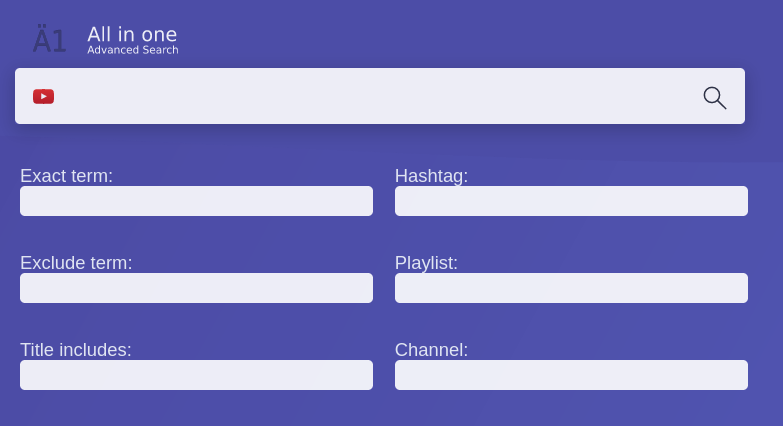
Need to find something, but Google doesn’t quite do the job? Use one of these five search tools. You’ll be amazed at what you can find.
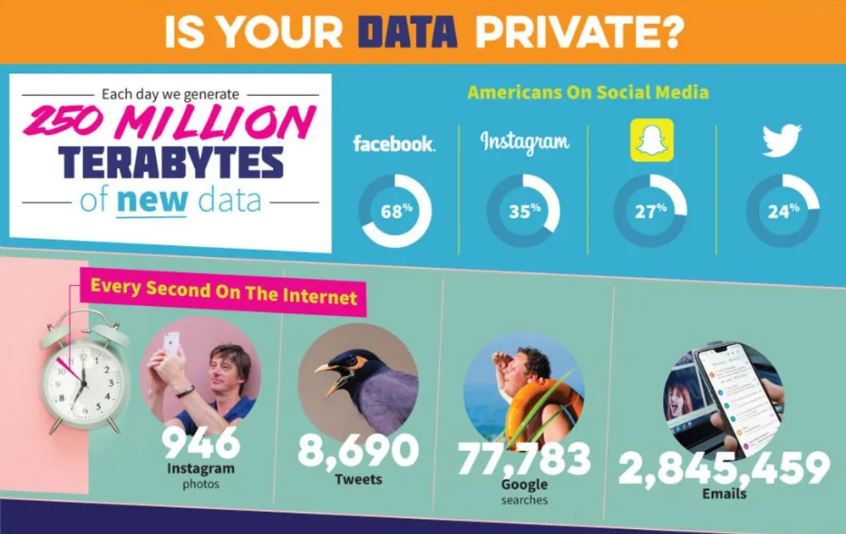
Love your smartphone? Trying to encourage your kids to use their smartphones responsibly? Stop smartphone trackers from stealing your data.
Need a process for translating real-life problems into Google Sheets solutions? Try this Socrates-inspired approach.

Find entrancing, engaging images for digital storytelling from past history, These amazing images show a past worth revisiting.
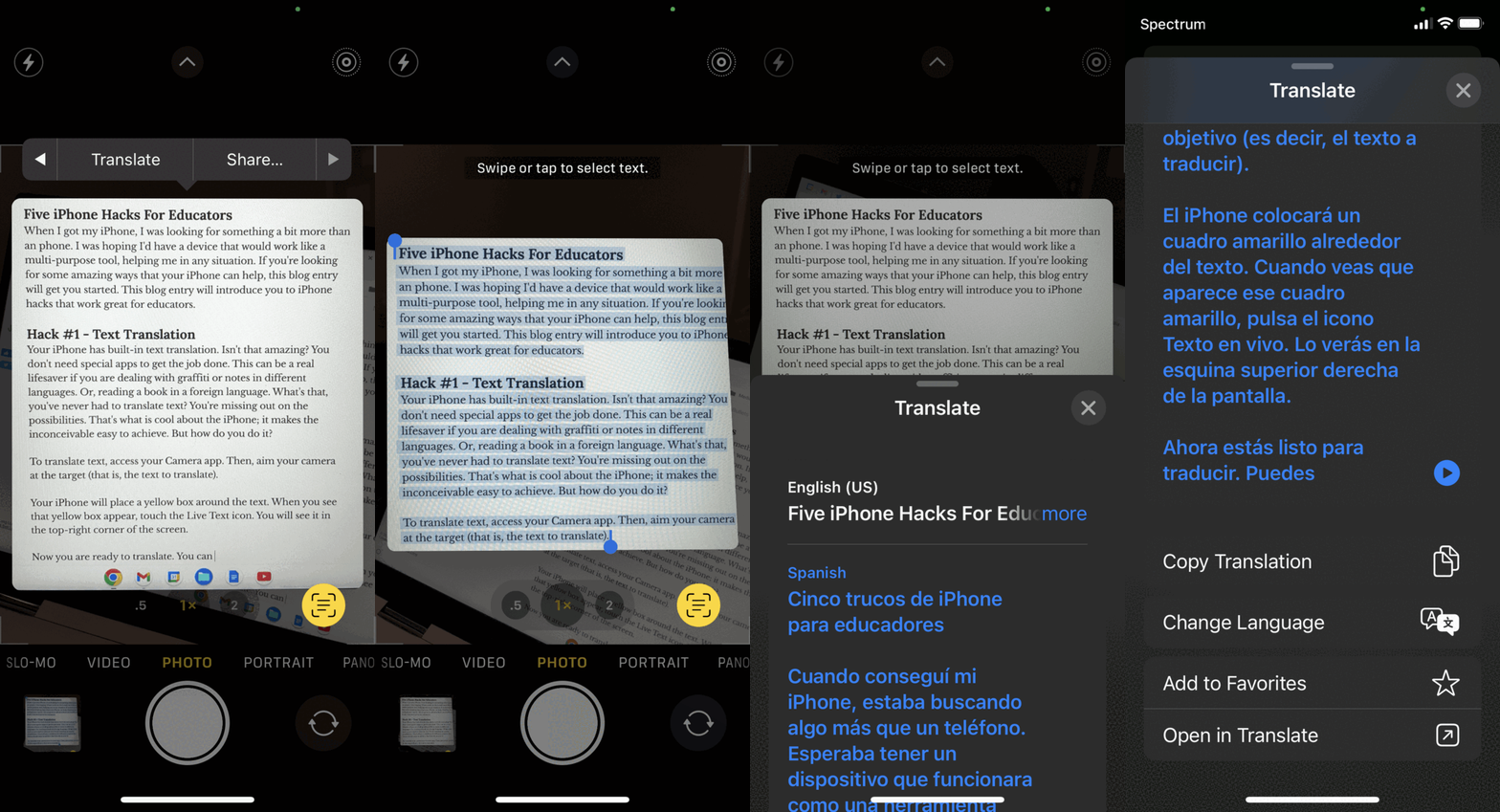
Wish you could do more with your iPhone? If you're looking for some amazing, multi-purpose iPhone hacks, try these. You won't regret it!

Google unveils a new movie maker and video editor for its popular Google Photos. You can blend video clips, images, and text.

Need a boost to keep you excited about teaching and learning? Want to learn something by listening to other educators? Try these podcasts.
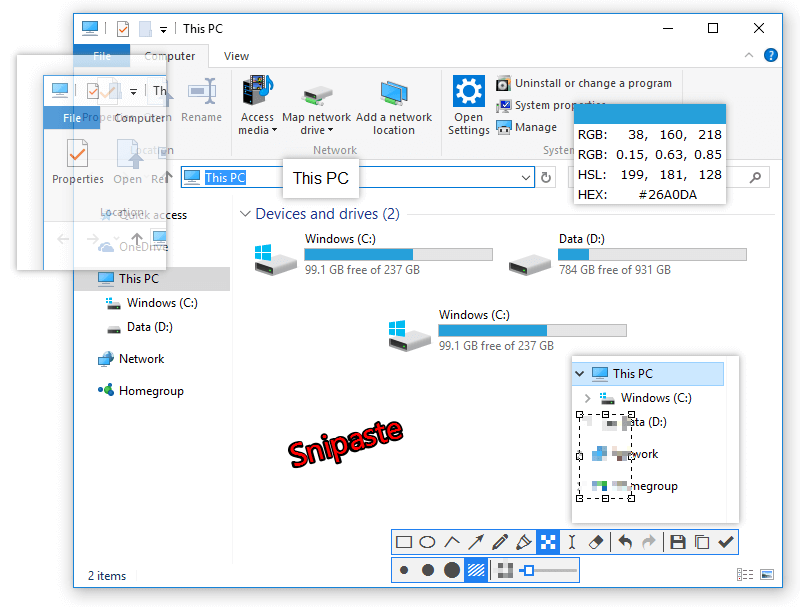
On the go but still need handy tools that get the job done? Look no further than portable apps on a USB flash drive. Here are five for you.
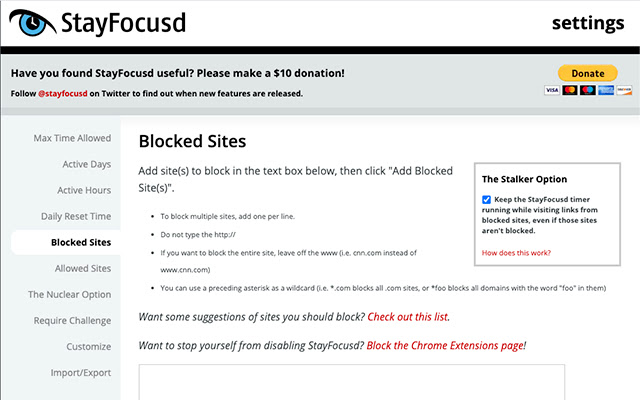
Explore five powerful tools to assist your organization efforts and save your health. These are digital tools that will streamline your work.
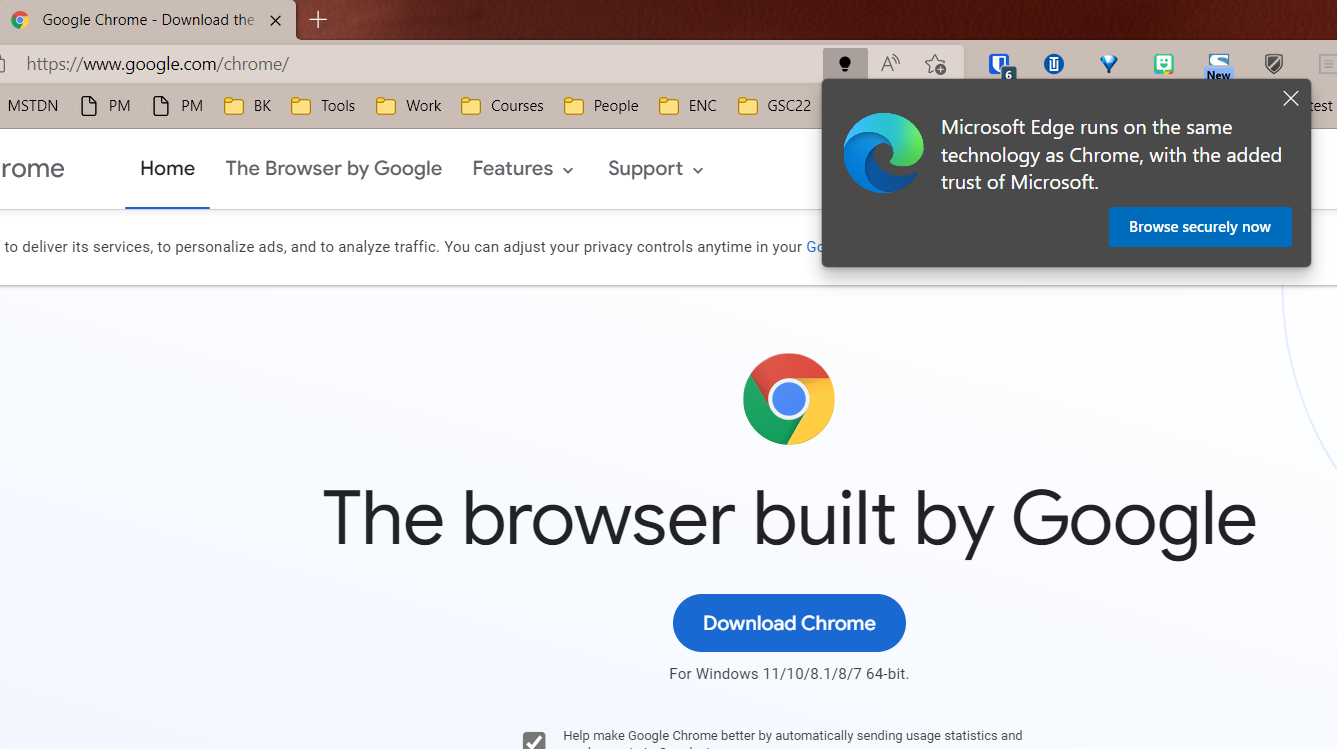
Update your browser now. Chrome offers multiple vulnerabilities often. Learn how to safeguard your internet browser.
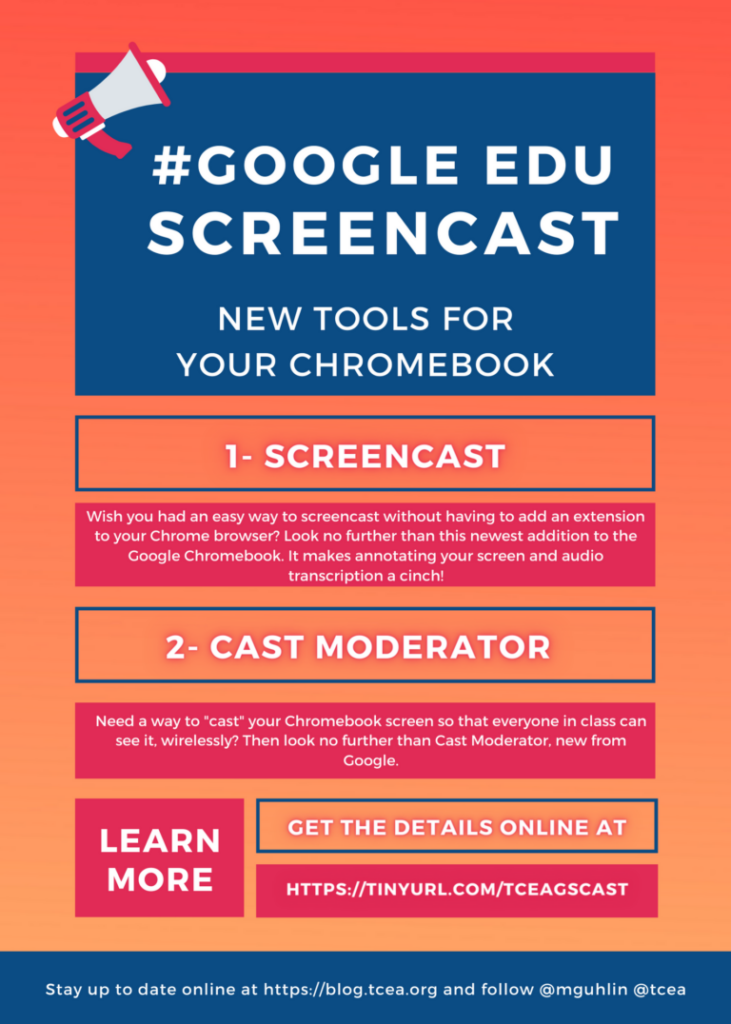
Are you hoping to find some new, free tools to use on Chromebooks? Here's a list by TCEA's Miguel Guhlin with some of his favorites.
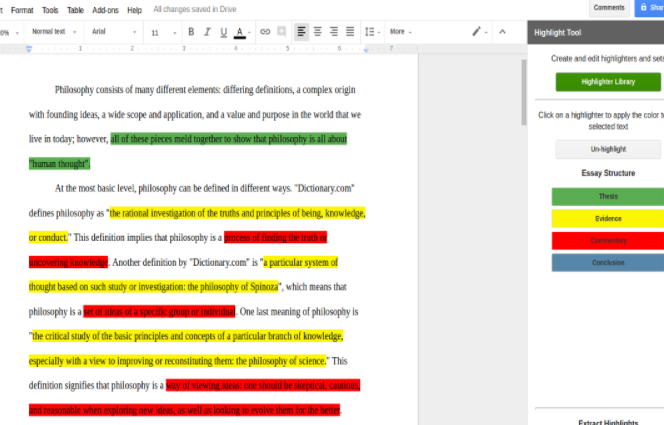
Explore three digital versions of summarization activities you can adapt for use with your students, or for professional development.
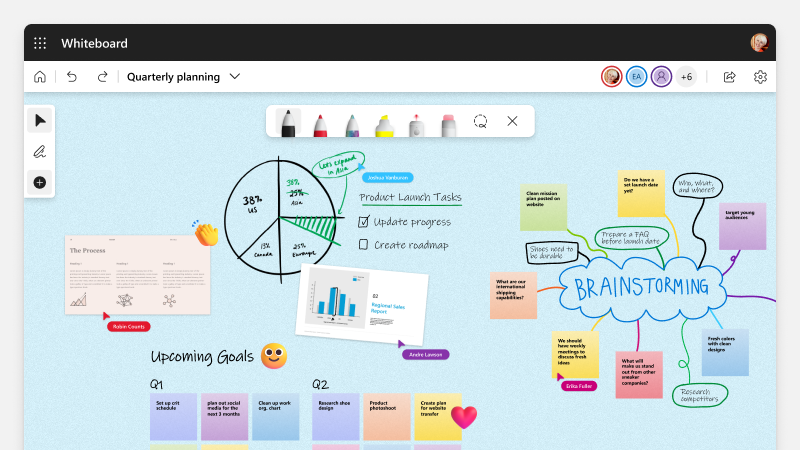
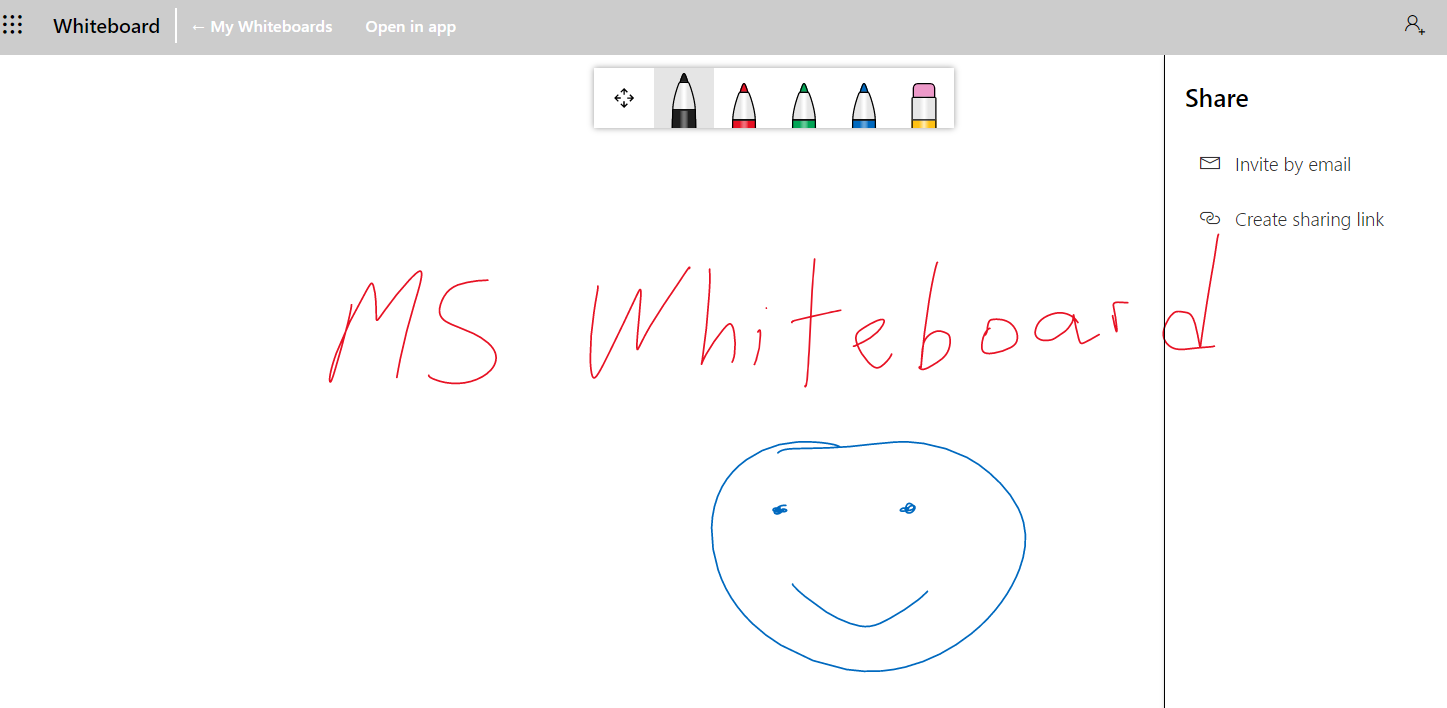
Wish you had an easy way to use Jamboard templates in MS Whiteboard, or Microsoft Whiteboard templates in Jamboard? Learn how now.
Dig into powerful new changes for Google Sites. They affect pages and custom themes. Making simple changes can yield huge results!
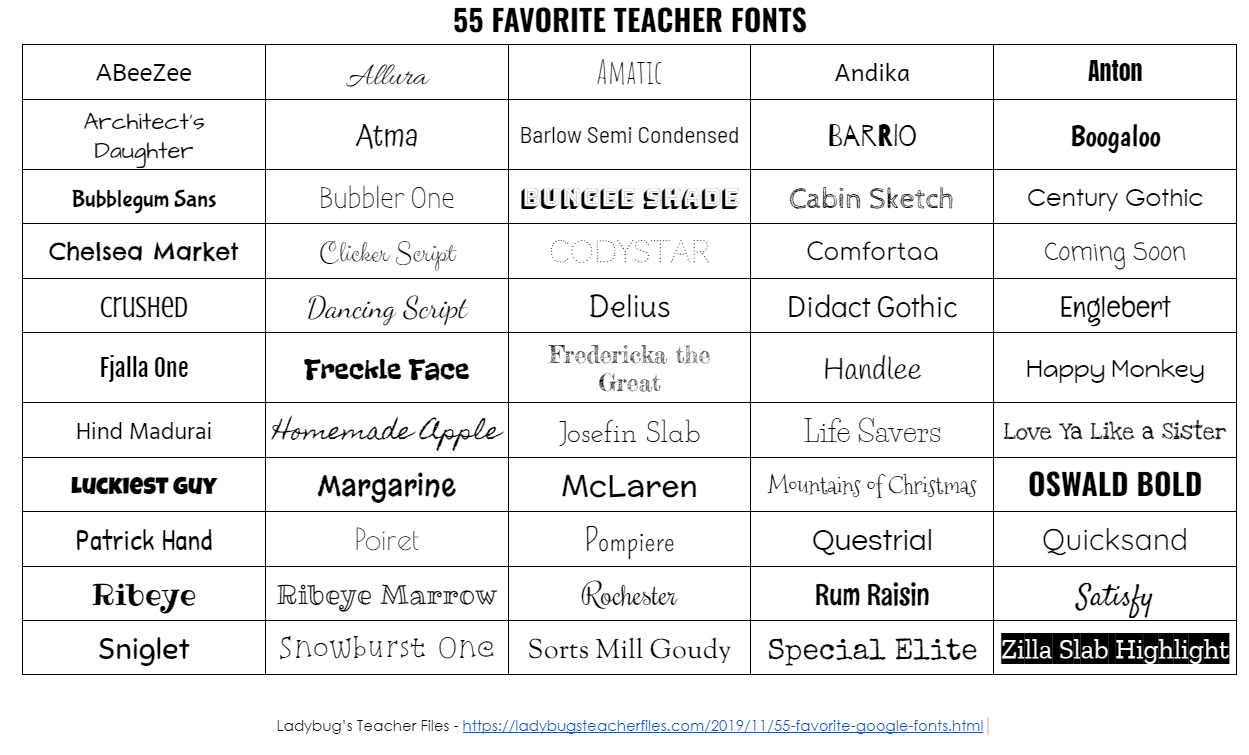
Have fun with Google Fonts. Here are some teachers may like, and how you can add them to your documents in Google.

Wish you had a toolbox of free photo enhancement tools you could turn to? Bookmark one page and you get access to fourteen tools. Wow!
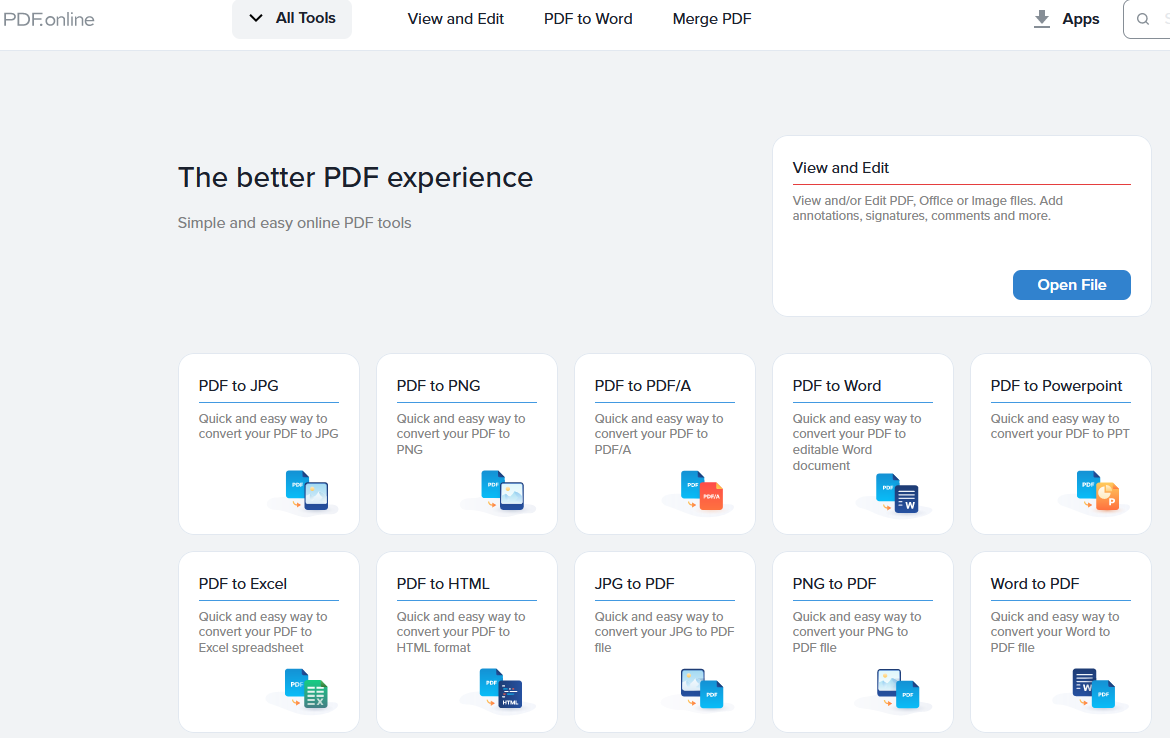
Curious about how to open videos, audio, and office suite documents on your mobile devices? Read part two of mobile file management.
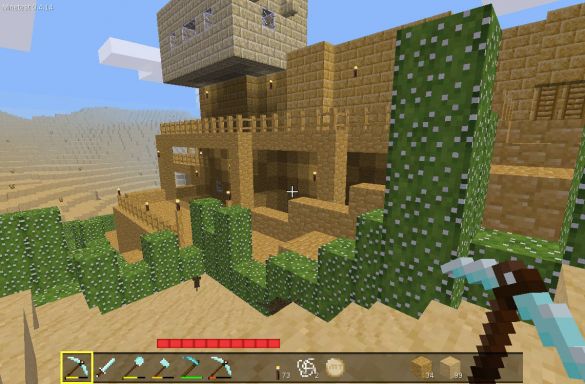
Wish you had a no-cost alternative to popular Minecraft EDU? Then give Minetest a run and explore this free, open source alternative.
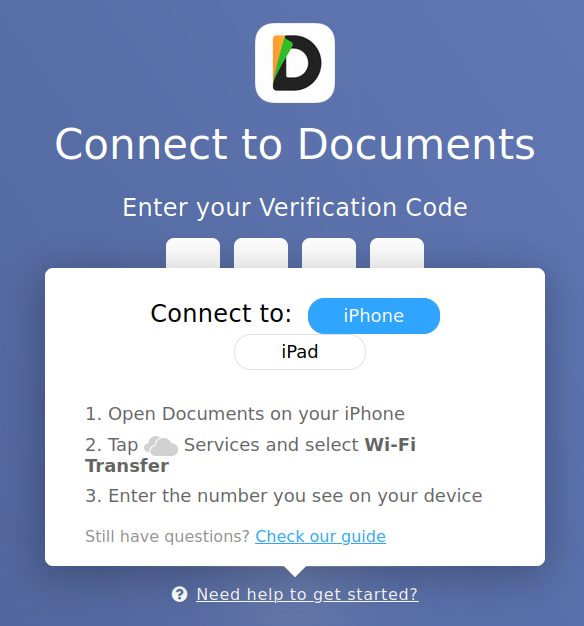
Curious about how to move files on and off your mobile devices? Read part one of an intro to mobile file management.
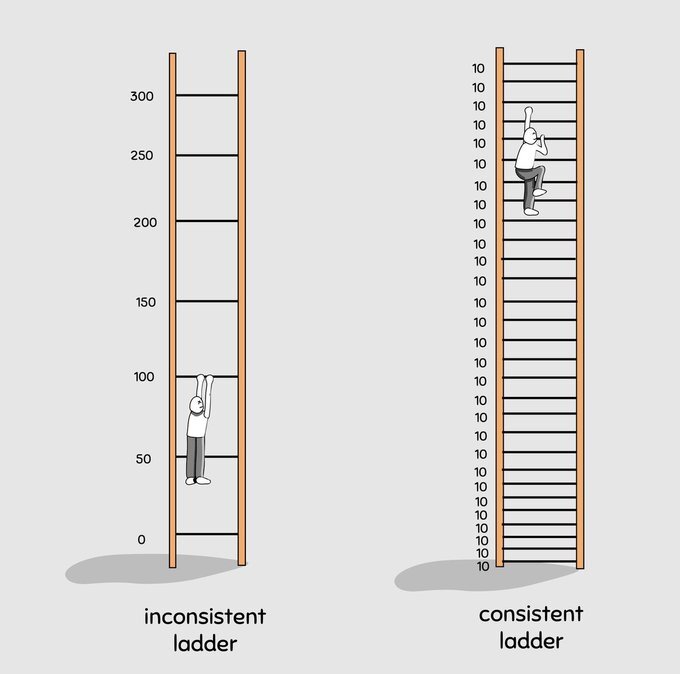
Find three actions you can take to discover innovation in schools today. Often, innovation lurks with simplified processes and ideas.
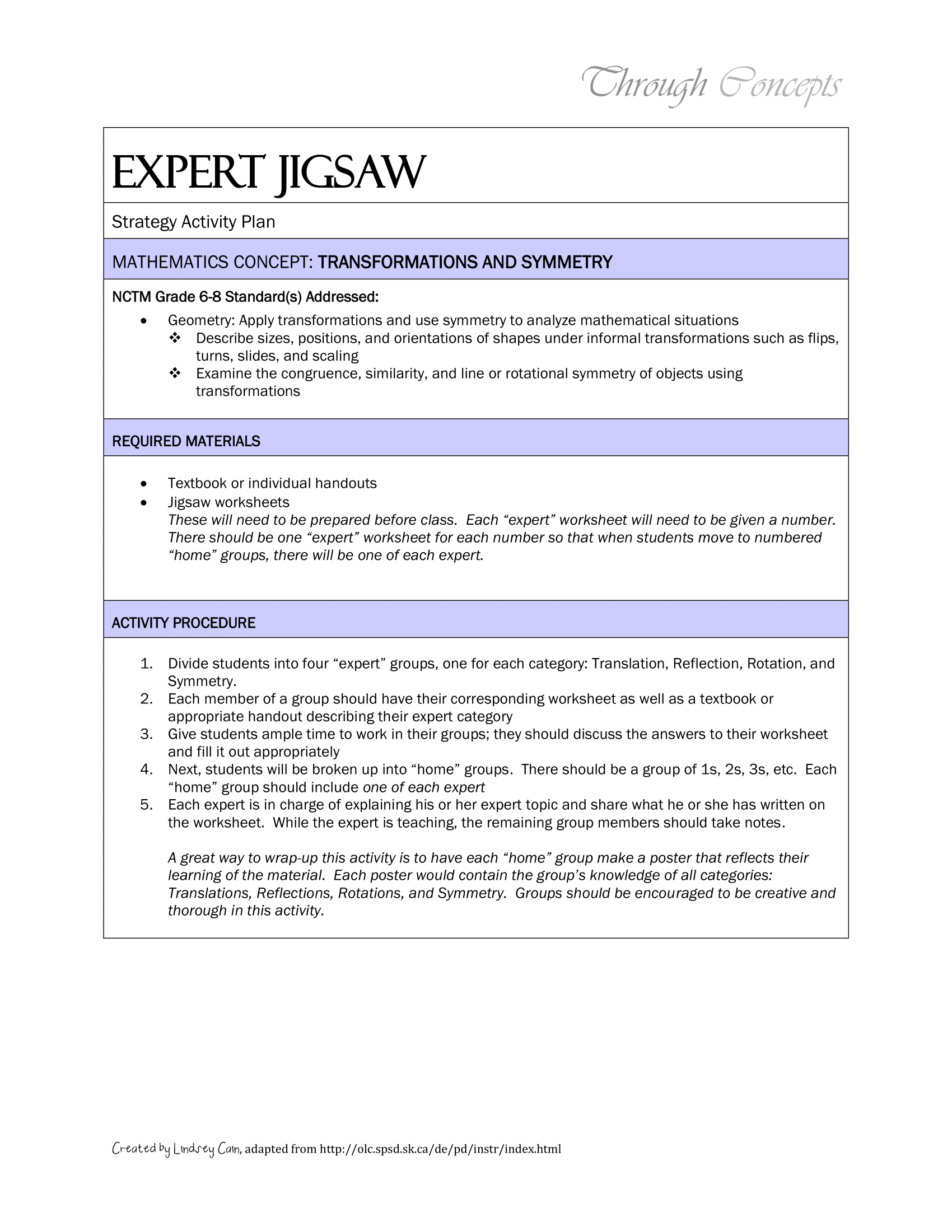
See how the jigsaw method can enhance instruction through engaging, cooperative learning and increase student interest in math.
Need a quick way to simplify and enhance your Gmail experience? These five add-ons are sure to make viewing email simpler.
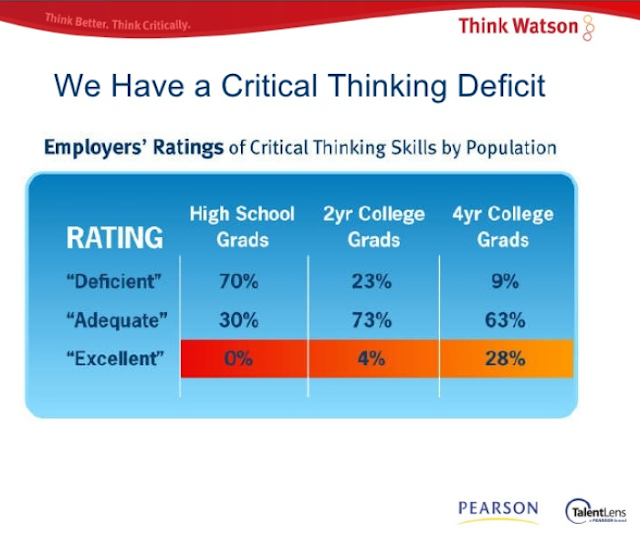
Learn how to think better through critical thinking and writing approaches. Explore a few critical thinking heuristics you can use.
This series highlights how to adapt Stoic techniques to evidence-based instructional strategies to improve your thinking and your students'.
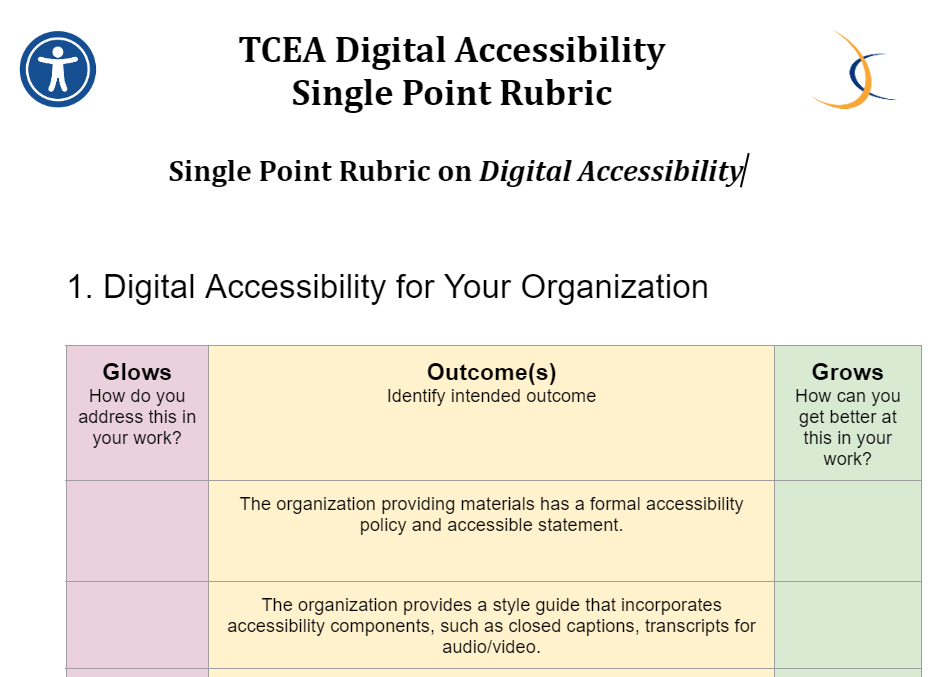
Want a simple rubric to get you started down the road of digital accessibility? Explore this rubric inspired by a TCEA member.
Explore three resources for AP foreign language learning and access a Wakelet collection full of AP language content!
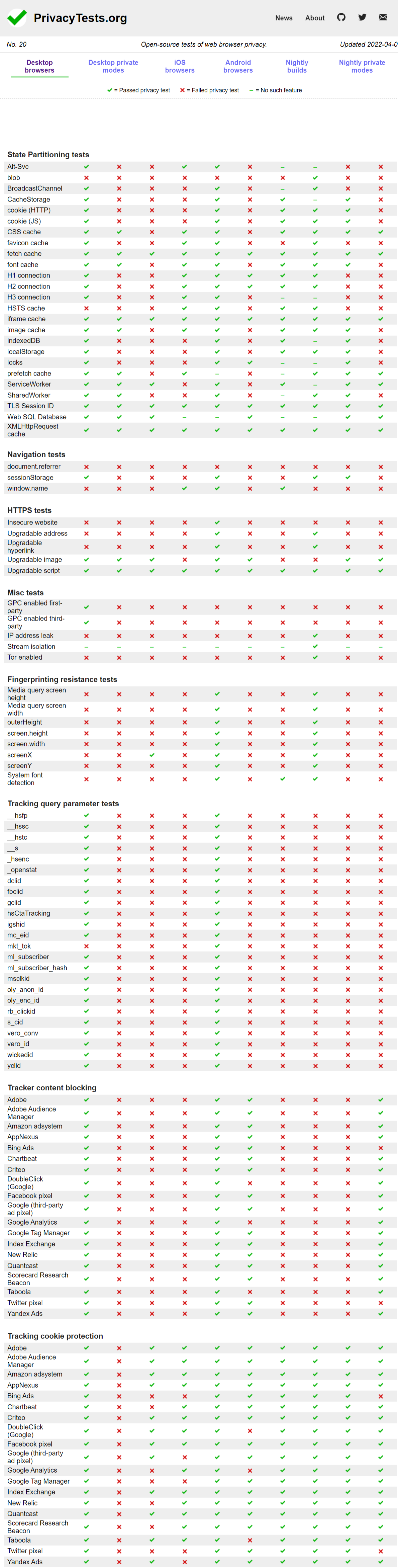
Worried about losing your bookmarks? Want to hop from one browser to another with all your favorites intact? Here's a solution.
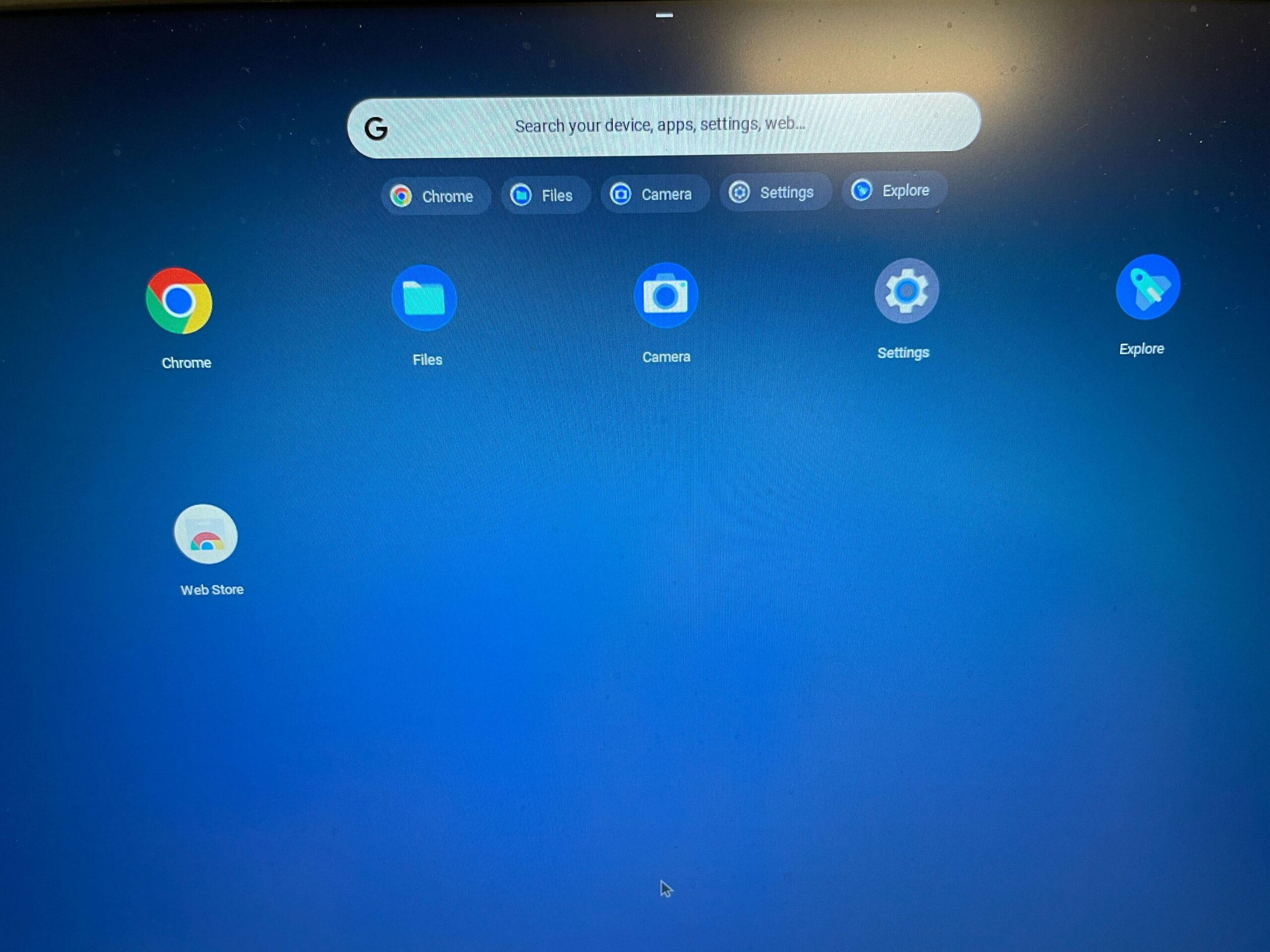
Let's explore Chrome OS Flex, Google's latest iteration of CloudReady. Load Chrome OS Flex on your PC and turn it into a Chromebook.
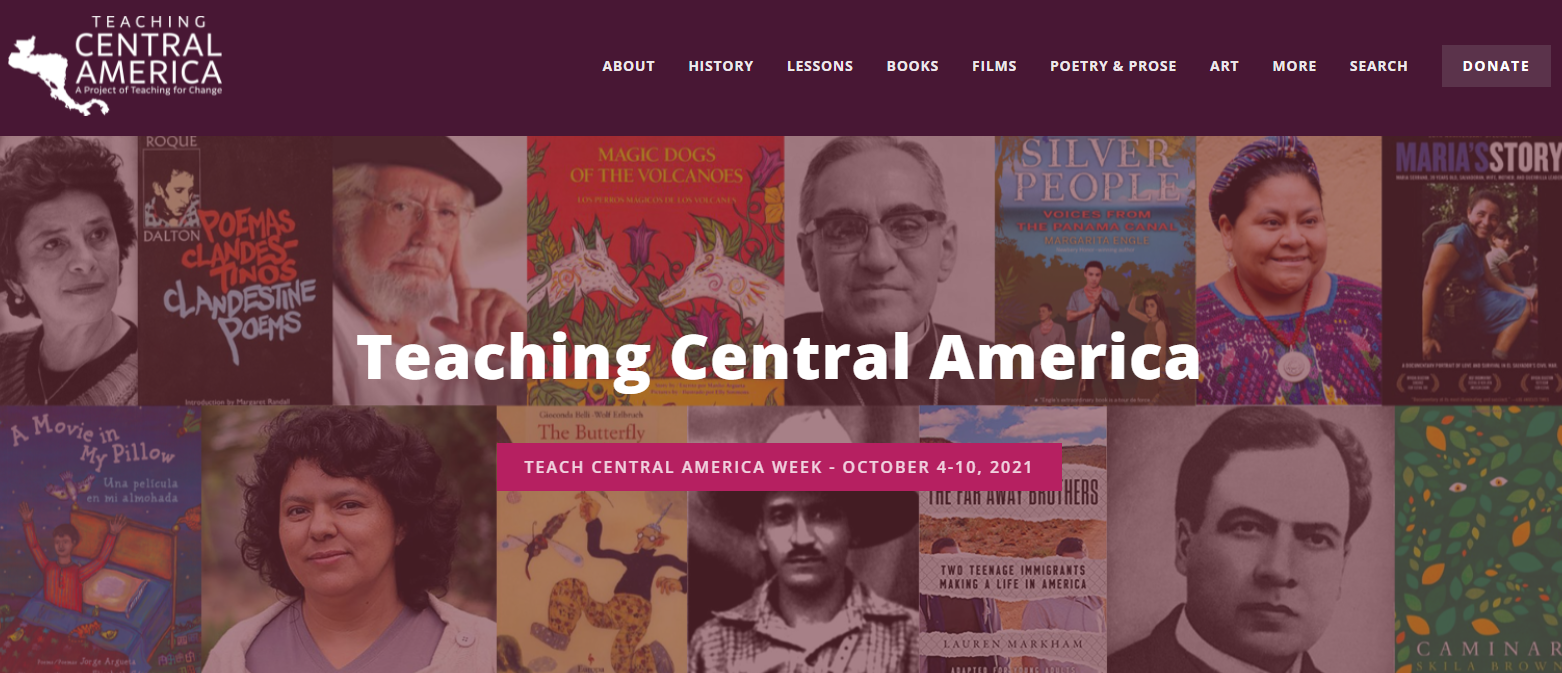
Explore lessons and content relevant to Indigenous peoples and Native American heritage- including book lists and podcasts!
Leaders, discover a protocol for pushing into tough conversations to promote accountability and positive culture in your workplace.
What are the tech tools that every new teacher needs? Hear from TCEA's Area 19 Director, Crystal Fuentes, as she shares her top five.
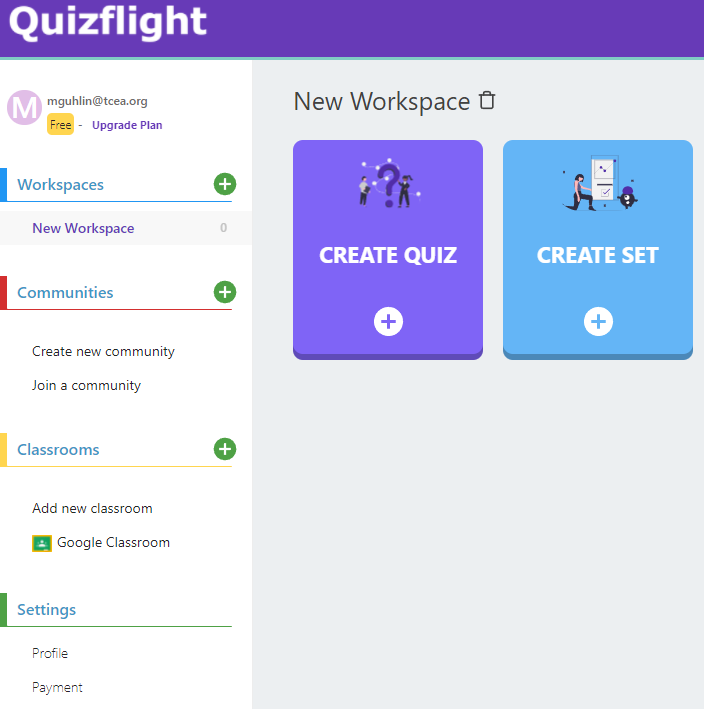
Need a digital tool that offers a variety of quiz formats and assists with evidence-based instructional strategies? Check out QuizFlight!

Want to strip out ads and avoid pop-ups so you can focus on reading and annotating online content? Here are three ways to achieve this.
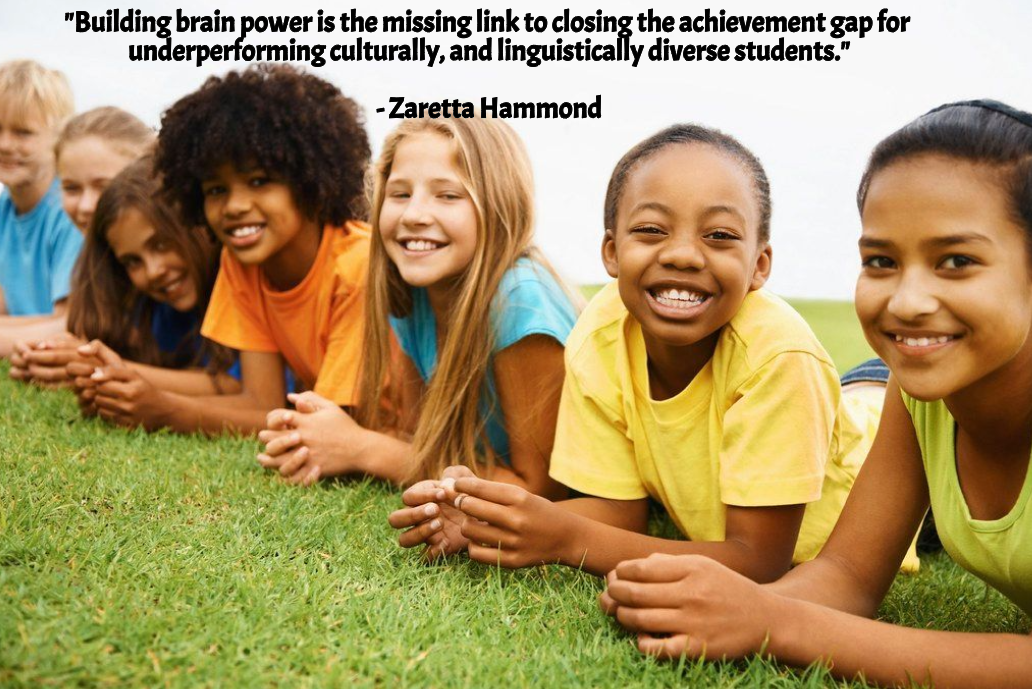
Explore how teachers can empower students through culturally responsive teaching and strategies grounded in evidence-based research.

Google Arts and Culture shares an amazing, 52-page guide to its repository of human endeavor. It's a must-explore resource!
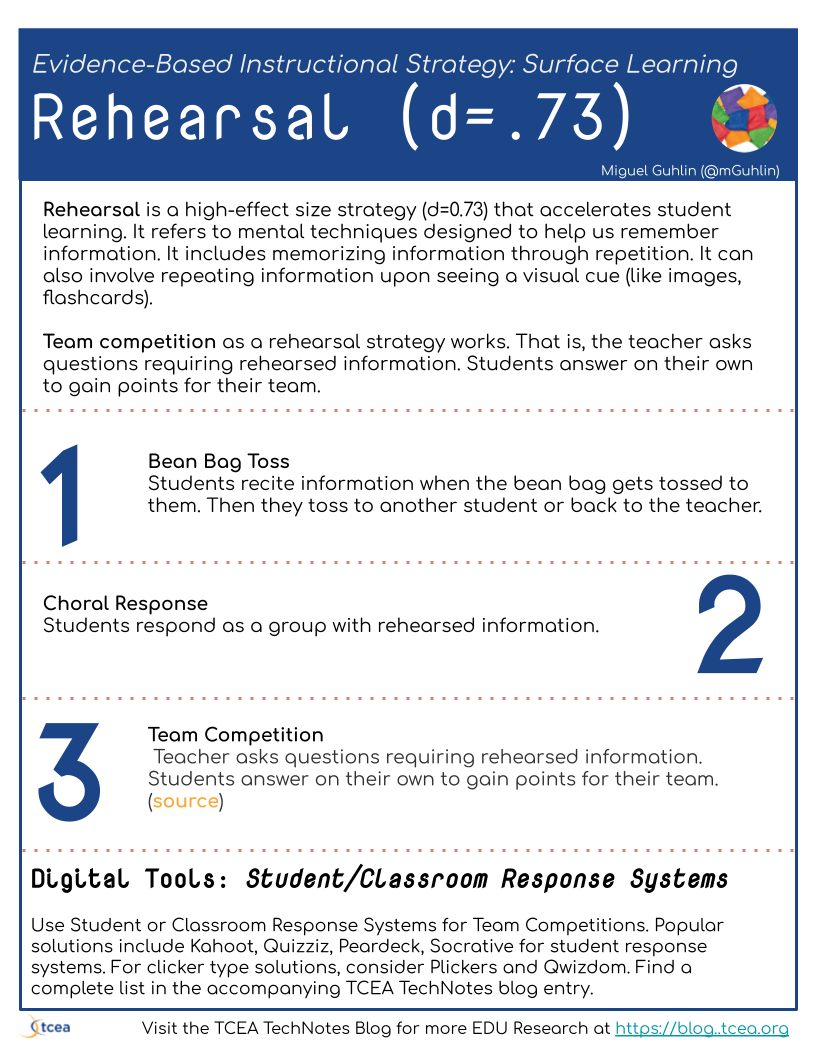
TCEA Responds with classroom and student response systems. Get a list of options and learn the evidence-based strategy behind them.
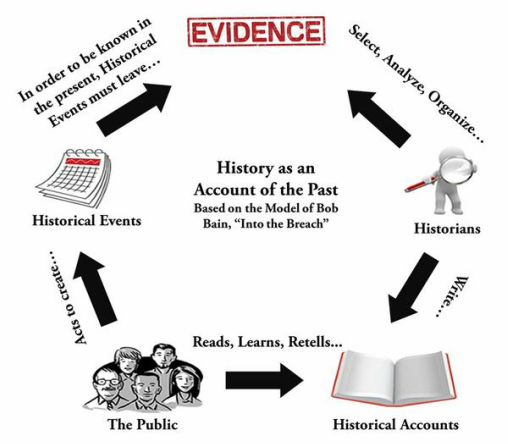
Dig into the past with three specific approaches that empower students to critically analyze primary sources.
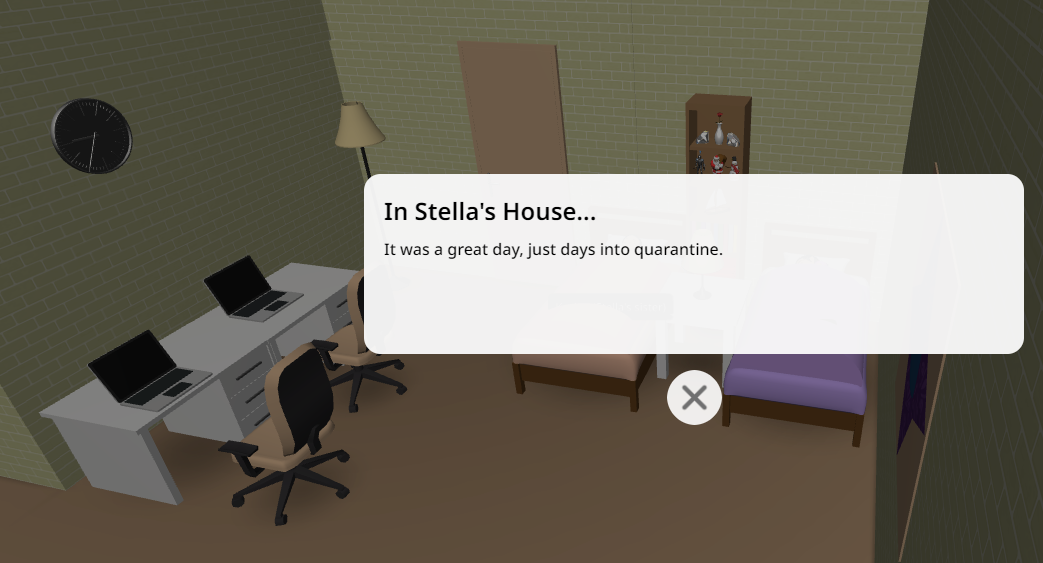
Need to combine AR/VR, coding, scripting? Look no further than the affordable, student-focused solution featured in this blog entry.

Go on a history walk, whether in a physical or virtual space, and discover something new about Texas history.
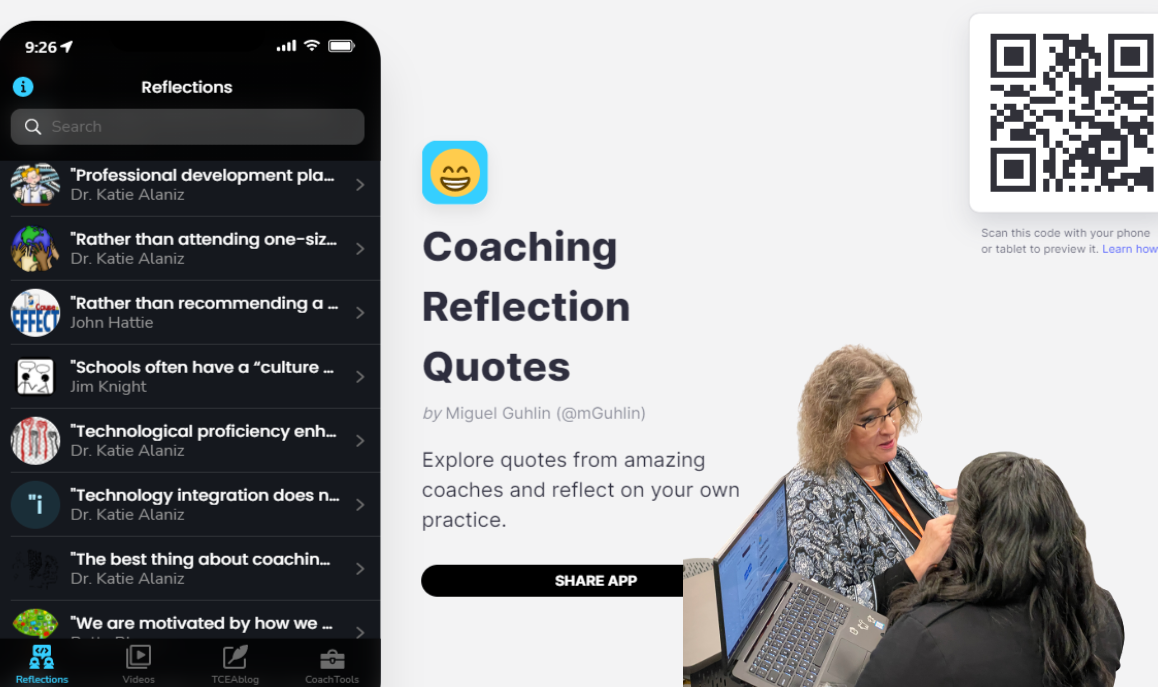
Are you a coach looking for additional tools to support your work? Explore three resources that will enrich and enhance your coaching.

Explore these sources for fresh lesson plan templates. You'll also find a few digital tools that provide lesson planning capability!
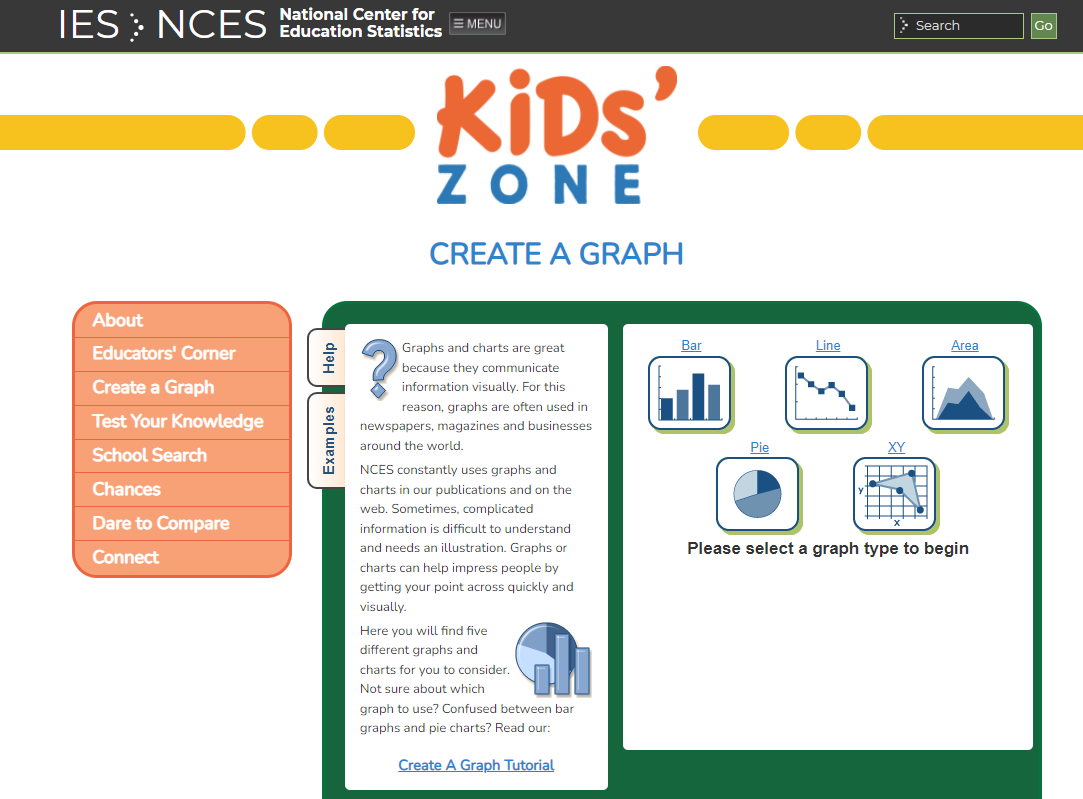
Tired of complex graphing tools that leave students frustrated and confused? Well here are five simple and easy tools that make graphs fun!
Formative assessment can double student learning gains and digital tools can help. Let's take a look at a few great options!
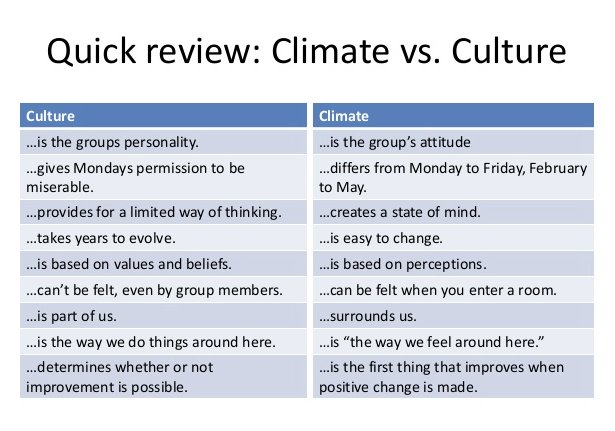
Discover how to support instructional coaches as the campus principal and make a huge difference in student learning and achievement.
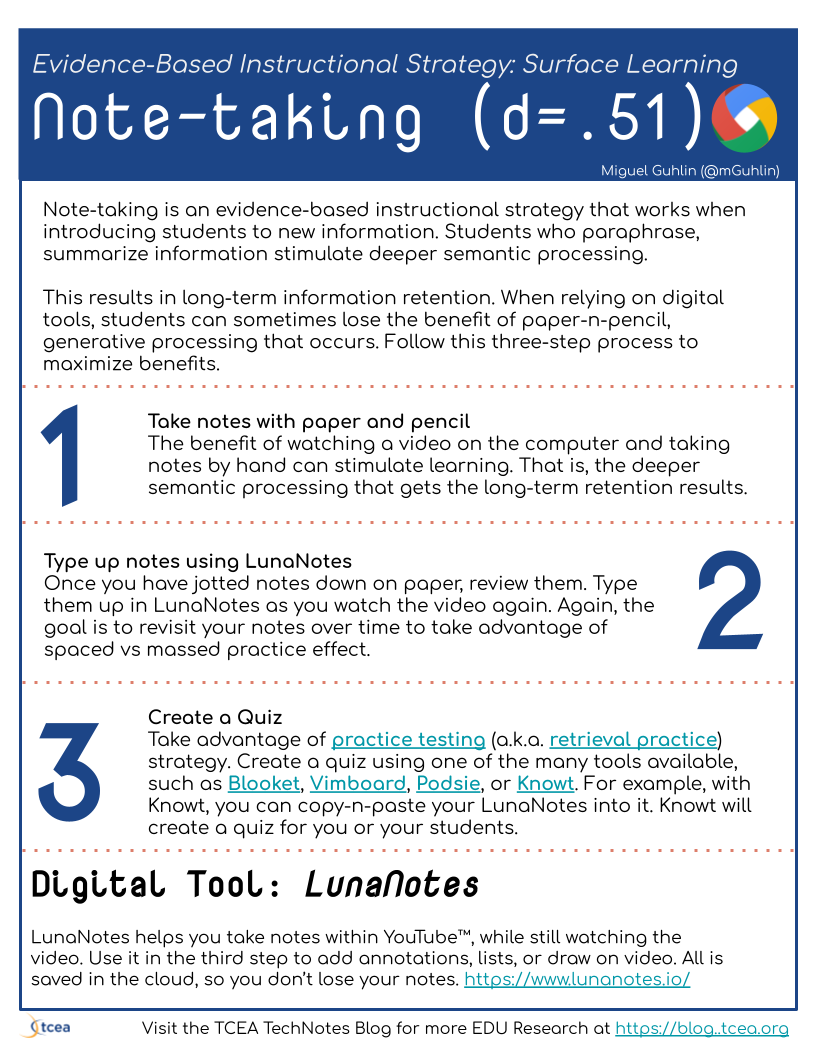
Explore this powerful strategy, process, and free digital tool, LunaNotes, to help students master notetaking and retain learning.
Learn about a new tool that makes algebra interactive and easier to master. The tool? Graspable Math, available for free to teachers.
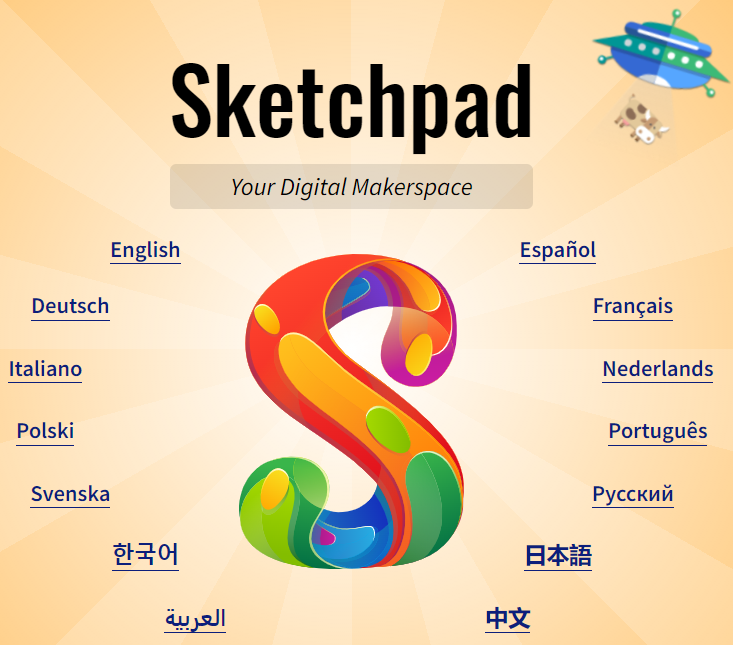
Give this easy and free draw and paint tool a whirl. You will love the ability to color fonts, use stamps, add your own images, and more.
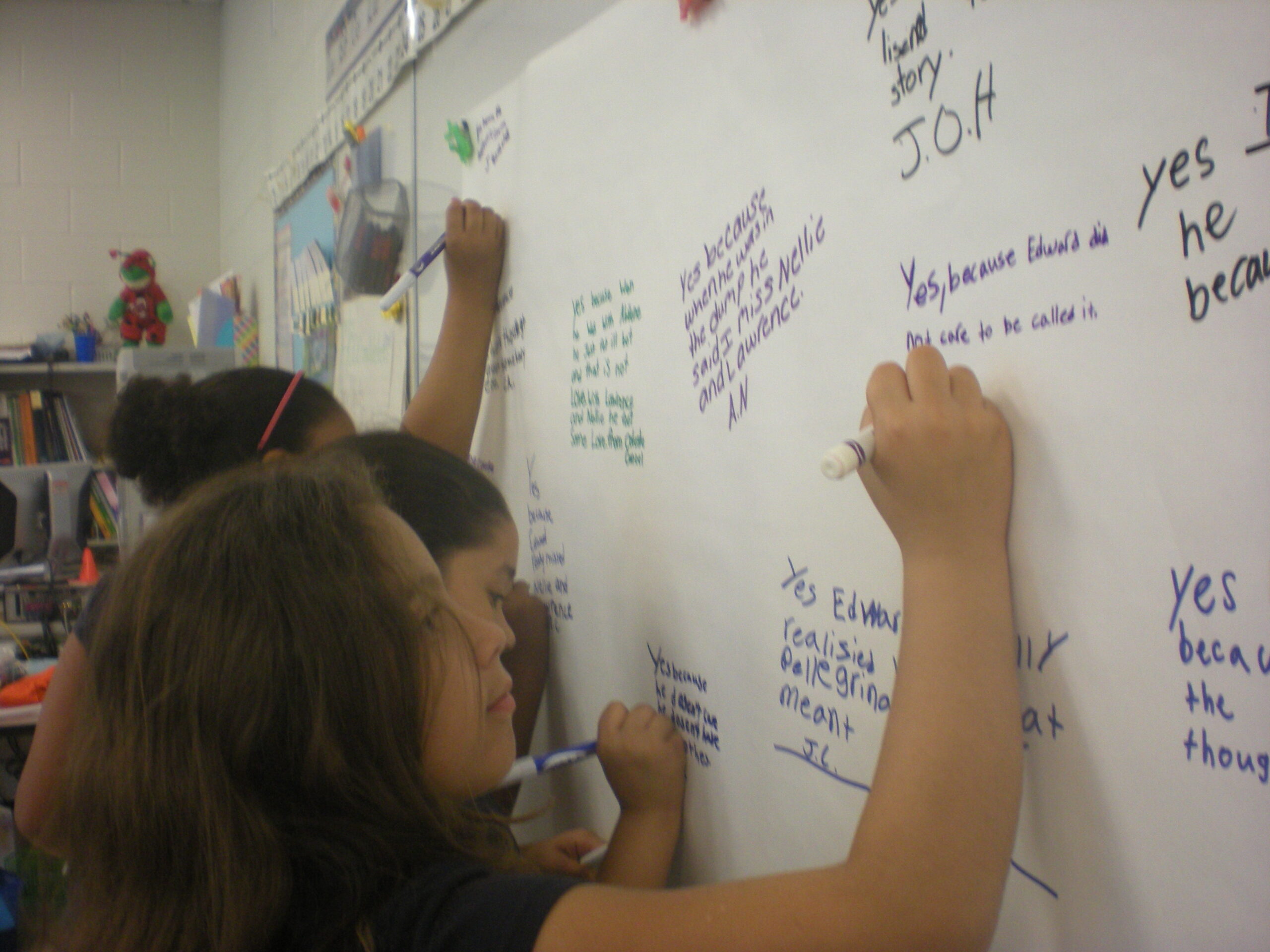
Accelerate student growth with the self-judgment and reflection strategy. With self-directed learning, your students can master content fast.
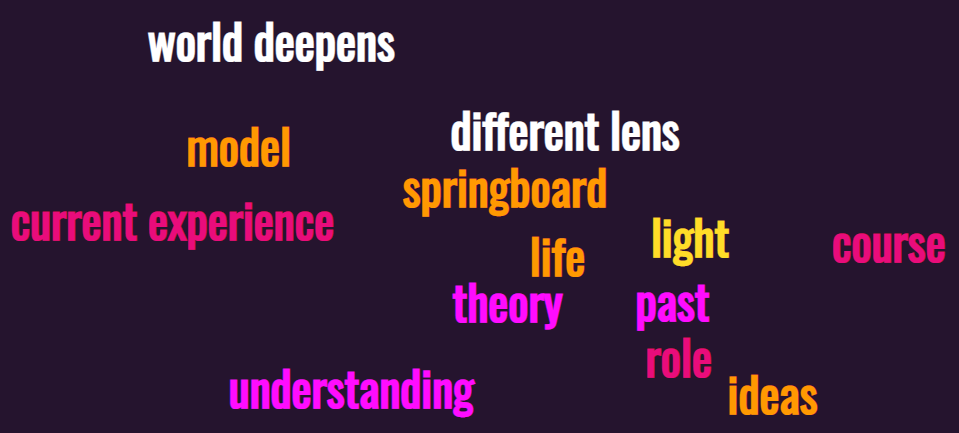
Creating shape word clouds is not only fun, but also a great culminating activity. Check out these four free digital tools.

Poor file management can cost you tons of time and cause frustration. This blog entry shares a few easy tips and tools to solve the problem.
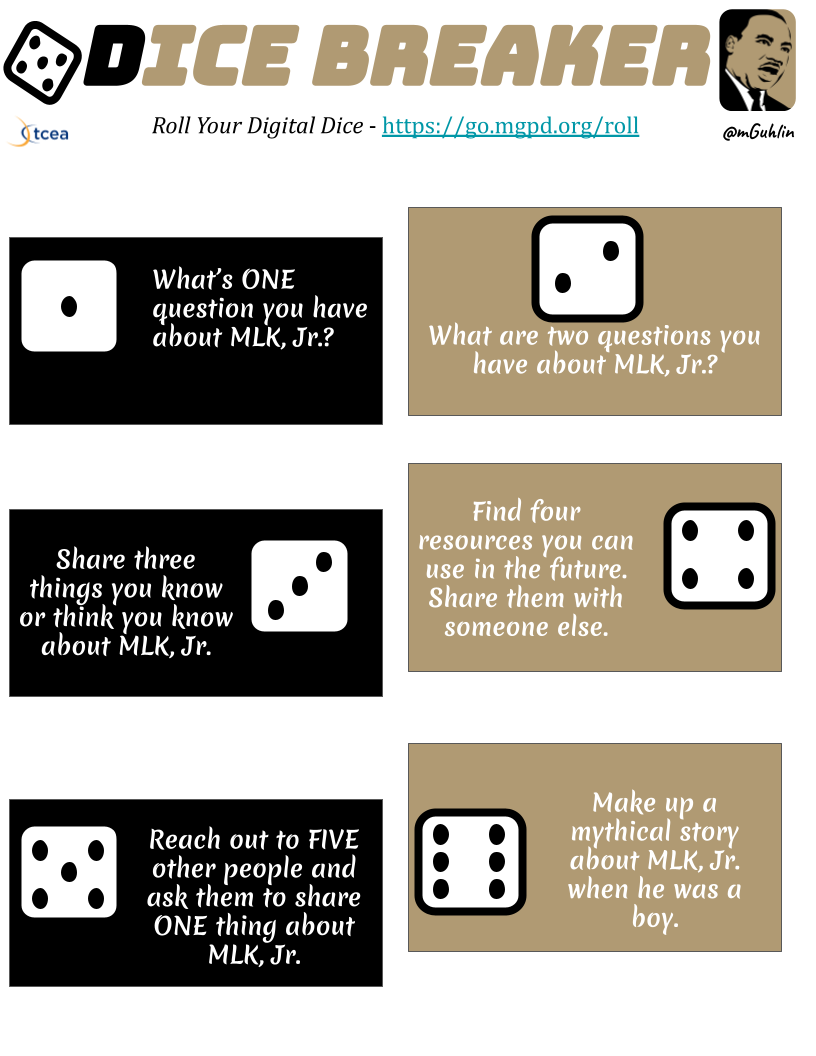
Want to blend ed tech with Martin Luther King, Jr. Day? Explore these templates and activities to get you started.
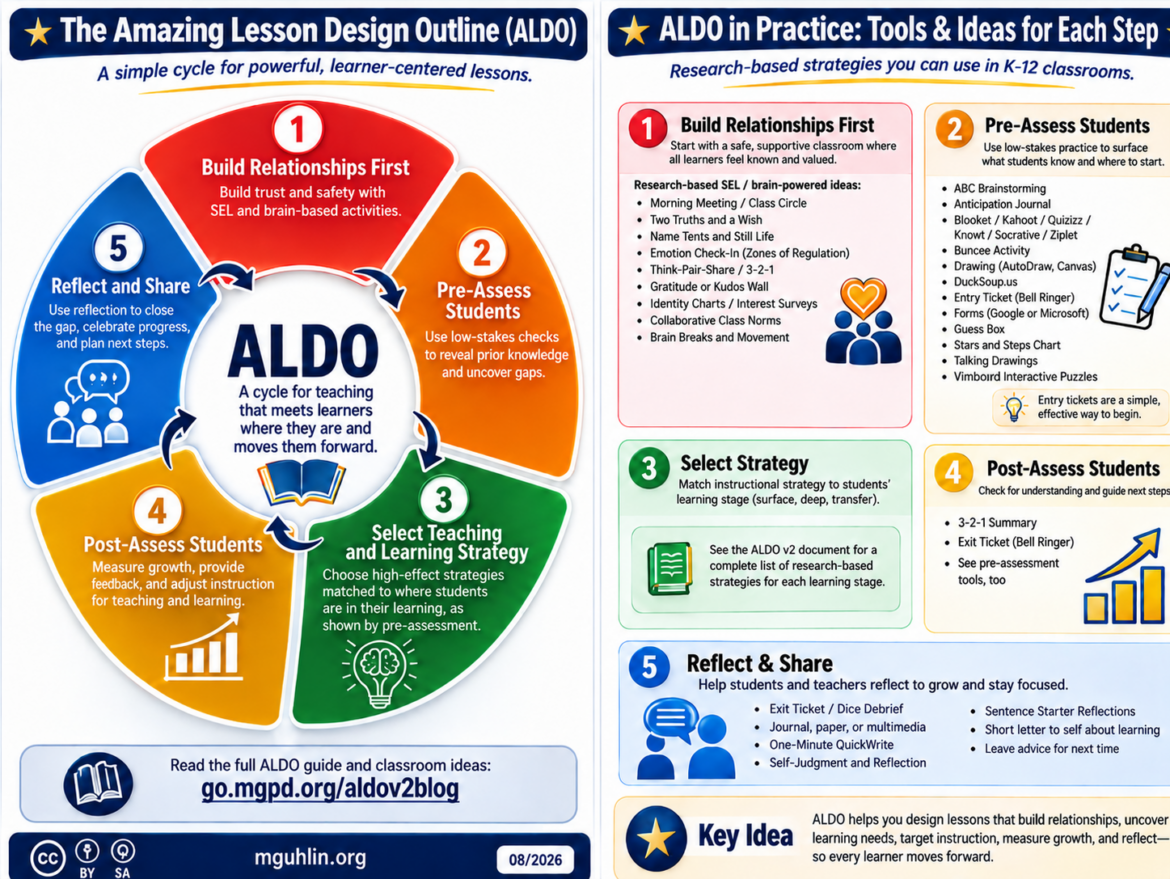
ALDO, the Amazing Lesson Design Outline, provides educators with a way to ensure that each lesson is engaging and carefully thought out.

Curious about whether there's more to our past? Listen to the 25 history podcasts and gain insights of value for today and tomorrow.
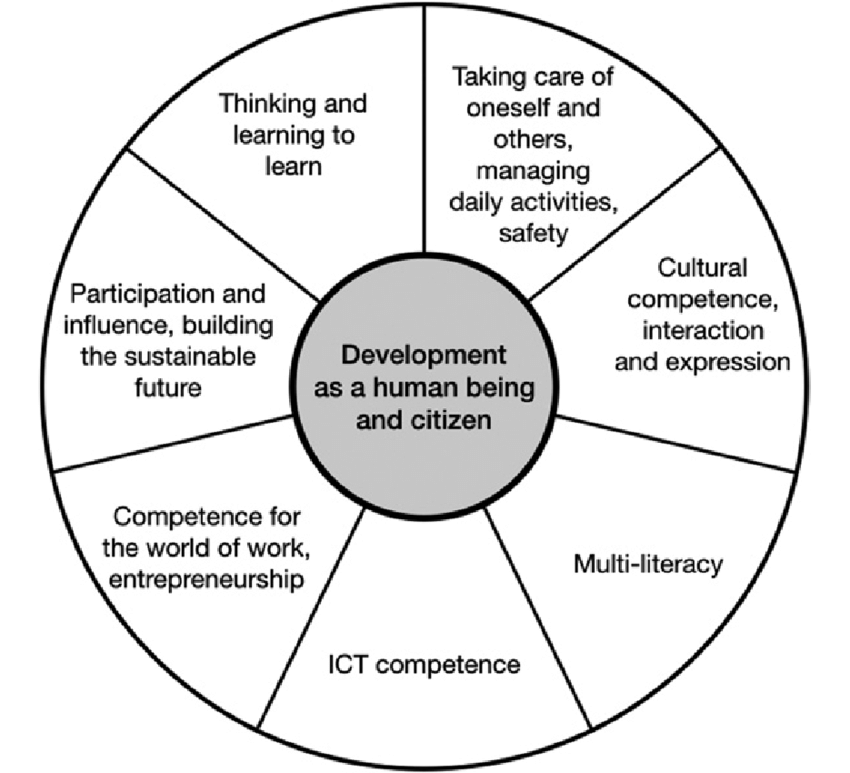
Wish you had free curriculum for your first grade students? Explore This Works!, engaging content with a PBL focus.
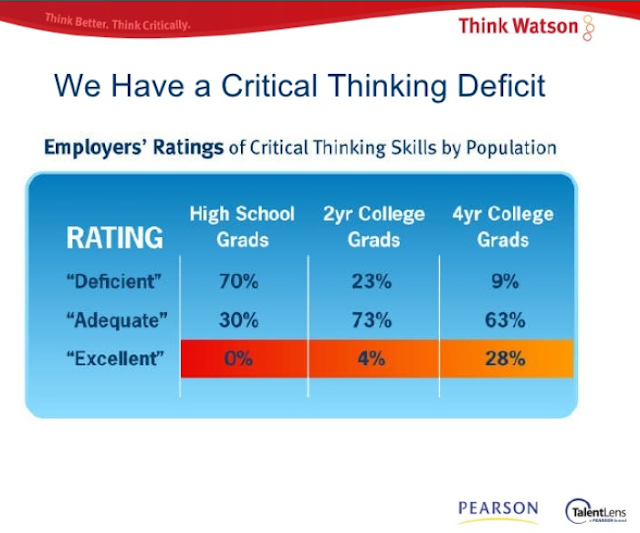
Introduce your child or students to Pressto, an easy way to create engaging digital and print magazines (a.k.a. zines).
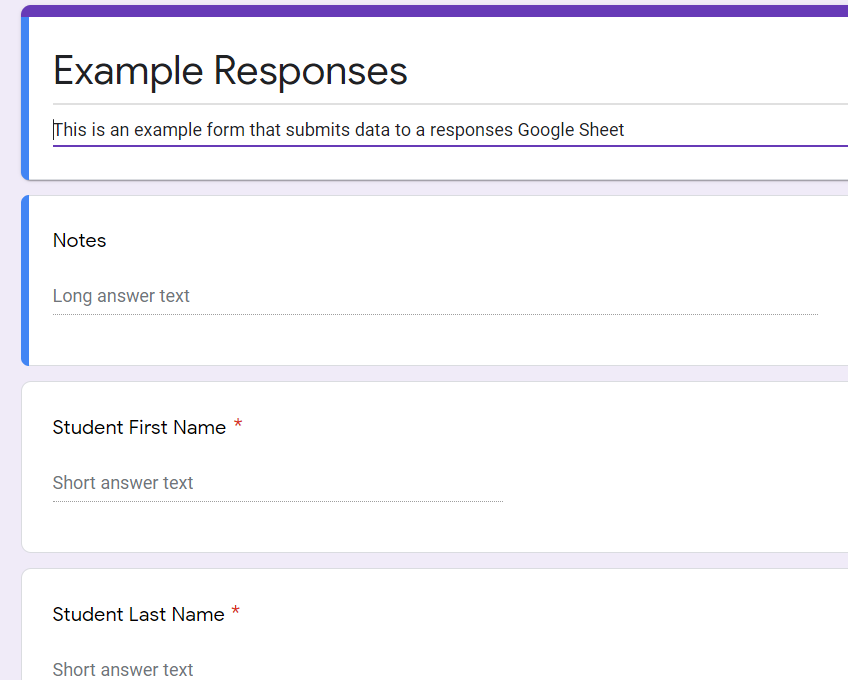
Learn how to use Google tools like Docs, Forms, and Sheets to create an easy-to-update Parent/Guardian Communications Log.
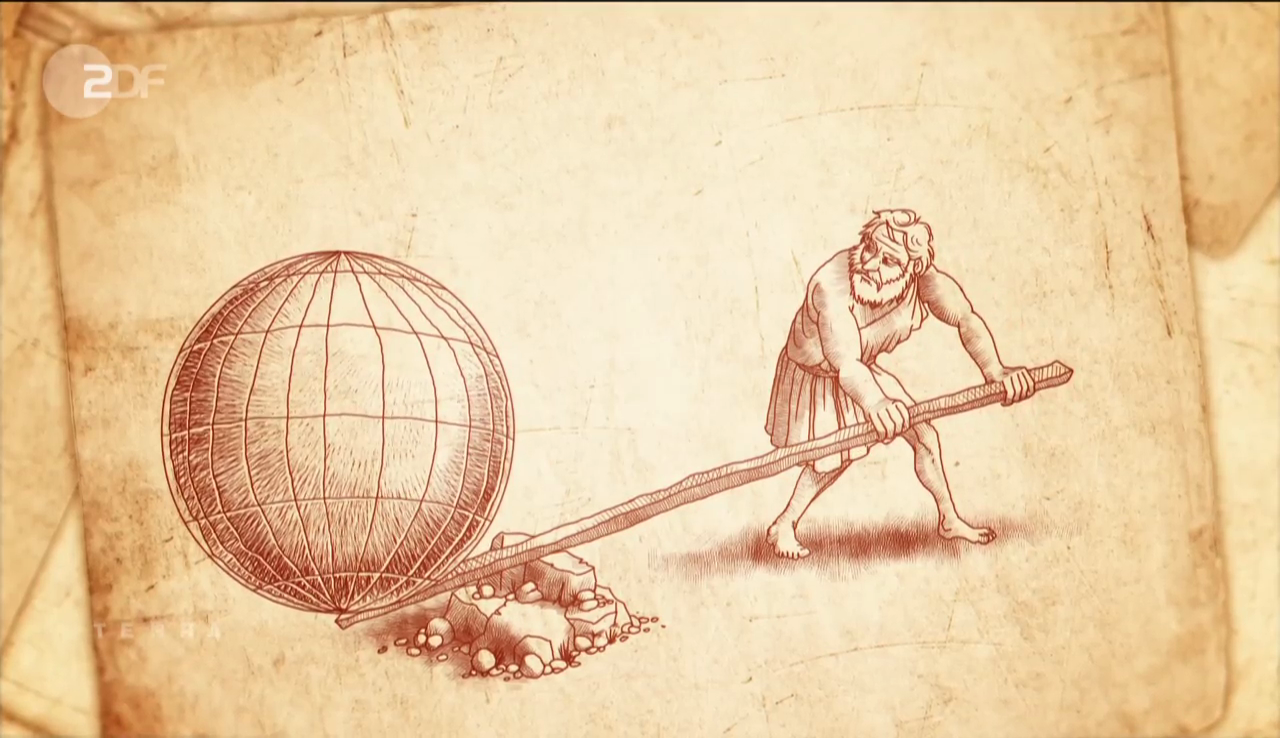
In this quick exploration of the scientific method, discover hands-on science labs to help students master its key components.
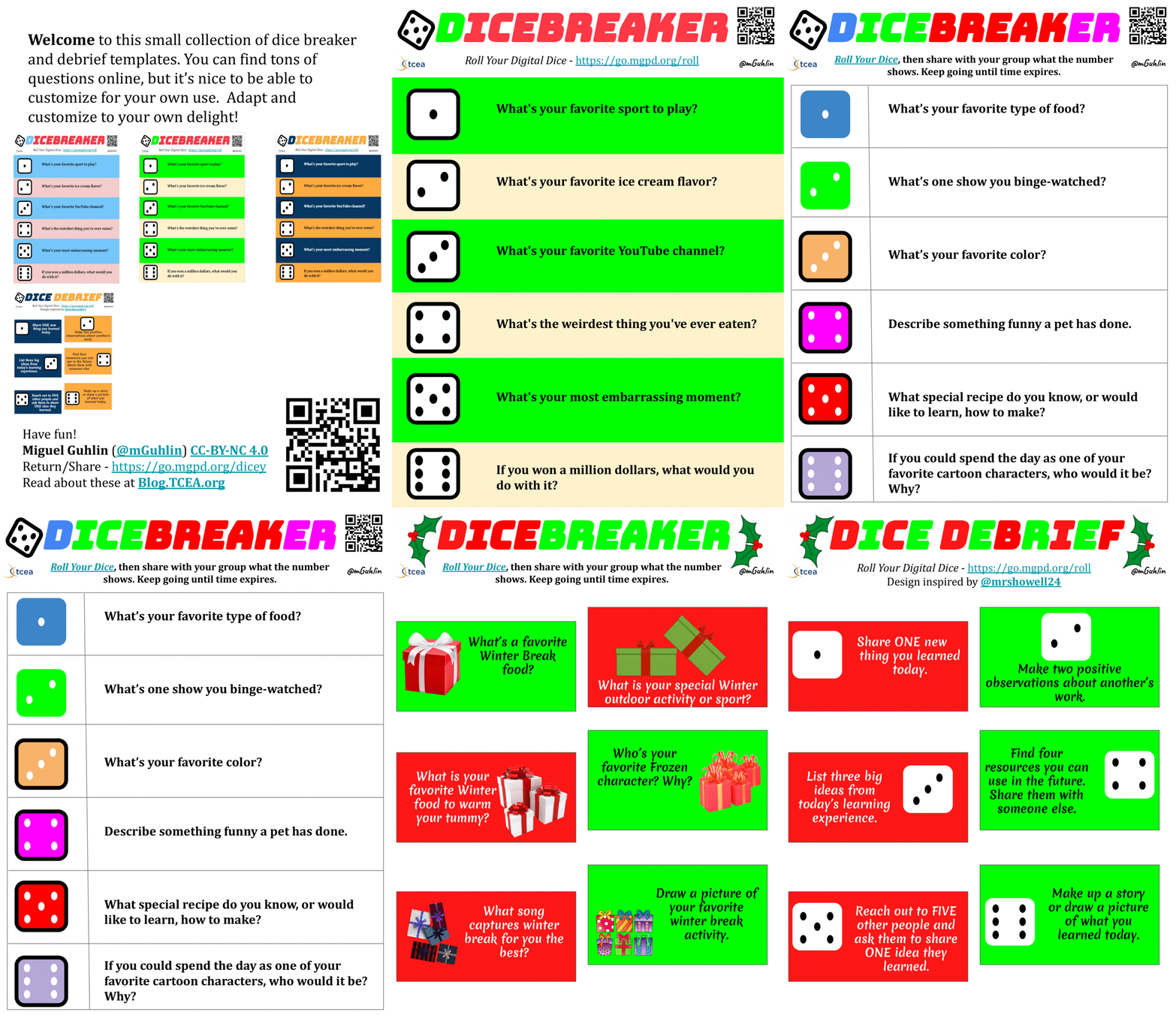
Explore how to engage students in self-judgement and reflection using dice debriefing activities and dicebreakers. Get some templates, too!
Need a quick way to save files or remotely control your work or home device? Check out these no or low cost digital tools.
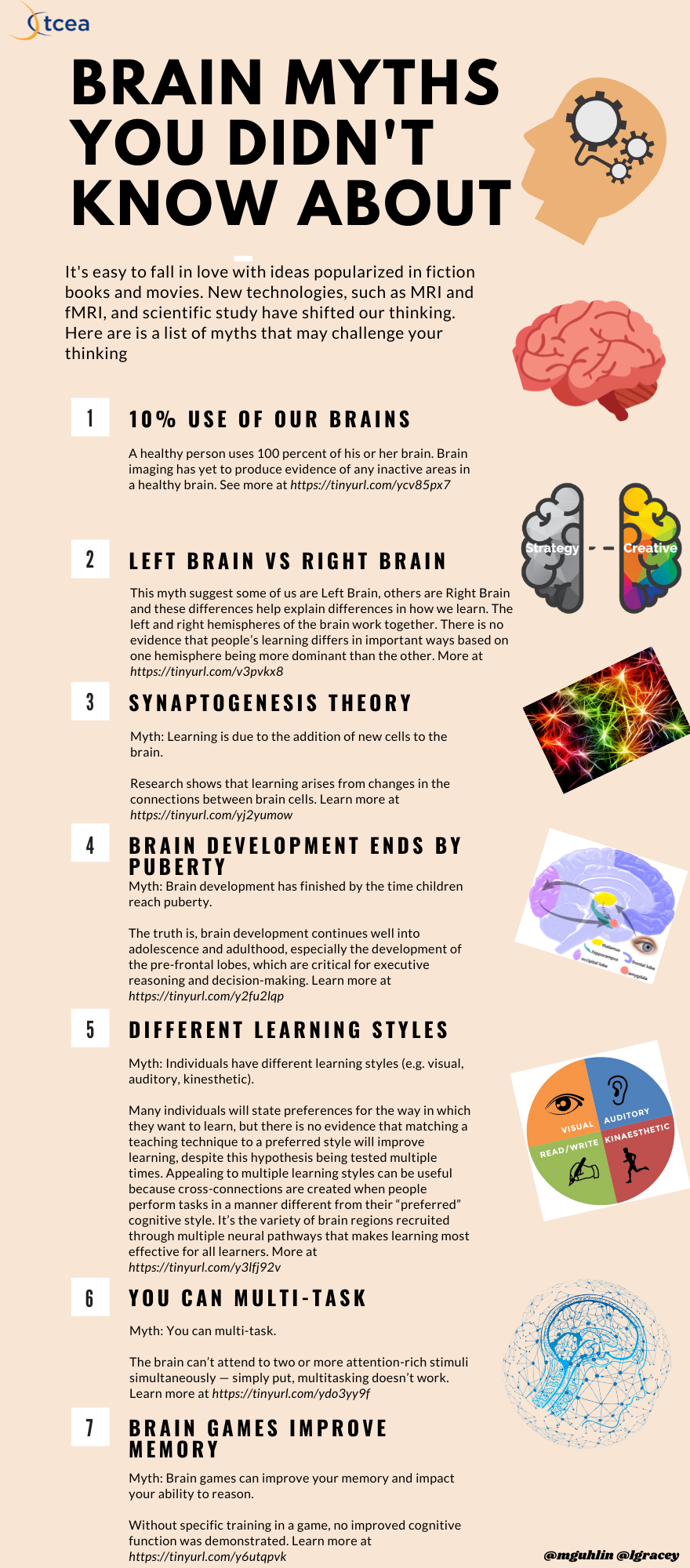
Curious about how evidence-based strategies align to brain-based learning research? This blog entry takes the mystery out of the equation.
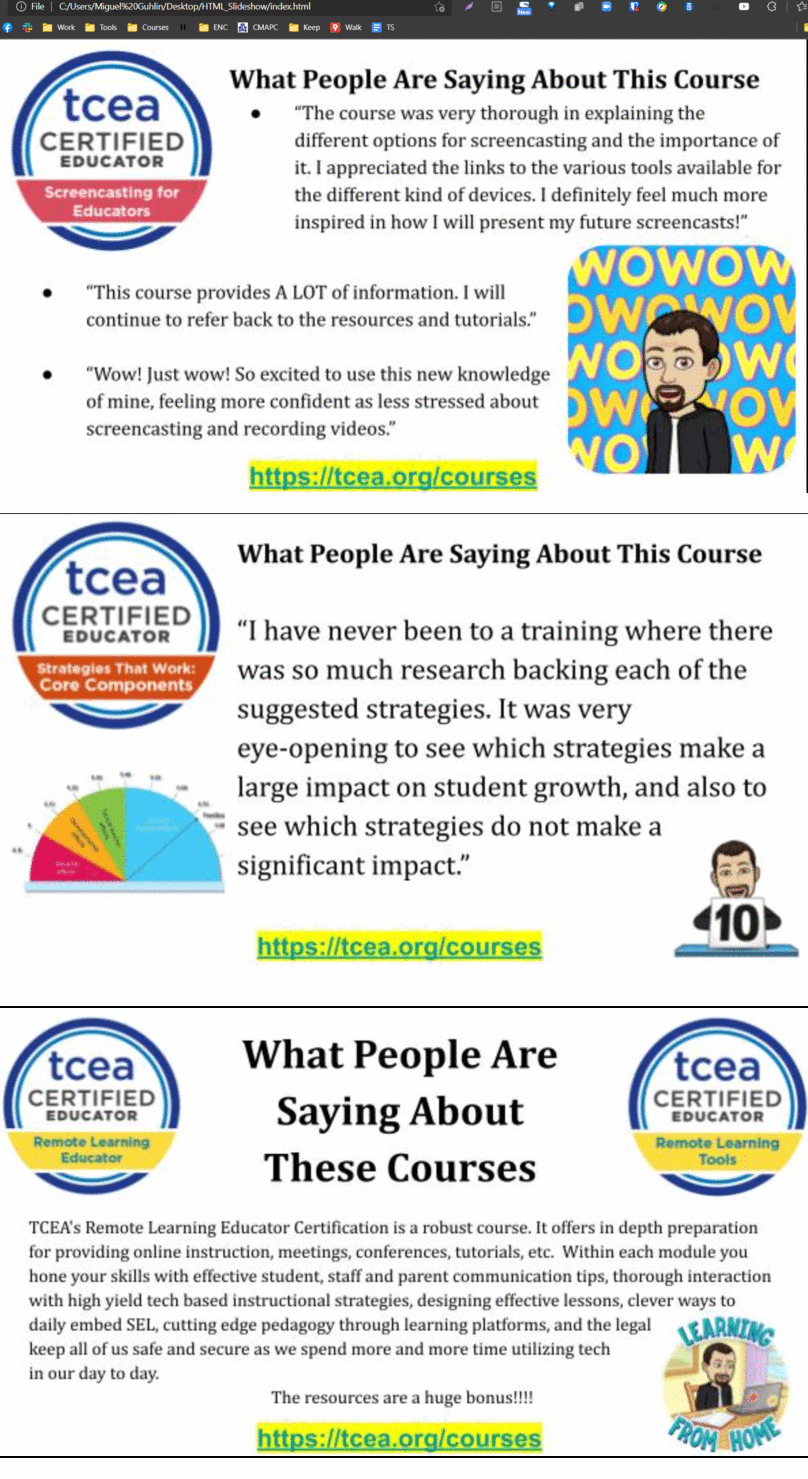
Meet Paste, a new tool for designing engaging presentations. This is a powerful, albeit simple, design tool that makes it easy to add content.
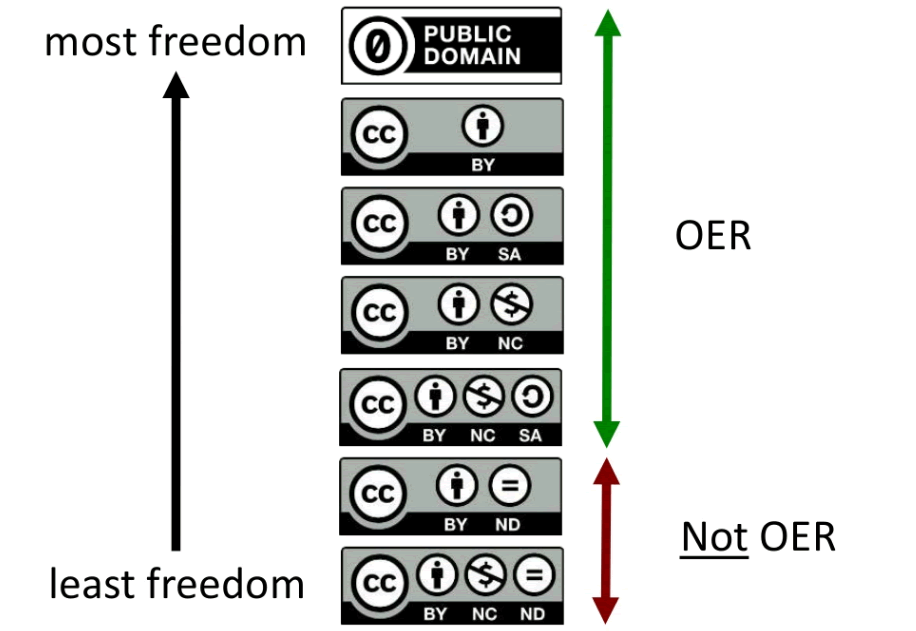
Looking for free curriculum and resources for teaching geography? Check out these open geography finds that you'll definitely want to use.
Discover Ducksoup, a digital tool that makes grading electronic worksheets easy and will save you valuable time and energy.
Heard the news? Microsoft has acquired Clipchamp, a powerful, feature-rich, browser-based video editor that's great for you and your students.
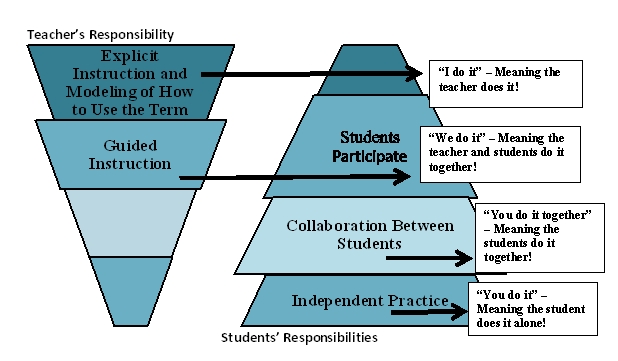
Want to use explicit lexical instruction that facilitates new vocabulary acquisition? Try one or all of the three digital tools offered here.
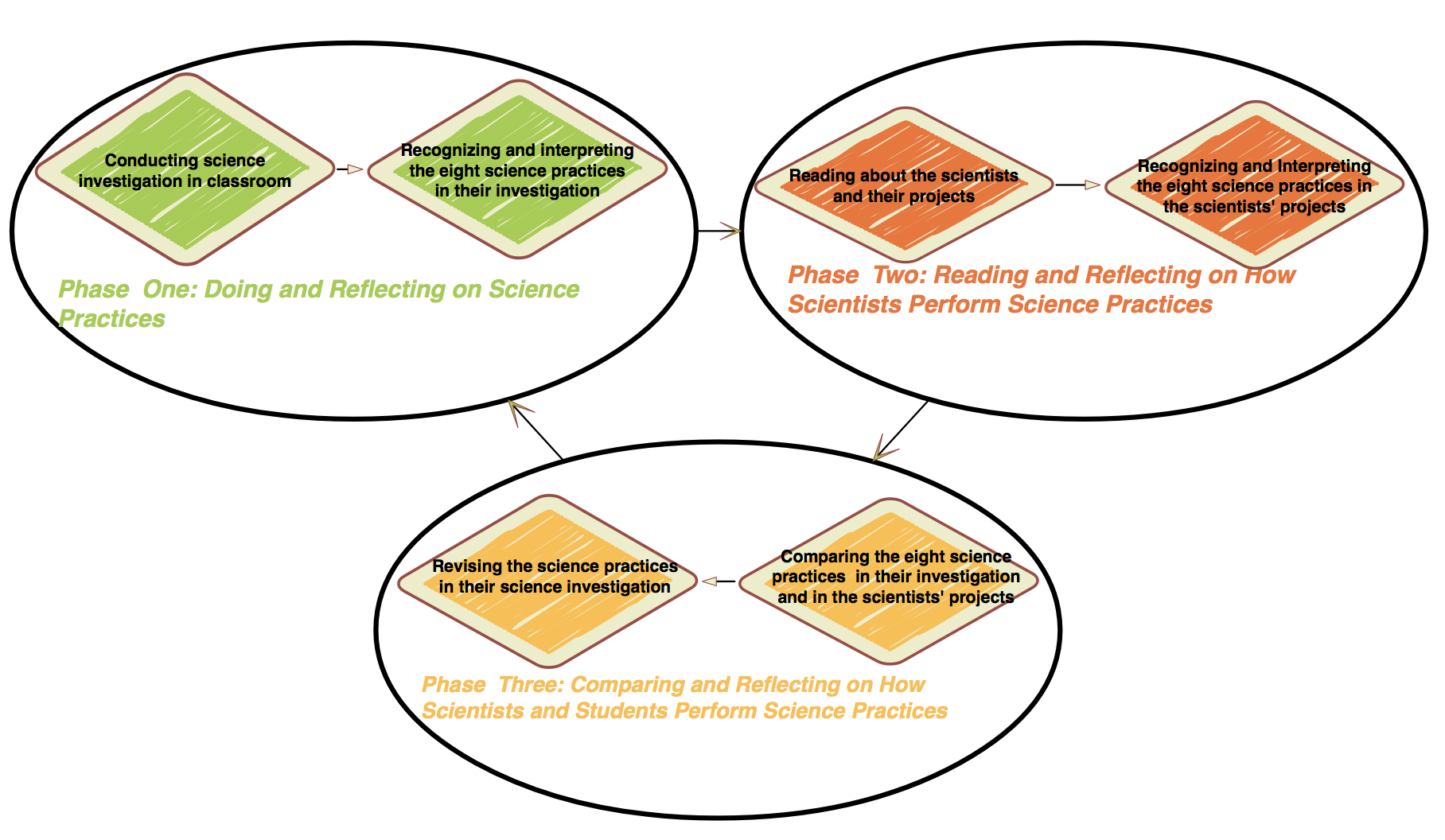
Explore Twig Create, a powerful free tool for teachers that includes curated content and makes reflection a breeze in science class.

Need a way to settle arguments fast? Look no further than these digital, customizable virtual coin flip tools.
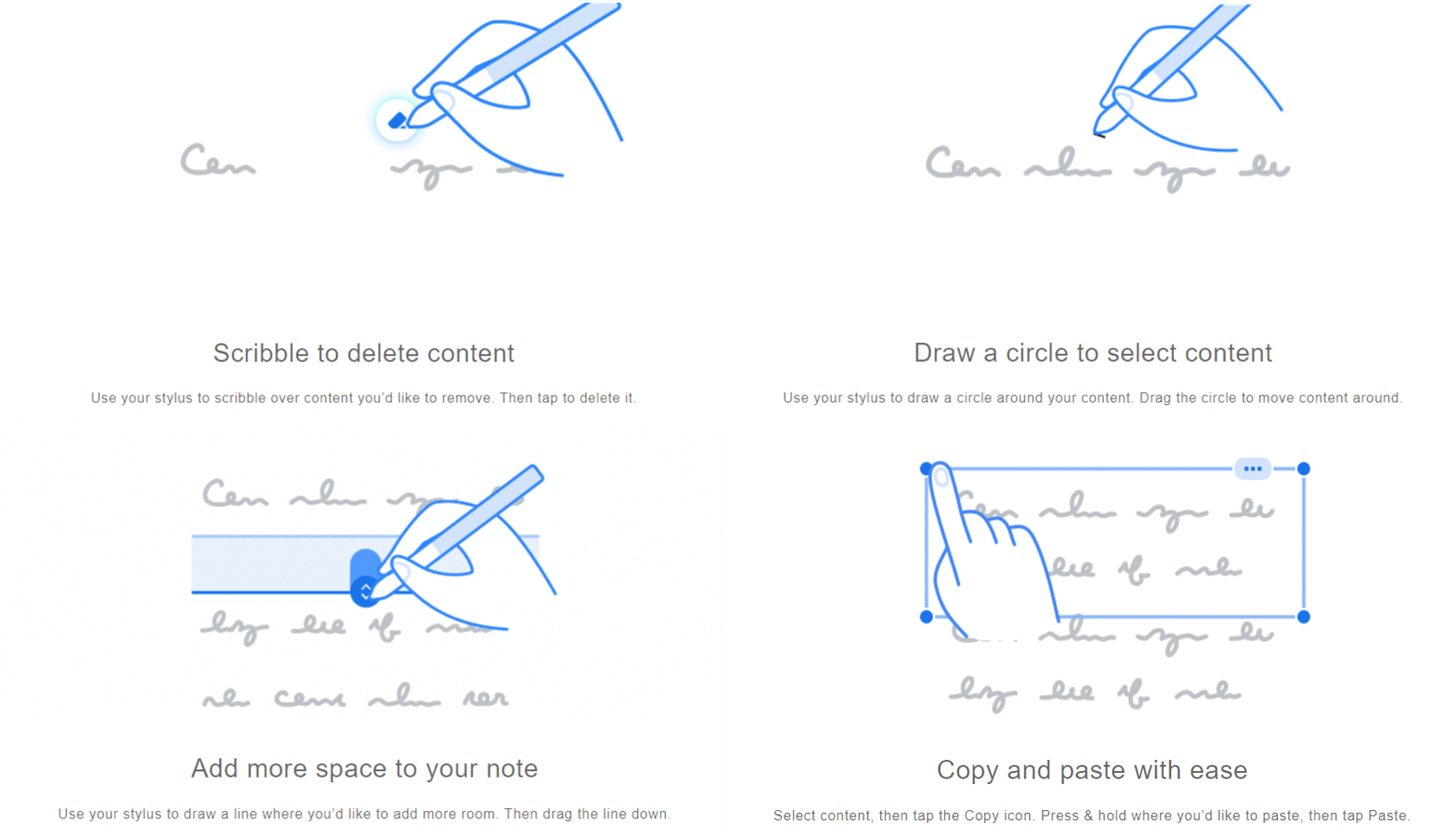
Wish Google had a competing product to put up against Microsoft OneNote? Then take a look at Cursive. It has potential for notetaking.
These digital tools will help you (or your students) rewire your brain with short episodes of joy and calm as you de-stress.
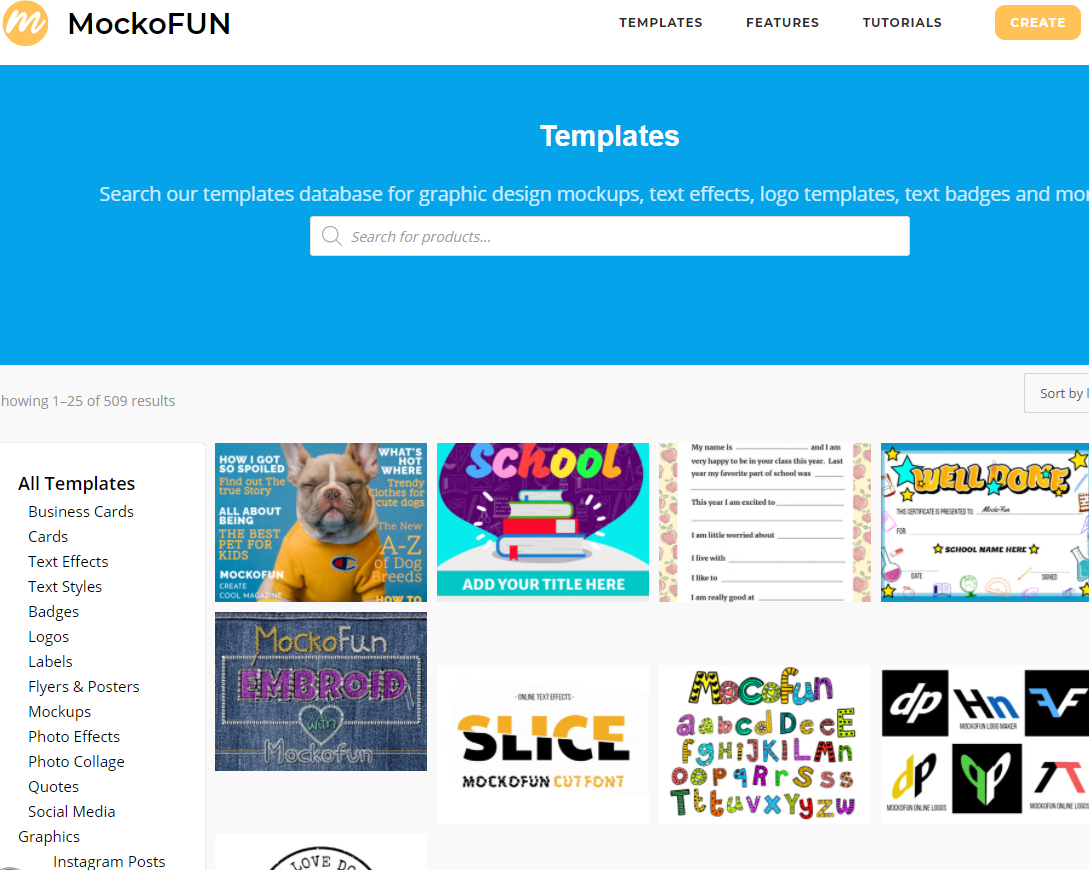
Need a fresh look for your classroom flyers, certificates, and infographic designs? Then give this templates-based creative tool a spin.
Want a handy list of virtual labs for science? Get a short list of my top five, as well as a curated collection of 30 more.

Do you know the benefits of coloring include anxiety reduction, improved focus, and more? Start coloring now to see for yourself!
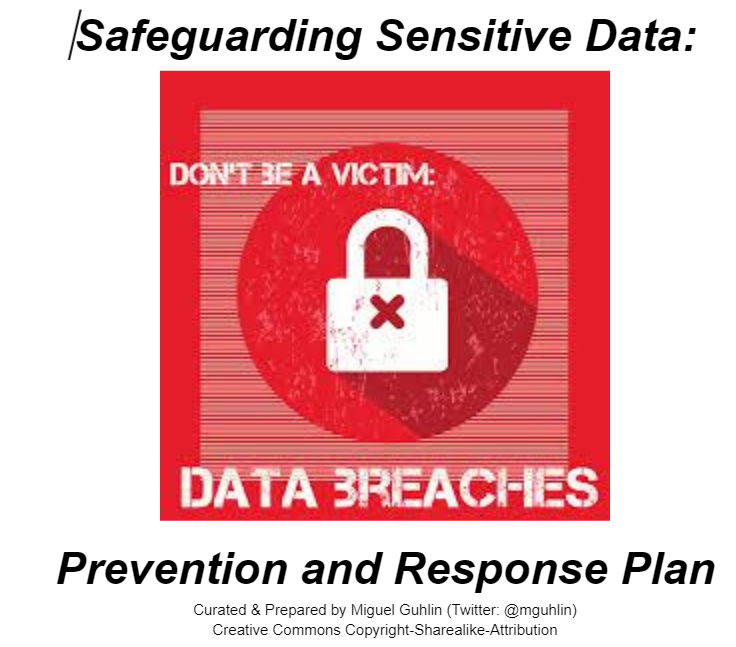
Are you taking cybersecurity seriously? Explore resources for planning, preventing, and safeguarding against data breaches. #BeCyberSmart
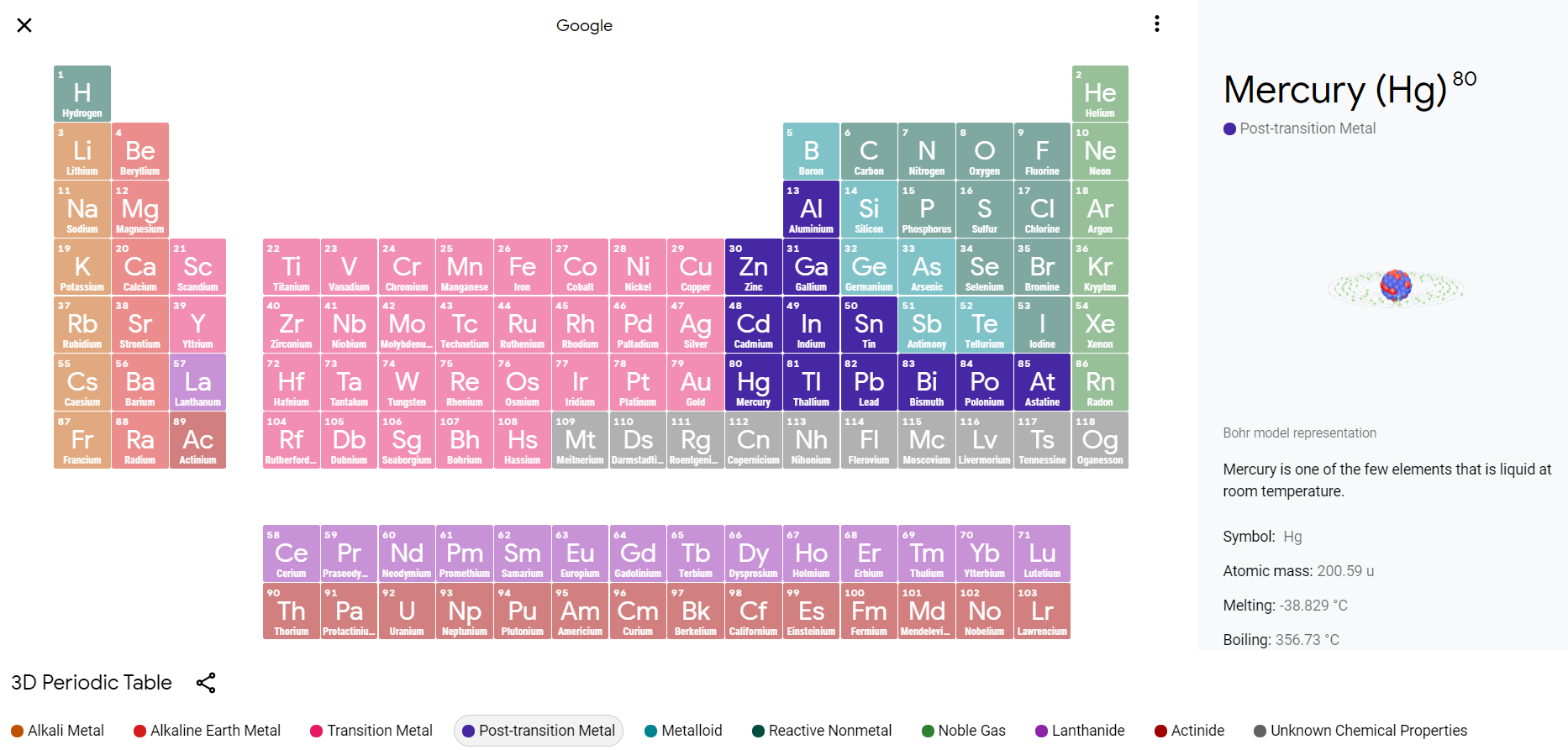
Wish you had a list of amazing interactive science tools? Explore these periodic tables of elements that help make science interactive!

Do your students struggle to construct emails? Share these tips and editor resources to help students improve their writing skills.
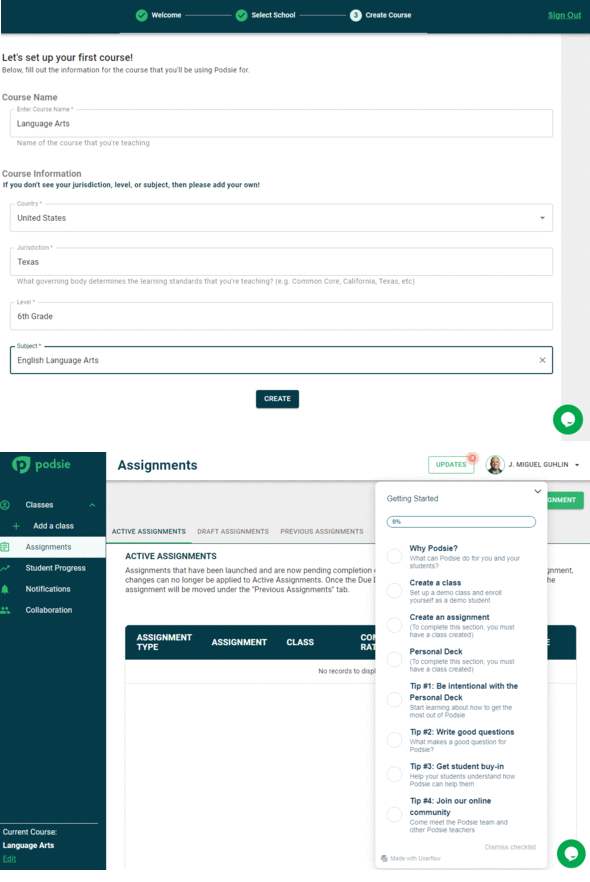
Explore a powerful, new tool, free for individual teachers and students, that matches evidence-based strategies with powerful technology.
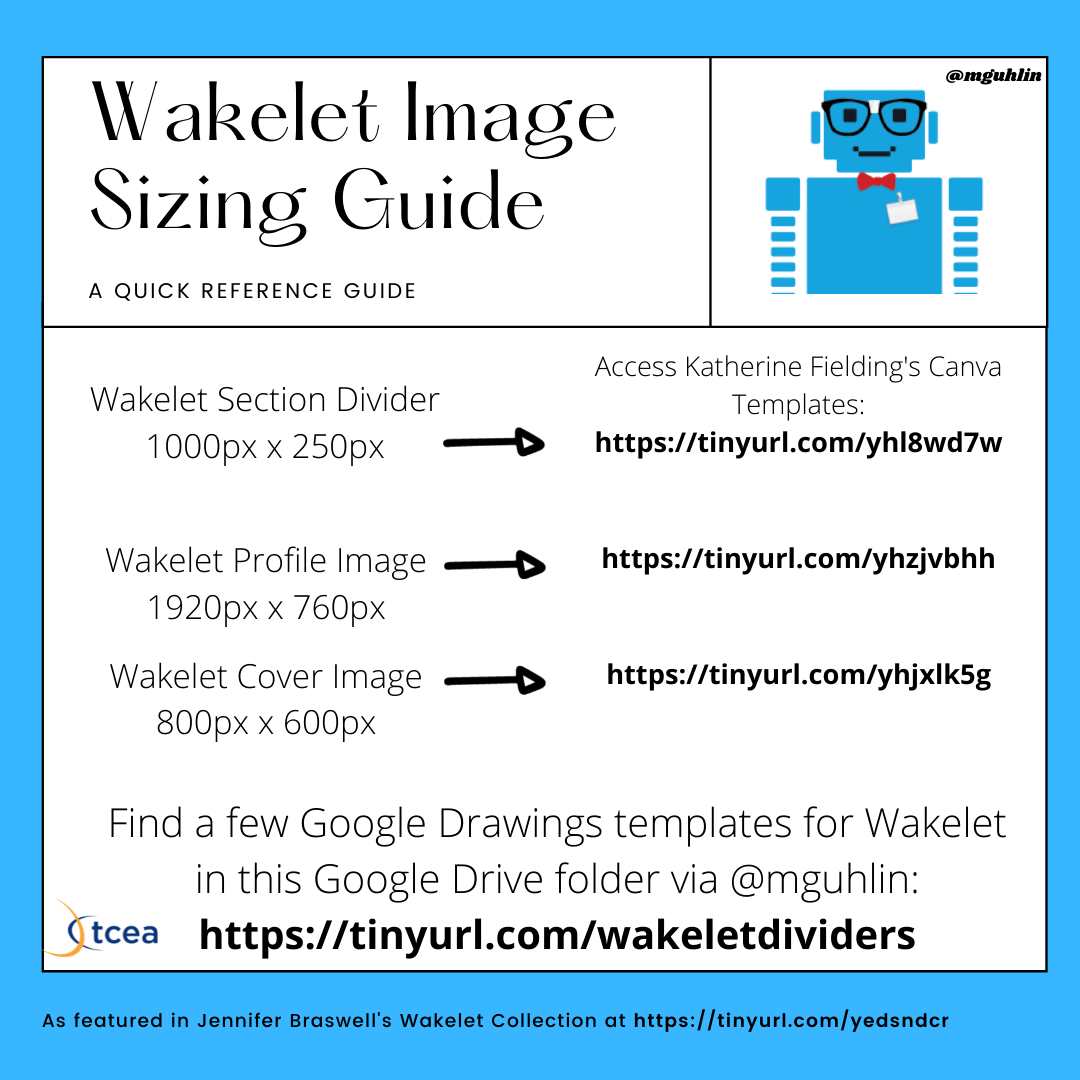
Wish you could customize your Wakelet collection? Give meta collections and dividers designed in Canva and Google a try.
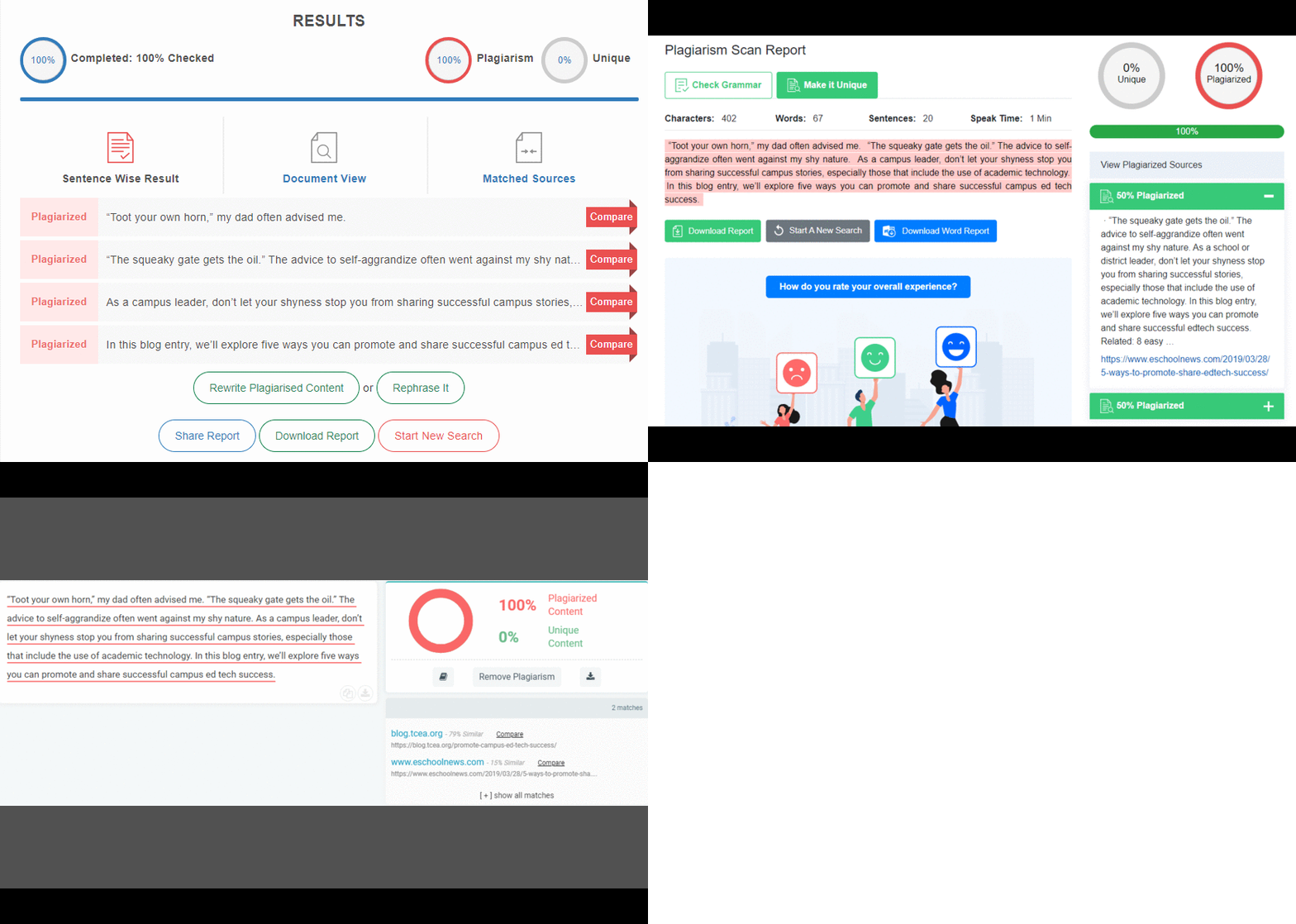
Worried your students are just copy-and-pasting content for assignments? Use these plagiarism tools to check originality.
Need a new way to get your students discussing texts and images? Look no further than Edji, a free collaborative annotation tool.

Did you miss the #SchoologyChat on Twitter? In this blog entry, you can find curated tips from this interactive chat focused on Schoology.
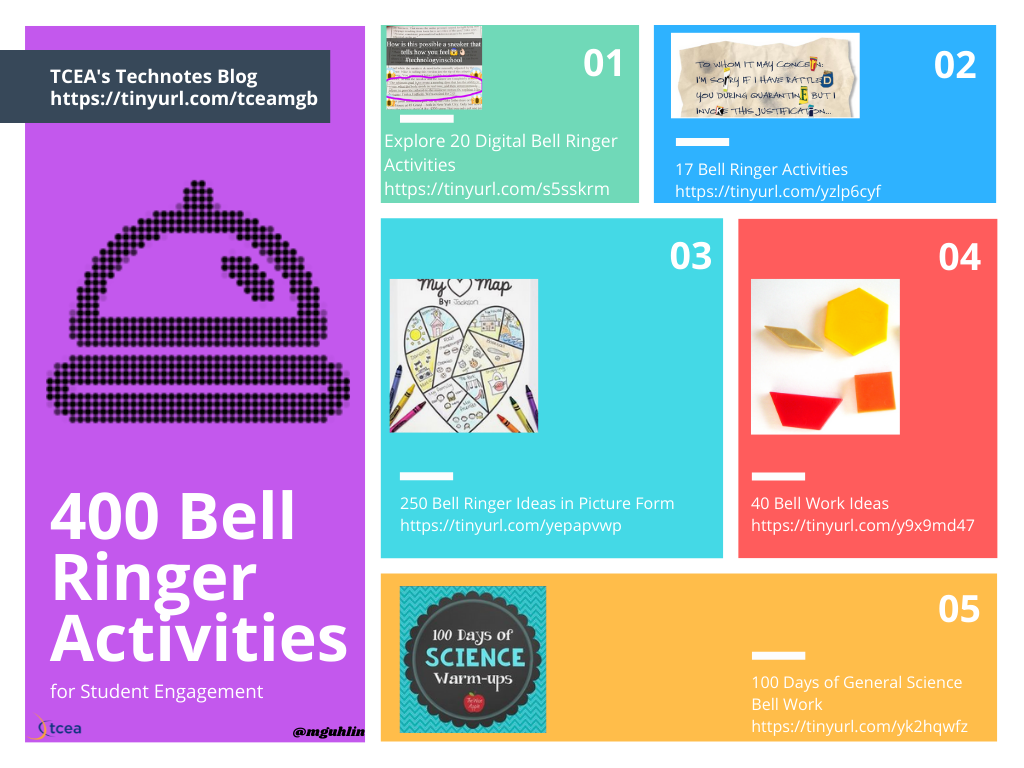
Learn how to make bell ringers more brain-based to help with retention and engagement. You'll find a wealth of resources to ensure success.

Dig into evidence-based research with these five sources. You will find strategies, research, and video series that will guide you.
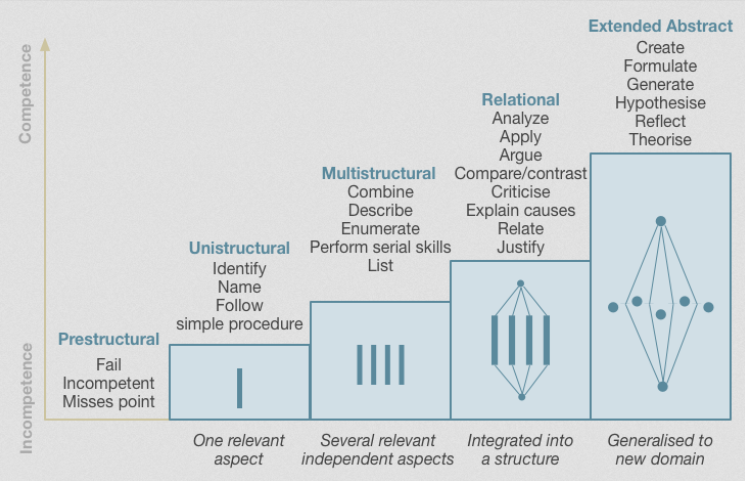
Explore three steps to blending evidence-based strategies into science lesson design, as well as curated resources to match each design step.
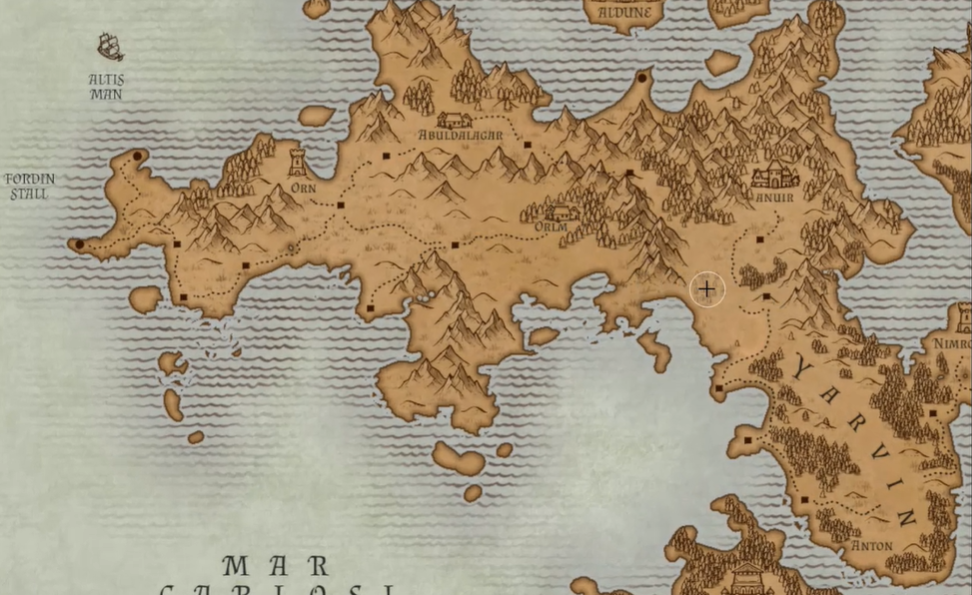
Learn how to have students create engaging interactive maps using online resources, Google Slides, and Google Jamboard.
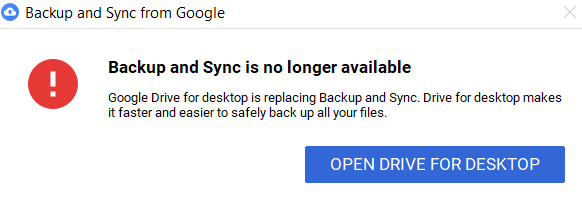
Mystified by Google Drive's upcoming changes? Walk through the new Drive for Desktop and learn how to make the most of it.
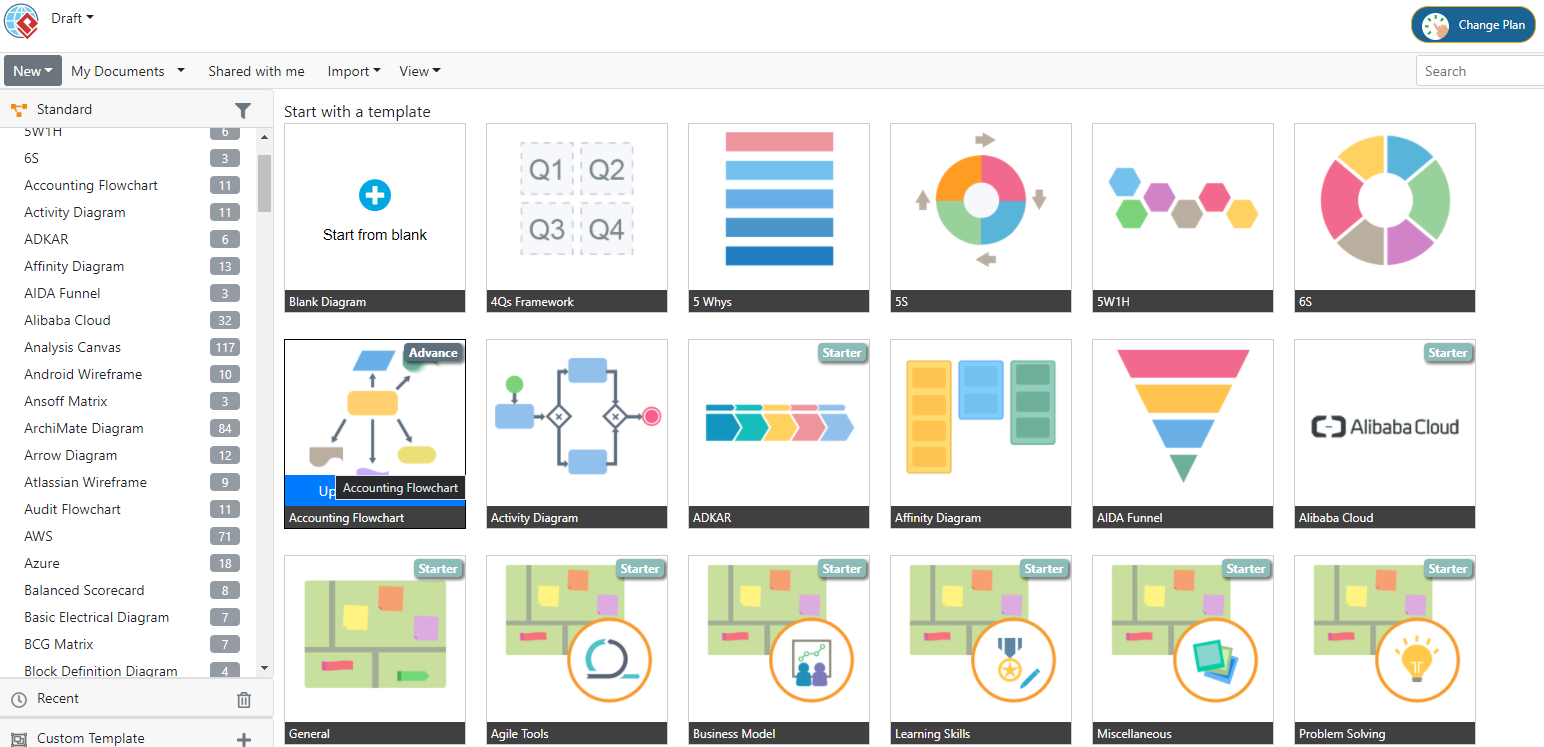
Find and use concept mapping tools that work well with Google Workspace. See the research underlying thought cartography and more.

Need some fresh assessment tools for your classroom, school, or district? Here are two options and more resources.
Looking for a quick, browser-friendly polling solution? This blog explores one of my favorites, Easy Polls, which is free and powerful.
Learn all about these exciting tools to leave useful voice notes in the Google realm and do much, much more.
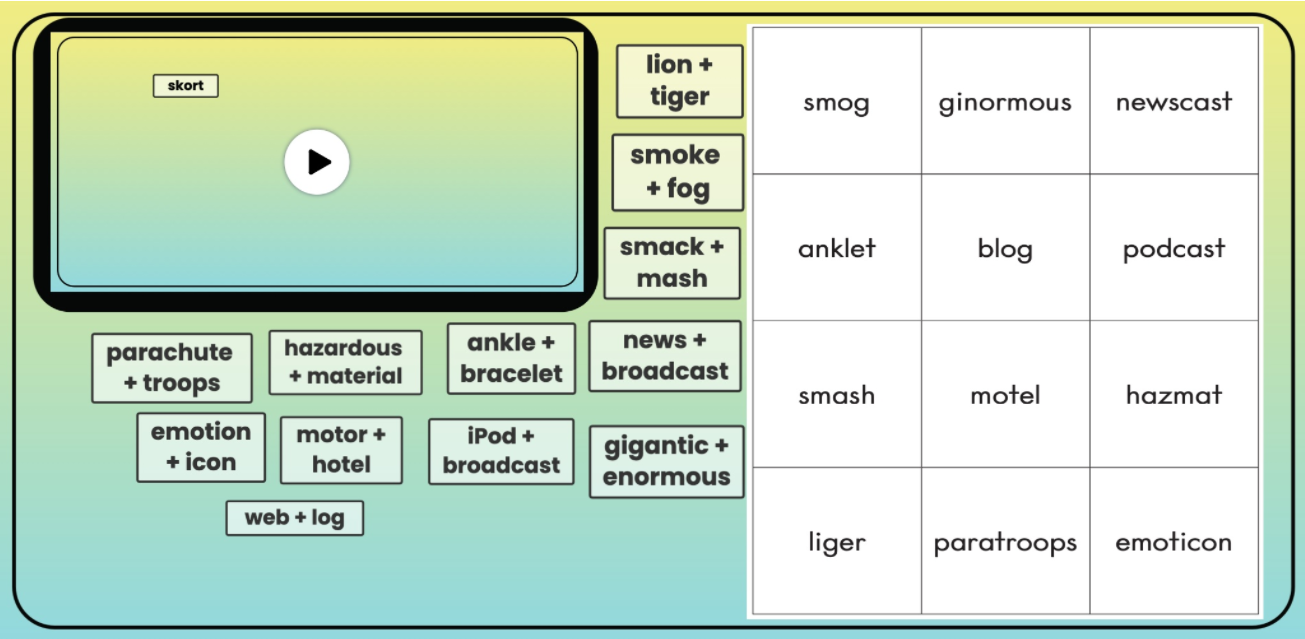
Explore a variety of teaching resources for Juneteenth, including a Wakelet collection and a Fliphunt.
Are you a first-timer when it comes to iPhone? As a recent convert from Android, I'm thrilled to share some of my favorite apps and tips.

Check out these nature lover apps that will make your sojourn in the great outdoors even more enjoyable and restful.
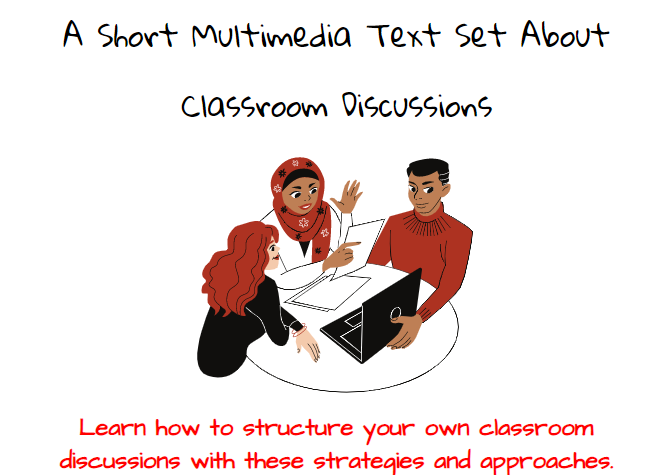
Ready to explore additional classroom discussion strategies to ensure longer learning retention? Start with this MMTS and infographic.
This checklist focuses on three key areas to help you assess your use of technology to accelerate learning.
Here are a few text generators you didn't know you needed, but that can assist you in customizing texts and images.
Zearn is a free math resource that provides targeted activities, math models, and lessons. Check out how you can get access.
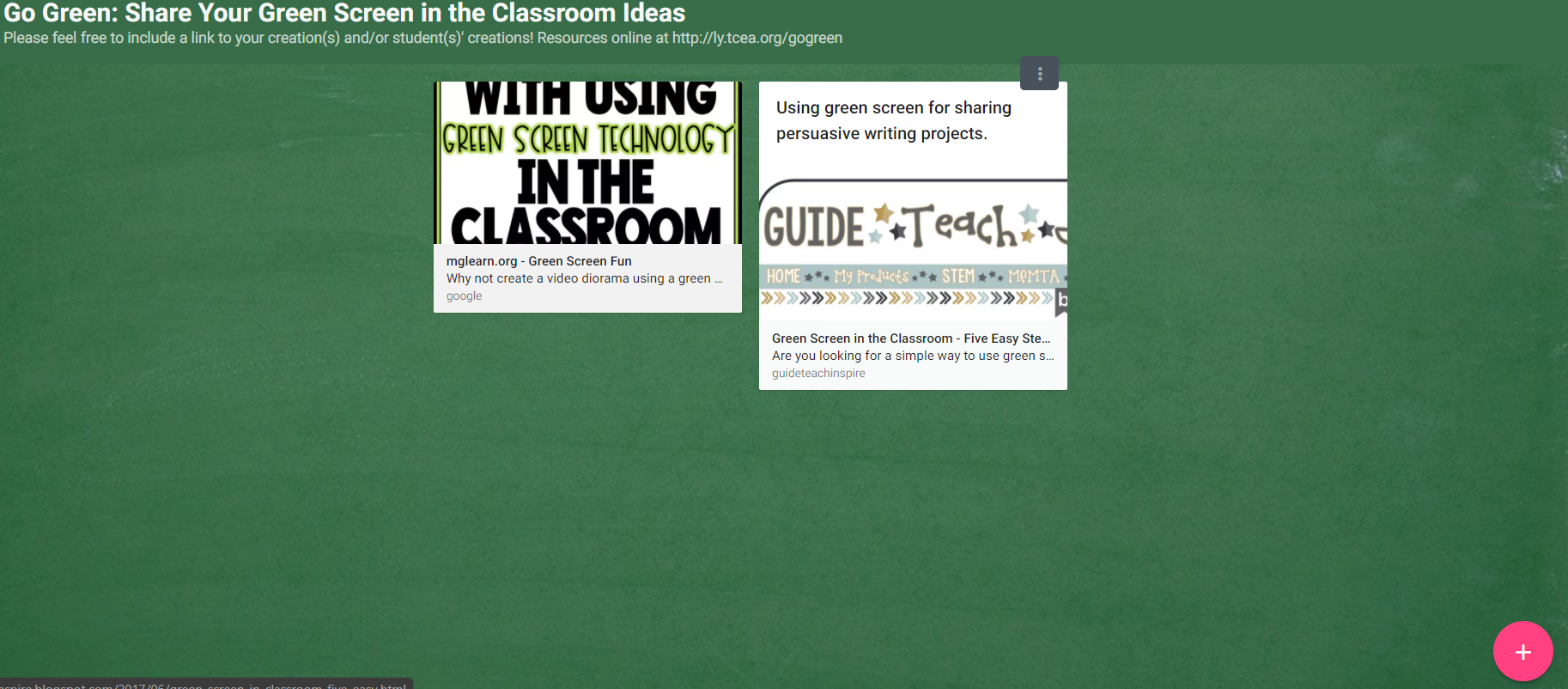
Green screen is a powerful tool for students and adult learners alike. Previously, there's been a cost to it. But now, there is Kapwing.
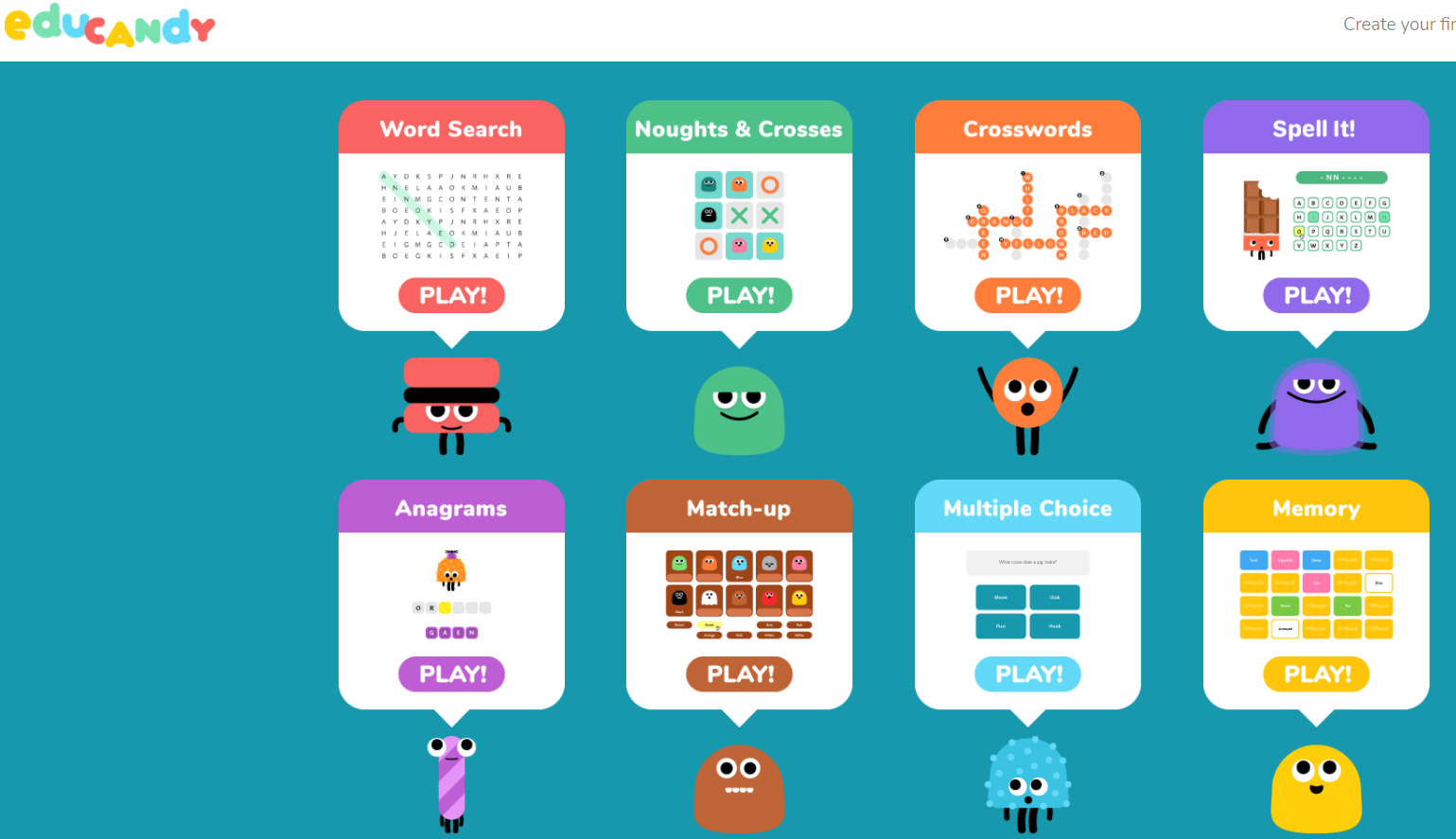
Come along as we take a look at Educandy, a new quiz-gaming tool. See how it connects to strategies that work.
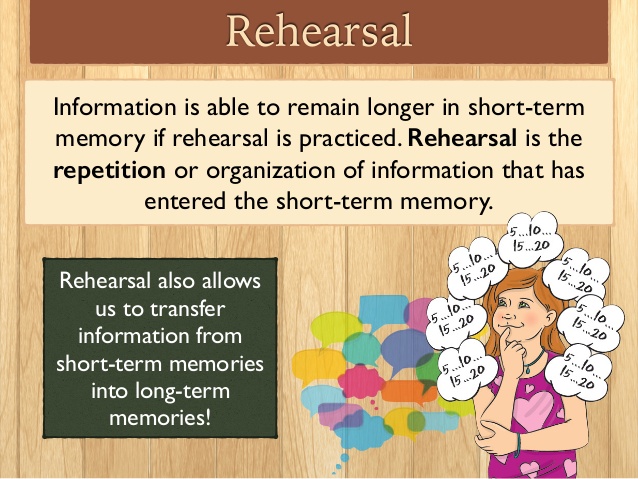
Get more insight into a surface learning strategy, rehearsal, as the exit ticket's secret weapon. Come along as we explore this strategy.
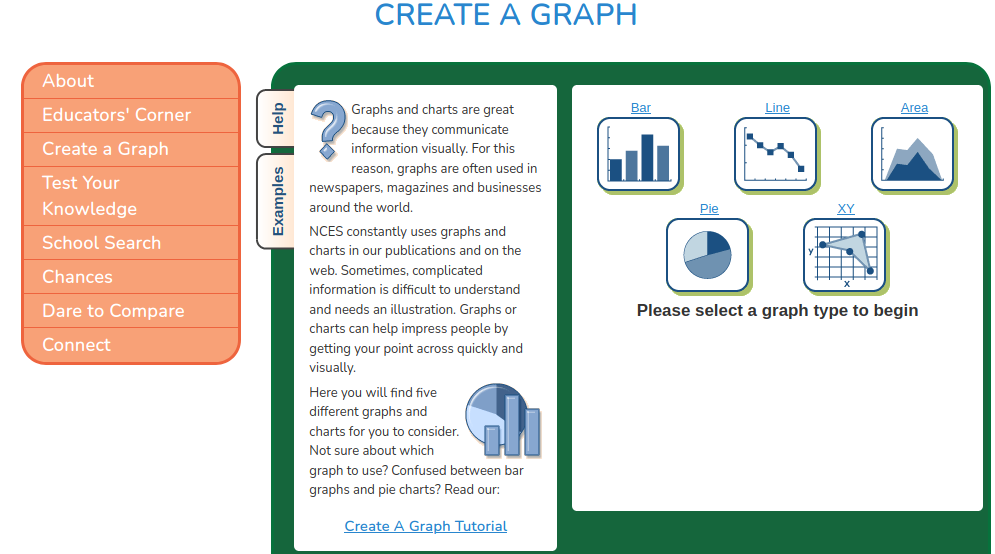
Here are a few browser-based digital tools you didn't know you needed, but that can save you time and effort. And they work on any device!
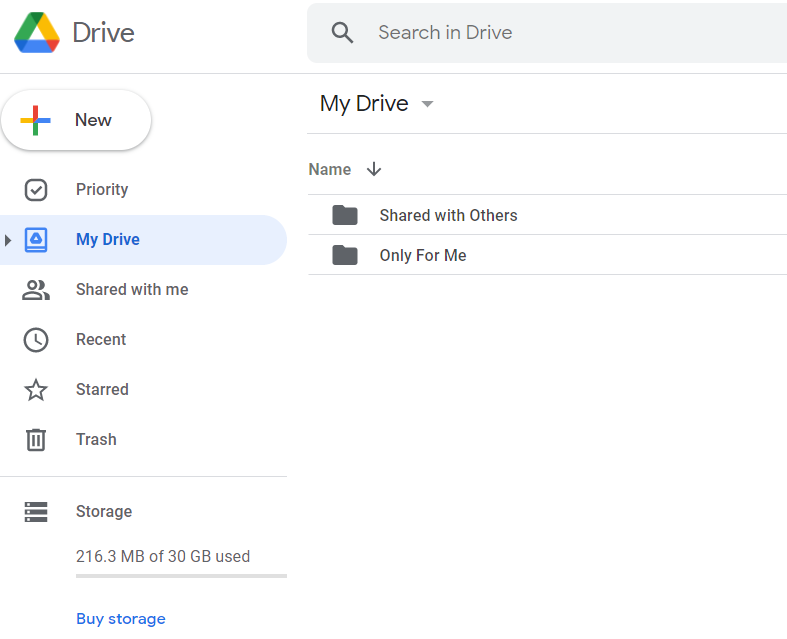
Heard of Google's new storage policy? Has that new policy got you thinking you need an exit strategy? This blog entry has you covered.
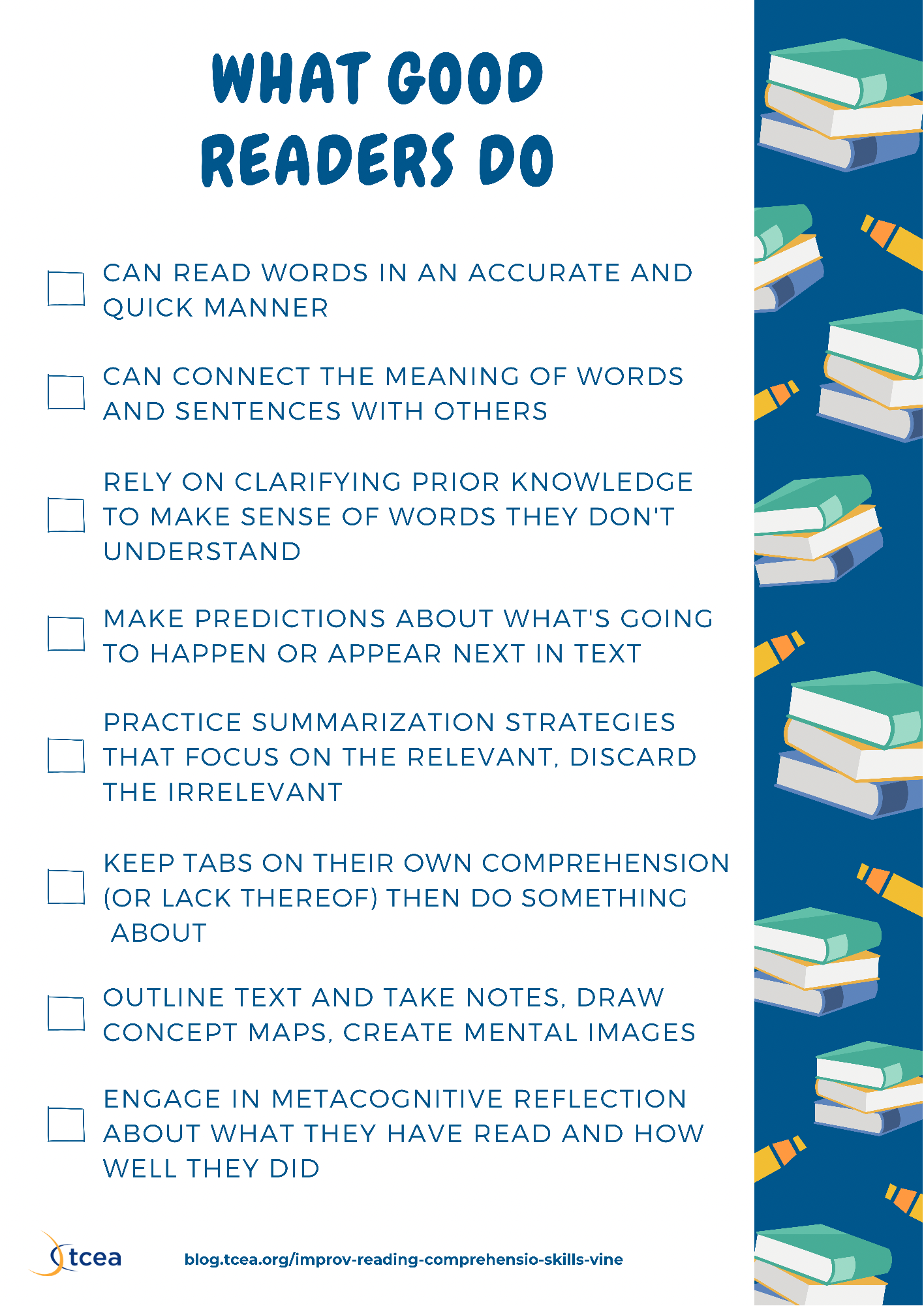
Have students explore meaning in fiction and nonfiction reading passages with the free resource Reading Vine.
Need a quick way to stream morning announcements? Check out the list of amazing streaming tools you can use. Don't be afraid to share your thoughts.

Dig into Google Meet breakout ideas and other Twitter takeaways that will better engage your students and increase achievement.
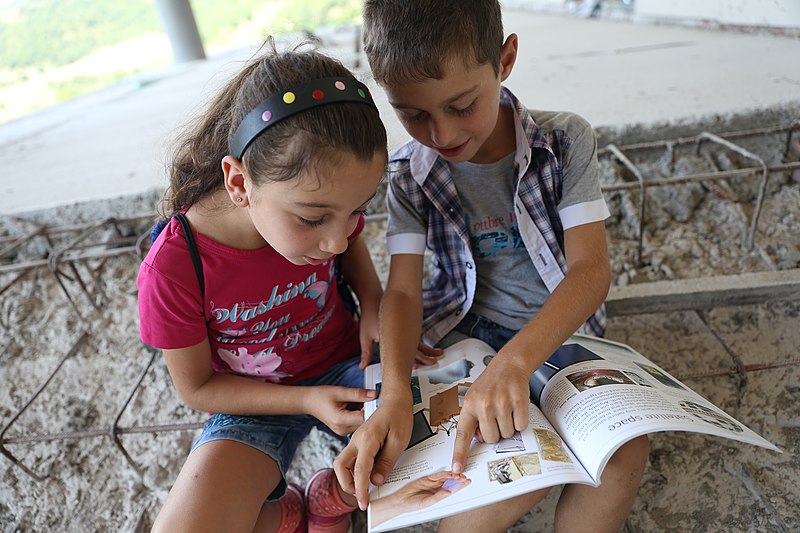
Take advantage of powerful technologies to enhance reading fluency and oracy. Suggestions for echo, choral, and partner reading are offered.
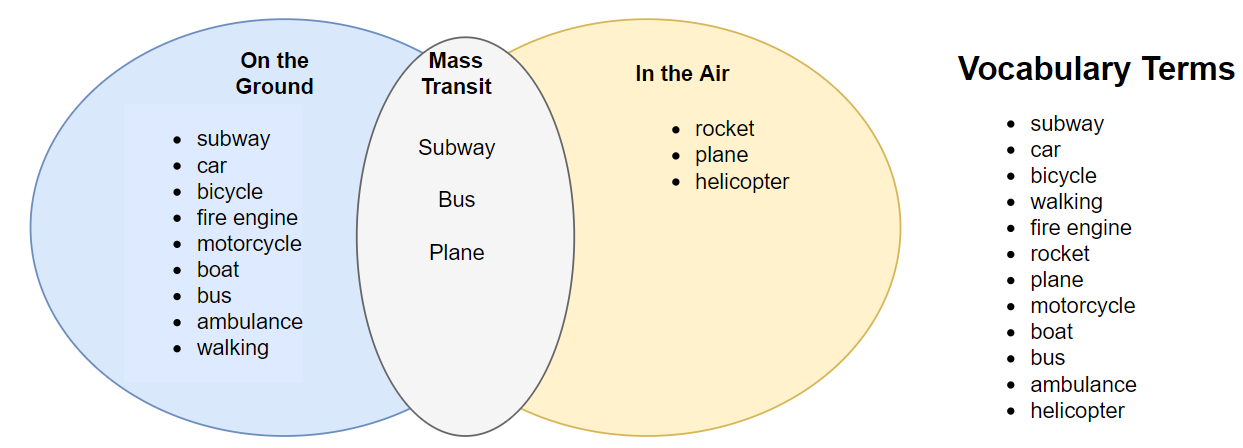
Need a tool to assess student comprehension in reading? Want to better teach vocabulary? Use concept sorts, a research-based strategy.
Create learning-focused video responses with Zigazoo Classroom, a safe, school-friendly alternative to Tik Tok and YouTube.
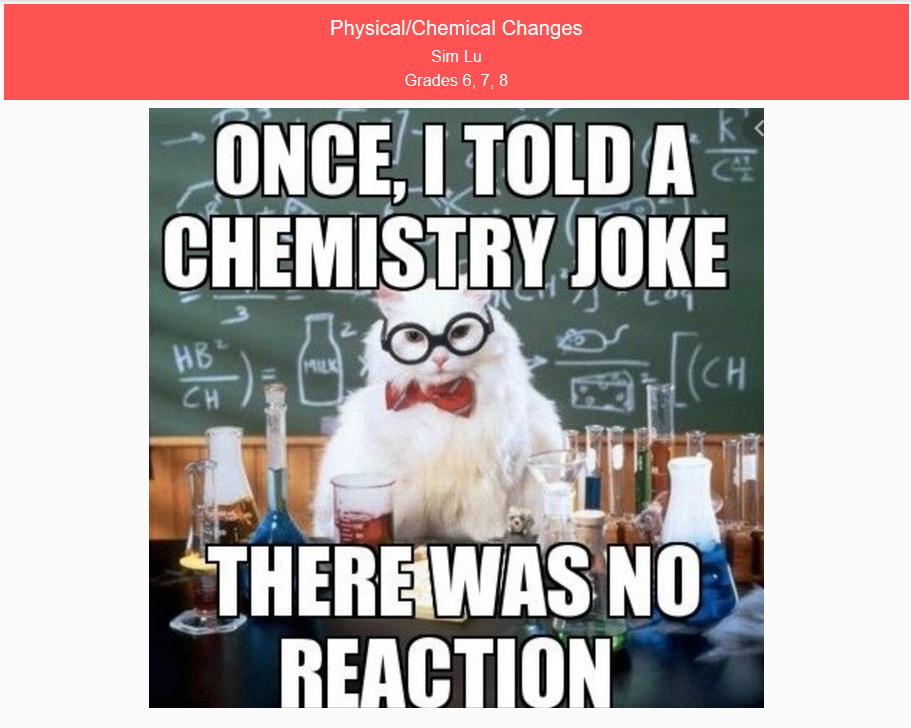
Add another retrieval practice tool to your toolbox. Vimboard offers a few benefits for simple, multiple-choice assessments that you can use now.
Curious about how you can blend high-effect size instructional strategies into the 5E Model of teaching? Come along as we explore this idea and process.
Writing is a critical life skill for everyone. Learn ways to publish student writing and promote engagement in this blog.
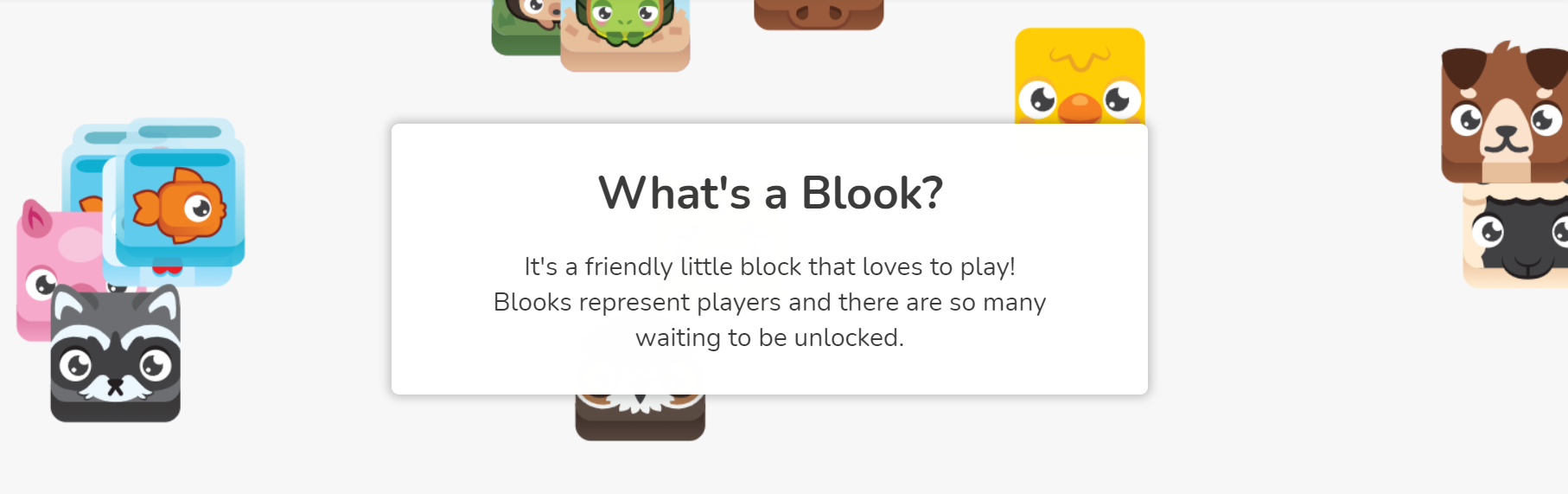
Dig into another game-based system you can use to enhance blended learning, formative assessment, and practice testing. The free tool? Blooket.
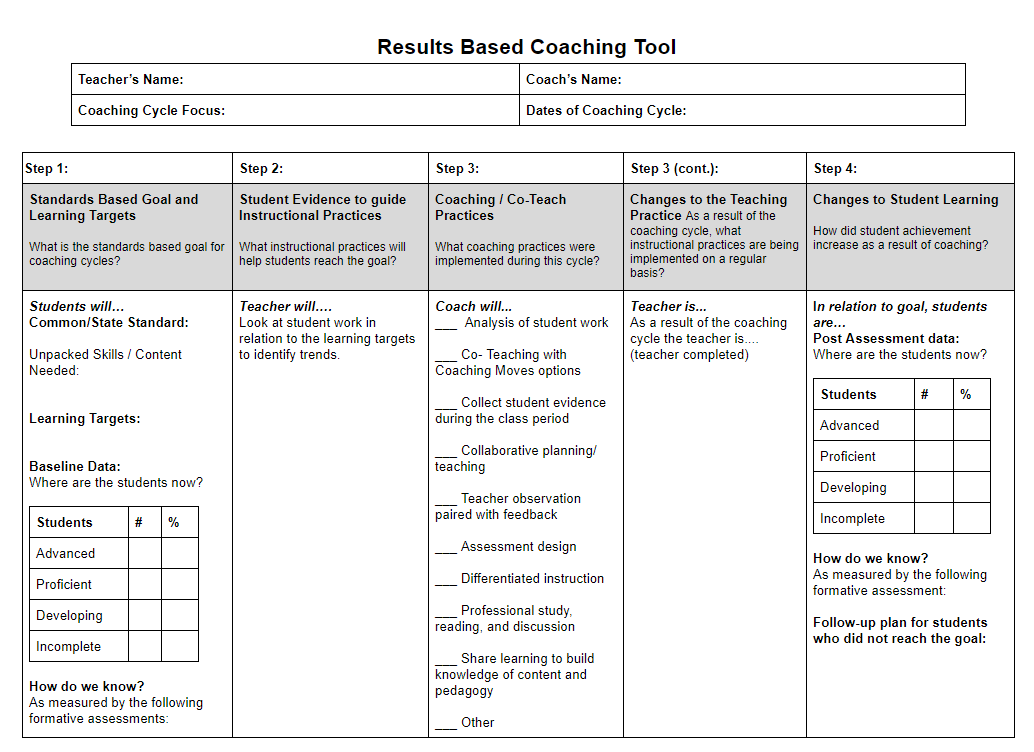
Need to coach your teachers via their smartphone or tablet, but not sure how? Want to offer just-in-time learning and coaching? This blog entry is for you.
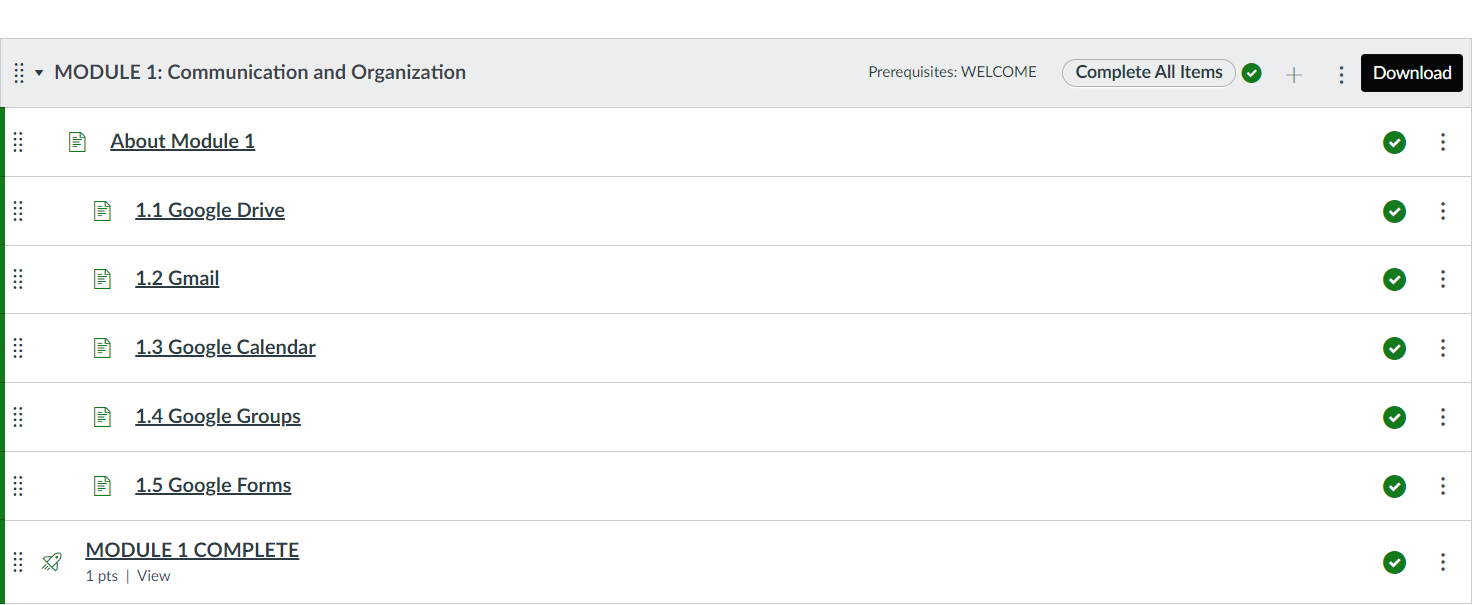
Need to smooth over the rough edges in the Canvas LMS? You may want dark mode or quick access to student view. These Chrome browser extensions get it done.
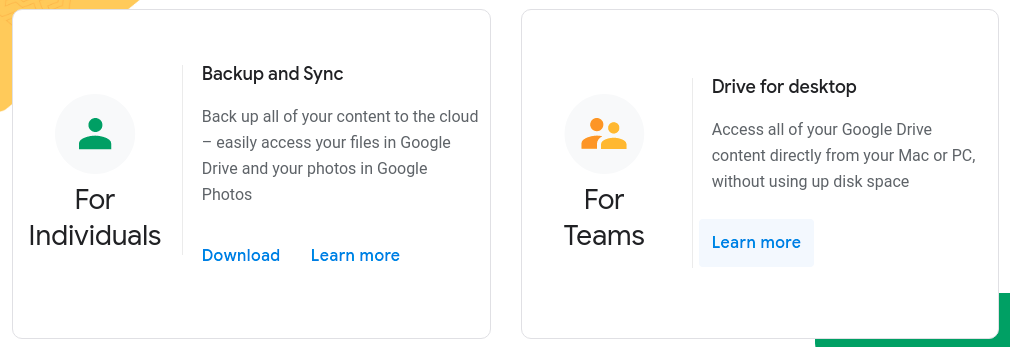
Need a way to access Google Drive files, but don't want to save gigabytes of data to your device? Use the re-branded Google Drive for desktop.
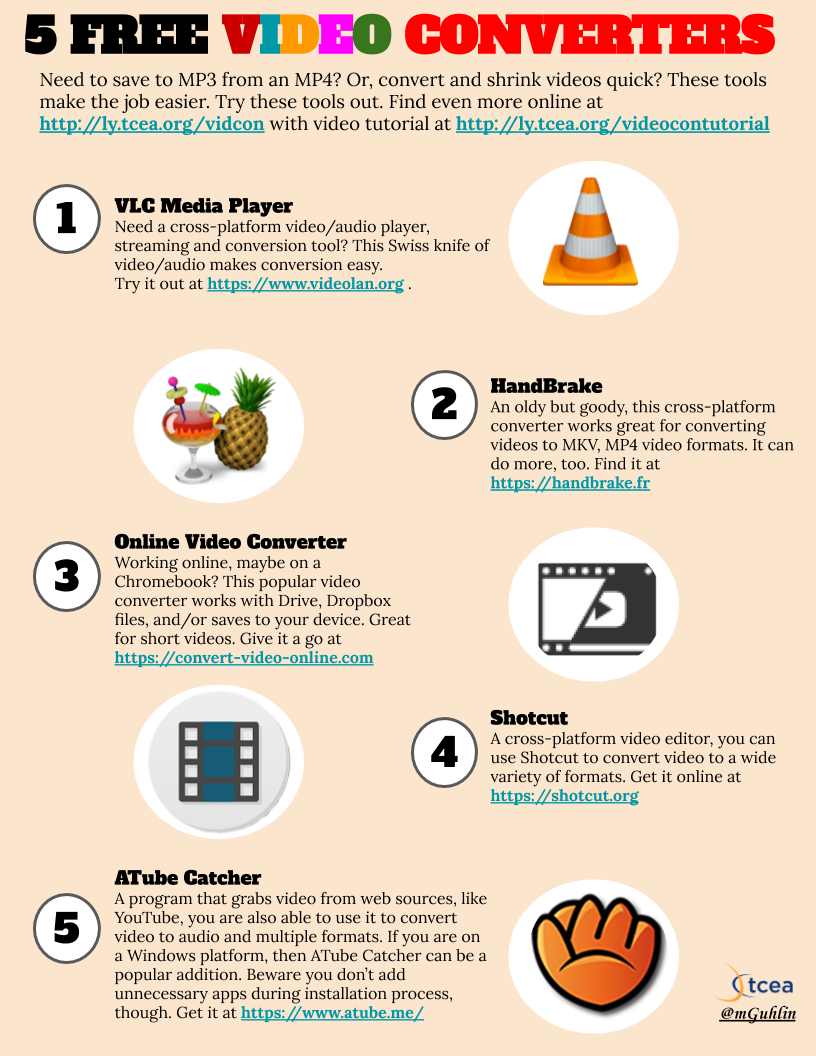
Need to convert videos from MP4 to another format? Expensive tools abound, but this roundup of free, no-cost video converters will save you time and money.
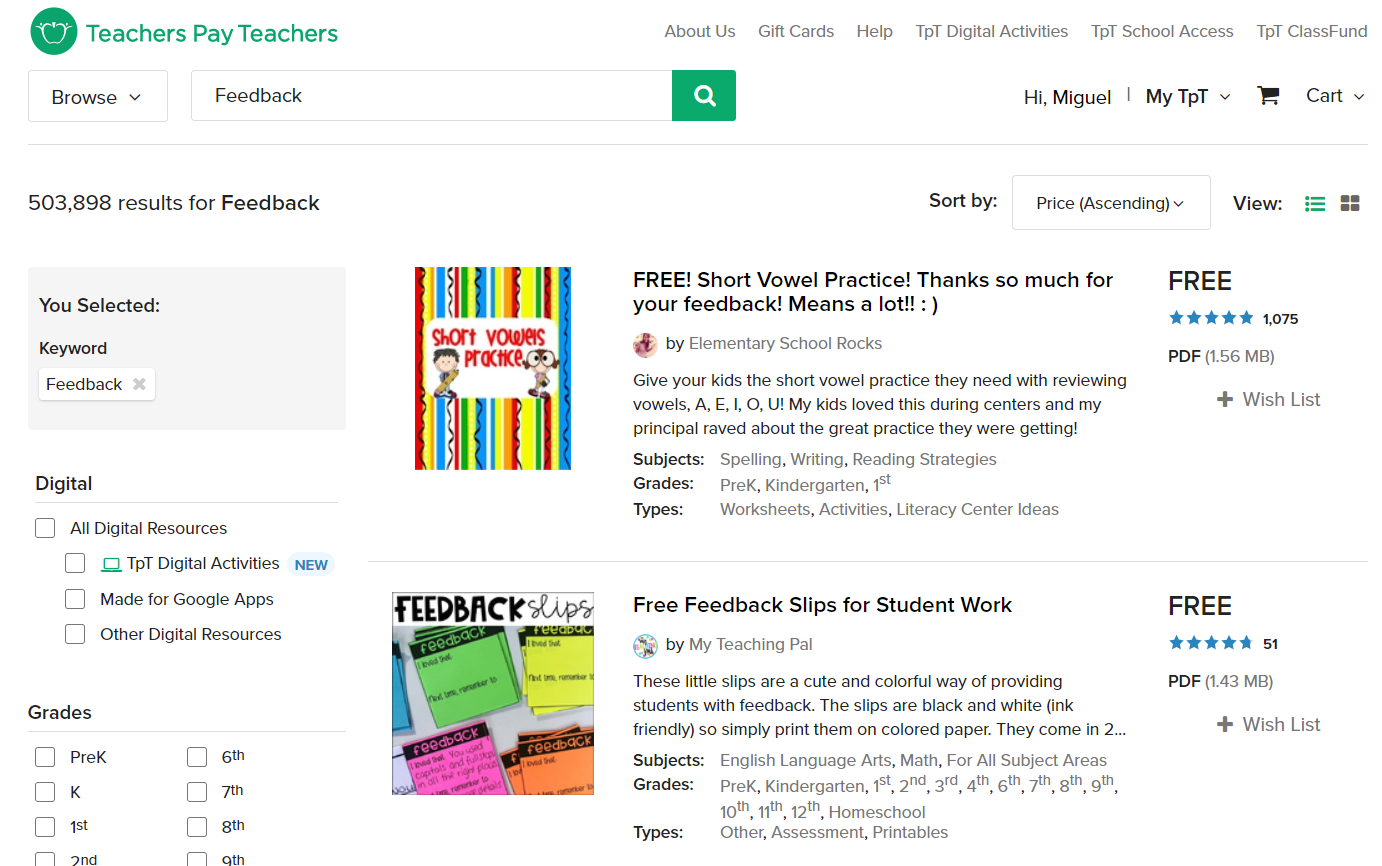
Teachers Pay Teachers has some free templates that can be used with high-effect size instructional strategies. Learn where to find them in this blog.
Wish you had a better way to reach out to parents, community, staff? Use one of these two amazing tools to livestream your message, events, and learning.
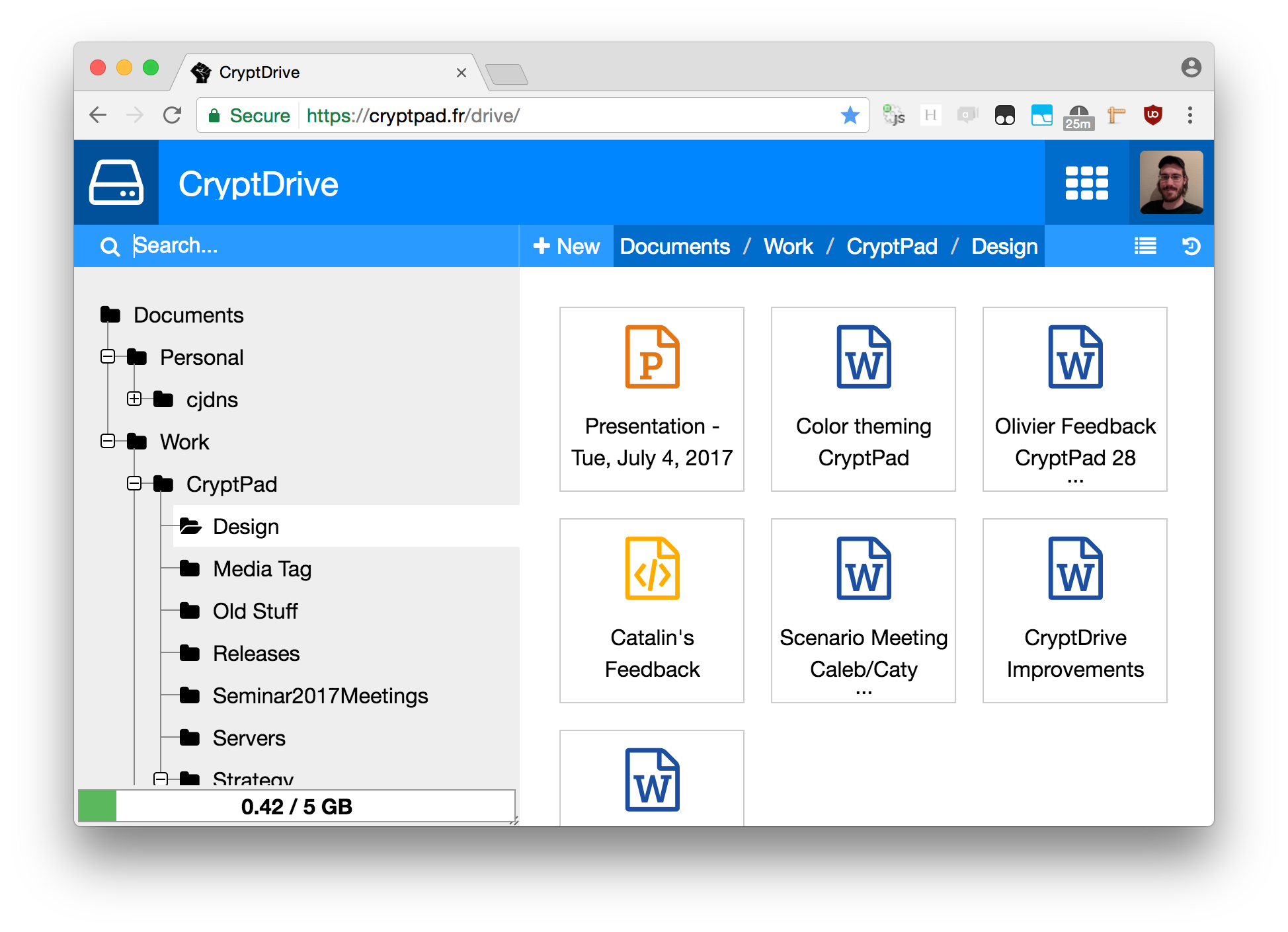
Need a safe, encrypted space to collaborate in? Then CryptPad may check all the boxes for you with whiteboard, Kanban, and full docs tools.
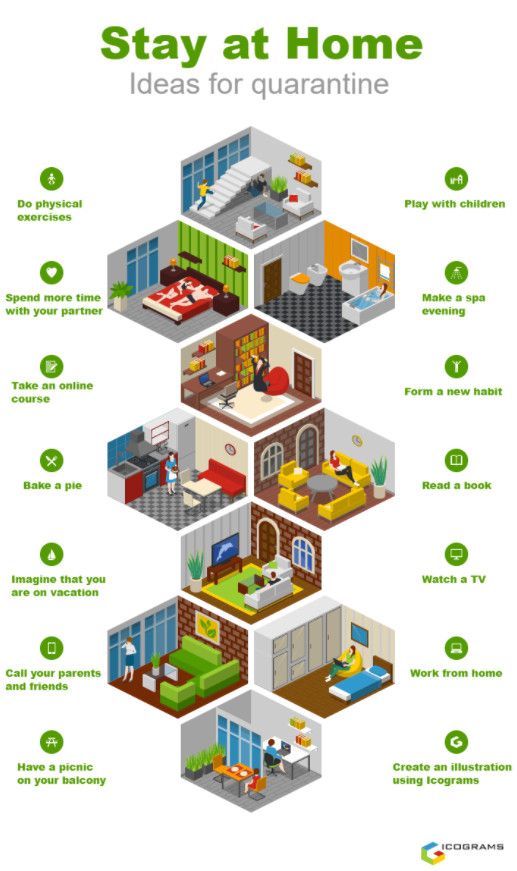
Looking for an infographic tool that makes creating cities, roads, warehouses, and much more, easier? Be sure to give Icograms a spin.
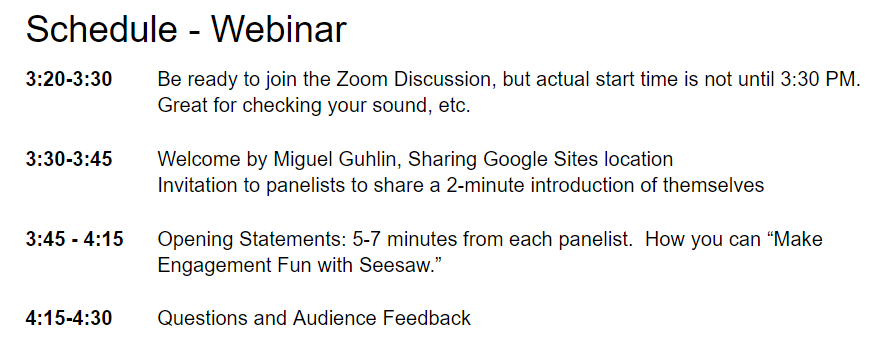
Ready to plan and moderate an online panel discussion? You may find this blog entry essential in getting that done. It offers proven tips to get started.
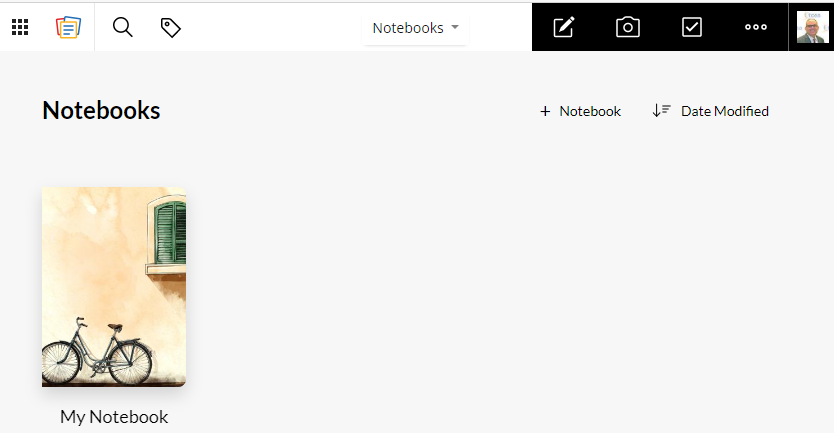
To get and stay organized, use one of these notes tools to keep meeting notes and to-do lists together. Learn which one is best for your needs in this blog.
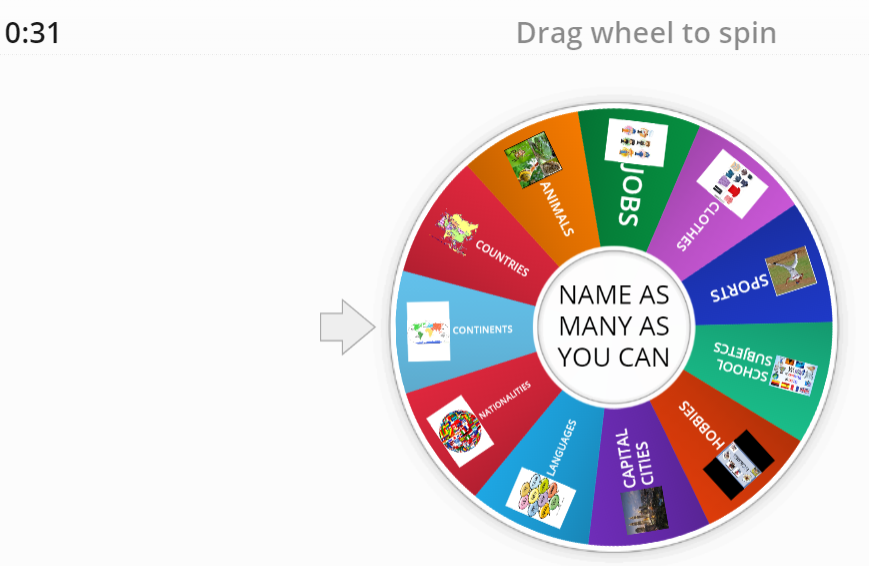
You may know about online word spinners, but what about shape spinners? These versatile spinners may be life-savers for younger learners who rely on images.
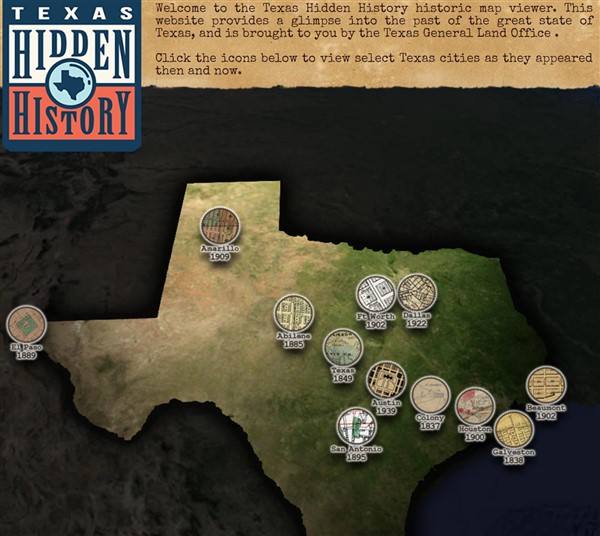
Give your students the tools to explore map making and help them develop critical thinking and design skills. We share some excellent resources.
Explore new features in Google Workspace and the Google Classroom and Flipgrid integration, along with other powerful updates.
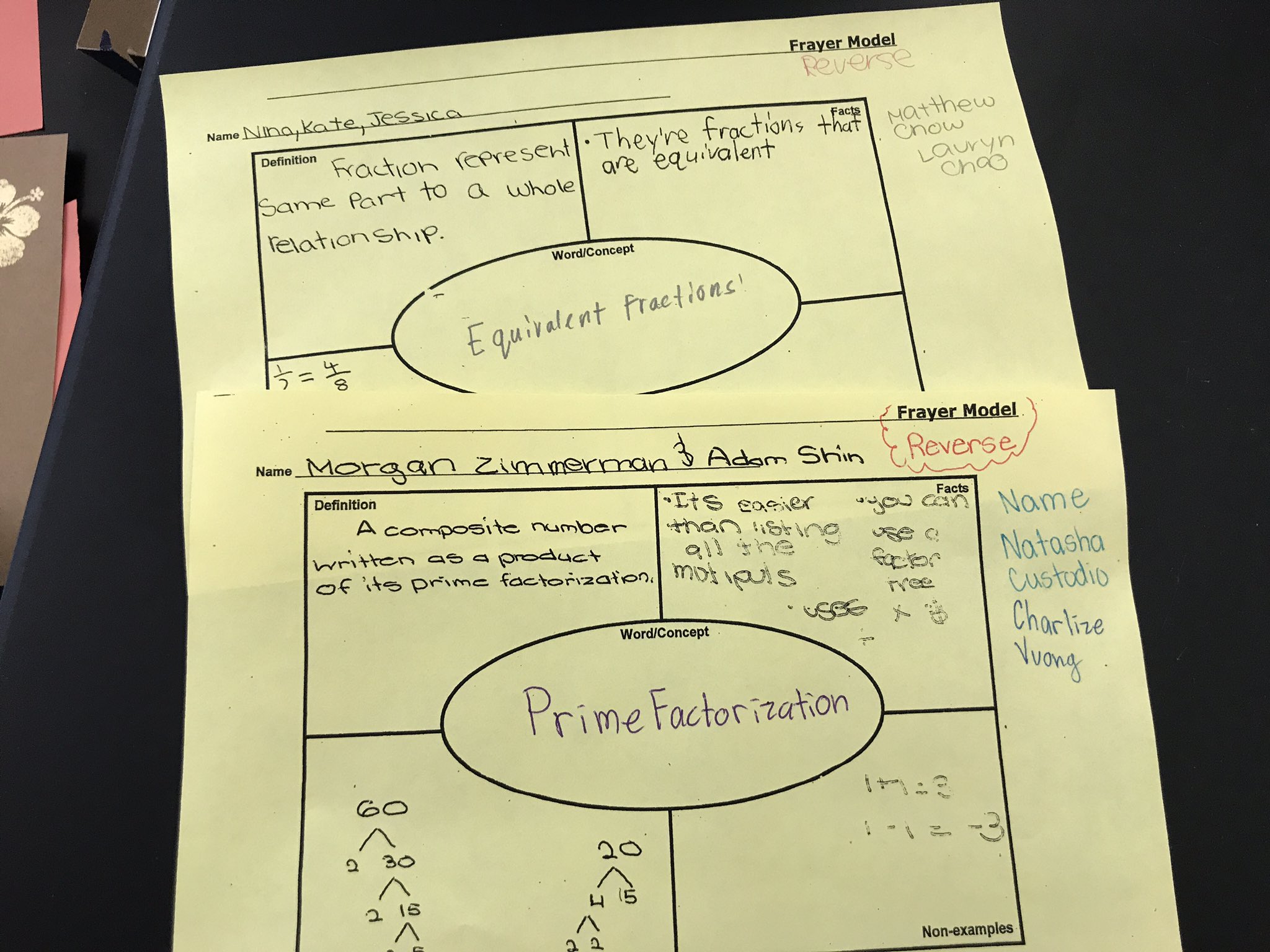
Need a quick way to introduce students to tough vocabulary? In this follow-up to "Semantic Maps Made Easy," see and get Frayer Model templates.
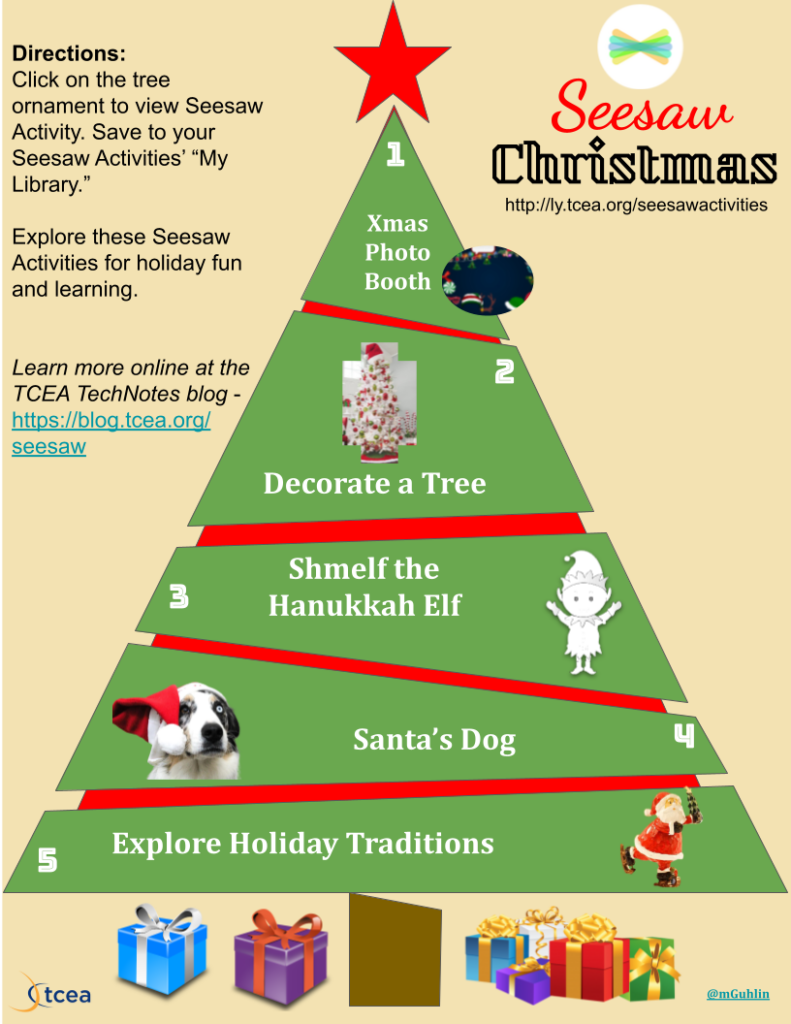
Explore five Seesaw activities to enhance your school holiday celebrations. In addition, you can also get a copy of the Christmas tree infographic.
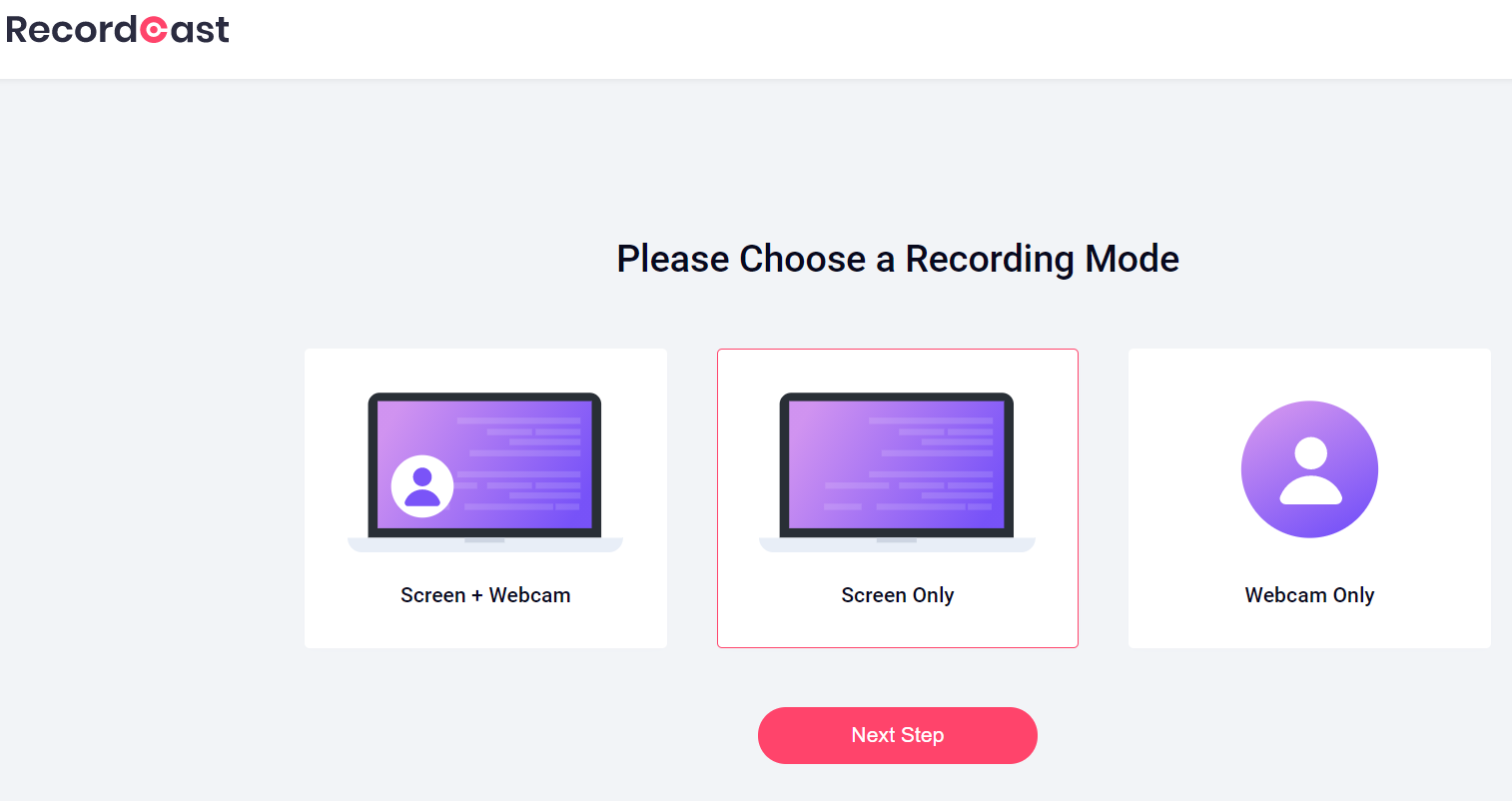
Wish you had a browser-based video editor that doesn't cost a mint? Look no further than RecordCast. It offers audio and image tracks, WEBM, and MP4 format.
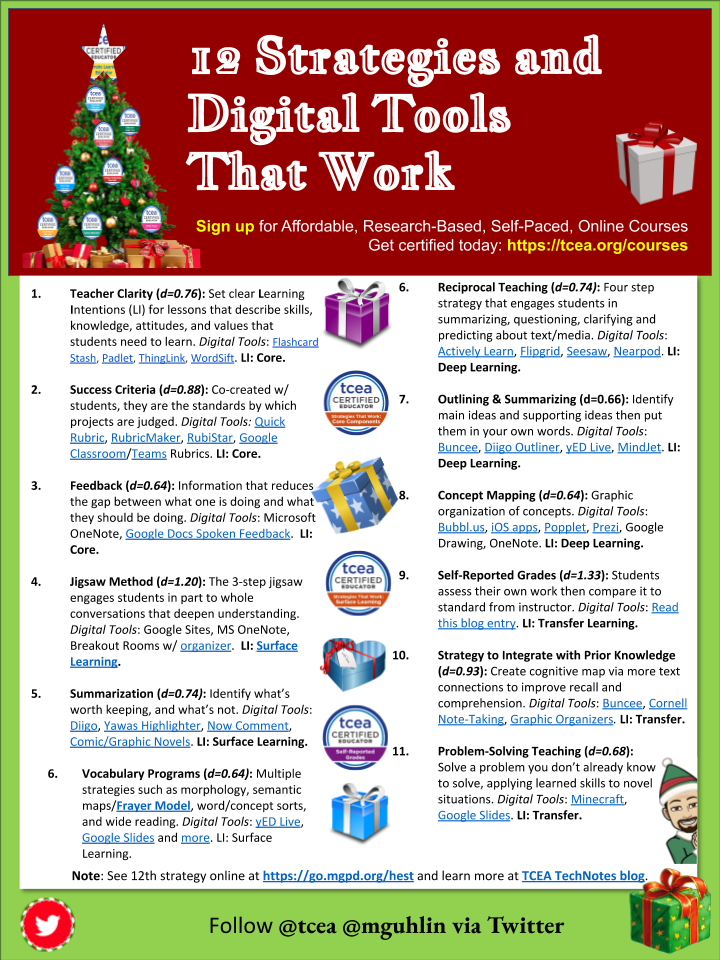
Even better than five golden rings, these 12 strategies will help you create meaningful learning. Check out this infographic packed with digital tools.
Why do the Bitmoji holiday elves look so disgruntled? In this post, we'll learn the steps to take the Grinch out of your digital avatars.
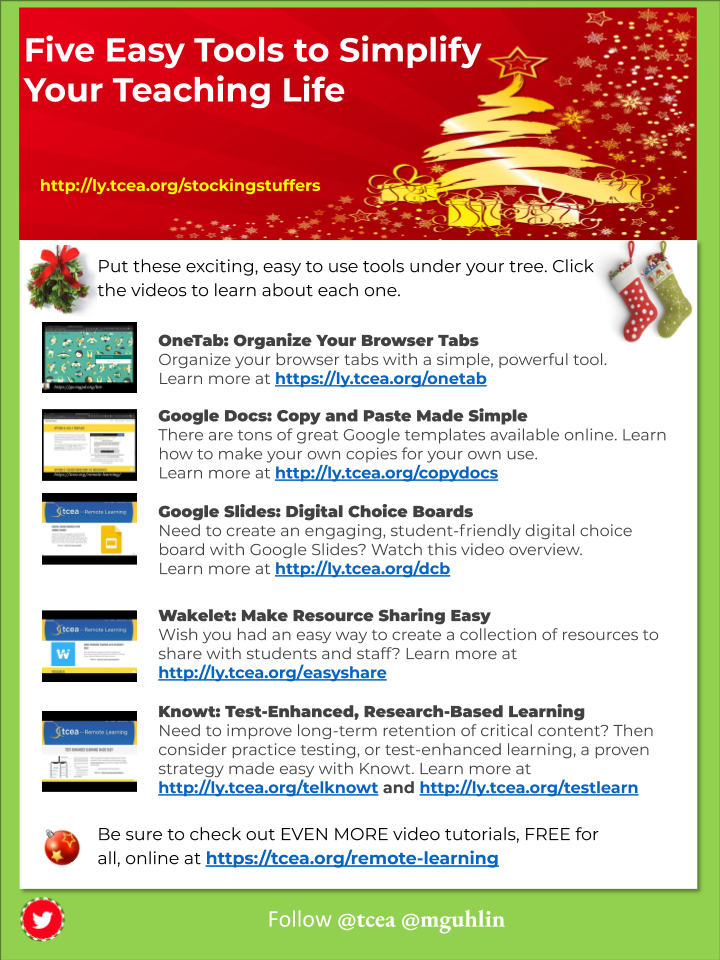
Lighten your work stress with quick, interactive videos and resource tutorials with these amazing five tech tools. Grab them today!
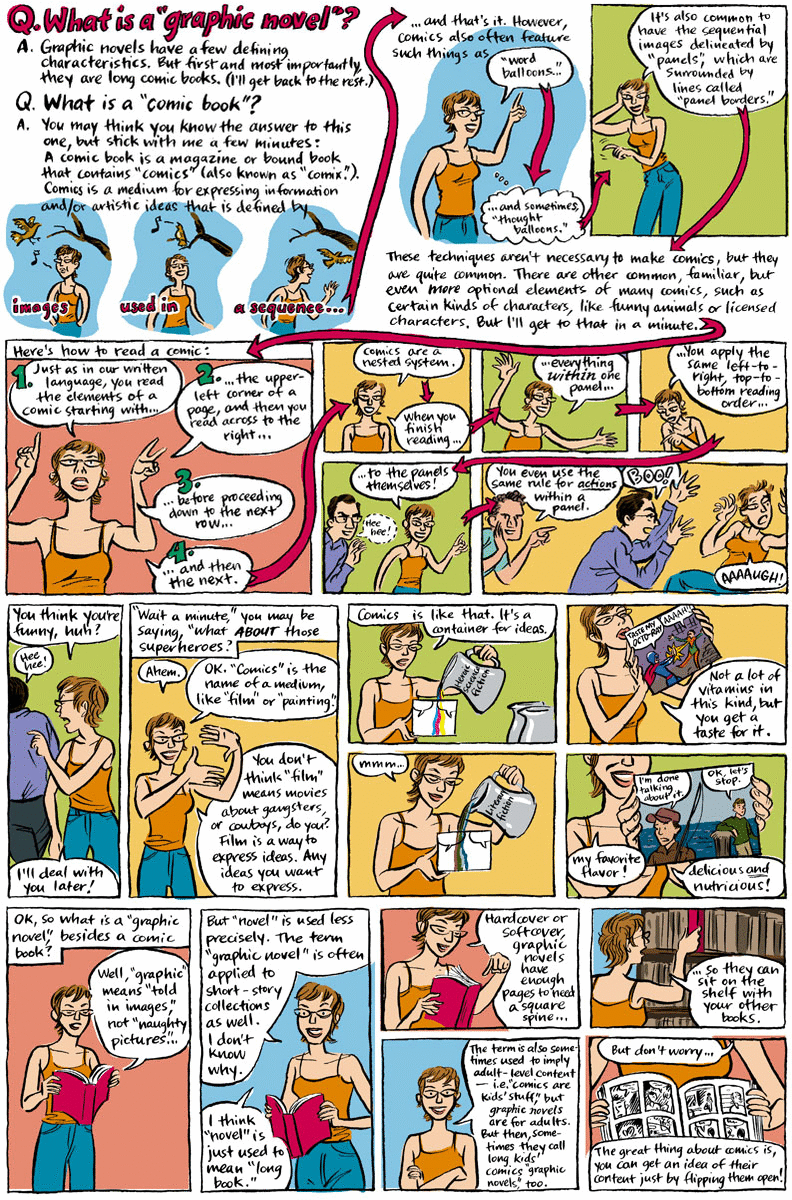
Wondering if comics and graphic novels have research behind them? The answer is a resounding "Yes, they do." Learn more about this strong learning tool.
Have some questions about Schoology? Join us as we continue our exploration of how educators are embracing learning opportunities with this great tool.
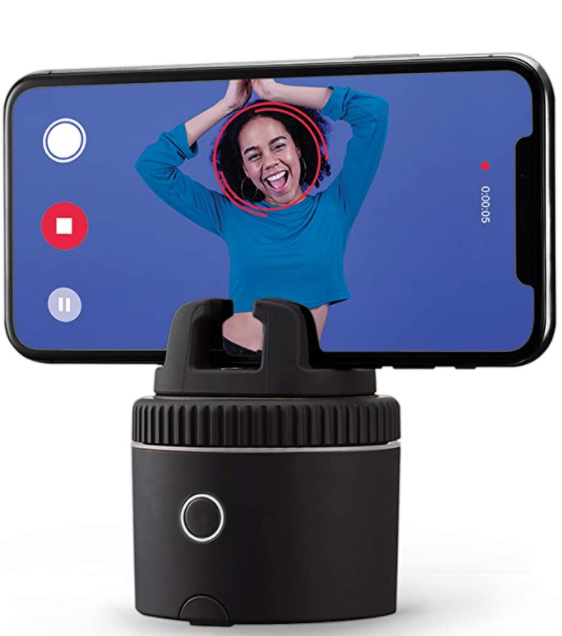
Need to buy something for the teacher in your life that will make their life less stressful? Consider getting one of these essential gadgets.
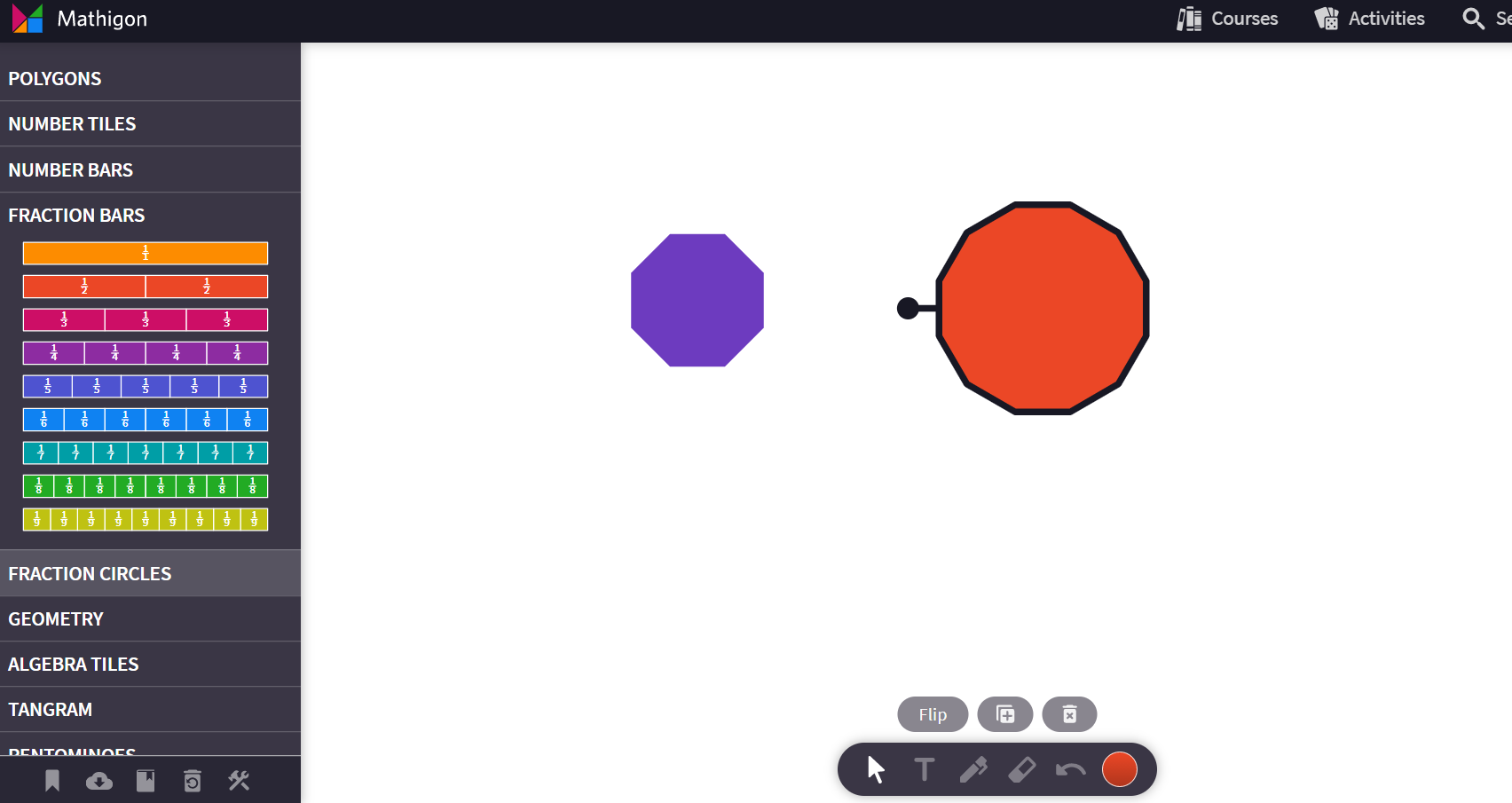
Need to move student thinking from concrete to abstract? Do this with math virtual manipulatives. Find my top five picks with video tutorials and research.
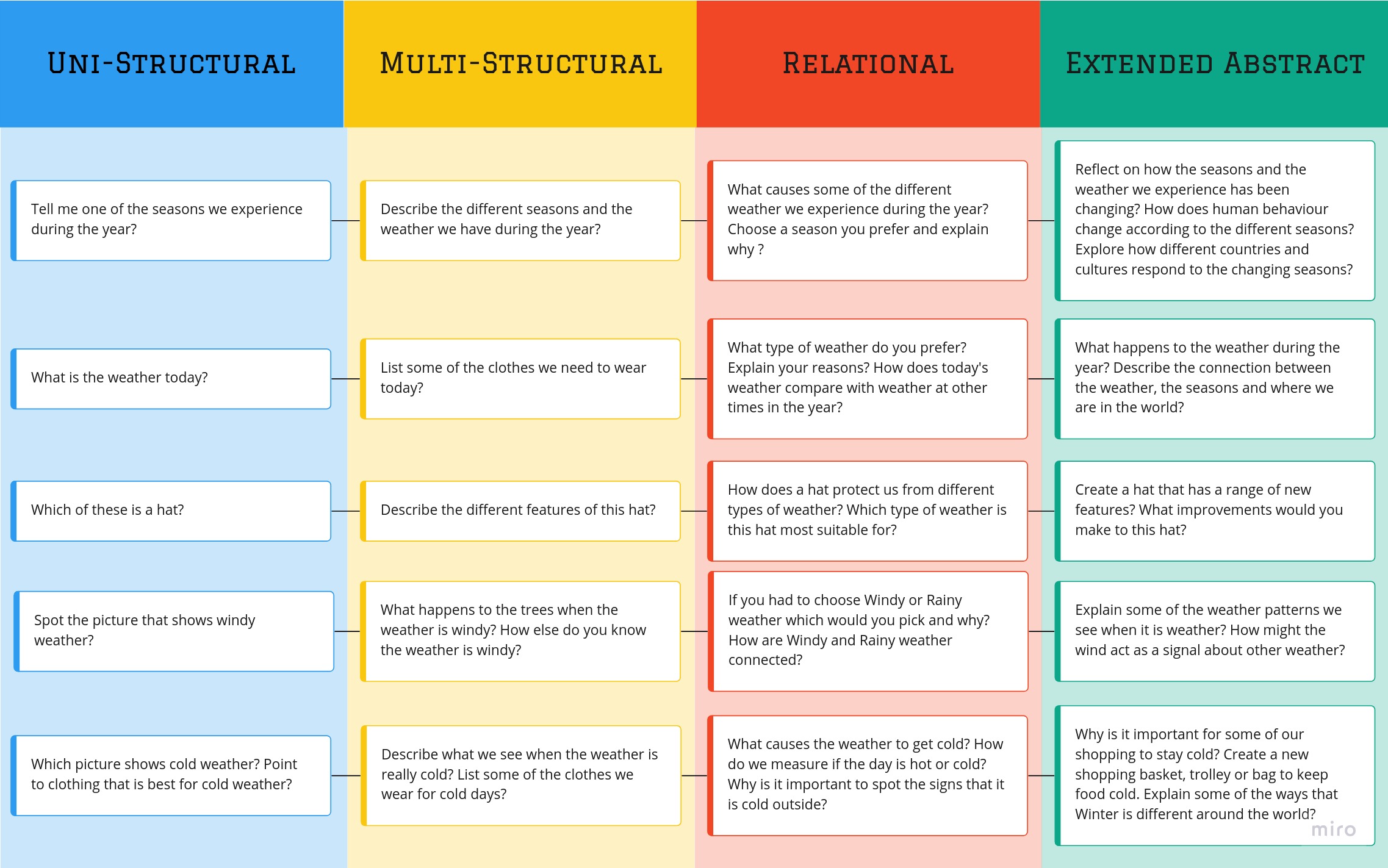
Come along as I explore the SOLO Taxonomy. I connect it to John Hattie's work and a popular game. Watching someone else learn assist us in our own efforts.
Wondering where you can find Android or iOS apps for your favorite learning management systems? Look no further, along with a list of LMS support groups.
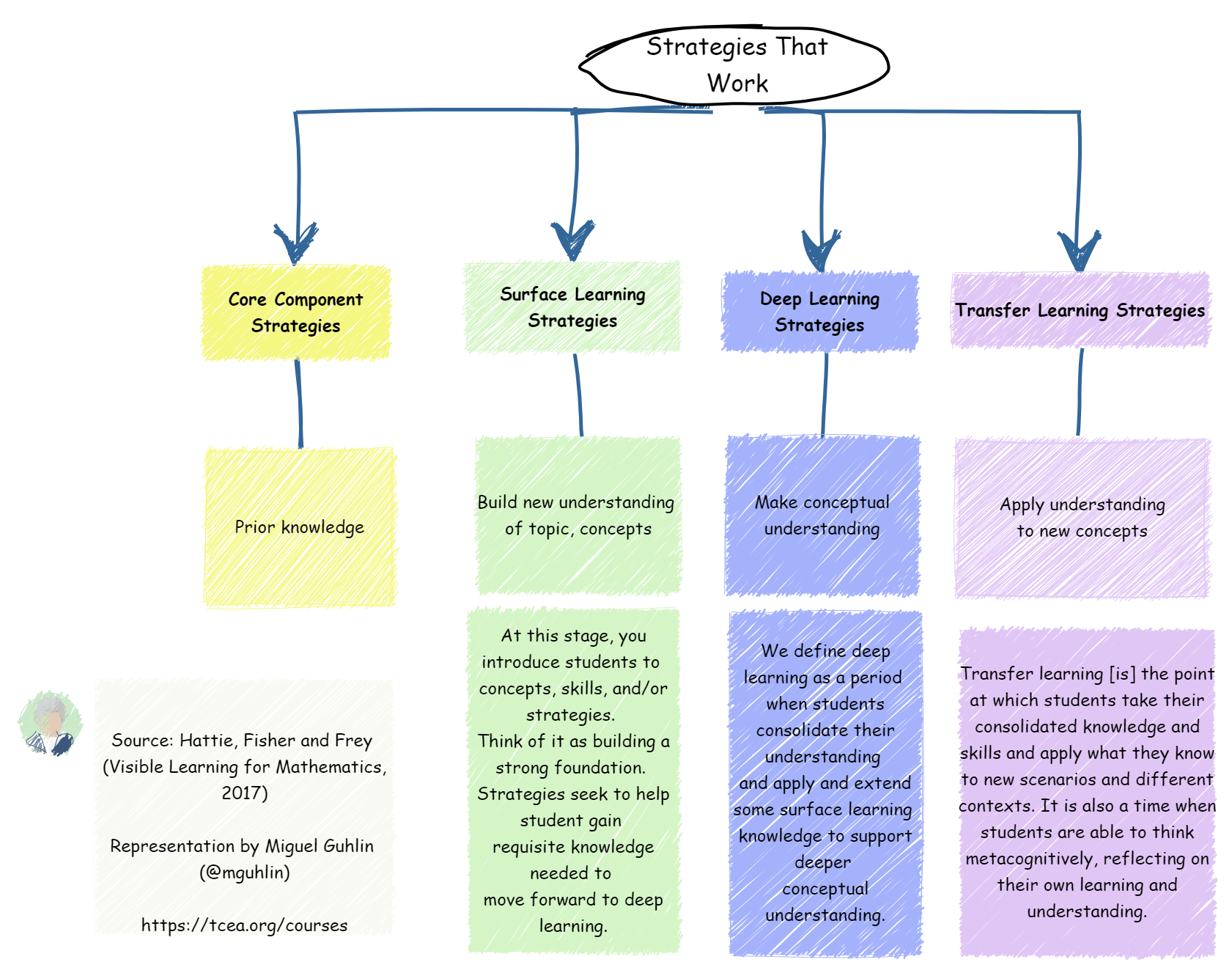
Deepen your knowledge of content-focused instructional strategies that increase student learning. In this blog, you will learn more about semantic maps.
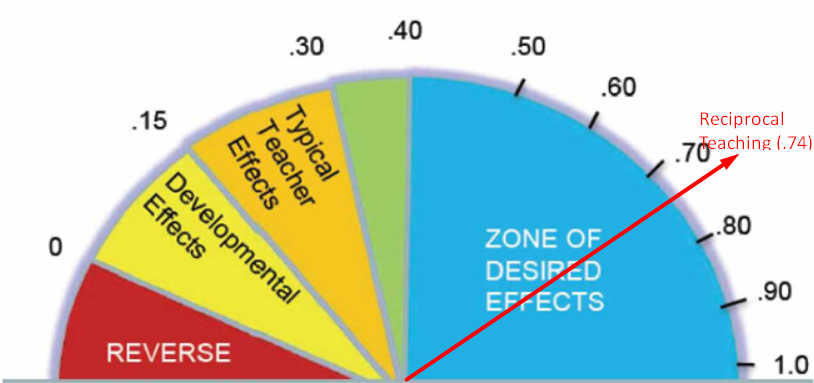
Discover three more evidence-based strategies and accompanying digital tools for learning. We explore teacher credibility, jigsaw, and reciprocal teaching.
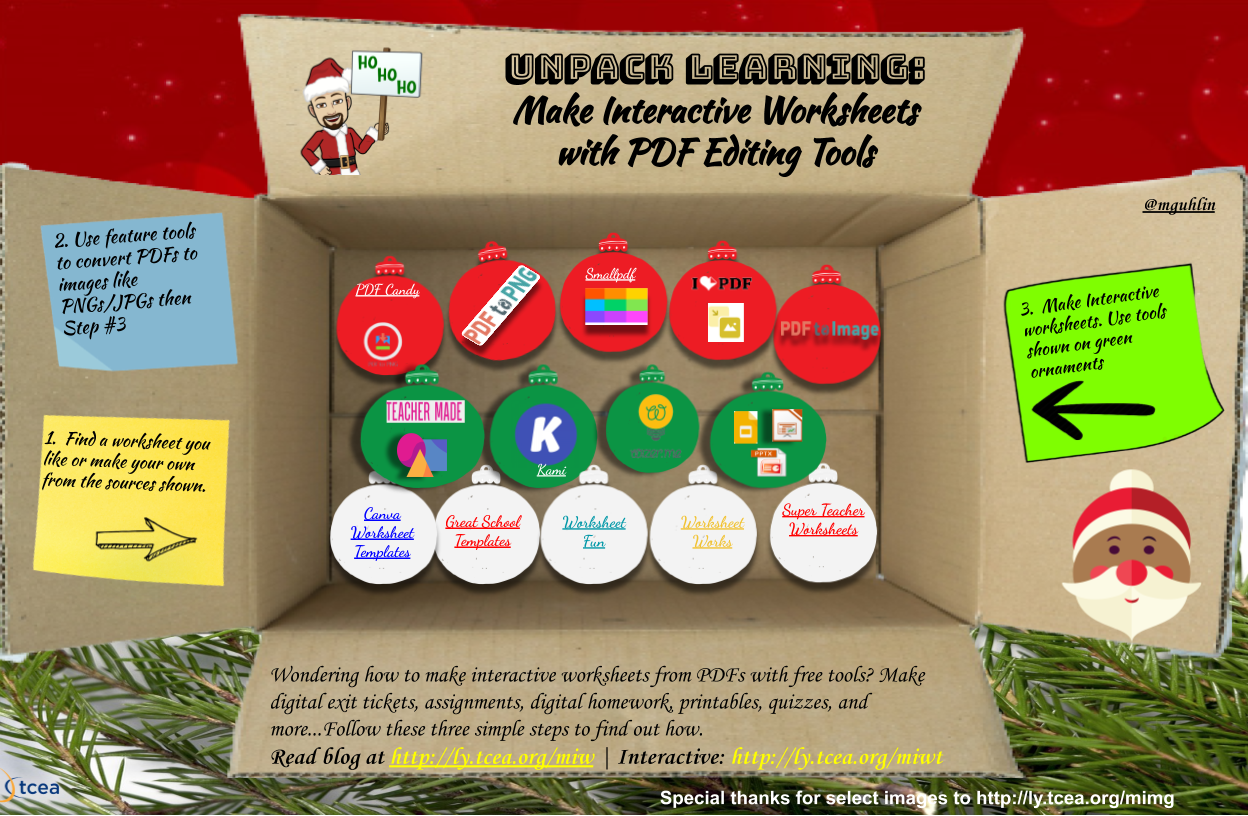
Here are some solutions for converting PDFs or JPGs into clickable, easy-to-edit activities you can assign in Classroom, Canvas, or Schoology.
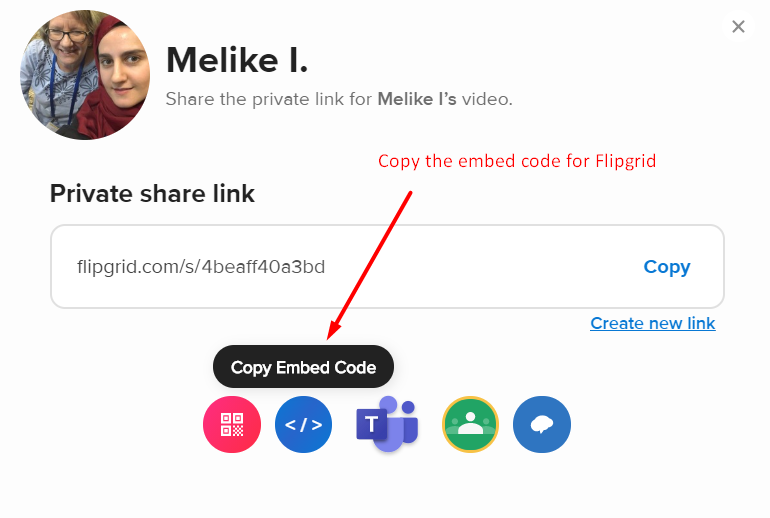
Google user, but not sure how to embed content in Schoology? These five Schoology hacks for G Suite EDU users may come in handy. Try them out!
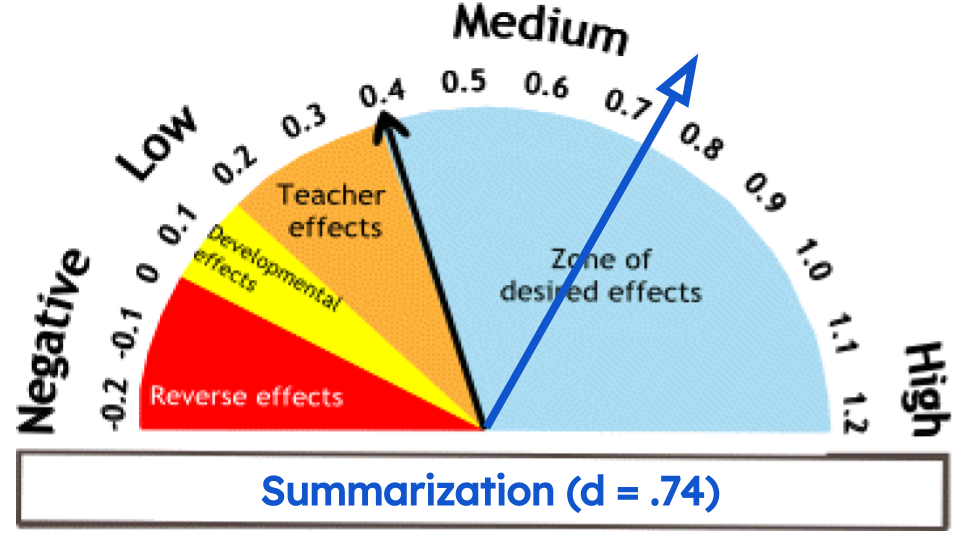
Curious as to what high-effect instructional strategies and digital tools educators are using? Come along as we explore a popular strategy in this series.
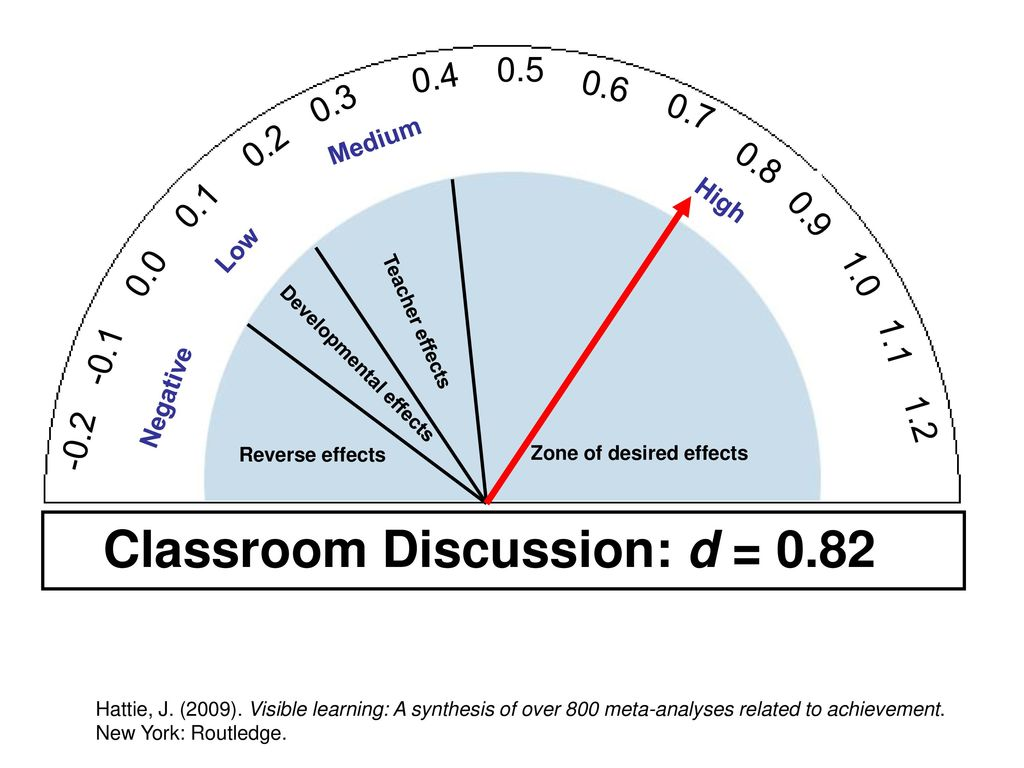
Join for the first of a series on popular remote learning strategies teachers are using. In this part, we explore classroom discussion.
In this TCEA Responds, we answer a speech therapist's question about how to address three key issues in working with her students remotely and securely.
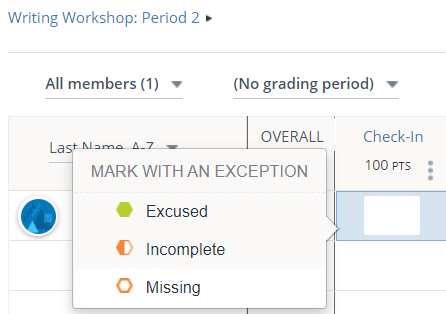
Trying to keep your nose above water with a new Canvas site? Find some practical tips here as we showcase simple designs you can use.

Need to make a button menu for your Canvas or Schoology courses, but the tables aren't working the way you would like? Learn how to make them.
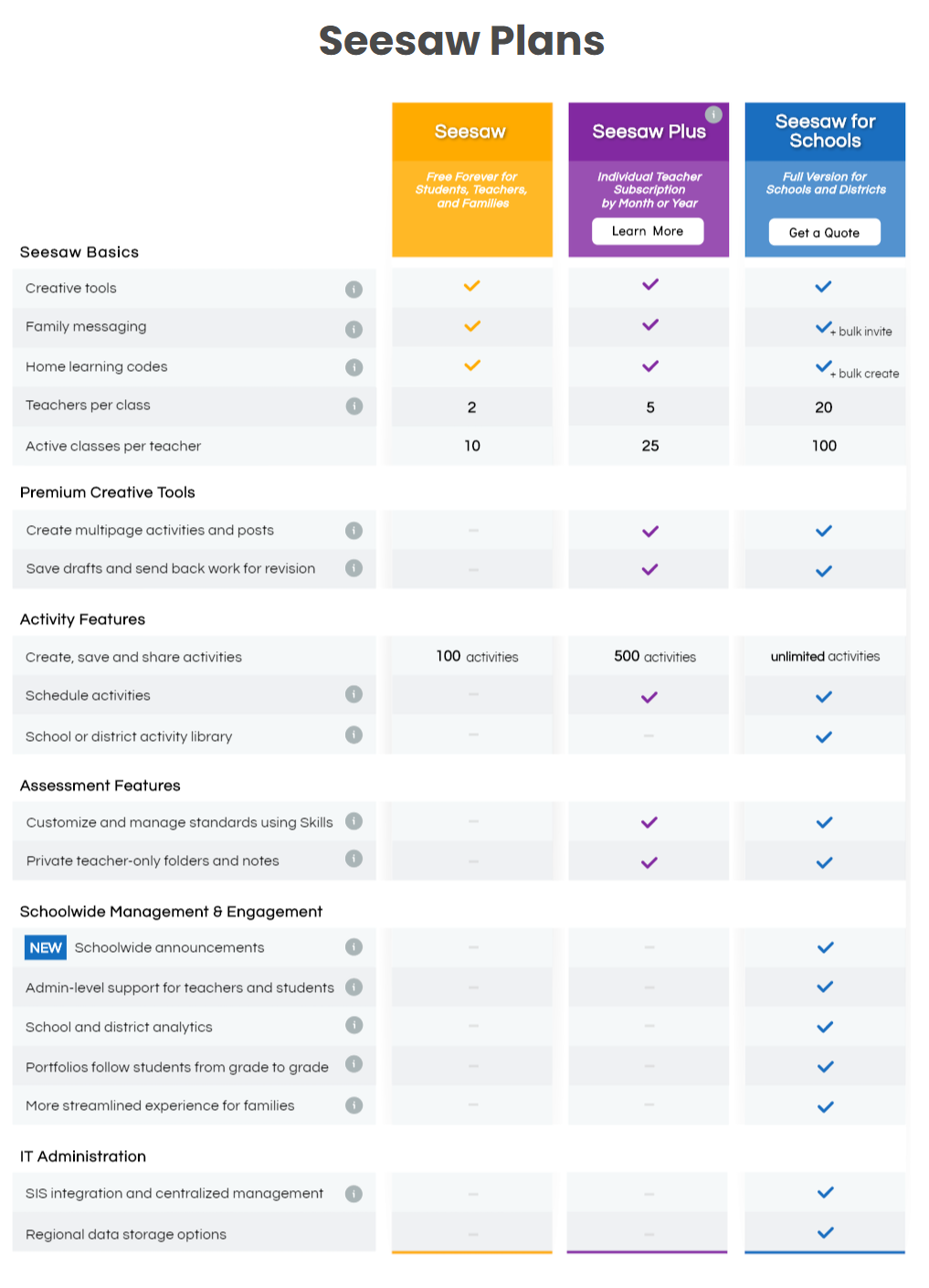
Did your school switch you from Google Classroom to Schoology? Dive into this blog post to begin learning more about it.
Need to track attendance but not sure how it can be done? Come along as we explore tracking attendance for remote learners.
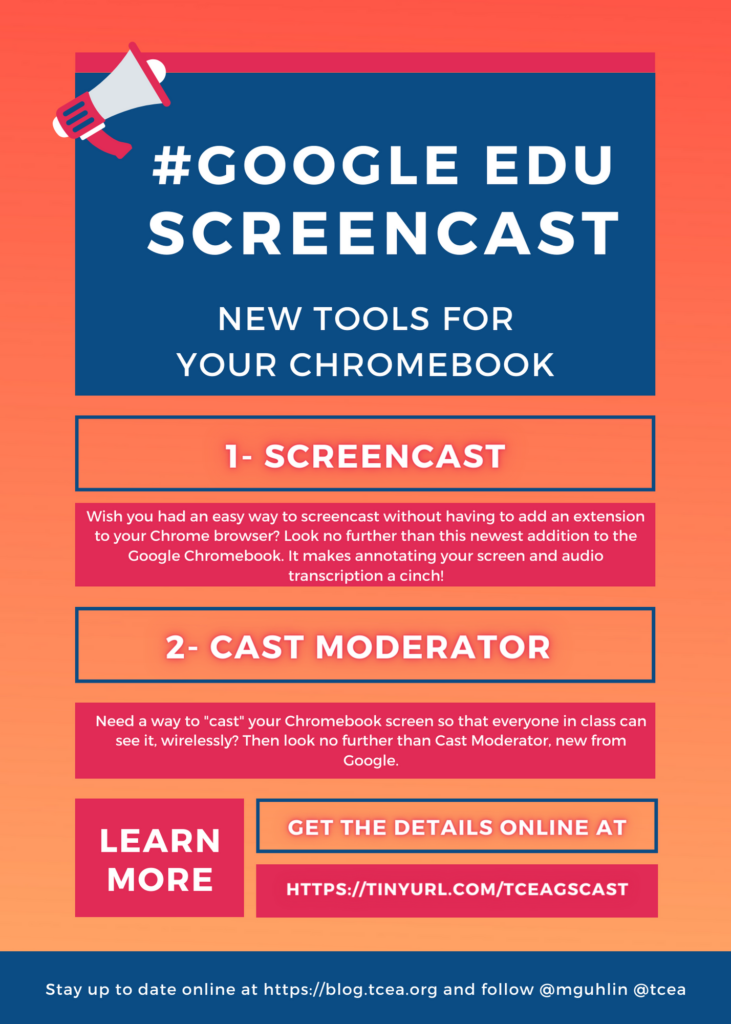
Finding yourself creating video tutorials and screen recordings for lessons? Here's a quick roundup of no-nonsense video editors you can use.
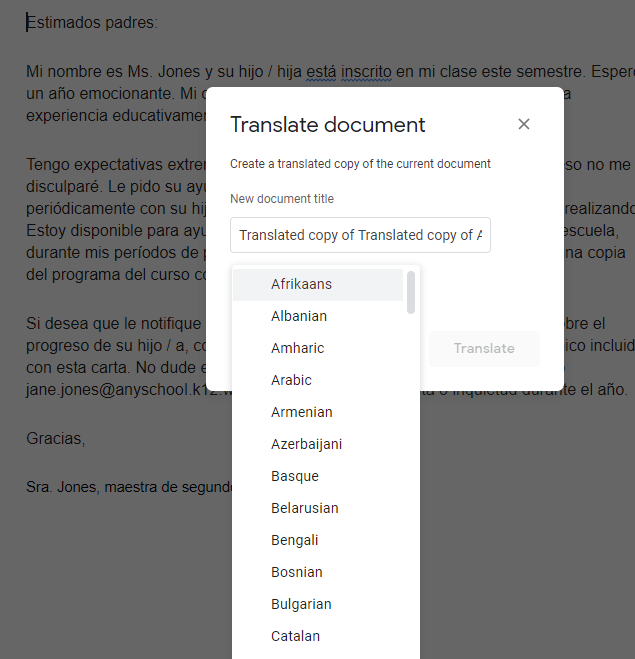
Need to translate YouTube video subtitles, captions, or audio? Then one of these three Chrome extensions will make it a snap. Come along for a quick look.
Need to share some quick instructions with students and avoid big screen recording tools? Record to Slide is your new go-to tool.
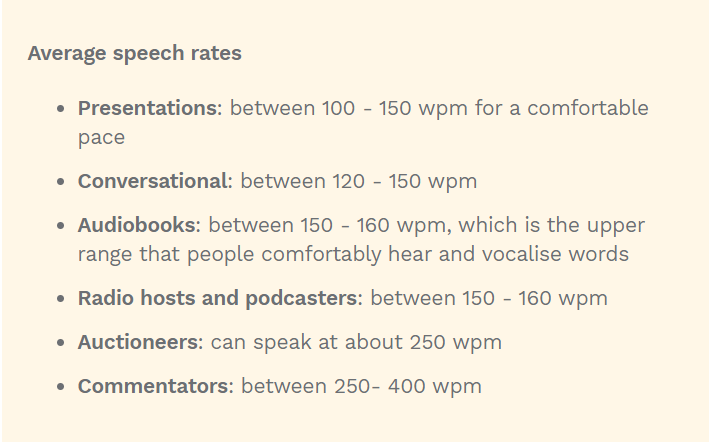
Tired of listening to slow YouTube videos? Speed them up (or slow them down) using an audio accessibility Chrome extension.
Learn about Joplin, a new, free tool that can help you to keep all of your web content organized and manageable, and even share with others.
Get help navigating the challenges of remote special education using by G Suite EDU and Chromebooks with this guide from Google.
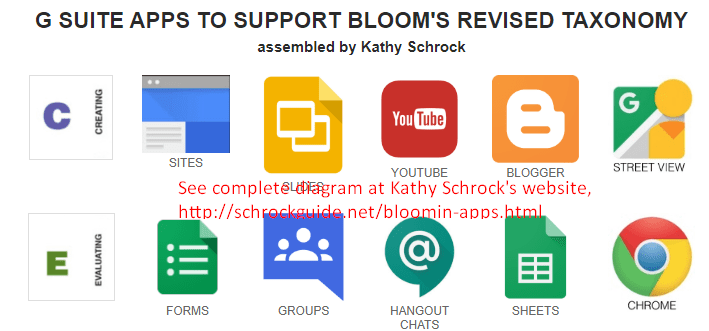
Check out some of the amazing educational apps that work great on Chrome tablets. These can enhance student learning and engagement!
Are Chrome tablets in your future? They may be if you are looking for a less expensive tablet solution for younger students. Let's see why.

Blending media into text has a powerful impact on student learning. Let's explore an offering that combines Khan Academy with Adobe.

School districts have another option to selling a shrink-wrapped pallet of used computer equipment. Instead, they can transfer computers to students.
Wish you had a way to draw, capture, and share diagrams and equations for math in the G Suite EDU classroom? This blog entry provides you with solutions.
Wish you had a free app with fresh stories your child could read with some digital assistance? Look no further than Google's Read Along app.
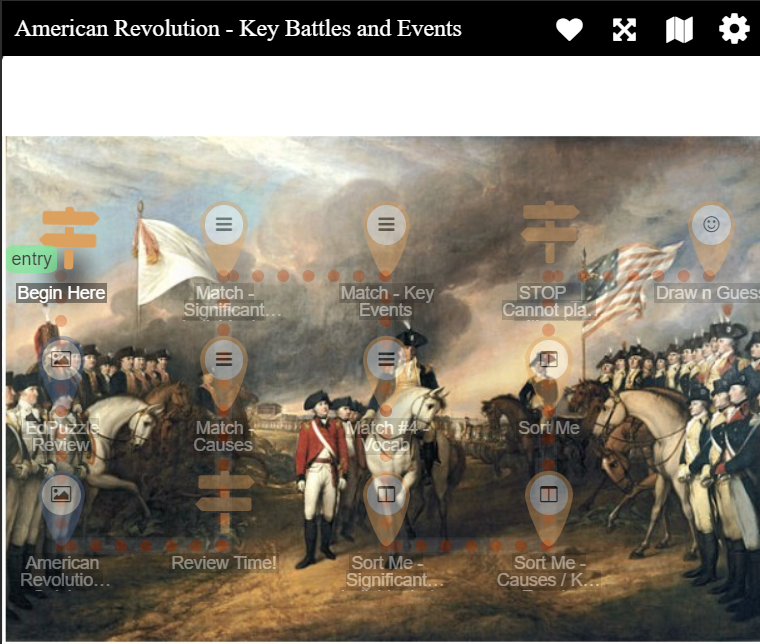
Need a way to make learning interactive for K-12 remote learners? Give Deck•Toys a try. You can create exciting knowledge paths for your content.
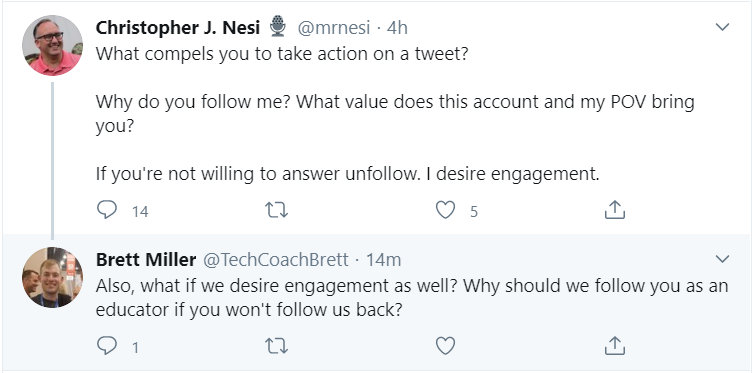
Tidy up your Twitter by shedding an unfollower or a thousand. In this blog entry, I'll show you three Android apps that will help you declutter.
Need to keep a record of the content of a Google Meet or Zoom call? You may have an undiscovered need for audio transcription. Let's see what's available.
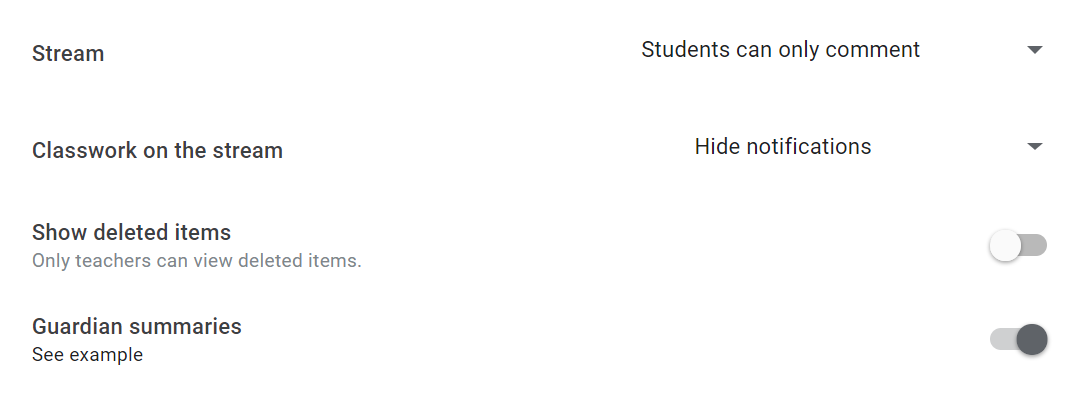
Need to keep parents in the loop? In this TCEA Responds, we cover a few approaches teachers are using, including Google Classroom.
Want to gamify learning in your remote classroom in support of practice testing? Why not drop in an online buzzer or scoreboard? Find out how in this blog.
Wish you had an easy way to cover up that home office mess with a virtual background for Google Meet? Jealous of your Zoom buddies? Not anymore.

Ready to become a technology director? In this blog entry, we'll explore three key points to keep in mind and provide access to some resources, too.
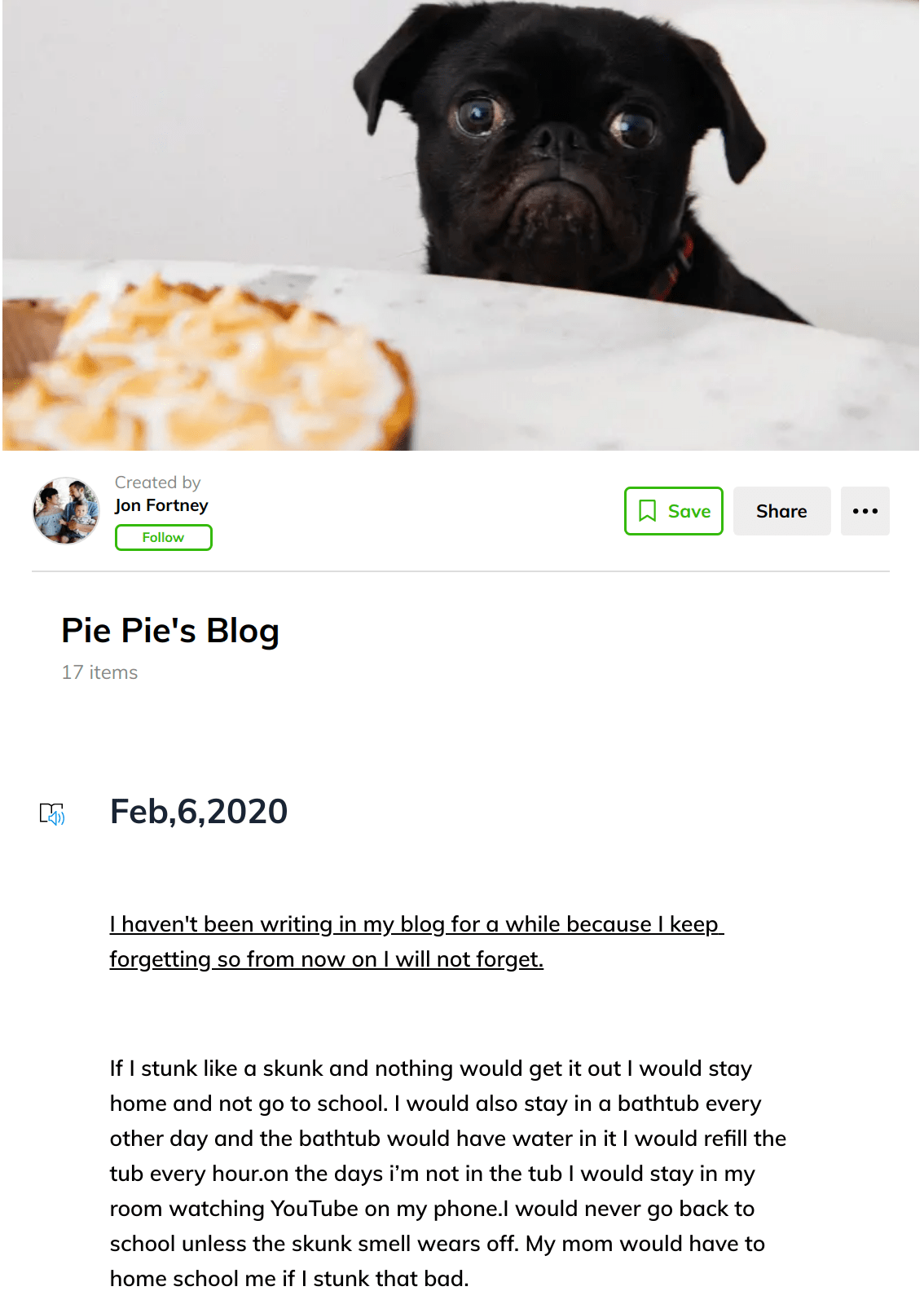
Get your students more excited about what they are learning by having them create a blog or podcast. These powerful tools will ensure they stay engaged.
The free app Joplin can provide an easy way to keep all of your notes and materials together in one place and ensure that any sensitive data is safe.
Want your students to learn and travel the hyperlinked pathways of Wikipedia? Naraview makes it easy to create a game of digital circumnavigation.
In search of teacher-approved apps for children using Android devices like tablets and phones? Then look no further. The Google Play Store now labels them.
Adding a tech tool to a lesson plan doesn't guarantee it will work. Consider the high-effect-size instructional strategy that students will use instead.
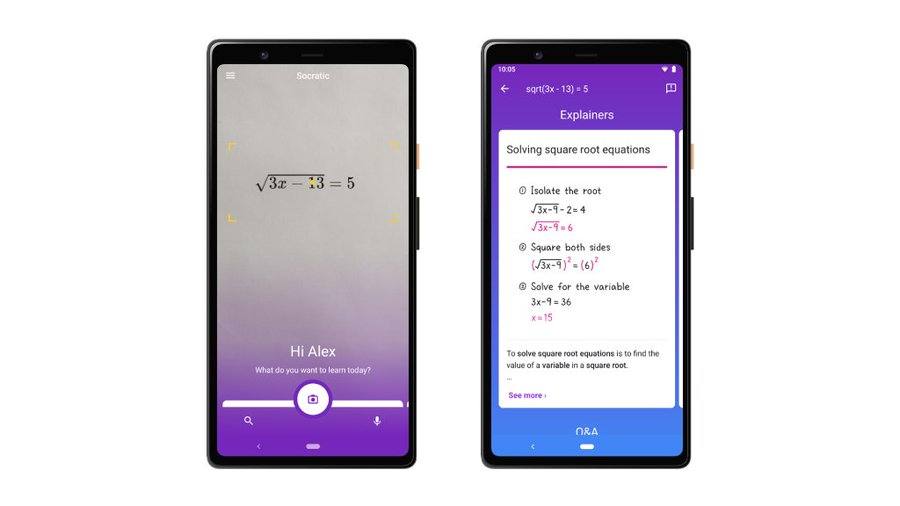
If you're a secondary student (or parent!) who needs help with assignments, check out Socratic. This free AI app can help you solve any school problem.
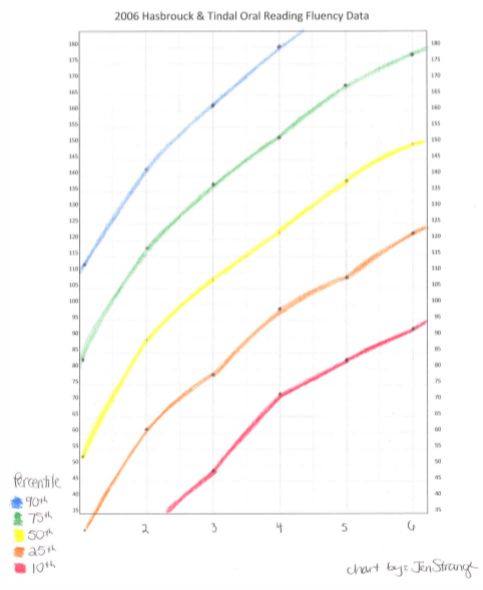
Use these apps and websites to assess repeated reading done students so that you can help them improve in fluency and comprehension.
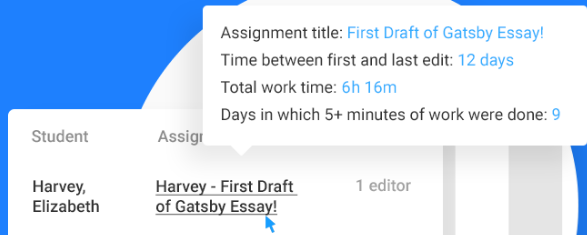
Remote teaching? Wish you had some helper tools to make the work go faster? Make Google Classroom even more amazing with these five add-ons.
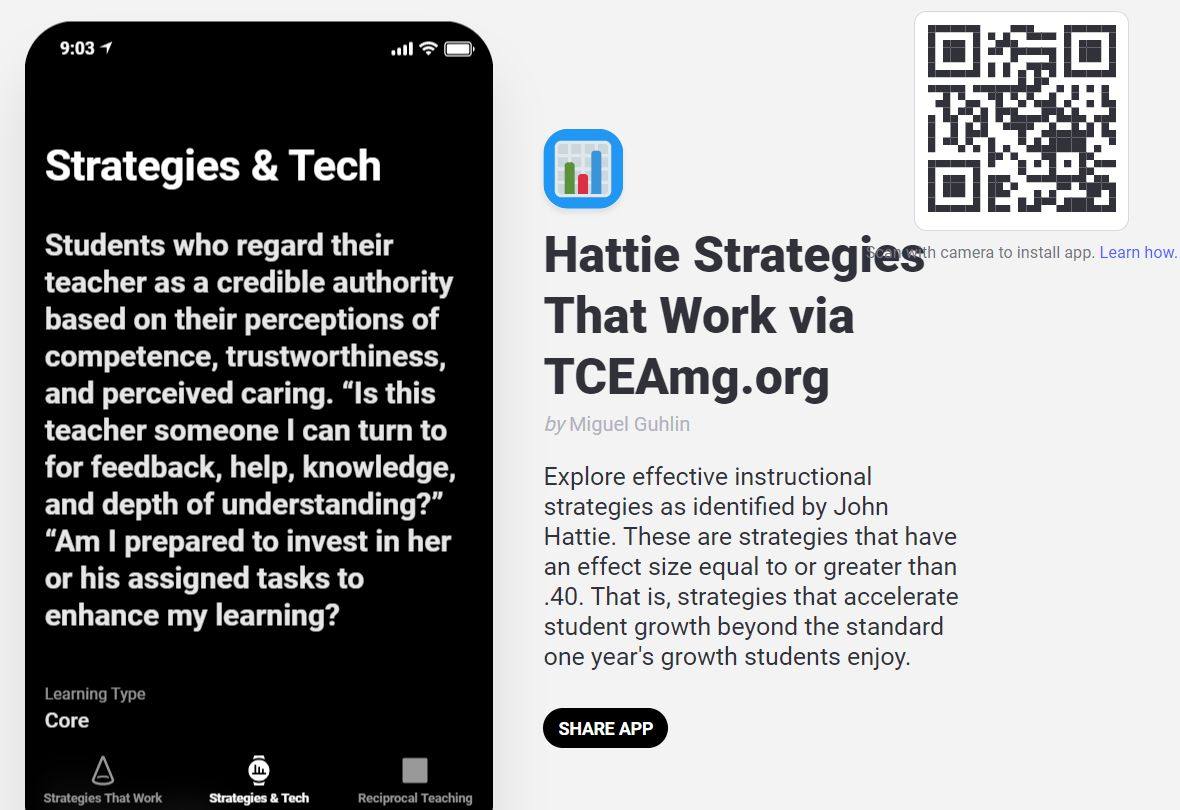
Wondering what technologies you can blend into high-effect-size instructional strategies? Check out these ideas and resources.
Want to set up a synchronous video viewing salon complete with synchronous learning activities. SyncTube mimics classroom teaching for remote learning.
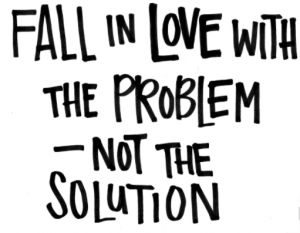
Creating authentic, engaging learning for students is best done when you tie in the ISTE Collaborator Standard and Problem-Based Learning.
Need to provide spoken feedback for G Suite EDU documents? Look no further than this new tool, mote. Learn how to craft good feedback.
Need to start a virtual book club with your students? This blog entry will share some tips and resources you can use to ensure success and more reading.
A few Chrome extensions can improve your Google Meet experience, especially for classroom learning. Come along as we explore those extensions.
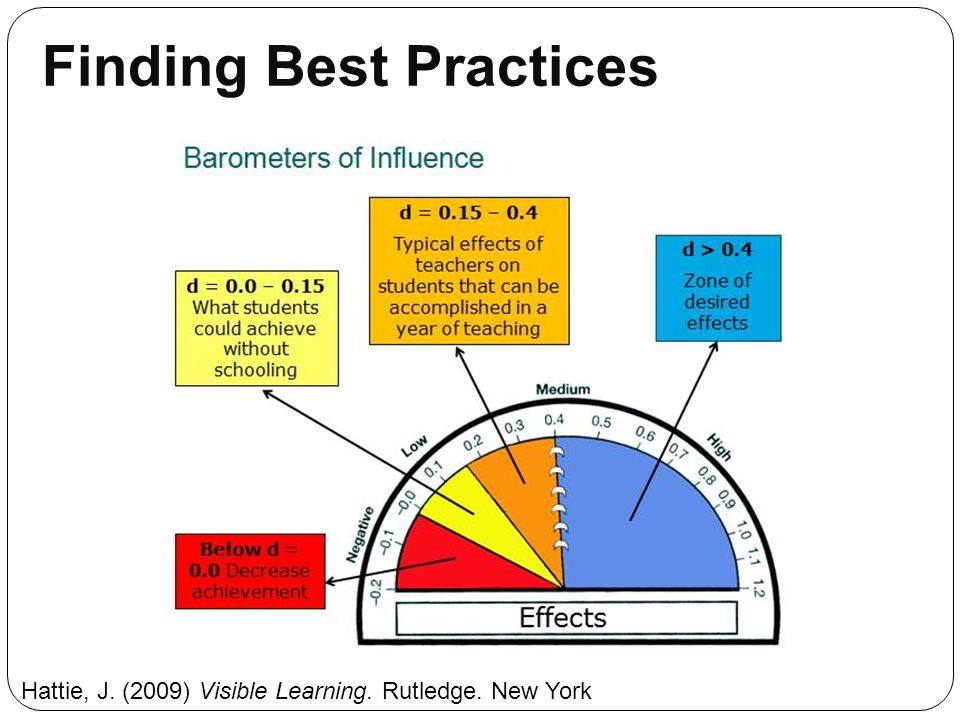
Go digital in your physics classroom by combining interactive activities with introductory high-effect size strategies. These offer amazing opportunities.
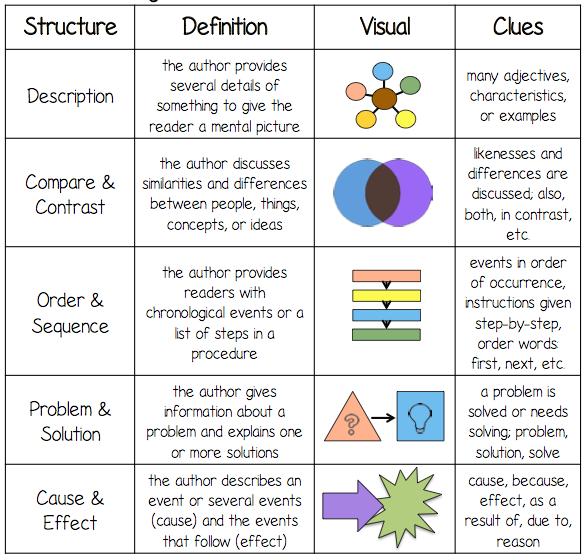
Explore nonfiction media sources for remote learners, as well as how to use strategies to analyze the underlying structure of nonfiction to make it real.
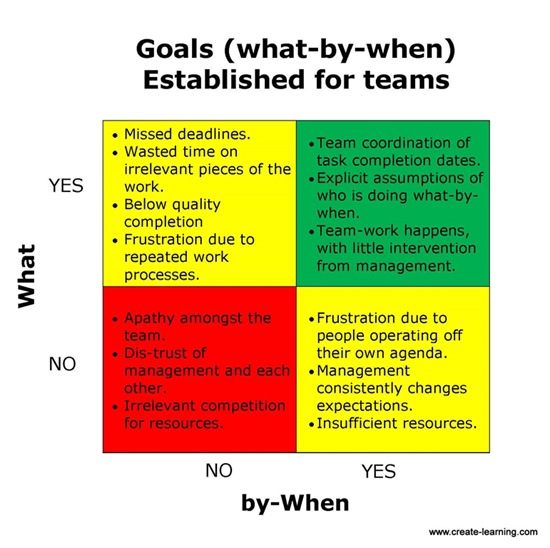
It may be time for your school or district to host its own virtual conference. Here are the steps you need to follow to ensure it's a success.
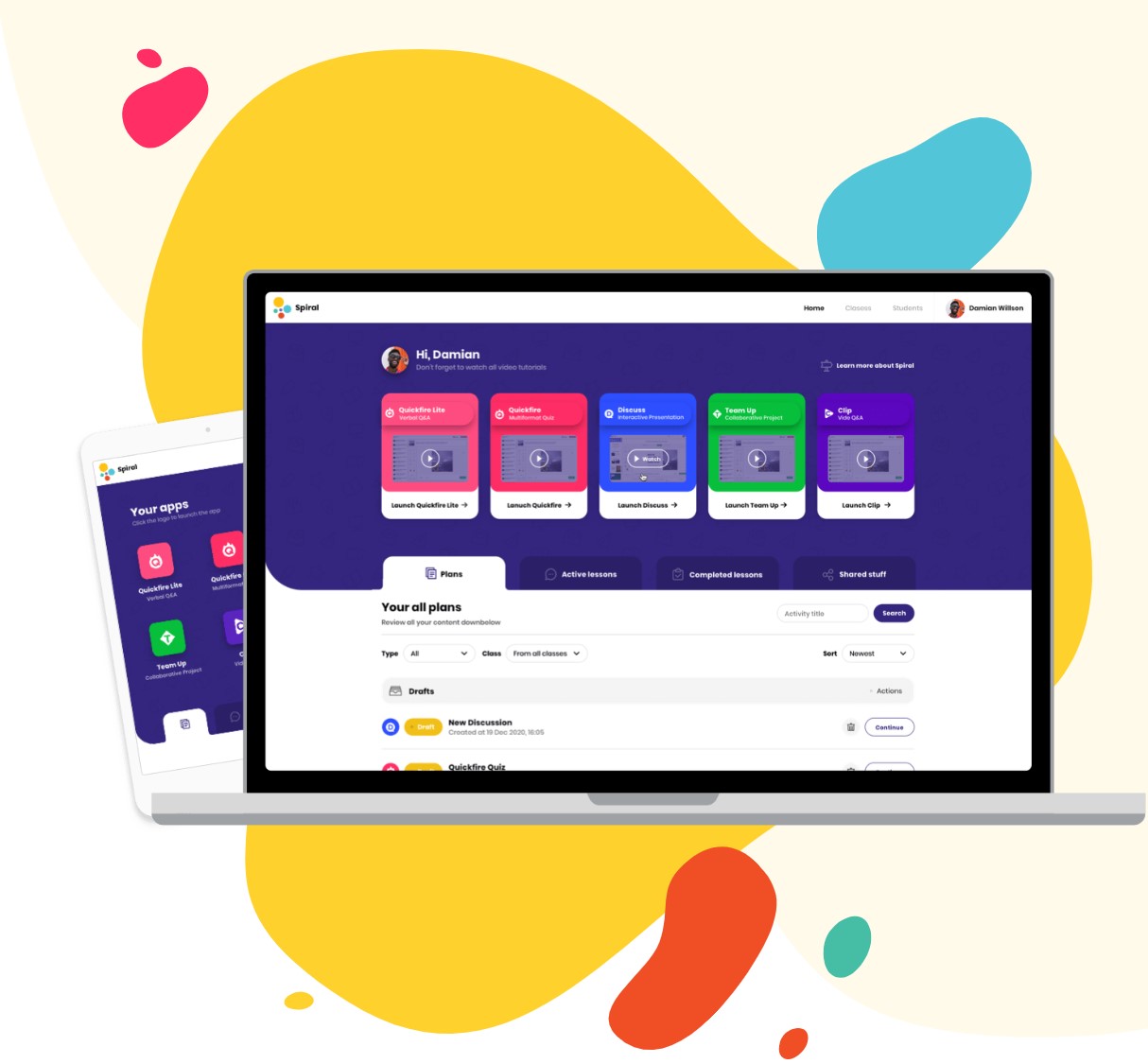
Need some more "ooomph" in your remote learning assessment toolkit? These two tools may provide exactly the power and feature diversity you're looking for.
Examine what research says about instructional leadership today, along with some digital tools to use to foster those essential skills.

Need non-fiction audio content to enhance student listening skills? Listenwise may be exactly what you and your students need.
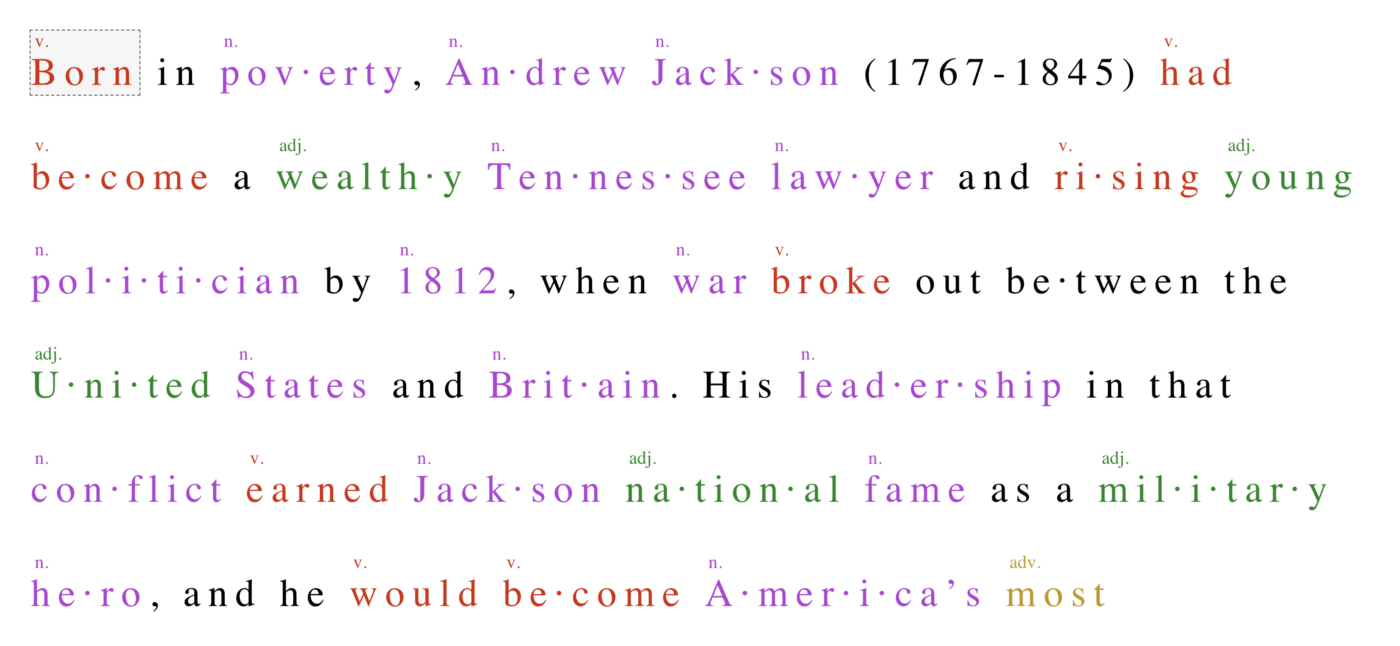
If you are facing challenges as a special education educator during this tech-heavy remote learning time, discover three responses to the challenges.
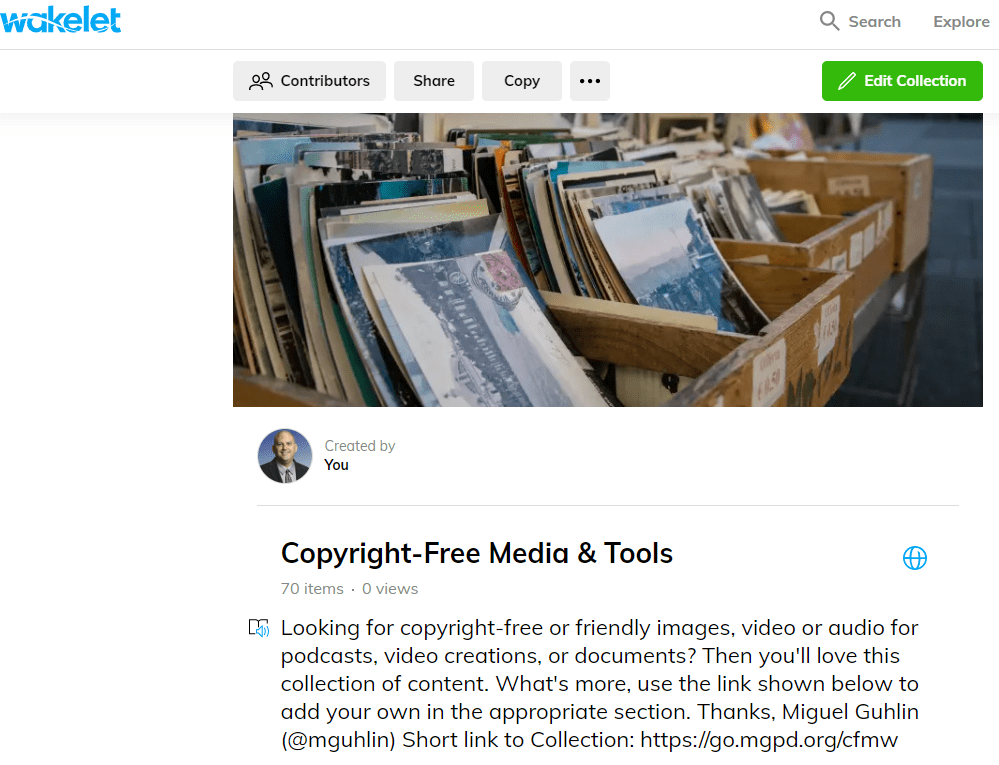
Try these three online tools for background removal from photos and images. They are all simple to use and will make your work look amazing!
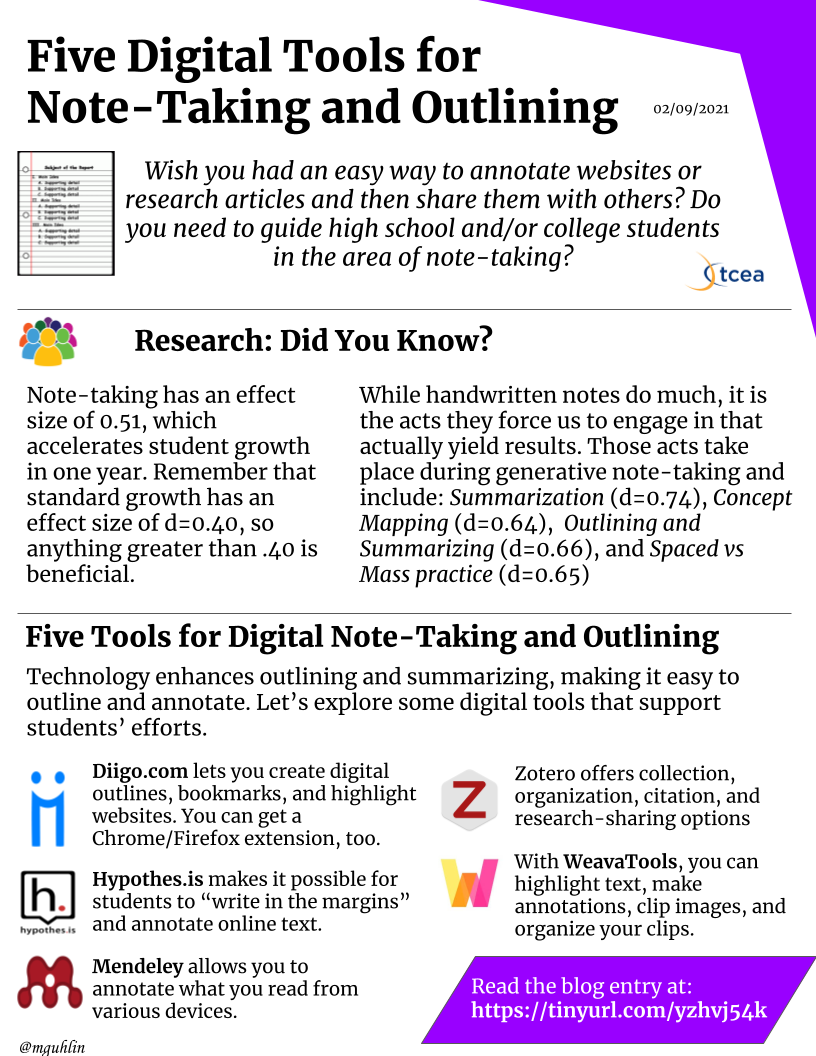
Research shows that old-fashioned, hand-written note-taking can help build learning. Here are five digital tools that can support this proven strategy.
How do you introduce teachers to powerful ideas and high-effect size strategies with technology? You combine PBL with the jigsaw method.

Need some stories your students can have read to them online? This blog provides a rich source of digital stories in video and audio format you can share.
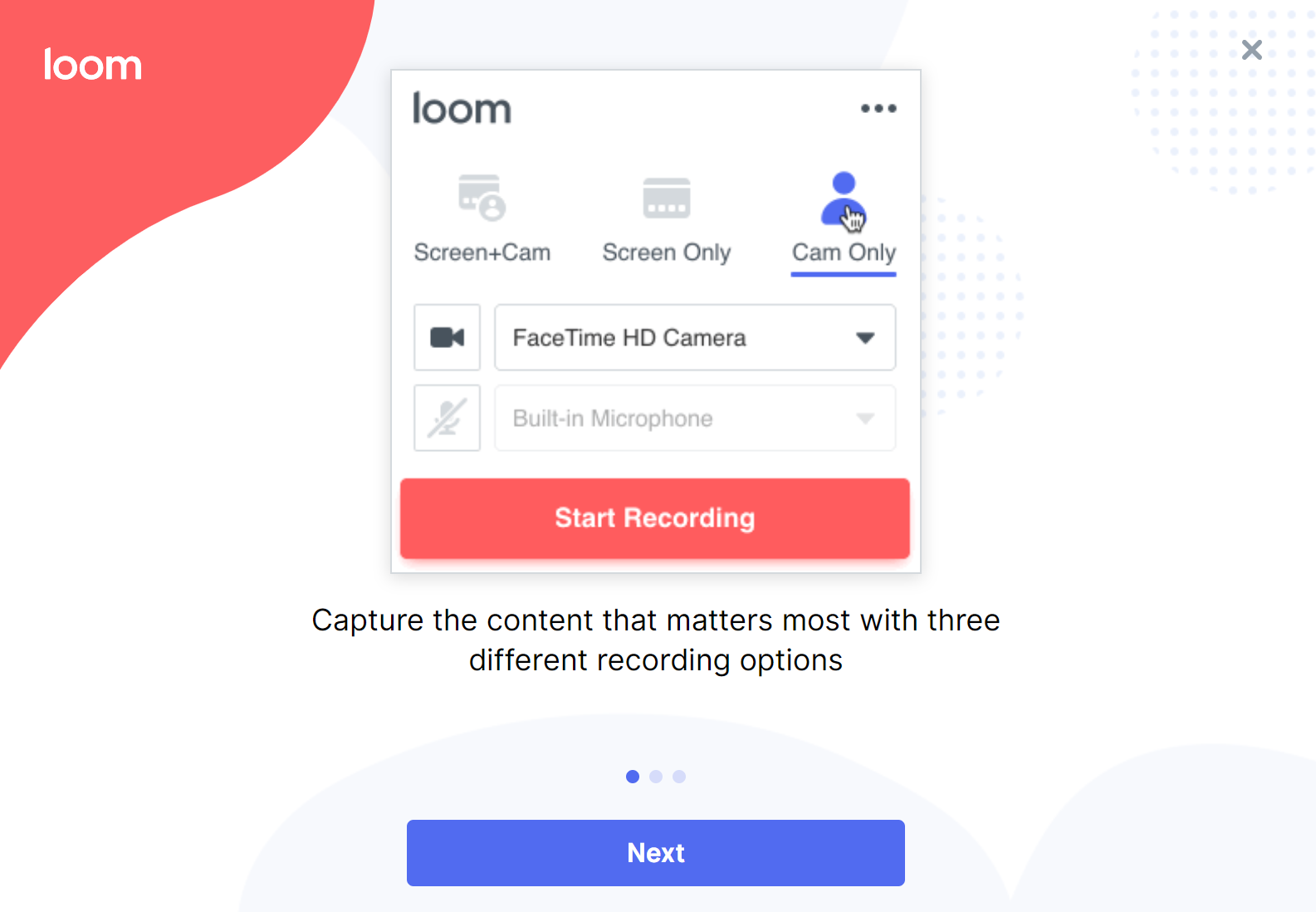
During these times, video sharing is a critical need for both teachers and students. Here's the latest roundup of tools that make that easy.
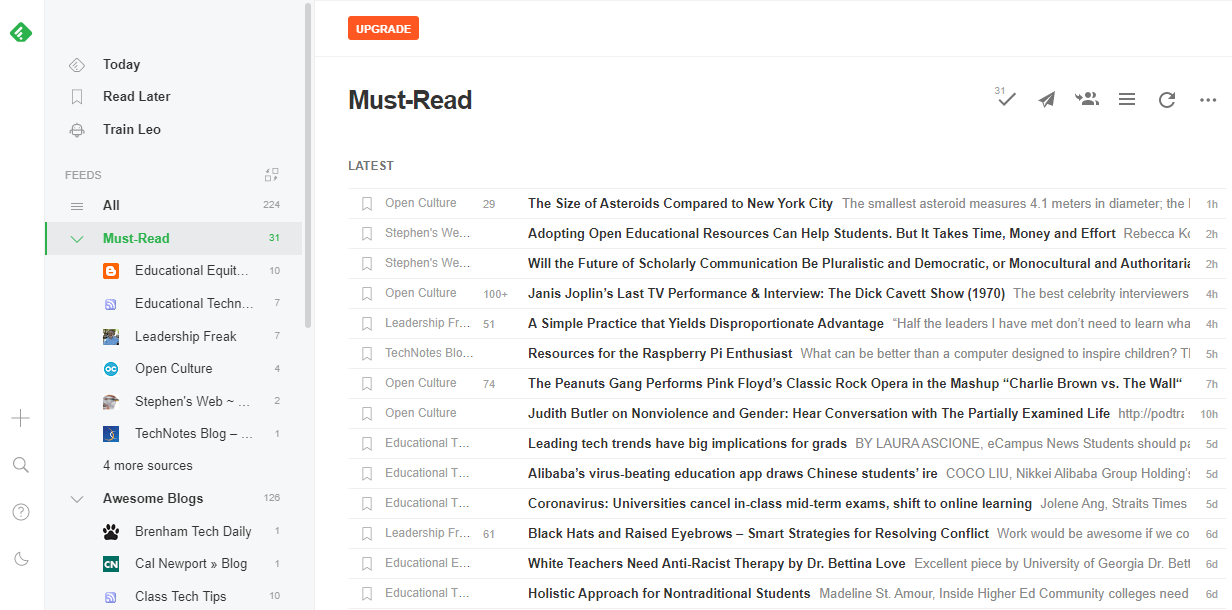
Need a way to freshen up how you track online content? Fraidycat may give you a new way to pull and view content from multiple sources on the web.

Need to improve long-term retention of critical content? Then consider practice testing, or test-enhanced learning, a proven strategy made easy with Knowt.
Need to go mobile with a free office suite for staff or students? Use LibreOffice on desktop and Collabora Office on mobile to create and edit content.
Keeping your Google Contacts up to date without duplicates might seem a chore. Here are some steps to help you keep it clean and organized.
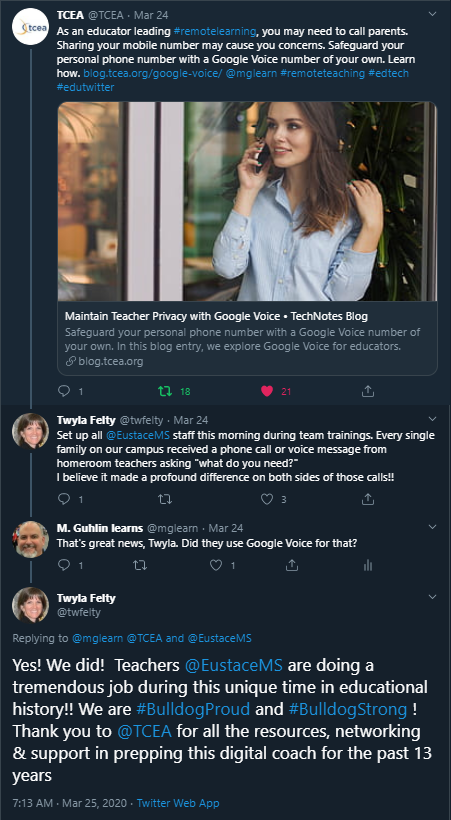
Safeguard your personal phone number with a Google Voice number of your own. In this blog entry, we explore Google Voice for educators.
There are tons of great Google templates available online. In this TCEA Responds, learn how to make a copy of those Google documents for your own use.
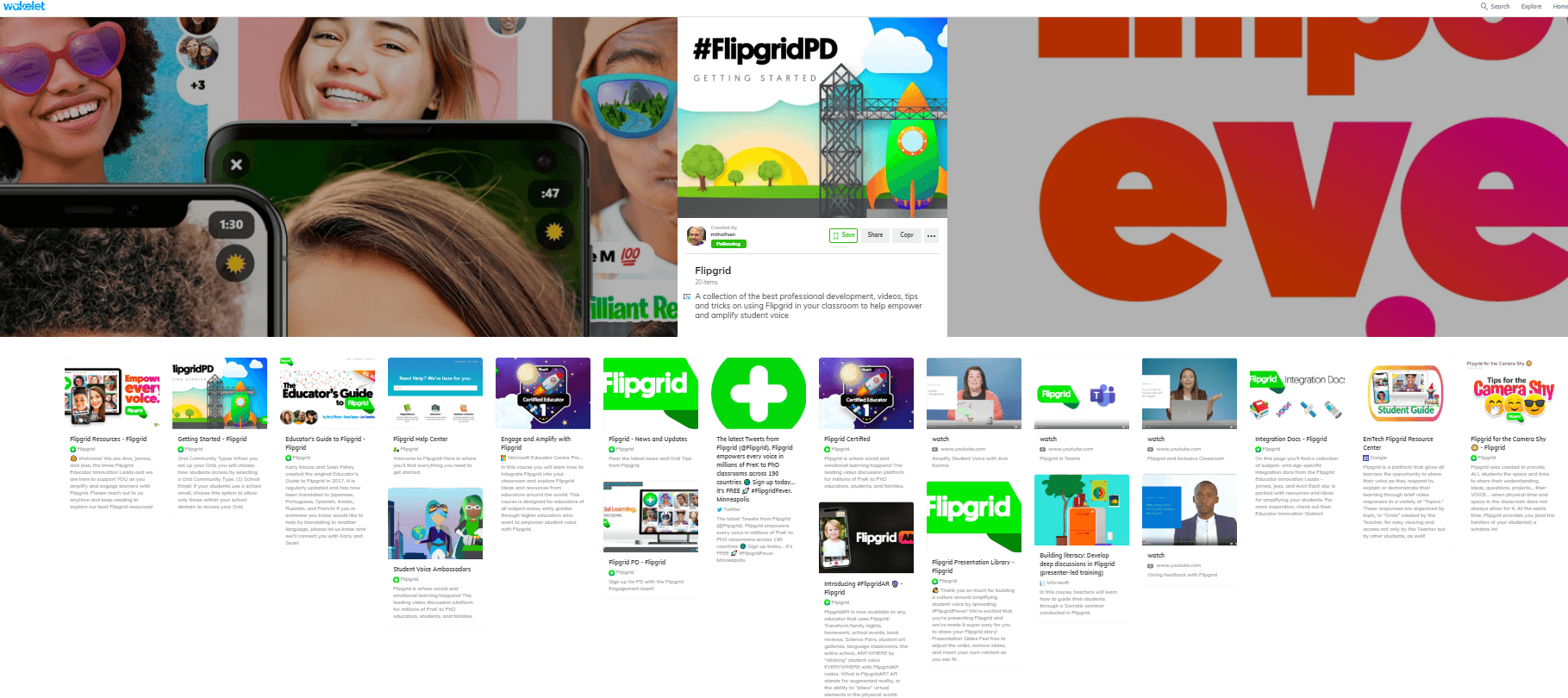
Class discussions are a research-proven learning strategy. But how do you make them digital? Here are five possible solutions.
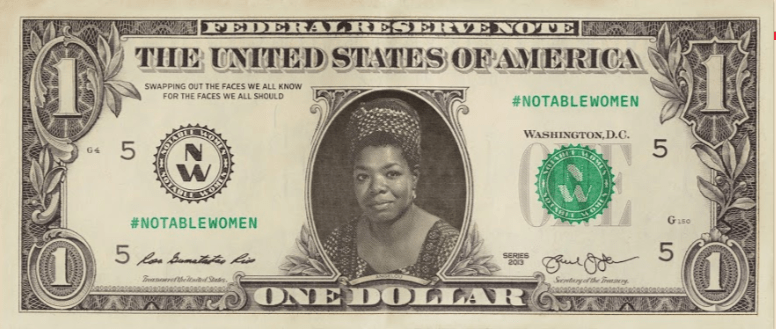
Celebrate Women's History Month with Google Creative Labs' new app, Notable Women. You'll also find some teaching resources as well.
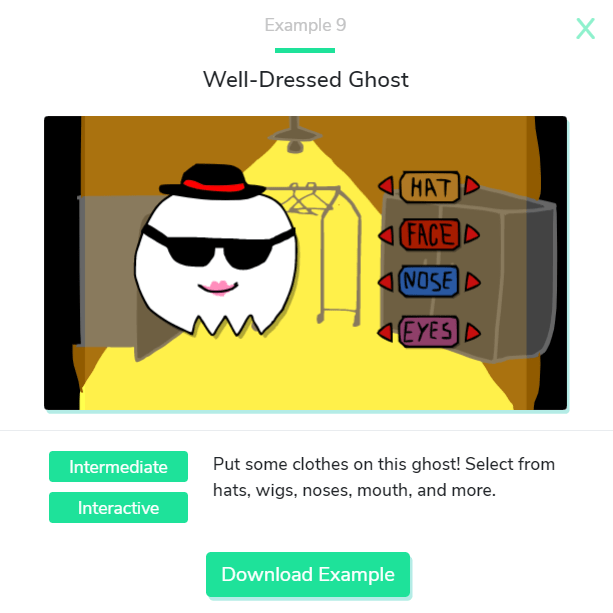
The Wick Editor is a powerful new tool for animation and creation that your students will love. And did I mention that it's free?
For those looking to keep their technical skills sharp, take a look at the many tutorials available from Microsoft Learn.
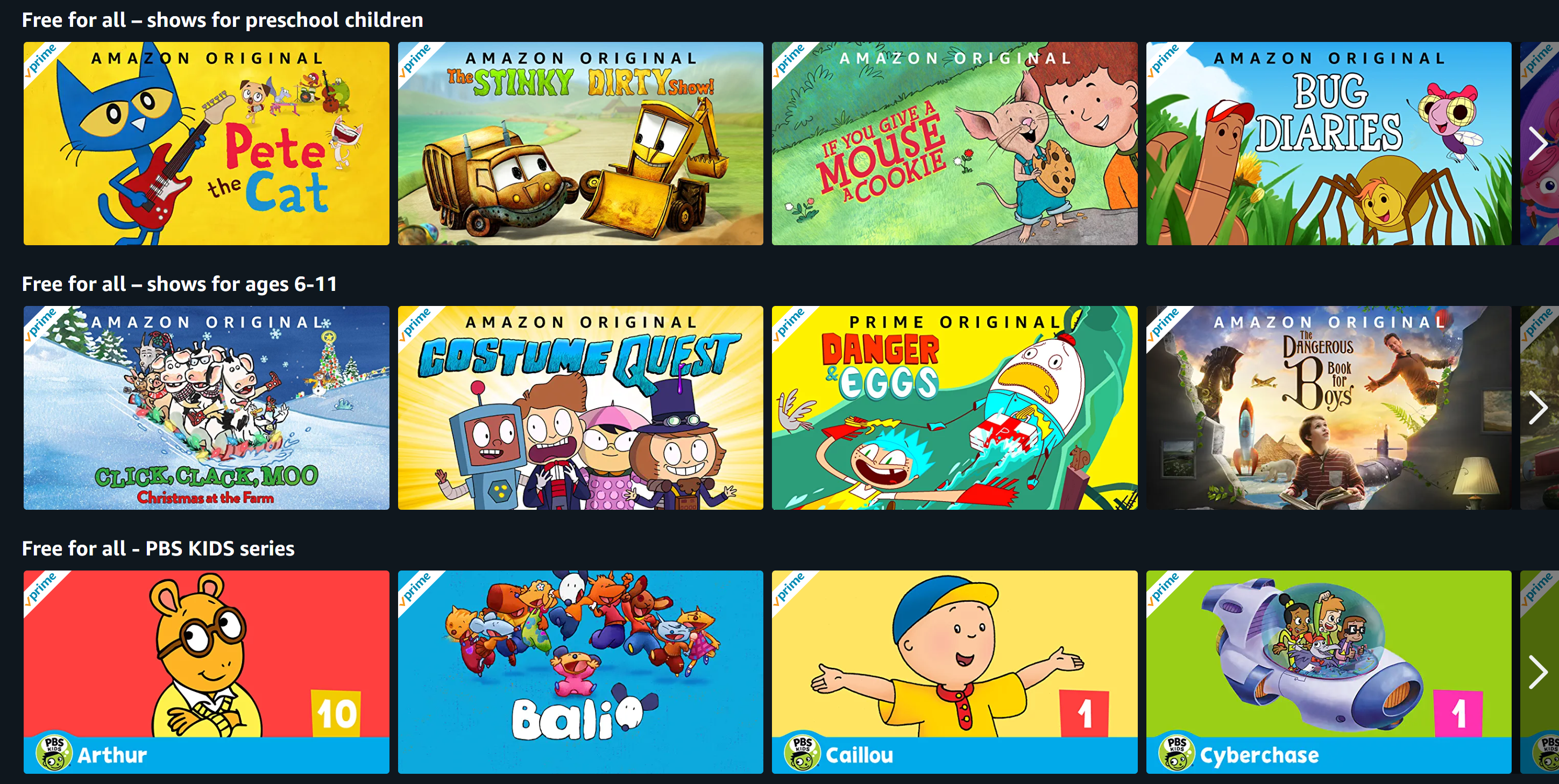
Whether it's extremely bad weather or the COVID-19 virus, remote learning may sometimes be necessary. Here are some tools to help.
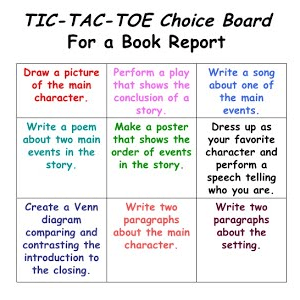
Using a choice board to allow students to select their own journey, while still ensuring they reach the destination, is a powerful research-based strategy.
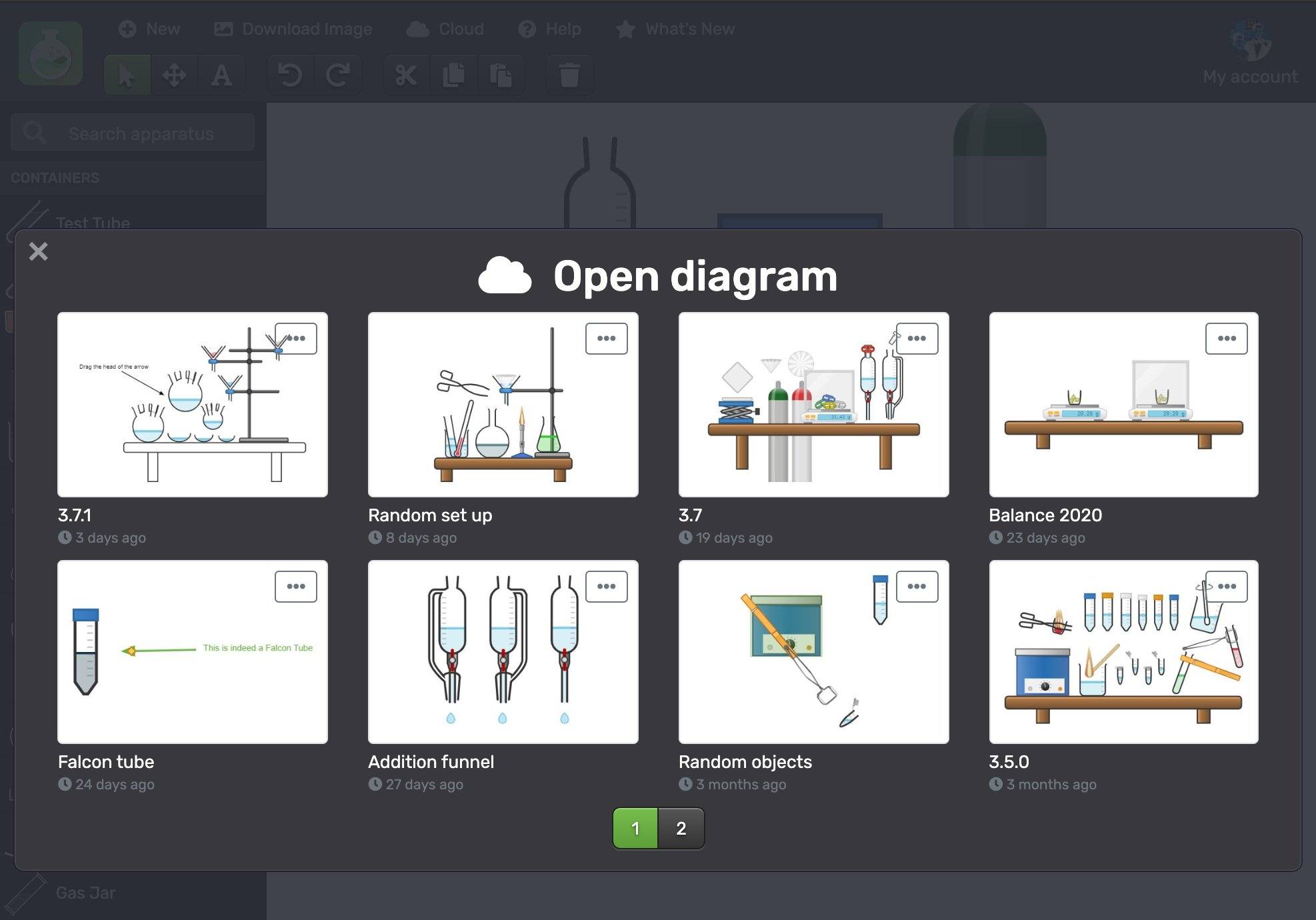
Science teachers will love the free online tool Chemix, which allows and their students to create lab diagrams for experiments and activities.
The COVID-19 virus may be coming to your campus or district, and school closures are possible. Is your school ready to meet student learning needs online?
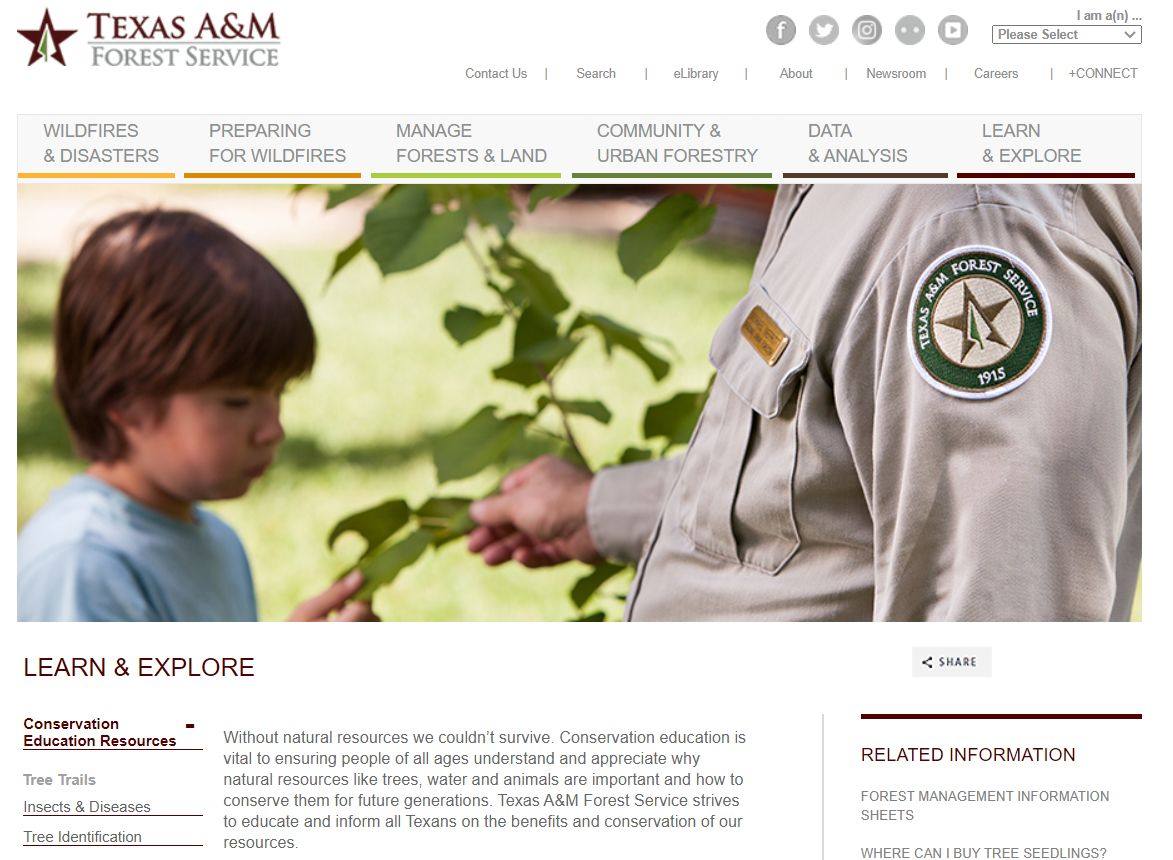
Discover powerful resources from the Texas A&M Forest Service that will help your students better develop their STEM skills and perhaps save the world.

Helping students achieve fluency requires repeated reading. Here's what the research says about the best ways to encourage this and the tech that can help.
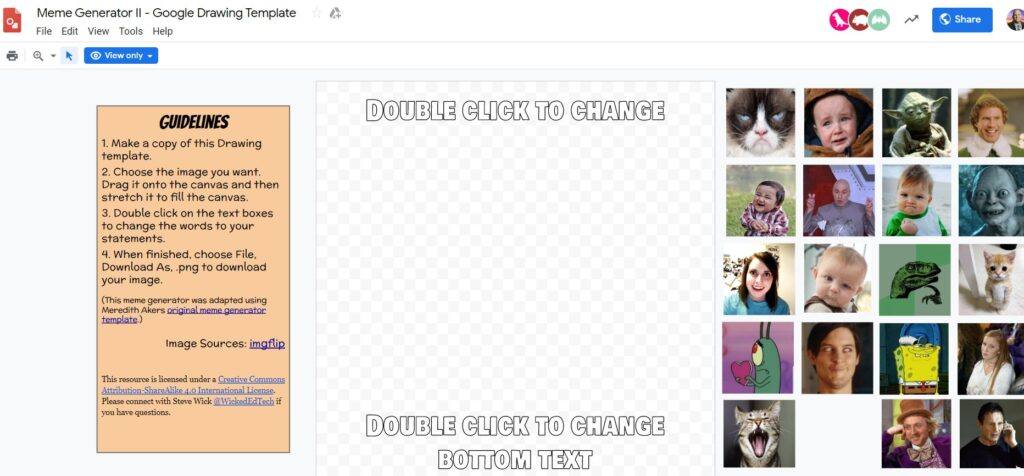
These five G Suite templates will help both you and your students do some creative projects, have fun, and learn even more.
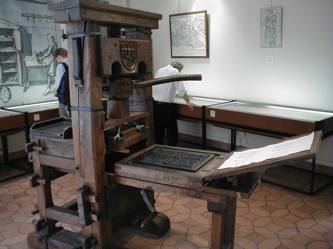
Even today, printing documents is still required sometimes. But how do you print a large group of Google Drive files without too much time and stress?
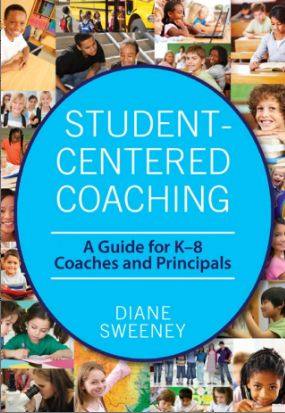
In this final part of the coaching series, we examine the last two action steps you should follow to meld high-instructional strategies with technology use.
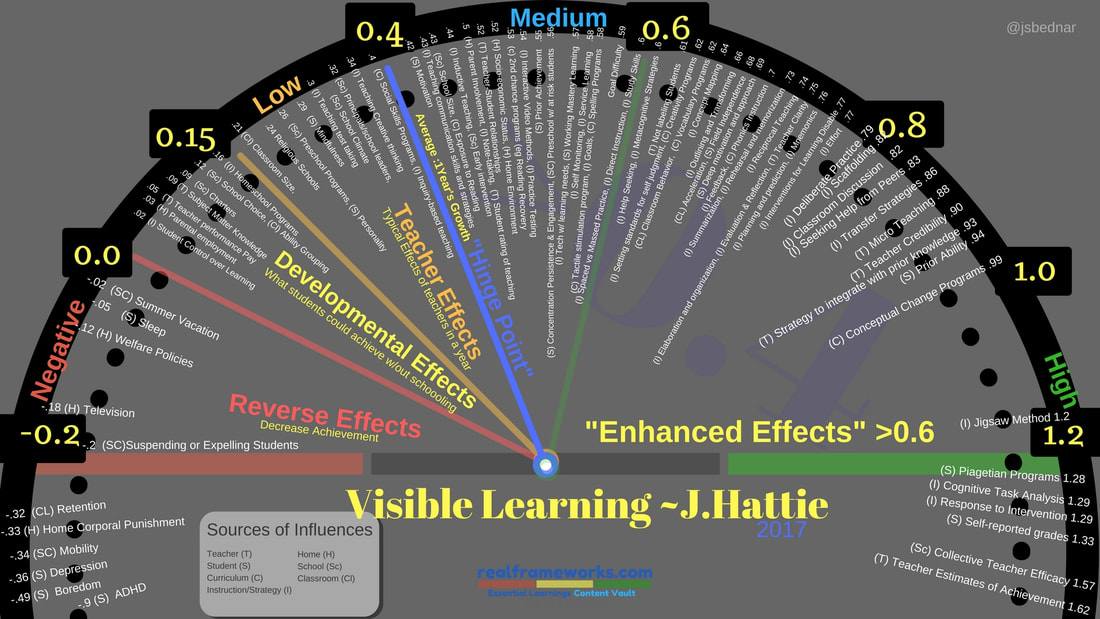
This part of the coaching series focuses on the three action steps you will need to help educators be more successful with high-impact teaching.
Continue the journey of coaching for strategic technology integration that results in high-effect size instruction in the blended learning classroom.

Need an online video creation tool? Look no further than FlexClip. The free video maker and editor offers custom video templates and a rich media library.

How can you better organize content in Google Drive? Let's explore a few tips you may find helpful.
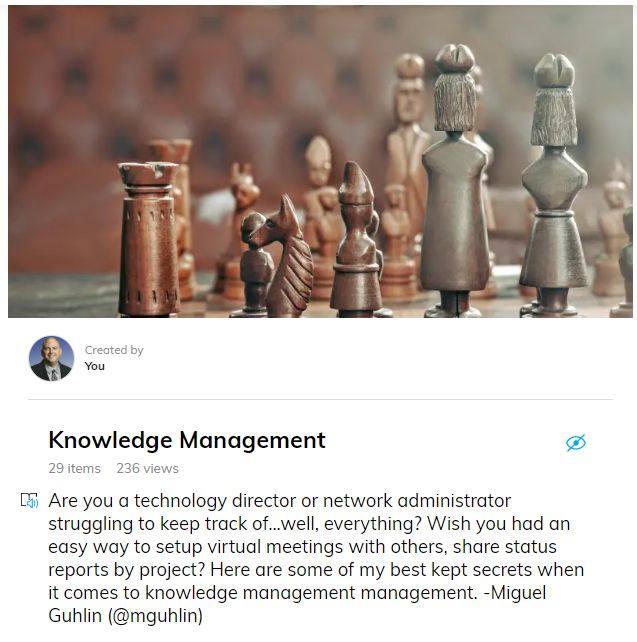
Not sure how to start your technology planning process? Lay the foundation first. These five tips will get you ready for strategic planning.
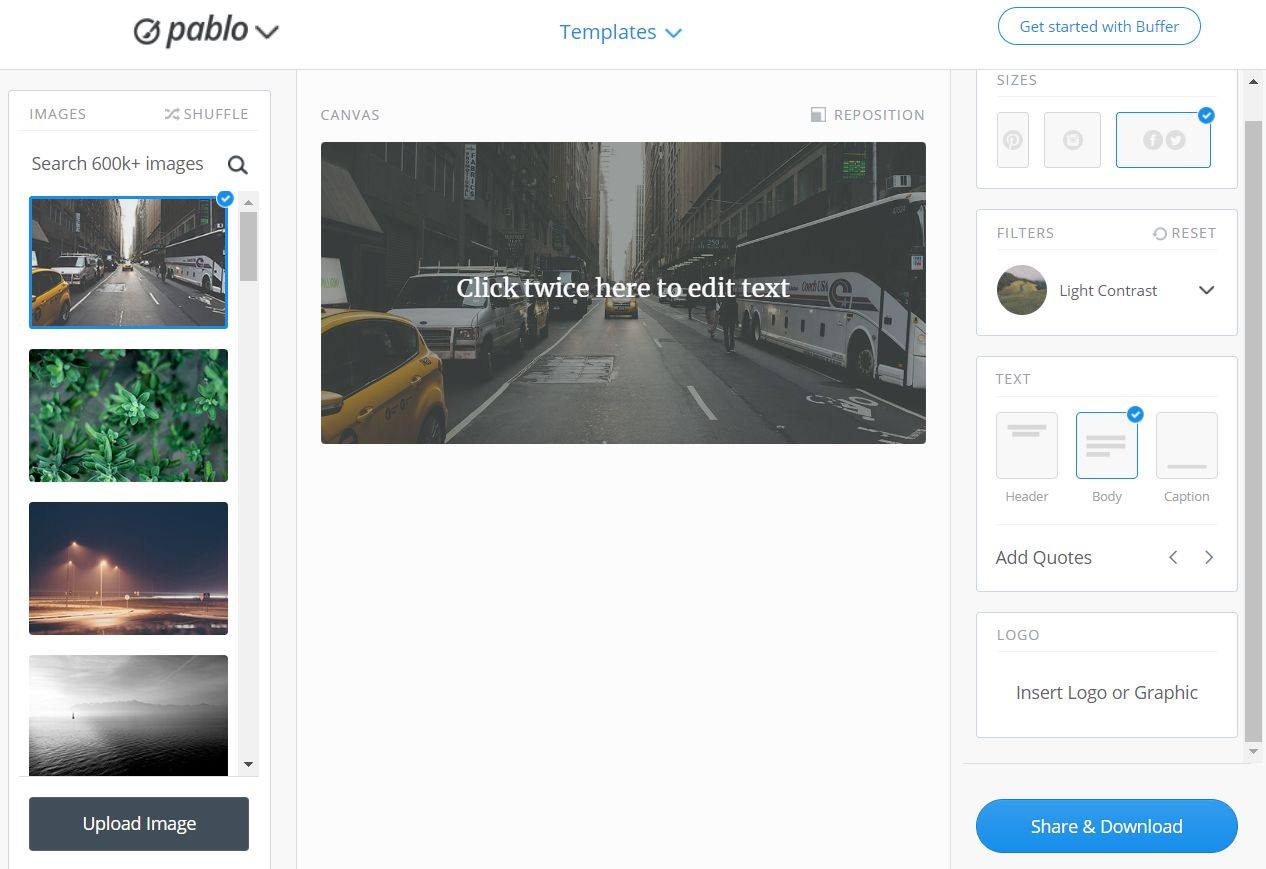
Celebrate school successes and help others visualize them with posts on Instagram. Explore six tips to make your task easier.
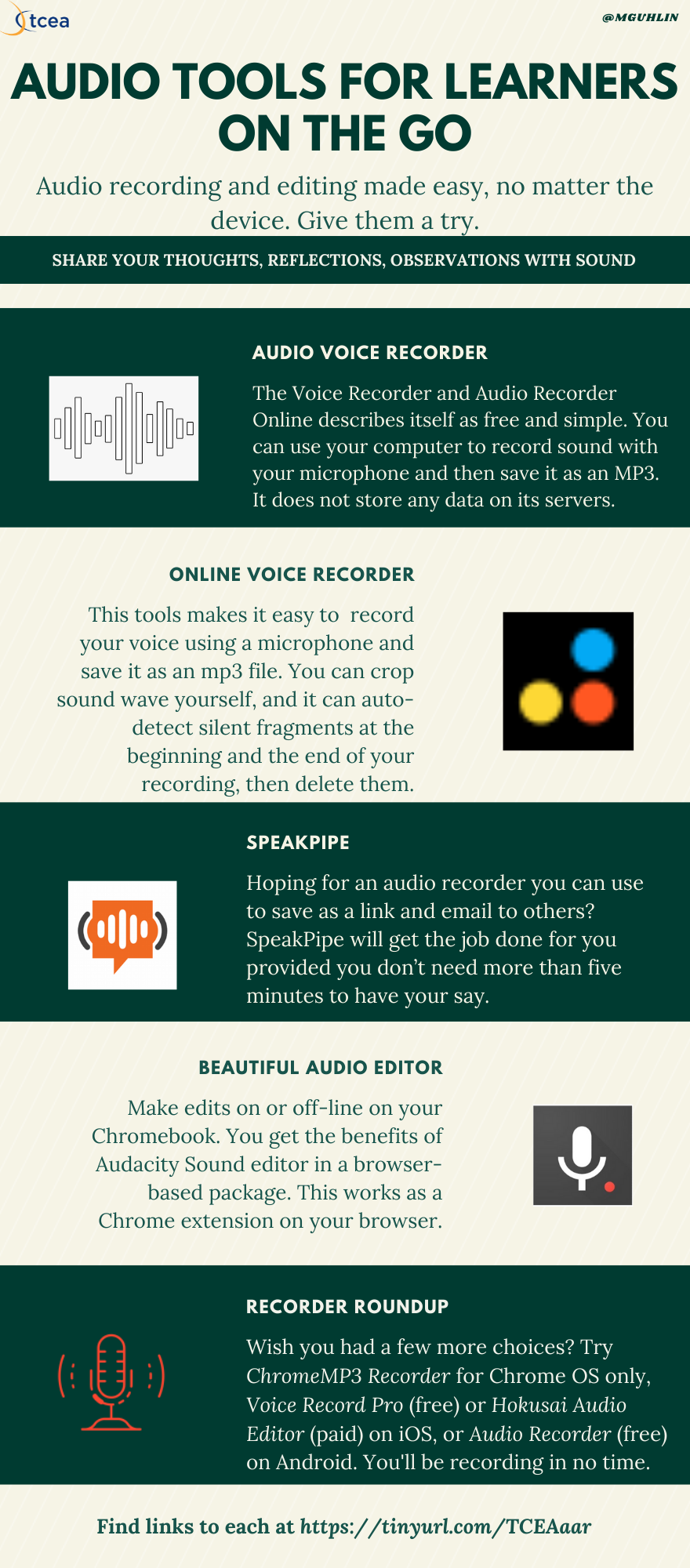
Take a look at three great audio recorder tools that will work on Chromebooks for students. Discover which one has the features that work best for you.
Recent changes in Texas law and practice mean that school districts should begin thinking about social media archiving. Let's look at some solutions.
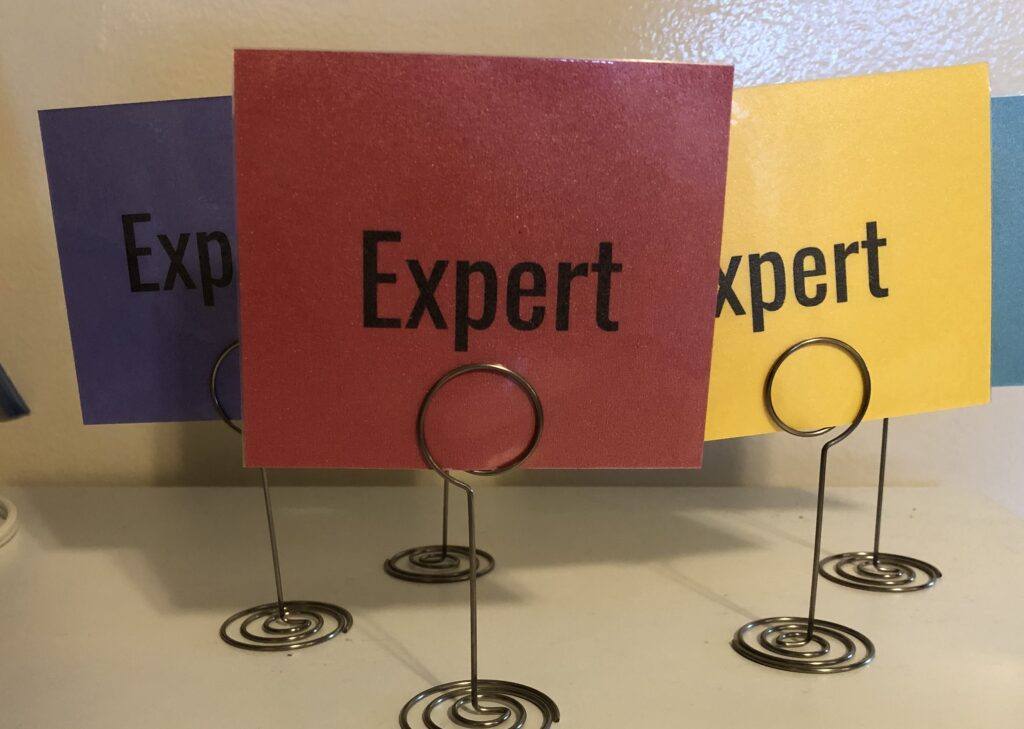
We provide easy educational solutions to the top five challenges in using G Suite EDU in schools today, from YouTube to extensions to Classroom and more.

Teaching your students the game design process in a fast and easy way can have multiple benefits for learning. Discover a great tool in this blog.
Continue the learning journey begun in part 1 of this blog series on effective instructional coaching by taking a look at Jim Knight's Impact Cycle.
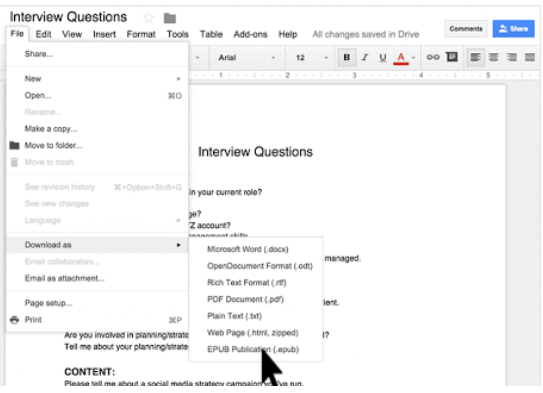
Help your students to create audio books of their writing in Google Docs with these free and simple tools. Then they can share them with the world!
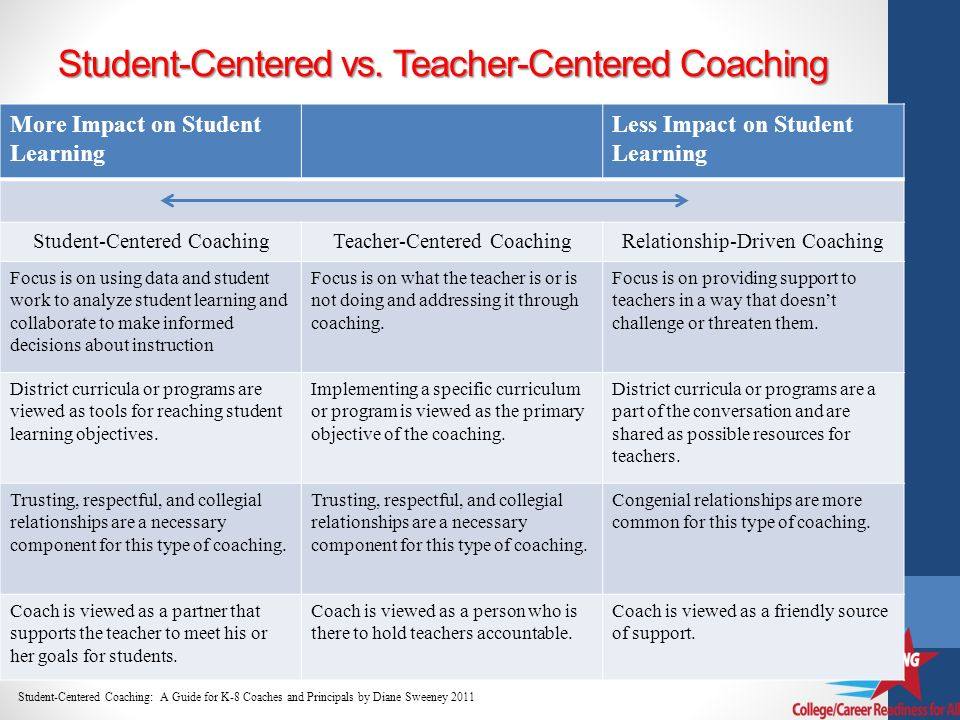
Want to adopt a coaching model that works? Take a look at student-centered coaching and how it can have a powerful impact on both teaching and learning.
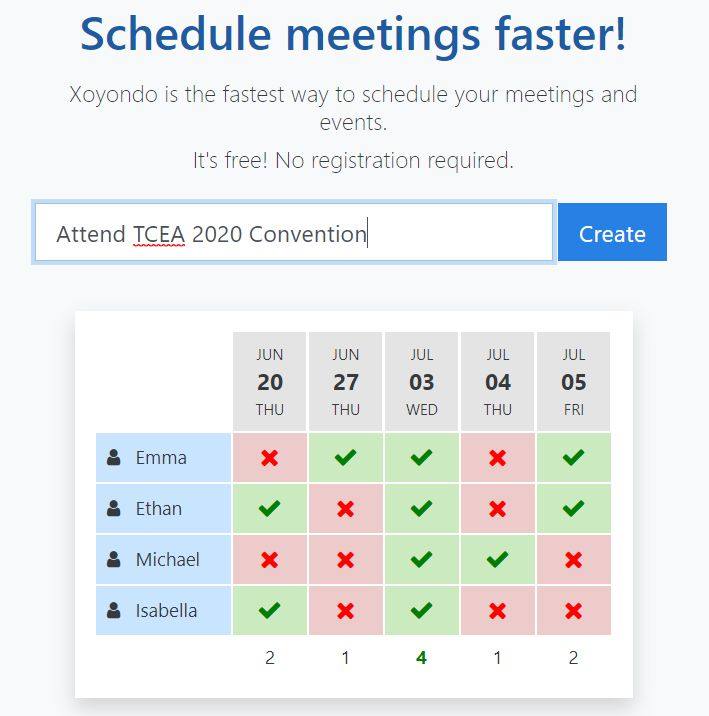
Meeting scheduling taking up too much of your time? Try out these handy tech solutions to schedule coaching and administrative tasks.
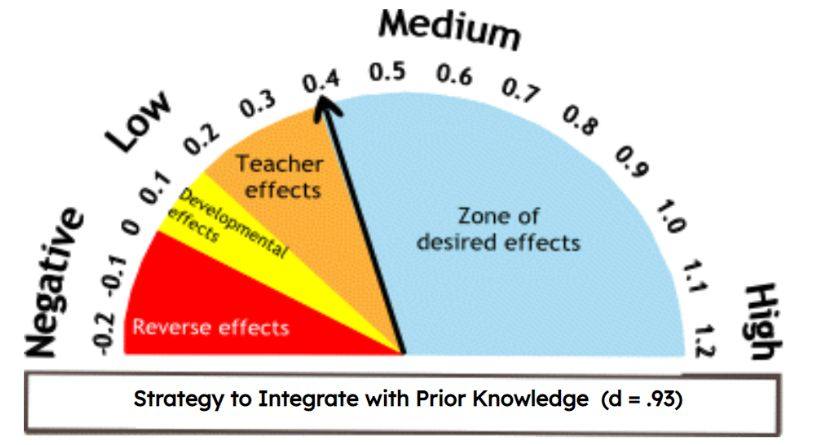
Wondering how technology tools can enhance research-based, effective instructional strategies? This blog entry explores the research with Buncee examples.
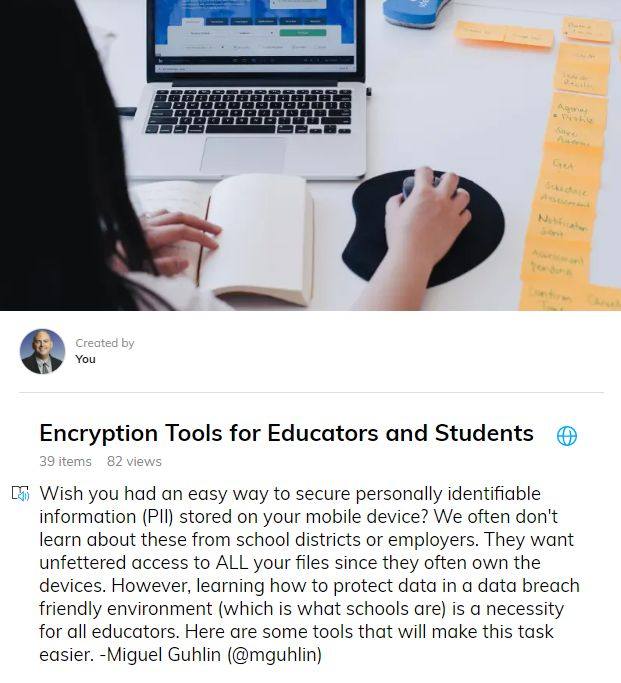
It's October, 2019, National Cybersecurity Awareness Month. Do you know where your digital assets are? Are they secured and protected? If not, read this.
Classroom discussion is a powerful teaching strategy. But you can increase its reach by using two additional instructional approaches and some technology.
Technology planning is easy; getting everyone on board is hard. Follow these guideposts to shaping an ed tech vision and plan for your district.
Need assistance staying up to date? Learn how to catch up and become a pace setter with Google's EDU in 90. Explore tips, tricks and crowd-sourced ideas.
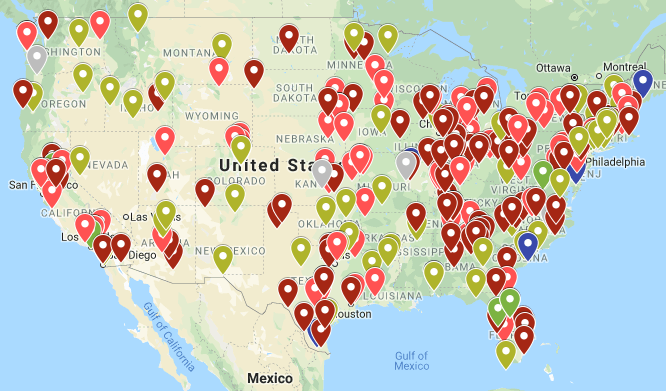
With the use of technology and connected devices in schools, protecting those devices, and the information on them, from cyber threats is vital.
Learn how Wakelet templates can enhance multi-modal learning, non-linguistic representation, and teacher-student relationships in your classroom.
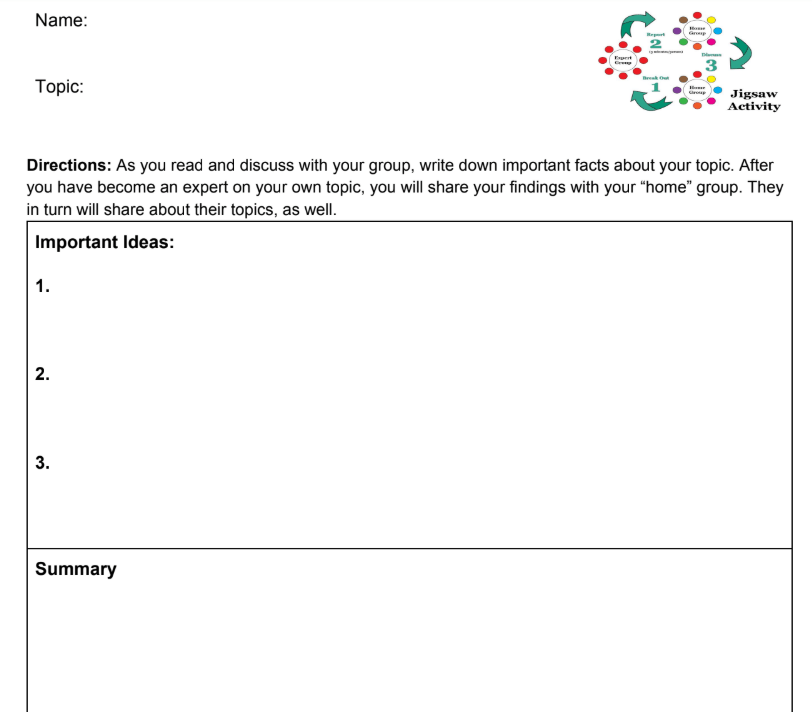
Explore the various approaches to the jigsaw methods, some of which fall short, and see how one professional learning facilitator learned from application.

The new and inexpensive Google Slides Creator Studio is an amazing add-on that can turn your Google Slides deck into an MP4 video with audio and more.
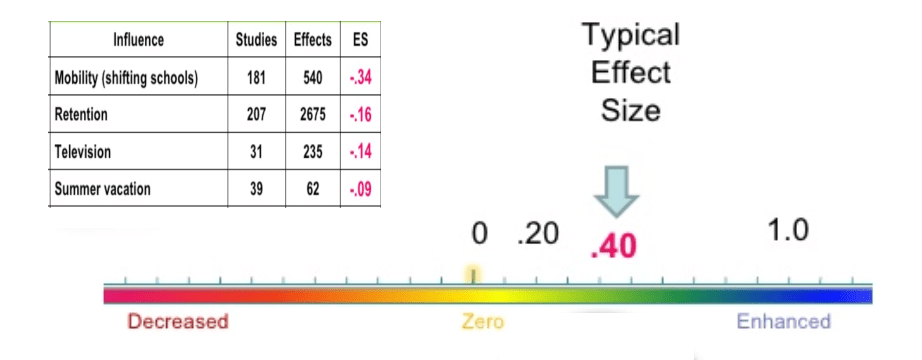
Need to introduce staff to effective strategies that work? Explore powerful teaching strategies identified through the research of John Hattie.

Wish you had an easy-to-access and accessibility-friendly choice board maker? You do! It's called Wakelet. Learn how to make choice boards the easy way.
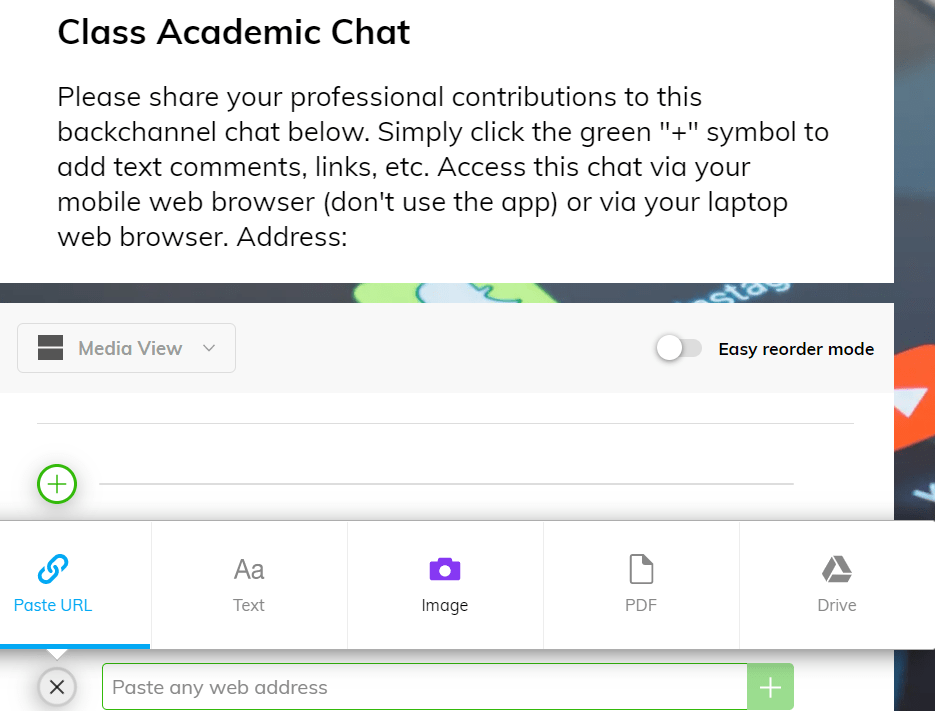
Learn how to use the free tool Wakelet as a backchannel/chat learning tool and to curate Twitter chats in this blog entry.
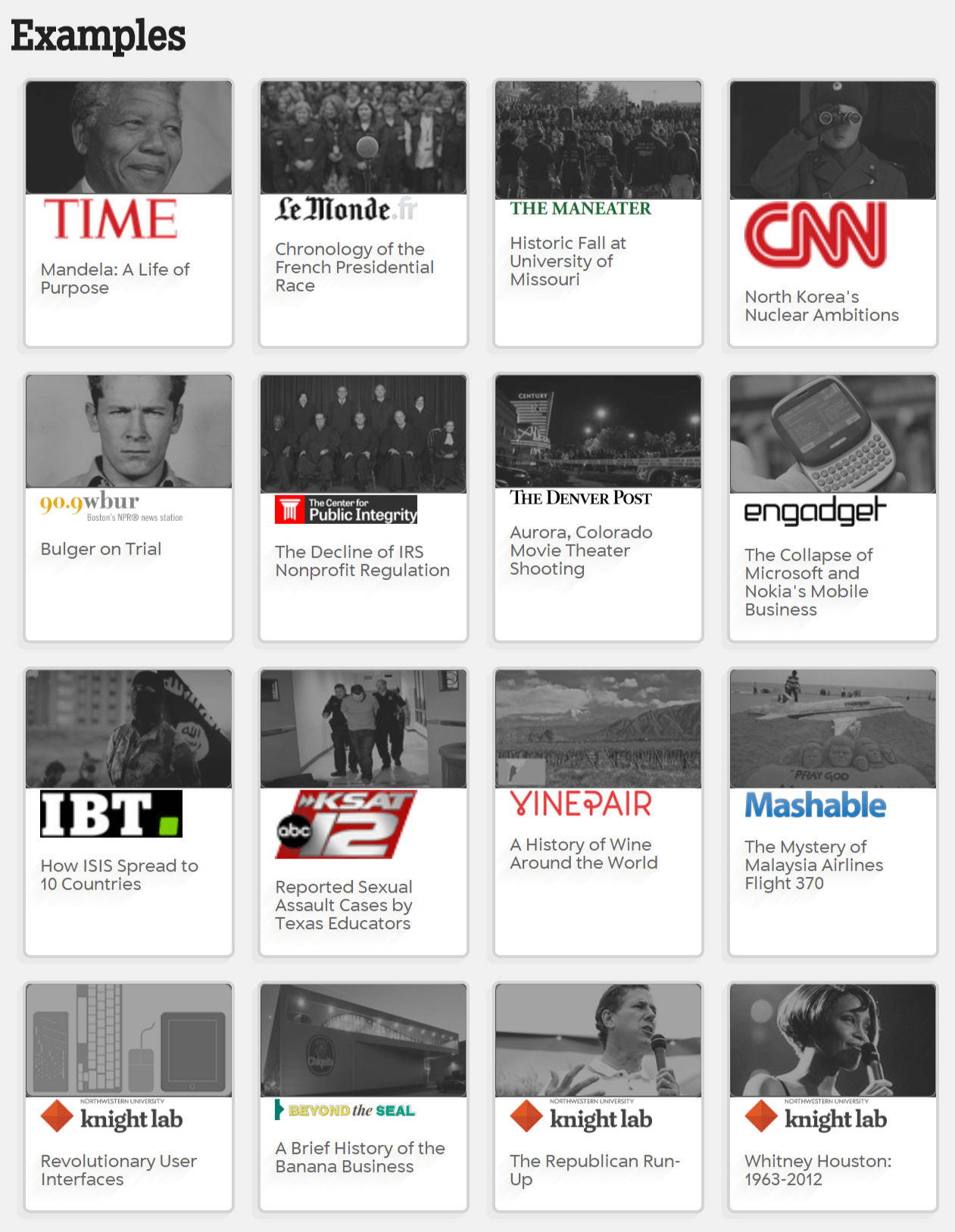
Back to school startup activities have you stumped? Use a free timeline maker to teach sequencing and storytelling as you capture students' summer events.
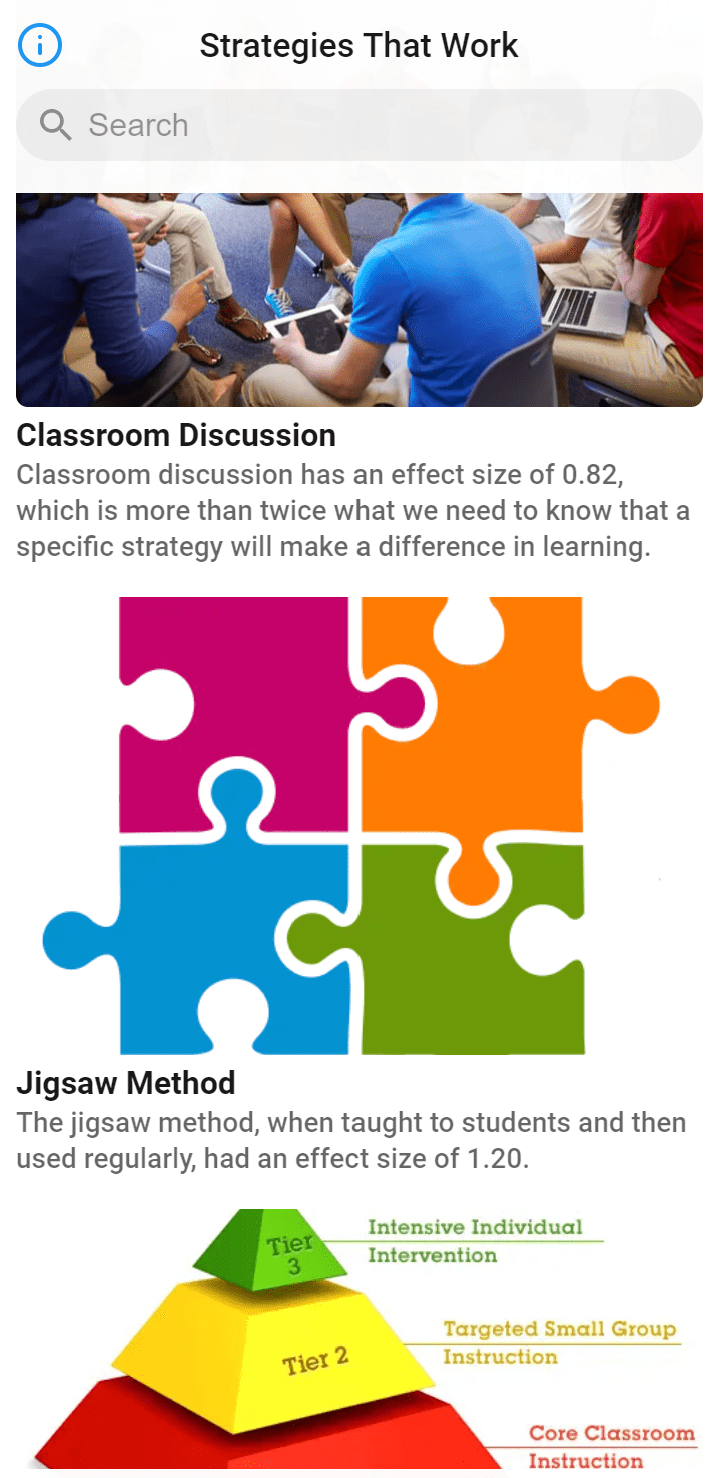
Looking for tools to make lesson planning easier? Look no further than these three free apps that can assist you in designing amazing learning experiences.
In this TCEA Responds, we discuss the security of G Suite for EDU and how safe your data is there, as well as additional safeguards you can take to be sure.
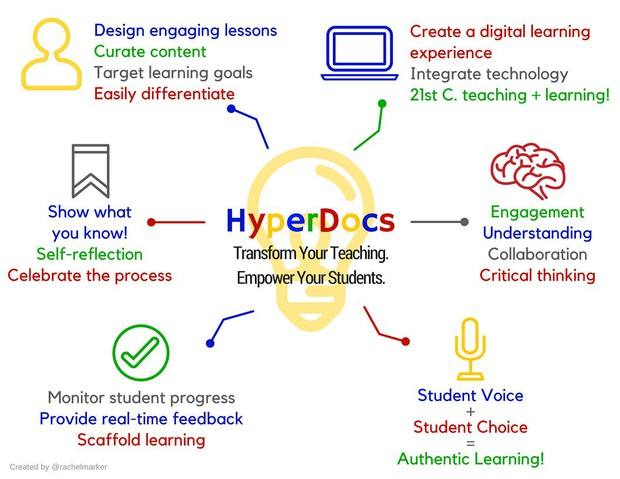
Spice up start-of-the-year teacher inservices with creative activities. Use hyperdoc creation to make relevant professional learning a reality.
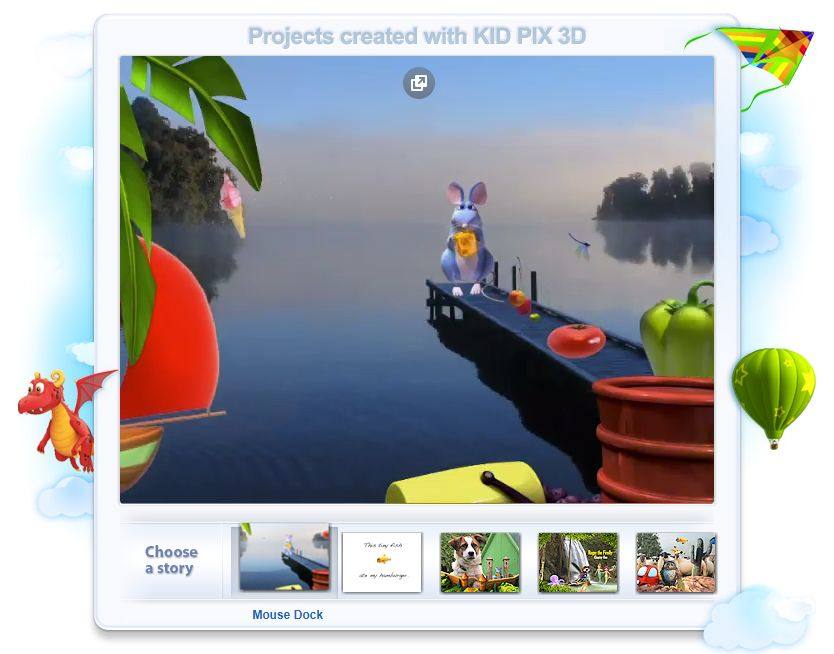
A popular 1990s learning application is back for the 21st century. Learn how you can bring digital media into the classroom with the new Kid Pix.
The World Economic Forum tells us "embrace lifelong learning." What does that mean for educators who want to prepare students for the future? Find out.
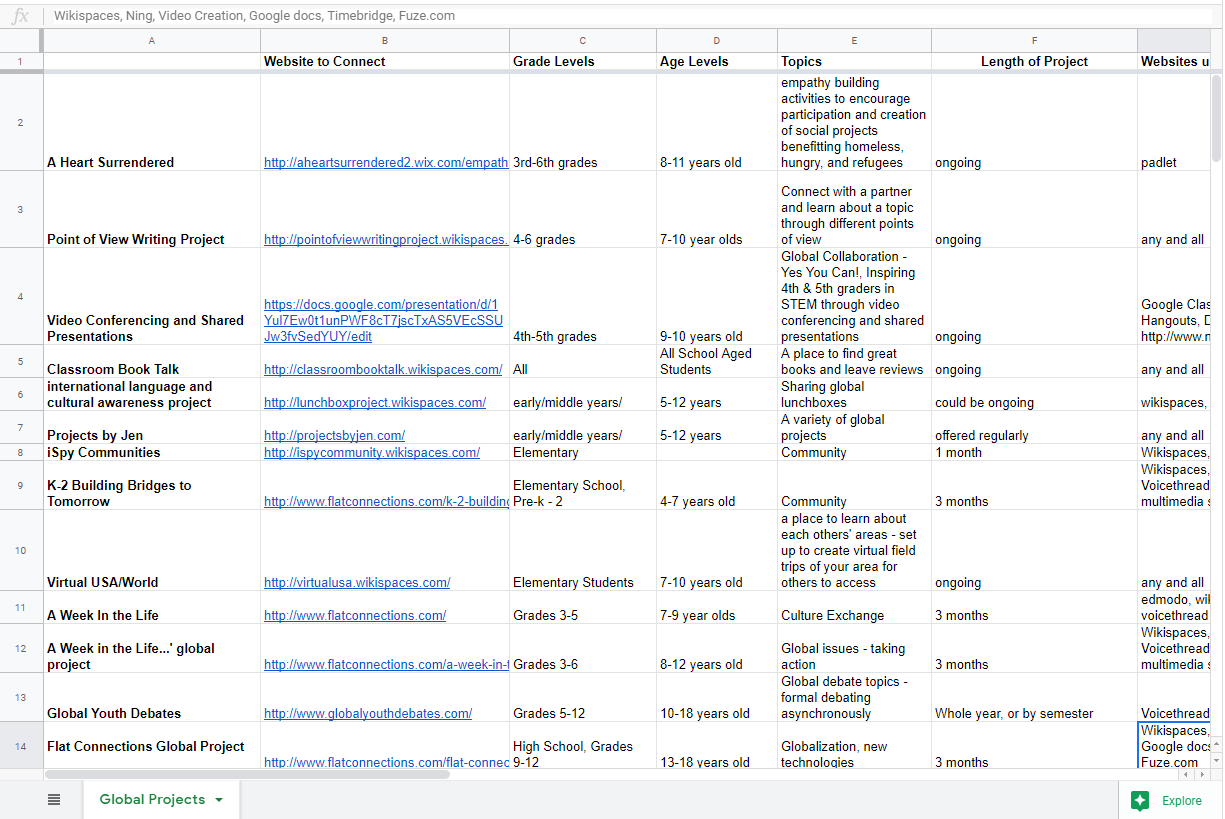
Use the ISTE Standards for Students to design useful lesson plans that foster deeper learning and global collaboration. This blog shows you how.
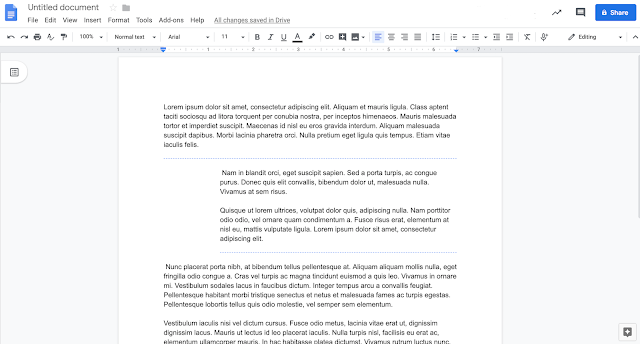
Learn about several exciting new features for Google Docs and Drive. These fresh updates, albeit small touch-ups, may make your day.
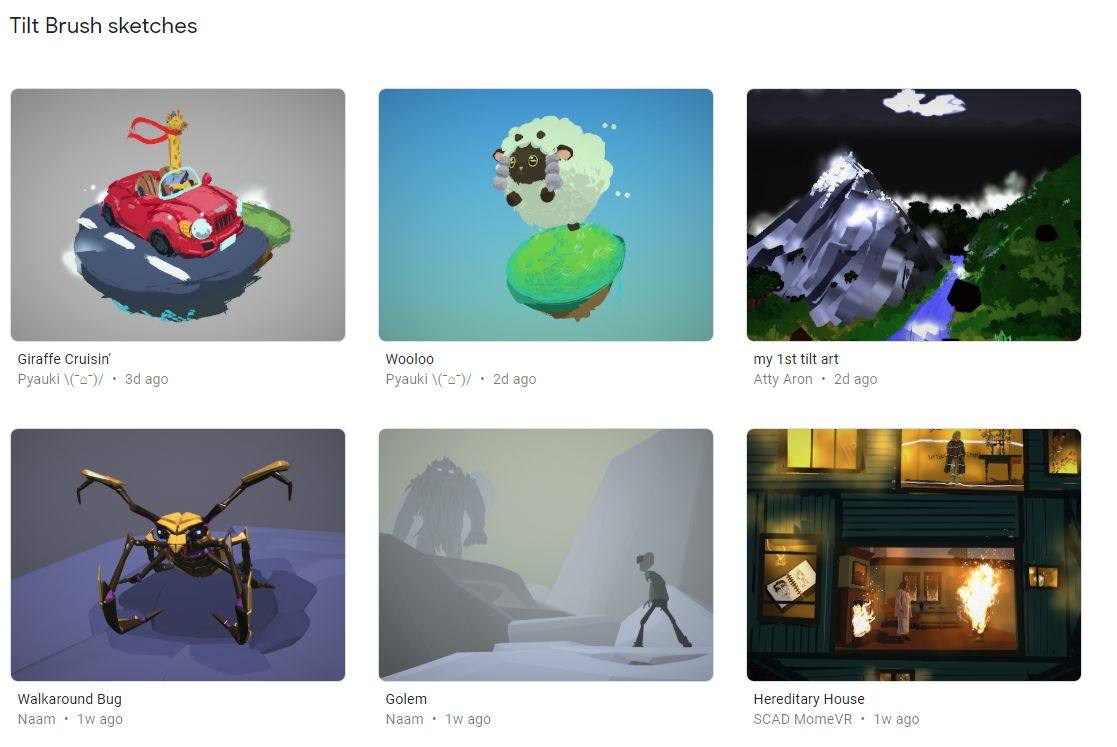
If you're just beginning to dabble in 3D design, you may think your resources are limited. But there are tons of amazing 3D tools available for you.
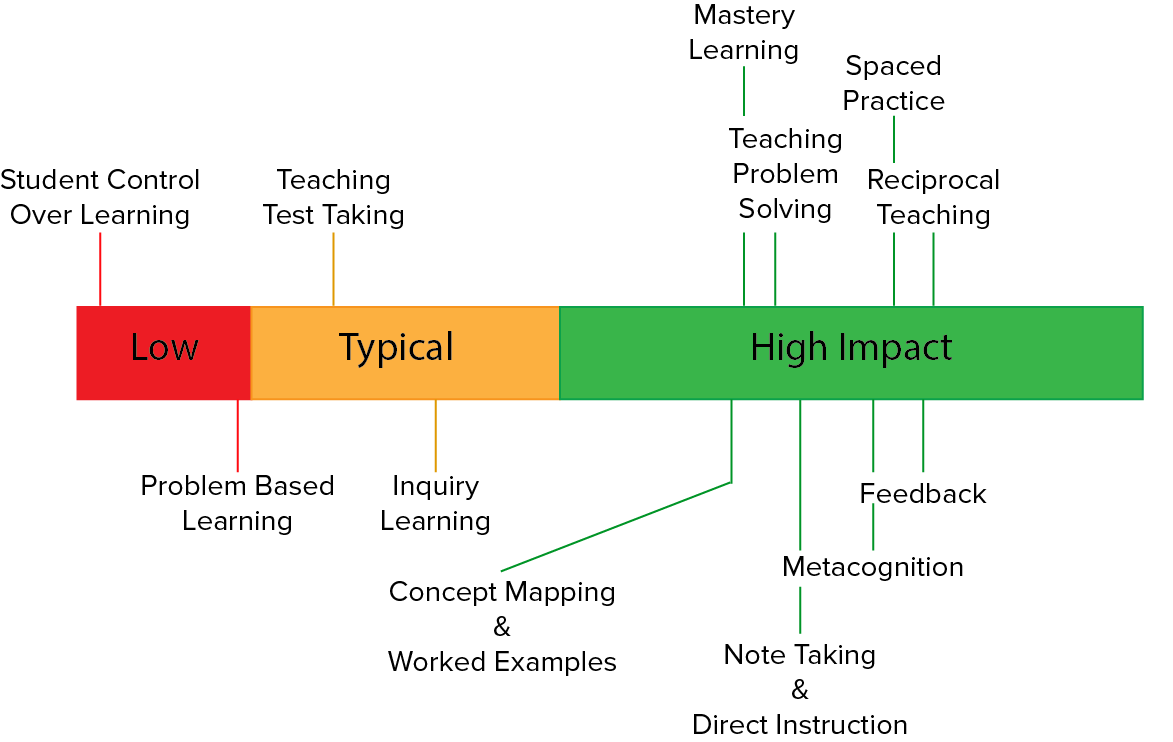
Use the powerful strategy of reciprocal teaching and Google's new Rivet reading app to empower struggling students and engage them in reading.
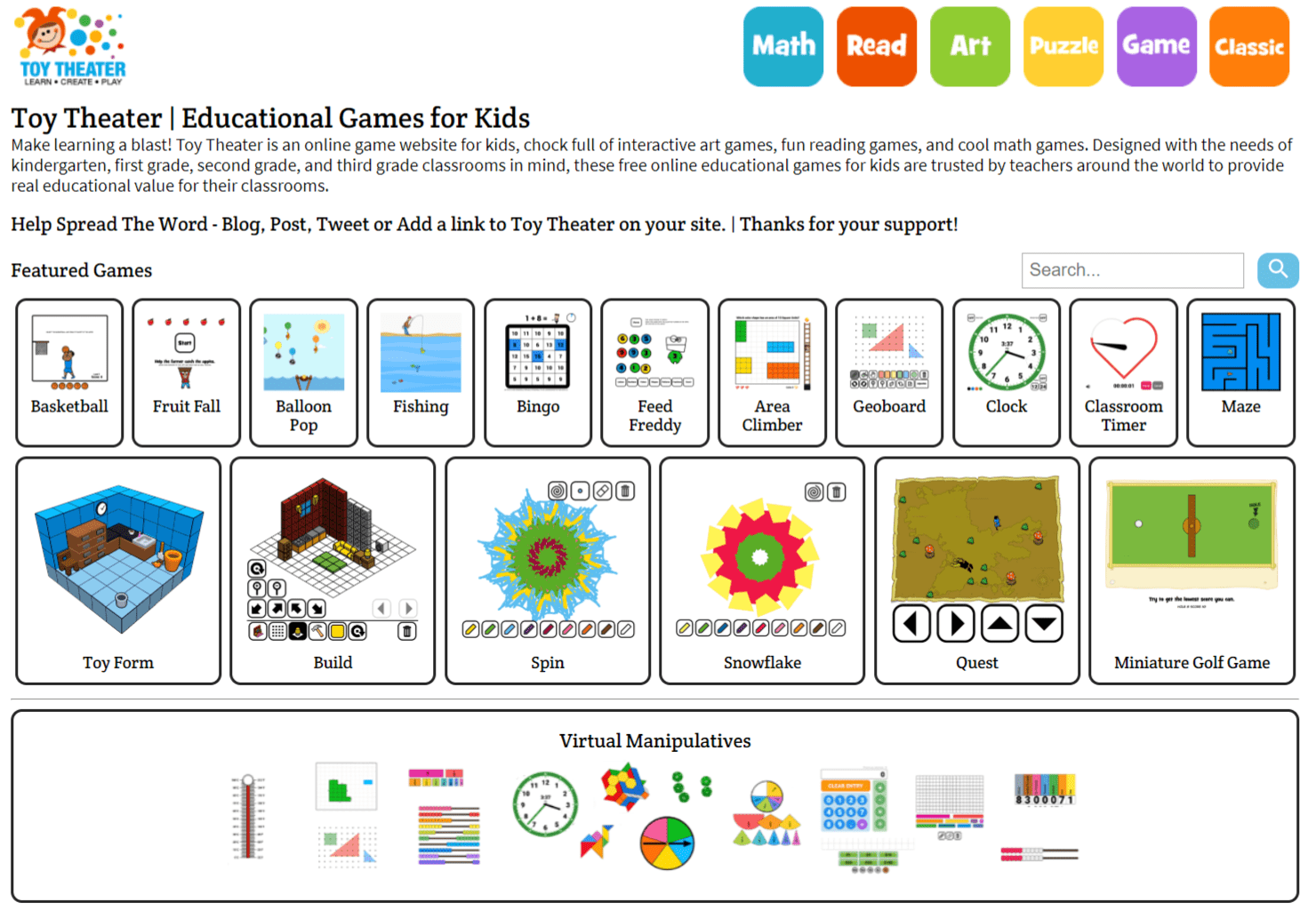
Wish you had some websites to work with your child on and prevent summer slide in math? Try these two fun sites, Toy Theater and Math Is Fun.
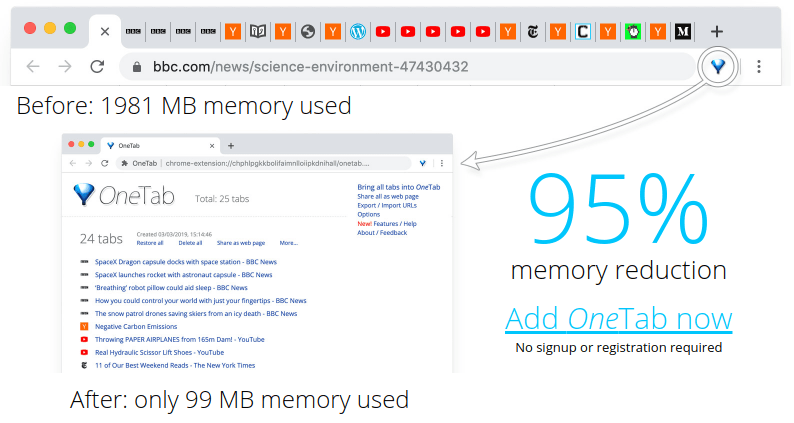
Avoid browser crashes by using a tab manager and keep your window organized. Looking for just the right one? We have five suggestions.
Explore some uses of Wakelet via this edition of Twitter Takeaways. Learn more about how to use Wakelet, as well as embedding in OneNote and more.
Finding the perfect data solution for your district can be a complicated and trying task. Here are some steps to make the process much easier.

Leadership can mean many things. In education, it means building trust. Learn about how you can develop as a leader through the ISTE Education Standards.
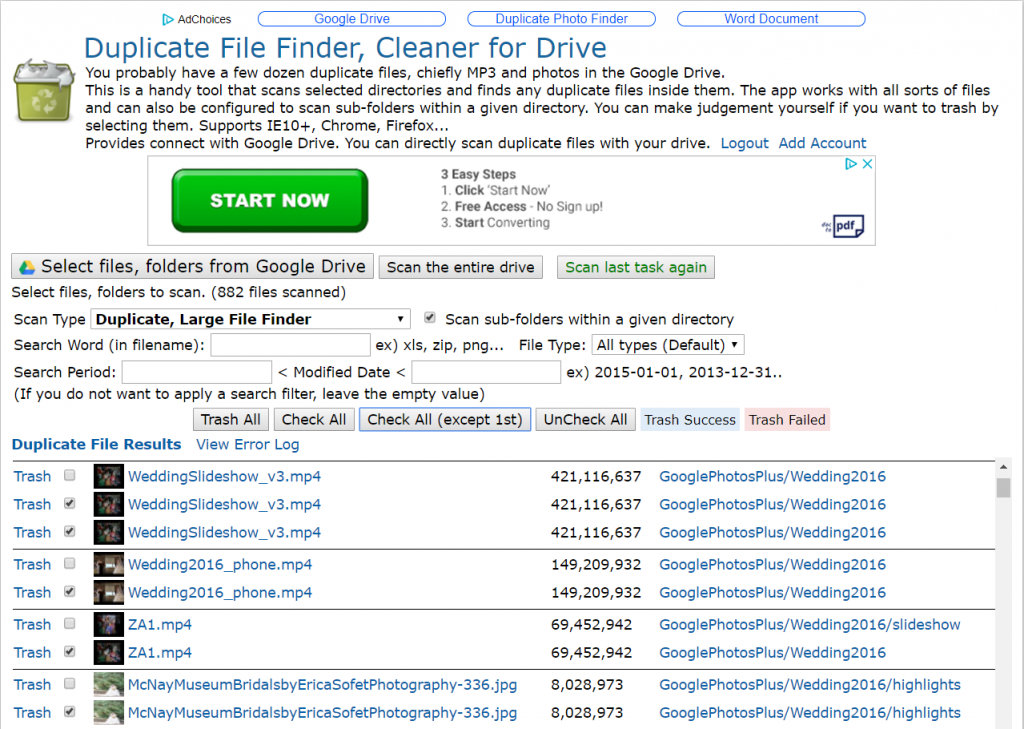
Ready to leave your school or work G Suite EDU account behind? Don't leave your data, too. Use Google Takeout's Transfer option to move that data.
If you're about to introduce G Suite EDU to your staff and students, what is your first step? This blog entry shares tips you need to be successful.
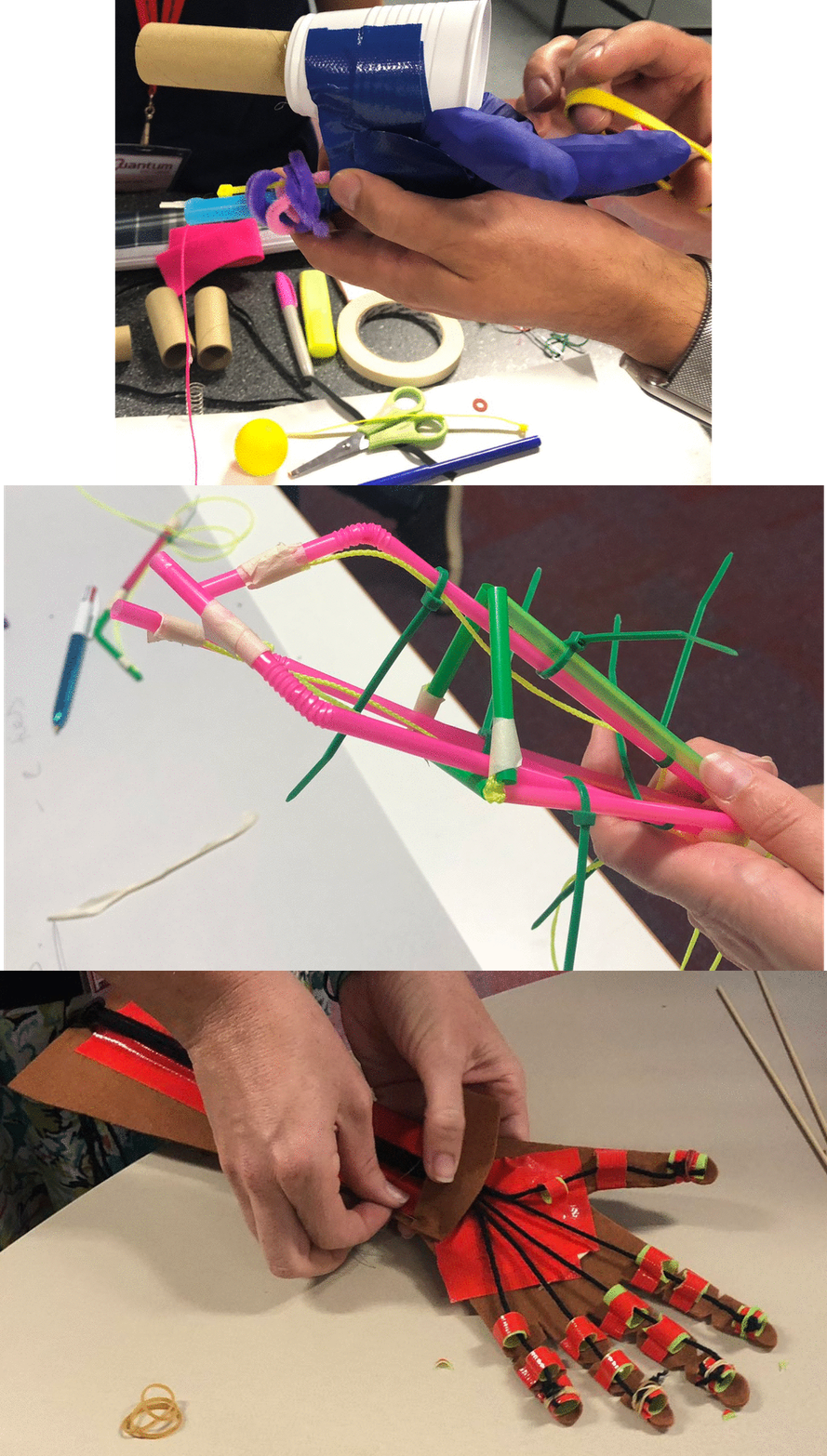
Looking for ways to grow your STEM-focused lab or classroom? Check out this blog entry featuring three STEM ideas and inspiration sources.
Need to back up files on your Windows or Mac computer to Google Drive or an external USB flash drive? Why not use a free, open source solution?
Learn about two exciting updates and two apps you can use to enhance your work with G Suites for Education as Google Slides and Gmail get new features.
Tired of re-certifying for Google Educator Level 1? Level 2? Maybe the problem isn't you, but the whole idea of micro-credentialing. Let's chat.
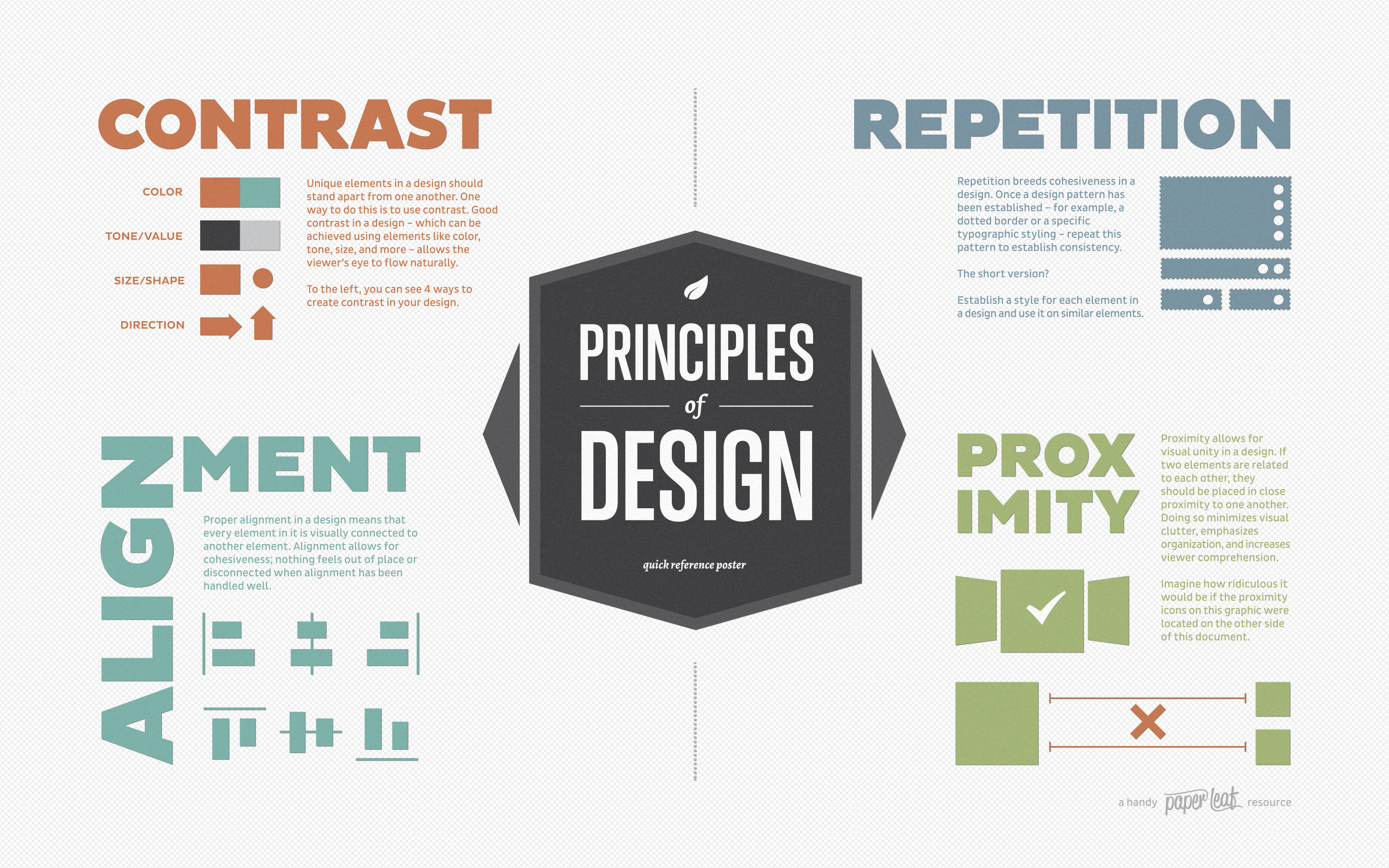
With the Four Principles of Design to guide you, and the free tool Picfont to help you, you and your students can ensure that the message comes across well.

Make your STEM projects more than maker-based activities. PBL them to heighten classroom discussion and multiply student learning.
Explore a new tool for gamifying project-based learning. See how PBL and Smashboard EDU align to the ISTE Standards for Educators as well.
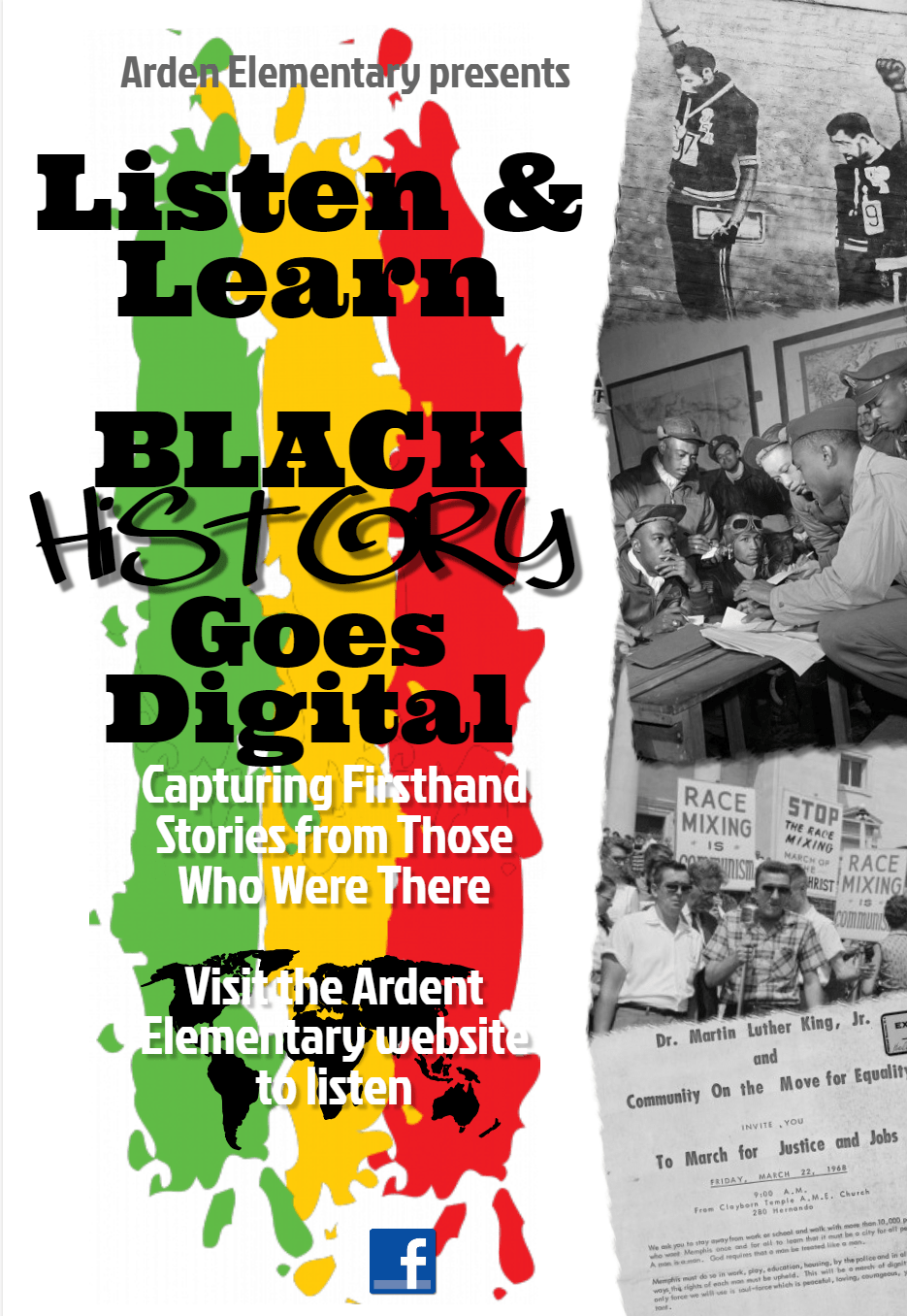
This blog provides some powerful strategies to share out ed tech success that is happening every day on your campus or in your district.
Discover a treasure trove of Googly goodness, including five amazing educational tips to help you on your Google journey.
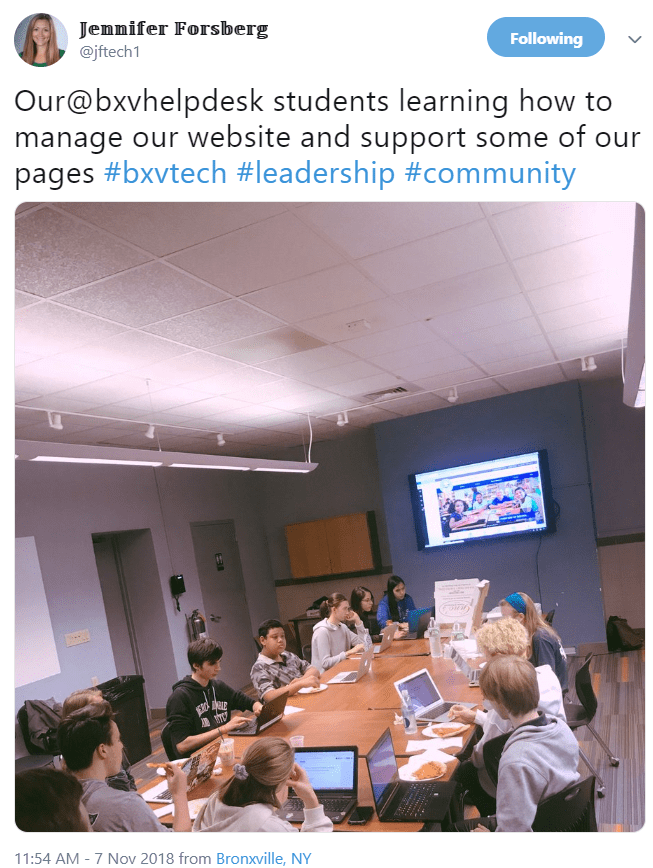
Through the Grow with Google program and others, you can empower students to serve as technical support experts in your district.
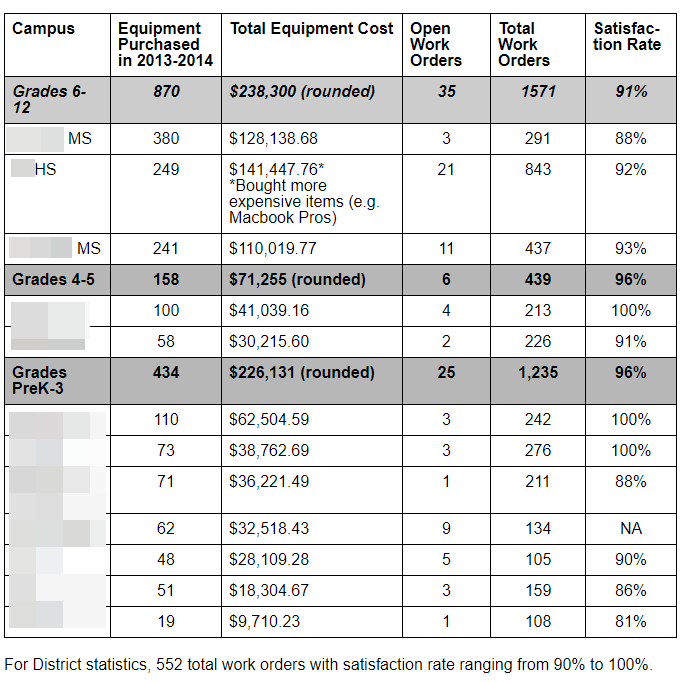
The use of metrics and Key Performance Indicators (KPIs) can communicate what your department is doing and highlight the successes you are having.
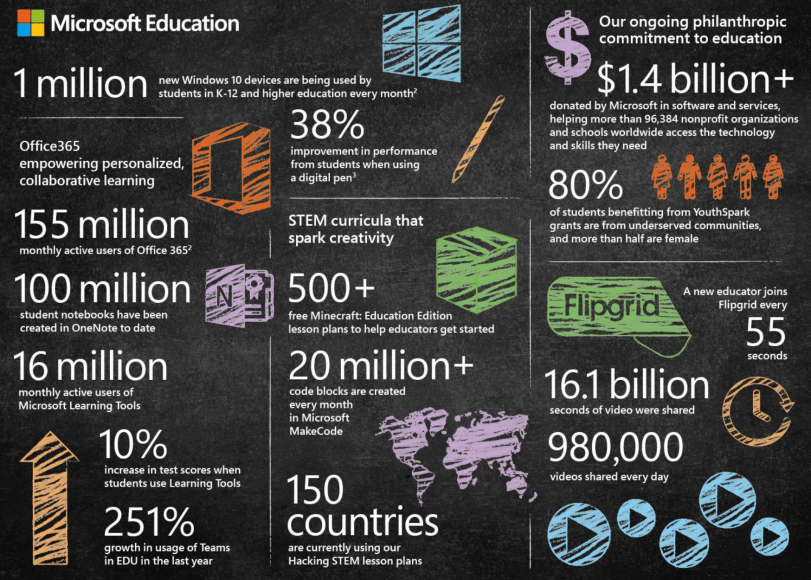
Finding and implementing the perfect LMS (Learning Management System) can be difficult. Here are some tips to ensure it goes well for your district.
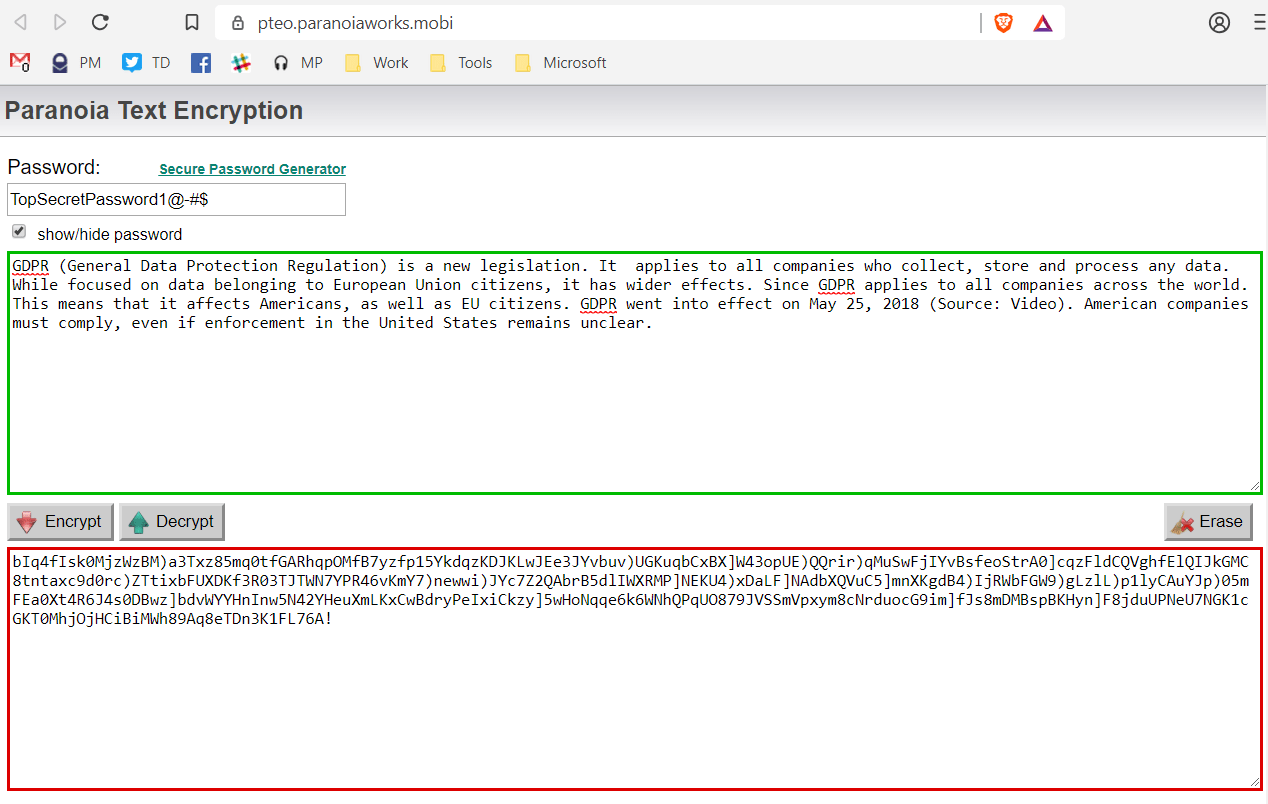
Protecting confidential G Suite files doesn't have to be expensive. Read on to discover free tools to help secure files on your Chromebooks easily.
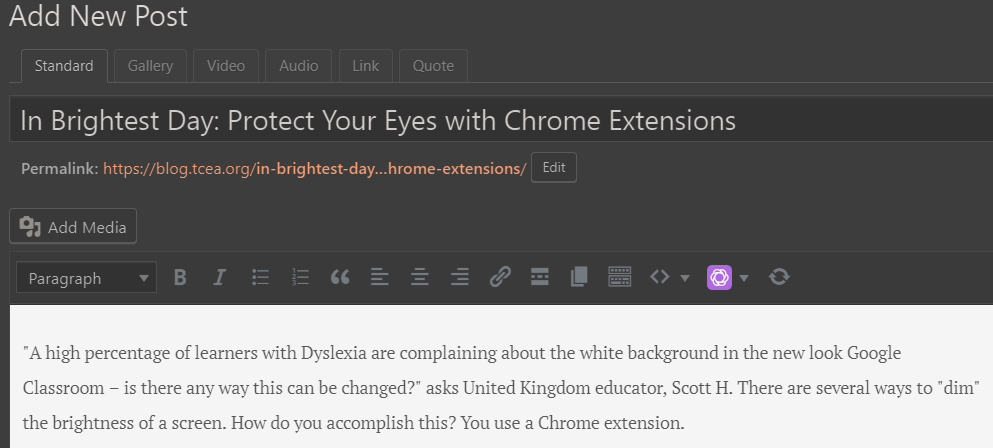
Learn about four different Chrome extensions that can protect your eyes and make reading easier, even for dyslexic students.
These hacks for Google Slides will make your presentations more interactive and interesting and may even save you time. What more could you ask?
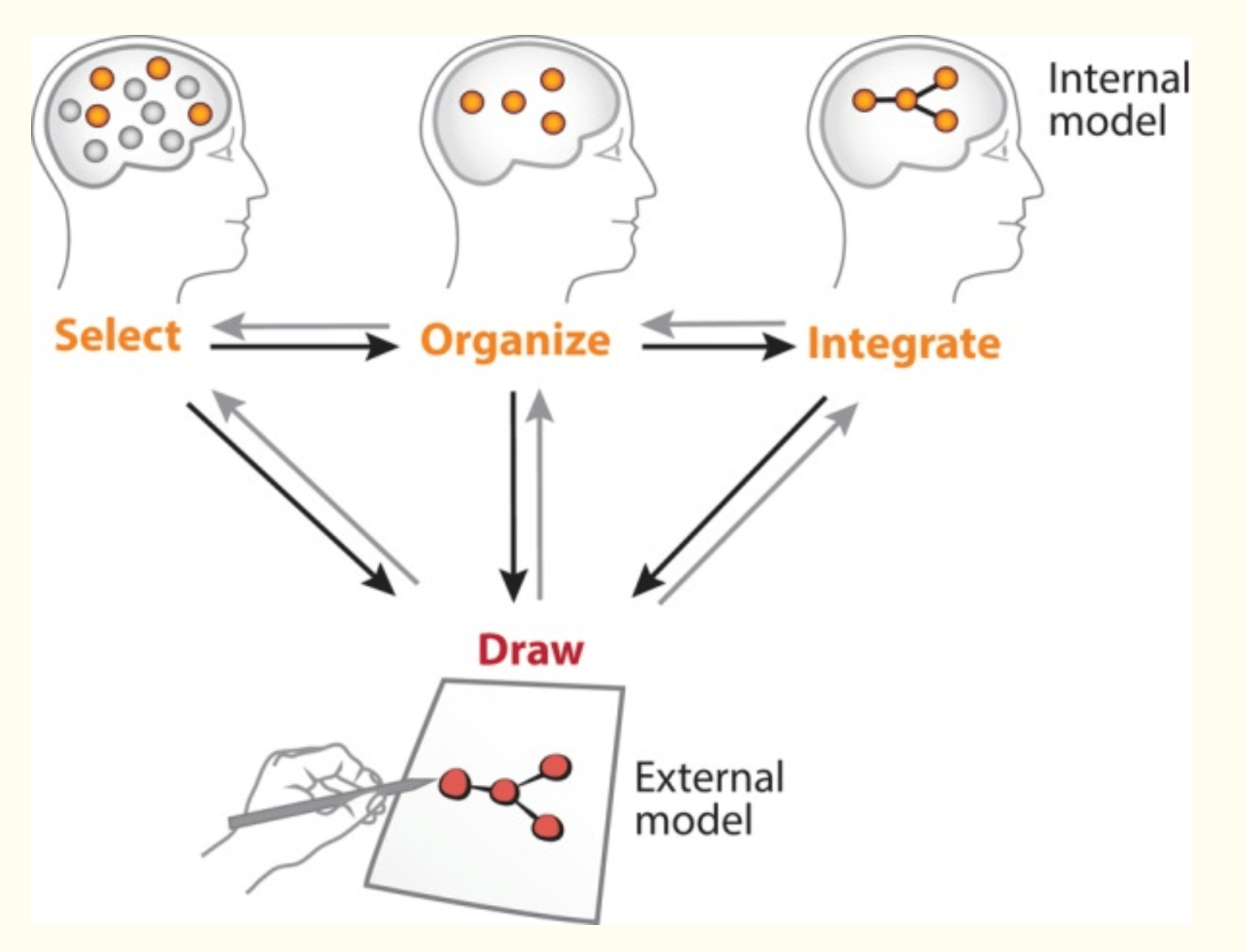
A new drawing tool, Google Canvas, can provide easy ways for your students to incorporate drawing and representation in their everyday learning activities.
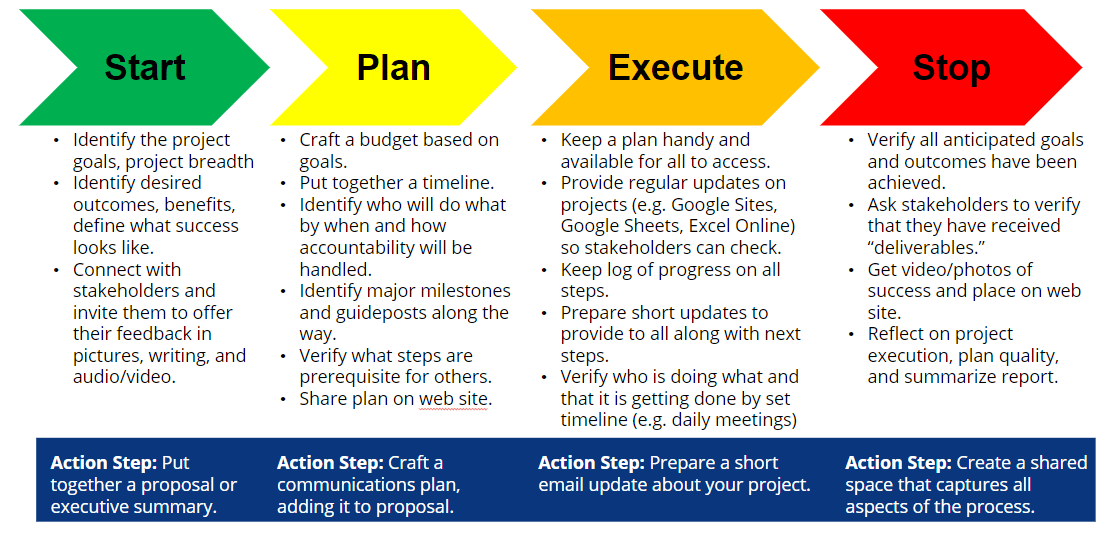
As a leader, a lot of what you do every day involves project management. But are you doing it as efficiently as possible? Find out in this blog.
Research has shown that blended learning has value for today's students. But there may be roadblocks in the way. Learn some detours around the problems.
This blog provides quick answers to the top three questions that educators are asking about using G Suite EDU in the classroom for learning.
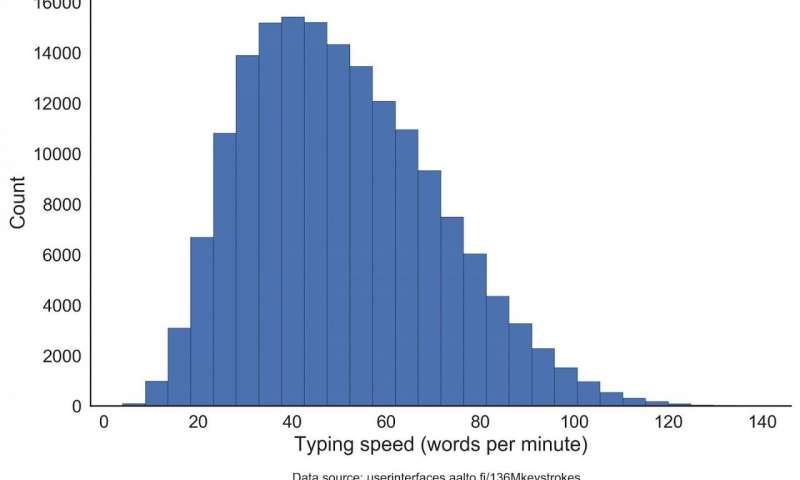
Get your hands on with these seven keyboarding tutorials, even as you catch up on the research for two-finger, thumb, and two-handed touch typing.

Ready to hack your Google Forms experience? Start with these five simple hacks and take advantage of some lesser known Forms add-ons.
In the United States, over thirteen million children speak a language other than English at home. After English, Spanish is the most common language spoken (Source: Data Center ). In 2016, there were 456,000 Texas...
Are you making a list and checking it twice? As you prepare your list for Santa Claus, give some thought to these Microsoft gadgets. Here are three Microsoft tools that are definitely on my list. Since it's the season...
If you want to push your students to achieve even more than they think they can, try these six Google strategies for innovative learning.
Ensure that your 1:1 deployment is successful with these timely and critical key points based on the ISTE Standards and best practices.
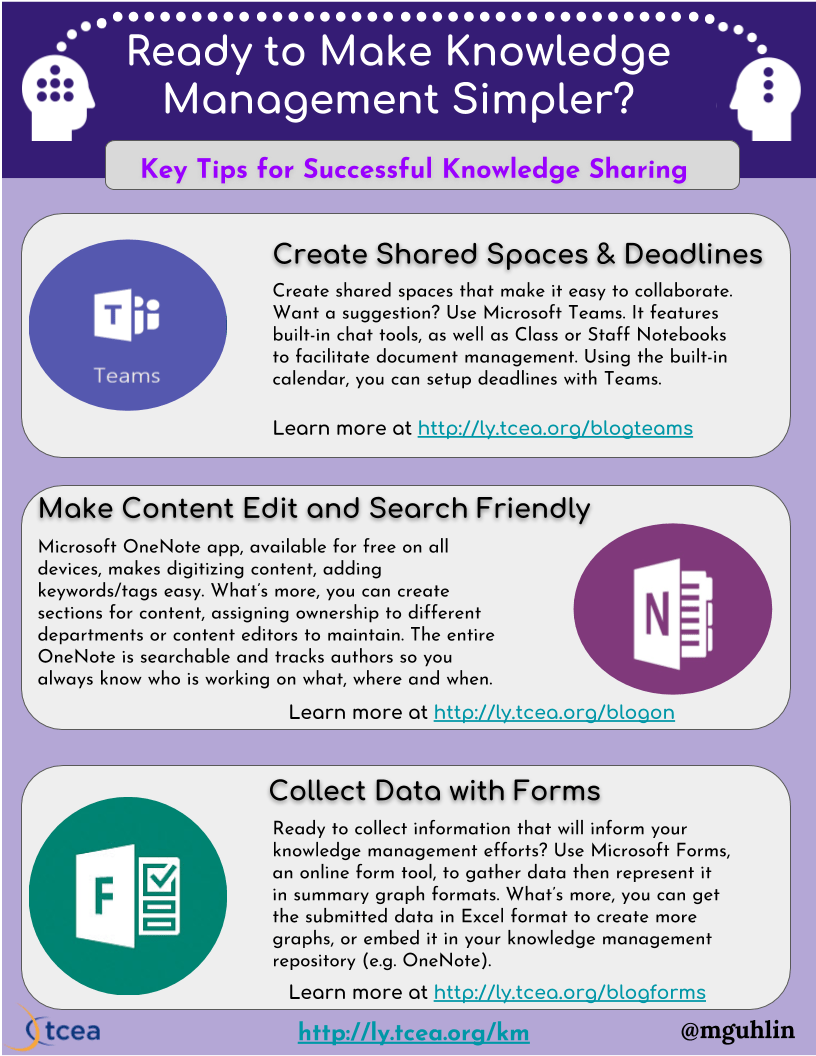
Learn five tips for implementing a knowledge management process and culture in your organization for greater efficiency and time savings.
How are you best assessing digital learning in your students? Does a simple skills checklist give you the information you really need?
Examine key steps that will help to create powerful learning connections, either for your own professional growth or that of your students.
Discover three classroom strategies using physical computing that can help your students be better problem solvers and thinkers.
This blog is a response to a member who's confused by the different Office 365 pricing levels and how best to get Minecraft licenses for her students.
Take a look at how short and simple podcasts can help clarify and cement daily student learning as they "walk and talk" with these two strategies.
Leading change in the classroom at the campus level requires some additional steps. Discover what those are and how best to implement improvements.
Some district situations may lead to a CTO who acts as a Long Ranger, causing both technical and staffing issues. Learn how to avoid those in this blog.

If you want to take and attach notes to a particular web page, there are several great tools that can help with that. Here are our favorite "sticky notes."
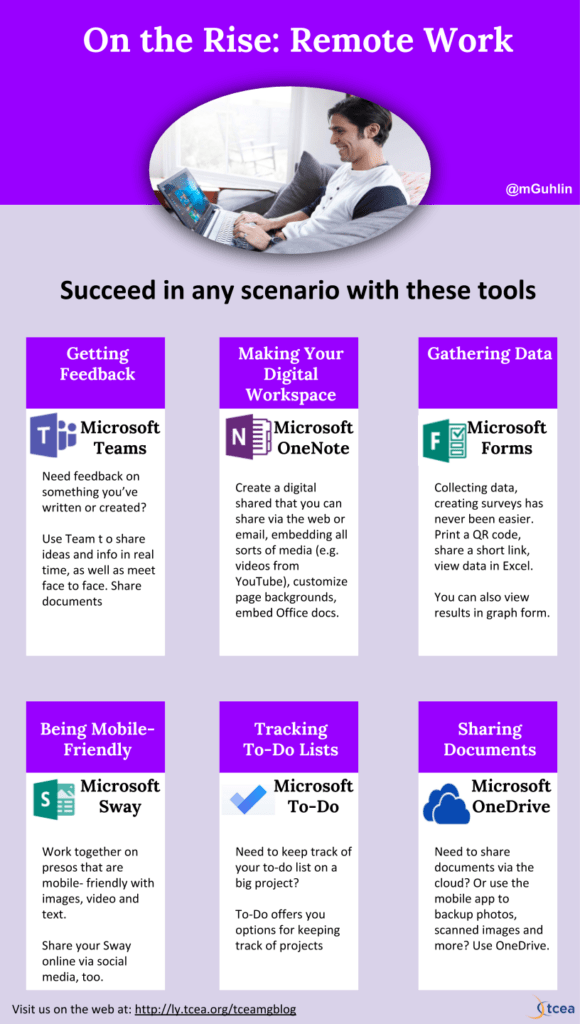
Remote work is on the rise. Check out these Microsoft Office 365 tools for telecommuting from anywhere, anytime. It's easier than you think.
Explore three activities for creating engaging professional development for teachers who use Google Suites for Education. Check out our napkin PD ideas.
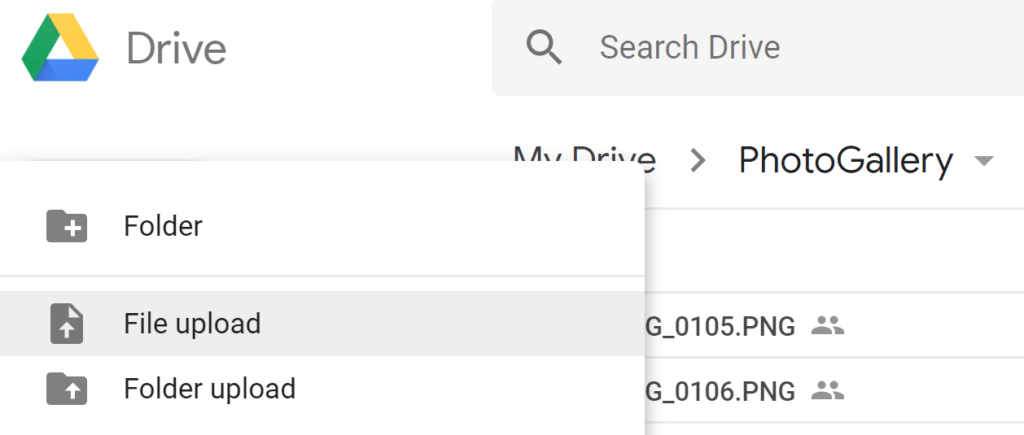
Learn some simple tools to use in sharing school photos so that students, other staff members, or even parents can see what is happening as children learn.
If you are teaching with an iPad and need to "appify" science instruction, consider these apps for your classroom. This collection includes reference guides and games. Each intends to engage students with visuals...
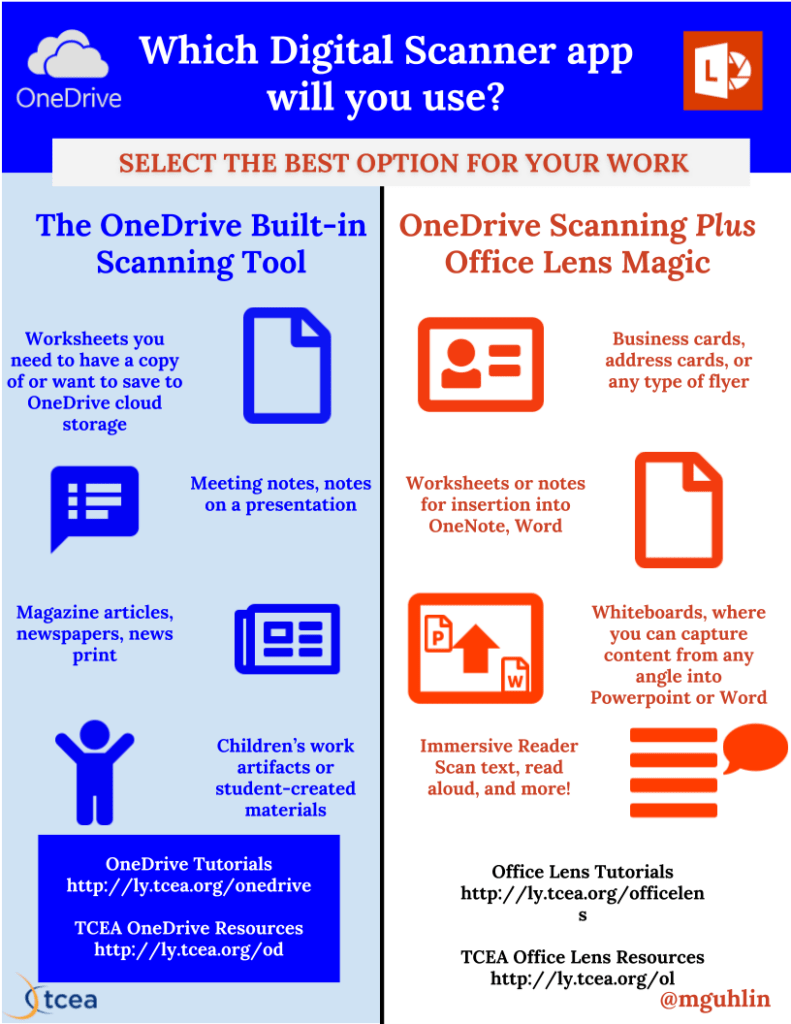
Explore five OneNote hacks that can make your job in the classroom easier. From digitizing content to Microsoft Teams updates, come learn with us.
Getting through the extraneous content and ads on websites can be a trial these days. Learn about several solutions that will make reading easier.
Want to make animated GIFs with Google Drawings? Use revision history and Gifmaker.me to quickly create an animated GIF process your students can follow.
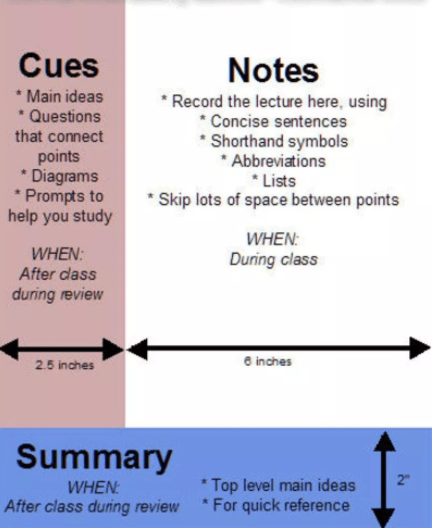
In this follow-up to the "Digitizing Cornell Note-Taking with OneNote" blog, learn how to get Cornell templates for the Windows 10 OneNote app.
Get out from behind your desk and interact more with your students as you use one of these solutions that mirror your screen.

This second grade teacher has new iPads, but needs ideas on how best to use them for learning. Check out all of the resources we provide her.
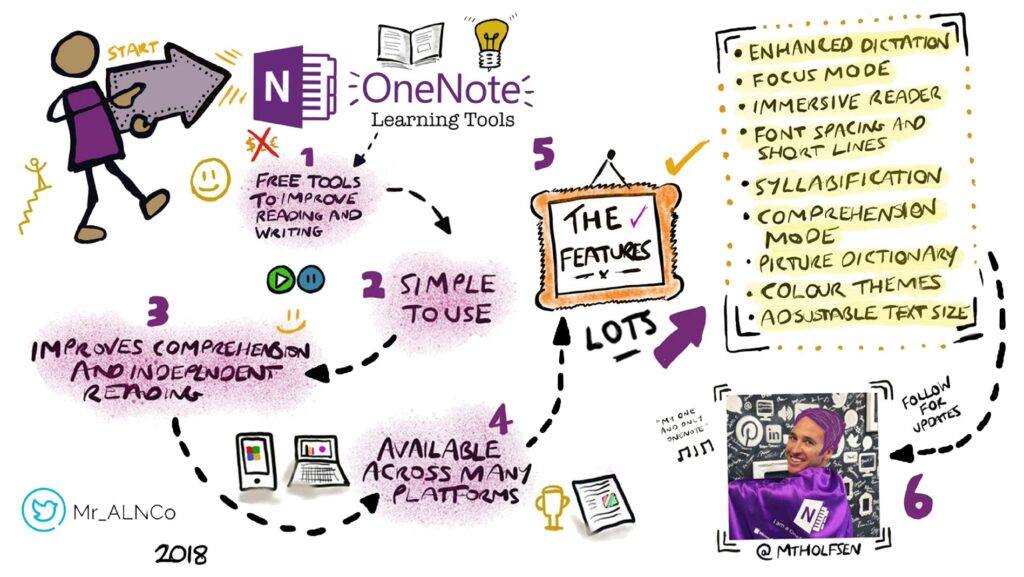
Give those 5E Model lessons a kickstart by creating engaging lessons that showcase student learning with Microsoft Office 365.
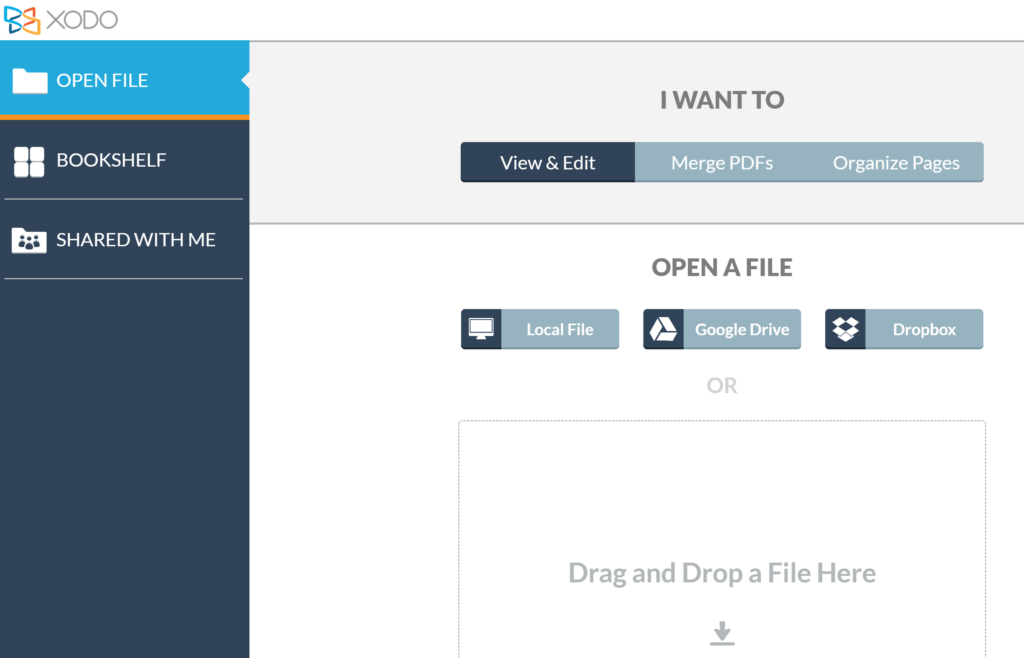
If your students are using Chromebooks, you'll definitely want to find a great note-taking app for them. We have some powerful recommendations for you.
Mix the best of both worlds by using Microsoft iOS apps on your iPad. You'll discover innovative solutions for both you and your students.
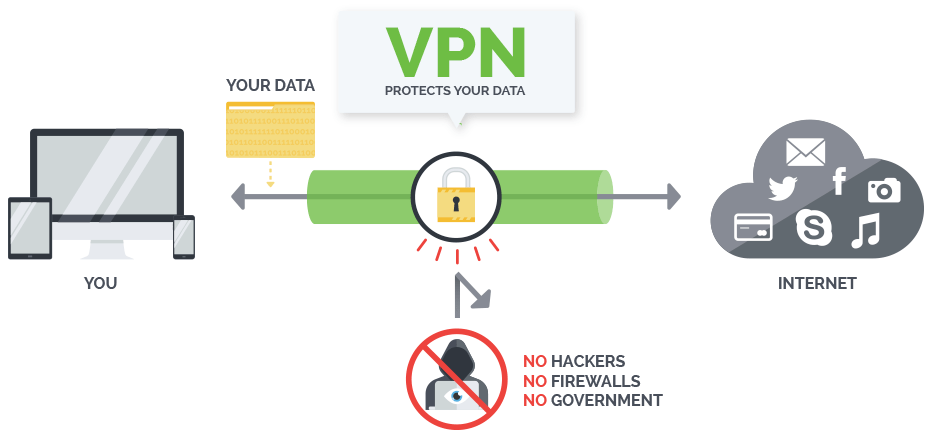
On the go at different events and locations? Then you may want to protect your device with a virtual private network (VPN).
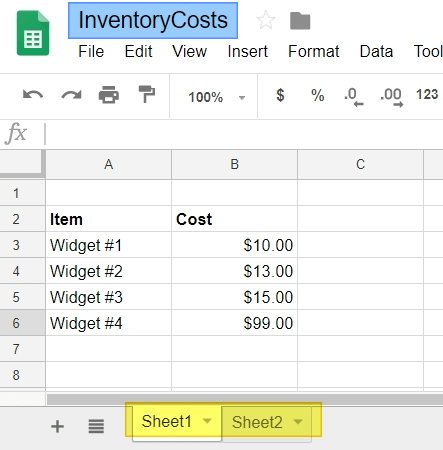
Ready to combine data from multiple Google Sheets into one, but not sure how? Read this blog entry and watch a video tutorial on the ImportRange function.
Wondering how to start your own Twitter chat at your campus or district? This TCEA Responds will provide you with tips and actual examples to get started.
Playing principal whack-a-mole with problems at school can be draining and ineffective. Learn about some iPad apps that can help.
Need to share photos quickly with others? Take advantage of Google Photos as a collaborative tool to created shared albums many can add to.

Learn more about how to strengthen the WiFi signal at work or home using a WiFi extender and see what the best three options are.
This blog showcases some Chrome add-ons of benefit to young learners. Explore them with your students to support math and language arts activities.
Need to show YouTube videos in your classroom without advertisements? Learn how to view videos ad free or download YouTube videos.
Heading back to school, stakeholders' eyes will be on you and how you resolved their issus and problems. Here are five tips to ensure you are ready.
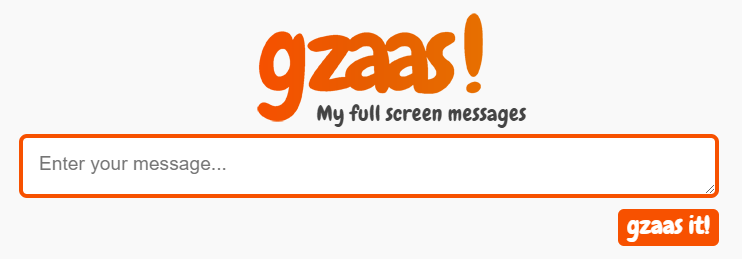
Take advantage of these fun alternatives to share links and text in large font sizes on the screen. Go large or go home when sharing!
Explore these three tips for infographic creation, straight from the "Infographics Made Simple" session at the 2018 TCEA Chromebook Academy.
Ready to hack your Google Docs experience? Start with these five simple hacks and take advantage of some lesser known Google Docs tools.
The simplest solution may often be what you already have. Here's a bookmark organization tool for Google Chrome that may save you time.
Ready to rid yourself of duplicate files clogging your Google Drive? Then you will want to read this blog entry. It offers tips on removing duplicate files.
Need to be able to share your educational resources and expertise with educators? Take advantage of these TCEA Responds tips to deepen engagement.
Google's Applied Digital Skills curriculum is available for free. Consider how you can apply the 5E Model to take these canned lessons to the next level.
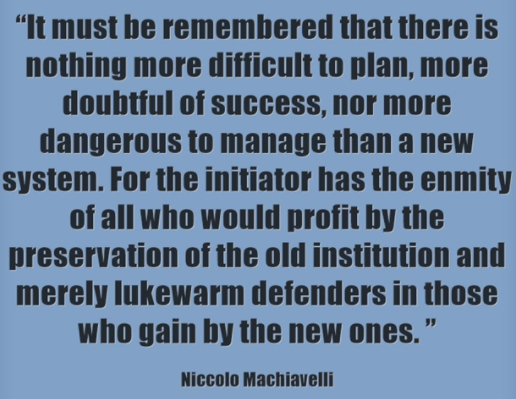
Educational leaders want their staff to embrace and routinely practice personalized learning. But what's the best way to make that happen?
Learn how teaching humanities with coding can enhance learning and retention for your students using the free tool Twine and some imagination.
Having trouble getting your technology aligned? Learn how to best align tools and objectives in this TCEA Responds blog for OneNote and Google Classroom.
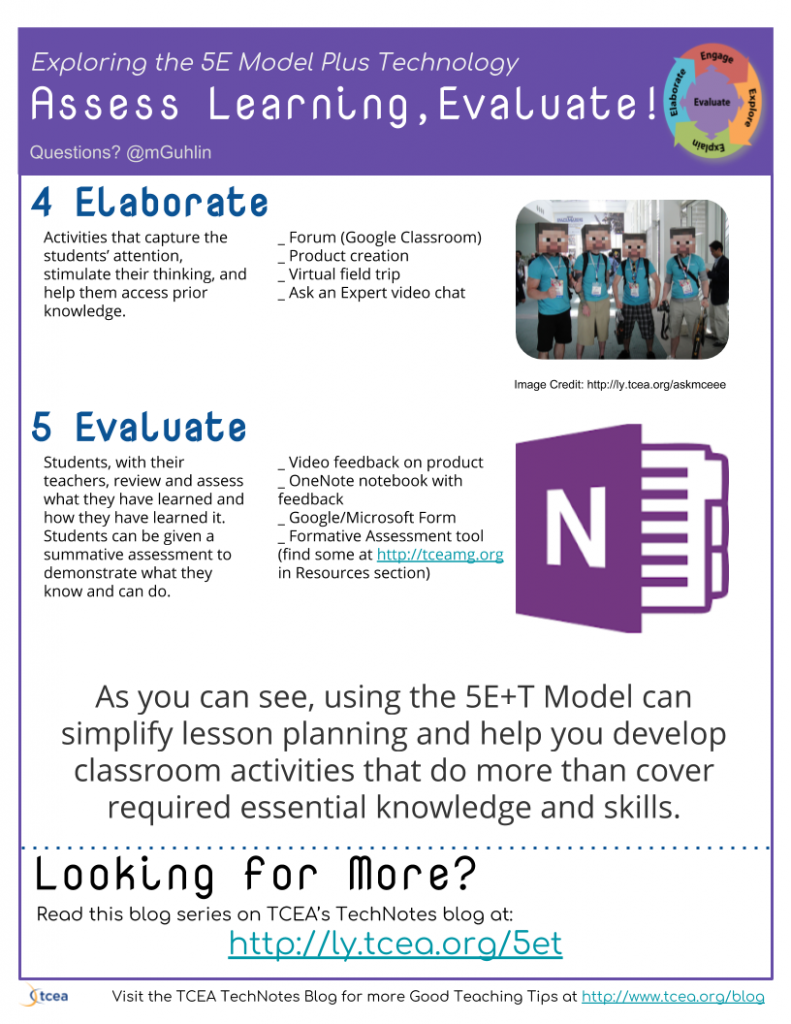
Come along as we continue our exploration of the 5E Model + Technology in the context of a Dust Bowl lesson tied to the ISTE Standards.
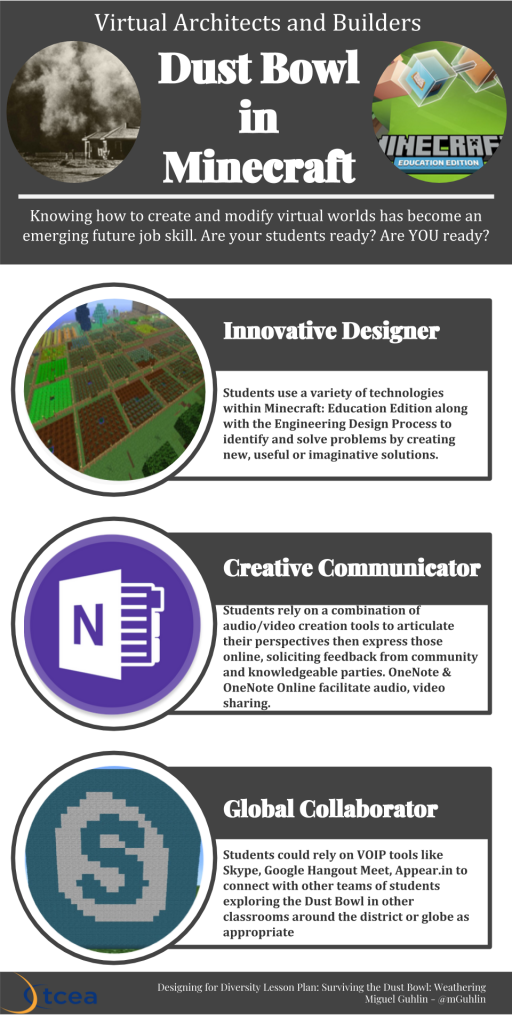
Explore the 5E Model plus technology in the context of the Dirty Thirties period of American history. ISTE NETS, TPACK, and UDL are discussed.
Curious about how you can engage educators with multi-device workshops? Model PBL activities in a BYOD setting. Adopt these napkin PD ideas.
Wondering how to encourage STEAM/STEM in all content areas, as well as ensure relevance of Maker Movement, 3D printing and coding? Try design thinking.
Making thinking visible is so yesteryear. With new digital tools, we can now make thinking physical by building in virtual space or creating 3D designs.
Looking for some quick, easy ways to get started with Google Docs or Drawings? You'll love these Google shortcuts and this handy flyer.
Learn about May 2018 updates to Microsoft Teams' assignments and more. A handy infographic summarizes other changes you need to be aware of.
Learn how to support Universal Design for Learning (UDL) with Chromebooks using Book Creator for all students in your classroom.
Blend PBL with technology to engage learners with Texas history. Introduce them to the Texas GLO Education Resources featuring lesson plans and activities.
Turning text to speech and vice versa gets easier every day. Join us as we explore solutions that will delight your ears with text to speech.
Great leaders make innovation possible for their staff by providing multiple avenues for them to learn, both individually and in groups. Here's how.
Recent horrific events have brought to the forefront again the debate about online gaming violence and schools. What is your opinion on this issue?
Innovative teachers empower students through the use of the choice board, either in paper or digital format. Learn how and see examples in this blog.
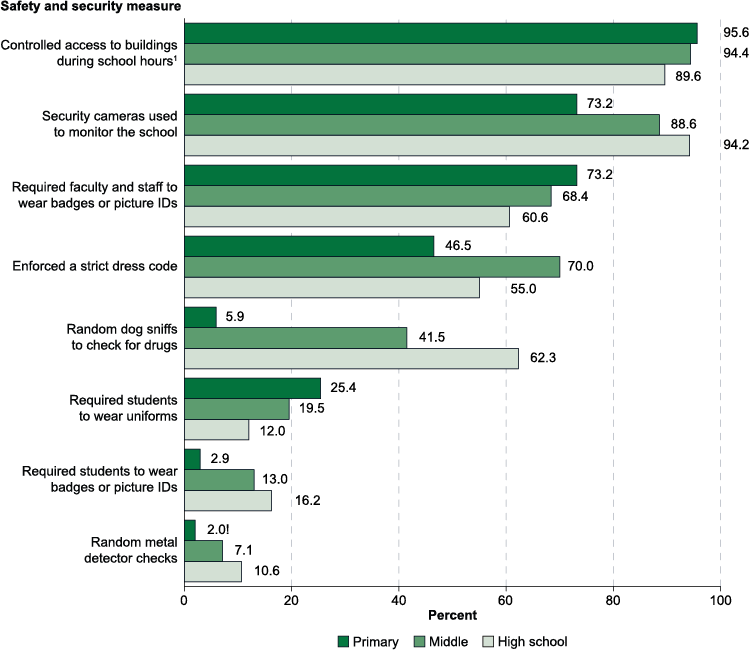
In today's world, unfortunately, school safety no longer seems a certainty. Learn how panic pendants and other technologies can help to overcome this issue.
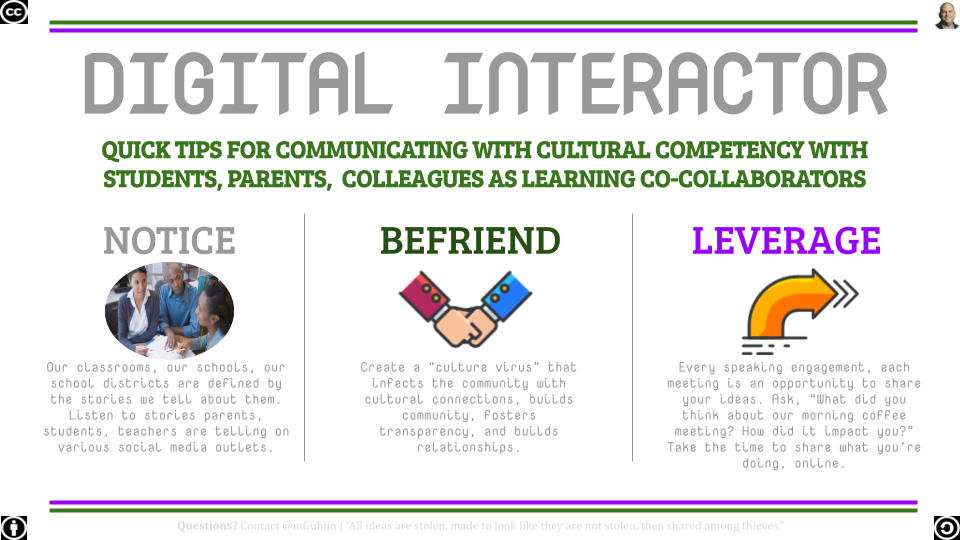
Students can use these infographics templates in Google Slides to showcase learning in any content area and at any grade level.
Planning out engaging professional development for teachers who use Google Suites for Education? Check out our napkin PD ideas.
Ready to learn how to put in consistent professional learning opportunities for your technical support staff? This blog entry offers some suggestions.
Let's explore tips for kindling STEM-powered learning in your classroom and rediscover what works best for hands-on learning.
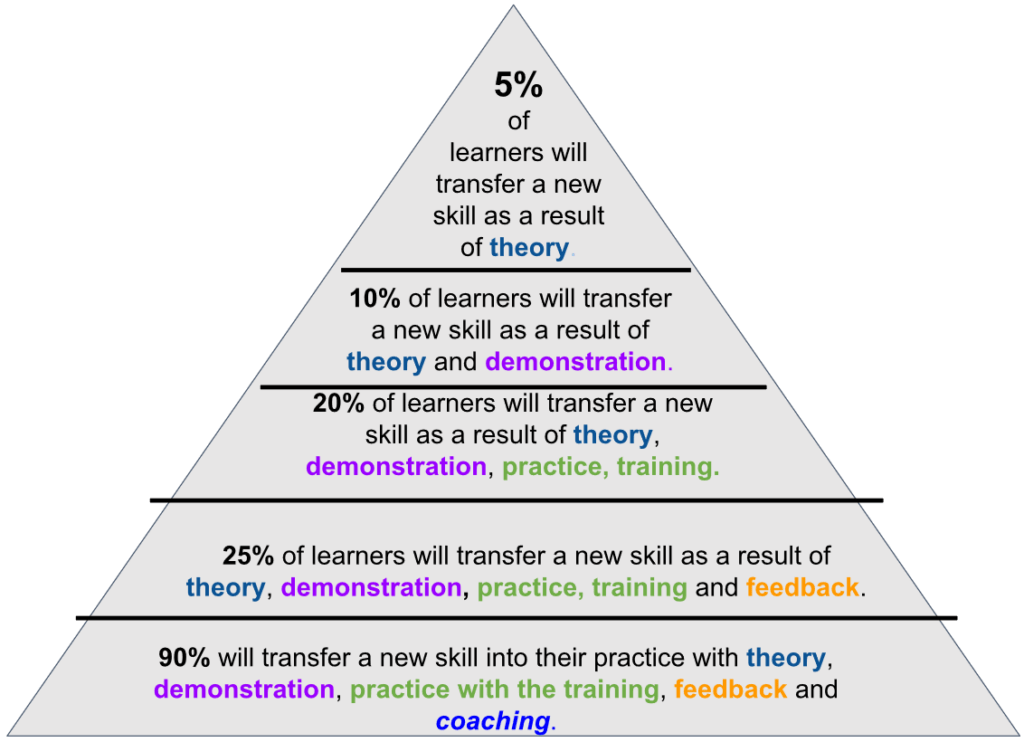
The power of collegial coaching cannot be overstated in education. But how do you set up both your mentees and your coaches for success?
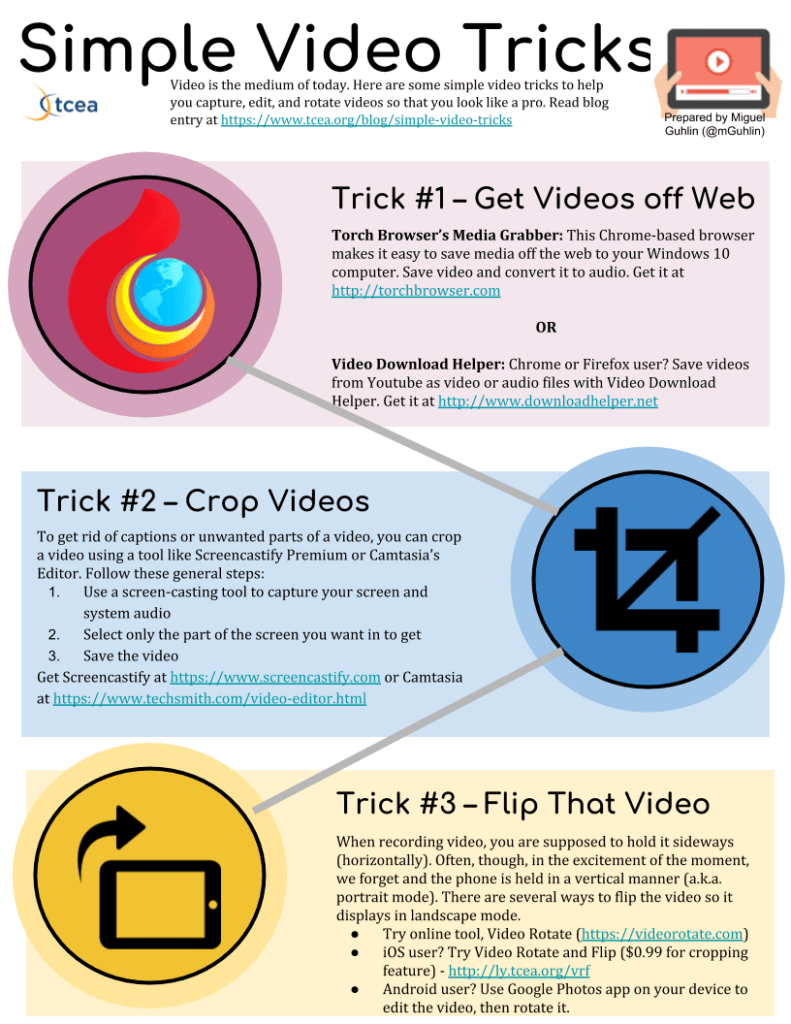
Video is the medium of today. Here are some simple video tricks to help you capture, edit, and rotate videos so that you look like a pro.

Take your students' graphic creations to the next level with the new (and free) Adobe Spark programs, now with an education version.
Does your technology department have end of year procedures in place? If not, you may want to review some tips and suggestions available here.
Making the decision to create a district data warehouse is just the first step. Now you have to create a proposal of what you really need.
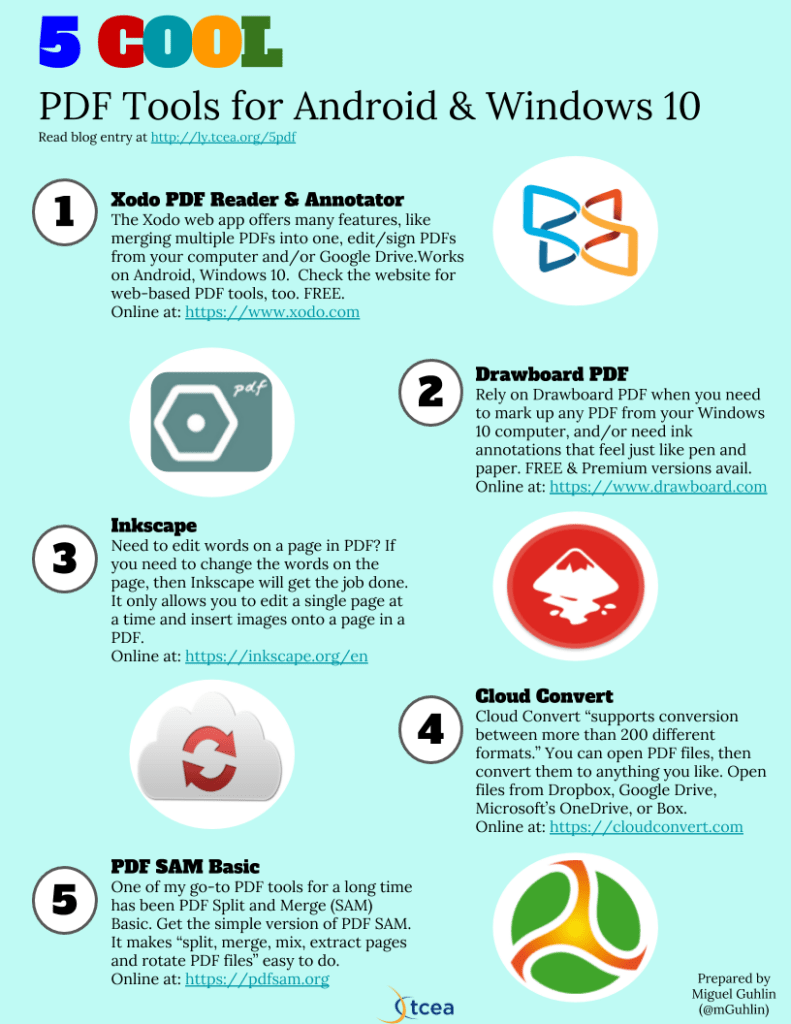
Looking for some annotation tools for working with PDFs on your Windows 10 computer? We have some great recommendations for you.
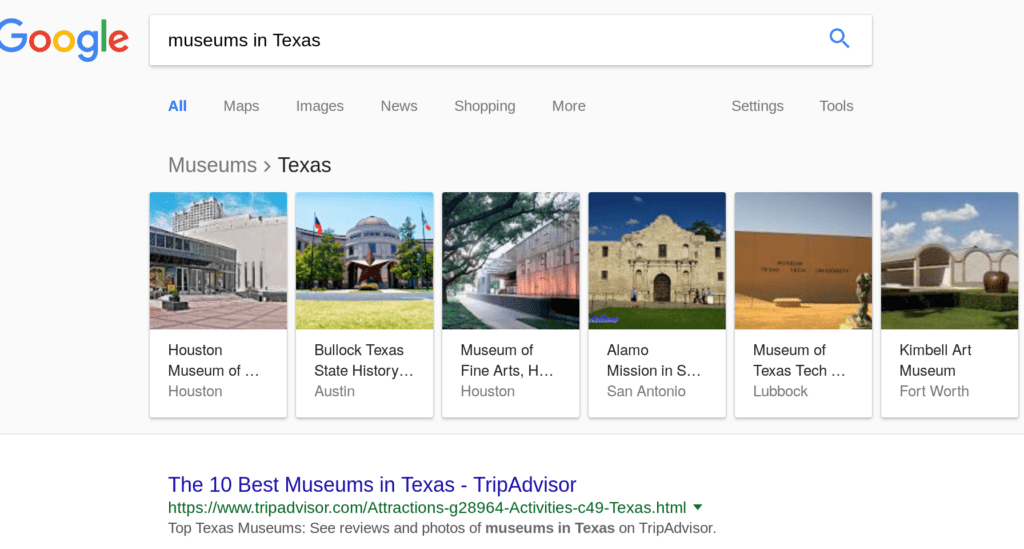
Ready to embrace digital assistants for help homeschooling? Then Google Home may be your go-to helper. Let's explore a few ways to take advantage of it.
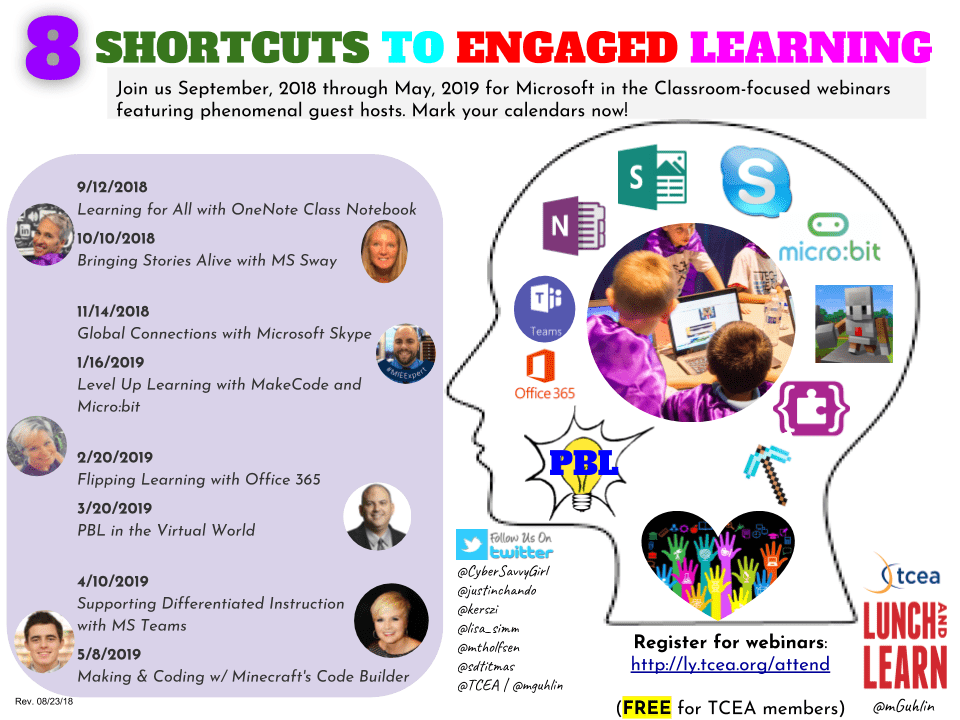
If you are looking to increase your expertise in all things Microsoft, look no further. TCEA has got you covered with tons of learning opportunities.
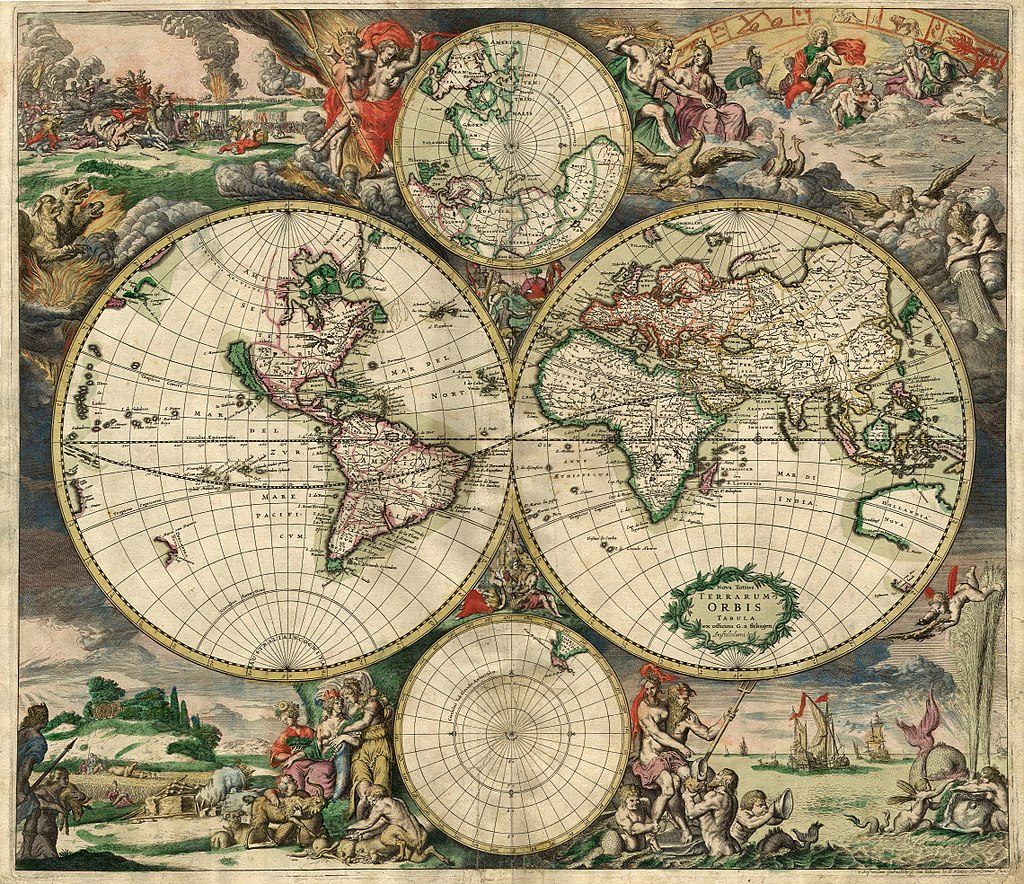
Learn to create engaging and relevant digital learning experiences for students using Google Tour Builder and see how far their imaginations can take them.
Get your students more engaged with your content by creating ebooks. There are lots of easy ways to do this, and we have them all for you in this blog.

Goo.gl web shortener service joins the host of other Google Projects being shut down. Check out some solutions that will keep you smiling in the mirror.
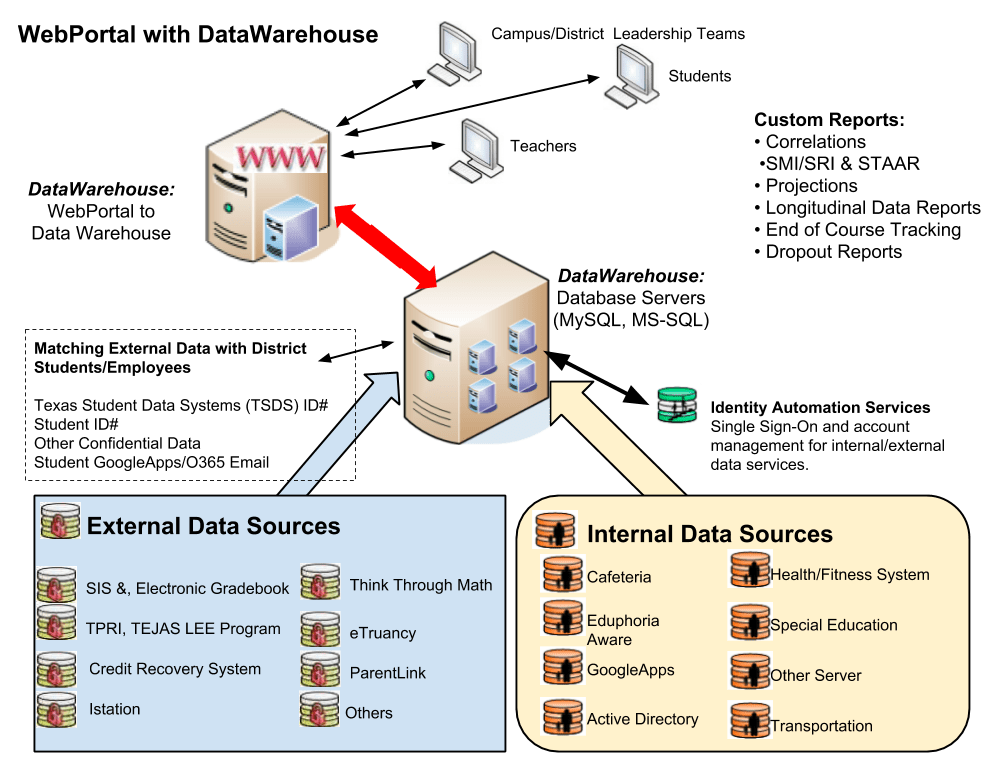
The selection and use of a data warehouse system in schools today is critical in the analysis of student data. Part one of this blog series looks at why.
Office Mix as a tool is going away soon. This blog will explore some alternatives so that you and your students don't lose out.
Ready to grow as a district? The first step may be to conduct a technology audit as a powerful way to jump start learning possibilities.
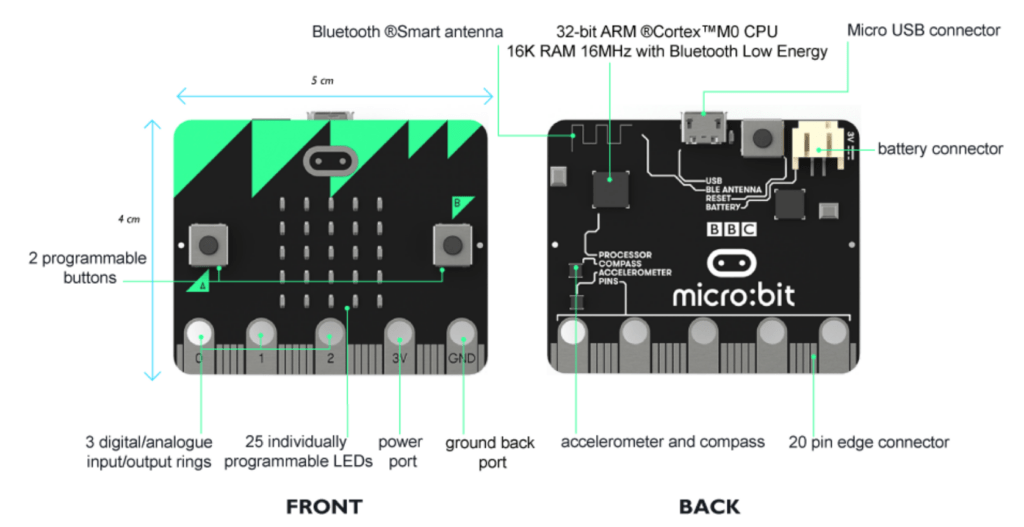
Combine 3D printing with the inexpensive micro:bit and some basic coding to take your printed creations to the next level.
The Microsoft Academy will feature amazing educators sharing their best ideas for the use of MS tools in the classroom. Won't you join them?

Looking for Twitter takeaways focused on Microsoft updates for education? You have come to the right place. In January, 2018, Microsoft unloaded a wealth of updates to its education suite of products. In this Twitter...
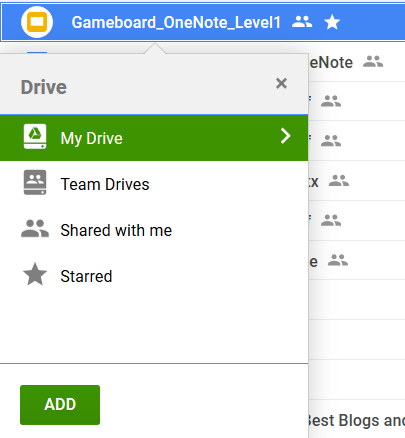
Overwhelmed with Google Drive files, scattered everywhere Take advantage of these three tips to consolidate, organize, and manage files and folders.
Join fellow creatives at the two-day, exciting, hands-on 2018 TCEA Adobe Academy. Be selected to present two sessions and registration is free!
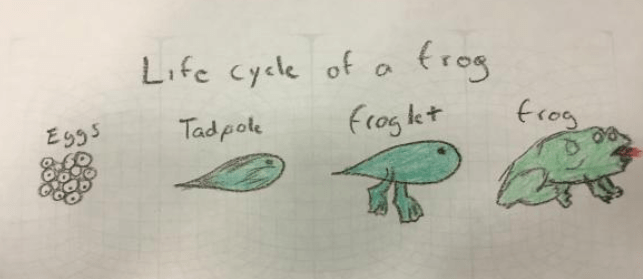
Encourage your students' creative sides in all subject areas by using the free website Panoform to turn paper images into 3D ones.
Logical thinking and computer science skills expand to a whole new level when you are doing Minecraft coding. Learn more about it in this blog.
Here are three more handy tips to get you up to speed on the new Google Sites capabilities. You might be surprised by what you can do!

Want a great way to model photo editing skills to other learners with your Android device? Use these awesome PhotoDroid editing apps to learn how.
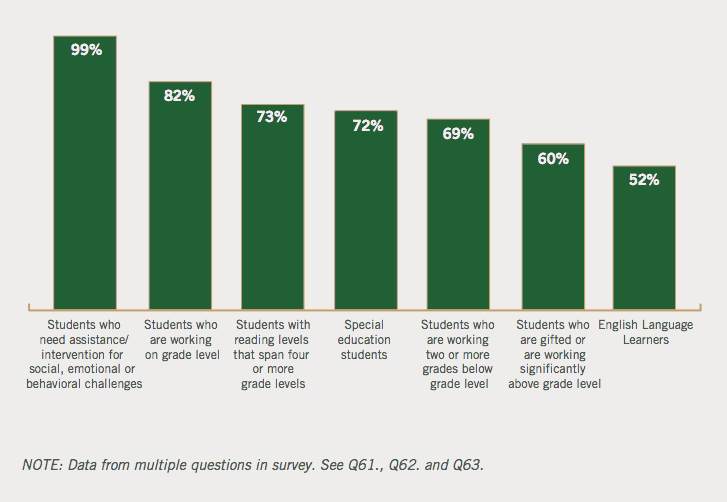
See how updates to your favorite Microsoft classroom tools, including Teams, OneNote, Class Notebook, and Immersive Reader, can expand learning.
Maximize your work on Google Sites with these valuable and time-saving tips and tricks. They'll make you look like a pro!
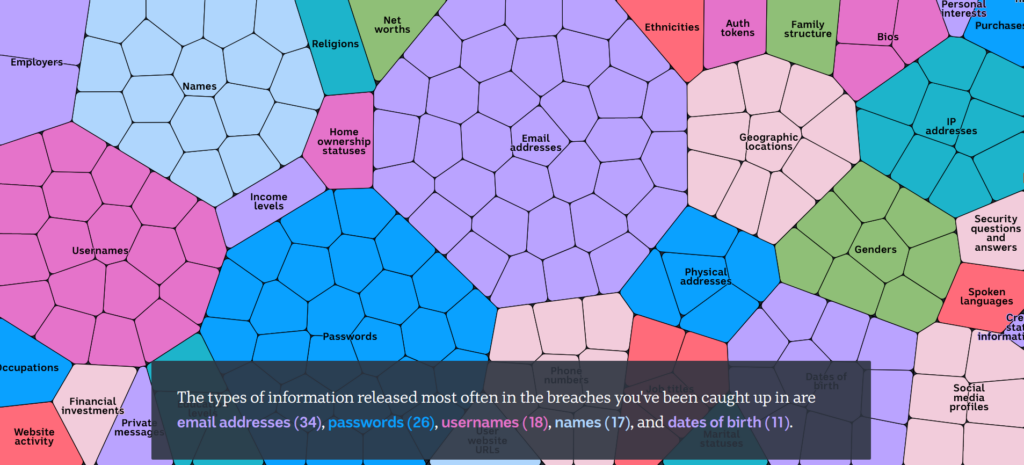
Being safe while online is more and more a requirement in today's world. Learn about Android security apps you will want to use daily.
Take your STEM projects to the next level by adding the use of a green screen. It can be done inexpensively and will really engage your students.
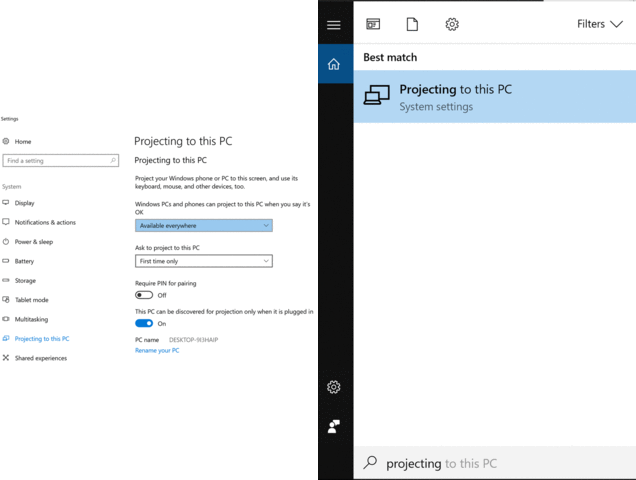
This blog will showcase some powerful tools for projecting your screen and Android file sharing that you and your students can use.
Get a new Android phone recently? You're not alone. In this blog entry, learn five ways to keep your new smartphone safe from hackers and malware.
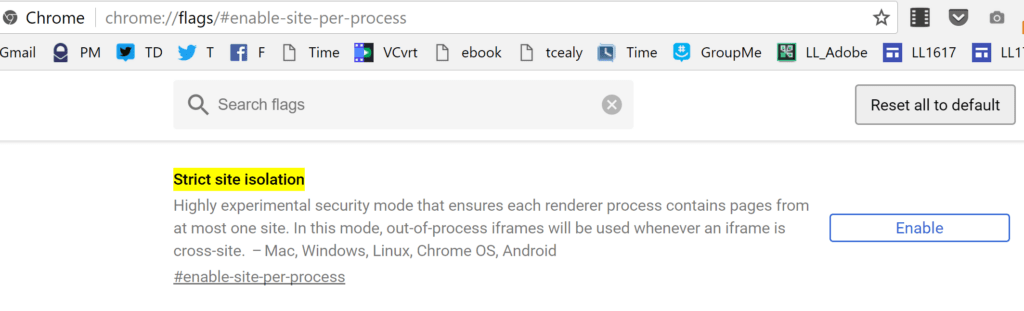
Learn how to handle the disaster that the Meltdown and Spectre problems are about to cause your school district for all devices.
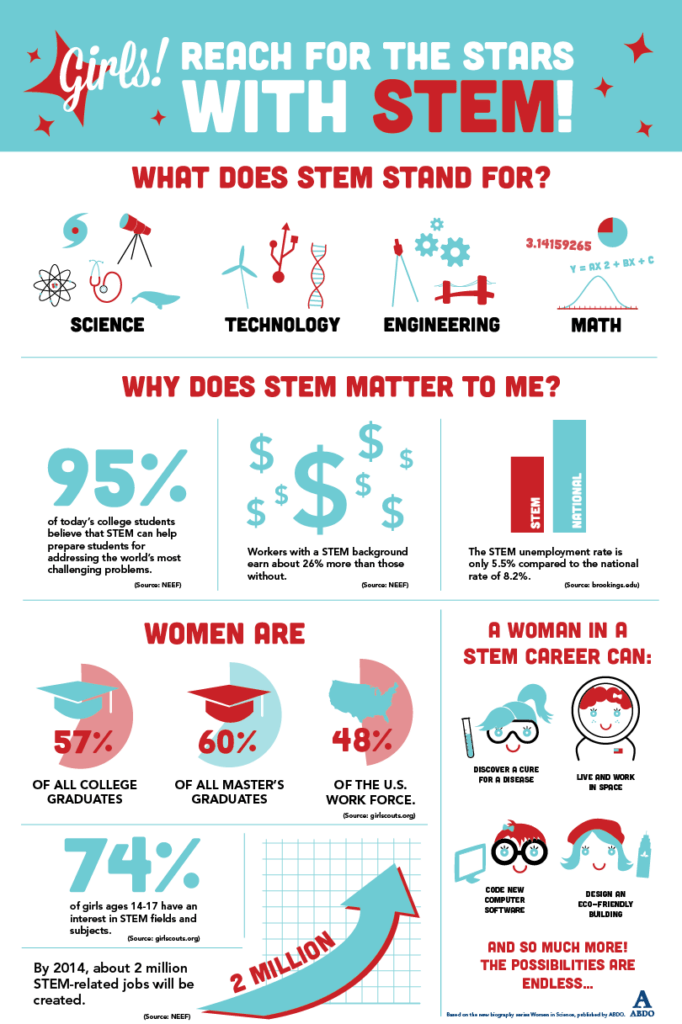
Discover some great apps to help "androidify" your classroom as your students create content using audio, live polling, and video tools.
You've read about the best ways to respond to disasters in "When Disaster Strikes" series. Now, apply your expertise to solving real problems in The Game.
This Microsoft resource roundup features all of the great blogs and content we published in 2017 about Microsoft. You won't want to miss any of these!
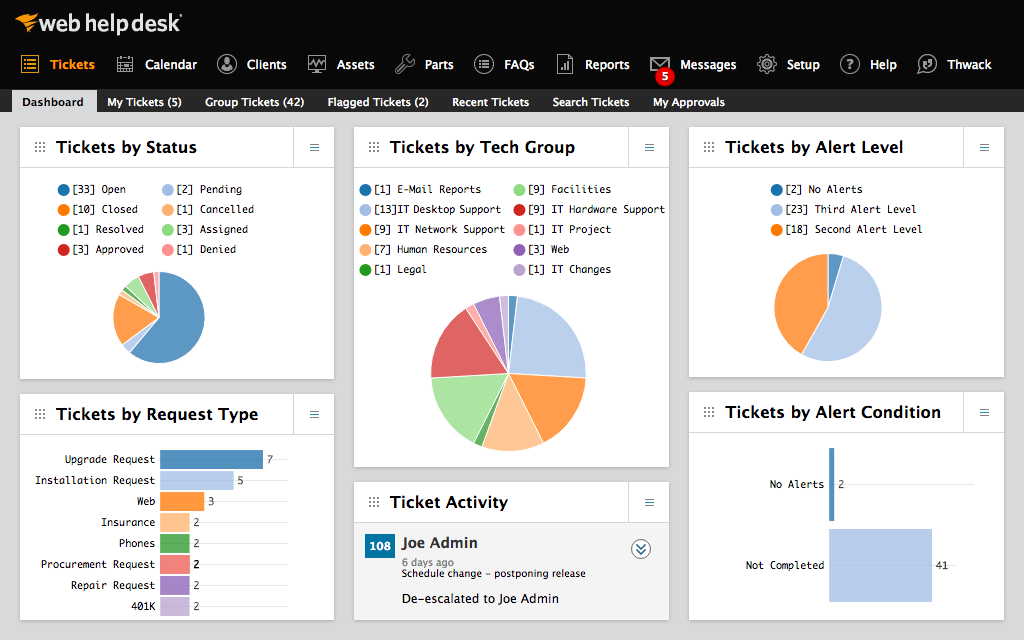
Tracking the time your staff, both instructional and technical, spend on problems is critical to better customer service. But how can you best do that?
Explore these Twitter takeaways for Microsoft OneNote Class Notebook. It is simply amazing how much you can learn from animated GIF tutorials available.
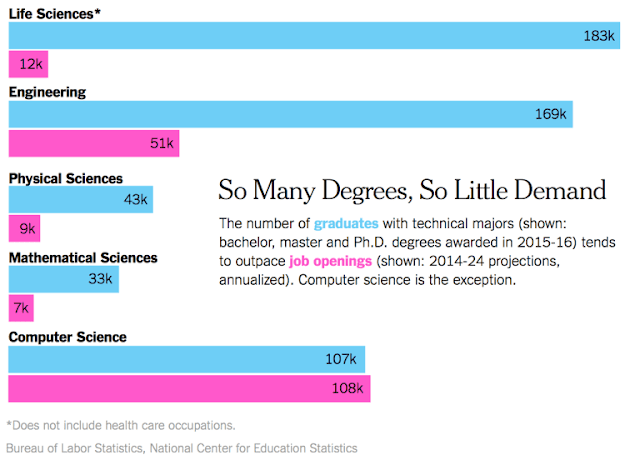
The importance of becoming a STEM coder cannot be overstated. This blog entry will give you handy stats and provide some simple steps you can take.
Discover fun and innovative ways to get your children or students hooked on STEM tools. This blogs showcases both free and fee-based ideas.
Running MS Office on a Chromebook can be problematic. This blog offers two possible solutions to let you have your Chrome and Office it, too.
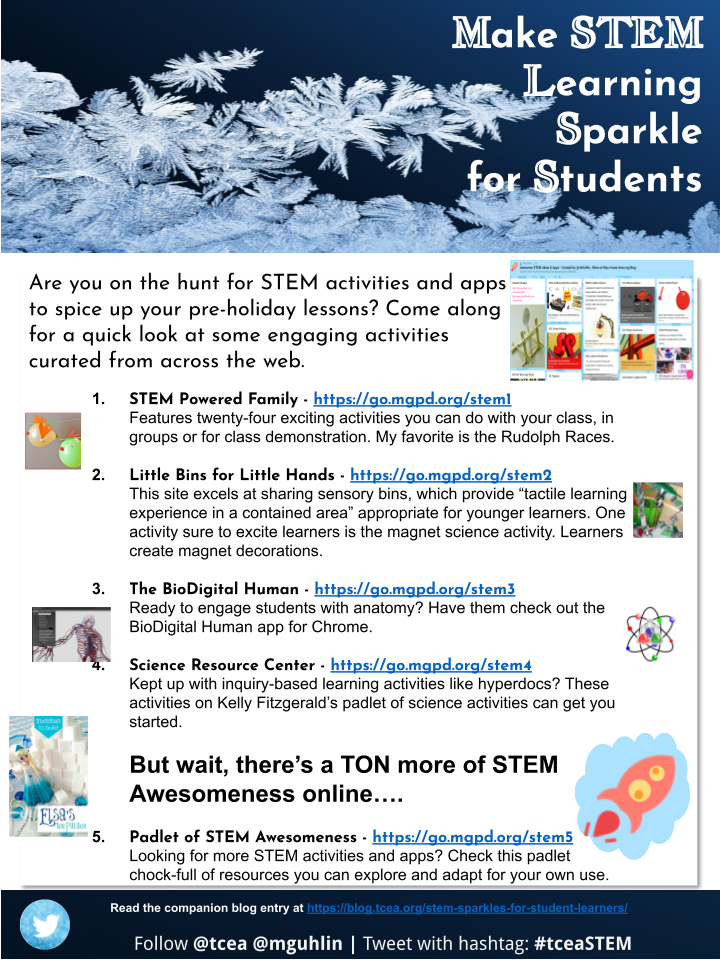
Make learning sparkle for your students with these STEM resources, activities, and apps. Try them with your students for exhilirating merriment!

Visual storytelling empowers students, even those who don't believe they can write or that they have a story to tell. Here's how.
Getting an Apple TV for your classroom? In this TCEA Responds, we explore a few ways you can use an Apple TV for learning and explore alternatives.
Losing critical servers to high temperatures is a disaster scenario no one wants to experience. Learn how heat sensitive gauges can help prevent this.
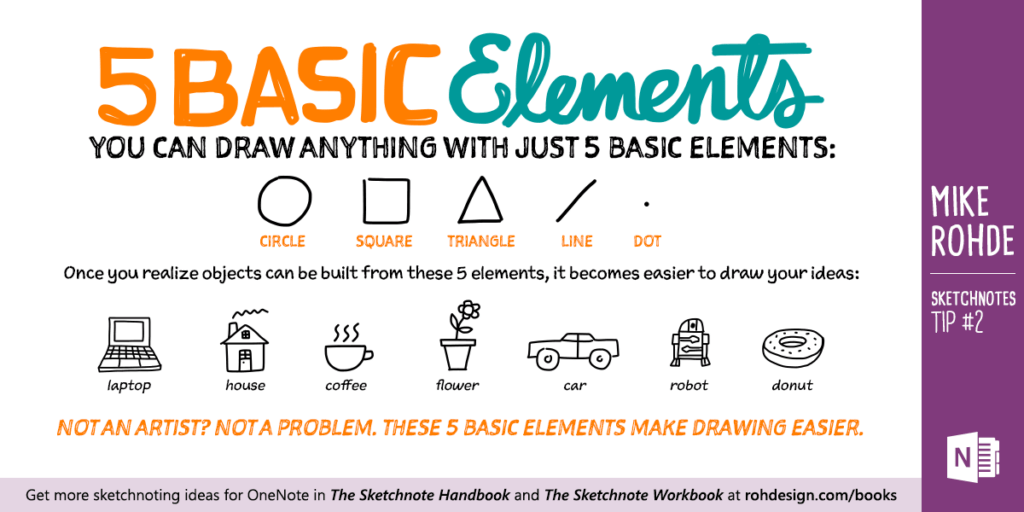
Student creation of six-word memoirs can help form powerful connections to learning. Discover some technology resources to help them.
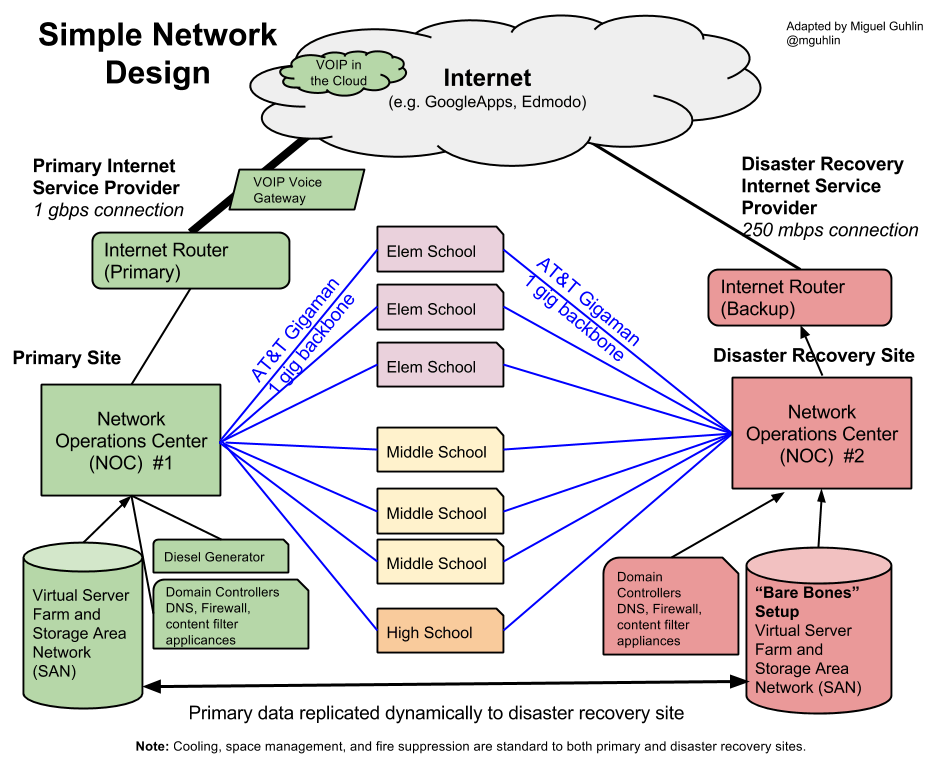
In part two of "When Disaster Strikes," we explore three additional insights, including needs assessments, tokenization, and hosting solutions.
See how hashtag heroism can be used to empower K-12 learners to make positive change possible in the face of oppressive acts of others.
Today's libraries are in flux. Hacking libraries for a changing future remains essential. In the minds of the uninformed, libraries are a relic of a bygone age. The value of a school or community library often relies on...

Take any curriculum area to the next level by incorporating 3D design. Create a lesson plan that does that and you could win a 3D printer!
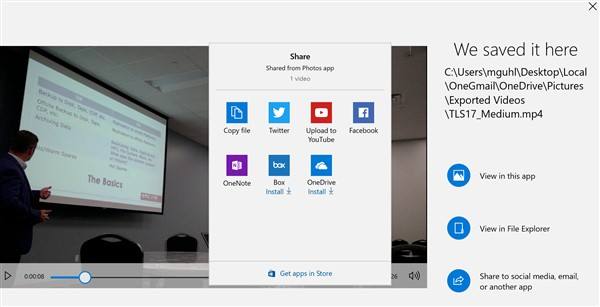
Learn how the Windows 10 Fall Creators Update can help your students better tell their stories in the classroom and beyond.
Many districts are adopting the transformative power of unconferences for their professional development days. Learn how you can, too.

Discover five suggestions for enhancing school communications with social media. It's easier than you think and the results can be amazing.
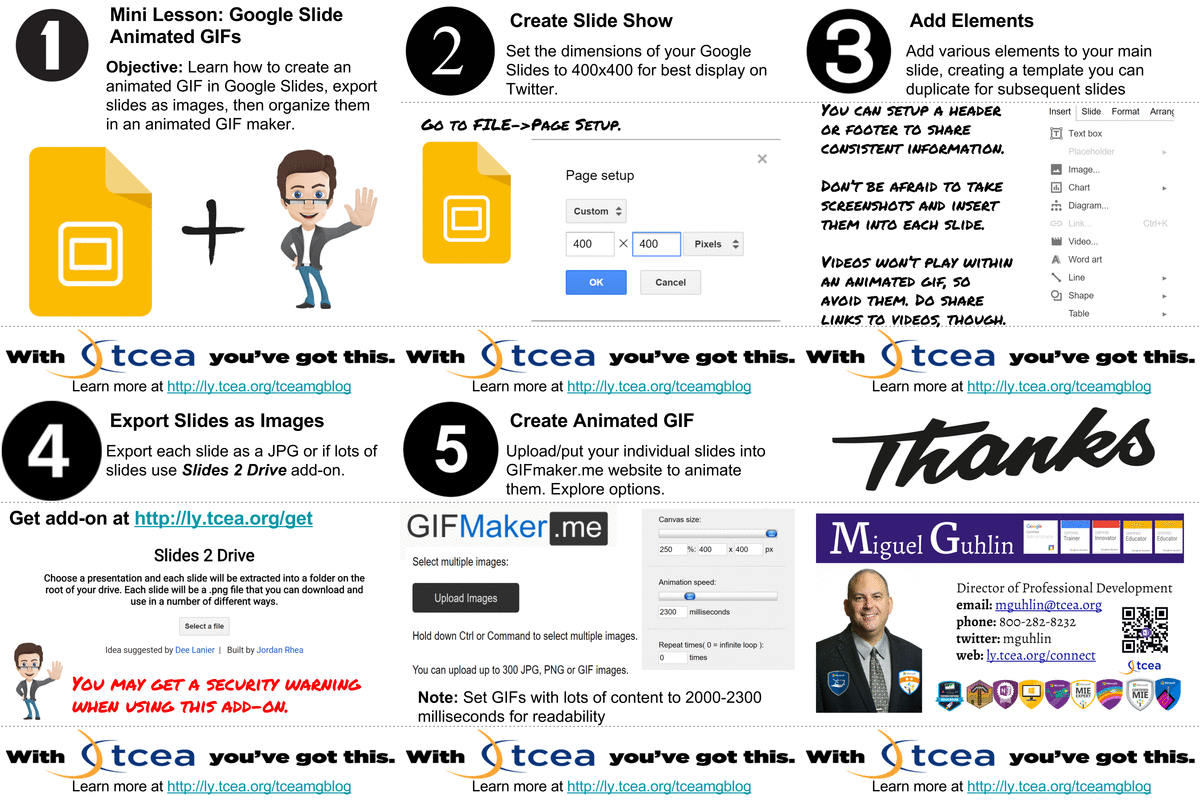
Creating animated GIFs is a good way for students to summarize learning and have fun at the same time. Learn about some great tools to use.
Get valuable disaster recovery insights shared at the 2017 Technology Leadership Summit, "When Disaster Strikes," for Chief Technology Officers (CTO/CIOs).
This issue of Twitter Takeaways offers five great iOS apps that will spice up your videos and make them look amazing. Share these with your students!
Looked through your Twitter stream and feel overwhelmed? Let's hit pause and explore five twitter takeaways. We focus on Google Tips in this entry.
Learn to model future world-building and coding opportunities for students in our new online, self-paced Minecraft certification course.
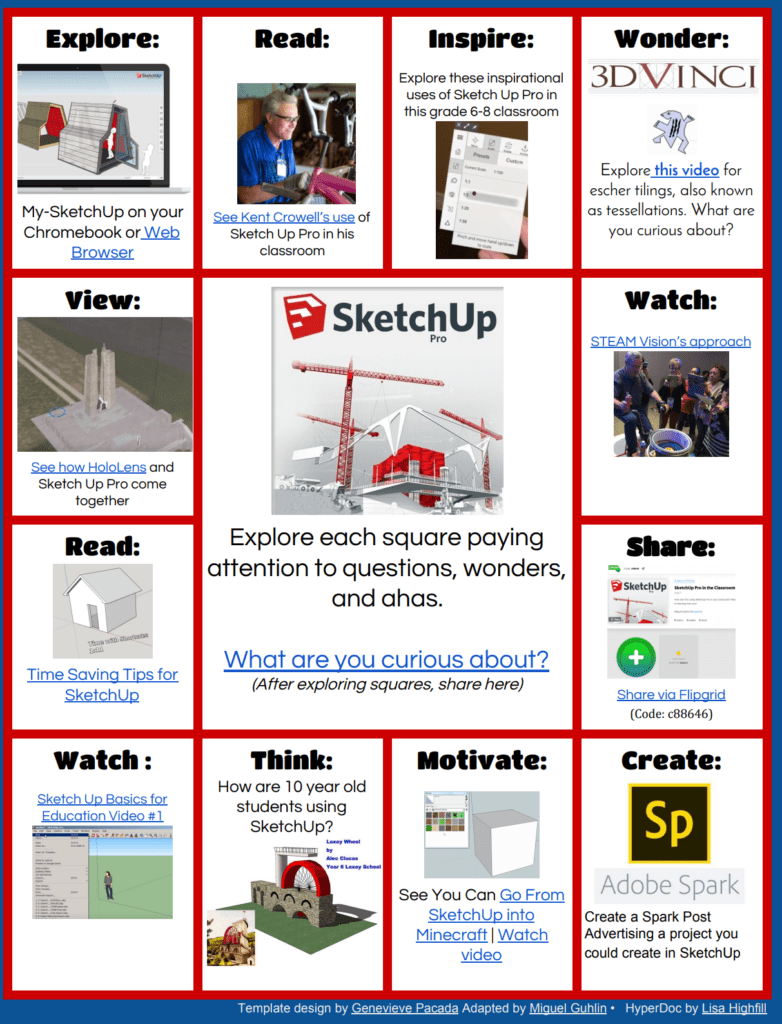
Need a quick way to introduce students and/or staff to SketchUp Pro, available from TCEA for free? Use this multimedia text set chock-full of activities!
Discover some great technologies to use with the Socratic Seminar technique and student blogging as they participate in author chats.
Recent disasters have made communication apps even more important for school districts. Discover some great apps to help keep your community informed.
Learn about one district's efforts to prepare students with emerging technologies and career pathways for real jobs after high school.
Explore three tips to blogging author chats, featuring a discussion of the Socratic Seminar technique, blending blogging technology into author chats.
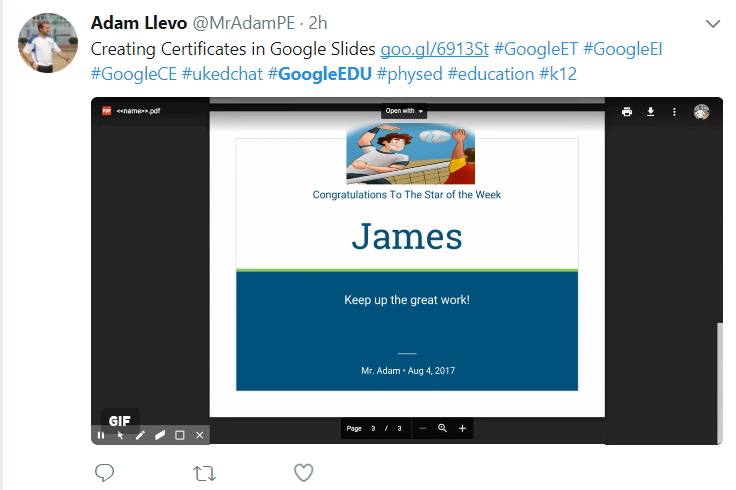
Stay current with updates and new possibilities for Google Suites for Education with these great resources, webinars, and videos.
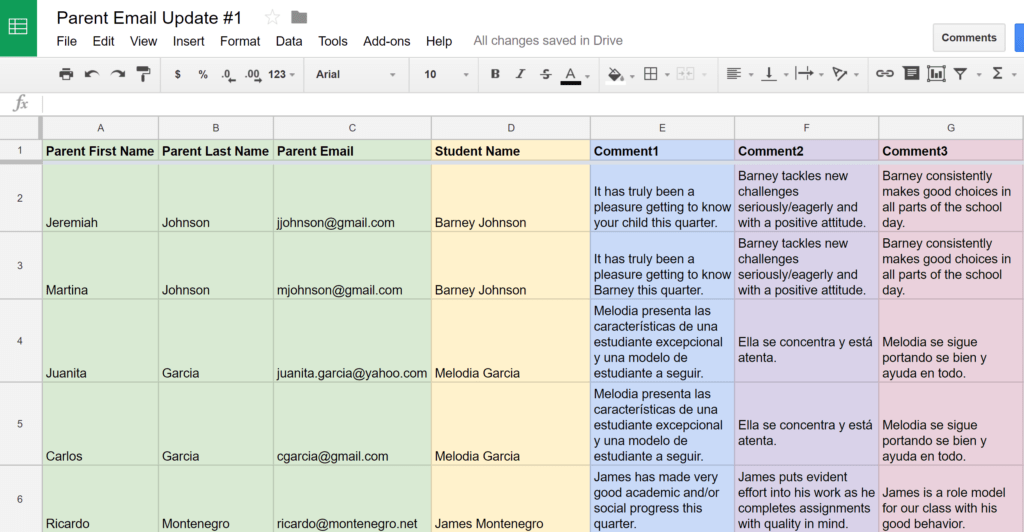
Learn three easy ways to provide personalized parent communication using Gmail and some great add-ons that will make this school year a breeze.

Hurricanes Harvey and Irma present students with a collaborative inquiry and digital literacy learning opportunity that should be taken advantage of.
Want students to make their thinking visible, but don't want to invest in an expensive interactive whiteboard? Try these digital whiteboard solutions.
This TCEA Responds discusses the CPR approach when working with employees who are not following the rules, as well as time clock solutions.
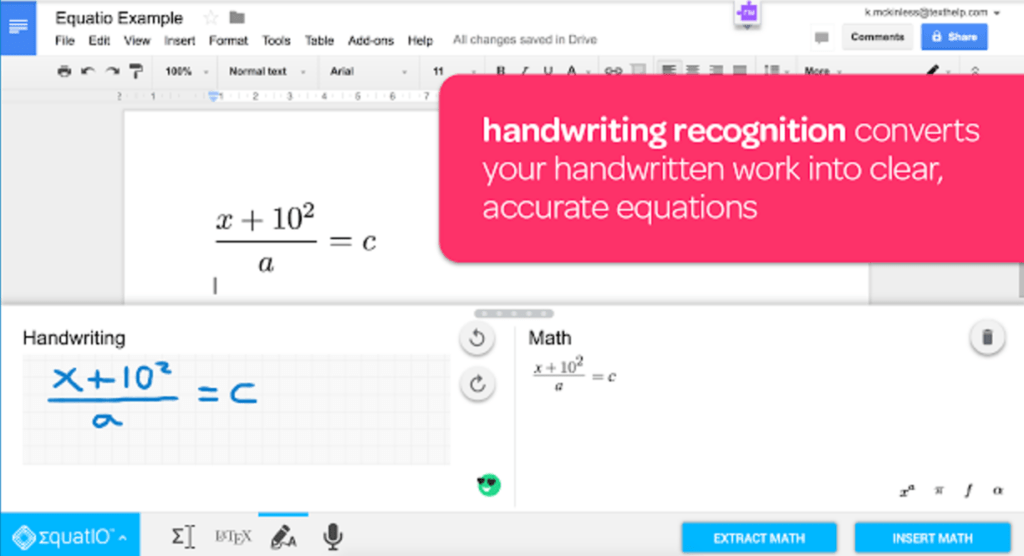
This blog will showcase some of the many powerful math tools that your students (and you!) can use with the Chrome browser.
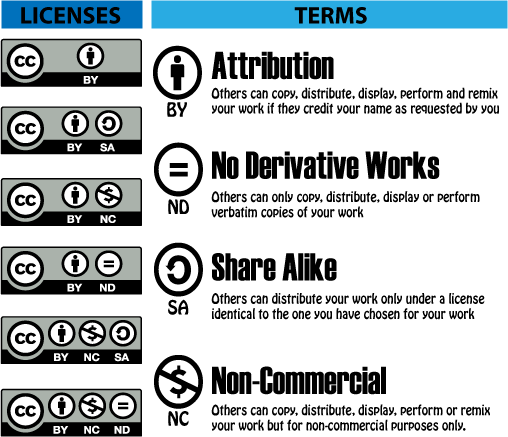
Open Educational Resources and Creative Commons licensing have truly opened up the world of publishing and free resources for students and their teachers.

Ready to embrace Google Suites for Education for transformative learning experiences? Give Google Drawings a try using Joli Boucher's "hyperdrawings."
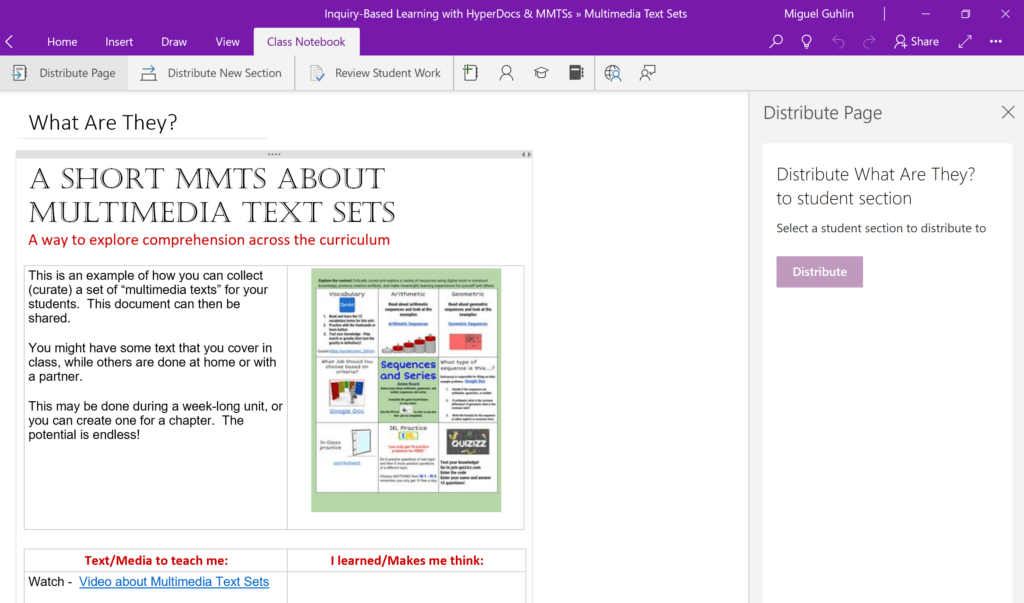
Take Hyperdocs to the next level by creating hypernotes with MS Office 365 or OneNote and ensure that students have access to the information they need.
“Used effectively, checklists can help students develop metacognitive awareness of their intellectual processes. Metacognitive research consistently suggests that students who know how to learn, know which strategies...
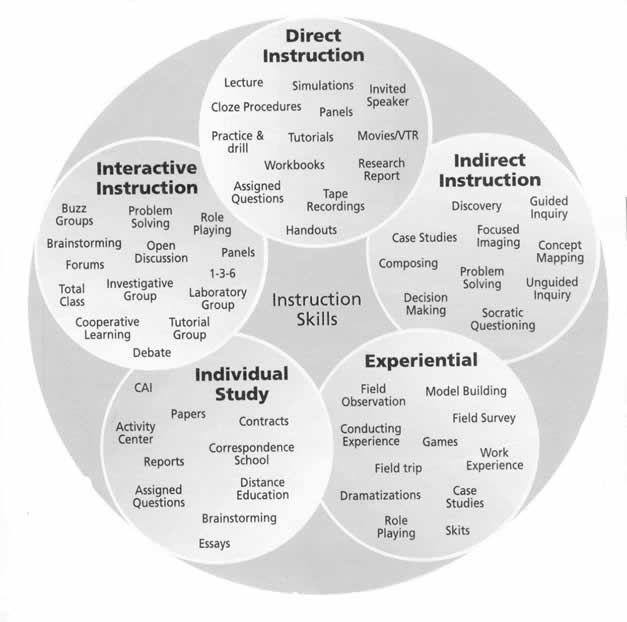
Embrace the 5E model and mix in hyperdocs to engage and empower new learning construction in your hyper-connected classroom.
In this TCEA Responds, multiple resources for teaching a high school digital media course are offered. Join us as we share curated resources.
Learn about a wonderful Hyperdoc and some research tools that can help students hone their thinking and reasoning skills.
Get the answers to three common questions about drones in schools: 1) legal information; 2) using drones for learning; and 3) drone flight certification.
Starting off as a new technology leader? Explore these tips to get you grounded and off on the right foot in your organization.
Discover some free or inexpensive apps and resources to bring green screen magic and learning to your classroom this year.
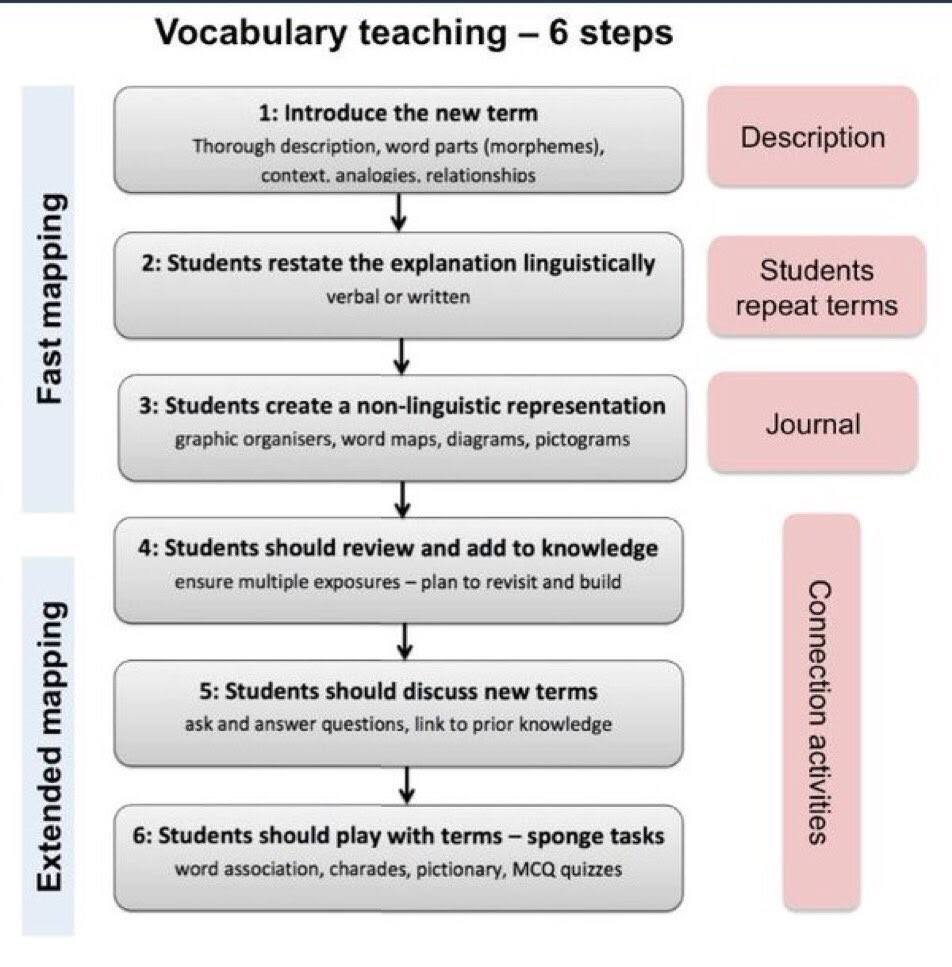
See how hacking your iPad for vocabulary study can result in active learning for students and enhance instruction in the elementary classroom.
Need to update your college learning? Avoid paying expensive college course fees. In this TCEA Responds, we explore how to make lifelong learning possible.
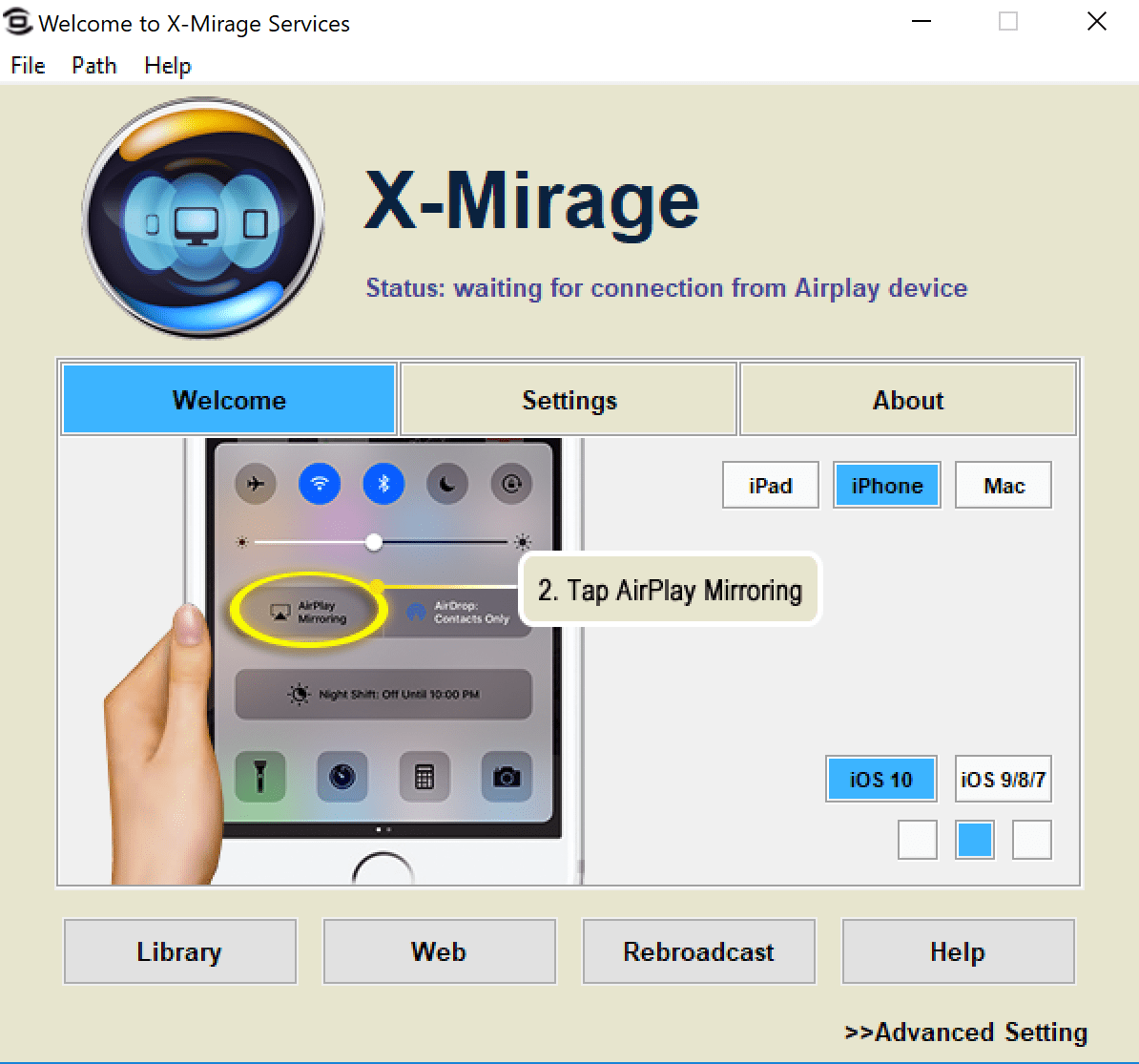
Learn four powerful tools to use when sharing your iOS device screen as you model effective app use for instructional purposes.
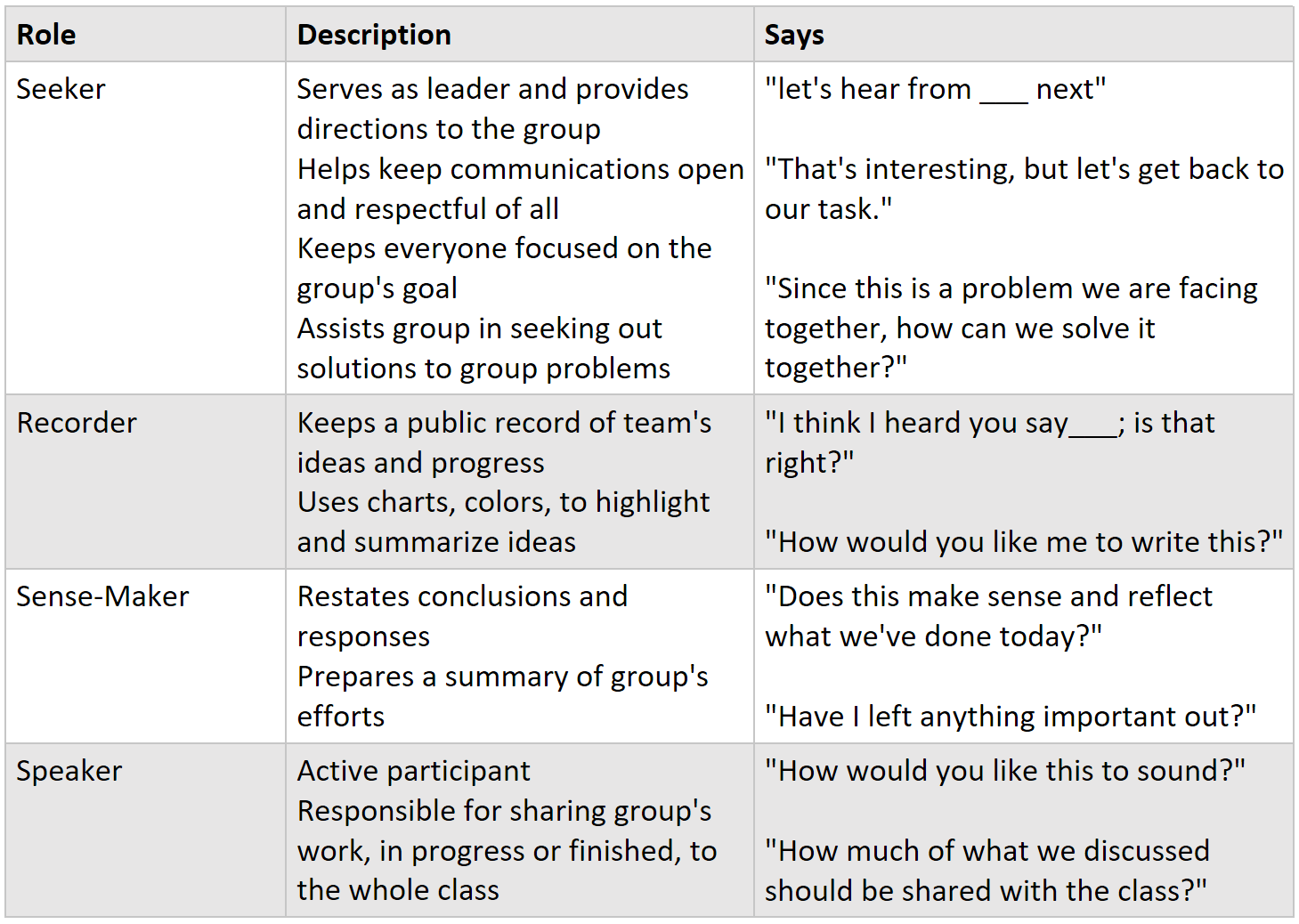
Learn five free tools to use when grouping students for differentiation and projects that will save you time and ensure fairness.
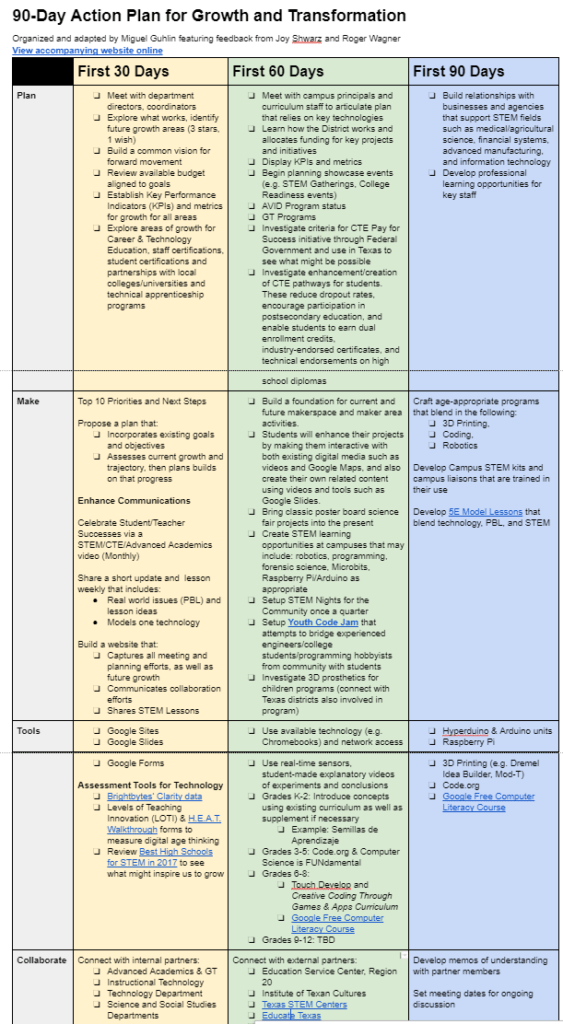
This blog article details how to create a 90-day STEM action plan to bring more robust and connected learning to your students.
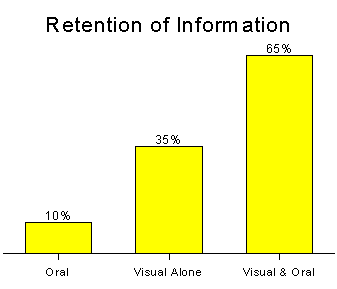
Accessible learning becomes a reality with Microsoft's newest offering. See how making same language subtitles make learning accessible.
TCEA Responds enables you to ask questions and have our team research answers for you. This issue focuses on the Texas Technology Applications TEKS.
Discover how to use tablets with your ELL students to enhance learning, deepen vocabulary development, and make their thinking visible.
Looking for ways to transform slide presentations and create video blog entries quickly and easily? Lumen5 may be the tool you've been searching for.
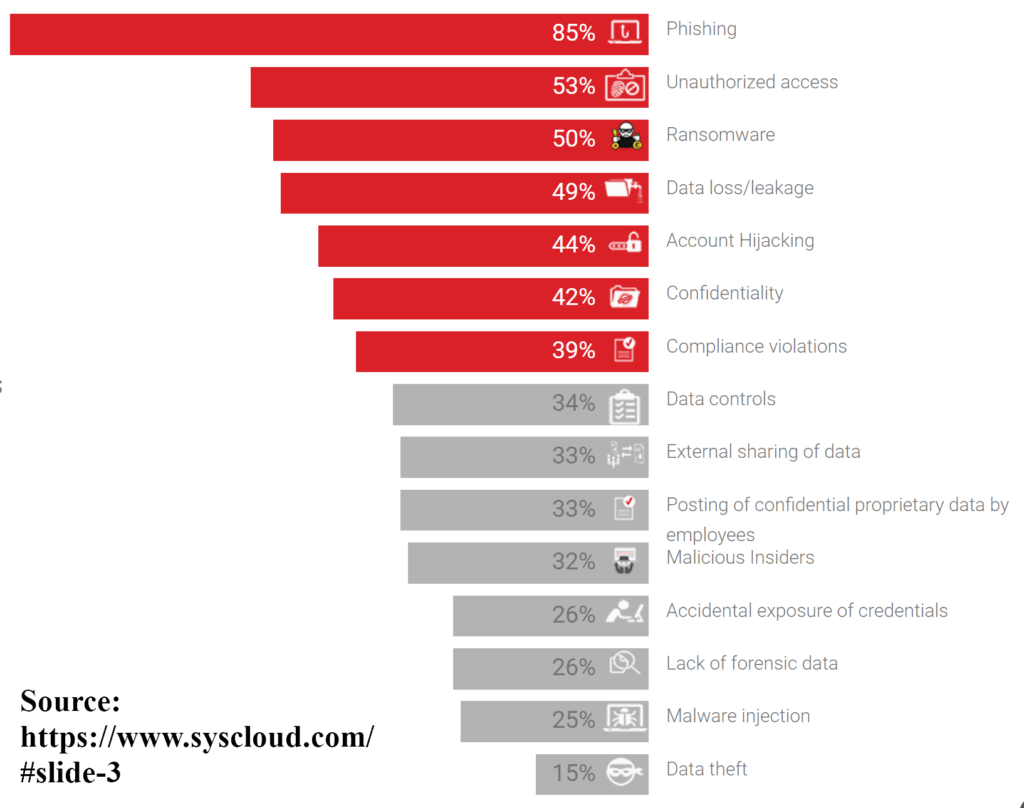
Is your District storing sensitive data in Google? What about Microsoft Forms or OneDrive? In this TCEA Responds, we discuss possible privacy concerns.
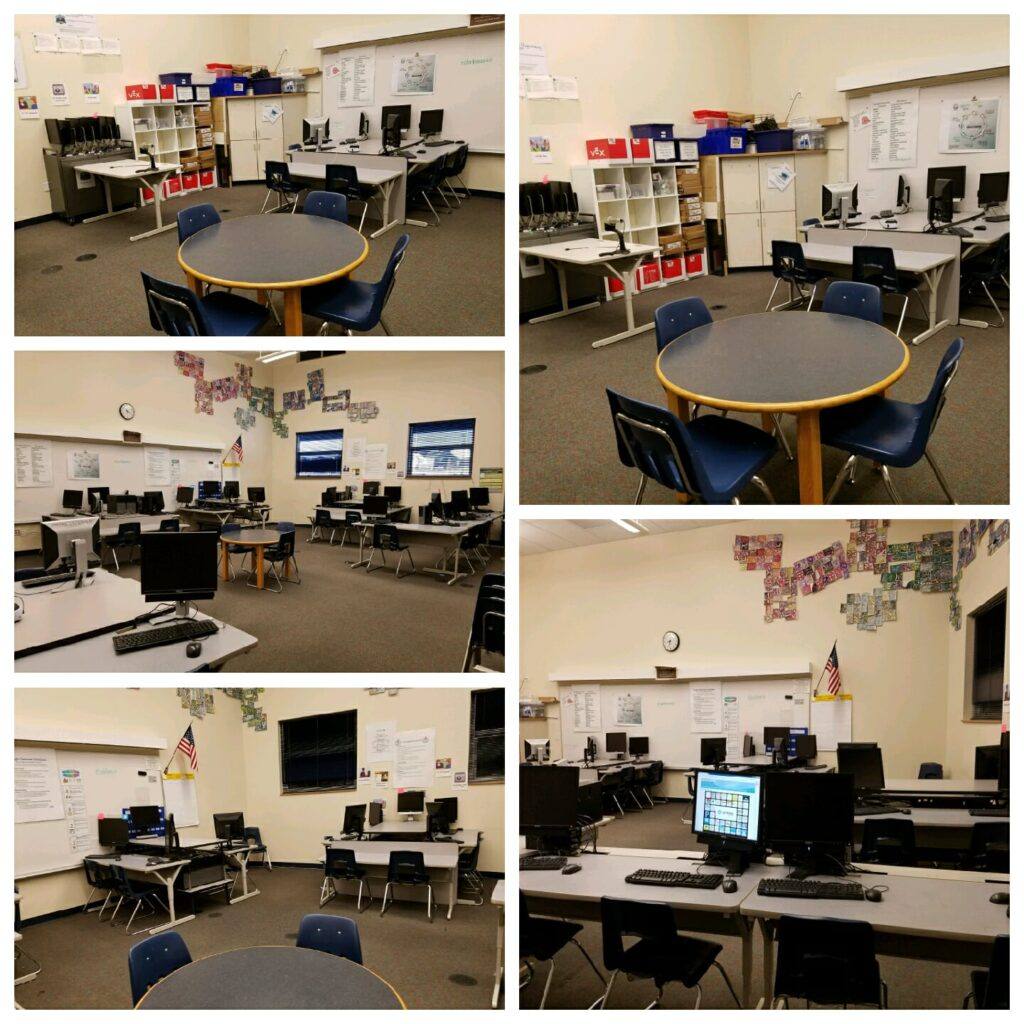
Need to redesign your library? In this TCEA Responds, we explore several ways that future ready library spaces are being redesigned to enhance learning.
Is it better to take notes by hand or digitally? This blog shares the answer, along with alternatives for digital paper note taking.
Is your school or district mired in the past? In this TCEA Responds, we explore several digital fax solutions you will find of interest.

This is part one of a multi-part exploration of best practices in creating collaborative PBL projects for younger learners.
Need an easy-to-use student ePortfolio solution? In this TCEA Responds, we explore the pros and cons of Google Sites as a digital portfolio solution.
Tired of digging through your email on mobile and desktop, trying to make sense of it all? Take a look at a few mobile device apps and organizers.

In this blog, learn about four powerful tools for iOS to use when you're ready to digitize the papers in your classroom or office.

TCEA Responds is a way for you to ask questions and have our team research answers for you. This issue focuses on making students' digital work portable.

If you are an eligible school district, learn how to get Minecraft: Education Edition FREE for one year with a new Windows 10 device.
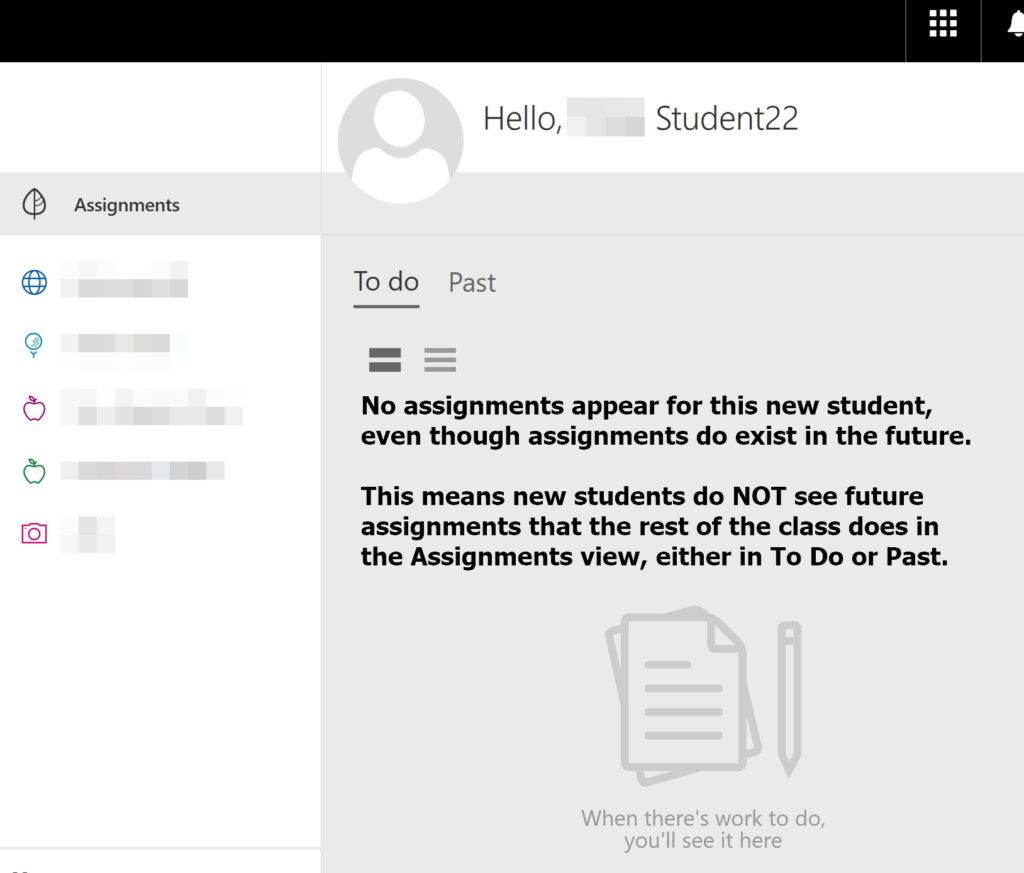
TCEA Responds is a way for you to ask questions and have our team research answers for you. This issue focuses on managing assignments in MS Classroom.
Texas needs more computer science teachers and is offering computer science certification resources and financial aid. Find out more in this blog.

TCEA Responds is a new way for you to ask questions and have our team research answers for you. This issue focuses on podcasting.
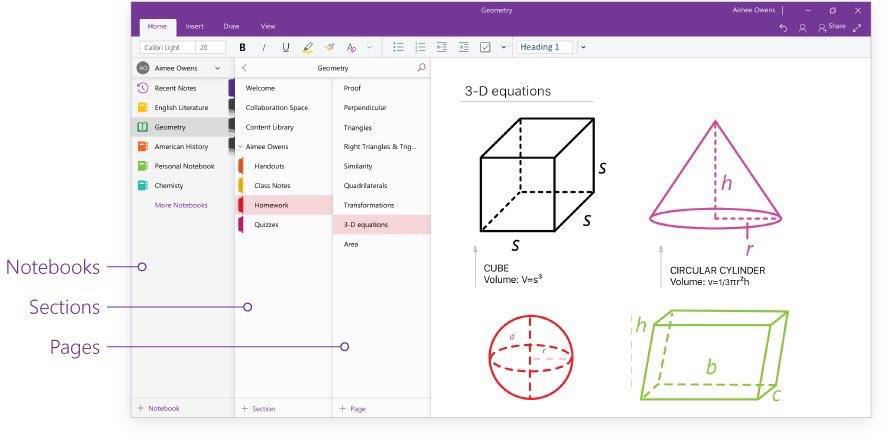
Learn about the latest Microsoft updates to OneNote, Forms, and Flow and the ending of Docs.com in this must-read blog for MS fans.
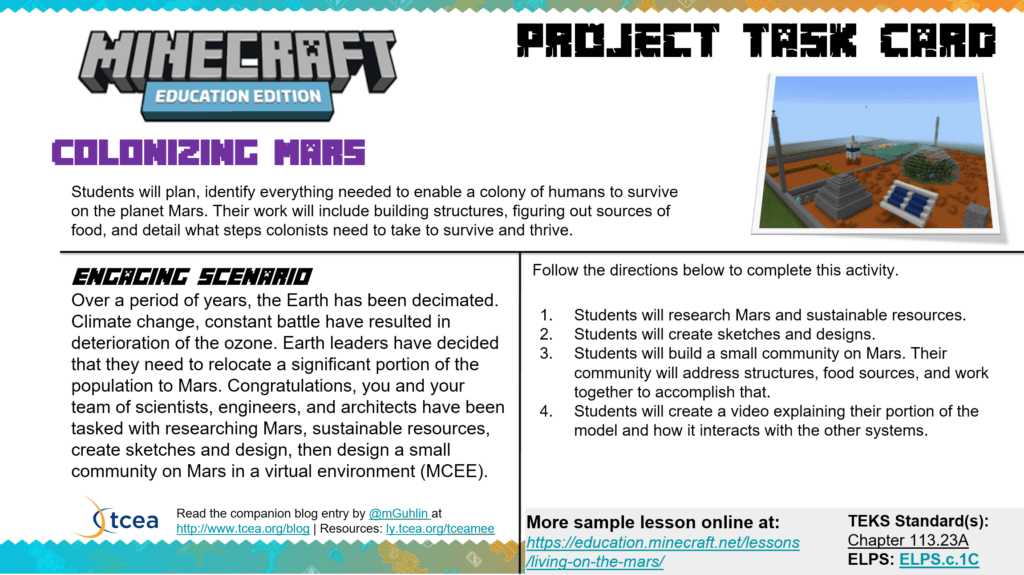
Try the 5E Model with PBL and technology to engage learners with curriculum-based, real-world connected thinking and solution development opportunities.
TCEA Responds enables you to ask questions and have our team research answers for you. This issue focuses on collecting audio notes in conference settings.

Ready to enhance your work with vector graphics, but current tools are overpriced, complex, or won't work on your device? Check these low-cost options.
TCEA Responds is a new way for you to ask questions and have our team research answers for you. This issue focuses on membership renewal.
Are you a school district using OneLogin? A data breach affecting all U.S. customers means the keys to your digital kingdom have been taken.
TCEA Responds is a new way for you to ask questions and have our team research answers for you. This issue is how to connect with Google-certified admins.
TCEA Responds is a new way for you to ask questions and have our team research answers for you. This issue focuses on grants and technology planning.
Microsoft listens to teachers and adds three new features. One of the notable features includes enhanced parent access to student work in OneNote.
Want to make your Windows 10 device faster, safer, and smarter? These five tips with assorted tricks will get you started and moving in the right direction.
Once you know you want to have a makerspace on your campus, what are your next steps? We recommend building relationships and trust among key stakeholders.
Still miss Moviemaker on your Windows computer? Let it go and embrace Windows Story Remix, which takes cross-platform movie design to another level!
TCEA Responds enables you to ask questions and have our team research answers for you. This issue focuses on video surveillance solutions for schools.
The generational gap has never been wider as baby boomers are now supervising millennials. Learn how to engage millennials in the workplace.
Microsoft announced big changes to its education tools recently. This blog will discuss the implications for Microsoft Classroom and its users.
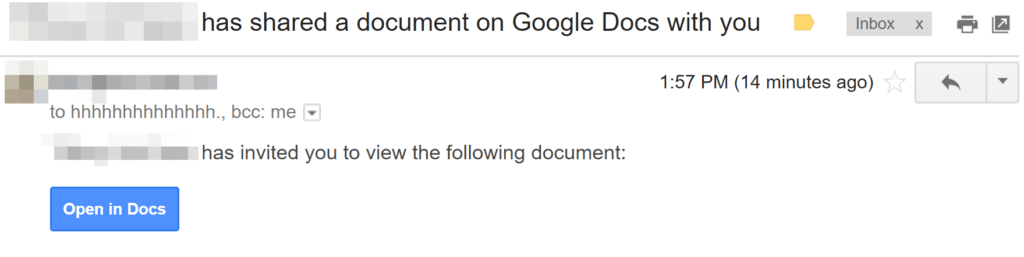
The Google phishing attack that happened today underscores the need to continue to educate our staff and students about online safety. This blog outlines steps to follow to help prevent future attacks.
Today's Microsoft update shows that at least one tech company has been listening to educators. Learn what's coming to your school in this blog.
Looking for a great app for facilitating team communications? Check out Slack and three ways of using it to connect with others.
Need help organizing the vast mounds of paperwork generated by your campus? Try using OneNote and the chore becomes a breeze.
A memoir map, although a seldom used graphic organizer, can be a good way to connect with strong memories, enabling you to write powerful pieces.
Summer slide results in a measurable gap in math and reading. Here are some tips for addressing this gap with hands-on technology tips.
Selecting an online payment system can be a headache at first. But once it's in place, your staff will thank you. Here are some tips and tricks.
Learn how to showcase your students' successes and save time in this second blog in our series on productivity tools for leaders and do-ers.
Technology today provides a multitude of solutions for turning text to speech and vice versa, regardless of the device being used.
Check out this form to use when you've been asked to collect digital evidence about how a staff member has used (or misused) his technology.
Discover some new Chrome add-ons that will beautify your screen, help you be more productive, and protect your privacy while online.
PowerPoint doesn't have to mean a boring presentation. Learn some new ways to keep your audience engaged and even moved during your presentations.
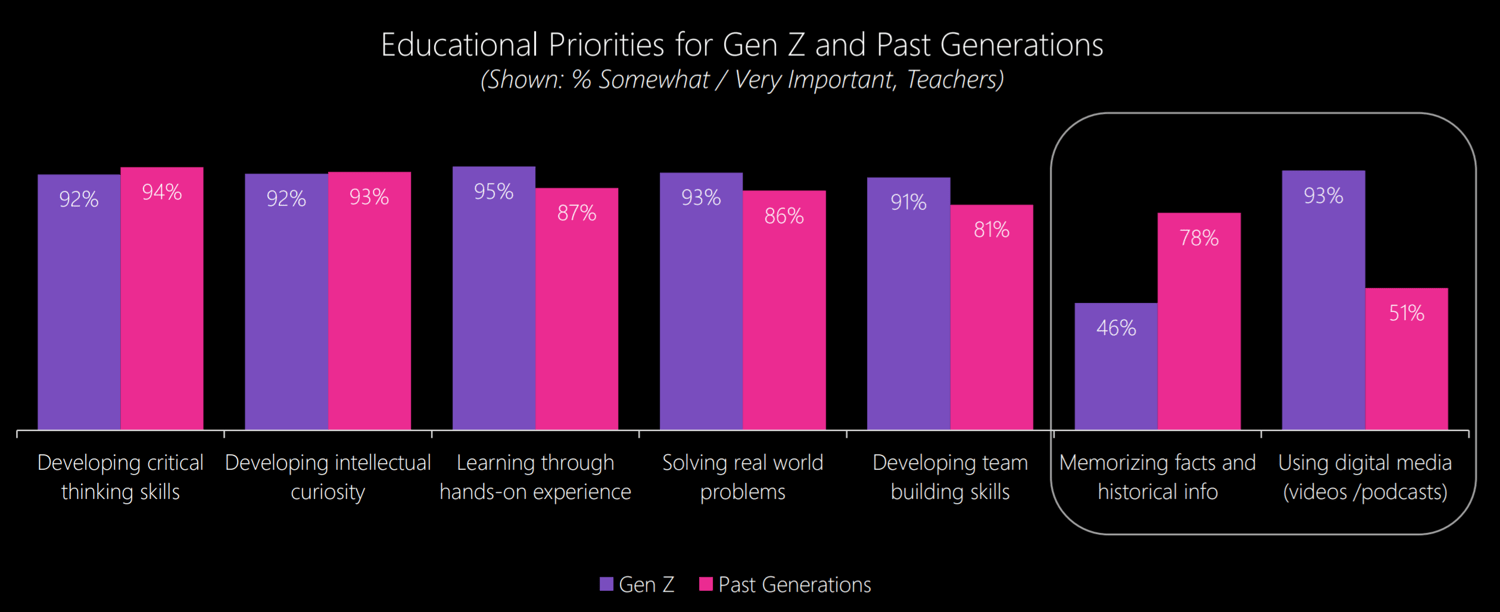
Rather than focusing on building basic tech skills in teachers, first shift the conversation to what they must know in order to teach today's students.
If you're trying to teach digital literacy skills to students who use G Suite, then you must take a look at the new and free curriculum from Google.
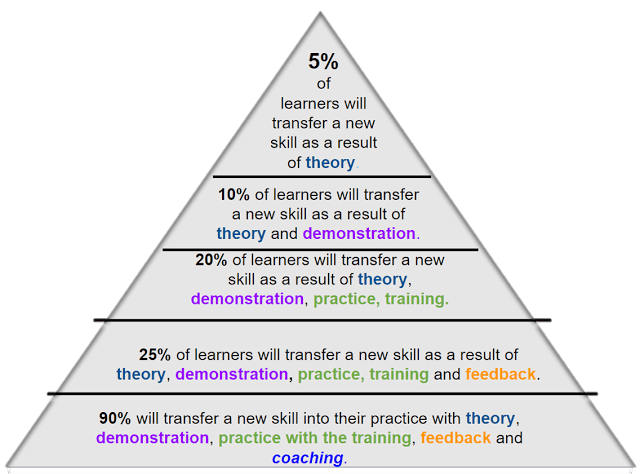
This is the fourth post in a continuing series on how to best strategize your BYOT implementation for complete success for students and staff.
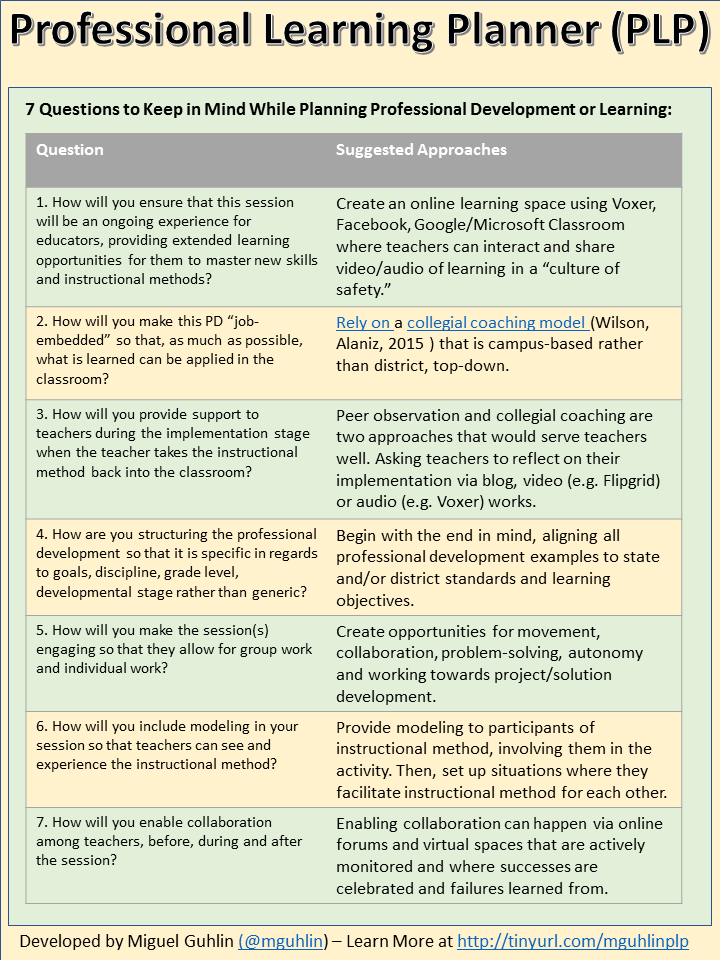
Note: This is the third in a continuing series, Strategizing Your BYOT Implementation. Be sure to read other blog entries relevant to BYOD . "Sixty-seven percent of parents are willing to buy their children a mobile...
Note: This is the second in a continuing series, Strategizing Your BYOT Implementation. Be sure to read other blog entries relevant to BYOD . "Mobile learning is all about changing instruction. Because if the...
Surviving a BYOT implementation requires that district and campus leaders do their homework up front, including planning strategically.
How can you survive and excel when there is a leadership transition in your district? This blog offers seven critical tips to help you.
These tips for effective online learning with social experiences will work with students and adults alike and ensure that they are engaged and active.
Podcasting is an amazing way for students to showcase their learning. Use Microsoft Sway and you have a final product that is beautiful and easy to do.
It's time to register to attend the two-day Adobe Academy and ensure that your skills, and those of your students, will meet the demands of employers today.
Act fast to take advantage of a new Texas Virtual Schools Network grant to get your students involved in online learning and save your district some money.
If you want to do audio or video recording with your iOS device, then you'll definitely want to check out these tools to make your work a breeze.
Join your colleagues and experts for a frank discussion on managing the Internet of Things and all of its accompanying devices in your district.
We know that you are doing amazing things with students and educators every day. Won’t you please consider sharing some of your expertise with others at the TCEA 2017 Adobe Academy? The call for proposals is open now...
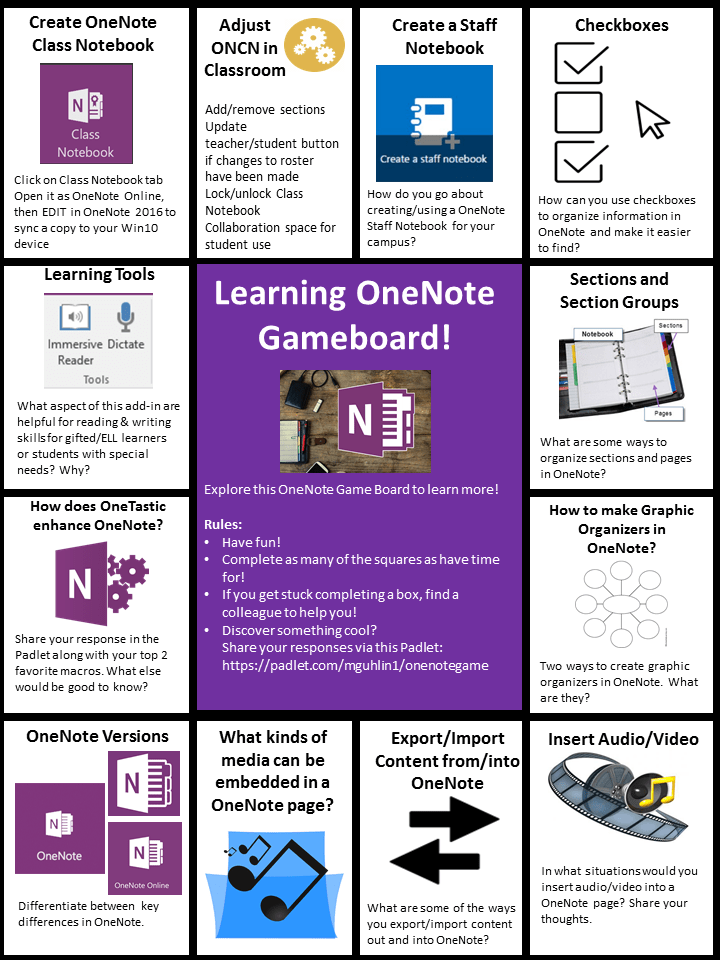
Take your professional learning to a new and fun-filled level with this game board on OneNote. Gamification makes it easy to master new skills!
Recent attacks on data in schools points to a lack of knowledge in basic security practices like encryption. This blog offers advice on how to stay safe.
If you're dipping a toe into the blended learning waters, here are some great ideas to take with you as you help students master core content.
Visualizing our learning is a powerful way to ensure retention of what has been learned, and graphic organizers make that happen.
Phishing schemes and ransomware remain a problem for IT support staff. But the bigger issue is their lack of influence in getting end users to make changes.

These short Minecraft: Education Edition tutorials videos will showcase ways to ramp your knowledge as well as your skills.
Using technology for multimedia assessment makes sense. And with OneNote, teachers can easily make Anecdotal Records Assessments for ELL students.
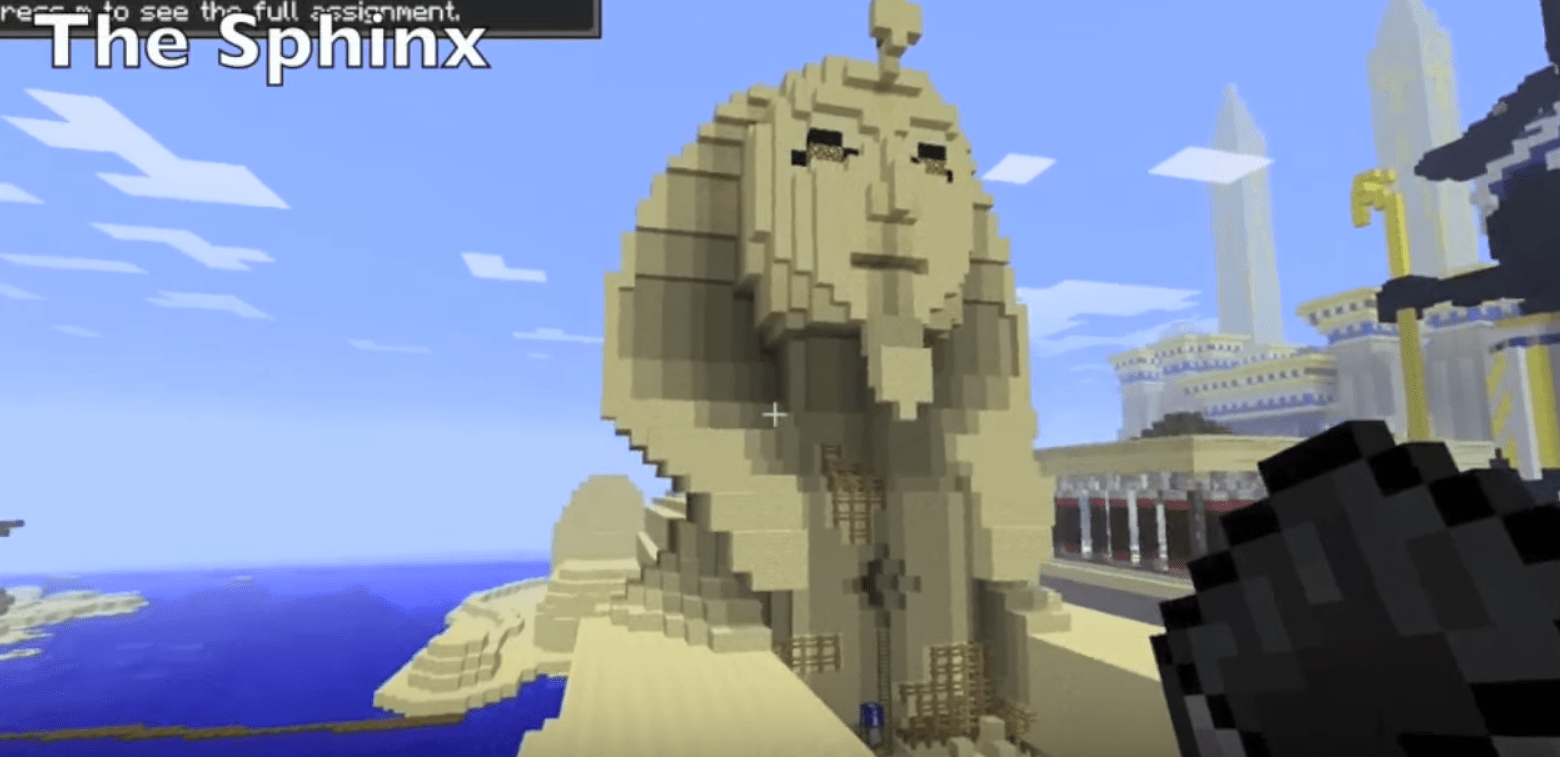
Encouraging students to design Minecraft spaces allows them to ponder the possibilities of changing their physical world as well.
Looking for ways to increase your productivity and save time? These five tips for OneDrive, a free resource, can help.
If you're searching for a way to create and complete forms on your iOS device, there are a multitude of solutions available. Let's take a look at a few.
Dump those old paper rubrics and flip the learning! Empower yourself and your students to use Microsoft Forms for the quick evaluation of academic work. This makes grading easy and simplifies the process for students...
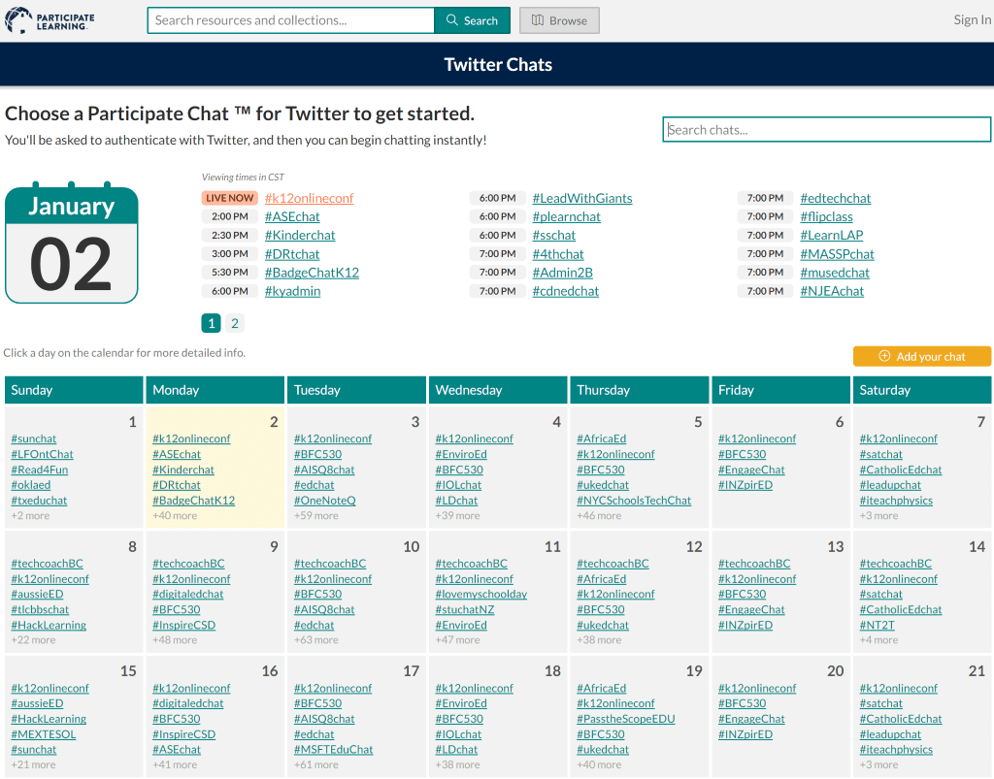
Learn about a number of free and powerful technology tools that can help align your social media efforts, make an impact, and save you time.
Need to backup your iOS photos and videos? Consider using OneDrive as an easy way to store, interact with, and share your camera roll.
Ensuring that your network and student privacy are guarded can be a difficult task. TCEA's Leadership Summit has resources to help you be successful.
New Chromebooks will soon become available for education that will make it easier to take advantage of classroom learning opportunities.
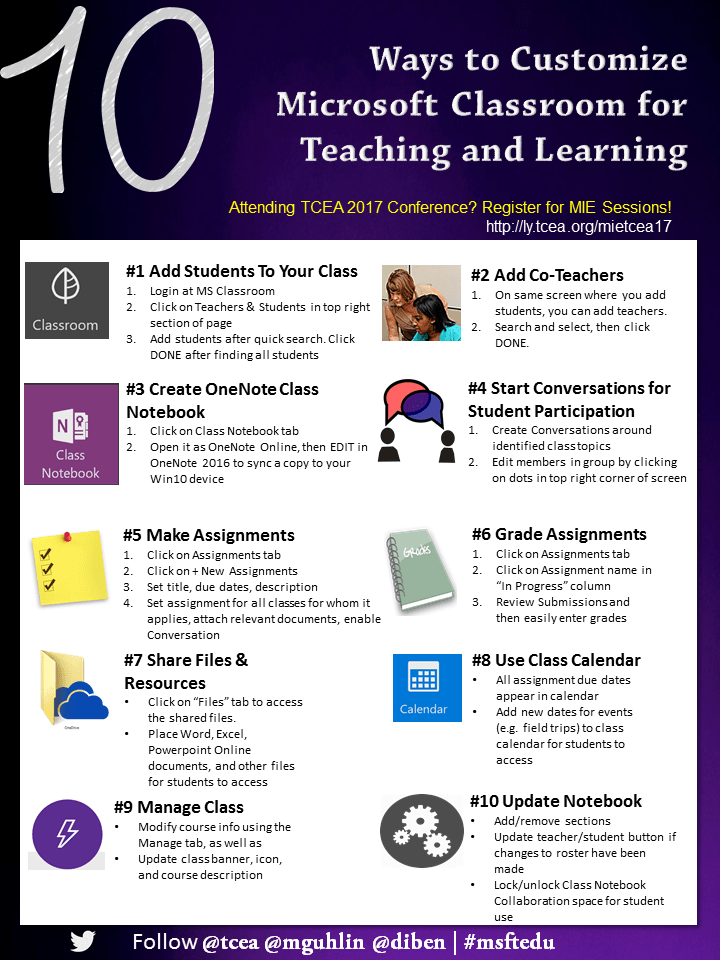
This infographic will show you ten quick ways to make Microsoft Classroom work even better for you and your students for engaged and powerful learning.
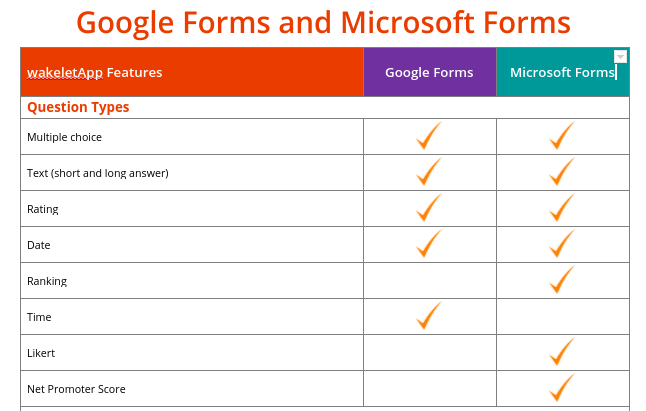
The growth and use of online forms to gather and disseminate data has reached K-12 schools. But which form, Google or Microsoft, offers the most features?
Before implementing any new system, whether technology-based or not, it's important for schools to determine how to safeguard student privacy.
Learn to use Typorama to craft beautiful quotation designs, as well as a collection of copyright-friendly image resources to use with it.
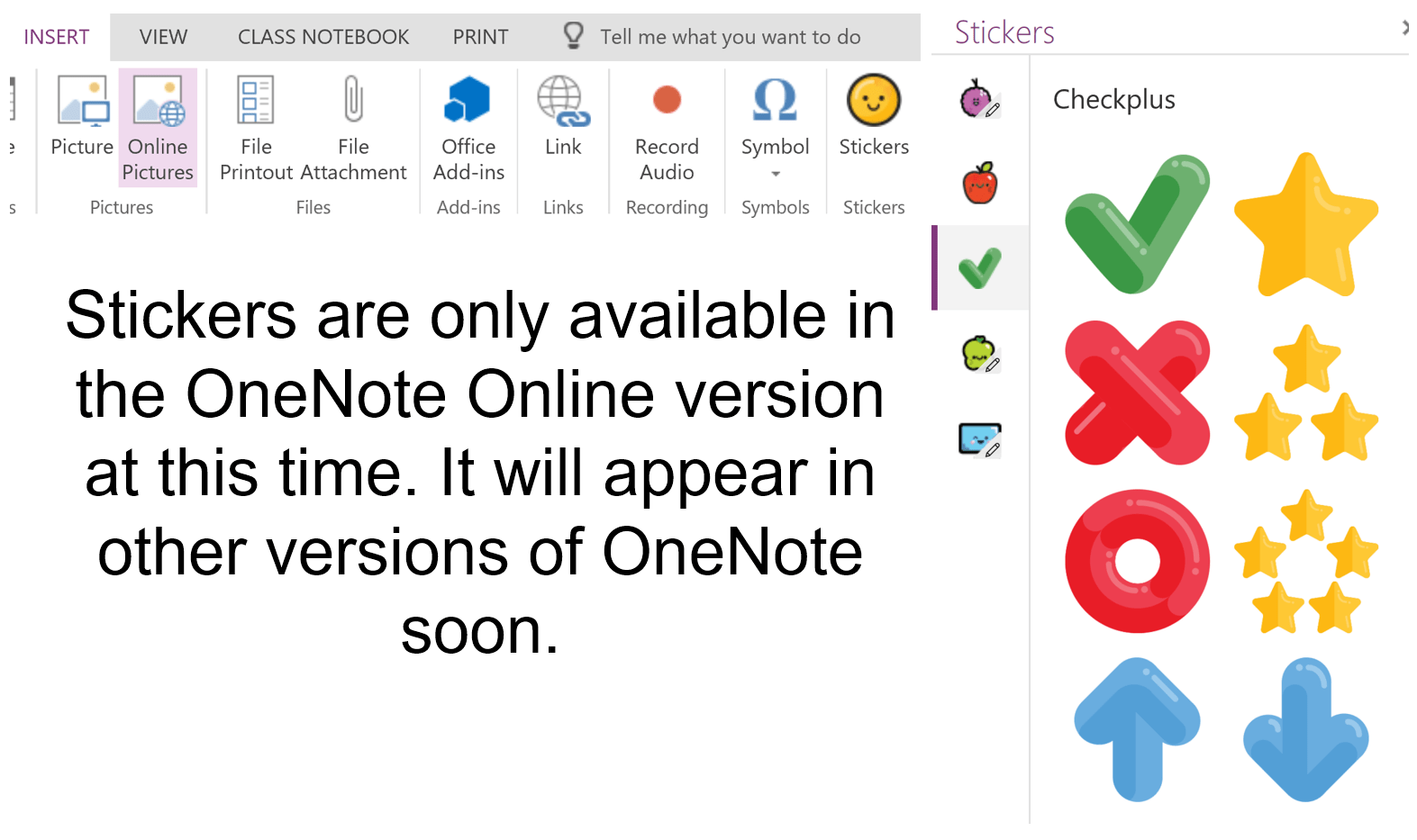
Microsoft announces updates to OneNote and other outstanding tools that will empower student learning and make teaching easier.
New trends in educational technology can easily work with the research from Marzano on classroom instruction that works and Minecraft: Education Edition.
Help students master complex math and science topics by mashing Open Educational Resources (OER) simulations with assessment.
Using the free service Flipgrid, you can connect your learners to the learning and to each other, helping to ensure engagement and reflection.
The ability to redesign and improve existing materials is empowered through the use of the free SketchUp Pro 3D modeling software.
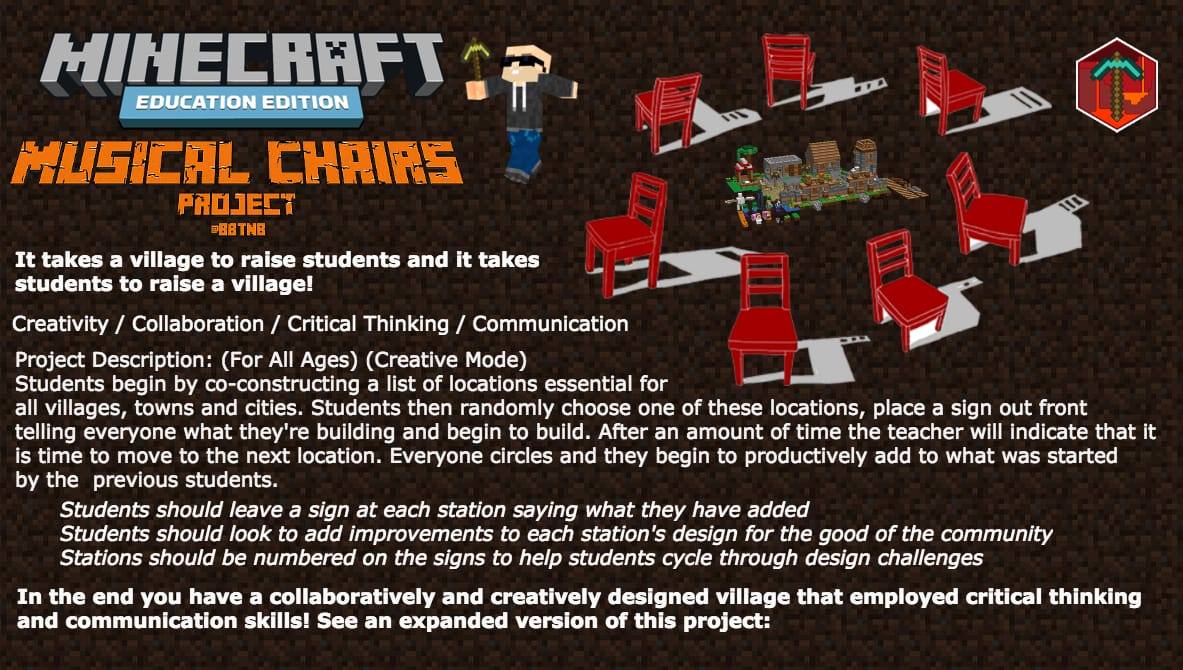
Add project-based learning components to these Minecraft lesson plans and see learning and engagement soar in your classroom.
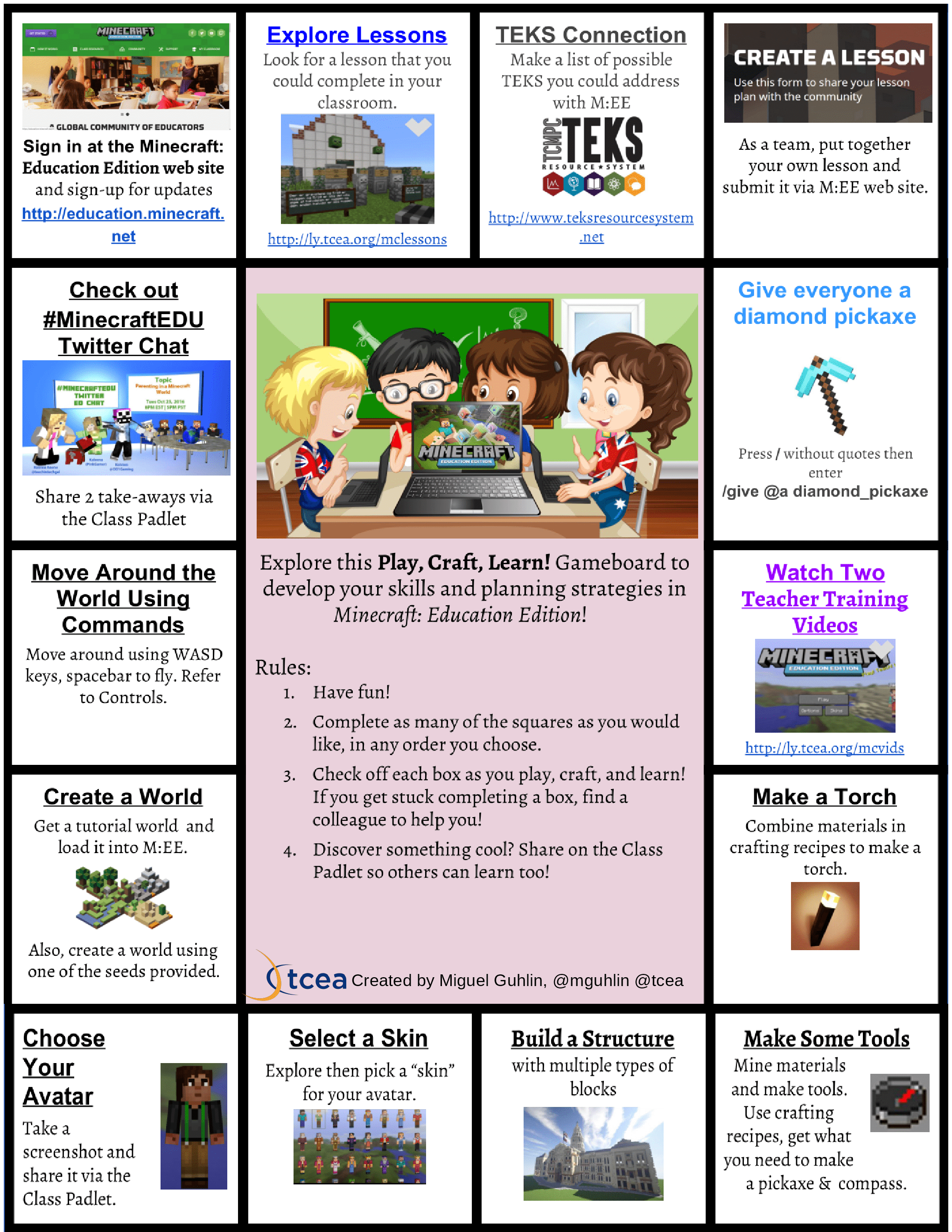
If you want to effectively begin using game-based learning with your students and ensure engagement, there's no better way to start than with Minecraft.
If you are an instructional leader who wants to continue growing, then mark your calendar to participate in these free K-12 Education Leadership online courses available in January, 2017. With the goal to drive systemic...
Whether your students have access to Apple, Google, or Microsoft technologies, they can all do amazing learning with them in a dystopian literature unit.
Activating innovators in learning in schools today is critical. But how can we help produce innovation? Here are some ideas.
We learn best and deepest when we create. Take this approach to a new level in math classes by having students create their own interactive textbooks.
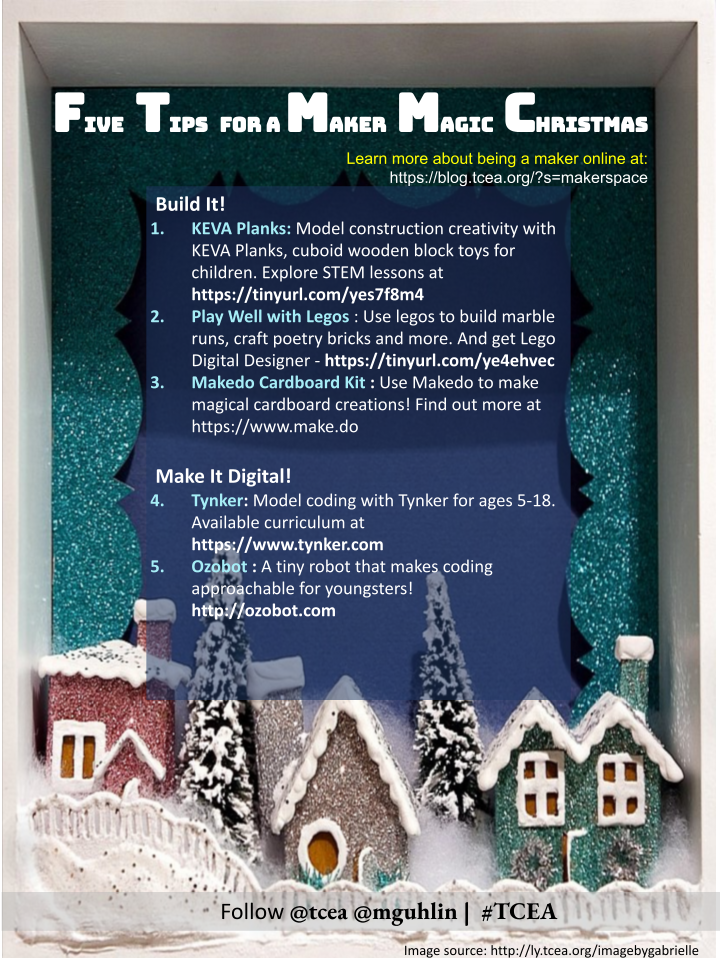
The holidays bring out the maker in all of us. Use these handy tips with students in the classroom or at home with children and family.
Join us in celebrating the more than 300 Texas educators who have become Microsoft Innovative Educators (MIE) to better serve their students.
Take time for yourself this holiday break and increase your technological and/or pedagogical skills with these online professional learning opportunities.
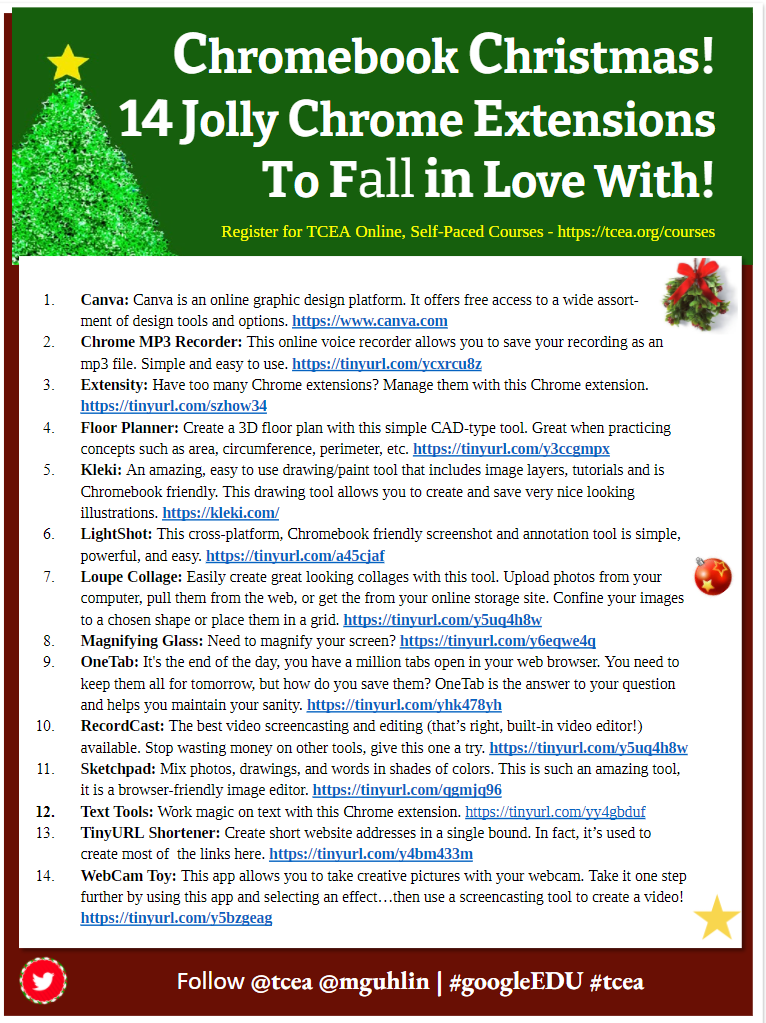
You'll have a jolly holiday if you use some of these Chrome extensions that you may not already know about. Try them with your students for extra merriment!
Take your holidays to the next level with these great ideas for 3D printing. Design your own merry ornaments or print out some already created!

Get ideas, lesson plans, and resources for helping your students celebrate the winter holidays as 2016 winds down and a new year begins.
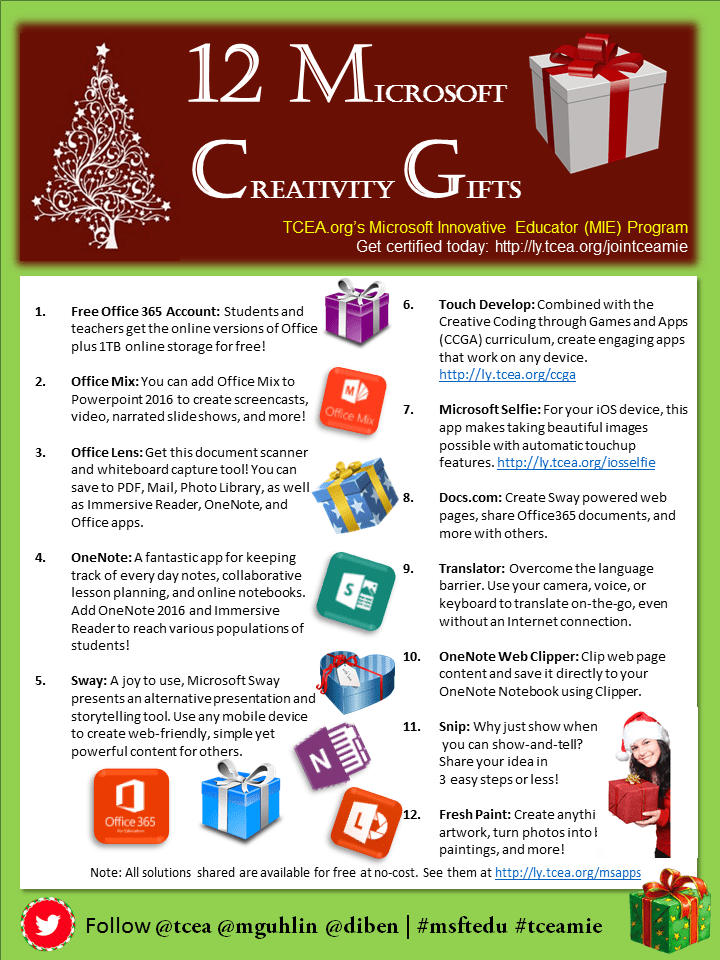
Microsoft has gifted us with 12 wonderful creativity presents that are perfect for extending learning in the classroom. Be sure to unwrap these gifts today!
How can you create a community for learners to share their triumphs and tragedies and get support from their peers? This blog provides an example.
Using the great program OneNote as a blog platform can be a little problematic. But there are ways around the difficulties. Find them here.

Are your students bored by your handouts? Try some new fonts in Windows or Google Docs to spice things up and keep their interest.
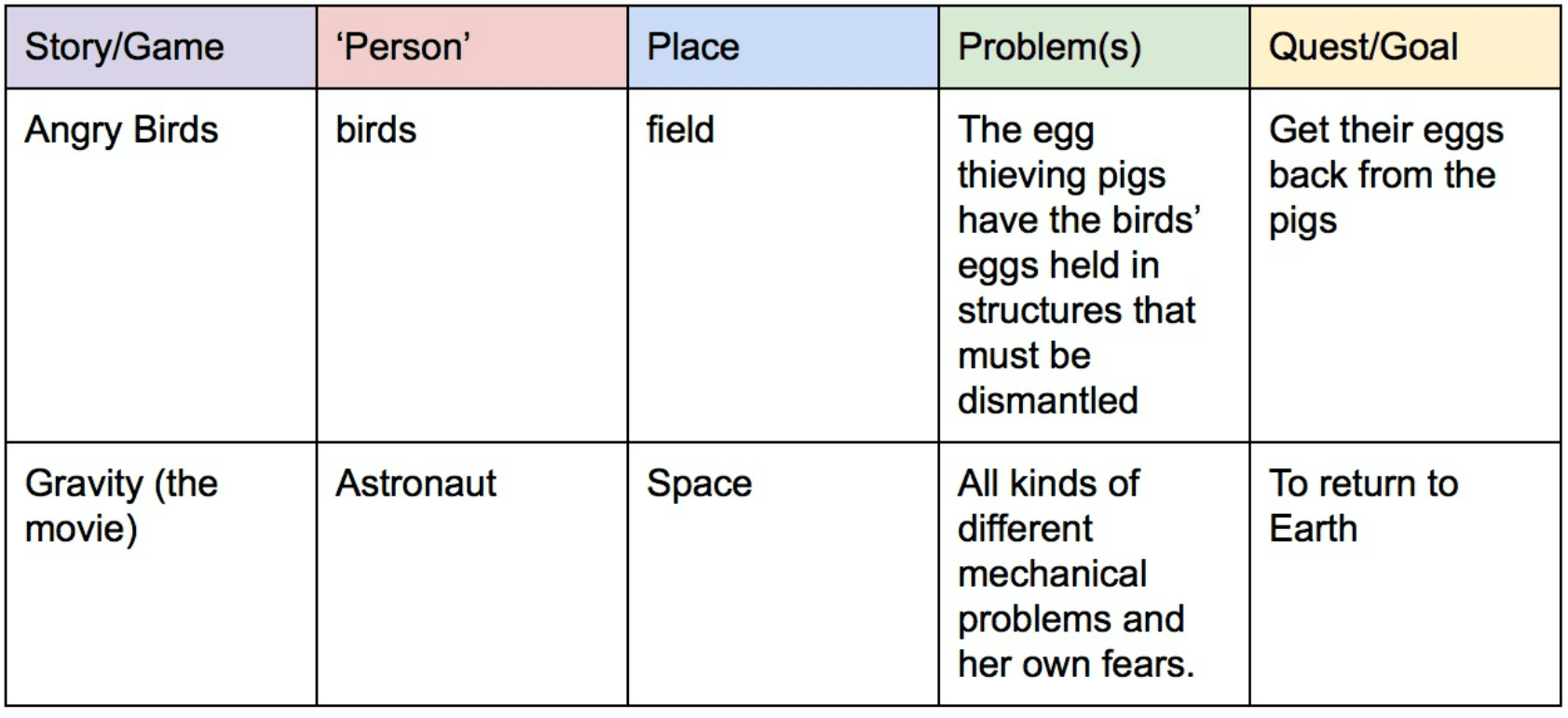
Learn how you can amplify student creativity using Microsoft's Minecraft: Education Edition, fairy tales, and real-life problems.
In the near future, there will be 1.4 million programming jobs available. But only about 400,000 people to fill them. Let's help our students and children get ready for the future. One way to do that is Hour of Code...
Have you explored OneNote Class Notebook yet? OneNote Class Notebook works with over 35 different learning management systems (LMSs ), including a few popular ones like Google Classroom, Edmodo, and Canvas! If you have...
Looking for a way to engage students with video and video creation? The Apple iPad's rich ecology of video editing apps empowers students to be directors of fantasy and science-fiction flicks by using special effects...
Humor can be tough for ESL/ELL students. It's a difficult concept to begin with, and adding a new vocabulary to the mix just makes it harder. Playing with words, however, gets positive results ( Azizinezhad, 2011 )...
How can we get past superficial technology use in our classrooms? When I envision changing what is happening in the classroom, some of the transformations I'd like to see include the following: Problem-Based Learning...
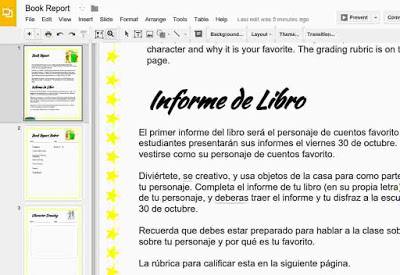
Did you know that the Texas TEKS ( §128.14. Spanish Language Arts and Reading, Grade 3 ) require students to learn all about adding accent marks to words in Spanish? Here are some of the expectations for students: Write...
By 2020, the Internet of Things will include approximately two billion objects. Each of those devices will need to be told what to do through programming. Who better to do the job than our own Texas students? The...
Do educators believe that practice makes perfect? Do you believe that English language learners' brains work like muscles that, if properly exercised, will become more adept at the tasks they are set? These questions...
Dream more, learn more, inspire more. These aspirations define leadership. And for the Technology Education Coordinators Special Interest Group (TEC-SIG), these words have power. Register for TEC-SIG's next meeting on...
As we all have discovered by now, Chromebooks can be an amazing tool for students of all ages. But to make sure that they help kids learn what they need to, take a look at these best practices. Best Practice #1 -...
Microsoft continues to delight educators with updates and changes to its suite of learner-centered offerings. TCEA makes it possible for you to learn how to use these tools ( watch the MS Classroom: Explore! video...
Thank you for listening to the TCEA TechNotes Podcast #4: Problem-Solving Makerspace, Part 1 . In the first portion of the podcast, we'll be listening to two makers from McKinney ISD. One of my favorite take-aways is...
"How many of you have a Twitter account?" I asked a recent workshop audience. Only a few hands went up. That made me sad. I find Twitter a powerful tool for daily professional development. Twitter-ize your learning with...
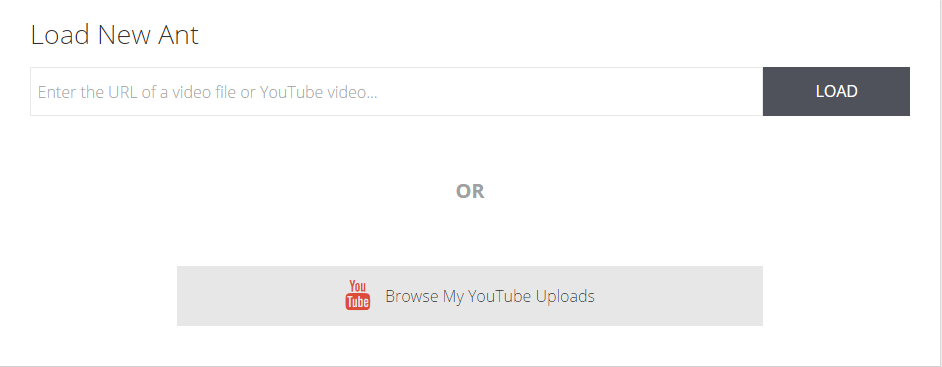
Are you an educator fascinated with creating videos that feature great content, are available on popular media sites (e.g. YouTube, Vimeo), and feature YOU as the chief learning strategist and interpreter? Did you know...
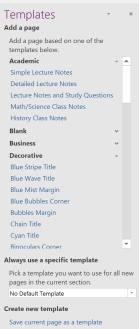
If you're a fan of OneNote, then you'll want to add these templates and tips to your collection to make it even stronger and more personalized.
"All the education in the world is worthless," wrote an 18-year-old blogger for A Boundless World , "if you never unlock what makes your heart beat." He asserts that passion, determination, and a positive attitude equal...
Ready to find out more about safeguarding sensitive data? In this second part of our cybersecurity series, we will continue exploring the different aspects of safeguarding your data. (In case you missed it, you can...
"What level of cognitive complexity are students operating at," asks Dr. Chris Moersch, "when using technology in the classroom?" Technology, asserts Dr. Moersch, needs to be used to think and reason. "It doesn't matter...
“People are living in an unprecedented condition,” shares the 2014 Pew Research Report on The Future of Privacy , “of ubiquitous surveillance.” And, although we are now in 2016, did you know that 2014 was known as the...
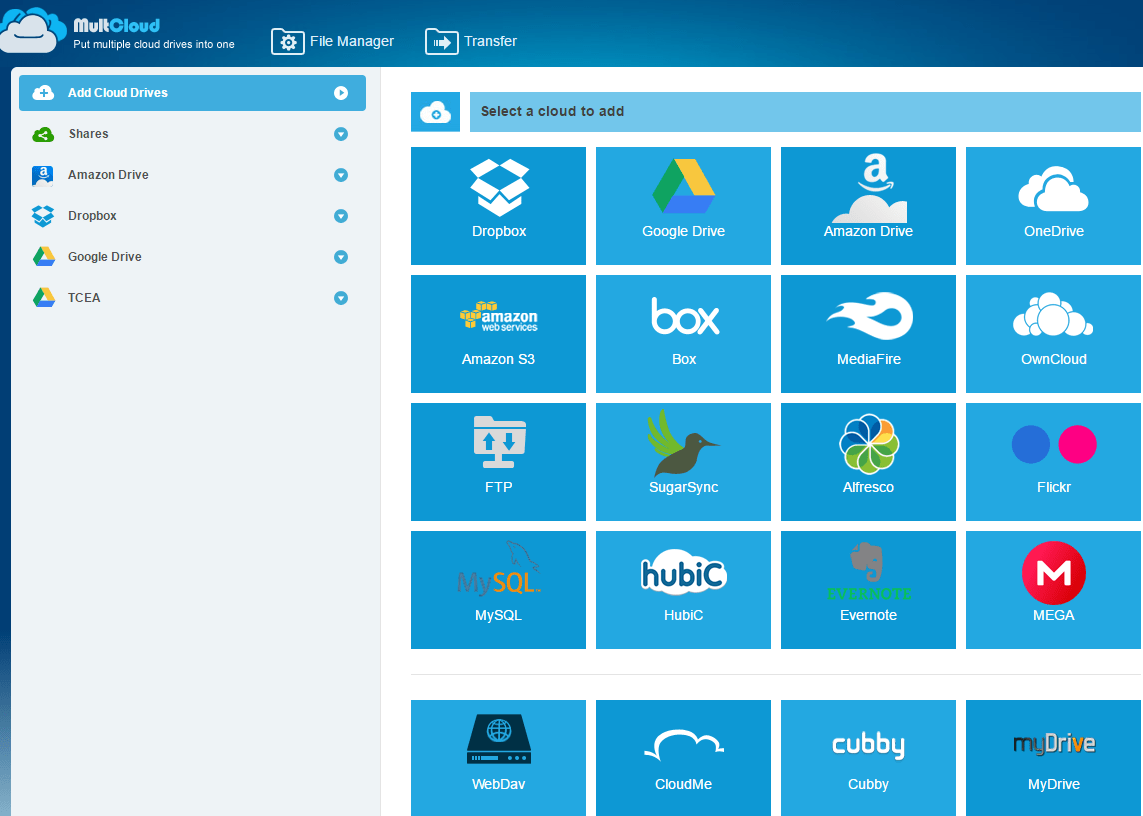
Backing up your Google Drive can be challenging. Although you can save files one by one or in bulk to your computer, there are better ways, especially if you would like to backup from a Google Apps account to a personal...
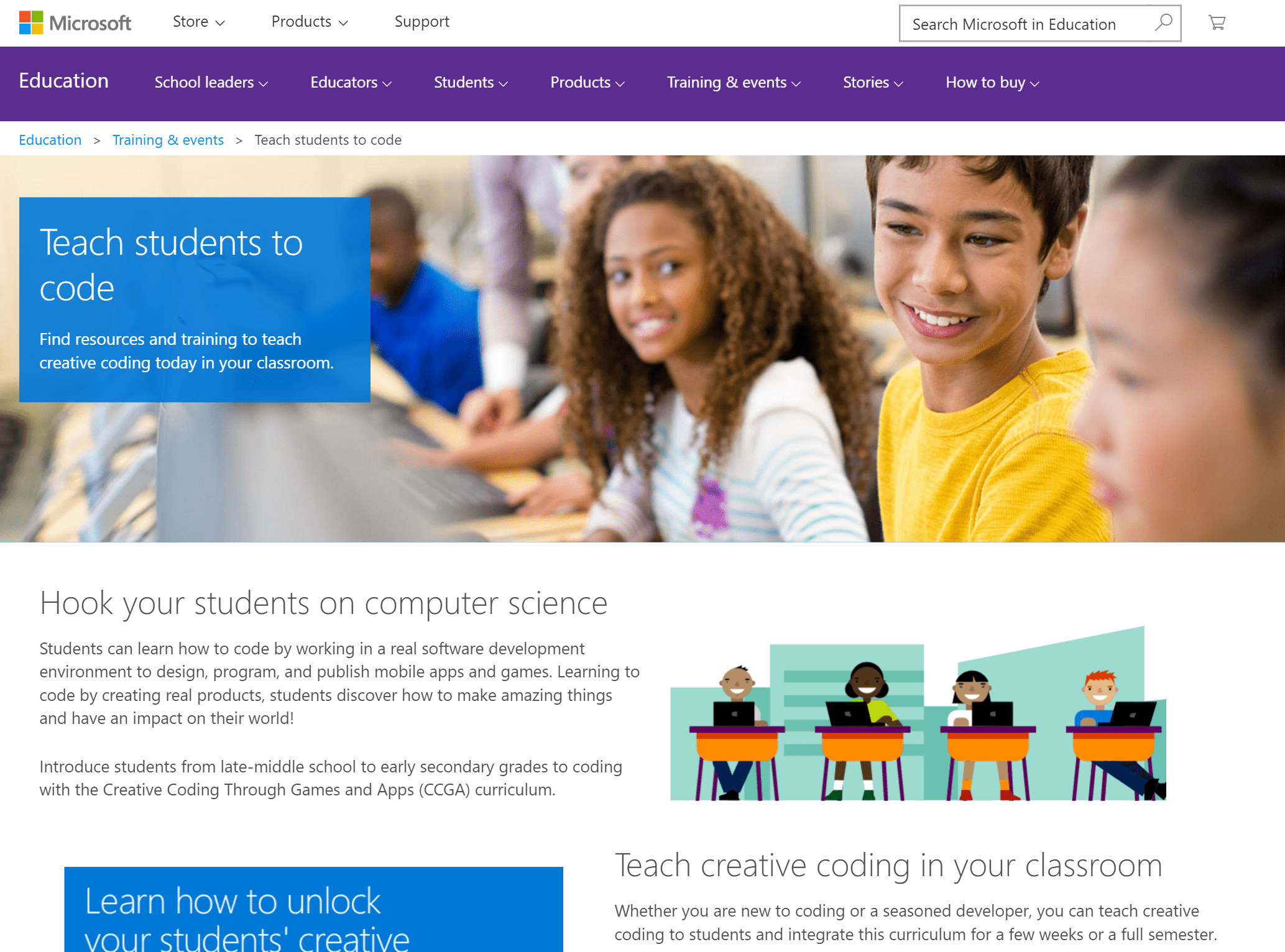
Looking for an easy way to get your students coding without knowing a lot yourself? Learn about a free curriculum for any device and get started today.

While learning management systems (LMS) of yesteryear (e.g. Moodle, Blackboard, Sakai) remain powerhouses of centralized control for educators, most of the teachers I speak to are no longer interested. It's as if they...

“How can I connect OneNote Class Notebook assignments to Microsoft Classroom Assignment grades?” What a fantastic question to have pop up in the no-cost TCEA Microsoft Innovative Educator (MIE) session I facilitated in...
Protecting your computer and your data is getting harder and harder to do today with all of the malware attacks that can happen. Learn how to keep your district information safe with these easy tips, along with...
When crafting PBL units, planners often neglect to answer fundamental questions that can help them craft an engaging scenario or identify a situation. In this blog entry, we take the time to review four questions that...
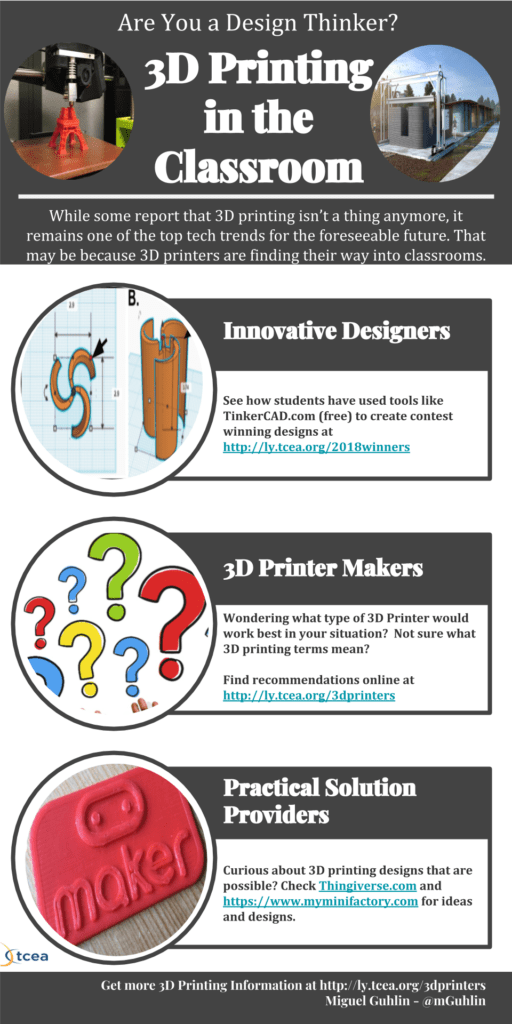
Curious about 3D printing, but not sure how to get started? Read this short primer answering FAQs about 3D printing. I also include a short glossary of terms to get you up to speed quickly.
Check out these step-by-step directions for creating an amazing and crowd-gathering animated book display for your library. Show off new resources or highlight a special collection of books.

Need a quick reminder of the tools available for flipped learning? Come along for a quick review of practical suggestions for creating flipped lessons for K-12 and adult learners. Also features a podcast with a high...
3D printing is quickly finding its way into people's homes. For those of us who cannot yet afford 3D printers, however, there is no reason we can't enable our children to design in 3D using their mobile devices and a...
Looking for an easy way to manage new ideas and information you find on the web? Content curation tips abound in this blog entry that addresses the fundamental problem with content curation.
In this final installment of the blog series Solving Wicked Problems, you will learn about the dreadnought approach for asking for technology funding and resources: the standard proposal. If you have to ask for money...
The superintendent looks at you and says, "Have a one-pager for me on this." While the one-pager's components differ from one district to another, the essential elements remain the same. The executive summary can leap...
How do you get things done in your school district? What happens when you encounter wicked technology problems? Read this blog entry, part one of a three-part series, on how to engage administration and leaders who...
Do you welcome real-life problems as opportunities to apply your Google Apps for Education technology skills? Exploring how to solve problems using Google tools like Sites, Forms, and Sheets can make work fun and...
The world's about to get a little better. Augmented and virtual reality are now beginning to intersect with the physical world, and our students must learn how to navigate and use these new tools.
Explore three characteristics of makers! Find out why a "maker attitude" is important when technology, crafts, and engineering intersect.
Google Sheets brings a host of powerful features to users. But you can enhance Google Sheets with a variety of add-ons that automate the repetitive tasks spreadsheets have, including enhancing styles, splitting names...
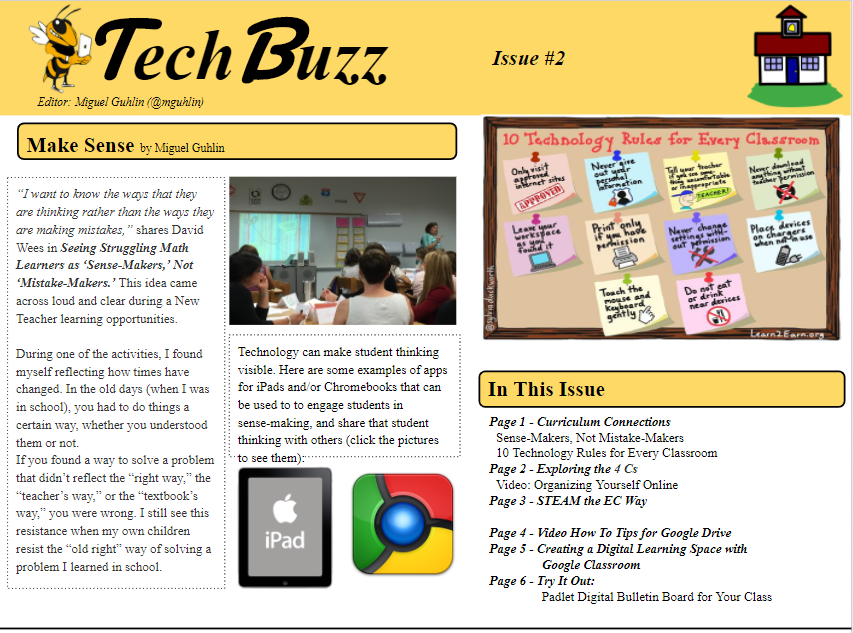
Want your classroom/campus newsletter to be read and acted upon? Here are eight great ways you can ensure that everyone's reading what you write.
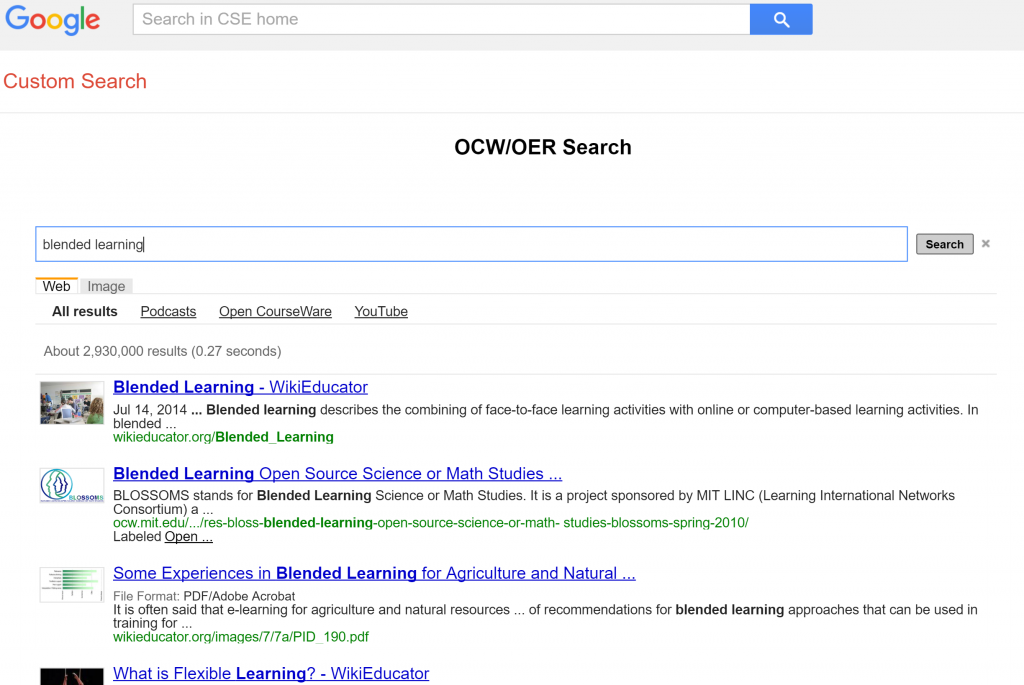
Open educational resources are the boon and bane of school systems. OER portals and search tools provide quick access to educational resources that can be adapted for use in schools. Yet, easy access to OER content also...
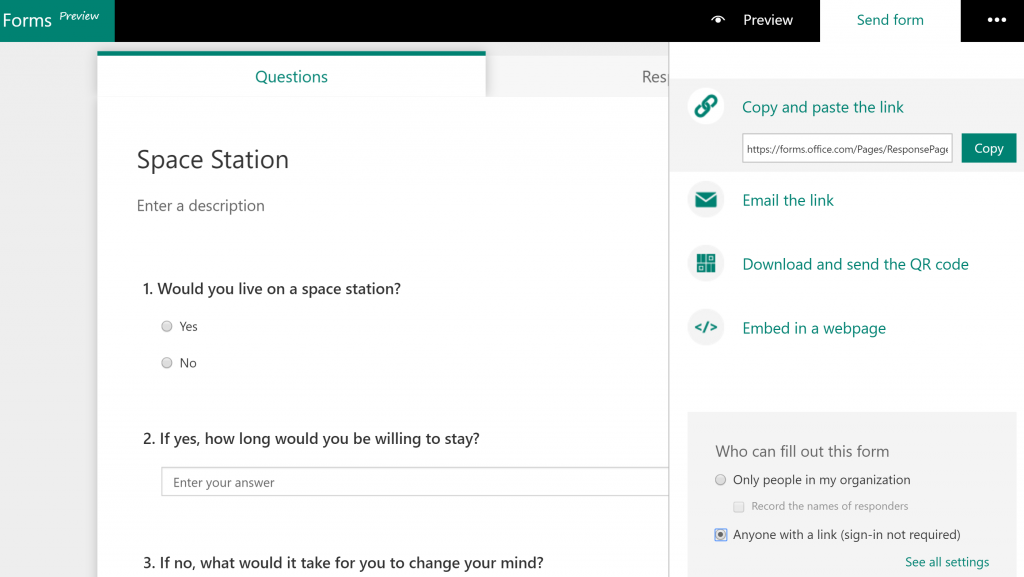
Want to know how to blend technology into teaching and learning with Microsoft Office 365? Then take these five steps now to get ready for a year of learning!
Want to know how to blend technology into teaching and learning with Microsoft Office 365? Then take these five steps now to get ready for a year of learning!
Curious about how Texas educators are using Office 365 products in schools? Listen to TCEA member April Wagner from La Vega ISD share her insights on professional development with teachers, Microsoft OneNote, and more...
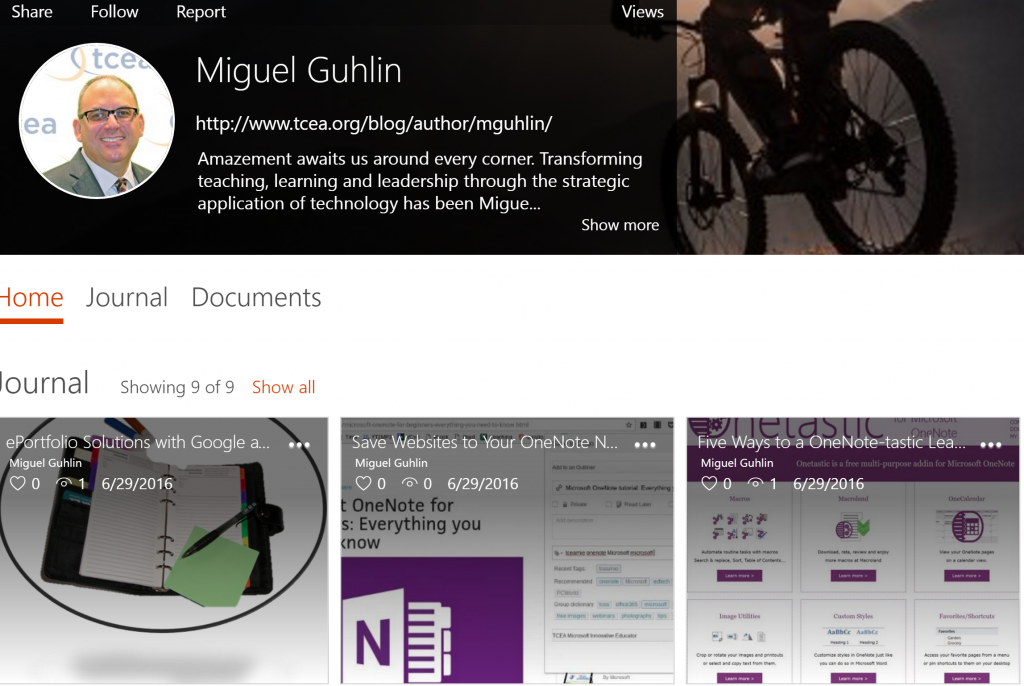
Ever on the hunt for new ways to interact with material? Consider these Microsoft tools that work well on modern Windows 10 computers. Five tools for you to consider and a sixth tip for you to get free access to...
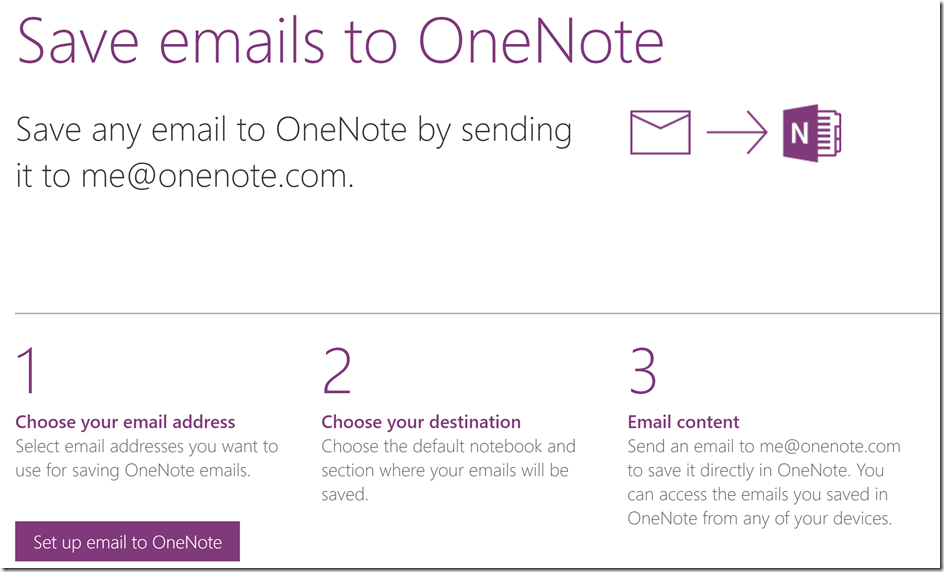
Wondering how to quickly save content to OneNote from a variety of applications on your mobile devices? Email them to your OneNote Notebook and specify the Notebook you want them to appear in! Achieve Inbox Zero and...
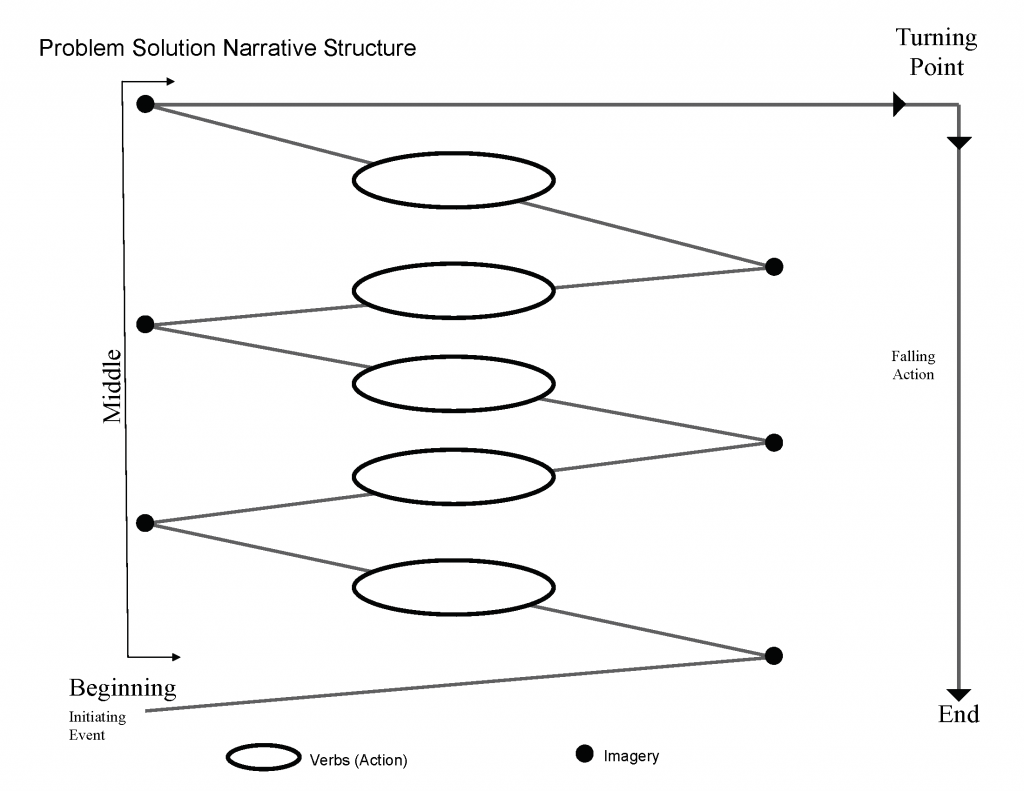
One of the most powerful ways for humans to work together is through the telling of stories that have meaning. What stories do your students need to tell in order to connect? Learn how to empower their voices in this...
Learning opportunities abound, but what steps can you take to authentically empower teachers, administrators, and leaders in K-12 schools? In this blog entry, we explore three powerful strategies you can put into...
Need an easy way to empower students with devices to turn in their work when it's done rather than when you can accept it? Look no further than the Seesaw digital portfolio solution.
You may be familiar with the concept of ePortfolios with Google Sites, but wouldn't it be amazing to listen to someone who's already supported students in creating a digital portfolio? Listen to Yvonne Clark (Henderson...
Catch up on some of the latest learning for elementary educators with these short "voxercasts" from the Tots conference in Galveston. Lots of great ideas are shared!
TCEA recently launched the Microsoft Innovative Educator (MIE) initiative in Texas, and will be providing professional learning around the state. Join us for the first of several SkypeChats on how to enhance teaching...
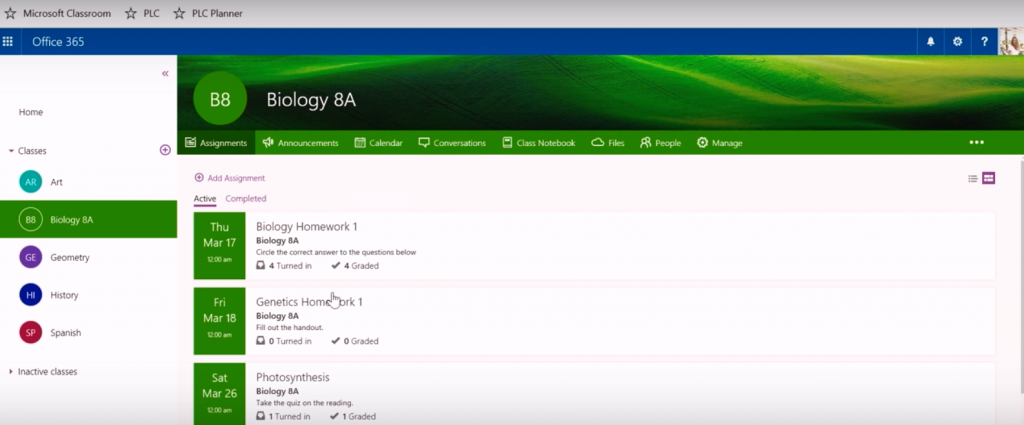
Are you as innovative as you could be? If you are a learner, teacher, leader, or innovator, sign up for the no-cost TCEA Microsoft Innovative Educator (MIE) one-day academies taking place all over Texas! Find out how to...
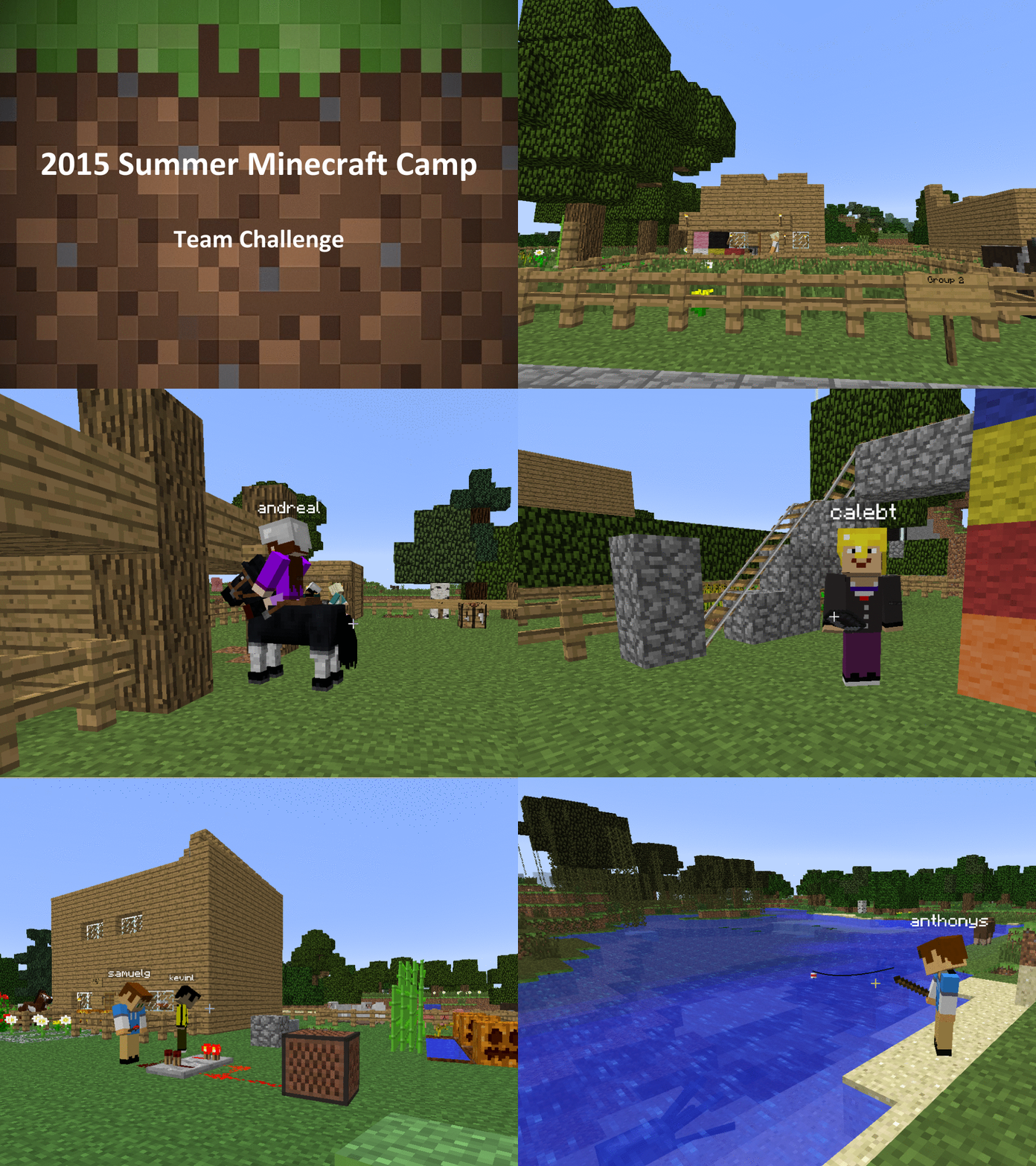
Take advantage of this fast bargain as Microsoft gives a special version of Minecraft Education away to districts for free! Now your students can gamify their learning.
Transmediation can begin with something as simple as a photo or an image. Hyper-connected students have access to an abundance of images. In this second installment of The Transmediated Learner, we explore how photos...
Current technologies are ubiquitous, powerful, and enable students to create a way of living that forces variability and change in classrooms. How are educators seizing these movements of creativity, shedding our own...
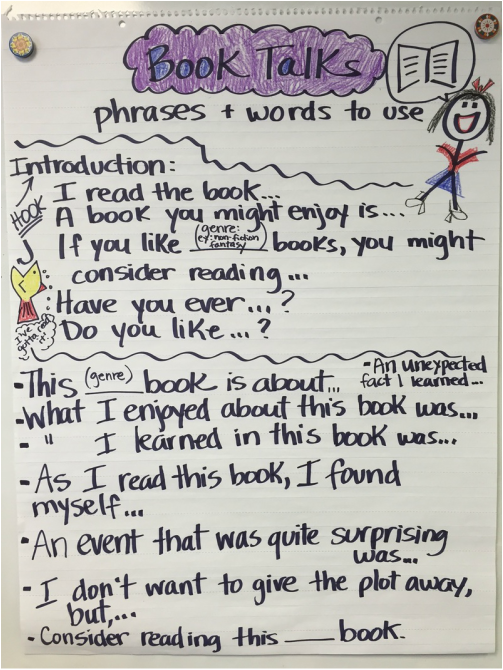
Looking for ways to connect new concepts to classroom activity? Consider digital anchor charts for English Language Learners, who are able to engage and learn from print media on the walls, as well as digital charts.
Want to get started with drones, but worried about running afoul of the law? You will want to listen to this introductory podcast on the topic. TCEA Champion and Sabine Pass ISD Director of Technology Mark Simmons will...
Looking for a way to galvanize classroom writers with digital notebooks? 86% of the reading we do in life is non-fiction. Why not combine proven ways to help student writers engage in content curation and writing?

Google's announcement that the Google Play Store with its Android apps will be available to some models of Chromebooks may be a game changer for education.
If you aren't taking advantage of green screen to add depth to project-based learning in your classroom, then you will want to read this primer on how to get started. In this entry, we take the direct route to...
iPads are creation engines for K-12 and adult learners. The problem is "How do you get all those creations off your iPad and some place others can access it?" This blog entry explores free apps and strategies that can...
Like a one-person pit crew, secretaries and support staff make the difference between success and failure for the school leaders they serve. The more the support staff know, the better they can ensure success for all...
Get your students and yourself reading more and creating your own ebooks with the great free apps and tools in this blog.
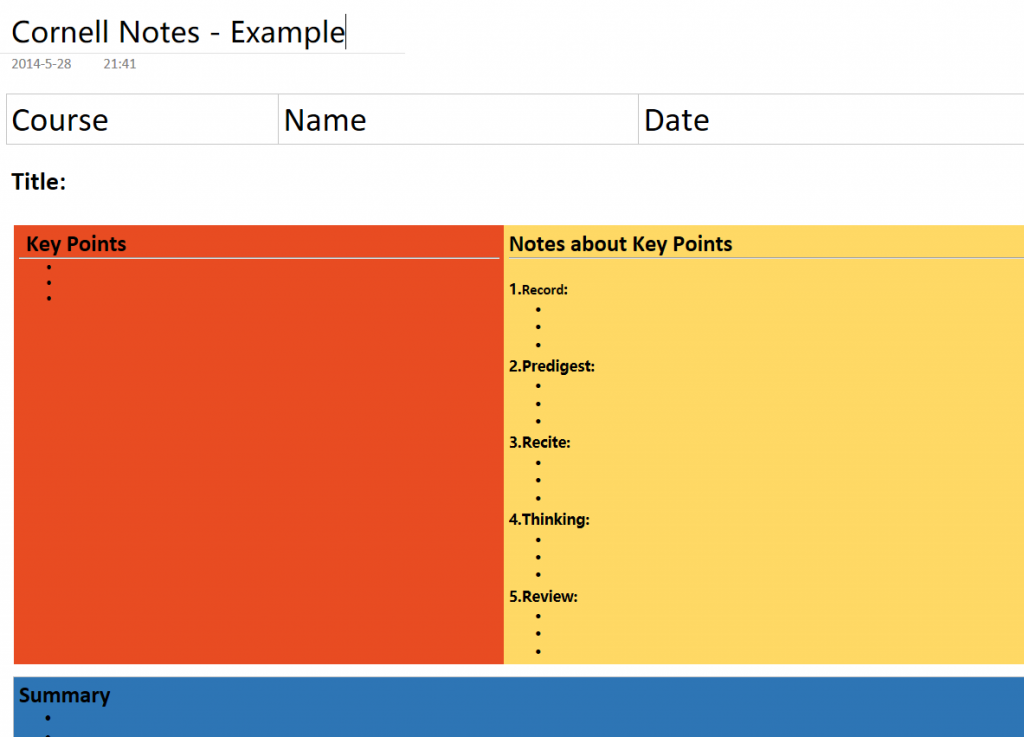
OneNote is an amazing and free resource provided by Microsoft. It can revolutionize how teachers share content and students share their learning in the classroom. Find out how to make it your own.
In this blog entry, you will discover fantastic apps in support of image editing and explore iPhoneography resources. And, you can also find great resources at The Library of Congress that serve as primary image sources...
Folks falling asleep during your webinars? Or maybe you've tried some awesome strategies to engage webinar participants, beyond the immediacy of presence, and you're looking for other approaches? This blog entry is for...
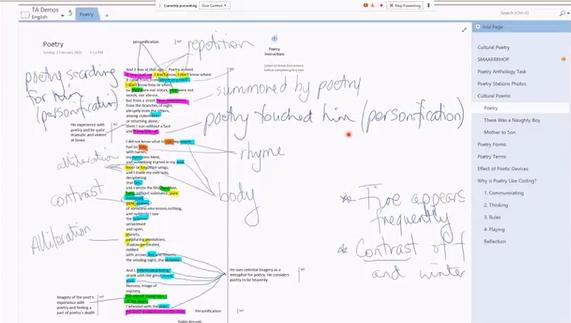
Powerful tools abound, but our students remain stuck with spiral notebooks and 3-ring binders to store their work. Isn't it about time we embraced digital tools that work on almost every device available, from Android...
Lesson planning remains a tool for teachers to use to make sure they are covering the required material. If you follow the 5E Model for planning and add technology to it, you end up with a very powerful way to bring the...
Want to join the cool kids with infographics that spellbind and inform, but afraid your art skills aren't up to snuff? Don't despair; read this blog entry for three strategies to create infographics with quick, free...
Learn how to quickly bookmark web-based resources with the Diigo for Education social bookmarking tool. Then use the IFTTT.com to place them as a resource in your OneNote notebook. What a fantastic way to save resources...
Teaching students how to think may be one of the most difficult tasks educators are charged with today. In order to be successful, we must first ensure that our own thinking processes are visible. Learn how technologies...
Learn ways to leverage technology so that students can collaboratively construct dynamic understandings of a second language and be more successful in the classroom.
The Internet of Things, comprised of connected physical objects, will reach 50 billion by 2020. This article explores five paths K-12 educators can follow to help their students become creators, managers, and...
Assessment can be tricky. From formalized assessments to informal insights into student learning, the iPad boasts a whole suite of fantastic tools that you can use to facilitate assessment. And we are not referring to...
In this brief entry, we'll share some instructional approaches for the use of Voxer, a no-cost, multi-device communication app for audio/video/text that is great for the classroom.
Another innovative Texas school district, Arp ISD, has been recognized for its leadership in helping students and staff embrace and fully utilize the digital world.
Today's schools are asking for digital signage: in the cafeteria, in the hallways, near the entrances. Digital signs can be a wonderful tool for getting your message out. But what's the best solution for providing them?...
Looking for powerful tools to enable critical skills like group-to-group creativity, collaboration, and sharing? Microsoft Office 365 provides educators with a powerful suite of tools that can be used to empower...
In this entry, you will find several ways to easily broadcast events like high school graduations, as well as other activities of interest, to remote viewers via the Internet.
Looking for another formative assessment tool or a way to add game elements to your classroom learning? Check out this new Web 2.0 resource.
Get to know the newest member of the TCEA team, Miguel Guhlin, and what he has to share with all of you.
Technology department staff often ask how they can better secure confidential data, especially in these days of hackers and leaks. One approach involves improving the data processes themselves. Another is to coach other...