

The Road to E2 #road2e2
Update: Be sure to check Flipgrid info at the bottom of this post for live video, as well as a link to the [Photo Album](
Update: Be sure to check Flipgrid info at the bottom of this post for live video, as well as a link to the [Photo Album](

Wait, you didn't know your favorite cloud service was down? While many of us rely on a negative experience to clue us in that our beloved cloud service is down, there are other app

Are you a Minecraft: Education Edition digital native? If so, do we have a treat for you! Take a look at [this new video series](

“How might you shape your space to foster creativity and learning for yourself and others?” asks University Innovation Fellows (@uifellows) via [th

“How might you shape your space to foster creativity and learning for yourself and others?” asks University Innovation Fellows (@uifellows) via [th


TCEA MEE Gameboa

IN DISTRICT INSTALL PROCESS 1. Go to and click on green "I'M AN EDUCATOR" button as shown
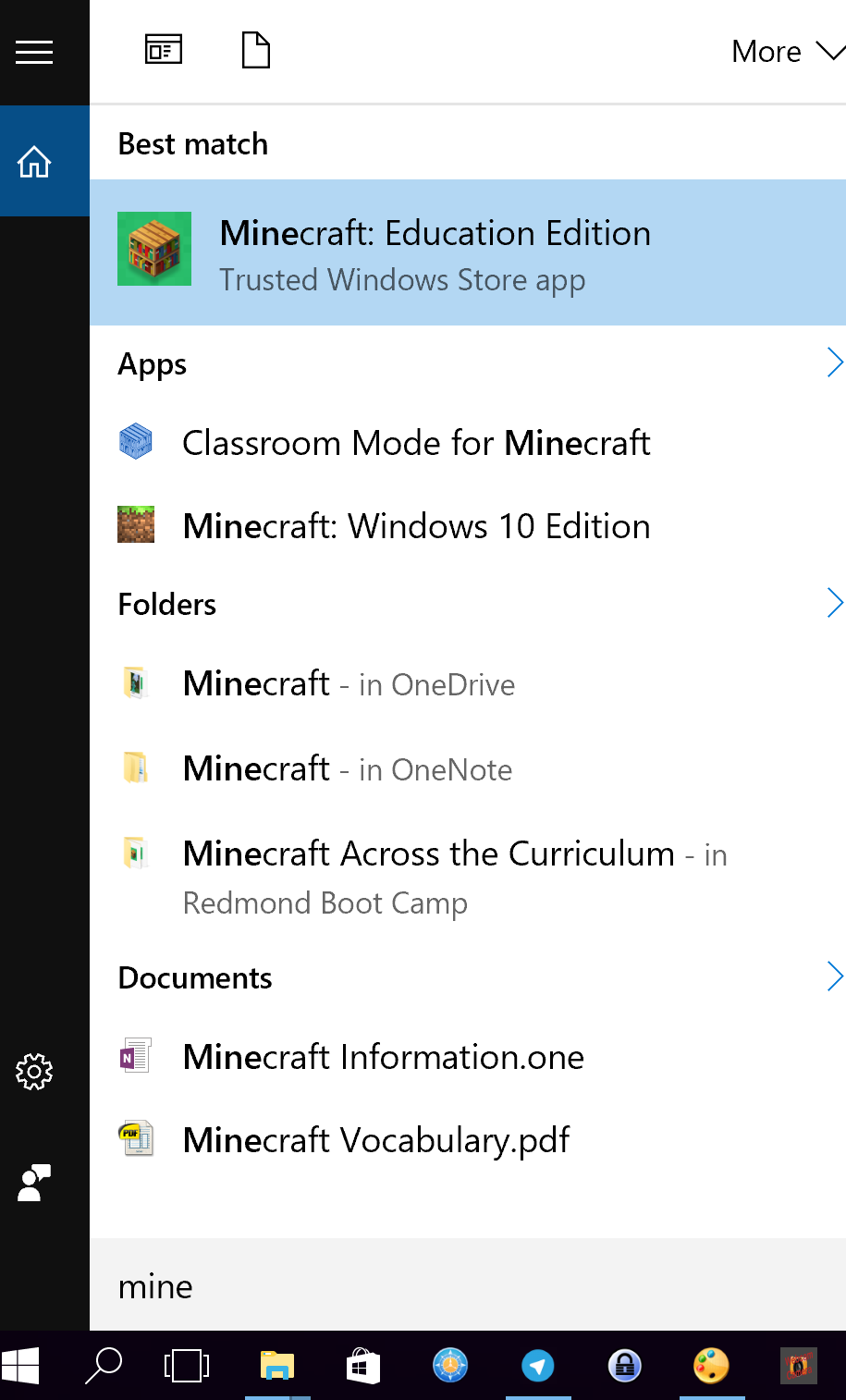
1. Start Minecraft: Education Edition by clicking on the magnifying glass or the search bar in the bottom left corner of Windows 10 installation and type in "Minecraft" to pull up

Blended learning, codi

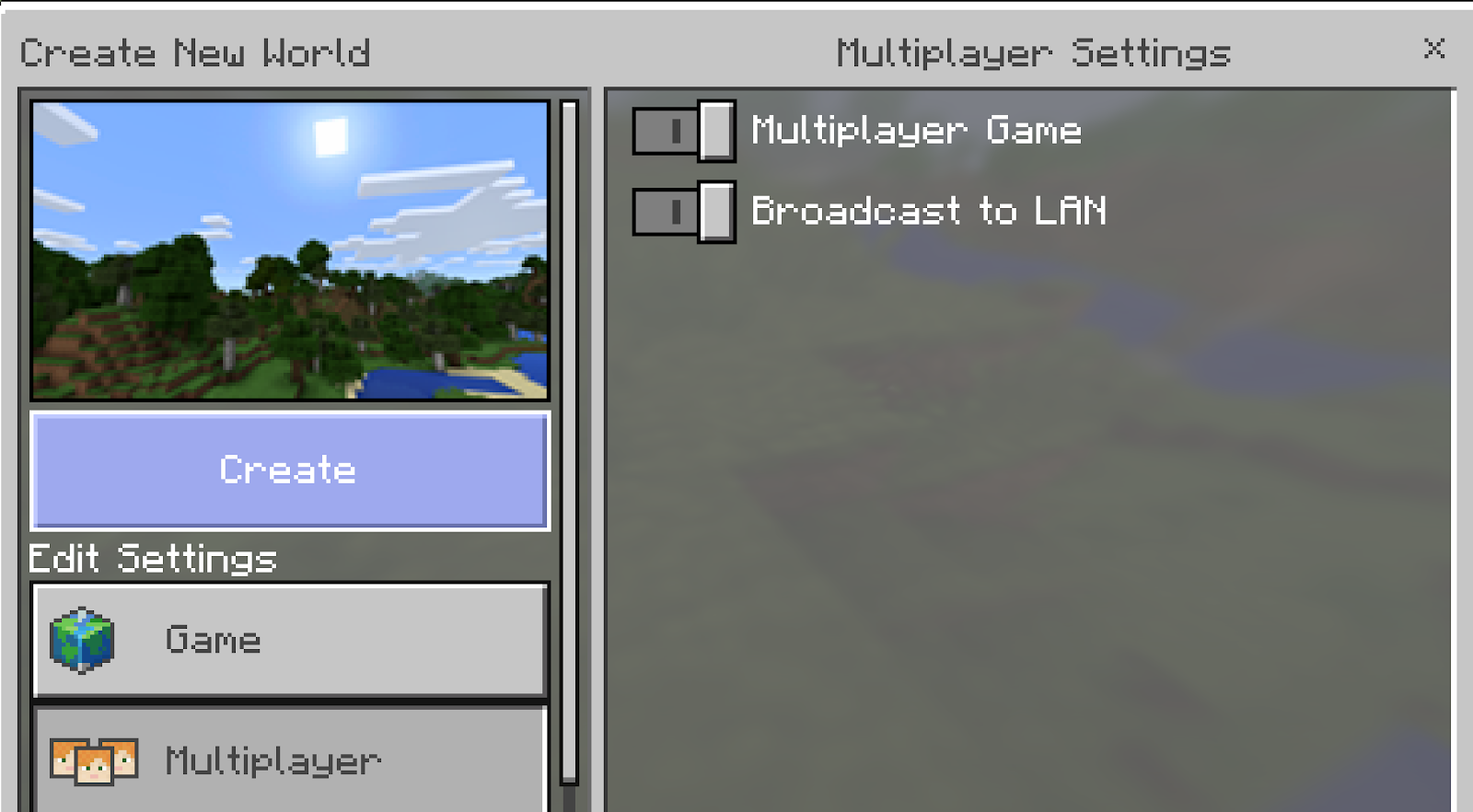
Overview The goal is to setup Classroom Mode so that you, as teacher, can take advantage of various controls to organize the world and people there. What You Will Need A dedica

Note: This blog entry origin

MS Minecraft Certified Trainer badge Readi

