
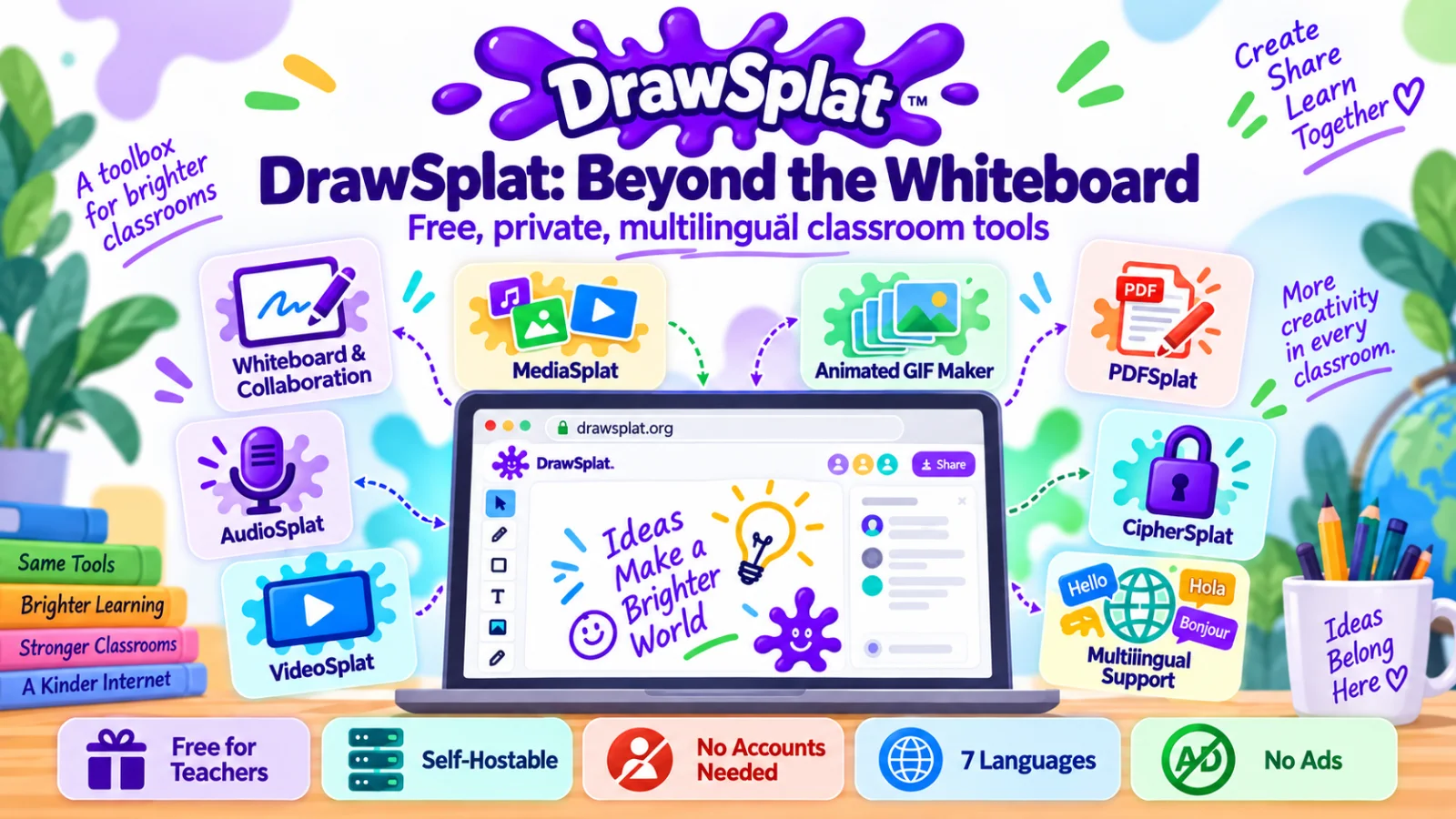
The short version
Dig into DrawSplat.org, an amazing collection of tools and solutions usable in K-12 classrooms.
At a recent conference, I had the chance to unveil a project I’d been working on since May as a side-project. It started as a way to capture the idea of “instructional rasquachismo” (see a 15-minute version of my preso). The work wasn’t my main focus at the time, a weekend and evening project, but as I worked to make tools I could and would use in a classroom, I realized that I’d gone a long way past the idea of having an interactive whiteboard tool that works in your browser.
Reviewing a Few Facts
Some quick facts that are worth revisiting:
- DrawSplat.org is totally FREE for individual teacher/classroom use. I only ask for “Buy me a coffee” type donations, mostly to offset the DrawSplat domain name and, if enough donations come in, to possibly pay for database-backed website (not available due to it costs money).
- Schools can set up DrawSplat, either the whole thing or individual components, on their own servers for self-hosting. To be blunt, this is pretty incredible. I definitely would have seen this as super cool as a tech director.
- DrawSplat does NOT collect any personal data and students/staff do NOT need an account. Again, pretty amazing and makes it perfect for Texas Data Privacy Agreements, SCOPE, COPPA, FERPA, etc.
- DrawSplat has been run through the wringer by multiple Gen AI tools for security. However, it would be nice to have a full-blown coder to go through it (at no cost, of course).
- DrawSplat is multilingual. That’s right, it support seven different languages with its language switcher. If you work in a bilingual/ESL classroom, you now have tools in various languages…that’s something I would have died to have when working in my third, fifth, sixth grade, and high school, classroom learning situations.
- No advertising anywhere. That’s right, you can make an animated GIF, record or edit video/audio, add captions (SRT/VTT) to video and burn it in, no advertisements anywhere.
Wait, Did You Get It All Covered?
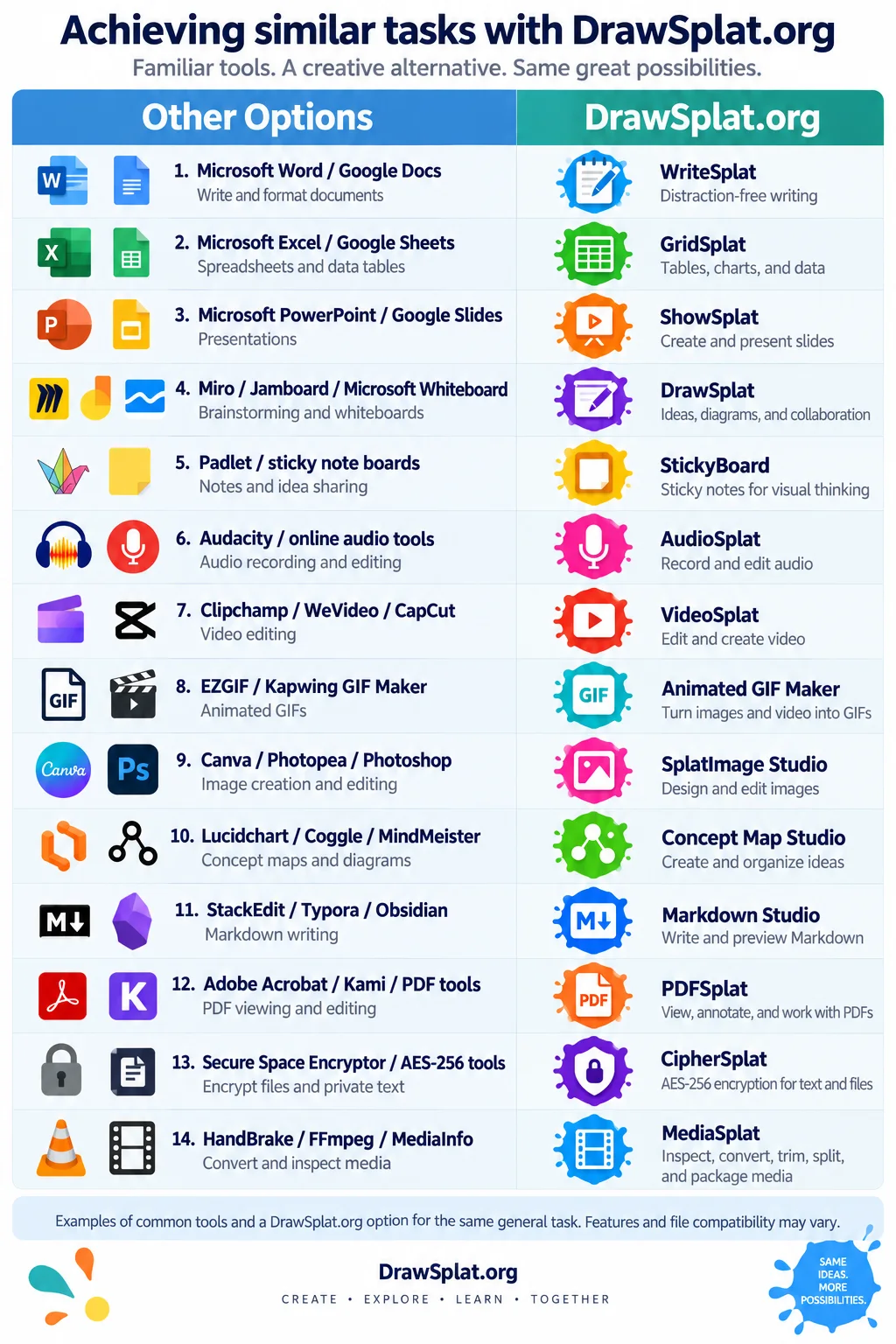
The realization that I had crossed the line? Well, it came as a result of seeing one of those infographics (like the one below). Proprietary tools on the left, free, open source tools on the right. Then it was like, “Whoa, DrawSplat has most or all of those covered.”
My Favorites
What are MY favorite tools? Funny enough, the whiteboard that works like JamBoard that started me down this road isn’t my favorite tool. Instead, my favorites are the tools I use every day:
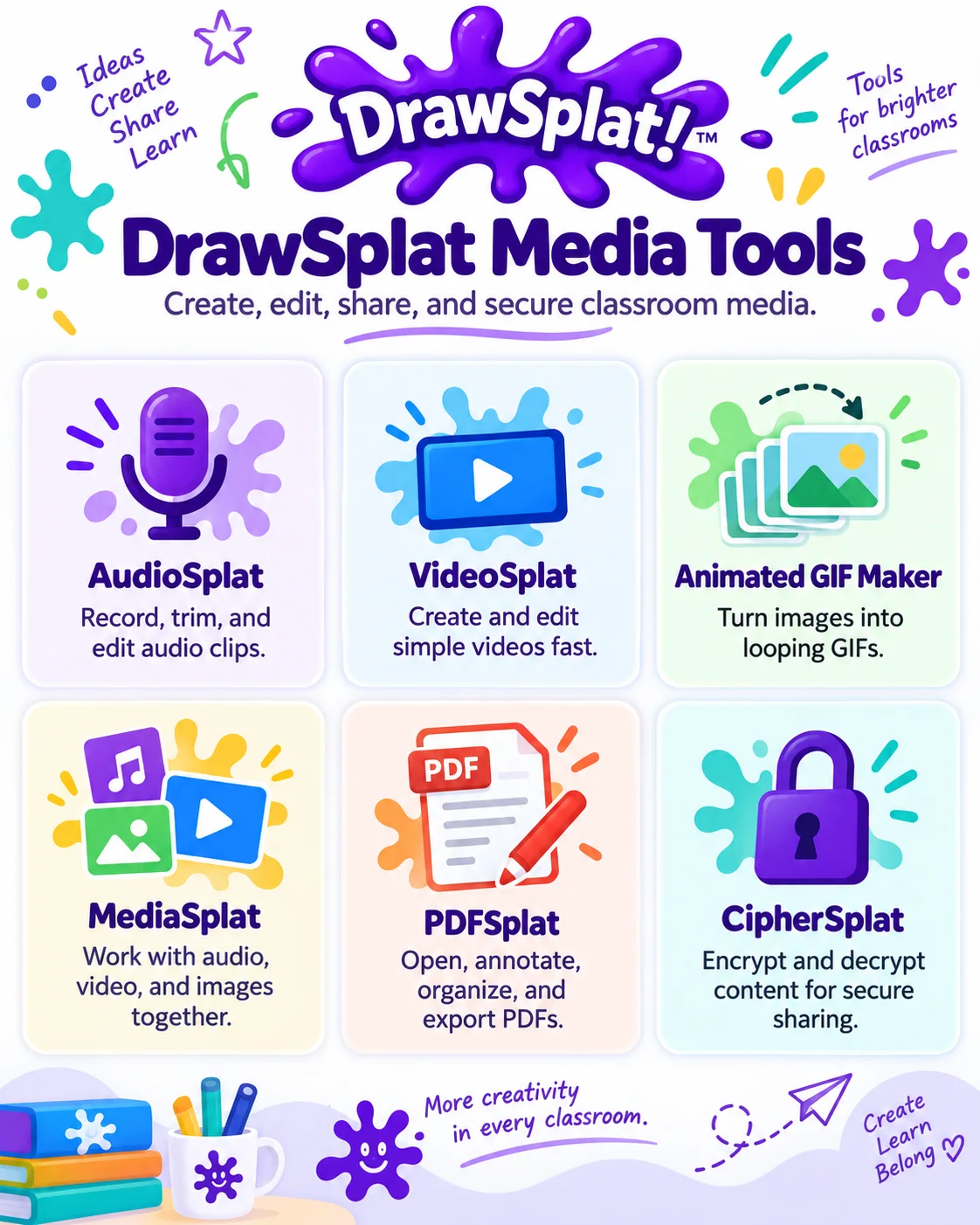
While the MediaTools are great, I also like **Create Tools**.
What are your favorites?