
Vibe Coding for Educators
Vibe coding helps educators turn classroom and workflow ideas into usable tools, as long as privacy, accessibility, and maintenance stay visible.
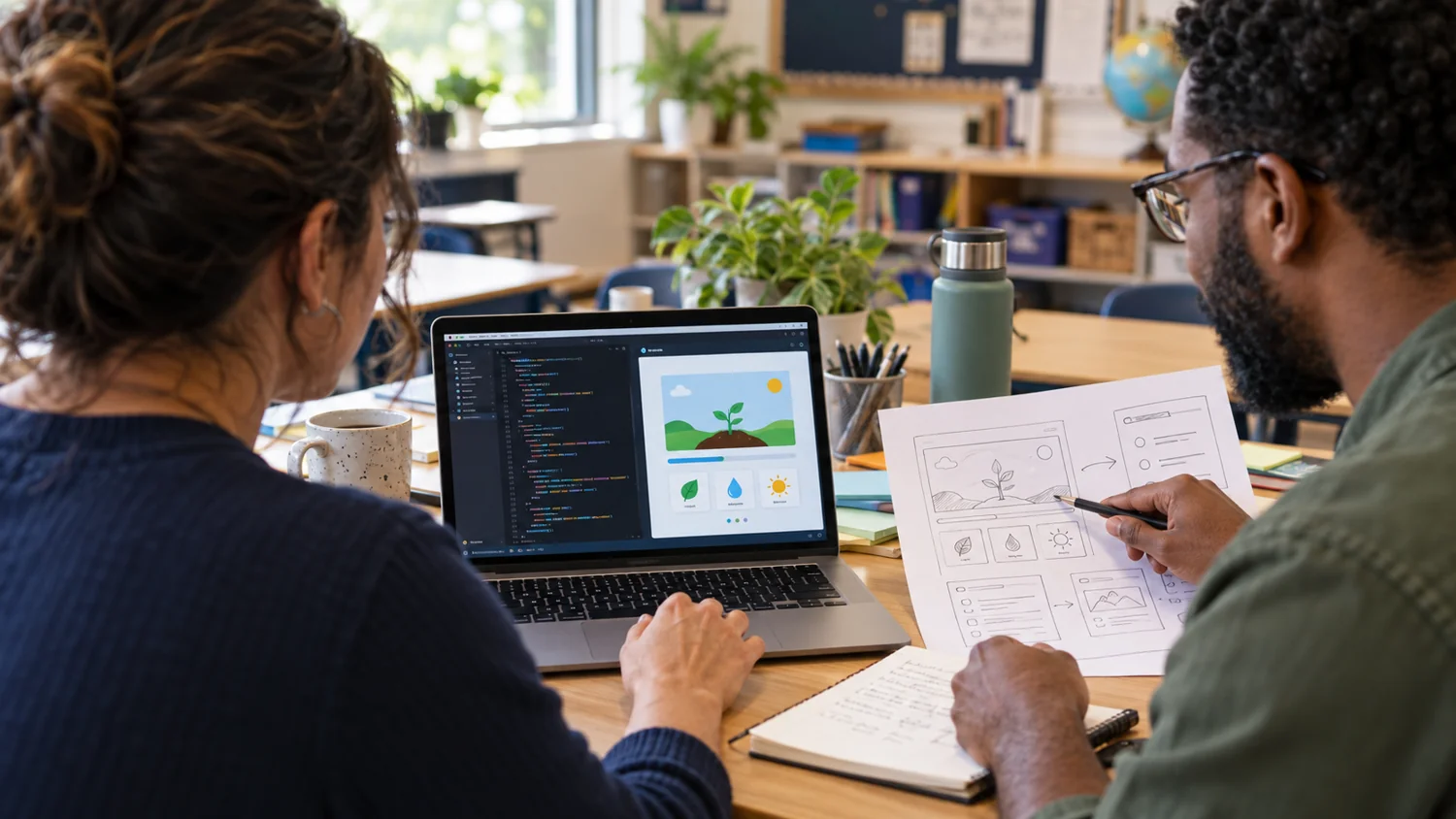
Vibe coding for educators is about turning an idea into a working tool quickly enough to test whether it helps. Miguel writes about these experiments because many school problems are small, specific, and poorly served by generic software. A custom timer, rubric builder, image tool, prompt helper, or classroom activity can sometimes be more useful than a large platform.
This hub gathers posts about Codex workflows, DrawSplat tools, GitHub-backed publishing, editor experiments, and educator-created utilities. The emphasis is on practical usefulness rather than novelty.
Miguel’s perspective is that educators can build more than they may think, but the work still needs discipline. Privacy, accessibility, versioning, maintainability, and clear classroom purpose matter. A fast prototype is only valuable if it can be trusted in use.
Important terms include vibe coding, agentic coding, static sites, local-first tools, privacy-first design, GitHub workflows, and classroom utility.
Build a small tool around a real need
Start with a specific classroom or workflow problem. Use the project collection for examples, then review privacy, accessibility, reliability, and maintenance before relying on a prototype.
- Tools You Make With Vibe Coding and AI: Follow a standalone client-notes example and its limitations.
- My Vibe-Coding Projects: Explore the current collection of educator-created tools.
- Free Media Content and Tools: Find browser tools for common media and presentation tasks.
Related Projects
Start Here
- Tools You Make With Vibe Coding and AI: Follow a standalone client-notes example and its limitations.
- My Vibe-Coding Projects: Explore the current collection of educator-created tools.
- Free Media Content and Tools: Find browser tools for common media and presentation tasks.
Recent Writing
- Gemini Notebook Case Study: Copyright Violation or Innovative Use?
- Infographic: Personal AI Agents Toolbox
- Vibe-Coding a Self-Hosted LMS with Courses
- Classroom-Friendly, Browser-Based Alternative Tools to Proprietary Software
- AudioSplat Recorder and Sound Editor
- Making the Impossible Work with Vibe-Coded Solutions
- Hands-On: Student Learning in the AI era
- Tools to Work Smarter, Not Harder
- WebDeck Maker Instructions: Make Your Own Slide Deck with AI
- Five New Digital Math Tools for PreKinder and Kinder
- The Prompt Library: Reusable AI Prompts for Educators
- Seven Questions Your Nonprofit Should Be Afraid to Ask This Summer, Part 2
Questions People Ask
What makes vibe coding useful for educators?
It lets educators prototype tools around real classroom and workflow needs without waiting for a vendor roadmap.
What can go wrong?
A tool can be brittle, inaccessible, hard to maintain, or unsafe with student data if those requirements are not part of the build.
What should I check before sharing a prototype?
Check the result against its intended task, test keyboard and mobile use, identify where data is stored, and decide how you will maintain it. A working demonstration alone is not enough for sensitive student information.
Last reviewed: