
The short version
Join me as I dig into ChatGPT's Dot. Right now, it's preliminary view.
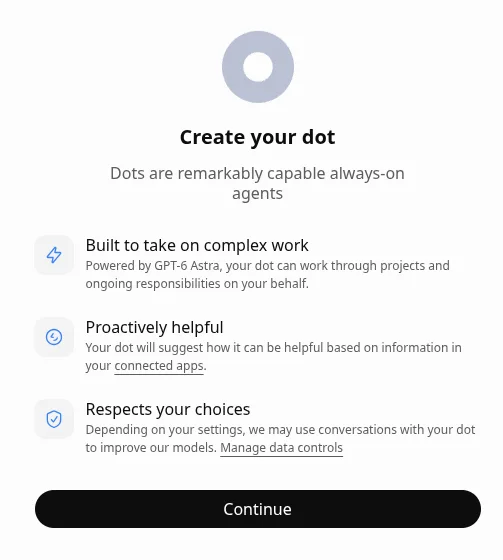
As I mentioned in a previous blog entry, Gen AI tools are changing fast. Dot, as you can see from the image above, just arrived on my ChatGPT Pro account. This opening screen reminds me a little of a thin client, with its mention that it has its own computer to use that is accessible through my own:
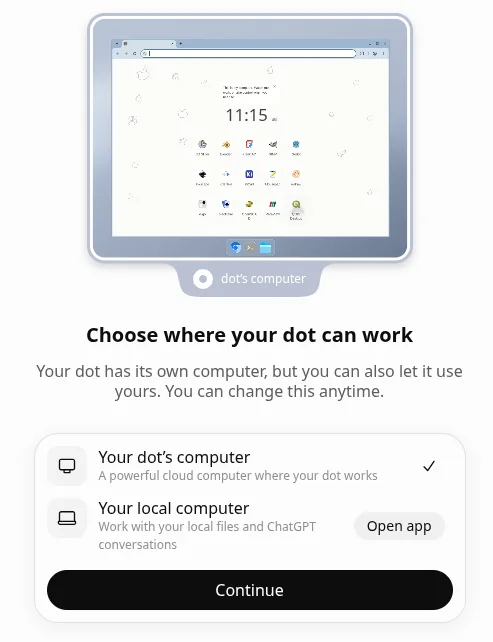
Make Dot “Your Own”
You can also customize your Dot and give it a name, change its appearance:
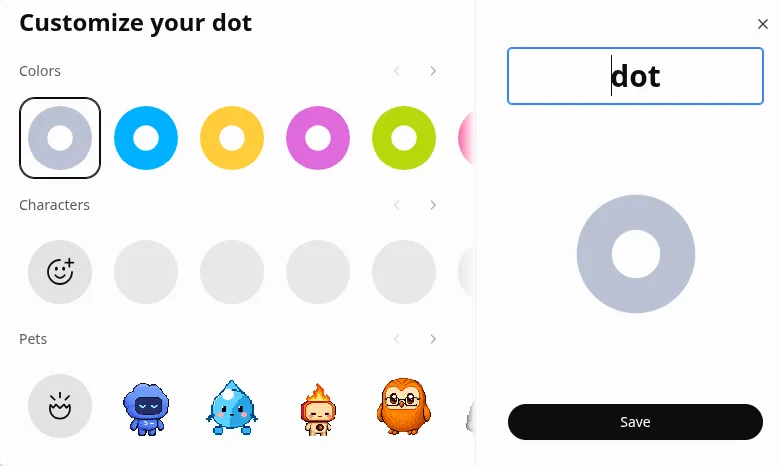
I called the Dot “Fred” and chose the frog icon. It reminds me a little of Frogger.
Offering to Help
Dot also offers assistance on current projects I’ve worked on in the past, such as Sapiqo LMS:
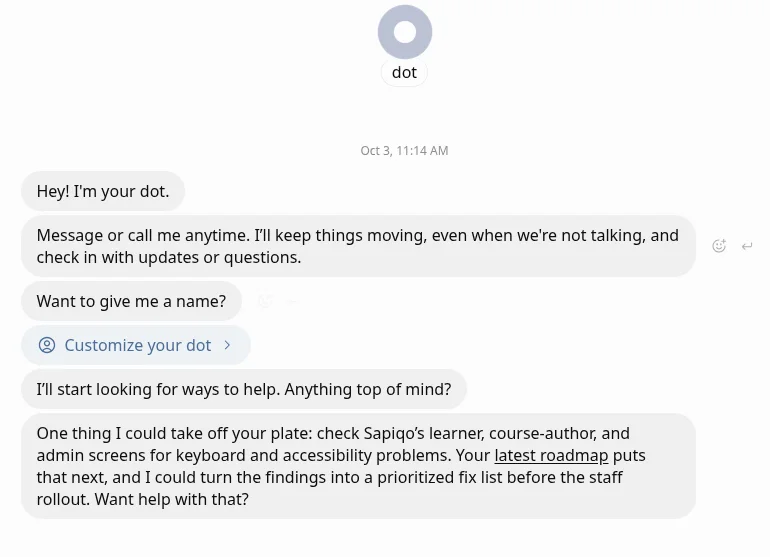
As to what else it can do:
A dot is a personal AI assistant that can:
- Research topics, verify facts, and summarize information with sources.
- Write and edit emails, articles, plans, and other content.
- Create images, presentations, documents, PDFs, and spreadsheets.
- Build websites and apps, review code, and troubleshoot problems.
- Work with connected email, calendars, files, and other apps.
- Help plan trips, compare products, and arrange everyday tasks.
- Set reminders and deliver scheduled updates.
- Keep multi-step projects moving and bring back results or questions.
- Remember useful preferences and context for future conversations.
Available features depend on connected tools and permissions. Sensitive actions may require approval or your direct involvement.
I can also access these types of conversations on my phone. I’ll have to see how this is ANY different from Cowork, Codex, etc. Right now, it just seems like yet another interface. What I’m really wondering about?
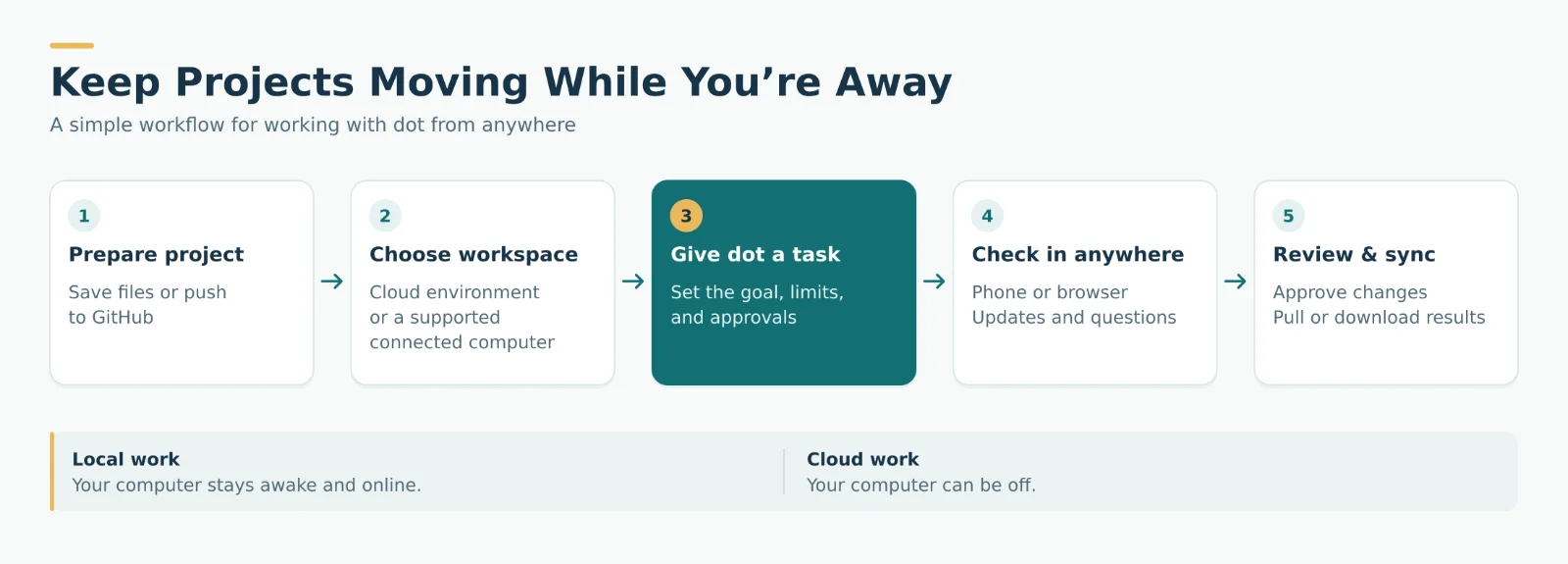
Remote Control
That’s right, remote control. On Claude, remote control is as easy as /remote-control into the Code window, and you’re set. With ChatGPT, it’s never worked for me. Probably because I’m on MX Linux at the command line. Will Fred, er, Dot, make it easier to work remotely?
This is going to take some time to play with.